Turning a still photo into a moving video was, until very recently, a painstaking task reserved for studios with deep pockets and specialized teams. Now, dozens of AI models do it in seconds. The problem is not finding a model that works; it is knowing which one actually delivers for your specific use case, whether that is social content, cinematic storytelling, or product animation.
What Changed in 2025
The quality jump between 2023 and today is enormous. Early image-to-video models produced jittery, low-resolution clips with unnatural motion. The current generation handles fine texture preservation, realistic physics, and coherent 10-second clips at 1080p. Three core improvements drove this shift.
Three Things That Actually Improved
- Motion coherence: Subjects no longer drift or warp mid-clip
- Resolution ceiling: 720p became the floor; 1080p is now standard across most professional models
- Prompt control: Text guidance over motion direction is now reliable and predictable
What "Good" Means for I2V
Not all models are equal. The best image-to-video models share four traits:
- Subject preservation: The original photo's details stay intact through the entire clip
- Natural physics: Hair flows, water ripples, fabrics move without artifacting or glitching
- Prompt responsiveness: The motion matches what you described in your text prompt
- Temporal consistency: No flickering or frame-to-frame identity drift across the clip
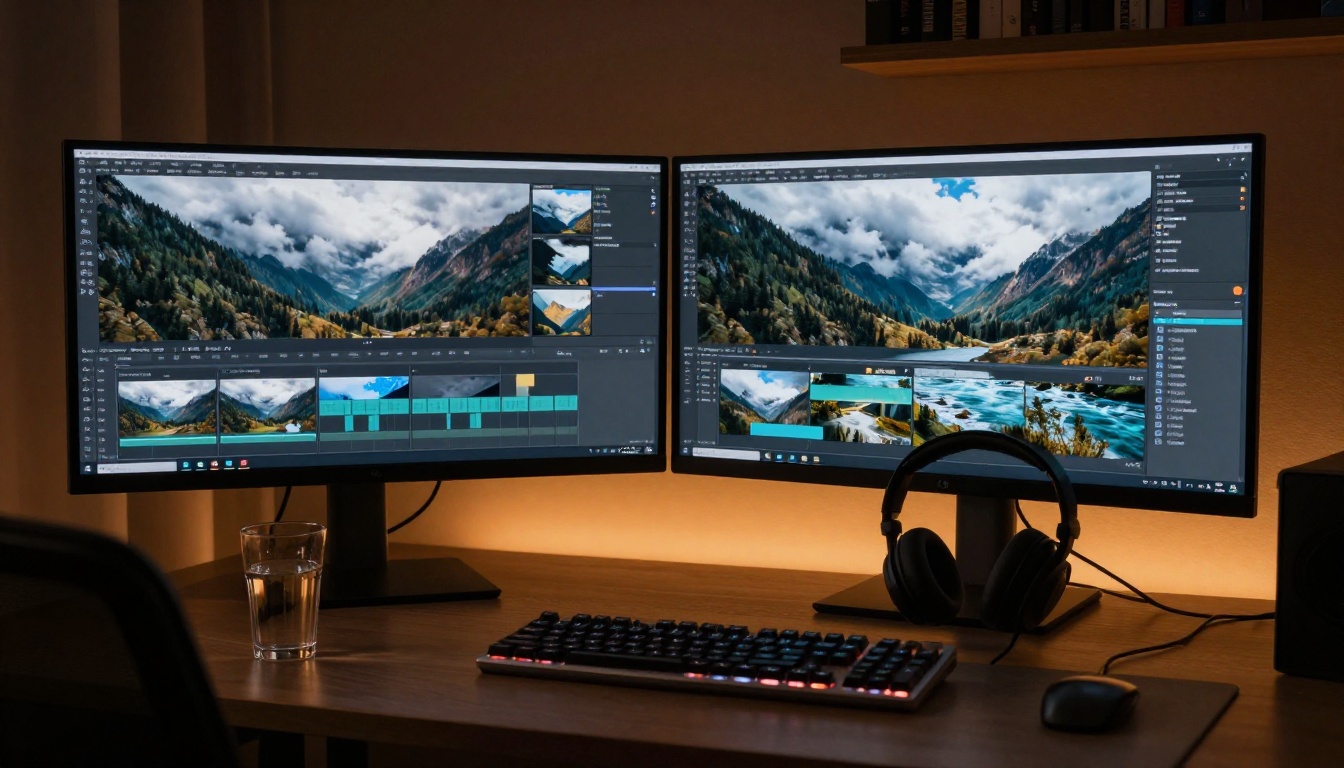
The Top Models Right Now
These are the models producing the most consistent, highest-quality results in 2027.
Wan 2.7 I2V: the open-source leader
Wan 2.7 I2V is currently the strongest open-source image-to-video model available. It produces up to 1080p output, handles complex scenes without hallucinating new elements, and responds well to motion direction prompts. The Wan series has been iterating rapidly: Wan 2.6 I2V, Wan 2.5 I2V, and Wan 2.2 I2V A14B are all available, each with different quality-speed tradeoffs to match your workflow.
💡 Best for: creators who want maximum control without API costs. The open weights mean you can fine-tune or run it locally if you have the hardware.
Strengths:
- Excellent subject preservation across motion sequences
- Strong detail retention in hair, clothing texture, and skin
- 1080p output in the full and higher-tier variants
Speed options: Wan 2.5 I2V Fast and Wan 2.6 I2V Flash cut generation time significantly with minimal quality loss for shorter clips. These are the right choice for iterating on motion prompts before committing to a full-quality run.
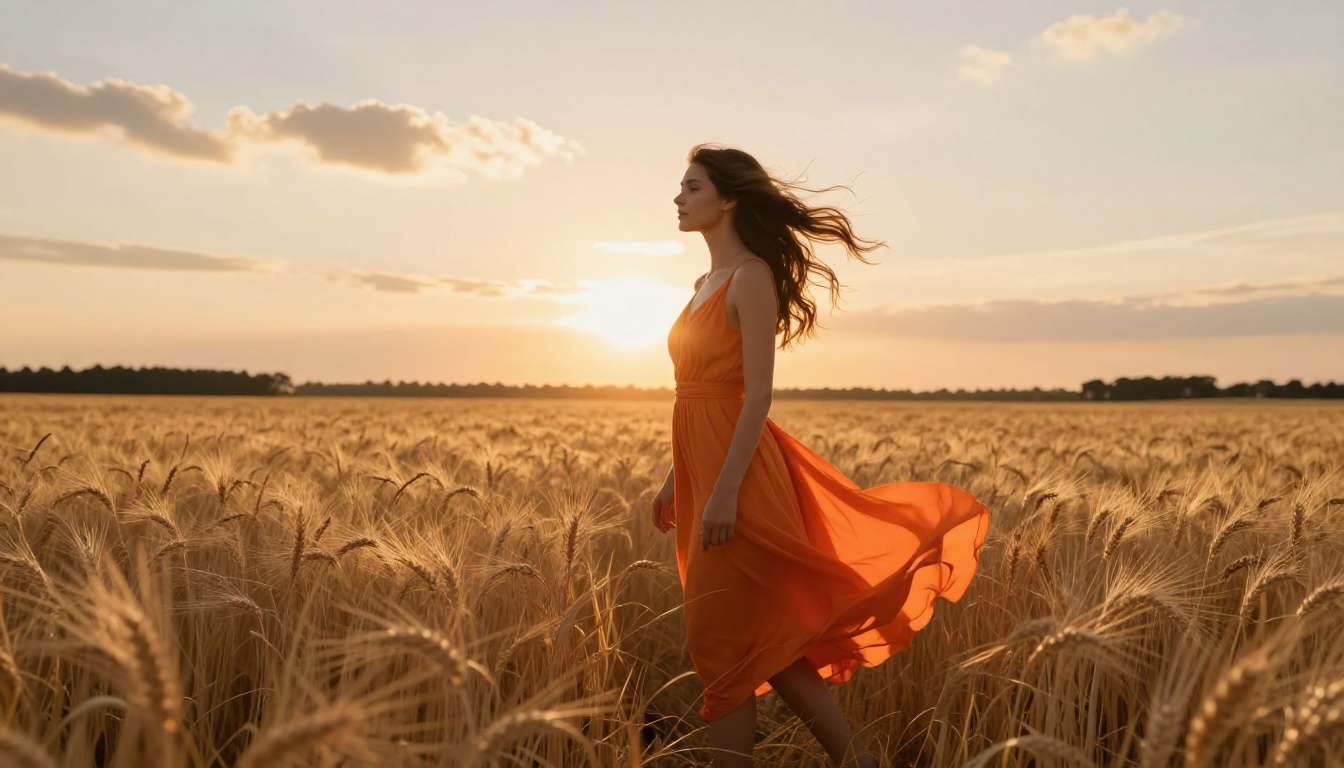
Kling v3: cinematic motion control
Kling v3 Motion Control from Kwaivgi sets the bar for motion direction precision. You can specify camera movements (pan, tilt, dolly, orbit) that execute faithfully. The results feel more like directed cinematography than random animation.
The Kling lineup for I2V is extensive: Kling v2.6 Motion Control handles image animation with explicit motion trajectories, Kling v2.1 offers solid general-purpose image animation, and Kling v2.1 Master raises the quality ceiling further with sharper subject detail. For face animation specifically, Kling Avatar v2 is in a category of its own, producing realistic facial motion from a single portrait.
💡 Best for: directors and video producers who want precise control over how the camera moves through the scene.
What makes it different: Kling's motion control system lets you draw motion paths directly on the image before generating, something competitors cannot currently match.
Runway Gen4 Turbo: fastest professional output
Gen4 Turbo from RunwayML is the speed champion at the professional tier. It generates 5-second clips from images in under 30 seconds with production-ready output. The motion style is clean and cinematic, without the over-processed look of earlier Runway models.
For creators on deadline, speed matters as much as quality. Gen4 Turbo delivers both at a level that makes it a serious professional tool, not just a fun experiment. It is particularly strong at environmental motion (wind, water, atmosphere) layered onto portraits and landscapes.
💡 Best for: social media producers, content studios, and anyone running high-volume creative workflows where turnaround time is critical.
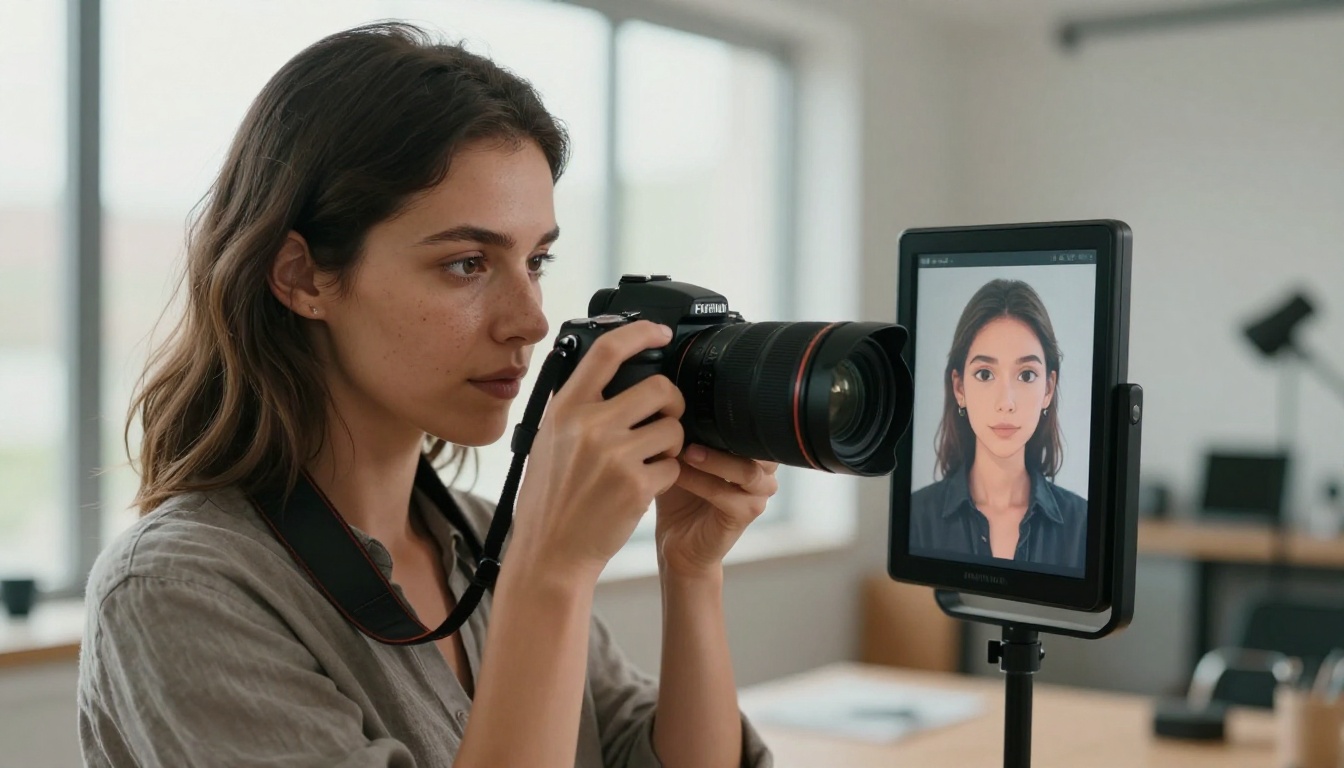
Hailuo 2.3: image animation with audio
Hailuo 2.3 from Minimax is one of the few image-to-video models that also generates synchronized audio alongside the visual output. You get ambient sound that matches the scene, which makes it exceptional for content that would otherwise require a separate audio production step.
The faster variant, Hailuo 2.3 Fast, trades some quality for speed while keeping audio generation intact. Video 01 Live is the older sibling, still worth using for specific animation styles where motion character matters more than photorealism.
💡 Best for: creators who need video with ambient sound without adding a separate audio step to their workflow.
Google Veo 3.1: realism at the top
Veo 3.1 is Google's flagship video generation model. While primarily text-to-video, it handles image-conditioned generation with a level of photorealism that no other model currently matches for outdoor scenes, natural lighting, and human subjects.
The fast variant, Veo 3.1 Fast, cuts generation time while keeping the core visual quality intact. For content where visual credibility is non-negotiable, Veo 3.1 is the benchmark everything else gets measured against.
💡 Best for: high-budget productions, brand campaigns, and any project where the video will be scrutinized closely by a professional audience.
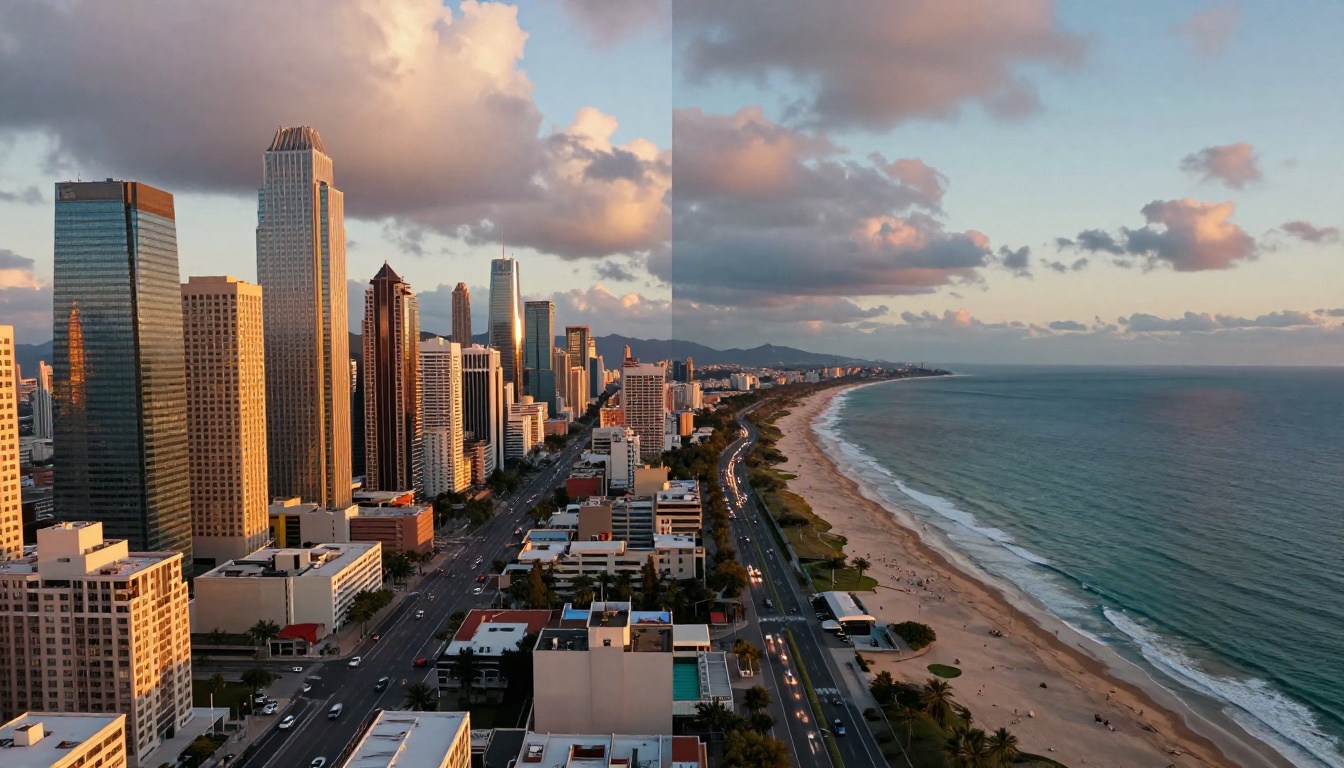
Models Worth Watching
These are strong performers that may suit specific workflows better than the top tier depending on your content type.
Ovi I2V by Character AI
Ovi I2V is a standout for portrait and character animation. It generates video with synchronized ambient audio directly from a photograph, with particularly strong performance on face and body animation. It handles subtle expressions and natural body movement better than most general-purpose models.
Pixverse v5.6
Pixverse v5.6 delivers 1080p output with a distinctly cinematic visual language. The model excels at dramatic motion: sweeping camera moves, large-scale environmental animation, and effects-heavy sequences. Pixverse v6 adds native audio to the same visual quality, making it a strong competitor to Hailuo 2.3 for audio-visual content.
Grok Imagine R2V
Grok Imagine R2V from xAI converts a reference image into a reference-guided video. It is particularly strong when you want to control the visual style of the output clip by anchoring it to a specific source photograph rather than a text prompt alone.
I2VGen XL
I2VGen XL from Ali Vilab is a reliable open-source model for basic image animation. It is lighter on compute and useful for high-volume simple animations where processing speed matters more than maximum output quality.
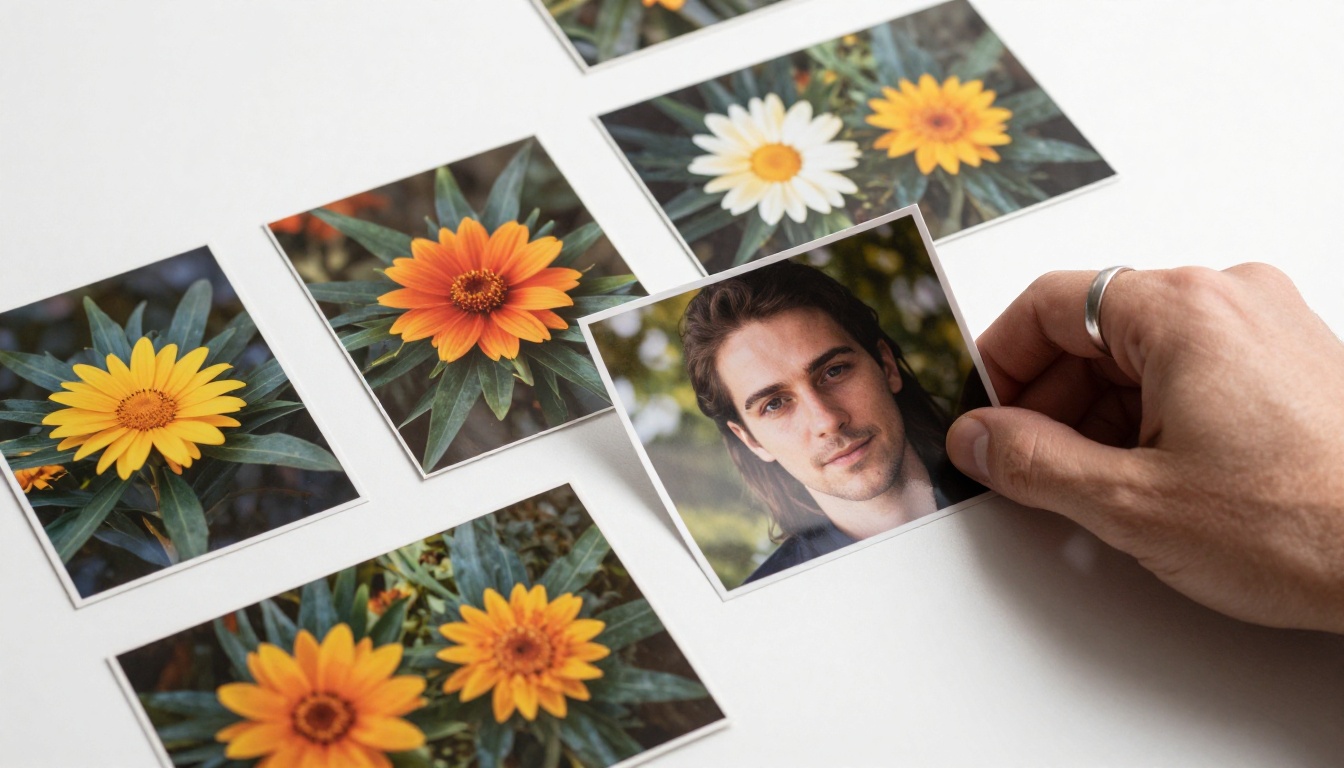
Side-by-Side Comparison
Picking the Right Model for Your Project
The best model depends entirely on what you are making. Here is how to think through the decision based on your actual workflow needs.
For Social Content Creators
Speed and volume matter most. Gen4 Turbo and Hailuo 2.3 Fast are the two strongest options for daily publishing. Both produce 1080p output fast enough to support a high-frequency posting schedule without burning through a budget. If you want audio built in, Hailuo 2.3 wins by default.
For Filmmakers and Directors
Control over motion is the priority. Kling v3 Motion Control lets you specify exact camera paths, orbit points, and motion vectors. Veo 3.1 delivers the highest photorealism when you need the output to look indistinguishable from real footage at a professional level.
For portrait-heavy work, Kling Avatar v2 and Ovi I2V handle facial detail and expression with significantly more fidelity than general-purpose I2V models.
For E-Commerce and Product Demos
Product animation needs clean edges, accurate texture preservation, and no warping of the subject. Wan 2.7 I2V is reliable here, and Pixverse v5.6 handles dramatic lighting effects for premium product presentations.
💡 Pro tip: For e-commerce, always use a clean white or neutral background in your source image. Image-to-video models perform significantly better when the subject is clearly separated from the background with no complex overlapping elements.
Free vs. Paid: What You Actually Get
Free Tiers Worth Using
Several models offer free generation with no subscription required:
These are genuinely usable for testing workflows, prototyping motion ideas, and lower-stakes content like internal presentations or draft previews.
When Quality Requires Investment
At the 1080p professional tier, all top models involve some cost per generation. The tradeoff is clear: significantly better motion coherence, stronger subject preservation, and far more reliable outputs across diverse source images. For revenue-generating content, that tradeoff is straightforward math.
Getting Better Results From Any Model
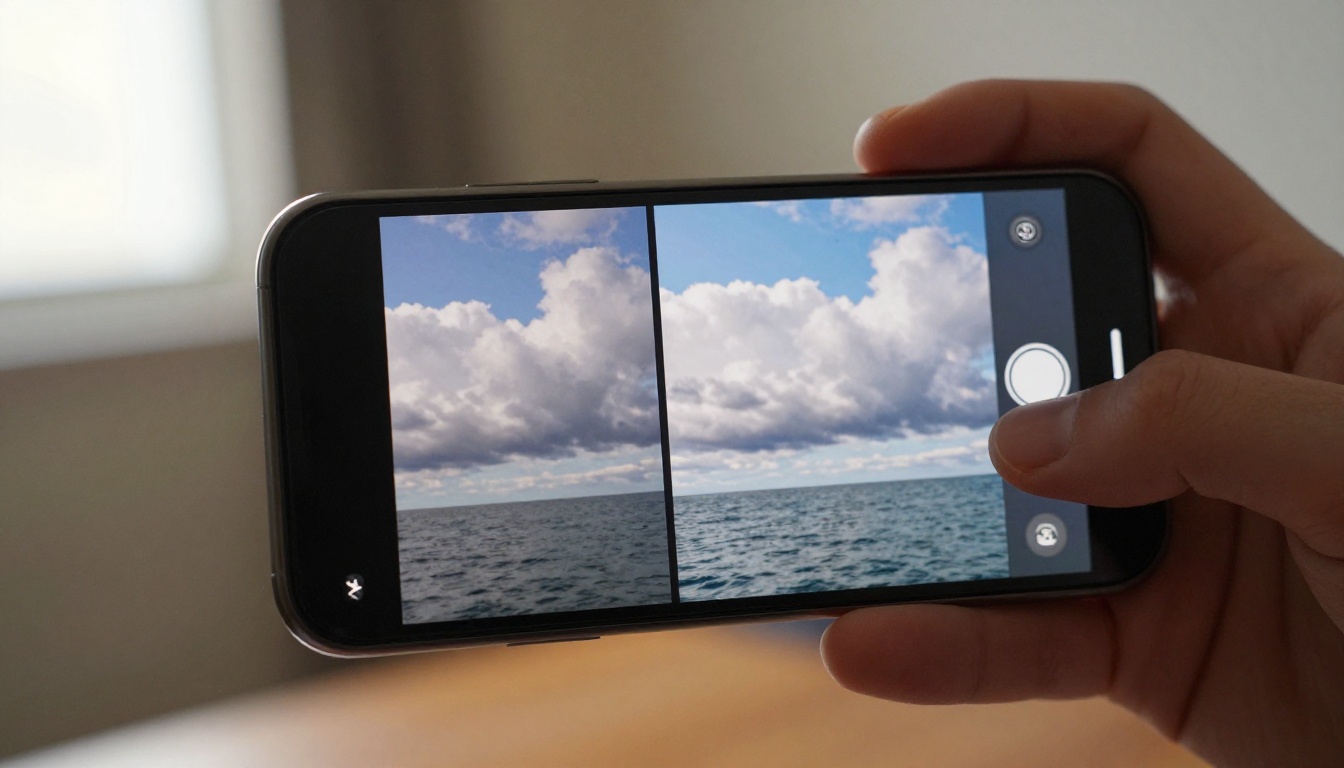
The model is only half the equation. How you prepare your input image and write your motion prompt has an equally large impact on the final output quality.
What Your Source Image Needs
- Sharp focus: Blurry source images produce blurry, inconsistent video output regardless of model quality
- Clear subject: The more clearly defined your subject is, the better the model tracks it across frames
- Correct exposure: Over-exposed or crushed-black images lose detail that no model can recover
- 16:9 crop: Most models output 16:9 regardless of input aspect ratio, so cropping your source image first avoids unexpected framing cuts
Motion Prompts That Work
Be specific about physics, not emotions. Instead of "make it look alive," describe actual physical motion that the model can execute:
- "Slow forward dolly, hair moving gently left to right in wind"
- "Camera orbits left 15 degrees, ocean waves rolling toward shore"
- "Subject breathes, fabric shifts, clouds move right at slow speed"
The more you describe physical motion rather than mood or feeling, the more predictable and repeatable the output becomes.
| Weak prompt | Strong prompt |
|---|
| "animate this" | "gentle breeze moves hair left, slow zoom in, soft afternoon light" |
| "make it move" | "camera dollies forward slowly, subject turns head slightly right" |
| "add motion" | "waves roll toward shore, bird crosses frame left to right, clouds drift" |
The Wan 2.x Family: a Closer Look
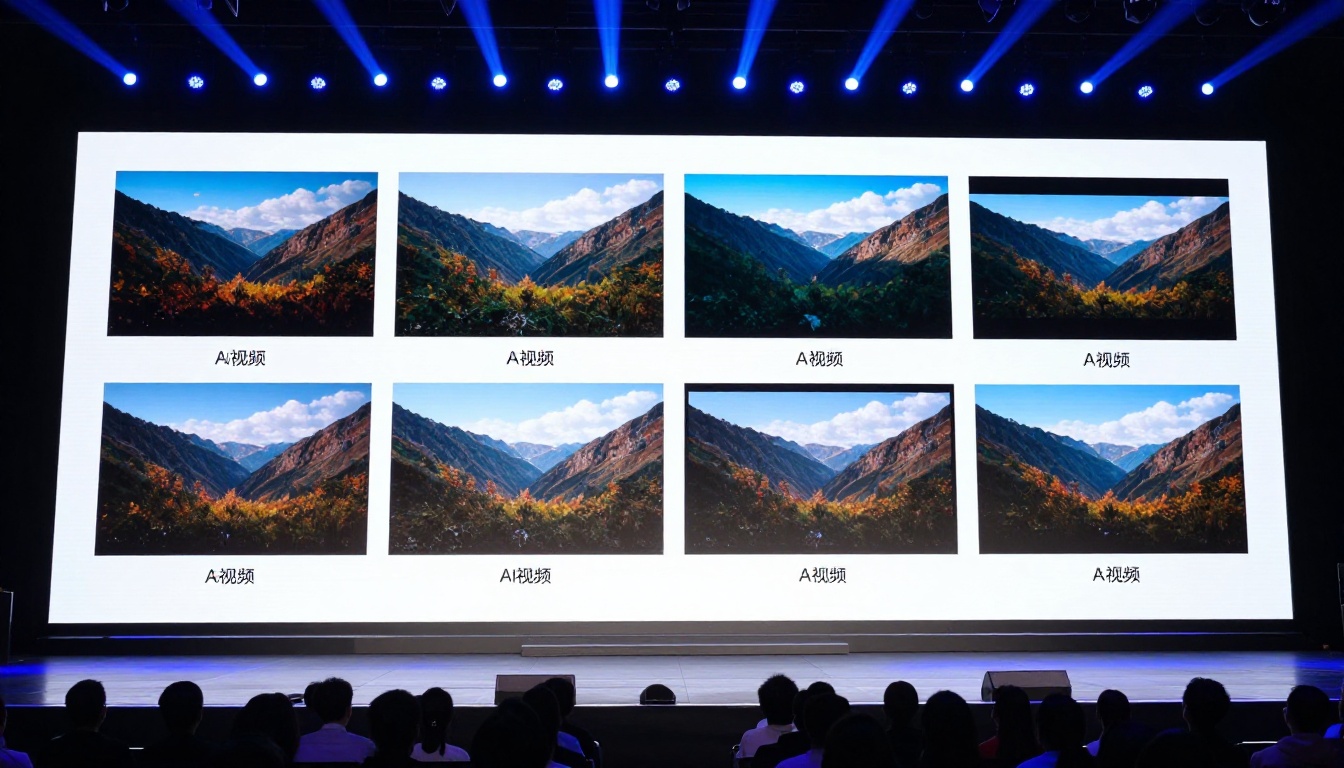
The Wan series from Wan Video covers so many use cases it deserves its own dedicated breakdown. If you are using any Wan model, here is how the family stacks up:
The recommended workflow: use Wan 2.6 I2V Flash for fast iteration and prompt testing, then switch to Wan 2.7 I2V for final production output. This keeps costs and time under control while maximizing final output quality.
Also Worth Knowing
A few more models that round out the landscape for specific use cases:
- P Video from PrunaAI handles both text and image input with solid results across a wide range of content types and styles
- Seedance 1.5 Pro from ByteDance is strong for text-to-video and handles image conditioning effectively for natural-looking clips
- LTX 2 Pro from Lightricks generates 4K output, which is useful when you plan to downsample to 1080p for superior sharpness in the final delivery
- Hailuo 02 delivers consistent 1080p generation at a reliable price point, making it a solid fallback when the faster variants are overloaded
Start Animating Your Photos Today
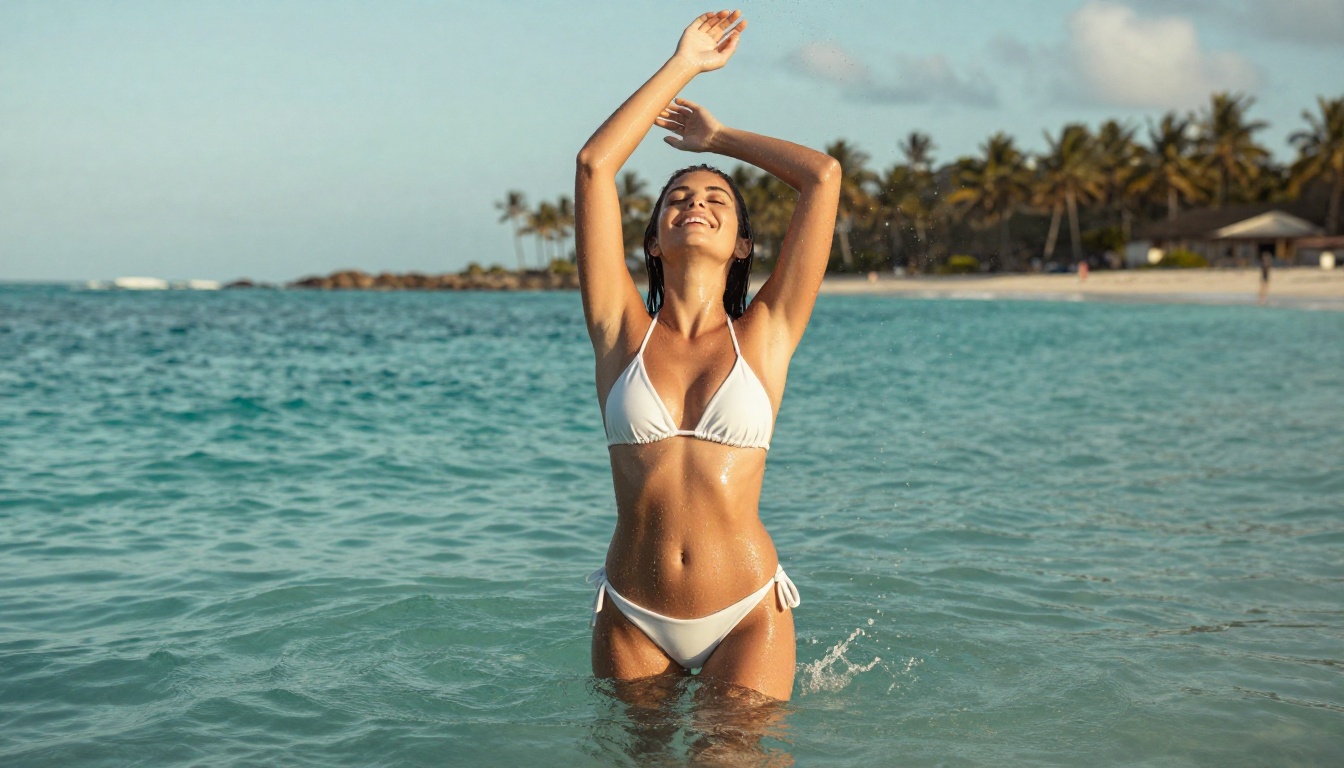
The gap between a still photo and a compelling video has never been smaller. Whether you are working with portraits, landscapes, product shots, or creative compositions, there is a model in this roundup that fits your workflow and budget without requiring a production team.
All of these models are available in one place for easy testing and side-by-side comparison. You can run Wan 2.7 I2V against Kling v3 Motion Control on the same source image in minutes, compare outputs directly, and find what works for your specific content without committing to a single tool or subscription upfront.
Pick a photo. Pick a model. See what it does. The iteration is fast enough that you can run five tests in the time it would have taken to read a comparison article. Go try it now and see which one suits your photos best.


