The AI landscape in 2027 has become incredibly competitive, yet more accessible than ever for startups. Instead of building models from scratch, founders can now tap into powerful pre-trained systems that handle everything from content creation to data analysis. The challenge isn't finding AI models—it's picking the right ones that won't drain your budget while delivering results your customers will actually notice.

Why AI Models Matter for Startups
Startups operate in a different universe than established companies. You don't have unlimited resources, massive teams, or the luxury of months-long experiments. Every dollar counts, and every tool needs to prove its value quickly. AI models have shifted from being a nice-to-have to essential infrastructure, but only if you choose wisely.
The right AI model can help you automate customer support, generate marketing content, analyze user behavior, or create product features that would otherwise require hiring specialists. The wrong one? It'll burn through your runway faster than you can say "seed funding."
Text Generation Models That Save Time
When your team consists of three people wearing seven hats each, writing content becomes a bottleneck. Whether it's customer emails, blog posts, or product descriptions, text generation models can multiply your output without sacrificing quality.
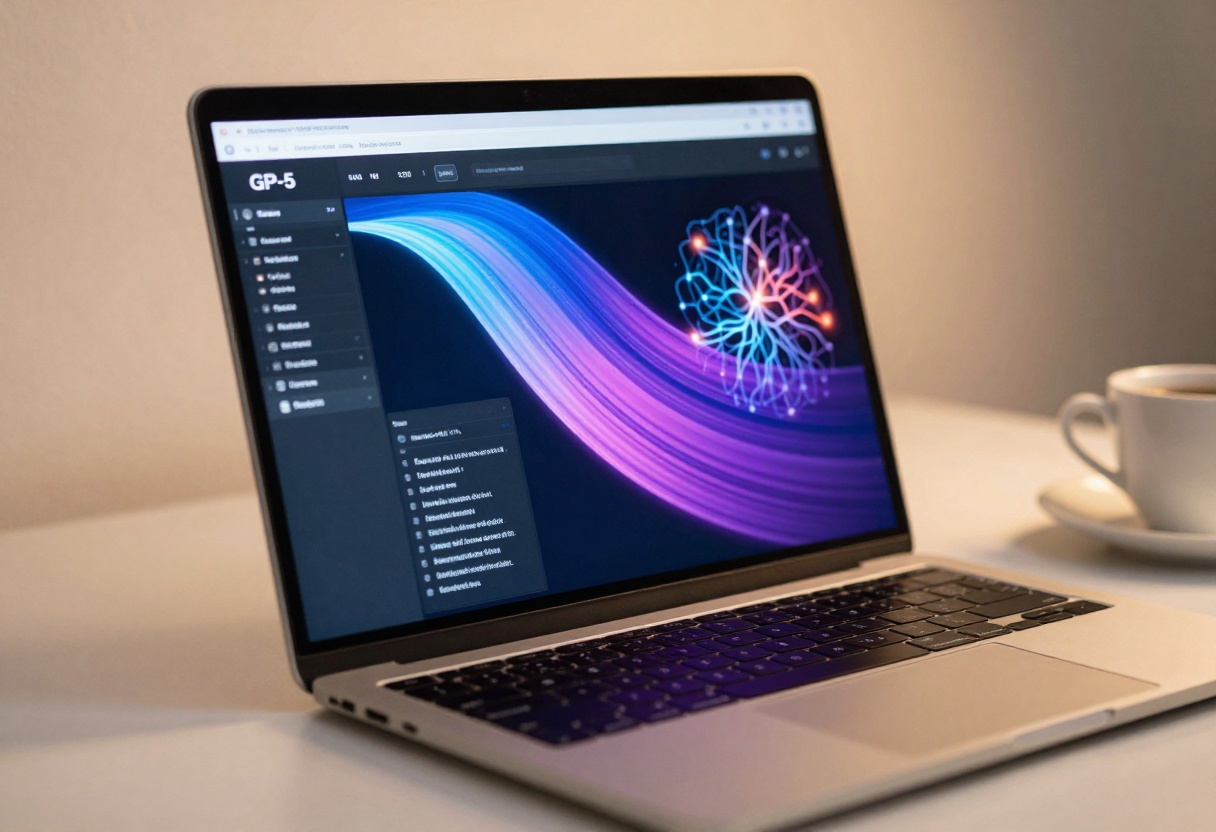
GPT-5 from OpenAI continues to dominate for general-purpose text generation. It handles complex instructions, maintains context across long conversations, and adapts to different tones. For startups building chatbots, content platforms, or automated customer service, it's become the standard.
Claude 4.5 Sonnet from Anthropic offers something different: it excels at longer-form content and technical writing. If your startup needs to generate documentation, technical blog posts, or detailed product descriptions, Claude's ability to maintain coherence over thousands of words makes it invaluable.
DeepSeek V3.1 presents an interesting budget option. While not as sophisticated as GPT-5, it performs remarkably well for structured content generation, data extraction, and simple customer interactions. Many startups use it for internal tools where perfection isn't required but speed matters.
For startups on tight budgets, the GPT-5 Nano and GPT-4.1 Mini models deliver surprising performance at a fraction of the cost. They work well for straightforward tasks like email responses, product descriptions, or social media posts where you don't need the full power of larger models.
Image Generation Models
Visual content drives engagement, but hiring designers or photographers eats budget fast. Image generation models have reached a point where they can produce professional-quality visuals that work for marketing, product mockups, and social media.
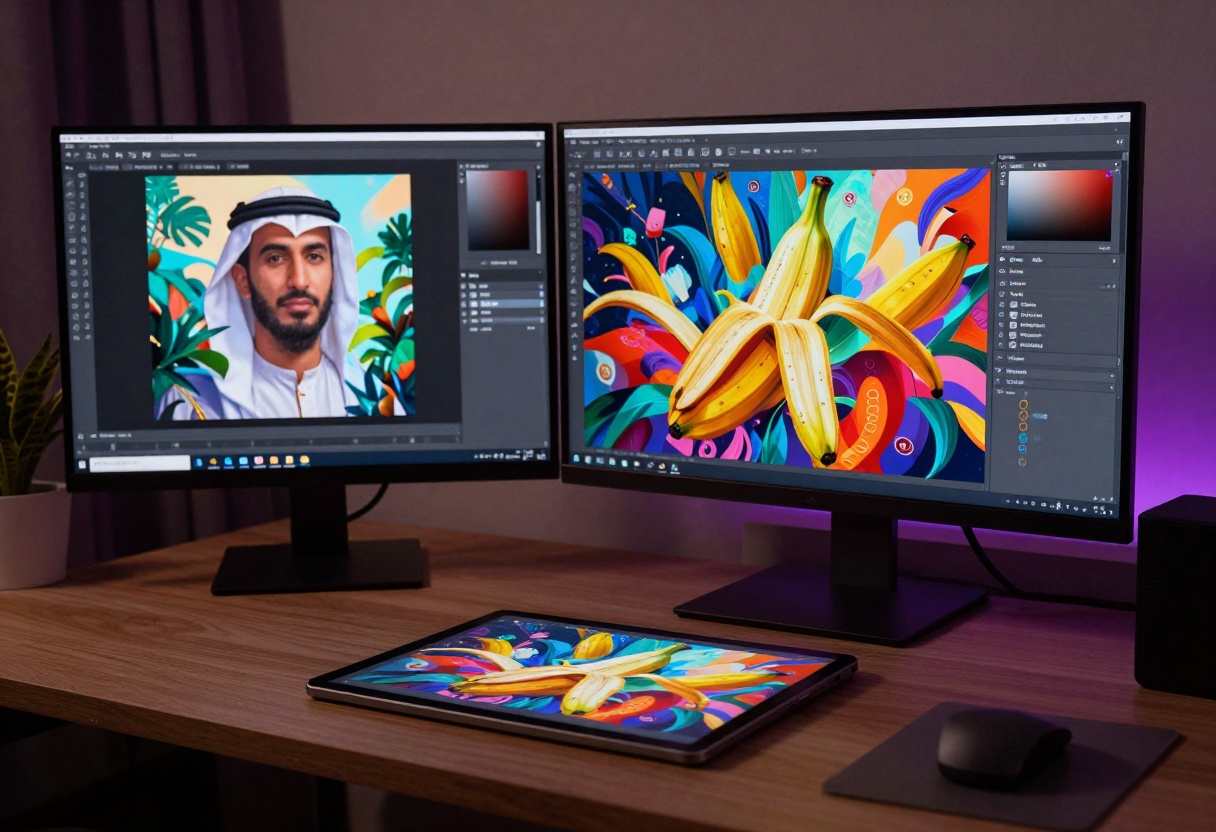
Flux 2 Pro has become the go-to for startups needing high-quality images without the complexity. It generates images that look professionally shot, handles complex prompts well, and produces consistent results. Marketing teams love it because you can create entire campaign visuals in an afternoon rather than waiting weeks for a designer.
Nano Banana Pro from Google takes a different approach. It specializes in photorealistic imagery and handles diverse styles better than most competitors. If your startup needs product photos, lifestyle images, or marketing materials that look authentic, this model delivers results that people rarely identify as AI-generated.
Imagen 4 offers incredible detail and artistic control. Startups in creative industries—design tools, publishing platforms, art marketplaces—find it particularly valuable because it can match specific artistic styles while maintaining quality. The model understands complex aesthetic requirements that simpler systems miss.
For budget-conscious founders, Flux Schnell provides surprisingly good results at minimal cost. It's fast, produces clean images, and works well for social media graphics, blog illustrations, or quick mockups. You won't use it for premium marketing materials, but it handles everyday visual needs perfectly.
P-Image-Edit deserves special mention for startups that need to modify existing images rather than create from scratch. It can transform product photos, adjust compositions, or create variations without starting over. This saves massive amounts of time when you're iterating on visual content.
Video Generation Models
Video content drives engagement rates through the roof, but traditional video production costs make it impractical for most early-stage startups. AI video generation has evolved to where you can create professional marketing videos, product demos, or social media content without a production team.
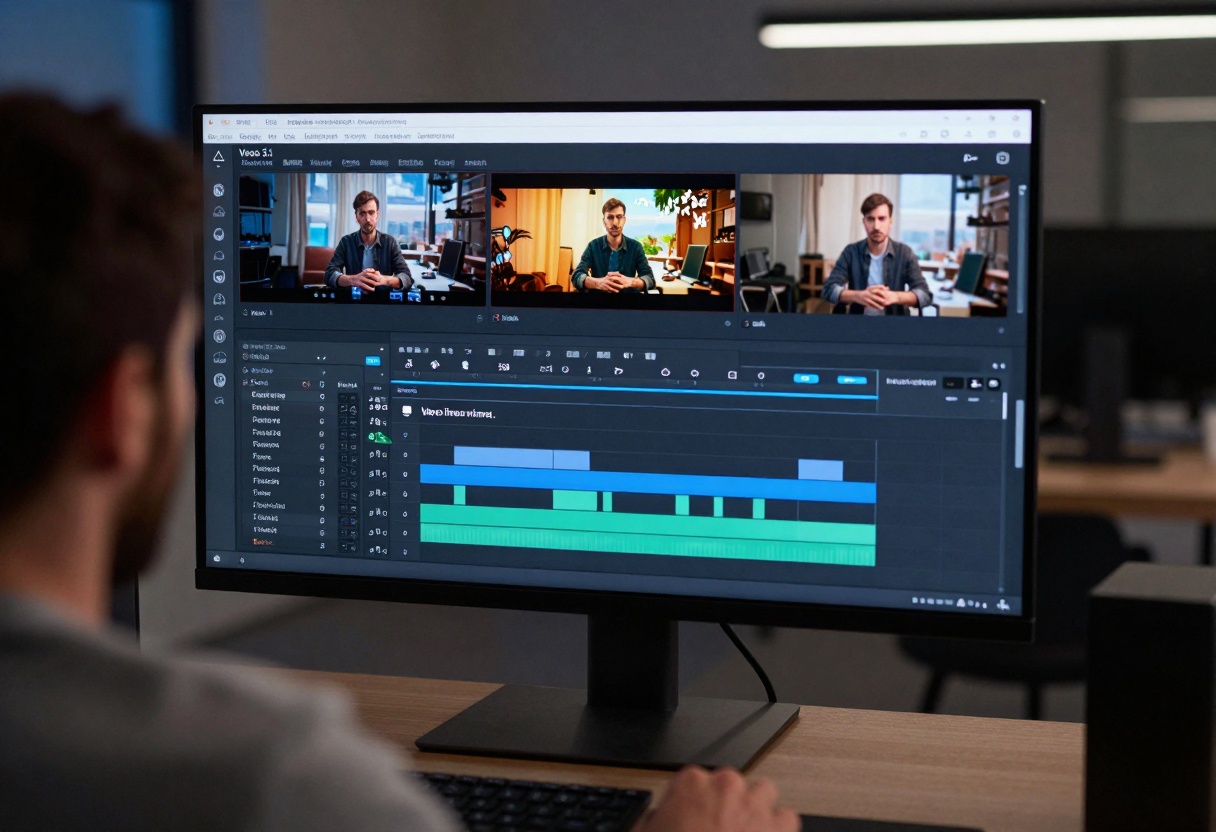
Veo 3.1 from Google represents the current state-of-the-art in text-to-video generation. It creates smooth, coherent video clips that look professionally shot. Startups use it for product announcements, explainer videos, and social media content that would otherwise require expensive video teams.
Kling V2.1 offers something unique: exceptional motion quality and scene understanding. If your startup needs videos with complex movements, dynamic scenes, or professional-looking transitions, Kling handles these scenarios better than simpler models. The results look less "AI-generated" and more like actual footage.
Hailuo 2.3 from Minimax provides a good balance between quality and cost. It generates solid video content for social media, simple product demos, or marketing clips. Many startups use it for their regular content calendar because it's reliable and doesn't require constant tweaking.
Wan 2.5 models come in different versions, but the I2V Fast variant stands out for startups. It converts still images into videos, which means you can take product photos and transform them into engaging video content. This works brilliantly for e-commerce startups, portfolio showcases, or animating static marketing materials.
For startups on extremely tight budgets, Pyramid Flow offers basic video generation at minimal cost. It won't win creative awards, but it handles simple animations, basic transitions, and straightforward video content that many startups need for everyday marketing.
Voice and Audio Models
Audio content—podcasts, voiceovers, customer service calls—requires voice talent or expensive recording equipment. Text-to-speech models have reached a quality level where they're indistinguishable from human recordings in many contexts.
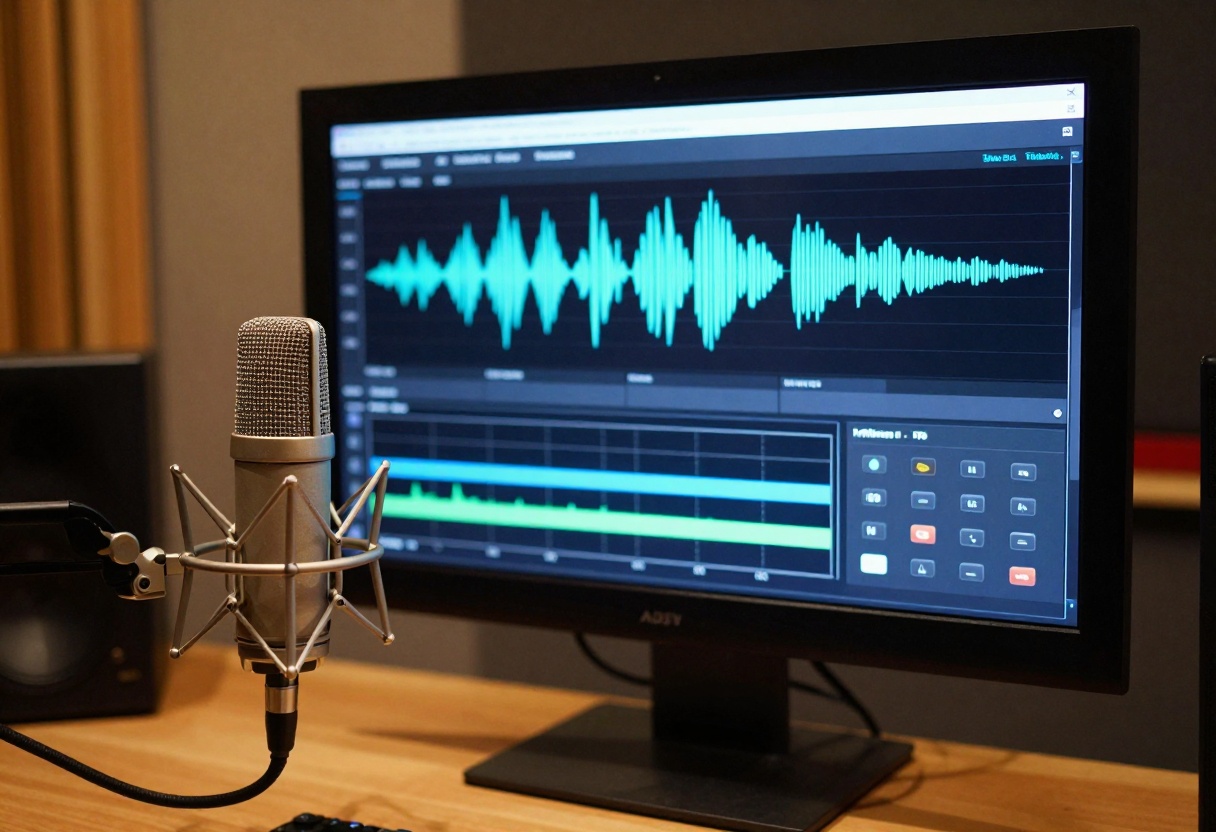
Speech 2.6 HD from Minimax produces remarkably natural-sounding speech. Startups use it for automated customer service, podcast narration, or video voiceovers. The quality has reached a point where listeners often don't realize they're hearing AI-generated speech.
Voice Cloning technology allows startups to create custom voices based on sample recordings. This proves valuable when you need consistent voice branding across products or want to preserve a founder's voice for customer interactions even when they're unavailable.
For basic applications like automated phone systems or simple notifications, Speech 02 Turbo provides clean, understandable speech at a fraction of the cost of premium models. It won't fool anyone into thinking it's human, but it works perfectly well for functional applications where naturalness isn't critical.
Cost Considerations
Budget realities define startup operations. AI model costs vary dramatically, and understanding pricing structures prevents nasty surprises when your bill arrives.

Most models charge per generation or per token. Text models typically cost based on input and output tokens, while image and video models charge per generation. Understanding your usage patterns helps predict costs accurately.
Budget optimization strategies:
- Start with smaller models for testing and validation before committing to premium options
- Use caching and optimization to reduce redundant API calls
- Batch similar requests together when possible to reduce overhead
- Monitor usage carefully to catch cost spikes before they become problems
- Consider model combinations where cheaper models handle simple tasks and premium models tackle complex ones
PicassoIA provides transparent pricing across all models, making it easier to budget accurately. The platform shows costs upfront, so you know exactly what each generation will cost before running it.
Not every task needs the most powerful model available. Smart startups match model capabilities to specific requirements rather than using premium models for everything.

For customer-facing content where quality matters tremendously, invest in premium models like GPT-5, Flux 2 Pro, or Veo 3.1. These situations justify higher costs because output quality directly impacts customer perception.
For internal tools, prototypes, or high-volume routine tasks, smaller models often work perfectly. A GPT-4.1 Mini can handle customer service ticket categorization just as well as GPT-5, but costs significantly less when processing thousands of requests daily.
Quality indicators to watch:
- Does the output require human review or editing? If yes, consider upgrading models
- Are customers noticing quality issues? Time to evaluate premium options
- Can you automate the task completely, or does it need constant supervision? Model quality often determines this
- How often do you need to regenerate content because the first attempt failed? Upgrade if this happens frequently
Integration and Technical Requirements
Technical capabilities matter as much as model quality. The best model means nothing if your team can't integrate it effectively.

PicassoIA simplifies integration by providing consistent interfaces across different models. You don't need to learn different APIs for each model type. The platform handles authentication, rate limiting, and error handling automatically, letting your team focus on building features rather than wrestling with infrastructure.
Technical considerations:
- Response times vary by model; test them for your specific use case
- Some models require specialized input formats or preprocessing
- Rate limits differ by model and pricing tier
- Error handling becomes critical when models are customer-facing
- Fallback strategies ensure your application works even when specific models are unavailable
For startups without dedicated AI engineers, PicassoIA's web interface allows non-technical team members to experiment with models and create content without writing code. This democratizes AI access across your organization.
Choosing Models for Specific Use Cases
Different startup types need different model combinations. A content marketing platform requires different capabilities than a customer service automation tool.
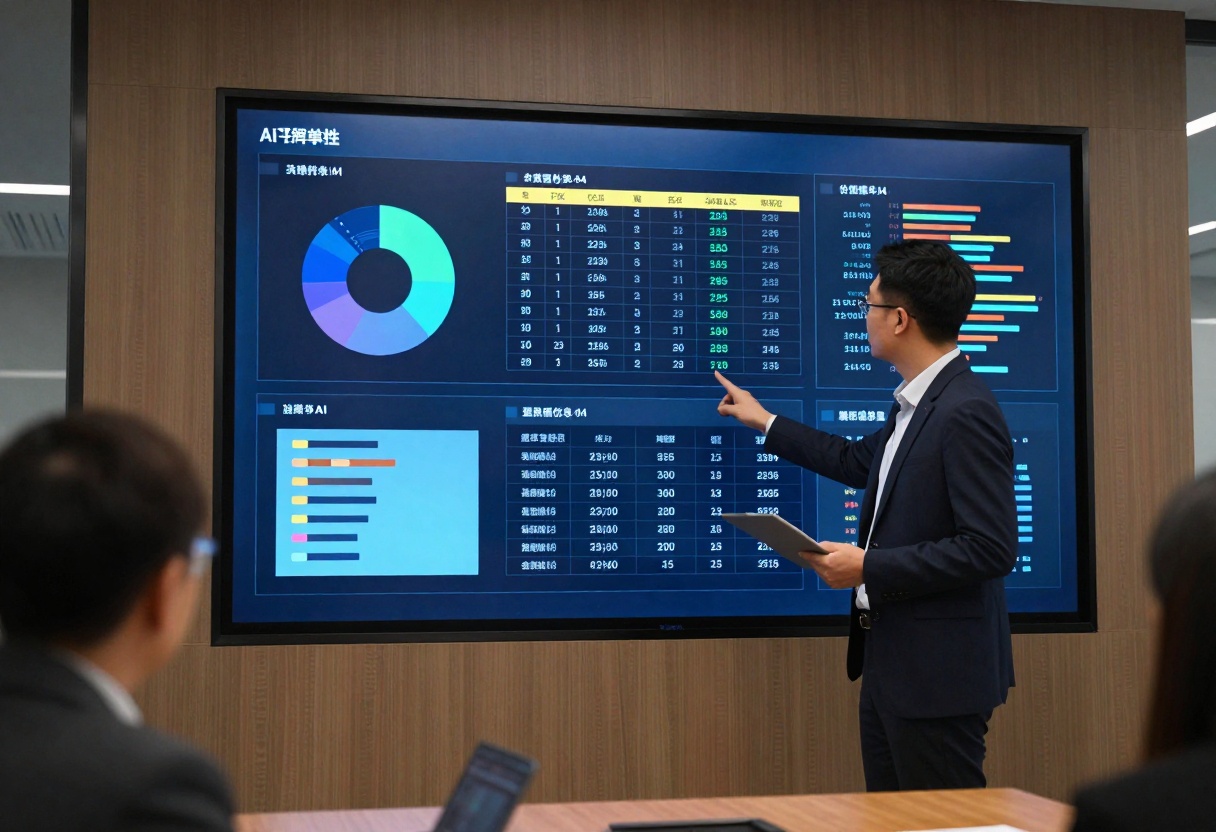
E-commerce startups benefit from combining image generation (for product visuals), text generation (for descriptions), and voice synthesis (for customer service). Models like Flux 2 Pro for product imagery, GPT-5 for descriptions, and Speech 2.6 HD for automated support create a complete content stack.
Content platforms need strong text generation and image creation. Claude 4.5 Sonnet handles long-form content well, while Nano Banana Pro creates accompanying visuals. This combination lets small teams produce publication-quality content at scale.
SaaS products often need customer support automation and documentation generation. GPT-5 handles complex customer inquiries, while Claude 4.5 Sonnet generates clear technical documentation. Smaller models like DeepSeek V3.1 can handle routine queries, reducing costs for high-volume interactions.
Marketing agencies working with multiple clients need versatility. Flux 2 Pro for imagery, Veo 3.1 for video, and GPT-5 for copy gives them tools to handle diverse client needs without maintaining separate subscriptions to specialized services.
Model Combinations and Workflows
Smart startups chain models together to create workflows that exceed what individual models can achieve. This approach multiplies capabilities while managing costs.
A typical content creation workflow might use GPT-5 to generate article outlines and text, Flux 2 Pro to create accompanying images, and Veo 3.1 to produce short video clips for social media. The total cost remains reasonable because you're using each model for its specific strength.
Customer service automation often combines multiple models: a smaller text model categorizes incoming requests, GPT-5 handles complex responses, and Speech 2.6 HD provides voice responses when needed. This tiered approach maintains quality while controlling costs.
Product development workflows might use text models to generate descriptions and documentation, image models to create UI mockups and marketing materials, and video models to produce demo content. The integrated approach lets small teams achieve what would normally require specialized personnel.
Future-Proofing Your AI Strategy
AI models evolve rapidly, and what works today might become outdated quickly. Smart startups build flexibility into their AI strategies rather than committing to specific models permanently.

PicassoIA's unified platform approach helps future-proof your stack. As new models emerge, you can test them without rebuilding integrations or learning new APIs. This flexibility lets startups adopt better models quickly as they become available.
Planning for evolution:
- Build abstractions in your code so you can swap models without rewriting applications
- Monitor new model releases and test them against your use cases
- Track cost and quality metrics to identify when upgrades make sense
- Stay connected to the AI community to learn about emerging capabilities
- Budget for experimentation with new models and techniques
Model selection shouldn't be a one-time decision but an ongoing optimization process. Regular reviews of your AI stack ensure you're using the best tools available for your current needs and budget.
Getting Started with flux-2-pro on PicassoIA
Now that you understand the AI model landscape, here's a practical tutorial for using one of the most popular models for startups: flux-2-pro. This model delivers professional-quality image generation perfect for marketing materials, product mockups, and social media content.
What Makes flux-2-pro Special
flux-2-pro transforms text descriptions into stunning images with exceptional quality. You can provide up to eight reference images for style guidance, customize every aspect of the output, and fine-tune results for specific needs. The model handles everything from simple product shots to complex artistic compositions.
Startups love flux-2-pro because it produces images that don't look AI-generated. The quality rivals professional photography, but you can iterate and adjust in minutes rather than scheduling photo shoots and waiting for revisions.
Step 1: Access flux-2-pro
Visit the flux-2-pro model page on PicassoIA. The interface shows all available parameters and provides examples of what the model can create.
Step 2: Write Your Prompt
The prompt field is where you describe what you want to generate. Be specific and descriptive. Instead of "a product photo," try "professional product photography of a wireless speaker on a minimalist white desk, soft studio lighting, shallow depth of field, commercial photography style."
Prompt tips:
- Include lighting details (studio lighting, natural light, dramatic shadows)
- Specify mood and atmosphere (professional, casual, energetic)
- Mention style references (commercial photography, editorial style, lifestyle imagery)
- Add composition details (centered, rule of thirds, close-up)
- Include quality descriptors (high detail, photorealistic, sharp focus)
Step 3: Configure Image Settings
Choose your aspect ratio based on where you'll use the image. 16:9 works for website headers, 1:1 for social media posts, 3:2 for blog images. The resolution setting determines detail level—2 MP handles most needs efficiently, while 4 MP provides maximum quality for print or large displays.
Aspect ratio guide:
- 1:1 - Instagram posts, profile images, square layouts
- 16:9 - YouTube thumbnails, website banners, presentations
- 3:2 - Blog featured images, general web content
- 4:5 - Instagram portrait posts, Pinterest pins
Step 4: Add Reference Images (Optional)
If you have existing brand imagery or want to match a specific style, upload reference images. flux-2-pro can extract style elements, color palettes, or compositional approaches from your references and apply them to the generated image. This feature proves invaluable for maintaining brand consistency.
Upload up to eight images when you need strong style guidance. Use fewer images when you want more creative freedom.
Step 5: Adjust Advanced Settings
The output format affects file size and quality. WEBP provides the best balance for web use, PNG gives maximum quality with transparency support, and JPG works for general purposes. Set output quality to 80-90 for most applications; 100 only when quality is absolutely critical.
Safety tolerance controls content filtering. The default setting (2) works for most professional applications. Adjust higher only if you're creating artistic content that might trigger false positives.
Step 6: Generate and Review
Click generate and wait while flux-2-pro creates your image. Generation typically takes 10-30 seconds depending on complexity and resolution. Review the result critically—does it match your vision? Does it maintain professional quality?
Quality checkpoints:
- Does the composition match your description?
- Are details sharp and well-defined?
- Does the lighting look natural and appropriate?
- Do colors match your brand or requirements?
- Are there any artifacts or errors that need correction?
Step 7: Iterate and Refine
If the first generation isn't perfect, adjust your prompt and try again. Add more specific details, change lighting descriptions, or modify composition instructions. flux-2-pro responds well to detailed prompts, so don't hesitate to be specific about what you want.
Set a seed value if you find a generation you like and want to create variations. This maintains consistency while allowing controlled changes through prompt modifications.
Practical Applications
Marketing materials: Generate hero images for landing pages, social media graphics, or email campaigns. Describe your product and desired setting, and flux-2-pro creates professional marketing visuals in minutes.
Product mockups: Create realistic product presentations without physical photo shoots. Describe the product placement, environment, and lighting to generate convincing mockups for pitches or website displays.
Social media content: Produce consistent visual content for your social channels. Use similar prompts with variations to maintain brand cohesion while keeping content fresh.
Blog illustrations: Generate custom images for blog posts that match your content perfectly. No more hunting through stock photo sites for images that almost work.
Cost Optimization
flux-2-pro charges per generation, so optimizing your process saves money. Start with lower resolution (1 MP) for testing prompts, then increase to 2 MP or 4 MP once you've refined the prompt. This approach lets you iterate quickly without burning budget on high-resolution test generations.
Batch similar generations together. If you need multiple product shots, create prompts for all of them before starting generations. This helps you work more efficiently and avoid duplicate work.
Final Thoughts
The best AI models for your startup depend on your specific needs, budget, and technical capabilities. Start with clear use cases, test models thoroughly before committing, and build flexibility into your implementation so you can adapt as better options emerge.
PicassoIA makes this process straightforward by providing access to all major models through a single platform. You can experiment, compare, and implement without managing multiple subscriptions or learning different APIs.
The models covered here represent the current state-of-the-art, but AI evolves rapidly. Regular evaluation of your model choices ensures you're always using the best tools available for your startup's current stage and requirements. Success comes not from using the most expensive models but from matching capabilities to needs effectively.


