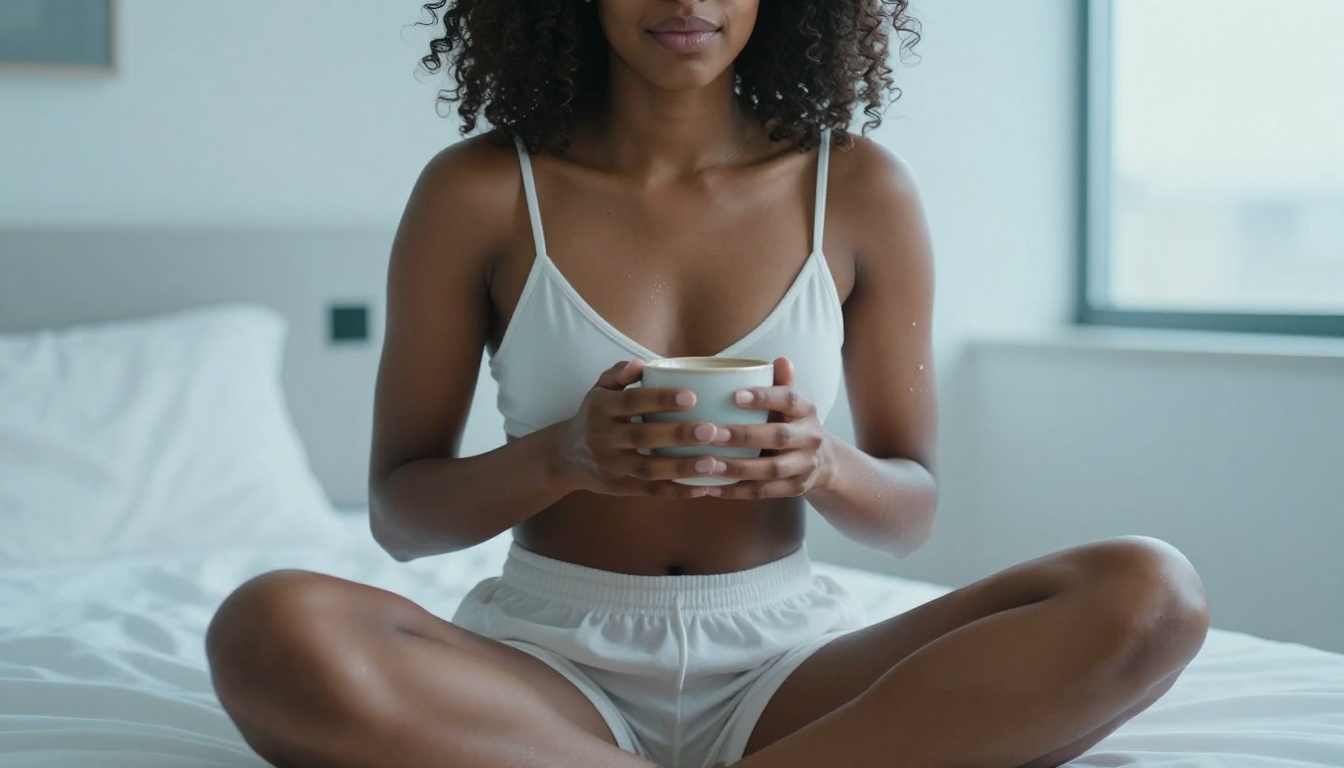
Best AI Models for Creating Photorealistic NSFW Images
A detailed look at the AI models that set the bar for photorealistic NSFW image generation, covering skin texture realism, lighting fidelity, prompt sensitivity, LoRA fine-tuning options, and step-by-step instructions for getting the best results on each model.
The gap between "looks like AI" and "looks like a photograph" comes down to model architecture and how well it replicates real-world physics: subsurface skin scattering, depth-of-field falloff, grain structure, and the micro-imperfections that make a face look alive. For NSFW creators, this technical gap matters more than anywhere else, because the subject is almost always human, and the human eye is extraordinarily sensitive to uncanny anatomy and false lighting.
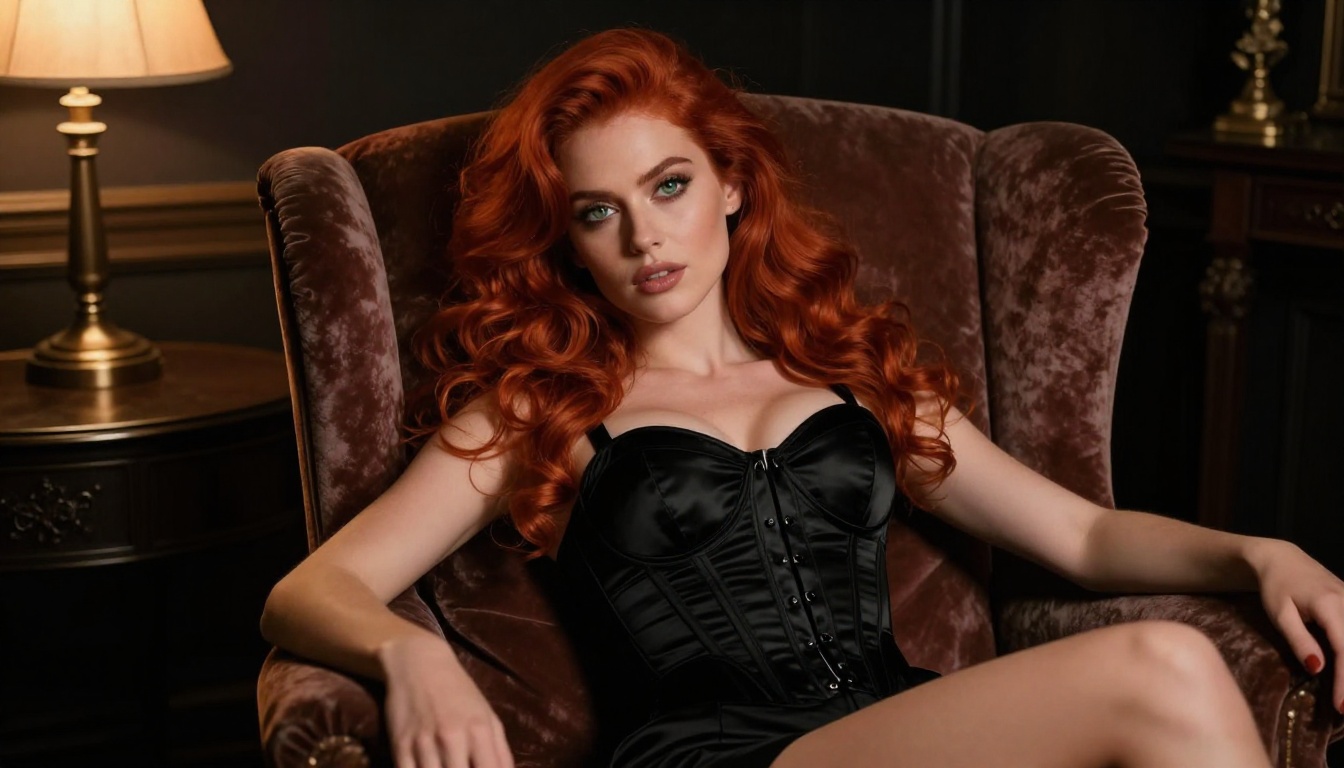
The right model generates pore-level skin detail, accurate specular highlights on wet lips, cinematic shadow wrapping around collarbones, and hair strands that behave like real hair under real light. The wrong model produces wax-skin, anatomically incorrect bodies, and a synthetic glow that no photographer would ever create.
This article ranks and rates the models that actually close that gap, with honest performance notes, practical prompt tips, and a step-by-step walkthrough for using the top-ranked model on PicassoIA.
Why Photorealism Is Hard to Get Right
The Anatomy Problem
Most AI models stumble on the human body before they ever reach skin quality. Fingers deform. Proportions stretch in unexpected directions. Wrist joints go missing. These failures happen at the architectural level, specifically in how attention layers weight spatial relationships during denoising. Models fine-tuned on large datasets of high-quality figure photography correct this by reinforcing consistent body proportions across generations.
The models listed here either have strong base architecture for anatomical accuracy or have been fine-tuned to resolve these common failure points.
Skin Texture: The Real Benchmark
The clearest sign of a photorealistic model is how it renders skin. Human skin is not smooth. It has pores, fine hairs, microscopic texture, subtle color variation from blood vessels beneath the surface, and a soft translucency that changes with lighting angle. Models that render skin as a flat, matte surface or as an unnaturally smooth texture fail the photorealism test, no matter how accurate the composition is.
The top models in this list render skin with:
Subsurface scattering: Light penetrates slightly, giving skin a warm, living glow rather than a matte or plasticky surface
Micro-texture detail: Individual pores and fine peach fuzz visible at 100% crop
Color variation: Natural redness in the cheeks, lips, and knuckles, cooler tones in shadowed areas
Specular accuracy: Accurate highlights that follow the geometry of cheekbones, shoulders, and collarbones
The Best Models for Photorealistic NSFW Images
FLUX 1.1 Pro Ultra
FLUX 1.1 Pro Ultra sits at the top of the ranking for a simple reason: it produces images where photorealism is the default, not the exception. Built by Black Forest Labs on their rectified flow transformer architecture, it handles human anatomy with exceptional accuracy, produces genuine subsurface skin scattering, and respects prompt instructions with much higher fidelity than diffusion-based predecessors.
Why it leads:
Skin rendering at 8K-equivalent detail, even at standard output resolution
Accurate shadow wrapping around curved surfaces (shoulders, neck, ribcage)
Realistic specular response on skin and fabric
Strong anatomical consistency across full-body compositions
Prompt adherence for specific clothing, poses, and environments is close to exact
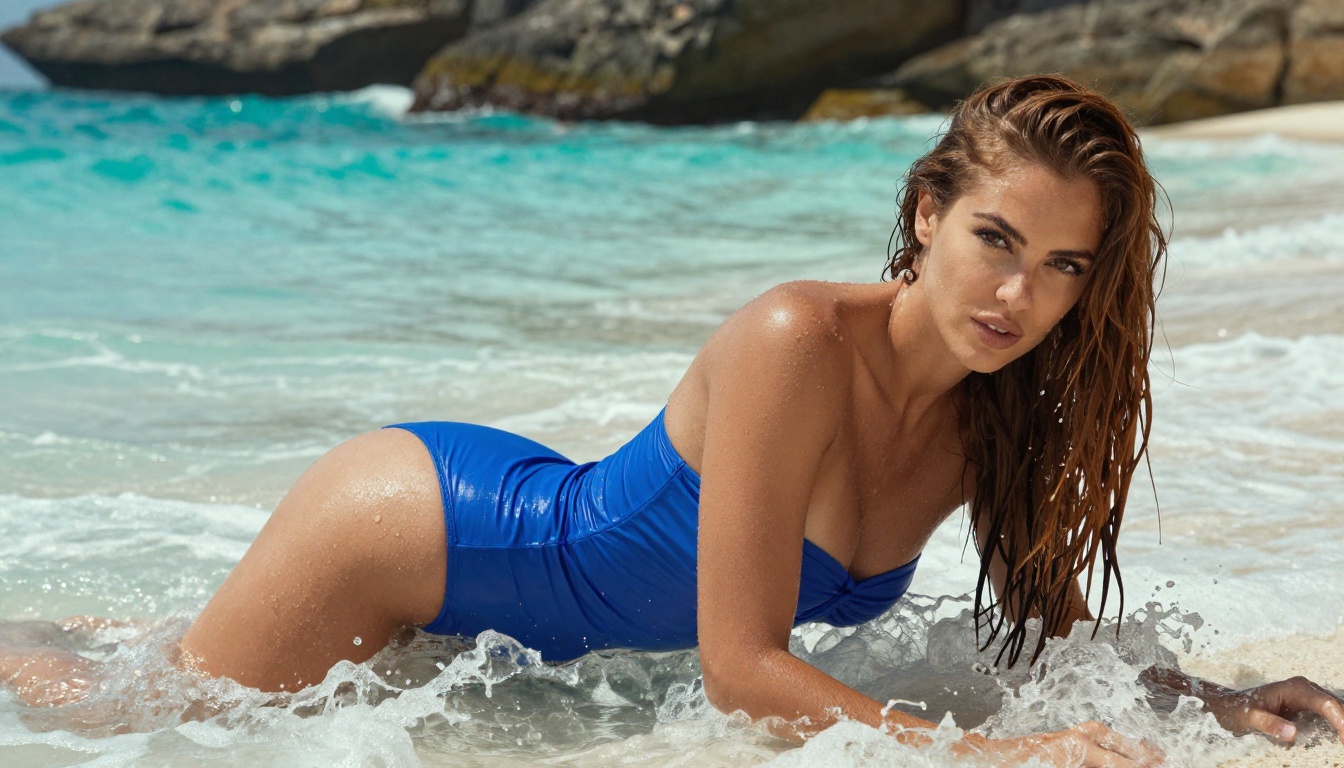
Best used for: Full-body glamour shots, intimate portraiture, beach and swimwear editorial work
💡 Tip: Add "Kodak Portra 400 grain, 85mm f/1.4, photorealistic, 8k" to almost any prompt. FLUX 1.1 Pro Ultra interprets camera metadata accurately and shifts output toward photographic rather than painterly results.
FLUX 2 Pro and FLUX 2 Max
The next-generation FLUX architecture brings two variants worth using for different scenarios. FLUX 2 Pro offers a strong balance between generation speed and output quality, making it ideal for rapid iteration when testing multiple poses or outfits before committing to a high-detail final render.
FLUX 2 Max pushes the quality ceiling even higher, at the cost of slightly longer generation times. For final-quality NSFW portraiture where every pixel counts, FLUX 2 Max consistently produces the most film-accurate images available on the platform.
Both models accept complex multi-element prompts (scene, subject, clothing, lighting, camera specs) without losing coherence on any individual element.
Realistic Vision v5.1
Realistic Vision v5.1 is the most established dedicated photorealism model in the SDXL lineage. Fine-tuned on a curated dataset of professional portrait and glamour photography, it has a strong intuition for how photographers work: how they position light, what focal lengths do to facial features, and how different skin tones interact with different light sources.
For NSFW content, Realistic Vision v5.1 excels at:
Close-up portraiture: Face, neck, and upper body detail is exceptional
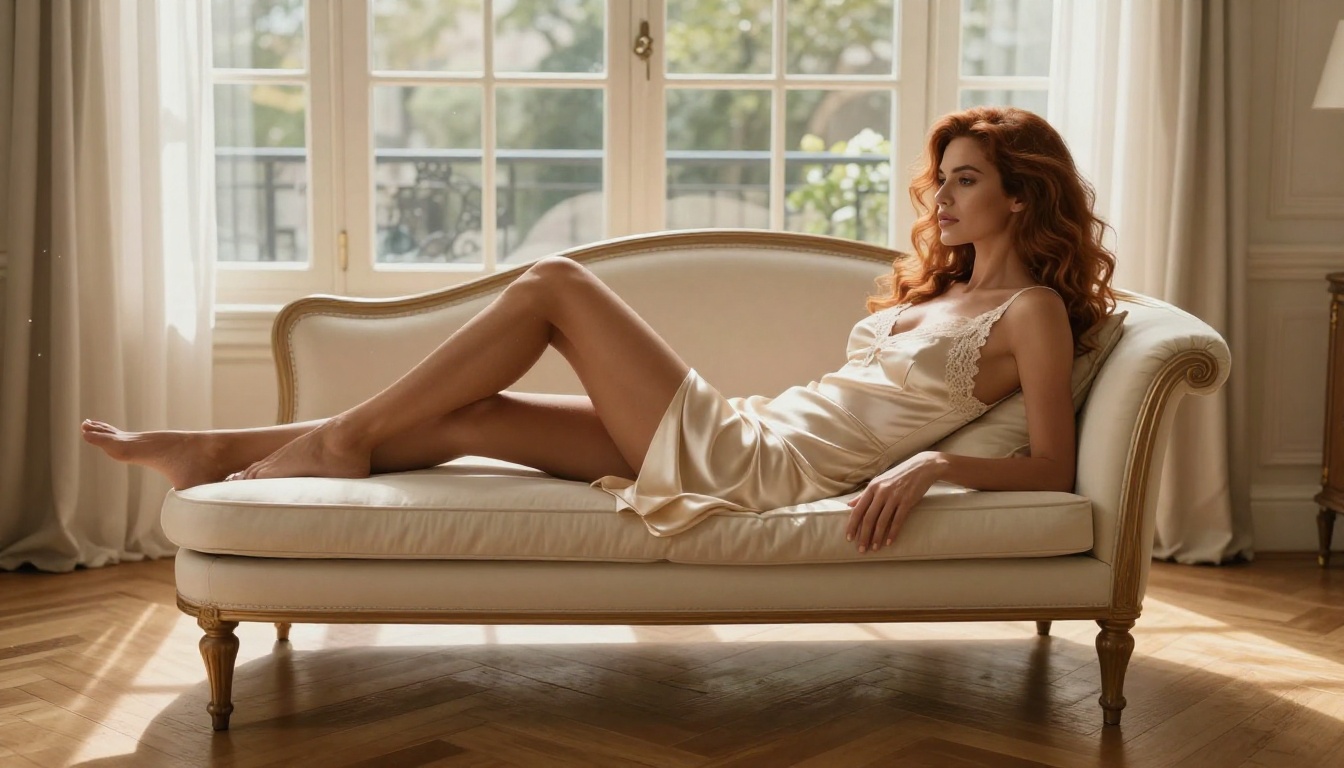
Indoor lighting: Handles studio setups, boudoir lighting, and window-lit scenes accurately
Diverse skin tones: Renders dark, medium, and fair skin with equal accuracy
Fabric detail: Silk, lace, satin, and sheer fabrics render with accurate light transmission
The model is less capable than FLUX variants on complex full-body compositions, but for waist-up or portrait-format shots, it remains a top choice.
RealVisXL v3.0 Turbo
RealVisXL v3.0 Turbo is the speed-optimized version of the RealVis lineage, offering near-instant generation at a quality level that competes with slower models. For creators who iterate through dozens of prompt variations before settling on a final image, this is the most practical tool in the lineup.
The Turbo variant retains the model's core strength: accurate human proportions and a natural, desaturated-film look that feels genuinely photographic rather than AI-generated.
Stable Diffusion 3.5 Large uses a multimodal diffusion transformer architecture that handles text adherence significantly better than SD 1.5 or SDXL, while also producing higher-fidelity anatomy and more natural-looking skin. Its large parameter count gives it a wide vocabulary of human poses, environments, and lighting scenarios.
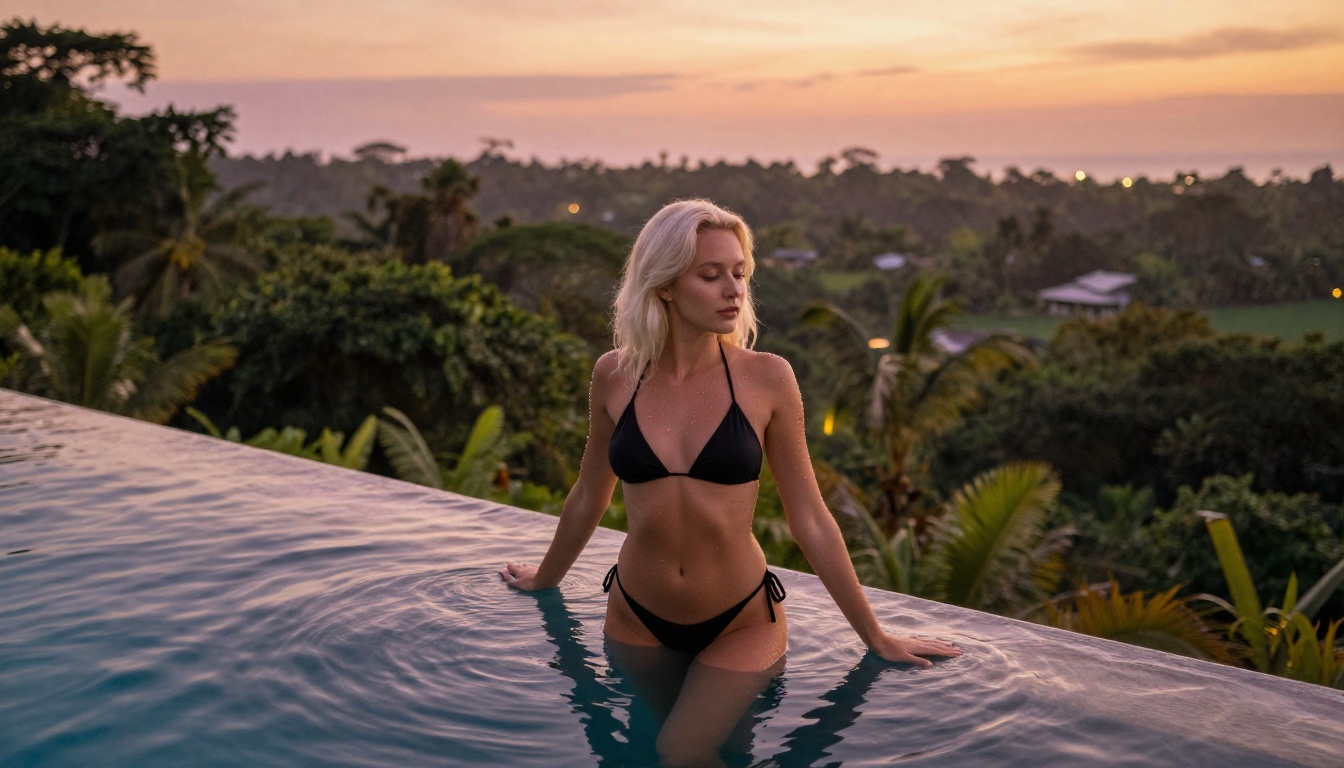
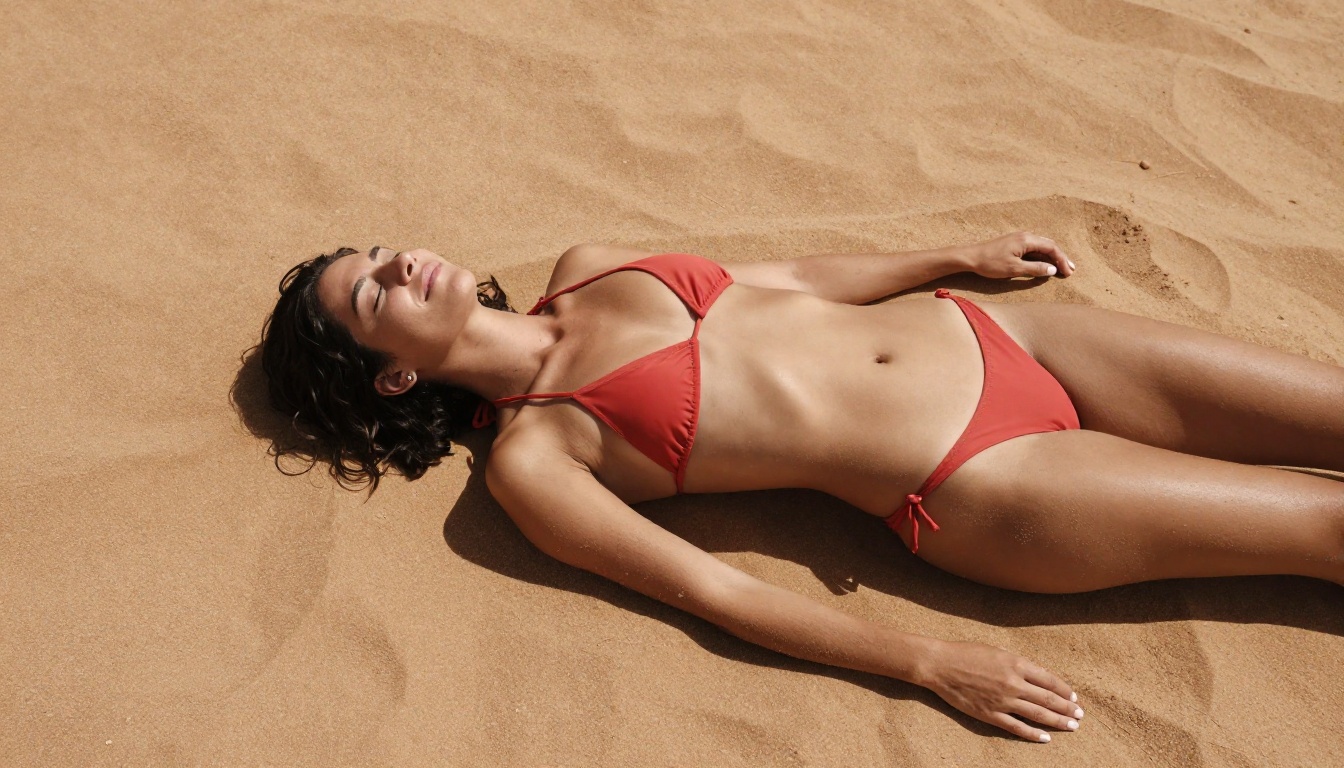
Outdoor scenes work especially well: beach photography, pool environments, garden settings, and natural light portraiture all look convincingly real.
The single biggest variable in whether an AI image looks like a photograph is the lighting description. Vague prompts like "beautiful lighting" produce generic results. Specific prompts that describe light direction, color temperature, source type, and intensity produce images that match professional photography.
Lighting formulas that work:
volumetric morning light from camera-left, warm 5600K, soft falloff across right cheek
single bare tungsten bulb overhead, hard shadows, warm amber cast
overcast diffuse skylight, flat even illumination, no harsh shadows
backlit by sunset, rim lighting, slight lens flare at top-right
practical lamp at 45 degrees camera-right, deep amber, chiaroscuro
Always pair your lighting description with a shadow description. Light without shadow is what makes images look unreal. Shadows that follow anatomy, wrap around curves, and deepen in creases are what make an image look like a photograph.
Camera and Lens Specifications
Every model in this list responds to camera metadata in the prompt. Adding lens information shifts the output from generic AI-generated toward genuinely photographic.
High-impact camera specs to include:
85mm f/1.4 for portraits: shallow depth of field, slight facial compression, classic portrait look
35mm f/2.8 for environmental shots: wider perspective, moderate depth of field, documentary feel
105mm f/2.0 for close-ups: strong subject separation, maximum background blur
24mm f/4.0 for full-body environmental: everything in focus, wide context
Pair lens specs with a sensor or film emulation: Kodak Portra 400 grain, Fuji 400H film look, Kodak Ektar 100 tones, or Sony A7R V digital color science. These references consistently push output toward photographic rather than illustrative aesthetics.
Texture and Micro-Detail Prompts
Getting believable skin means prompting for the things that make it real, including the imperfections:
ultra-detailed skin texture, visible pores, fine peach fuzz, subsurface scattering,
natural skin color variation, slight redness on cheeks and lips,
realistic lip texture, individual hair strands, 8k skin detail
For fabrics, be equally specific:
sheer silk fabric with correct light transmission, lace with accurate open weave detail,
wet fabric clinging to skin with realistic drape, satin specular highlights,
cotton texture with fiber-level detail
How to Use FLUX 1.1 Pro Ultra on PicassoIA
Step-by-Step
FLUX 1.1 Pro Ultra is available directly on PicassoIA with no setup required. Here is the process from start to finish:
Write your prompt: Start with subject description, then environment, then lighting, then camera specs. Keep each element distinct and specific.
Set aspect ratio: For portrait work, 3:4 or 2:3 works well. For editorial full-body, 16:9 or 3:2 frames the scene correctly.
Run generation: FLUX 1.1 Pro Ultra typically requires 20-30 seconds per image.
Evaluate and iterate: If the lighting feels off, refine the lighting description specifically. If anatomy is incorrect, add correct human anatomy, accurate proportions, 8k detail to your prompt.
Upscale if needed: After generating the final image, run it through Super Resolution models to reach full 4K without losing detail.
Parameter Tips for Best Results
Prompt length: FLUX 1.1 Pro Ultra handles long, detailed prompts well. Write 100-150 words of description without hesitation.
What to avoid in prompts: cartoon, CGI, 3D render, illustration, painting, sketch, deformed anatomy, extra fingers, watermark, text
Seed locking: Once you find a composition you like, lock the seed and vary only the lighting or clothing description to iterate efficiently.
Aspect ratio stability: Ultra-tall ratios (9:16) often produce anatomy artifacts in full-body shots. For full-body poses, 3:4 is more stable.
💡 Tip: FLUX 1.1 Pro Ultra responds best to strong positive prompts. Describe what you want in detail rather than relying on long negative prompts. A detailed positive prompt almost always outperforms a weak positive plus a long negative combination.
LoRA Models for Specialization
What LoRA Changes
LoRA (Low-Rank Adaptation) fine-tuning allows a base model to be steered toward a specific aesthetic, person type, or photographic style without retraining the entire network. For NSFW photorealism, LoRA models are most commonly used to:
Lock in a specific body type or face type consistency across generations
Reinforce a specific photographic style (vintage film, modern editorial, boudoir)
Improve skin tone accuracy for ethnicities underrepresented in base training data
Increase accuracy for minimal-coverage scenes where base models sometimes add clothing unintentionally
FLUX Dev LoRA on PicassoIA provides direct LoRA support on top of the FLUX Dev base architecture, letting you apply custom fine-tunes directly in the interface. For creators building a consistent character or aesthetic across many images, this is the most powerful tool available.
Best LoRA Weight Settings
When applying LoRA weights to SDXL or FLUX Dev, start with a low weight (0.6-0.75) to preserve the base model's anatomical accuracy. High LoRA weights often introduce anatomy drift, especially in limbs and hands. The sweet spot for most photorealism LoRAs sits between 0.65 and 0.8.
Pair photorealism LoRAs with a lighting-focused LoRA if available. Lighting fine-tunes specifically target the model's grasp of light physics, which is the hardest single element to prompt your way out of.
The Full Workflow: From Prompt to Polished Output
Once you have a photorealistic image you are satisfied with, the workflow does not have to stop there.
Super Resolution upscaling takes your 1024px output to true 4K, applying detail recovery that sharpens pores, fabric textures, and hair without introducing the smoothing artifacts common in standard upscaling. This is the final step most professional workflows use before any final delivery.
Face Swap AI allows you to apply a reference face to any generated body composition with high realism. This is useful for character consistency across a series of images where you want the same face in different poses, environments, and clothing.
Inpainting lets you fix specific areas of a generated image without regenerating the entire composition. If hands are wrong, the background needs to change, or clothing needs adjustment, inpainting targets only the selected region while preserving everything else.
💡 Tip: The most efficient workflow for NSFW photorealism is: prompt in FLUX 1.1 Pro Ultra for the base image, use inpainting for detail fixes, then Super Resolution for the final output. Three steps, consistently professional results.
The Models That Do Not Make the Cut
Not every photorealistic model is worth using for NSFW content. Models like DreamShaper XL Turbo and Kandinsky 2.2 lean toward artistic and stylized output rather than photographic accuracy. They produce AI-beautiful rather than photograph-beautiful: slightly too sharp, slightly too saturated, slightly too smooth on skin.
For photorealism, the architectural choice matters as much as the fine-tuning. Models built on diffusion transformers (FLUX lineage, SD 3.x) handle the physics of light more accurately than older UNet-based architectures, which is why they dominate the top of this ranking.
Imagen 4 and Imagen 4 Ultra from Google are also worth monitoring as their photorealism capabilities for human subjects continue to develop. They currently perform best on non-human subject matter and landscapes, but their skin rendering is improving quickly.
Start Creating Your Own
The models ranked here are live and available right now on PicassoIA, each one accessible without any local setup, hardware requirements, or complex configuration.
Start with FLUX 1.1 Pro Ultra and a detailed 100-word prompt that specifies your subject, environment, lighting direction, and camera lens. The first output will already impress. After iterating on the lighting and composition, you will have results indistinguishable from professional photography.
Every model in this ranking is accessible from PicassoIA right now. Pick one, write a precise prompt, and see what photorealistic AI generation actually looks like when the right model is in the right hands.