Portrait photography sits at one of the hardest intersections in visual art: you are not just capturing light. You are capturing a person, their emotion, the story behind their eyes. Even seasoned photographers spend years chasing that perfect natural skin tone, the exact softbox placement, the f/1.8 depth of field that melts the background just right. Now AI does it in seconds.
The race to create the best AI portrait generator has produced some genuinely jaw-dropping tools. Whether you need a professional headshot, a cinematic close-up, or a glamorous editorial shot, today's AI models for portrait photography deliver results that rival studio-grade work. But not all tools are equal, and choosing the wrong one costs you time and quality.
This breakdown details the top models, how they handle skin texture, lighting, and facial realism, and exactly how to use them to create portraits that actually look like photographs.
Why Portrait Photos Demand More from AI
Portraits expose every weakness in a model. A landscape can get away with a blurry tree or a slightly off sky color. A face cannot. The human brain is wired to detect facial anomalies instantly. Misshapen ears, unnatural eye catchlights, skin that looks like plastic rather than flesh. These failures are obvious in a fraction of a second.
The challenge for AI portrait generators is threefold:
- Skin texture: Real skin has pores, fine hairs, uneven pigmentation, subtle freckles. Flat, airbrushed skin reads as artificial immediately.
- Eyes: The iris must have depth, the pupil must reflect correctly, and the catchlights must match the stated light source.
- Lighting coherence: If you specify Rembrandt lighting, the shadows must fall in the right anatomical positions.
The best tools nail all three. The weaker ones fail on at least one, usually skin texture.
How AI Portrait Generation Actually Works
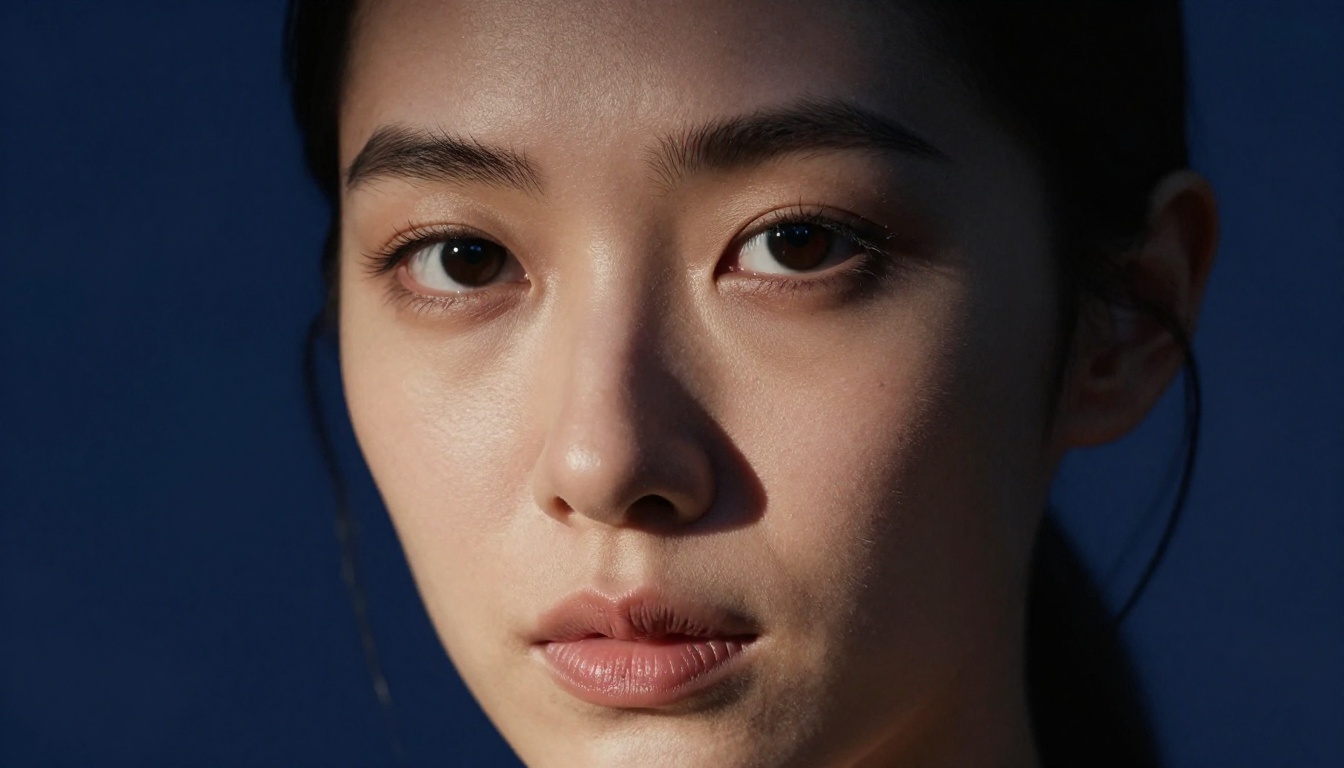
Modern AI portrait photo generators use diffusion models trained on billions of images. They do not "draw" a face. They iteratively refine noise into coherent pixels guided by your text prompt. The quality difference between models comes down to:
- Training data quality and volume
- Model architecture and parameter count
- Fine-tuning on portrait-specific datasets
Some models were trained heavily on photography datasets, which is why they produce images that feel like they were taken with a real camera. Others were trained more broadly and tend toward a slightly rendered, digital look.
💡 Tip: The more specific your prompt is about lighting, lens, and film type, the more photorealistic your portrait will be. Vague prompts produce average results.
The Top Models for AI Portrait Photos
Here is where things get specific. These are the models that consistently produce the best results for realistic AI portraits, tested across studio shots, outdoor photography, and editorial work.
Flux 1.1 Pro Ultra
Flux 1.1 Pro Ultra is the current benchmark for photorealistic portrait generation. It outputs 4-megapixel images, which means you can crop into the face and still have print-quality resolution. The model handles skin texture exceptionally well: you see pores, fine wrinkles, and natural skin variation rather than a smoothed-out composite look.
What sets it apart for portraits:
- Native 4MP output with no upscaling artifacts
- Accurate facial anatomy even at unusual angles
- Responds well to lighting terminology (Rembrandt, butterfly, split lighting)
- Handles age and ethnicity diversity without obvious biases
Best for: High-end editorial portraits, professional headshots, beauty photography.
Realistic Vision v5.1
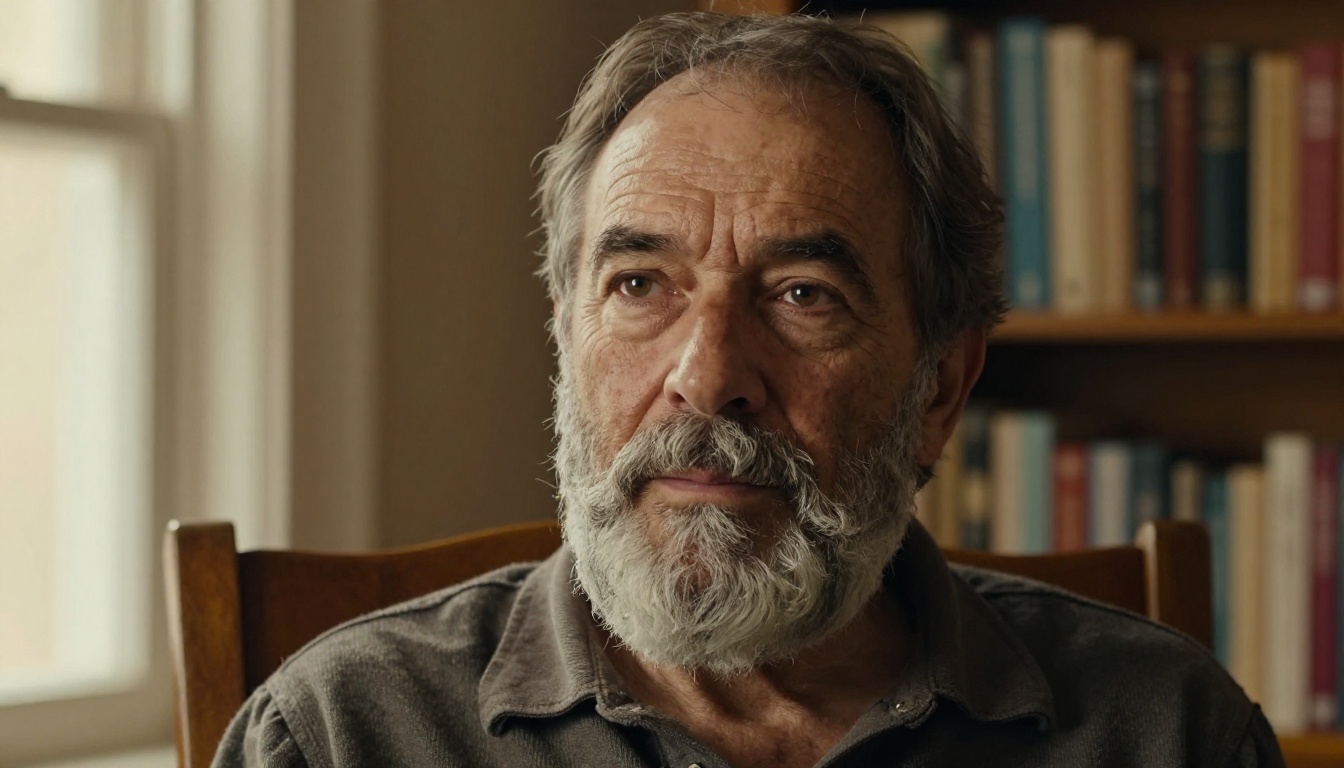
Realistic Vision v5.1 was purpose-built for photorealistic human faces. It has been fine-tuned specifically on high-quality photography datasets, and that focus shows. It produces portraits that look like they came from a mid-range DSLR: not over-sharpened, not overly smooth, just real.
This model particularly excels at:
- Character portraits with visible age and personality
- Natural expressions that do not feel posed
- Outdoor environmental portraits where the subject interacts with the scene
Best for: Documentary-style portraits, character studies, lifestyle photography.
RealVisXL v3.0 Turbo
RealVisXL v3.0 Turbo combines the photorealism of Realistic Vision with the resolution and speed benefits of the SDXL architecture. The "Turbo" designation means faster generation without significant quality loss. For portrait work, it handles:
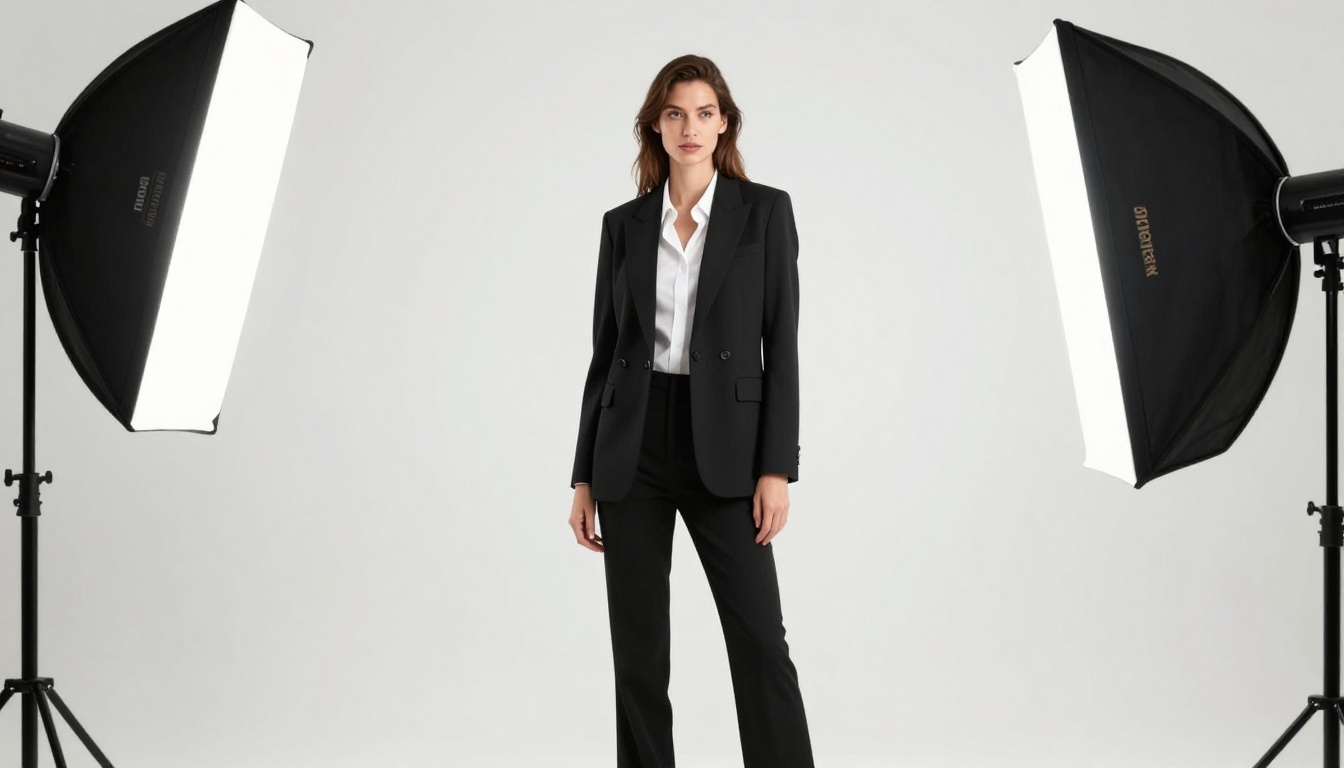
- Complex lighting setups (multi-light studio configurations)
- Detailed hair strands with natural flow and sheen
- Skin that responds correctly to different color temperatures (warm tungsten vs. cool window light)
Best for: Quick iterations, experimenting with lighting setups, commercial portrait work.
Imagen 4 Ultra
Imagen 4 Ultra is Google's flagship image model, and for portraits it brings something the others often lack: compositional intelligence. It understands negative space, the rule of thirds, and framing instinctively. The result is portraits that do not just look technically correct but feel artistically composed.
Its detail level on high-frequency textures like skin and fabric rivals the best models available. It also handles profile shots and three-quarter angles particularly well, areas where many models struggle with facial anatomy.
Best for: Artistically composed portraits, fashion photography, profile and three-quarter angle shots.
Flux Dev and Flux Pro
Flux Dev and Flux Pro round out the top tier. Flux Dev is the open research variant with excellent prompt adherence, while Flux Pro adds refinements for commercial quality output. Both handle AI photo portrait work with strong consistency across multiple generations.
💡 Model Tip: If you are generating a portrait series (multiple shots of the same subject), Flux Pro maintains more consistent facial features across generations than most alternatives.
How to Use Flux 1.1 Pro Ultra for Portraits
Since Flux 1.1 Pro Ultra is the strongest AI portrait tool available right now, here is exactly how to use it:
Step 1: Write a specific subject description
Do not write "a woman." Write "a 28-year-old woman with olive skin tone, dark brown eyes, and natural wavy hair falling to collarbone length." The more specific, the better the model's facial coherence.
Step 2: Define the lighting
Lighting is the single most impactful part of your portrait prompt. Use real photography terms:
- "Rembrandt lighting from the upper left"
- "Butterfly lighting, single softbox directly above the face"
- "Natural window light from the right, overcast diffusion"
- "Golden hour backlight with rim lighting on hair"
Step 3: Specify the camera setup
Add the lens and aperture: "85mm f/1.4 lens, shallow depth of field, background blurred into cream tones." This alone improves realism dramatically.
Step 4: Add film and texture detail
"Kodak Portra 400 film grain, slight warm color grade, natural tones" pushes the output away from the "digital render" look and toward genuine photographic realism.
Step 5: Include environment and mood
"Photographed in a minimalist studio against a seamless gray backdrop" or "outdoors in a lush forest at dusk" gives the model context for background color, light quality, and atmospheric texture.
Portrait Styles You Can Create
The diversity of portrait work AI can produce is wider than most people realize. It is not just headshots.
Studio Portraits
The classic setup: controlled lighting, clean backdrop, full attention on the subject. For this style, specify your backdrop color (seamless white, charcoal, deep navy), your light position, and any modifiers (softbox, beauty dish, ring light). Models like Flux 1.1 Pro Ultra and Imagen 4 Ultra handle studio setups with exceptional accuracy.
Outdoor and Environmental
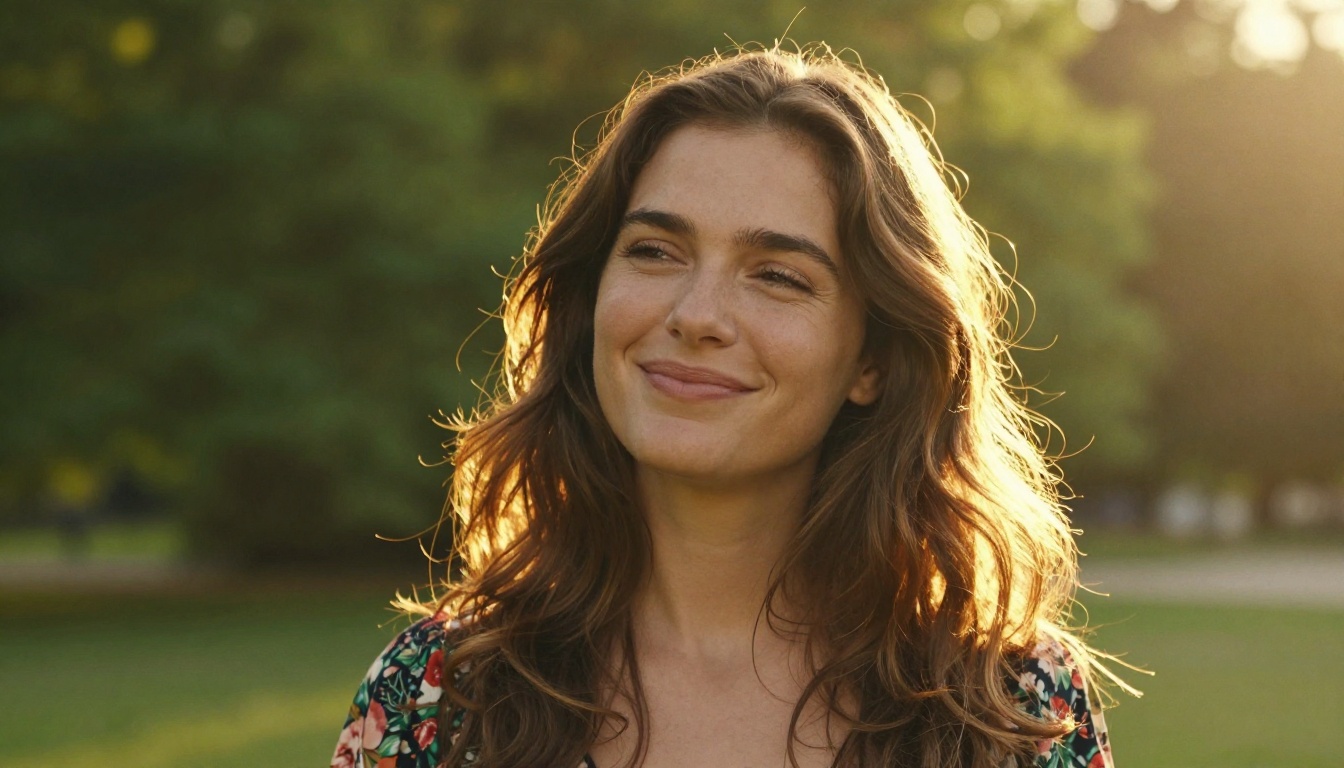
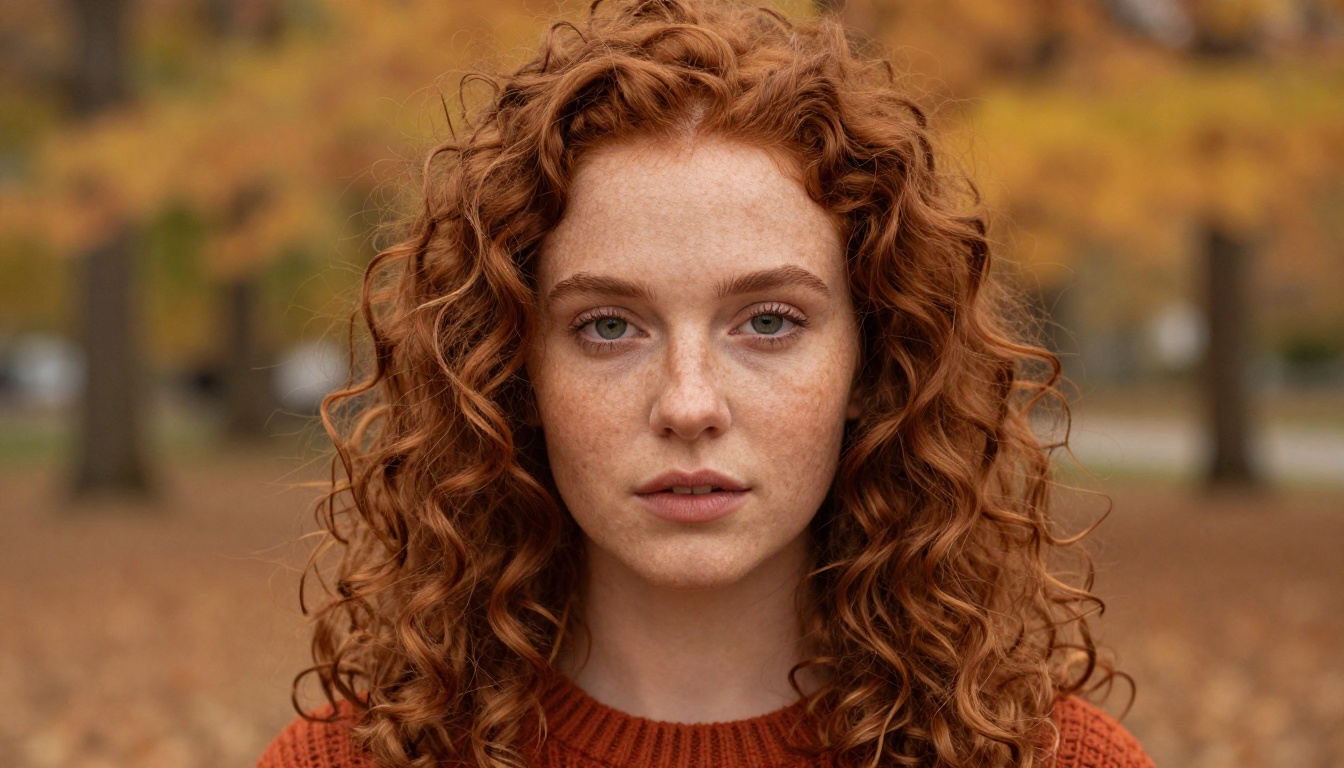
Outdoor portraits benefit from specifying the time of day (golden hour, blue hour, midday overcast) and the relationship between the subject and the environment. Does the background reinforce the mood, or does it contrast?
💡 Prompt formula for outdoor portraits: [Subject] + [Time of day and light direction] + [Environment] + [Camera and lens] + [Film aesthetic]
Corporate Headshots
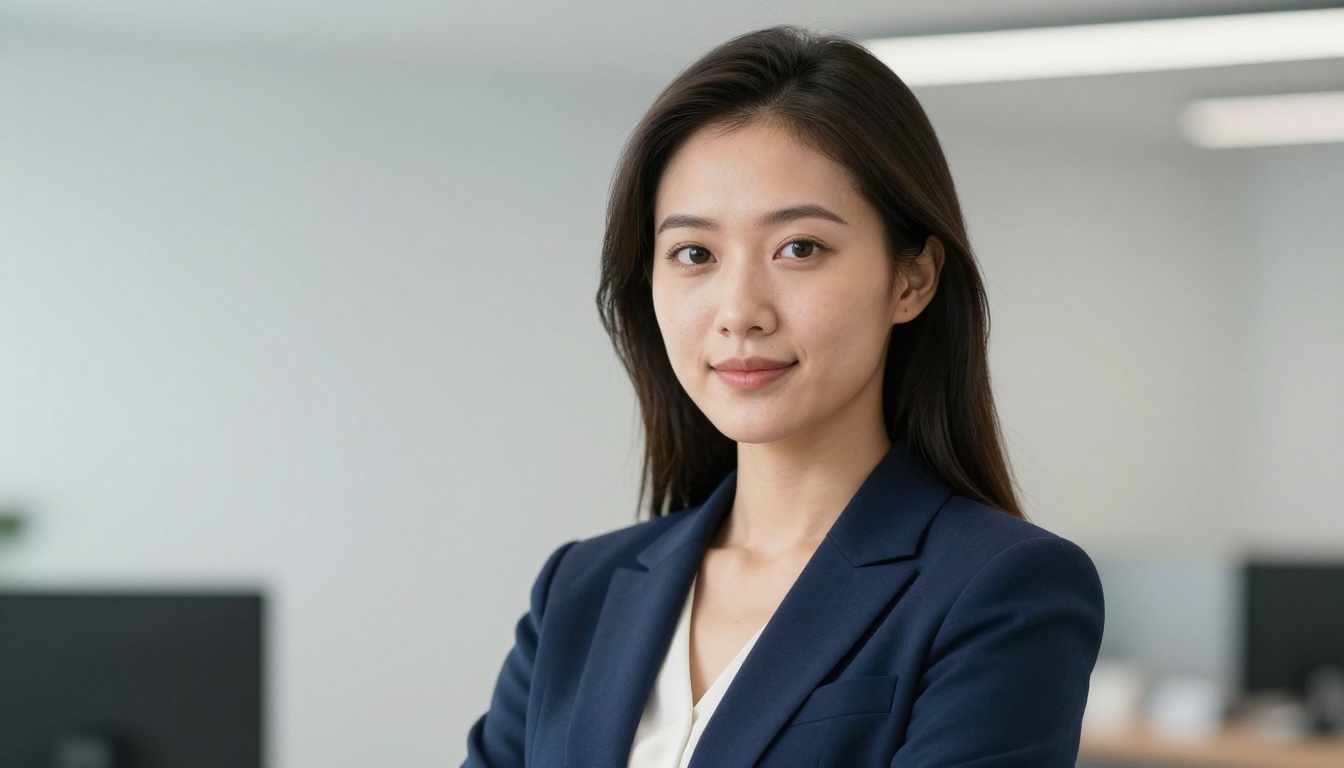
This is where AI portrait tools save businesses serious money. A proper professional headshot with the right model, lighting terms, and background description produces results indistinguishable from a $300 studio session. For corporate work: "professional headshot, three-point lighting, soft natural skin, blurred office background, business attire."
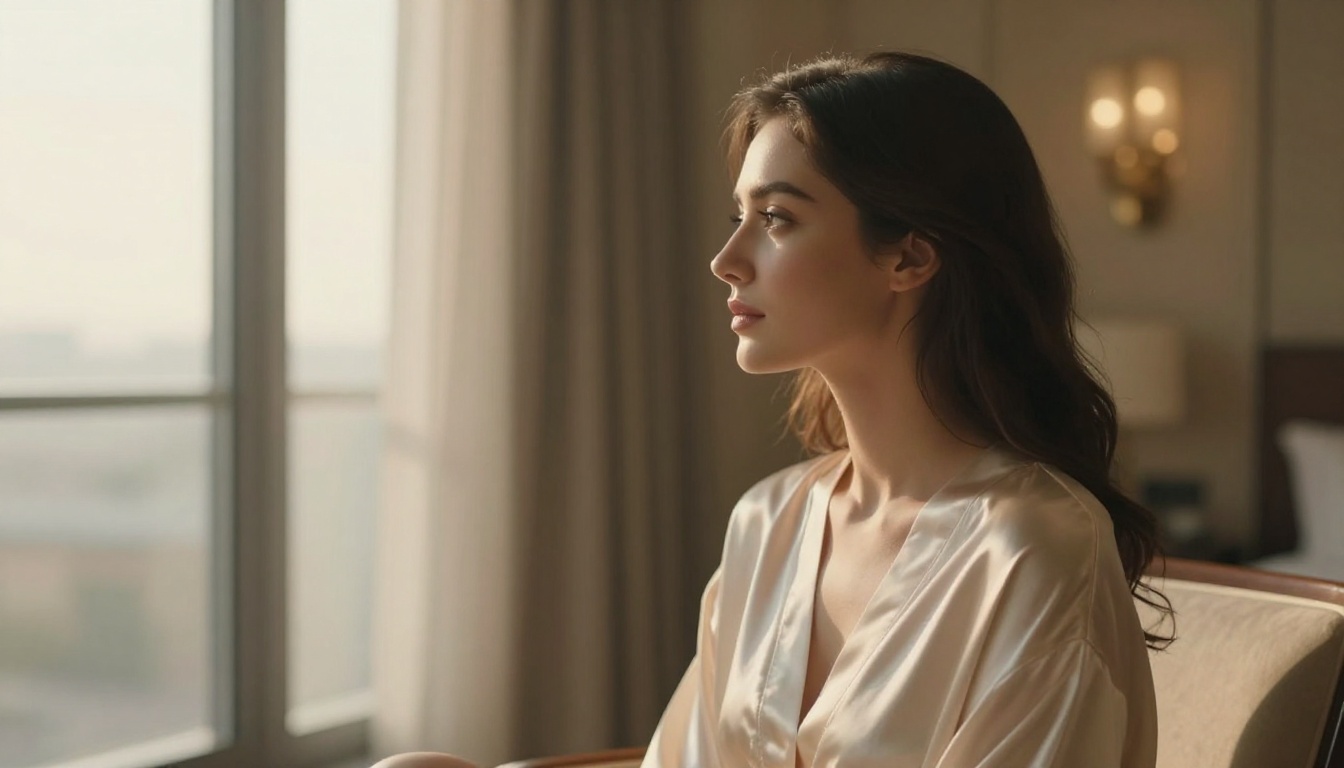
Glamour and Boudoir
Elegant, suggestive, beautiful. Use terms like "soft window morning light", "silk texture on skin", "luxurious hotel suite background", and keep the subject's expression serene rather than posed. RealVisXL v3.0 Turbo shines particularly well in this style.
Character and Documentary
For portraits that tell a story. Older subjects, lived-in faces with visible texture and history. Specify: "natural window light, visible skin texture with wrinkles and stubble, calm thoughtful expression, warm interior background." Realistic Vision v5.1 is the model to reach for here.
Comparing the Top AI Portrait Models
What Makes a Portrait Prompt Actually Work
The difference between a mediocre AI portrait and a stunning one is almost always in the prompt. Here is what actually matters.
Lighting Terms That Move the Needle
Most people write "good lighting." That means nothing to the model. These specific terms produce measurably different results:
- Rembrandt lighting: triangular shadow on one cheek, dramatic and sculptural
- Butterfly lighting: shadow directly under the nose, flattering for facial symmetry
- Split lighting: half the face lit, half in shadow, bold and high-contrast
- Broad lighting: wider lit side faces camera, flatters rounder faces
- Short lighting: narrow lit side faces camera, slims and sharpens features
- Clamshell lighting: softbox above with reflector below, eliminates under-eye shadows
Camera Specs That Add Realism
| Spec | What It Does |
|---|
| 85mm lens | Natural facial perspective, no distortion |
| f/1.4 aperture | Smooth background separation |
| f/8 aperture | Sharp detail across the entire face |
| ISO 800 | Visible grain, film-like quality |
| 1/200s shutter | Clean, no motion blur |
Film Stocks That Change the Color Story
- Kodak Portra 400: Warm, flattering skin tones, gentle grain
- Kodak Ektar 100: Vivid, saturated, fine-grain
- Fujifilm Velvia: Rich, contrasty, slightly cool shadows
- Ilford HP5: Classic black and white, medium grain
Super Resolution: Taking Portraits Further
Once you have generated a portrait, running it through a Super Resolution model can push the quality even further. It adds visible detail to skin texture, sharpens fine hair strands, and brings out the micro-contrast in eyes that makes a portrait feel alive. The platform supports 2x to 4x upscaling, making even standard-resolution outputs suitable for large print formats.
This is particularly useful for editorial work where the portrait needs to hold up at magazine dimensions.
Portrait Variation with Image-to-Image
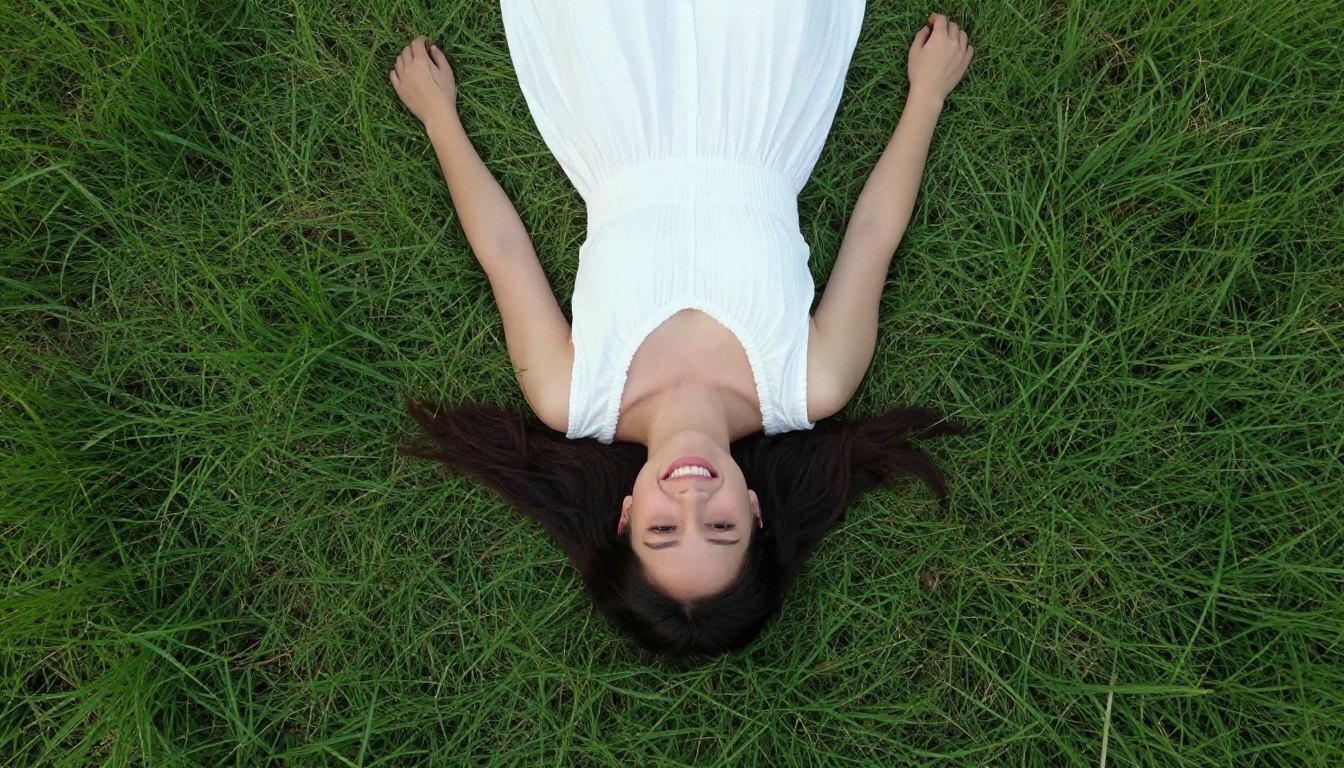
Flux 2 Pro and Flux 2 Dev both support image-to-image workflows, meaning you can use an existing photo (or a generated portrait) as the structural base for a new variation. Want the same person in different lighting? Different outfit? Different setting? These models make that possible without starting from scratch.
For portrait series work, this is a significant time saver. Generate the base portrait with Flux 1.1 Pro Ultra, then iterate with Flux 2 Pro to vary the context while preserving the subject.
5 Portrait Prompt Mistakes to Fix Right Now
Most AI portrait prompts fail for predictable reasons. Here is what to change:
- Too vague: "Beautiful woman portrait" produces generic faces. Add age, skin tone, hair, expression, and clothing.
- No lighting spec: Without it, the model defaults to flat, uninteresting light. Always specify your lighting setup.
- No lens info: Generic camera settings produce generic-looking images. Add focal length and aperture.
- Generic background: "Blurred background" is weak. "Seamless pearl gray backdrop" or "sun-drenched terrace at golden hour" is specific.
- Missing film reference: Film stock references (Portra 400, Fujifilm 400H) dramatically shift the tonal quality toward photographic realism.
💡 Quick Fix: Take your current prompt and add this to the end: "85mm f/1.8, Kodak Portra 400, natural film grain, photorealistic 8K" and you will see an immediate quality improvement.
Now It's Your Turn
Portrait photography with AI is one of the most immediately rewarding things you can do on the platform. You do not need a studio, a model, a lighting kit, or hours of post-processing. You need a specific prompt and the right model.
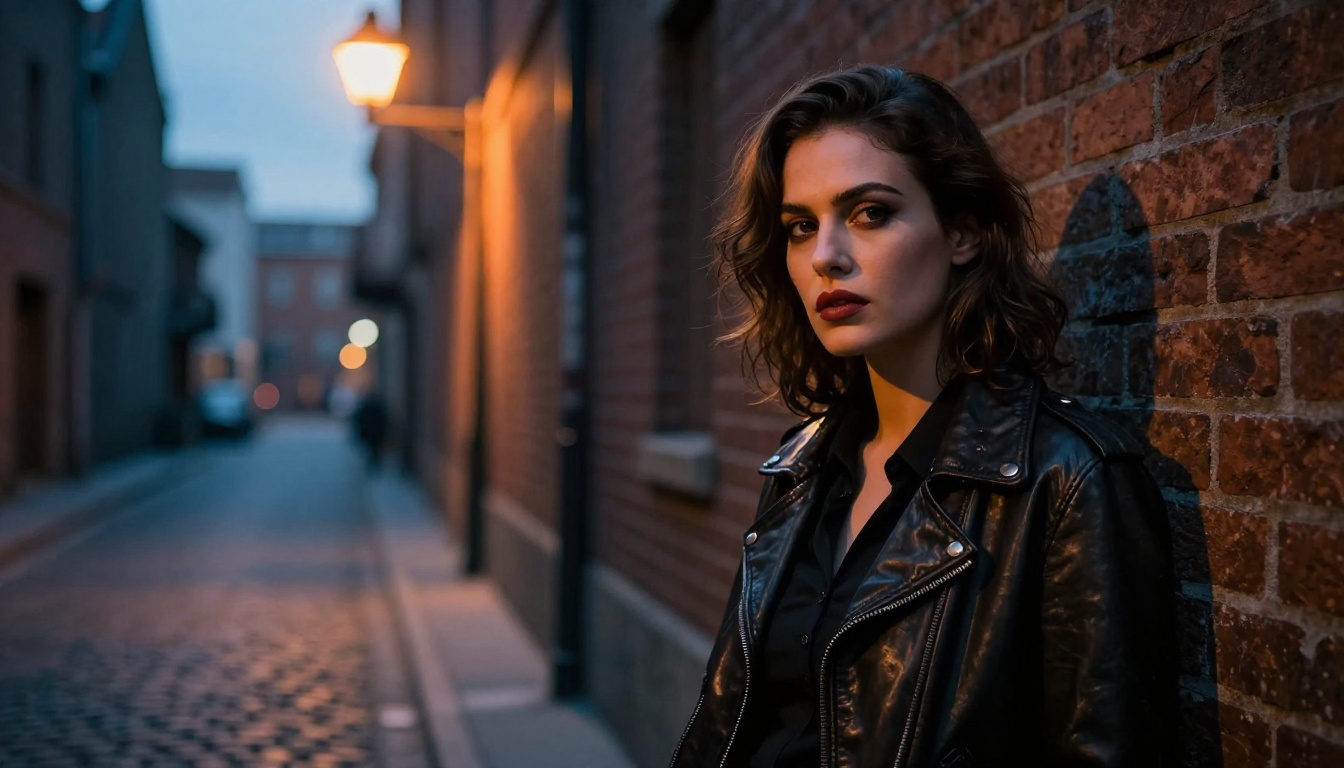
Start with Flux 1.1 Pro Ultra for your first portrait. Write a specific subject, pick a lighting style from this article, add your lens and film reference, and run it. Then try Realistic Vision v5.1 with the same prompt to see how two different models interpret the same scene.
The best AI portrait tool is the one you actually use. Every model on the platform is ready right now, and the results will surprise you.


