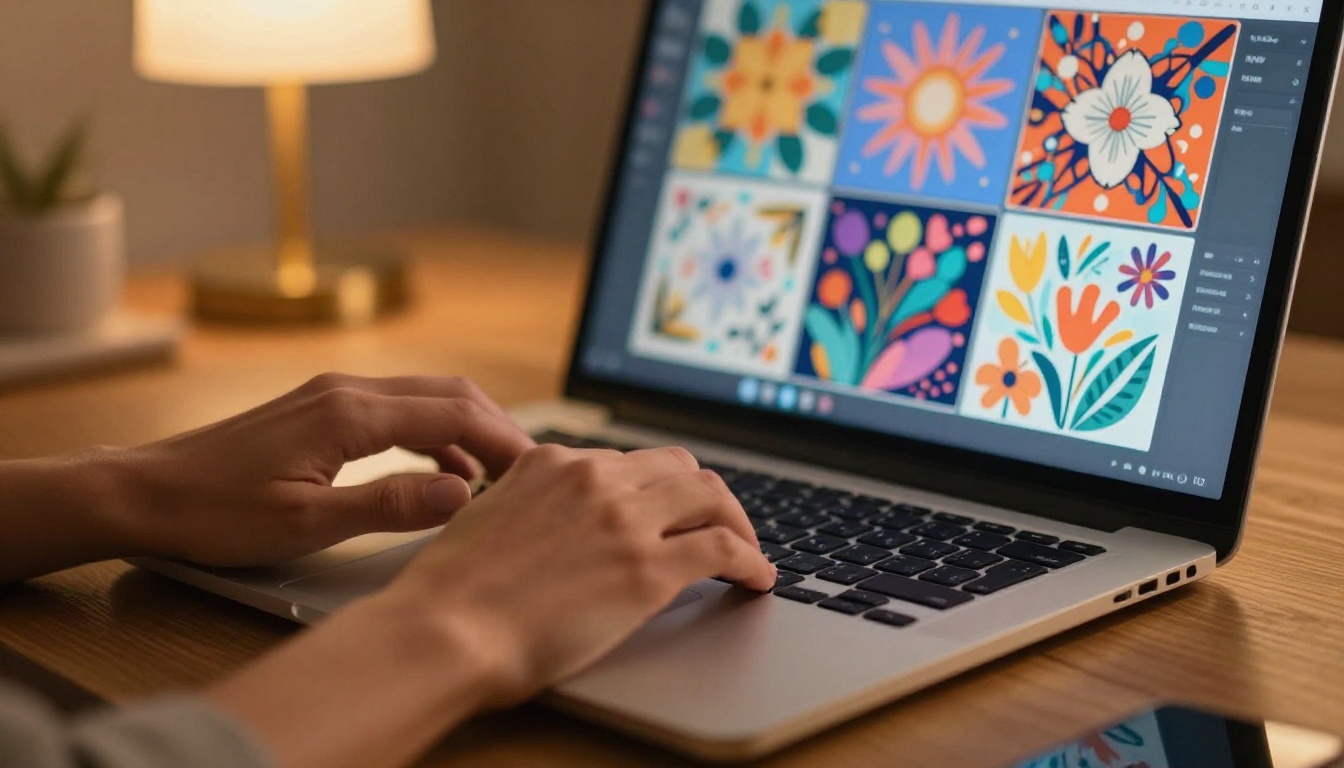
Running an Etsy shop sounds simple until you're 12 design requests deep at 11pm with no budget for a graphic designer and a Printify order deadline staring back at you. This is where the best AI tools for Etsy sellers and print on demand businesses stop being optional and start being the actual difference between a shop that grows and one that plateaus. The sellers pulling consistent five-figure months in 2027 are not more talented than everyone else. They have a tighter, faster, AI-powered workflow.
Why Etsy Sellers Are Turning to AI Now
As of 2025, there are over 9 million active Etsy sellers competing for the same buyer attention. The shops pulling consistent sales share one thing in common: they ship new designs fast, their product photos look professional, and their files are always print-ready. That used to require a team. Now it requires the right AI stack and a clear workflow.
The Design Bottleneck Is Real
Most Etsy sellers are not designers by training. They know what sells, they know their niche, but turning that knowledge into a repeatable design process is where most shops stall out. Hiring a freelance designer for every product concept costs between $50 and $300 per design. At any real product volume, that math breaks the business before it scales.
AI image generators change that equation entirely. You describe what you want, the AI creates it in under a minute, and you spend your energy on what actually drives sales: niche research, listing optimization, and customer experience.
The Real Cost of Bad Product Photos
Etsy's algorithm rewards click-through rate heavily. Blurry photos, cluttered backgrounds, and inconsistent mockup styles tank your CTR before a single buyer reads your description. Professional product photography used to cost $200 to $500 per shoot. AI background removal and AI-powered mockup creation have made that cost effectively zero for any seller willing to spend 20 minutes learning the tools.
AI Image Generators That Create Sellable Designs
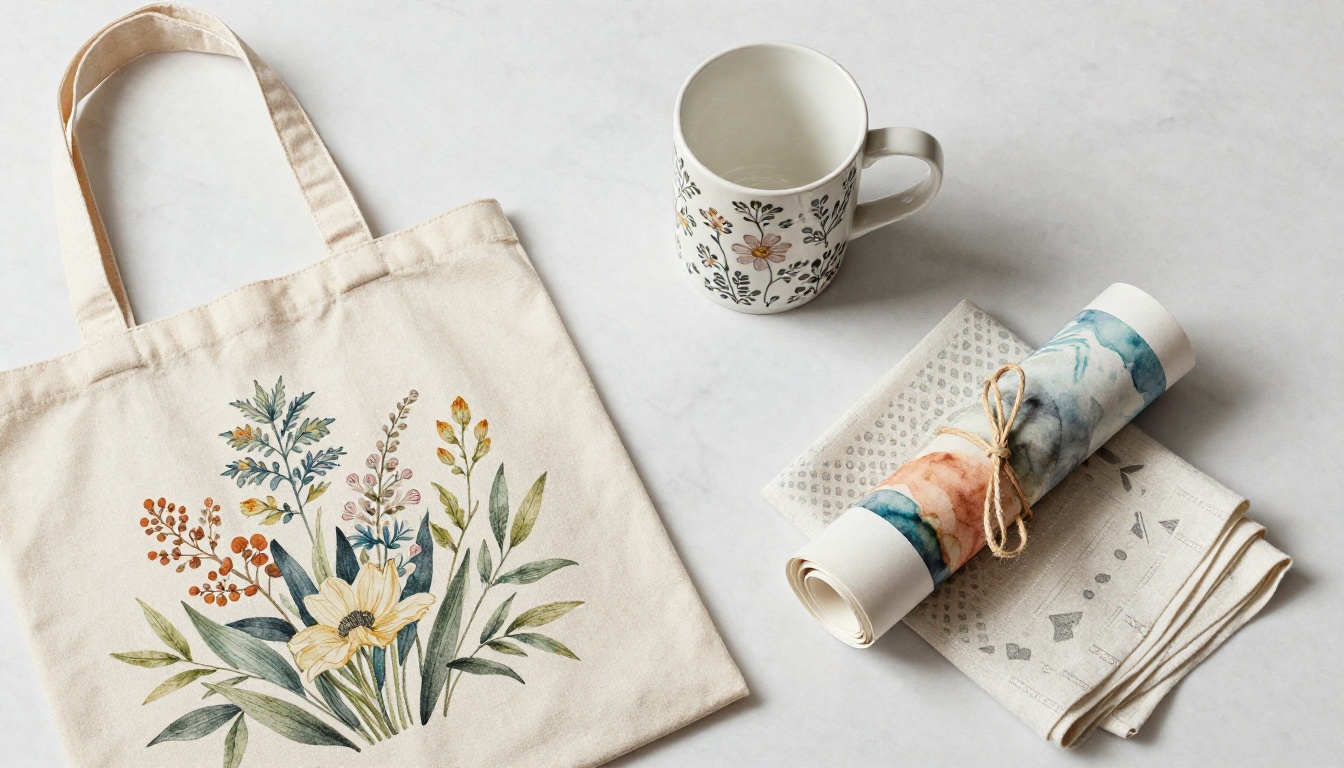
The core of any POD business is the design itself. These are the AI tools that are actually producing commercially licensable, print-ready artwork that buyers want to put on their walls and wear on their tote bags.
GPT Image 2: Product-Aware Design Creation
GPT Image 2 is the strongest text-to-image model for Etsy sellers who need designs that feel intentional rather than randomly generated. It follows complex, layered prompts with remarkable accuracy, handles text placement better than almost any competing model (a major advantage for quote-based products), and produces outputs that translate cleanly to fabric, paper, and ceramic printing surfaces.
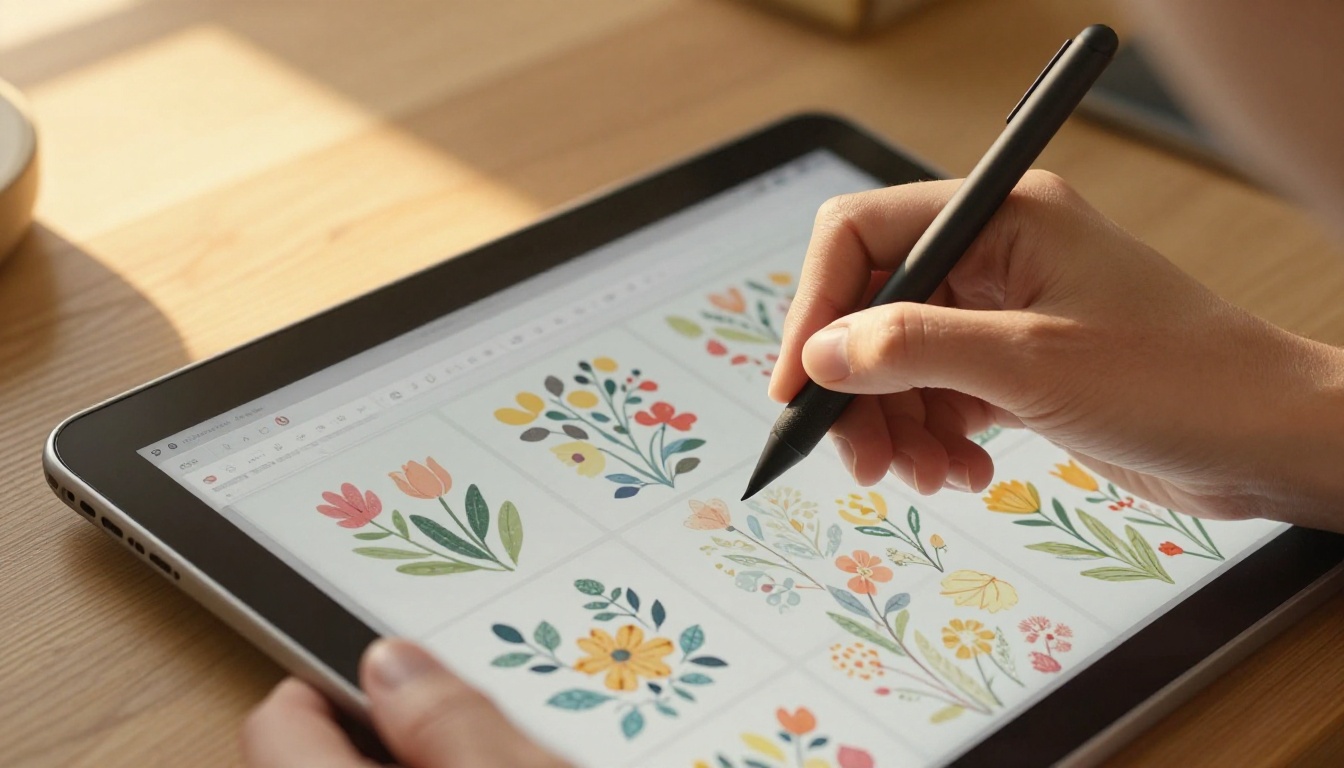
For POD specifically, botanical patterns, abstract geometrics, typography-based designs, and seasonal motifs are all strong use cases. The model responds well to style descriptors like "flat vector style," "vintage botanical illustration," and "minimalist single-line art."
💡 Tip: When prompting for repeat patterns, add "seamless pattern, tiled, no borders, no edge cutoff" to your prompt. This saves significant editing time before uploading to Printify or Printful.
Flux Redux Dev: Infinite Design Variations
Once you have a design that sells, you need variations fast. Different colorways, slightly shifted layouts, seasonal adaptations. Flux Redux Dev is built for exactly this workflow: it takes an existing image and generates coherent variations that maintain the core composition and visual DNA while changing specific elements on instruction.
This is how high-volume POD shops operate at scale. Find one winning design, spin it into 15 colorway variations, 3 layout alternatives, and seasonal versions for Valentine's Day, Christmas, and Halloween. Flux Redux Dev automates what used to take a designer two to three hours per product.
Qwen Image Edit Plus: Fix Designs After Generation
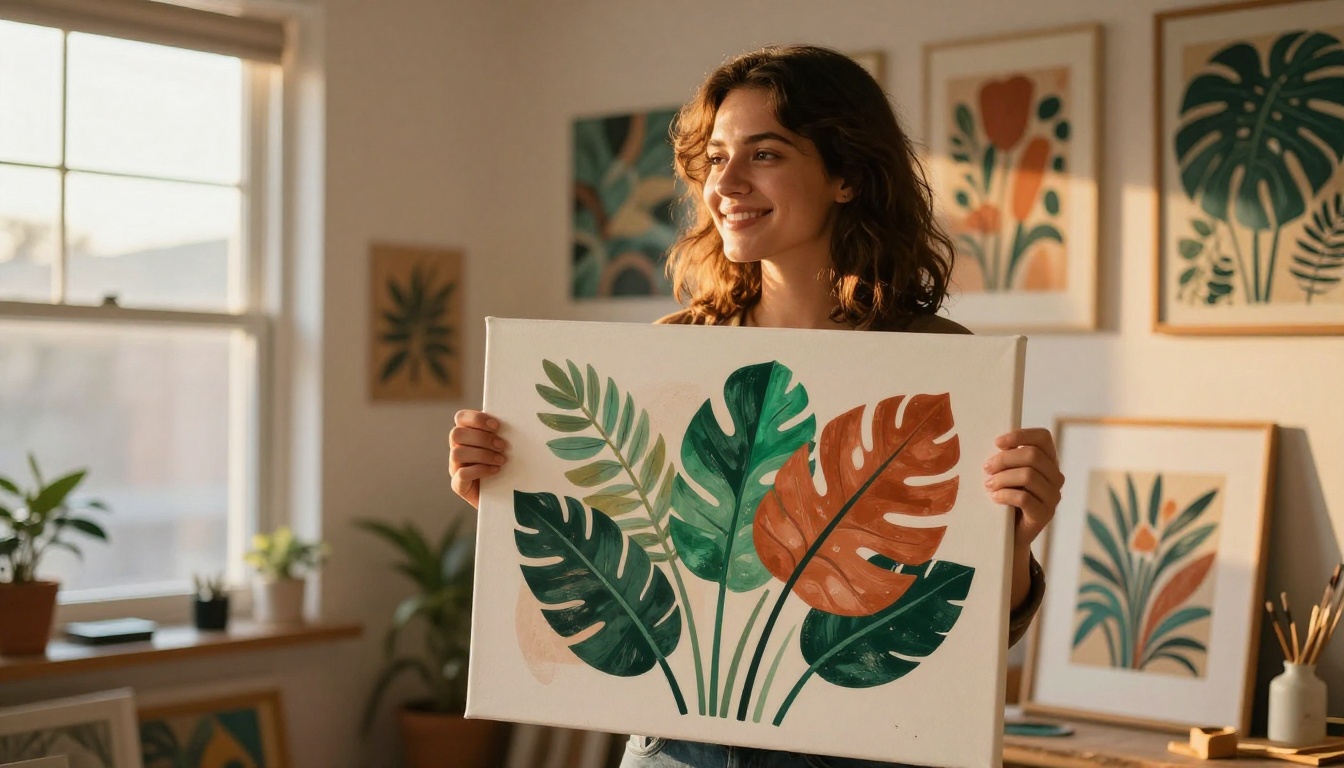
Not every AI-generated design comes out perfect on the first attempt. Qwen Image Edit Plus lets you edit specific regions of a generated image through plain text instructions. Wrong color on one element? A leaf placed awkwardly at the edge? Text that came out slightly off-center? You tell it what to fix and it corrects that region precisely without touching the rest of the composition.
For Etsy sellers, this replaces the exhausting "generate 40 images and pick the least broken one" workflow with a more deliberate process: generate one strong concept, then refine it iteratively until it's exactly what you want to print.
| Tool | Best For | Strength |
|---|
| GPT Image 2 | New designs from scratch | Prompt accuracy, text handling |
| Flux Redux Dev | Design variations from a winner | Coherent style and composition consistency |
| Qwen Image Edit Plus | Post-generation precision fixes | Regional editing without global changes |
Background Removal for Product Photos
Why a Clean Background Is Non-Negotiable
Etsy buyers make purchase decisions in under 3 seconds on mobile. A cluttered background behind your product is time your buyer spends looking at the wrong thing. Clean white or transparent backgrounds increase add-to-cart rates, improve your listing's visual consistency, and are required by most POD platforms for their built-in mockup generation systems.
Bria Remove Background in Practice
Remove Background by Bria is the most reliable AI background remover available on PicassoIA. It handles complex edges including hair, fur textures, and irregular fabric shapes without the frayed edge artifacts that cheaper tools produce. The output is a clean transparent PNG that drops directly onto any mockup template or uploads cleanly to Printify and Printful.
The workflow for any Etsy seller: upload your product photo or AI-generated design, the model isolates the subject automatically, and you receive a transparent PNG in seconds. No manual masking, no Photoshop selection tools, no hours spent on a single product image.
💡 Tip: If you're photographing physical product samples, shoot on a light gray background rather than pure white. Bria performs better removing gray backgrounds because it avoids the bloom effect that can wash out product edges against a white surface.
What DPI Actually Means for POD
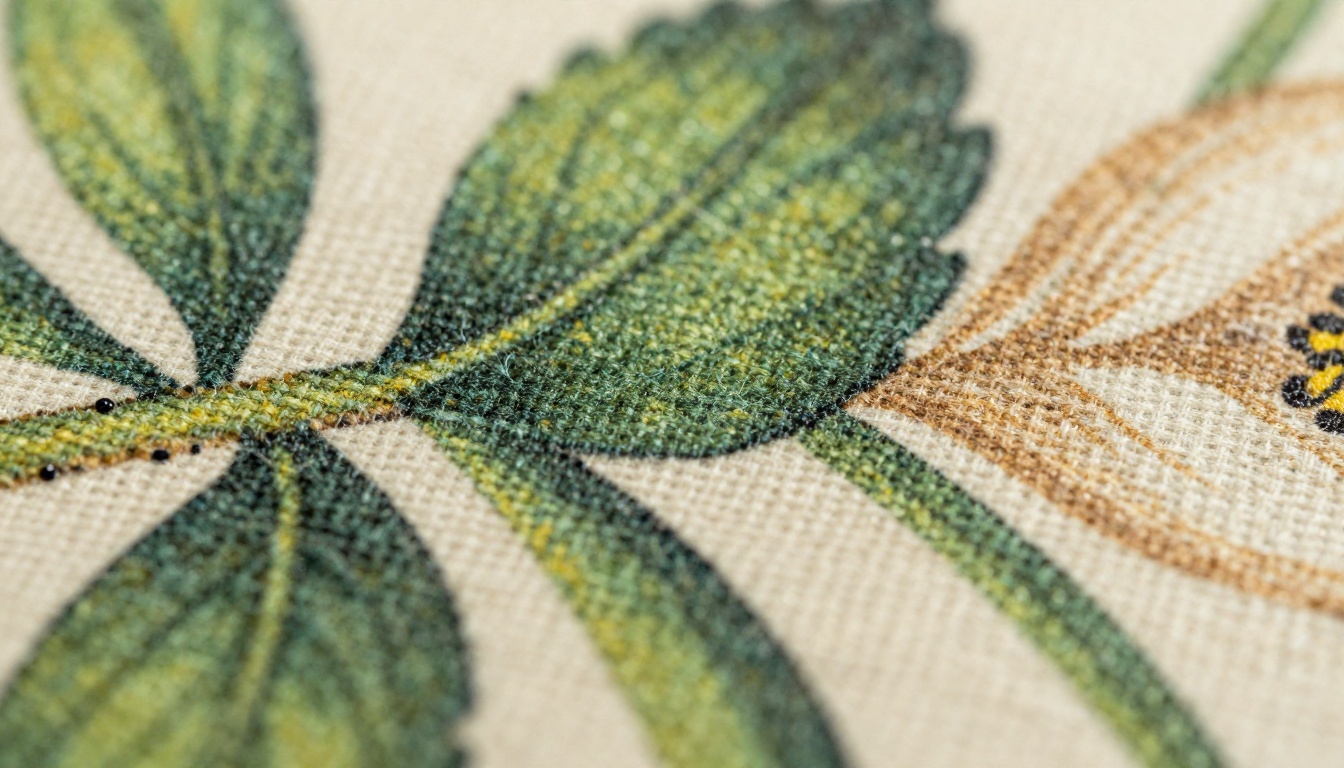
Print-on-demand platforms have hard requirements that most new sellers discover the hard way. Printify requires 300 DPI for most products. A standard tote bag printing area of 15x18 inches at 300 DPI means your source image needs to be at least 4500x5400 pixels. Most AI image generators produce outputs at 1024x1024 pixels by default.
This is where super resolution AI bridges the critical gap between "looks good on screen" and "actually prints at real size without looking pixelated and soft."
The Best Upscalers for POD
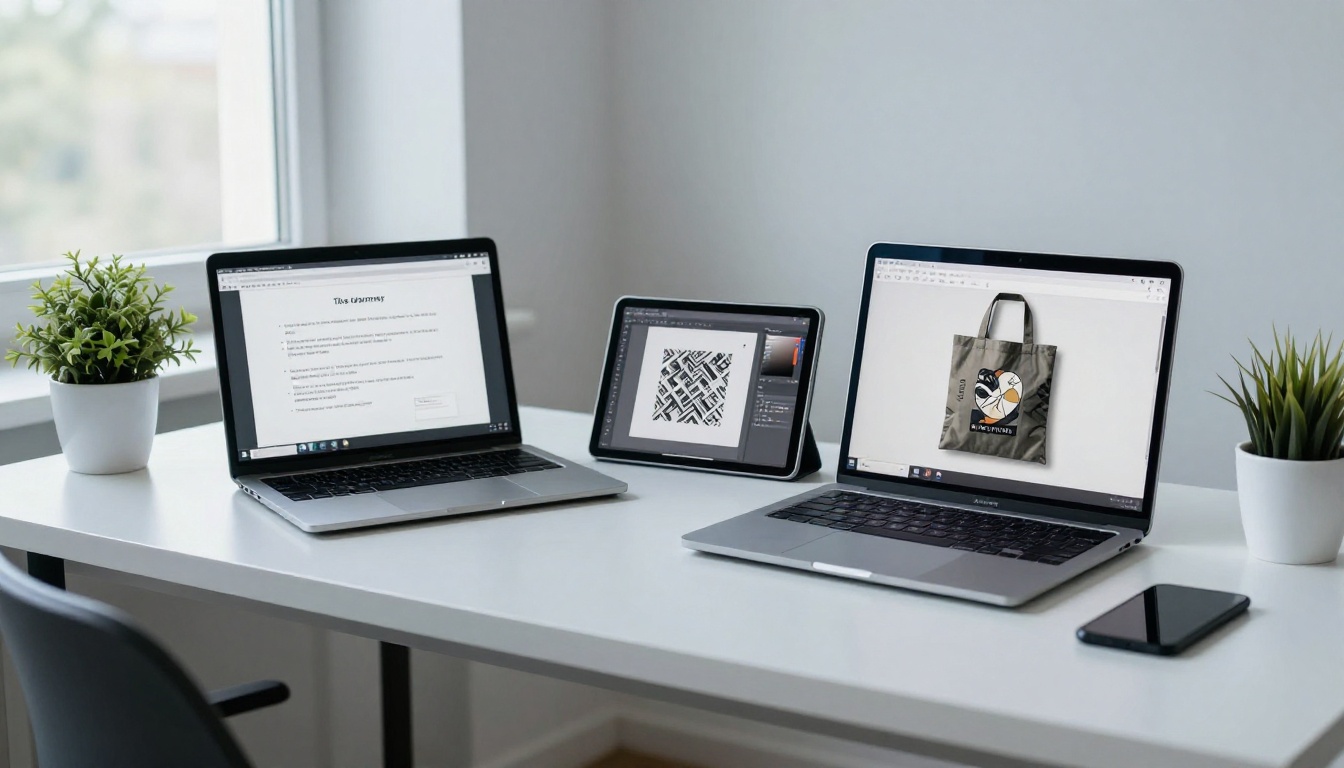
Clarity Pro Upscaler is the top choice for photorealistic product images. It adds genuine detail to the enlarged image rather than simply interpolating pixels, which means printed output has real visible texture rather than a smoothed-out, overly soft appearance that signals "AI-generated" to a buyer's eye.
Image Upscale by Topaz Labs handles up to 6x enlargement and is particularly strong on line art and flat graphic designs, making it the ideal choice for sticker sheets, poster prints, and wall art POD products where sharp edges and clean color fills matter most.
Real ESRGAN is the fastest option for batch processing. If you're launching 20 products in a single week, Real ESRGAN gets all your files to print-ready resolution quickly without requiring individual attention per image.
Crystal Upscaler specializes in portrait and facial detail enhancement, which matters significantly for personalized products like custom pet portraits, a consistently top-selling Etsy category in most niches.
P Image Upscale delivers fast results in under a second, making it the right pick when you need speed without sacrificing acceptable quality on simpler product designs.
| Upscaler | Max Scale | Best Use Case |
|---|
| Clarity Pro Upscaler | 4x | Photorealistic product images |
| Image Upscale by Topaz Labs | 6x | Line art, posters, stickers |
| Real ESRGAN | 4x | Batch processing at volume |
| Crystal Upscaler | 4x | Portraits, pet art, faces |
| P Image Upscale | 4x | Speed-first workflows |
💡 Tip: Always upscale after background removal, not before. Removing a background from a 4x upscaled image takes significantly longer and can introduce subtle edge artifacts along the subject boundary.
Creating Lifestyle Shots Without a Photoshoot
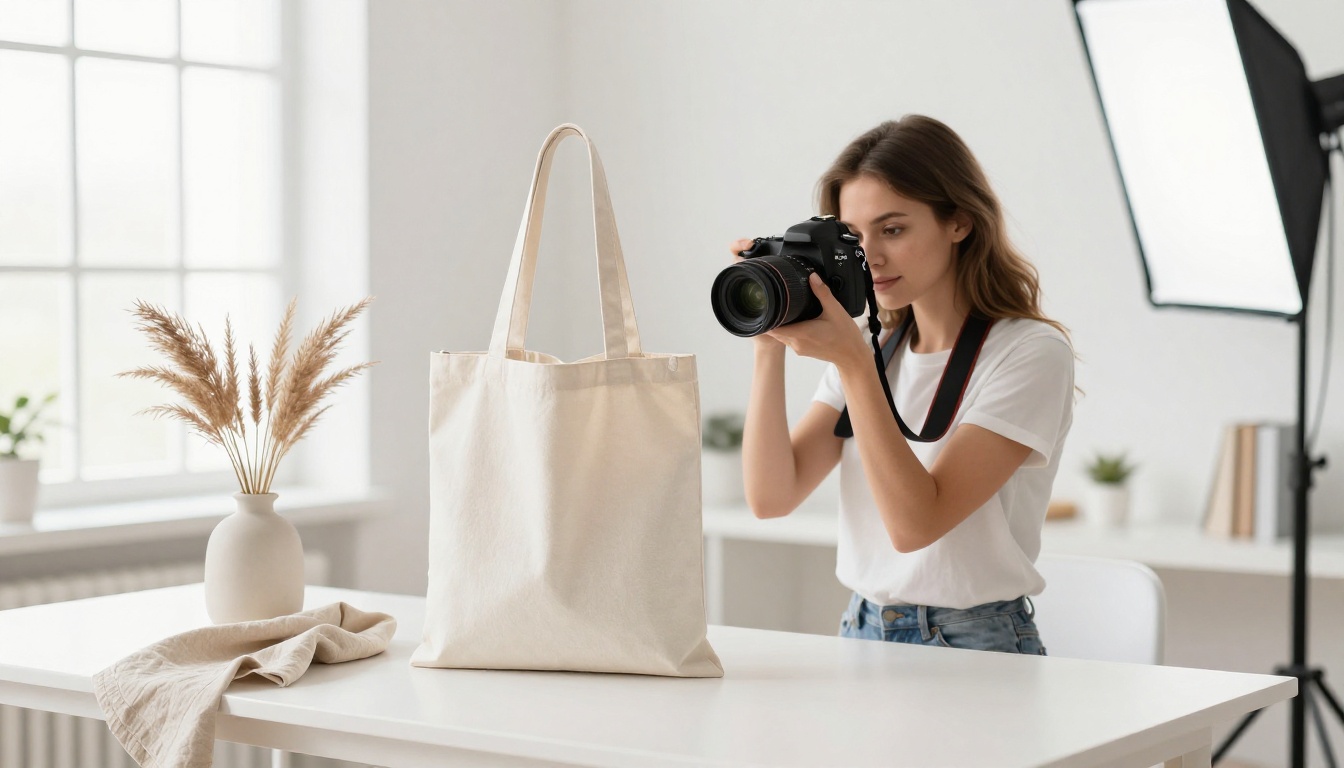
Etsy listing photos that show products in real-life context outperform plain white background shots by a significant margin for most lifestyle product categories. Buyers want to see the tote bag being carried to a farmers market, the mug sitting on a kitchen counter with morning light, the wall art in a living room with natural wood furniture. The problem: organizing real lifestyle shoots costs money, time, and logistical effort most solo sellers simply do not have.
AI image generation and inpainting solve this by letting you place your designs into photorealistic lifestyle contexts entirely through prompts. Start with a clean mockup template, use AI to fill in realistic backgrounds and environments, and you have listing photos that look like a $400 shoot produced in under 30 minutes.
Training Your Own Design Style with P Image Trainer
P Image Trainer lets you train a custom LoRA model on your own existing designs. Once you've established a visual style that sells consistently in your shop, you teach the AI to generate new designs that stay within that exact aesthetic without manually describing it in every prompt.
For niche Etsy shops with a defined visual identity, whether that's a specific muted color palette, a distinctive folk-art illustration style, or a particular botanical line-weight, this is how you create 50 consistently on-brand products instead of 50 products that each look slightly different from each other.
How to Build Your AI Workflow on PicassoIA
Step by Step from Idea to Print-Ready File
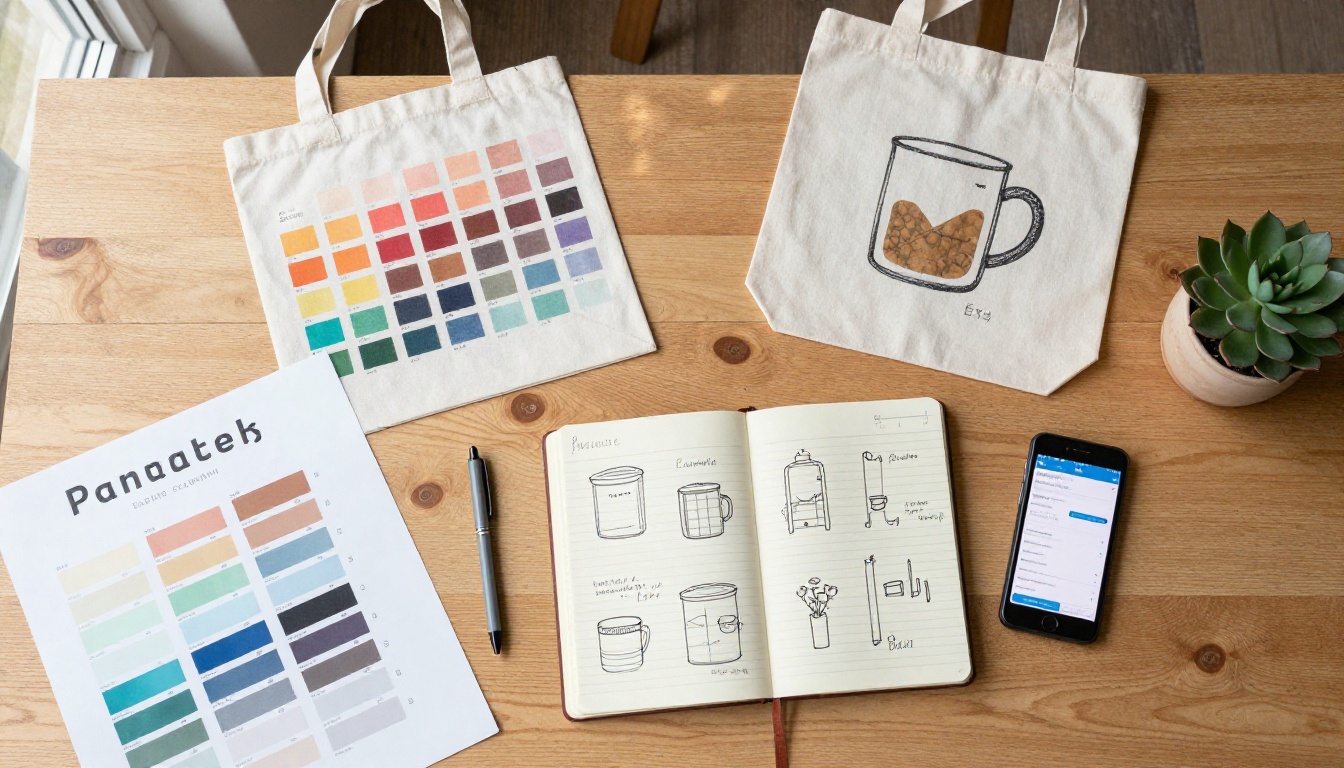
The most effective workflow for Etsy sellers on PicassoIA follows this sequence without exception:
- Generate the base design with GPT Image 2 or Flux Redux Dev using a detailed prompt that specifies style, color palette, and intended product category
- Edit and refine specific elements with Qwen Image Edit Plus if the initial output needs targeted corrections before proceeding
- Remove the background using Bria Remove Background to isolate the design as a clean transparent PNG layer
- Upscale to print resolution using Clarity Pro Upscaler or Image Upscale by Topaz Labs to reach the 300 DPI threshold your POD platform requires
- Create colorway variations with Flux Redux Dev to generate multiple versions of the finalized design for broader listing coverage
- Build lifestyle mockup photos using PicassoIA's image editing tools to place your designs in real-world contexts for Etsy listings that convert
Prompt Writing That Gets Sellable Results
The difference between an AI image that looks obviously generated and one that sells on Etsy is almost entirely in the prompt structure. These frameworks work consistently:
For pattern designs: [style] [motif] pattern, seamless tile, [specific color palette], [mood], flat vector illustration, no shading, white background, repeating
For illustration-based designs: [subject], [style: vintage/botanical/minimalist/folk art], [color palette], isolated on white, clean edges, no gradients, no shadows, suitable for screen printing
For text-based products: [quote text in quotes], [font style: serif/hand-lettered/script], [decorative motif elements], [layout: centered/arched/stacked], black on white, high contrast
💡 Tip: Describe what you do NOT want. Adding "no gradients, no drop shadows, no 3D effects, no photographic textures, no background" to any POD prompt dramatically improves the flat printability of the result on fabric and paper.
The AI tools with the highest ROI for Etsy sellers are not necessarily the most expensive ones. They are the ones that eliminate the most costly bottlenecks in your daily operation.
| Bottleneck | Without AI | With AI | Time Saved Per Product |
|---|
| New design creation | 3-8 hrs (freelancer) | 20-45 min | ~6 hrs |
| Background removal | 30-60 min (Photoshop) | 30 seconds | ~45 min |
| Print file preparation | 1-2 hrs (resizing, DPI math) | 5 min | ~90 min |
| Listing lifestyle photos | $200-500 per shoot | $0 (AI mockups) | Full cost eliminated |
| Design colorway variations | 2-4 hrs per set | 15 min | ~3 hrs |
The sellers growing on Etsy in 2027 are not working harder than their competitors. They have replaced expensive, slow manual steps with a tight AI workflow that lets them launch 5 new products in the time it takes competitors to finish designing 1. Over a quarter, that velocity gap becomes a catalog gap, which becomes a sales gap.
What POD Categories Work Best with AI
Some product categories on Etsy respond particularly well to an AI-first design process:
- Wall art and prints: High design variety requirements, large file sizes needed (AI upscalers shine here), buyers expect fresh inventory regularly
- Tote bags and canvas products: Pattern repeats and botanical designs generate exceptionally well via prompt
- Mugs and drinkware: Quote-based and typography designs where GPT Image 2's text handling matters most
- Stickers and digital downloads: Fast iteration, small file sizes, high volume business model that rewards the speed AI provides
- Pet portrait products: Crystal Upscaler on AI pet portraits creates a product category that commands premium pricing
Start Creating Your Own Designs This Week
The gap between Etsy sellers who are growing their shops and those who are stuck is increasingly a workflow gap, not a talent gap. The tools exist, they work without graphic design experience, and they are accessible to any seller regardless of background or budget.
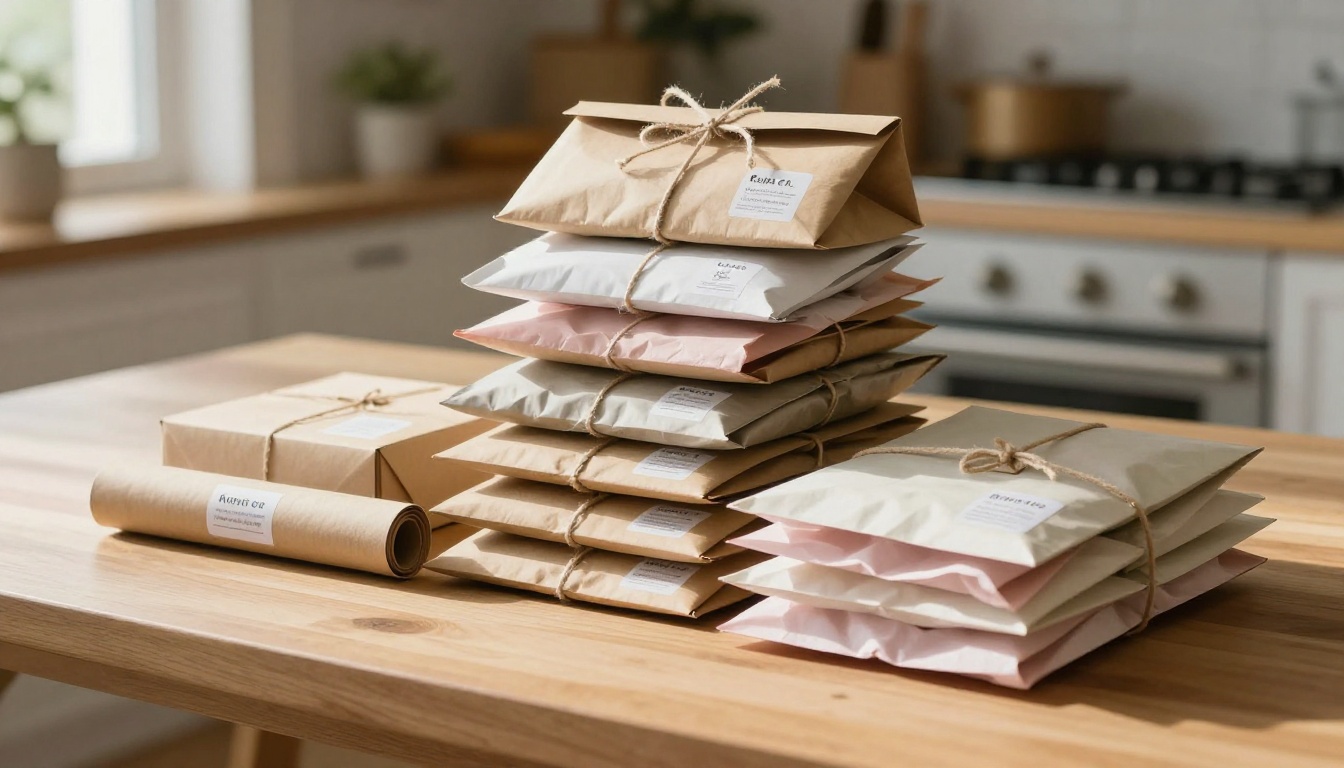
PicassoIA gives you access to the full AI design stack in one place: image generation with GPT Image 2 and Flux Redux Dev, targeted editing with Qwen Image Edit Plus, background removal with Bria Remove Background, and print-ready upscaling with Clarity Pro Upscaler and Image Upscale by Topaz Labs. No subscription juggling across six different tools. No waiting for a freelancer to respond to your brief.
Pick one product category you want to test this week. Write three prompts describing three different designs. Generate them, remove their backgrounds, upscale the files to print resolution, and list them. That is how you find out what sells without spending anything on a designer. The first product that converts tells you exactly where to put your energy next.


