The adult content industry generates billions annually, and the creators at the top are not just the most attractive or charismatic. They are the most consistent. In 2027, consistency means one thing: AI.
For solo creators, production bottlenecks have always been the silent killer. You need a photographer, a good location, perfect lighting, post-production editing, and you need it all repeatedly, week after week. AI removes every single one of those barriers.
This breakdown details the most effective AI tools adult content creators are using right now, what makes each one stand out, and how to put them to work on your content calendar today.
Why AI Changed the Creator Economy
The shift did not happen overnight, but in 2027 it is impossible to ignore. Platforms like OnlyFans, Fansly, and AVN Stars have seen a dramatic rise in creators who produce high volumes of polished content without ever booking a single shoot. The secret is not a bigger budget. It is AI.
Photorealistic image generation has crossed a threshold. The images coming out of today's top models are indistinguishable from professional photography to the average viewer. That gap matters. When subscribers cannot tell whether an image came from a studio or an AI, the creator wins.
The tools in this breakdown fall into three categories:
- Image generation (the core of any content strategy)
- Image editing and variation (for consistency and speed)
- Portrait and character tools (for brand identity)
Not every AI image generator is built the same. For adult content creation specifically, the requirements are tighter than for generic use cases:
| Feature | Why It Matters |
|---|
| Photorealism | Subscribers expect real-looking people, not obvious AI artifacts |
| Prompt adherence | You need the output to match your vision, not a generic interpretation |
| Speed | Volume is critical. Slow generation kills your content calendar |
| Style consistency | Your brand needs a recognizable visual identity |
| Image editing | You need to refine, not just regenerate from scratch |
💡 The fastest creators in 2026 use AI for 80% of their content and photography for the remaining 20%, the portion that requires authenticity and personal brand.
Cheap or outdated tools fail on photorealism and prompt adherence. They generate faces that look slightly off, lighting that feels artificial, and backgrounds that do not match the scene. The tools below do not have those problems.

Top AI Image Generators for Creators
Flux Fast
Flux Fast is the workhorse. It is the fastest high-quality image generator available on PicassoIA, and it is completely free to use. For creators who need volume, 20, 30, 50 images per week, this is the starting point.
Speed matters here. You write a prompt, you get a result in seconds. The photorealism is strong enough for social media previews, promotional content, and any scenario where you need to iterate quickly on ideas before committing to a full production run.
Best for: High-volume content testing, social media previews, rapid iteration
Flux Kontext Fast
Flux Kontext Fast takes the generation a step further. Instead of creating from a blank prompt, Kontext understands context. You can provide a reference image and instruct the model to edit, restyle, or reinterpret it while preserving the elements you want to keep.
For adult content creators, this solves one of the most frustrating problems: consistency. Once you have a character or persona that resonates with your audience, you need that same person to appear across dozens of images. Kontext makes that repeatable.
- Accepts reference images as input
- Preserves subject identity across edits
- Supports natural language editing instructions
Best for: Character consistency, image editing, persona development
Dreamina 3.1
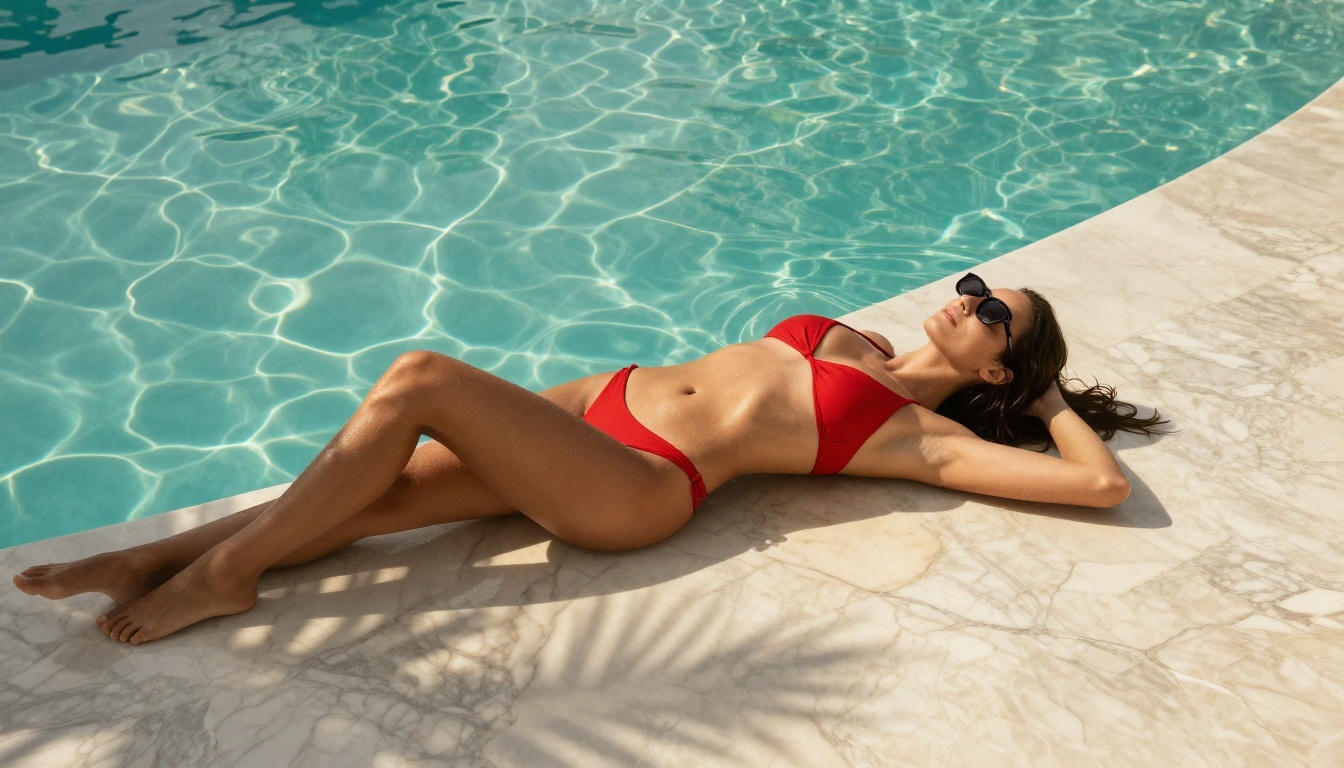
Dreamina 3.1 by ByteDance produces 4-megapixel cinematic images. The resolution and color science on this model are exceptional. When you need a shot that could be mistaken for a professional fashion or glamour photograph, Dreamina 3.1 is the right choice.
The model excels at skin texture, fabric detail, and environmental lighting. It renders champagne satin differently from cotton, catches specular highlights on wet skin, and handles complex lighting scenarios like golden hour or studio strobes with accuracy.
Best for: High-resolution hero images, glamour content, premium subscription tiers
Hunyuan Image 3
Hunyuan Image 3 from Tencent is the sharpest model on the platform. Where other models produce soft or slightly blurred results on fine detail, Hunyuan renders hair strands, fabric weaves, and skin texture with microscopic precision.
If you are producing content for large screens, print products like calendars or books, or any subscriber who views your content on a high-resolution display, this is the model to use.
💡 Hunyuan Image 3 paired with Super Resolution upscaling gives you print-ready images from text prompts alone.
Best for: High-detail images, large format content, maximum quality output

Portrait Series
Portrait Series solves the consistency problem at scale. Give it one reference photo and it generates a full series of portraits in different poses, angles, and lighting conditions, all featuring the same subject.
For subscription creators, the content calendar problem is real. You need fresh content constantly. Portrait Series lets you turn one photo session into weeks of material by generating variations that feel distinct but cohesive.
Practical use: Upload a reference of your character at the start of the month. Use Portrait Series to generate 30 or more variations at different angles and in different scenarios. You now have a month of content from a single source image.
Professional Headshot
Professional Headshot converts any photo into a studio-quality portrait. For creators who want to present a polished public face for their bio pages, social media profiles, or promotional materials, this tool eliminates the need for a professional photographer entirely.
The model handles lighting correction, background replacement, and skin retouching automatically. The output looks like it came from a $500 headshot session.
Best for: Profile images, bio pages, platform promotion, brand building
Flux Kontext Dev LoRA
Flux Kontext Dev LoRA is the editing powerhouse. LoRA (Low-Rank Adaptation) means the model can be fine-tuned to a specific style or persona, and then that style can be applied consistently across all subsequent generations.
For creators with an established aesthetic, this is significant. You define your visual language once. Every image you generate afterwards matches that language automatically. No more typing your style description from scratch every time.
Capabilities:
- Fine-tune to your specific aesthetic
- Apply consistent filters, lighting styles, and color grades
- Maintain character identity across hundreds of images
Flux Redux Dev
Flux Redux Dev creates image variations from a source. You provide one strong image and it generates multiple alternatives with different compositions while keeping the subject, style, and mood intact.
This is the tool for A/B testing your content. Create 5 variations of your best-performing image type and see which resonates most with your audience, then lean into that direction.
💡 Use Redux Dev to create 5-10 variations of your top-performing content. Your subscribers see fresh material. You see which compositions perform best.
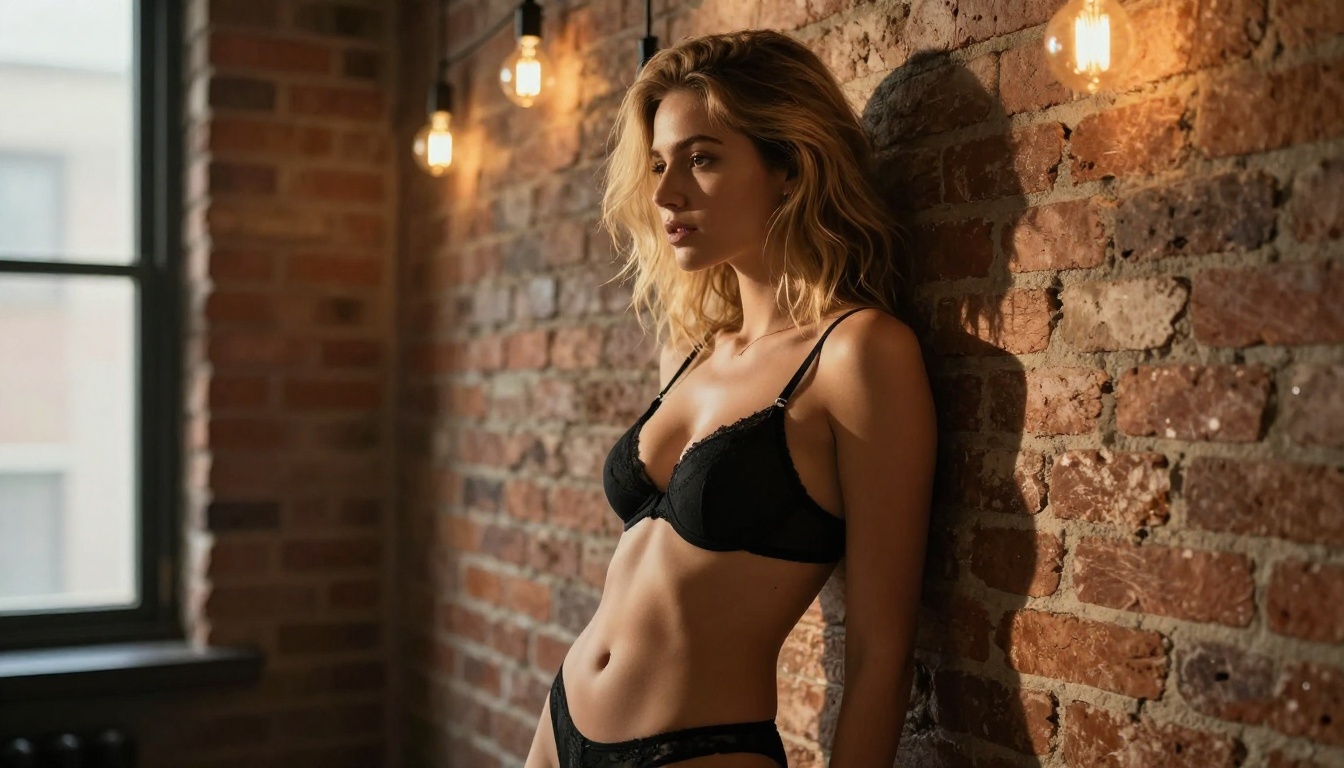
How to Use Flux Fast on PicassoIA
Since Flux Fast is the recommended starting point for most creators, here is a step-by-step walkthrough for getting the best results on the platform.
Step 1: Open Flux Fast
Navigate to the model page and click "Generate." You will see a prompt field and a set of parameters on the right side.
Step 2: Write a Specific Prompt
Vague prompts produce vague results. Instead of "attractive woman on a beach," write: "Photorealistic 8K portrait of a young woman in a white linen shirt and denim cutoffs standing on a sandy beach at golden hour, backlit by warm sunset, 85mm f/1.8, natural skin texture, slight wind in hair, Kodak Portra 400"
The more specific you are about:
- Clothing and fabric
- Lighting direction and color temperature
- Camera lens and aperture
- Film emulation or color grade
...the better the output.
Step 3: Set Aspect Ratio to 16:9
For most content platforms, 16:9 is the standard. Set this before generating.
Step 4: Iterate
Your first result will not be your best. Run 3-5 variations with minor prompt adjustments. Change the lighting description, the camera angle, or the background. Keep what works.
Step 5: Edit with Flux Kontext Fast
Once you have a strong base image, pass it to Flux Kontext Fast for refinements: change the outfit, adjust the background, or shift the mood without losing the subject.
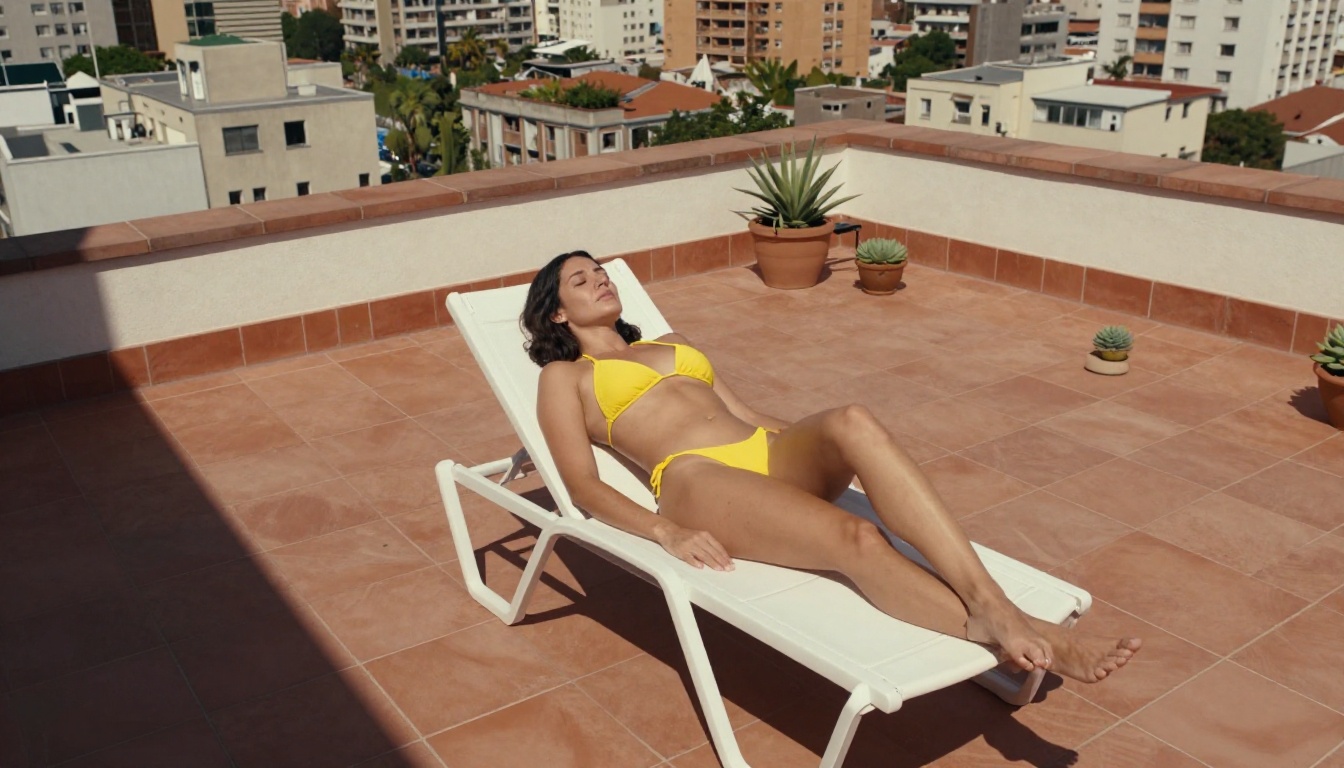
The Real Math: AI vs. Studio Photography
Adult content creators who rely on traditional photography face predictable costs. Here is what the numbers look like:
| Expense | Monthly Cost (Traditional) | Monthly Cost (AI) |
|---|
| Photographer | $500 - $2,000 | $0 |
| Location/Studio | $200 - $800 | $0 |
| Wardrobe | $300 - $1,000 | $0 |
| Editing (outsourced) | $200 - $500 | $0 |
| PicassoIA (unlimited) | N/A | ~$30 - $50 |
| Total | $1,200 - $4,300 | ~$30 - $50 |
The ROI is not incremental. It is categorical. Creators who have made this shift report producing 3-5x more content per month at a fraction of the previous cost.
The speed advantage is equally significant. A traditional shoot produces 50-200 usable images over a full day. An AI-powered creator can generate that same volume in an afternoon, then spend the rest of the week on promotion, community interaction, and subscriber retention.
Scaling With AI: What Top Creators Do Differently
The creators who are winning in 2027 are not just using AI to replace photography. They are using it to build content systems.
Content batching: Generate 50-100 images in a single session. Schedule them across the month. You are never scrambling for content.
Theme calendars: Plan content themes weeks in advance. Tropical content in January, urban editorial in February. Use AI to pre-generate everything.
Persona development: Build a consistent character with Portrait Series and Flux Redux Dev. Your subscribers build a relationship with that persona across weeks and months of content.
Upsell with quality: Use Dreamina 3.1 and Hunyuan Image 3 for premium-tier content. Reserve the highest quality outputs for your top subscribers.
💡 The creators charging the most right now are selling consistency and quality, not just novelty. AI gives you both at scale.
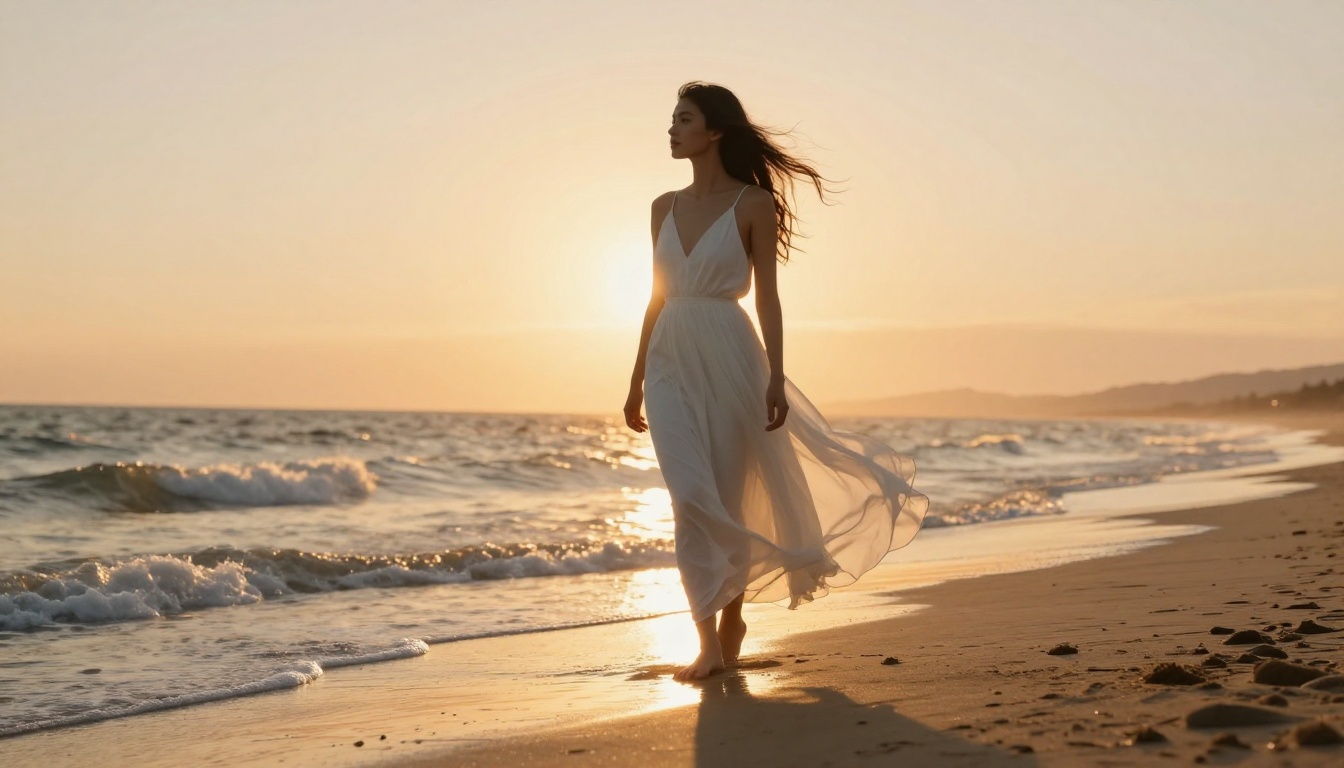
Two Models Worth Adding to Your Stack
Flux Pro Finetuned
Flux Pro Finetuned is for creators ready to invest in a custom model. Fine-tuning means training the model on your specific aesthetic preferences, so every output is calibrated to your brand from the start. This is the professional tier, built for creators who have found their visual identity and want to lock it in permanently.
Flux 2 Klein 4B Base
Flux 2 Klein 4B Base is a lightweight base model that pairs well with custom LoRA fine-tuning. Creators who want total control over their visual output use this as the foundation layer, then stack editing tools on top for a fully personalized production pipeline.
Start Producing Content That Converts
The barrier to professional-quality adult content production has never been lower. The tools exist. The platforms support it. The only variable is whether you are using them.
Start with Flux Fast for volume. Add Flux Kontext Fast for consistency. Bring in Dreamina 3.1 and Hunyuan Image 3 when quality matters most. Use Portrait Series to build a persona your subscribers return for week after week.
PicassoIA puts all of these models in one place, accessible without needing technical knowledge or dedicated hardware. Open a model, write a prompt, generate. That is the entire workflow.
The creators earning the most right now are not waiting for better tools. They are using the best ones available today. Open PicassoIA, pick a model, and start creating images that your subscribers will pay for.


