If you have ever sat through a dubbed anime episode where the voice felt robotic, flat, or just slightly off from what the character should sound like, you already know the problem AI is now solving at a remarkable pace. The best AI tools for anime character voice acting have moved from novelty to production-ready in the span of roughly two years, and right now the gap between human voice direction and AI-assisted performance is narrowing fast enough that studios, indie creators, and solo animators are all paying attention.
This article breaks down which tools actually deliver, how they fit together in a real production workflow, and exactly where PicassoIA's lineup slots in for each stage.
Why Anime Voice Production Shifted
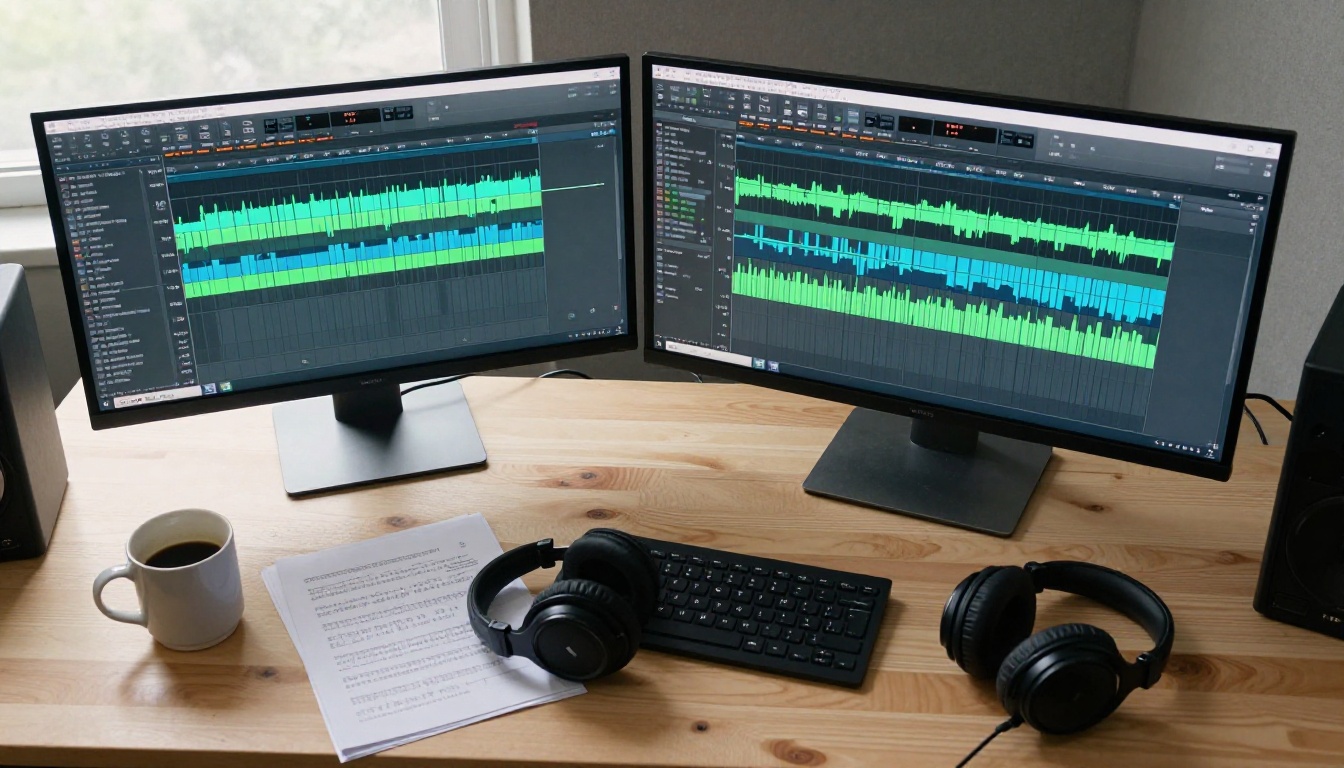
The traditional anime dubbing process was slow and expensive by design. A single episode required booking a recording studio, scheduling voice talent, running multiple takes for each line, and then sending audio through rounds of editing before it could sync to picture. For big studios with deep budgets, that process made sense. For indie animation teams or global dubbing operations working across dozens of languages, it was a bottleneck.
What Studios Spent Before
A professional voice recording session with talent fees, studio booking, and director time averaged between $200 and $800 per finished minute of audio for a mid-tier production. Multiply that by 24 minutes of episode content, then multiply again by the number of dubs you want to produce (Japanese, English, Spanish, French, Portuguese), and the math turns painful very quickly.
AI text-to-speech and voice cloning tools have not replaced human voice actors in the creative sense. What they have done is make iteration fast, make multilingual output realistic, and give small teams the ability to prototype full character performances before committing budget to a studio session.
The 3 Problems AI Actually Solved
Speed. A TTS model can render a full episode script in under two minutes. Revisions that used to mean rescheduling talent now take seconds.
Voice consistency. Once you define a character's voice with a cloned reference or a synthesized profile, every line in every episode sounds like the same person, regardless of how long your production takes.
Language scaling. The best multilingual TTS models can carry the same character voice into 30 or 70+ languages without re-recording from scratch, which is the single biggest cost reduction in global anime distribution.
Best TTS Models for Anime Characters
Not all text-to-speech tools handle animated character performance the same way. Anime voices need range: high-pitched genki energy, deep brooding authority, comedic exaggeration, and emotionally charged moments where the delivery has to feel live. Here is where each model sits.
ElevenLabs V3 for Expressive Emotion
ElevenLabs V3 is the model to reach for when your script has emotional peaks. It handles crying, laughing, whispering, and shouting within the same voice profile without breaking character consistency. For anime specifically, the ability to push emotional intensity without creating audio artifacts is what separates it from older TTS approaches.
V3 also respects pacing instructions embedded in the text. If you write a line with an ellipsis or a capitalized word, the model interprets that as a performance cue rather than ignoring it.
💡 For battle scenes or highly dramatic sequences, use capitalization sparingly in your script to signal intensity to the model. V3 picks up on those cues and will naturally elevate the delivery.
ElevenLabs V2 Multilingual is worth pairing alongside V3 when your project needs output in more than a handful of languages. It covers 30+ languages and preserves voice identity across them well enough for production use.
MiniMax Speech 2.8 HD for Studio-Quality Output
MiniMax Speech 2.8 HD sits at the quality ceiling of what AI TTS can produce right now. Its audio output is dense, warm, and artifact-free in a way that holds up to professional post-production processing.
For anime production, this matters when you are delivering files to a mixing engineer. Audio that already sounds clean costs less to finish in post. Speech 2.8 HD generates at a fidelity that does not require heavy noise reduction or EQ correction before it sits in the mix.
When speed is the priority over maximum fidelity, MiniMax Speech 2.8 Turbo delivers nearly the same quality at a significantly faster rendering rate, useful for iterating through character line reads quickly.
Resemble AI Chatterbox for Voice Cloning
When you need to build a character voice from a reference recording rather than selecting from pre-built profiles, Resemble AI Chatterbox is one of the most accessible voice cloning tools available.
The workflow is direct: provide a short audio sample of the voice you want to clone, then submit text. The model maps the phonetic characteristics, pitch range, and speaking rhythm of the reference onto the output. This is particularly valuable if you have a human voice actor who has recorded a short reference session and you want to extend that performance without booking more studio time.
Chatterbox Pro adds emotion control sliders on top of the base cloning capability, letting you specify the intensity of specific emotional states in the output.
4 More TTS Models Worth Knowing
Beyond the top three, the TTS category on PicassoIA has several models suited to specific anime production needs:
Qwen3 TTS deserves a specific callout for character creation. Rather than cloning an existing voice, it lets you describe and build a voice from properties. If your anime character needs a voice that has no obvious human reference, this is the tool that gives you that starting point.
Generating great audio is only half the problem. In animation, the audio has to sync to the character's mouth movements, or the whole performance falls apart. The lipsync tools available on PicassoIA have become precise enough to use in production without manual frame correction.
Omni Human 1.5 for Photo-to-Talking Video
ByteDance Omni Human 1.5 takes a static image of a character and animates it to match an audio track. For anime character concept sheets or promotional art, this means you can produce a talking character clip without any frame-by-frame animation work.
The output quality in 2027 is realistic enough that the motion feels natural rather than mechanical. Subtle secondary movement in the shoulders and neck accompanies the lip animation, which prevents the uncanny stillness that older talking-head tools produced.
HeyGen Lipsync Precision for Multi-Language Dubs
HeyGen Lipsync Precision focuses on accuracy over speed. When you are producing a dub where the mouth movements need to match new audio recorded in a different language, Precision applies a more computationally intensive analysis pass to get the phoneme-to-frame alignment as tight as possible.
This is the right tool when the final output will be viewed at full resolution on a large screen where loose sync would be noticeable. For quick social media clips or previews, HeyGen Lipsync Speed produces acceptable results at a much faster turnaround.
💡 For multilingual dubbed anime, run your AI-generated TTS audio through HeyGen Lipsync Precision rather than Speed. The difference in frame-accuracy is most visible in close-up character shots.
Sync Lipsync 2 Pro for Frame-Accuracy
Sync Lipsync 2 Pro is the production-grade option when frame accuracy is non-negotiable. It analyzes audio at a phoneme level and retargets the mouth shape in the video to match with sub-frame precision.
For anime post-production workflows where the animators have already approved the mouth shapes in the original language version, Lipsync 2 Pro can replace those mouth shapes with the new language performance without needing to re-render the underlying animation. Sync React 1 handles more stylized or exaggerated face rigs well, which suits the broader visual range of anime character designs.
Kling Lip Sync and PrunaAI P Video Avatar round out the lipsync category for specific use cases. Kling is particularly effective when working with video source footage that has fast head motion, while P Video Avatar specializes in avatar creation pipelines where a static reference image is the starting point.
How LLMs Write Better Anime Scripts
Voice acting starts with the script. If the writing is awkward, no amount of expressive TTS performance will save the line. Large language models have become practical tools for generating character-consistent dialogue that works as voice acting material.

GPT 5 for Rapid Character Dialogue
GPT 5 handles large-scale dialogue generation well. If you provide a character sheet describing personality, speech patterns, and vocabulary level, it will produce consistent character voice across hundreds of lines.
The practical workflow for anime production is to write a character bible for each main cast member, then use GPT 5 to draft full scene dialogue. The model is fast enough that you can run multiple iterations of the same scene to find the version that works best for the voice actor or TTS model you are using.
GPT 5 Pro adds extended reasoning capability, which is worth using for complex plot-heavy scenes where character motivations need to stay internally consistent across a long script.
Claude Sonnet 5 for Consistent Tone
Claude Sonnet 5 is particularly effective for tone matching. Where GPT 5 is faster and better at volume, Claude Sonnet 5 holds character voice more precisely over long outputs without drifting.
For anime series where each character has a distinctive speech register, formality level, or verbal tic, Sonnet 5 maintains those markers better across a full episode script than most alternatives. Claude Opus 4.7 handles the highest-complexity writing tasks, including nuanced emotional subtext and culturally specific dialogue that needs to translate cleanly into dubbed languages.
💡 Provide Claude with 5-10 example lines in the character's voice before asking it to write new dialogue. It will calibrate to that sample and produce output that already sounds like the character.
How to Use ElevenLabs V3 on PicassoIA
ElevenLabs V3 is available directly through PicassoIA without needing a separate ElevenLabs account. Here is how to use it for anime character voice work from start to finish.

Step 1: Open the model. Navigate to ElevenLabs V3 on PicassoIA and select a voice from the available presets, or provide a reference audio file to clone.
Step 2: Prepare your script. Paste your character's dialogue into the text field. Use simple formatting cues: ALL CAPS for stressed words, ellipsis for hesitation pauses, question marks to lift pitch at the end of lines.
Step 3: Set voice parameters. Adjust stability and clarity settings. For anime characters that need expressive range, pull stability down slightly from the default. Higher stability produces a more controlled performance; lower stability allows more natural variation between lines.
Step 4: Generate and review. Run the generation and listen to the output in full before downloading. V3 rarely needs more than one retry, but if the emotional tone is off, adjust your formatting cues in the text rather than regenerating blind.
Step 5: Export for lipsync. Download the audio file in WAV format at the highest available bitrate. This preserves all the fine phonetic detail that lipsync models need to perform accurate mouth-shape alignment.
Step 6: Apply lipsync. Take the exported WAV and your character image or video into HeyGen Lipsync Precision or Sync Lipsync 2 Pro to produce the final synchronized output.
Choosing the right tool depends on what your project needs most. This comparison covers the tools discussed in this article across the dimensions that matter for anime voice production.
Your Anime Voice Production Stack
The tools above work best when they connect into a production sequence rather than being used in isolation. Here is how to build a stack that moves from concept to finished voice performance efficiently.
Step 1: Write with an LLM
Start with Claude Sonnet 5 or GPT 5 to draft your character's full script. Provide each model with a detailed character voice document before writing any dialogue. Include: age range, emotional baseline, speech formality, verbal tics, and 5-10 example lines that represent the character at their most typical.
For series-length projects, Deepseek R1 is worth using for consistency checking across a large volume of dialogue, since its reasoning architecture handles long-context character analysis well.
Step 2: Generate Voice with TTS
Take the approved script into your chosen TTS model. For most anime character types, ElevenLabs V3 handles the expressive range. For projects where post-production audio quality is a hard requirement, use MiniMax Speech 2.8 HD to get files that need minimal processing before delivery.
If your character needs a one-of-a-kind voice that does not exist in any preset library, go to Qwen3 TTS to design a voice profile, then use that output as a reference for Chatterbox Pro to clone it with emotion control.
For projects that need to ship audio in many languages simultaneously, Gemini 3.1 Flash TTS with its 70+ language coverage provides the widest net with a single model, reducing the number of voice profiles you need to manage.
Step 3: Sync Lips for Video
With finished audio files in hand, bring the output into a lipsync tool. For static character art or promotional material, Omni Human 1.5 takes a single image and produces a full talking-head animation. For existing video footage being dubbed into a new language, Sync Lipsync 2 Pro retargets the mouth shapes with the precision needed for broadcast-quality output.
If you are working on content for social platforms where the audience watches at smaller sizes and faster scrolling speeds, HeyGen Lipsync Speed produces output fast enough to keep pace with a high-volume content schedule.
Every model referenced in this article is available through PicassoIA's full model collection. The platform puts TTS, lipsync, and LLM tools in one place, so you are not managing accounts or API credentials across five different services to run a single production workflow.
Start with a short test scene of 10-15 lines. Pick one character, run the script through ElevenLabs V3, and bring the audio into HeyGen Lipsync Precision with a character reference image. That short loop will show you in about 15 minutes whether the tools fit your project's quality bar. Most productions find they do.
The quality ceiling for AI anime voice acting right now is higher than most creators expect until they try it. The tools exist, they are accessible, and the stack described above is what production teams are using to ship real content today.


