The creator economy crossed $250 billion in value and it keeps climbing. If you run an OnlyFans, Fansly, or any subscription-based adult content platform, you already face the core pressure: post consistently, maintain quality, and stand out in a market that adds thousands of new creators every week. The professionals doing it best right now have one thing in common. They are using AI tools that most of their competitors still do not know exist.
This breakdown covers the real best AI tools for OnlyFans and adult creators, what each one does, which ones are worth your time, and how to fit them into a production workflow that actually scales.
Why AI Is Reshaping Adult Content Creation
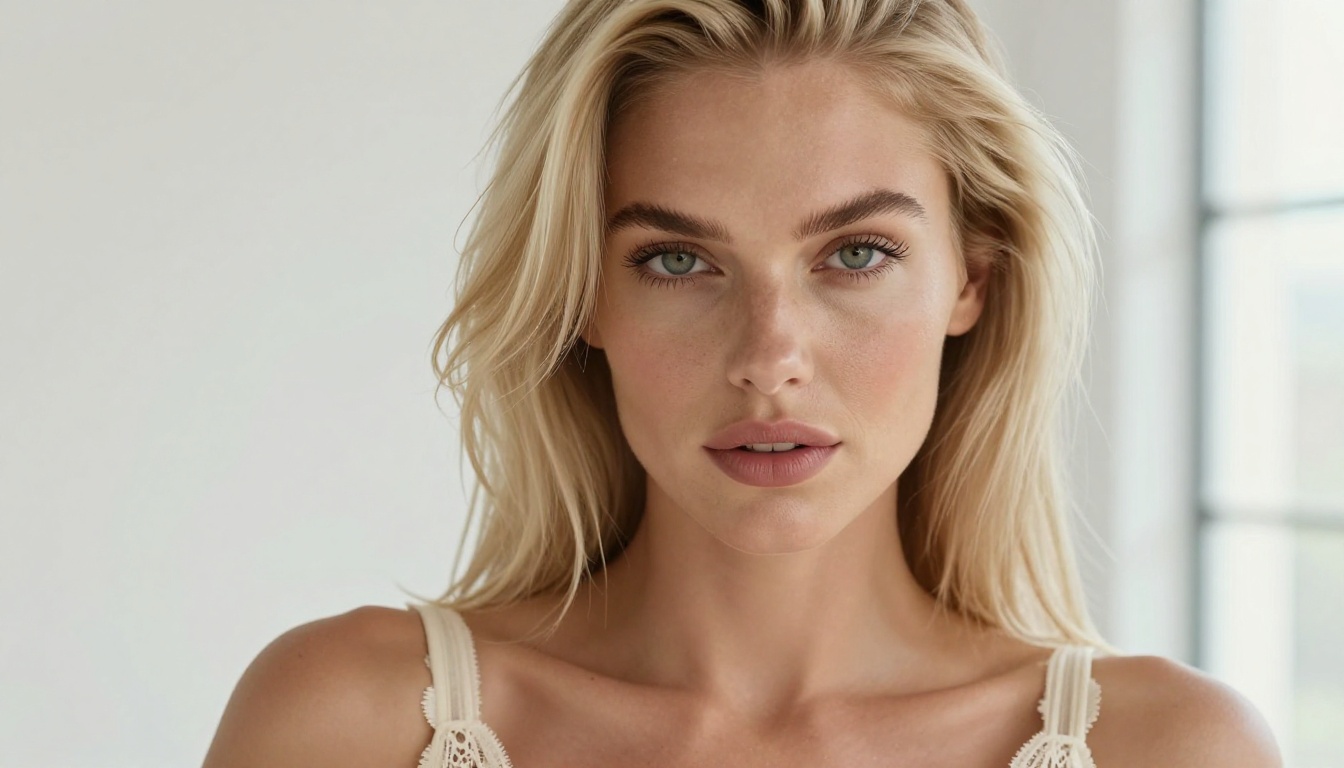
From Hours to Minutes
Editing a single photo set used to mean Lightroom adjustments, Photoshop retouches, background cleanup, resizing, and exporting for multiple aspect ratios. With AI tools, that pipeline collapses into a sequence of single clicks. Creators who once spent three hours on a 20-photo set are now completing it in under 30 minutes, at higher quality, with more visual consistency across the set.
| Task | Manual Time | With AI Tools |
|---|
| Background removal (10 photos) | 45 min | Under 2 min |
| Upscaling a blurry shot to 4K | 20 min | 10 seconds |
| Generating a themed scene | Not possible | 90 seconds |
| Portrait retouching | 30 min | 5 min |
Quality Without a Professional Setup
Not every creator has a studio, a professional camera body, or a lighting rig. AI eliminates much of the gap. A smartphone photo taken in decent natural light can become a high-resolution, sharp, professionally polished image that reads as commercial-grade to anyone viewing it.
The playing field is leveling. A creator with a $500 phone and the right AI tools now competes directly on image quality with creators spending thousands per month on production.
The tools covered below are all accessible through a browser, require no installation, and are built to fit into a solo creator's workflow without a technical background.
AI Image Generation: What It Does for Your Content

Text-to-Image for Adult Creators
Text-to-image models let you describe what you want in plain language and receive a photorealistic image in seconds. For adult creators, this opens specific possibilities: fantasy content that is impossible to photograph, consistent themed collections without multiple shoot days, and promotional material for platforms where explicit content is restricted.
PicassoIA hosts over 91 text-to-image models, covering architectures from ultra-realistic portrait generators to stylized fantasy engines. Each serves a different creative purpose, and most support NSFW content with appropriate settings.
What text-to-image is best for:
- Promotional banners and social media teasers for subscriber acquisition
- Fantasy and roleplay scenario content that would require extensive props or locations
- Consistent character studies across multiple scenes with the same look
- Building themed collections without booking multiple shoot days
Getting the Look Right Every Time
The difference between a mediocre AI image and a great one is prompt specificity. Successful creators treat prompting as a core creative skill. They specify lighting direction, skin texture detail, camera angle, lens focal length, and mood in the same way a director would brief a photographer.
Prompt tip: Phrases like "85mm portrait, Kodak Portra 400, golden hour from the left, shallow depth of field, subsurface skin scattering" consistently produce more photorealistic results than vague descriptions. Be specific about what you want and the model will deliver it.
Prompt structure that works:
- Subject description: person, clothing, pose, expression
- Environment and background details
- Lighting conditions and direction
- Camera angle and lens specifics
- Texture and atmosphere descriptors
Super-Resolution: Never Post a Blurry Photo Again
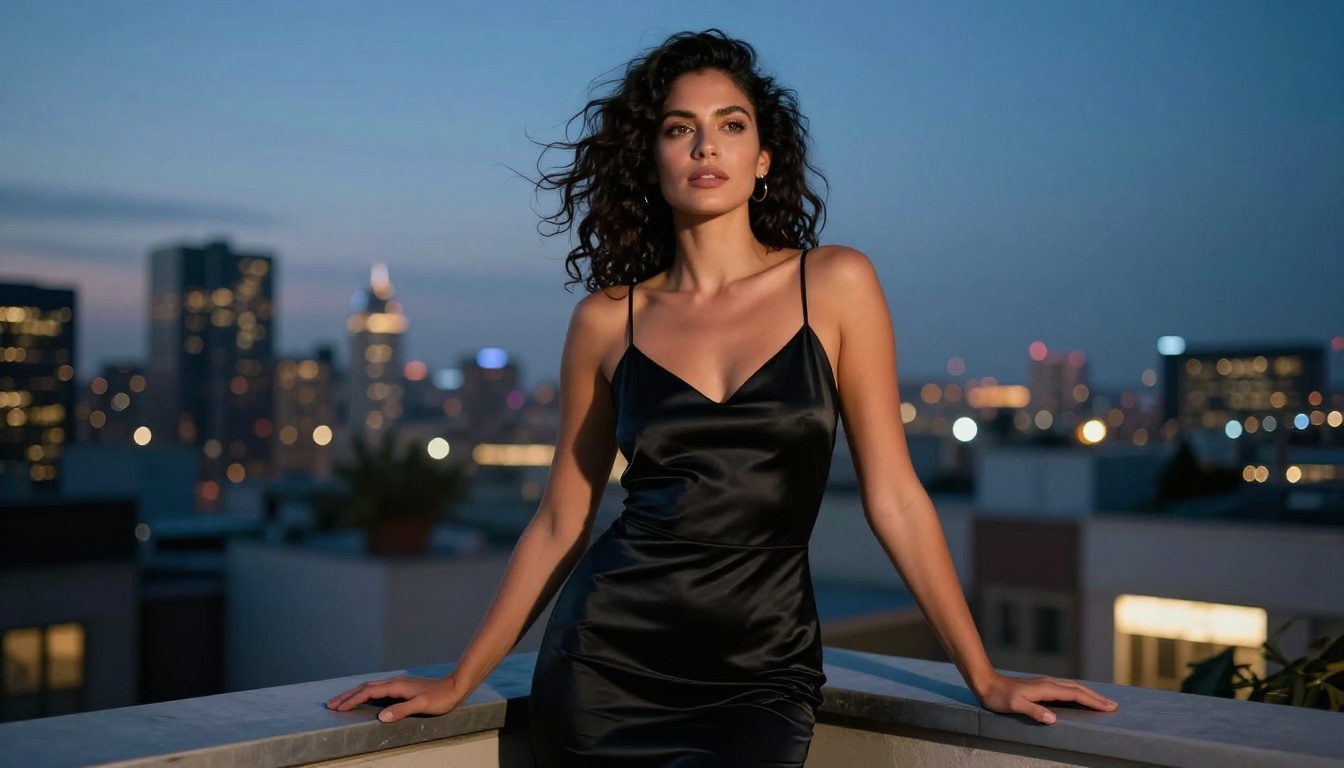
Image upscaling is one of the highest-ROI AI applications for content creators. A portrait that looks soft at 1080p becomes sharp and detailed at 4K. This matters on platforms that display images at full resolution, and on retina screens where quality issues are immediately visible. Subscribers notice the difference, even if they cannot articulate exactly why one creator's photos look better than another's.
Clarity Pro Upscaler
Clarity Pro Upscaler is built for photorealistic results on portrait content. It does not simply enlarge pixels. It reconstructs detail at the sub-pixel level, adding texture to skin, sharpening individual hair strands, and recovering edge definition that image compression destroys. For creators whose content is primarily portrait-focused, this is one of the most impactful single tools available.
Best for: Portrait sets, close-up facial photography, skin texture restoration after compression
Crystal Upscaler for Portraits
Crystal Upscaler is tuned specifically for human subjects. Where general upscalers tend to over-sharpen and create visible artifacts on skin, Crystal Upscaler preserves the natural softness of skin texture while recovering genuine fine detail in hair, fabric, and eyes. The result is consistently more natural than competing tools for this use case.
Best for: Subscription content, promotional headshots, close-up beauty photography
Topaz Image Upscale
Topaz Image Upscale is the industry benchmark for maximum enlargement quality. It supports up to 6x enlargement while maintaining clarity, which means a phone camera photo can become print-ready. Creators who sell physical merchandise, printed materials, or high-resolution content packages use this to ensure quality holds at any format.
Other strong options in this category:
- Real ESRGAN — Fast, free, excellent for full-body shots and outdoor content
- P Image Upscale — One-second processing, ideal for high-volume batch workflows
- Google Upscaler — Reliable 4x output with minimal artifacts across varied content types
Background Removal: Clean, Professional Shots Fast
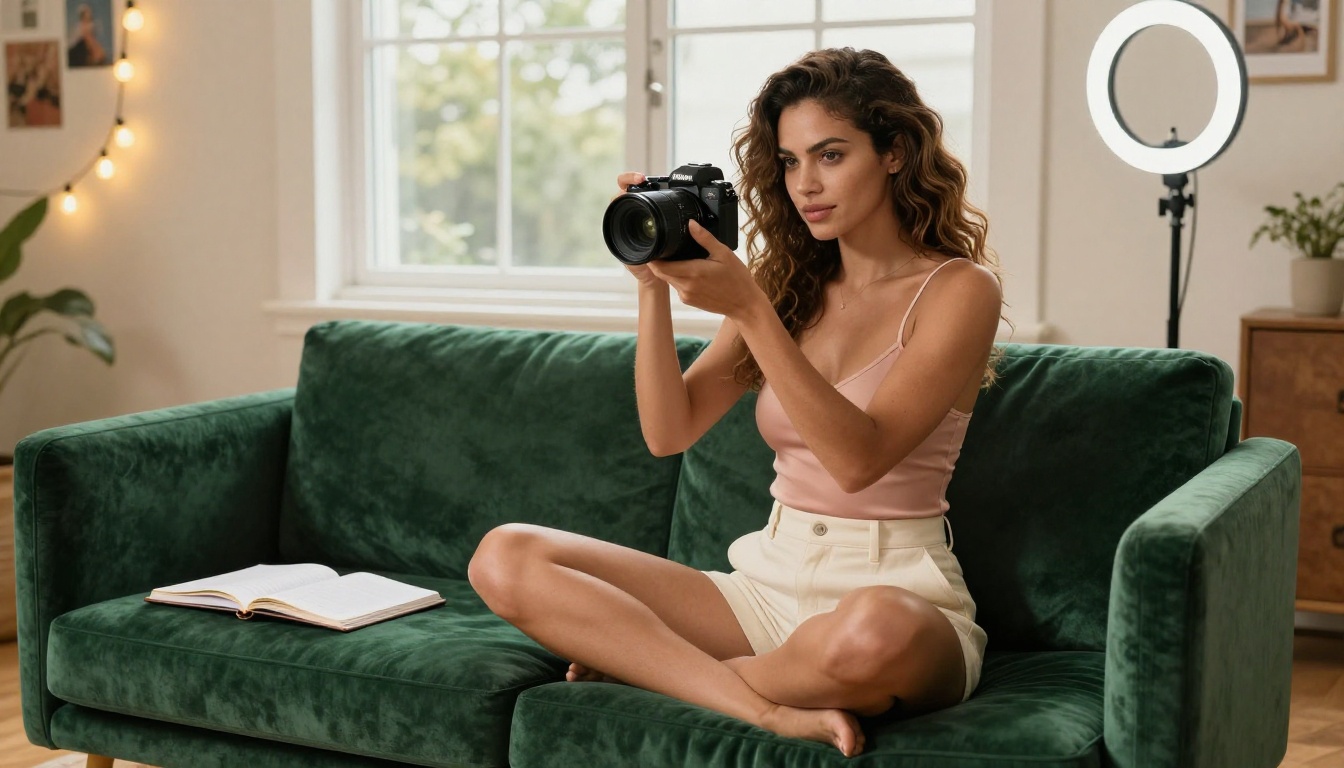
One-Click Background Swap
A cluttered or unflattering background kills an otherwise great photo. Messy rooms, visible personal items, bad wall lighting — all of it disappears with AI background removal. Background Removal by Bria is the most accurate tool in this category. It handles hair strands, sheer fabrics, and skin-against-light-background scenarios without the halos and jagged edges that cheaper tools leave behind.
Once the background is removed, creators can:
- Replace with solid colors for clean, professional subscription thumbnails
- Add aspirational environments: penthouse, tropical beach, luxury hotel suite
- Build a consistent branded backdrop across an entire content library
- Produce multiple apparent "locations" from a single shoot session
Workflow tip: Shoot against a plain wall or white sheet, then remove the background and add your chosen environment in a separate step. You get a premium location look without leaving your apartment.
What the tool handles cleanly:
- Complex and curly hair against varied backgrounds
- Sheer, transparent, and lace fabrics
- Soft skin gradients against bright or dark backgrounds
- Layered subjects with depth in the frame
Face Swap AI: Protect Your Identity
Identity protection is a serious and legitimate concern for creators in the adult space. Face swap AI addresses this directly. By applying a consistent AI-generated face, creators maintain a public persona completely separate from their personal identity. The output from current models is convincing enough that subscribers rarely detect the swap.
Beyond privacy, face swap tools serve real creative purposes:
- Maintaining a consistent visual identity across content produced over many months
- Producing varied content in single sessions while preserving a recognizable on-brand appearance
- Testing different aesthetics, hair colors, and looks without physical changes
PicassoIA's Face Swap AI delivers realistic instant swaps with accurate skin tone matching, natural expression preservation, and consistent lighting integration between the original image and the applied face. The tool operates in the browser with no complex setup required.
When face swap makes sense:
- Creators building a persona separate from their personal identity
- Content that spans multiple months with consistent appearance
- Promotional assets requiring a specific recurring look
Upscale and Restore Your Video Content
Still photography is not the only format that benefits from AI processing. Short video clips, promotional reels, and longer subscription videos all benefit from AI restoration and upscaling. Low-resolution footage shot on a phone in poor light can be brought to a professional standard without reshooting.
Crystal Video Upscaler
Crystal Video Upscaler takes footage to 4K with the same portrait-optimized approach as its image counterpart. Motion is handled smoothly without frame ghosting, which is critical for video content where visual artifacts are far more visible than in still images. This is the top choice for subscription video content where portrait quality is the priority.
Topaz Video Upscale
Topaz Video Upscale supports 4K output at up to 120fps. This matters for subscription platforms that reward high-quality video uploads with better algorithmic placement. Creators posting content shot at 1080p or 720p can immediately improve their entire back catalog without re-recording anything.
Video upscaling tools at a glance:
| Tool | Max Output | Best For |
|---|
| Crystal Video Upscaler | 4K | Portrait and close-up content |
| Topaz Video Upscale | 4K at 120fps | High-motion and full-body content |
| Runway Upscale v1 | 4K | General mixed content, fast processing |
Runway Upscale v1 rounds out the video toolkit as a fast, reliable option for general footage where portrait-specific optimization is less critical.
Building a Smarter Content Workflow

Batch Processing Your Archive
Most creators have an archive of older content that underperforms because the quality does not hold up to current platform standards. AI tools solve this without a reshoot. Running an archive through upscaling and background cleanup is a one-time process that reactivates content that was essentially unused.
A practical archive revival workflow:
- Export all lower-resolution images from your archive
- Run through P Image Upscale for fast batch processing across the full set
- Apply Clarity Pro Upscaler to portrait-heavy shots for maximum detail recovery
- Remove and replace backgrounds where the original setting does not match your current brand
- Repost as vault or throwback content with a refreshed caption strategy
This workflow can generate 30 to 60 posts worth of revived content from existing material at no additional shoot cost.
Mixing AI With Your Real Photos
The creators getting the best results treat AI as a production layer, not a replacement for real content. Real photos stay the foundation. AI handles resolution improvement, background swaps, supplementary generated imagery, and video restoration. Subscribers respond to authenticity, and the best workflow is one where AI makes your real content look better, not one where it replaces real content entirely.
The winning formula: Real shoot content plus AI upscaling plus generated supplementary imagery equals a posting schedule that fills itself without burning out the creator.
Content types and recommended tools:
| Content Type | Recommended AI Tools |
|---|
| Portrait photos | Crystal Upscaler, Clarity Pro Upscaler |
| Full-body shots | Real ESRGAN, Background Removal |
| Short video clips | Crystal Video Upscaler |
| Promotional banners | Text-to-Image, Background Removal |
| Fantasy or themed sets | Text-to-Image (91 models available) |
| Older phone footage | Topaz Video Upscale |
How to Use PicassoIA for Your Content
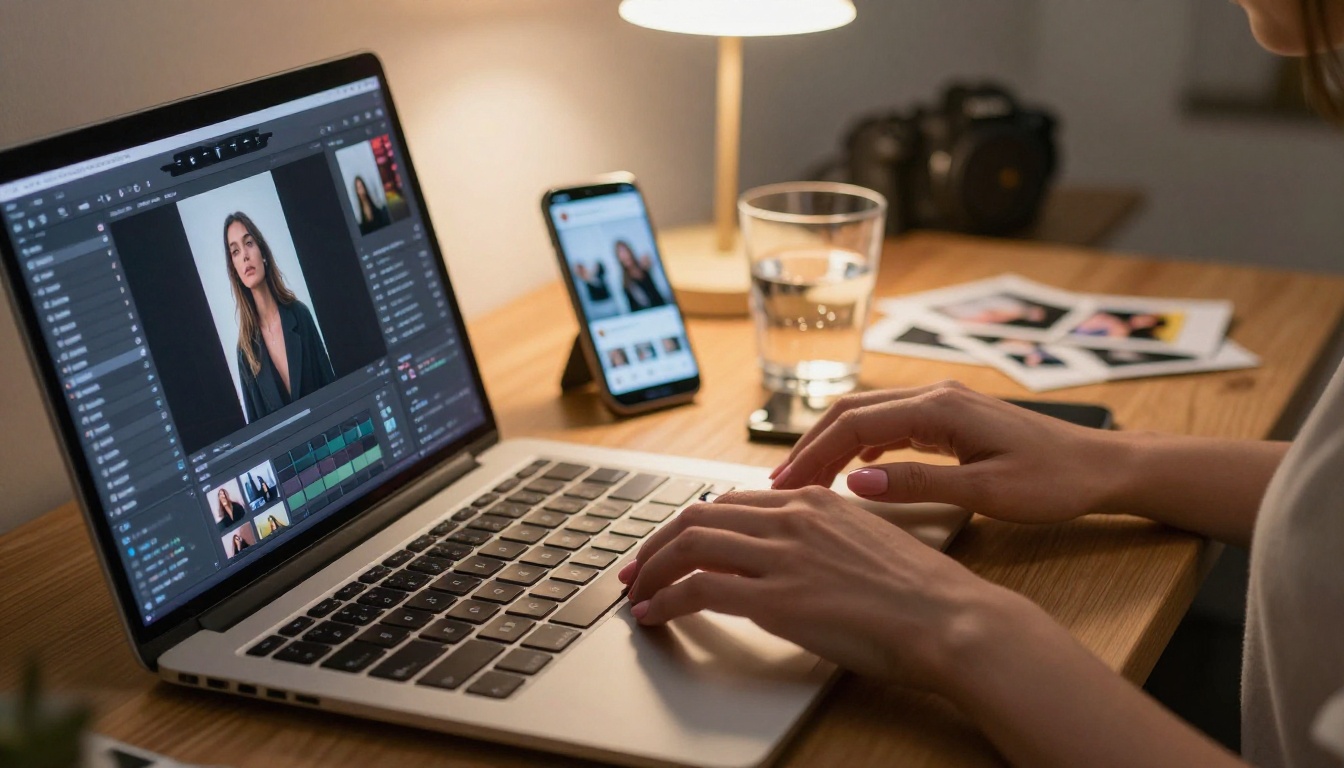
PicassoIA brings all of these tools into one browser-based platform without any software installation required. A typical creator session on the platform looks like this:
Step 1: Upload your source material. The interface accepts all standard image and video formats. Drag and drop works for single files; batch upload handles full sets at once.
Step 2: Pick your tool. Navigate to the category that matches your need. Super Resolution for quality improvement. Background Removal for isolation. Text-to-Image for generated content.
Step 3: Adjust parameters. Each model includes settings for output resolution, processing intensity, and style preferences. For portrait work, the presets produce strong results immediately without manual adjustment.
Step 4: Generate and download. Processing runs in seconds to a few minutes depending on the model and file size. Output downloads directly to your device, ready to post without additional steps.
Step 5: Iterate quickly. The platform keeps recent outputs accessible so you can compare results from different models side by side and choose the version that best fits your needs.
The full workflow from raw image to platform-ready content takes minutes, not hours.
What to Do Right Now
The AI tools that were experimental and unreliable two years ago are now the production standard for creators who take their content seriously. Background removal that required a professional retoucher is now a single click. Upscaling that required dedicated software now happens in seconds in a browser. Generated imagery that needed a specialist is now instant and accessible from any device.
The creators building sustainable subscription businesses right now are using all of this, consistently. They post more content at higher quality with less manual effort, and the results show in subscriber retention and monthly revenue.
Start with one tool. Take your last five photos and run them through Crystal Upscaler. The sharpness and professional quality difference will be visible immediately. From there, try the background removal tool, then the text-to-image models for supplementary or promotional content.
PicassoIA is free to try. Your first visible quality improvement happens the moment you upload your first photo.


