TikTok moves fast. What worked last week is already buried, and creators who produce more, produce better, and post consistently are the ones who win the algorithm. That is exactly why AI video tools have become the real secret weapon for every serious TikTok creator in 2027.
Whether you are turning a text prompt into a polished clip, adding cinematic effects to raw footage, or auto-captioning content for silent scrollers, the right AI tool cuts production time from hours to minutes. This article breaks down the best options available right now, organized by use case, with direct links to every model.
Why AI Beats Manual Video Production
The numbers are clear: TikTok's algorithm rewards volume and consistency as much as quality. Posting 3-5 times per week while maintaining professional-looking content is nearly impossible without automation. AI tools close that gap.
Three things AI does better than manual editing:
- Speed: A 30-second TikTok clip that takes 4 hours to film, edit, and caption manually can be generated, styled, and captioned in under 10 minutes.
- Variety: Generate multiple versions of the same concept to A/B test hooks, styles, and pacing without any additional filming.
- Polish: Models like Seedance 2.0 produce cinematic-quality video with synchronized audio directly from text prompts, no camera required.
💡 The creators gaining 10K-100K followers per month are not working harder. They are using AI to post more, test more, and iterate faster than the competition.
The shift is real. Knowing which tools to use, and when, is the difference between growing and stagnating on the platform.
The Best Text-to-Video Models for TikTok
Generating video directly from a text prompt is the foundation of AI-powered TikTok content. These models produce the highest-quality short-form clips available in 2027.
Seedance 2.0 for Viral Content
Seedance 2.0 from ByteDance is purpose-built for social media video. Its most important feature for TikTok creators: native built-in audio. You describe the scene, and the model generates video with synchronized ambient sound, effects, and even music beds already baked in.
The quality at 1080p is genuinely cinematic. Motion is smooth, faces remain consistent through cuts, and the model handles complex scenes without the stuttering artifacts common in older text-to-video models. For creators who want polished output without post-processing, this is the top pick.
For faster turnaround, Seedance 2.0 Fast delivers the same quality at higher speed, ideal for batch content days when you need 10 or more clips generated in a single session.
Kling v3 for Cinematic Shots
Kling v3 Video excels at cinematic motion and precise camera control. If you need slow dolly-ins, dramatic reveals, or controlled panning shots, Kling v3 delivers them reliably. It handles human subjects with strong temporal consistency, meaning your virtual talent stays recognizable frame-to-frame across the entire clip.
For motion-controlled animation from photos, Kling v3 Motion Control lets you define exactly how subjects and cameras move, giving TikTok creators precise control over pacing and rhythm.
Kling v2.6 is a strong alternative at slightly lower cost, producing cinematic 720p content that performs well for standard TikTok feeds without the premium price per generation.
Pixverse v5.6 for Effects and Style
Pixverse v5.6 stands out for its visual effects capabilities. Where most text-to-video models focus on realistic scenes, Pixverse handles stylized content, dramatic lighting changes, and visual transitions that feel native to TikTok's aesthetic language.
For creators in the beauty, fashion, or lifestyle niches, Pixverse's color grading outputs are particularly strong. Pixverse v5 also supports 1080p output with fast processing speeds, making it practical for daily content schedules without long wait times.
Wan 2.7 and Veo 3.1 for Realism
Wan 2.7 T2V produces some of the most photorealistic video outputs available, particularly for outdoor scenes, product showcases, and travel content. Its 1080p output contains fine texture detail that holds up even when TikTok compresses the final published file.
Veo 3.1 Fast from Google is the fastest route to 1080p video with synchronized audio. For news-style commentary clips, talking head videos, and factual content, Veo 3.1's audio synchronization is nearly perfect and does not require any post-production audio work.
Image-to-Video: Animate Your Stills
Not every TikTok clip needs to start from scratch. Image-to-video models take a single photo and produce a 5-15 second clip with natural motion, making them perfect for product reveals, before-and-after content, and transforming static brand photos into TikTok-ready footage.
Wan 2.7 I2V
Wan 2.7 I2V is the strongest image-to-video model for photorealistic animation. Drop in a product photo and describe the motion, and Wan 2.7 produces a fluid clip with accurate physics, natural light behavior, and realistic subject movement. For e-commerce TikTok content, this model is difficult to beat.
Pair it with Wan 2.7 T2V to build hybrid workflows: generate a base scene from text, then use the I2V variant to extend or animate specific frames.
Hailuo 02 and Hailuo 02 Fast
Hailuo 02 from MiniMax delivers 1080p image animation with strong face and body consistency. It is particularly good at animating portrait photos into expressive clips, which is valuable for personal brand content and influencer-style TikTok formats.
Hailuo 02 Fast trades some resolution for speed, running at 512p but delivering results in a fraction of the time. When you need a quick turnaround on multiple clips in a single day, the Fast variant is the practical choice.
Kling v2.1 and Gen4 Turbo
Kling v2.1 handles both text-to-video and image-to-video tasks with consistent quality. For creators using reference images to maintain visual consistency across a series of TikTok videos, Kling's subject tracking makes it particularly effective at building recognizable content aesthetics.
Gen4 Turbo from Runway offers fast image-to-video conversion with precise prompt control over the motion direction and camera behavior. For creators who already have a visual library of photos, Gen4 Turbo turns static assets into motion content without requiring any new shoots.
💡 Combine image-to-video generation with Wan 2.7 I2V and a clean product photo. You can produce 5-10 unique TikTok clips from a single image in a single afternoon, each with different motion directions and framing.
AI Video Editing That Cuts Production Time
Generating video is only half the equation. Editing raw footage, adjusting pacing, adding captions, and reframing vertical content are the tasks that eat hours every week. AI editing tools solve each of these problems directly.
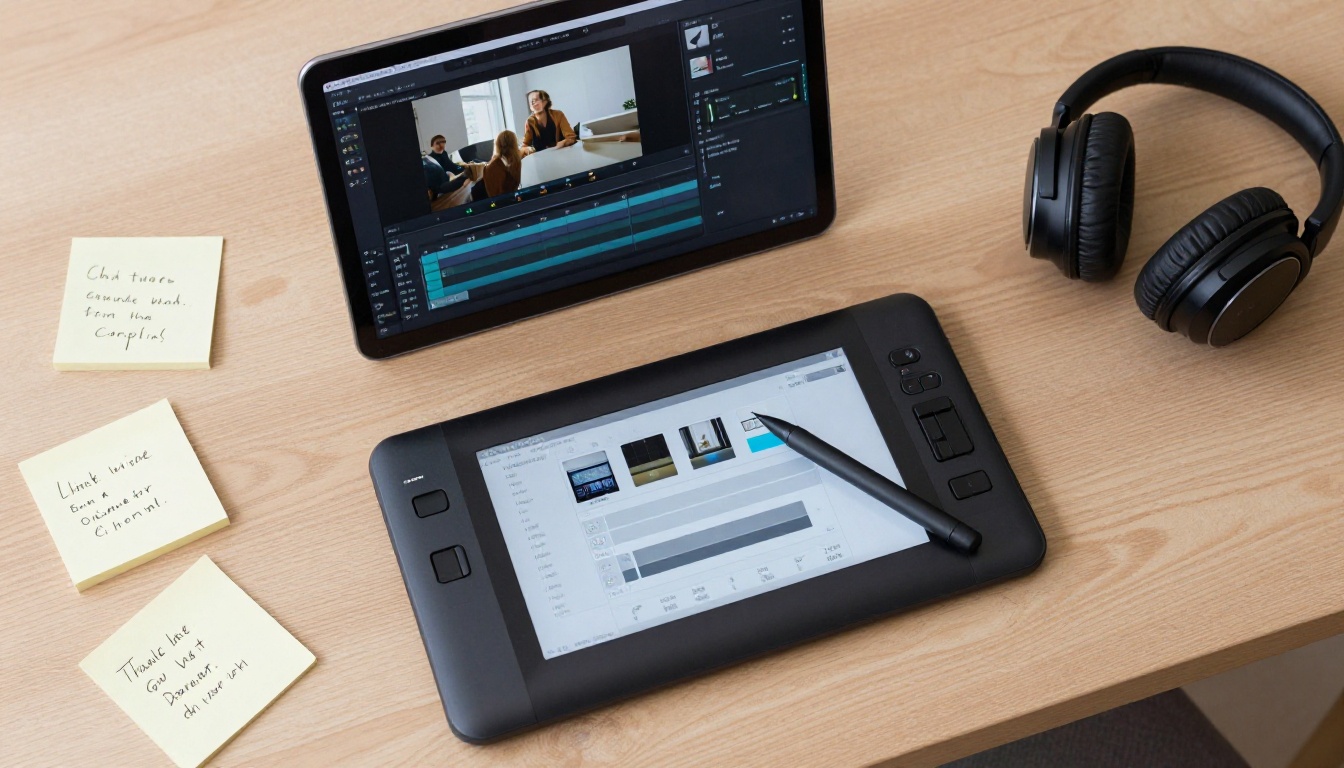
Lucy Edit 2: Text-Based Video Editing
Lucy Edit 2 from Decart changes how video editing works. Instead of dragging timeline clips, you type instructions: "remove the second sentence," "speed up the middle section," "cut to a close-up at 0:15." The model interprets your instructions and edits the video accordingly.
For TikTok creators who want tight, fast-paced edits without spending hours in a timeline, Lucy Edit 2 is one of the most time-saving tools available. It works on raw footage and AI-generated clips with equal accuracy.
Kling o1: Rewrite Any Video
Kling o1 takes an existing video and rewrites its visual style from a text prompt. Have an older clip that needs refreshing? Point Kling o1 at it and describe the new look. The model preserves the motion and pacing while overhauling the visual style entirely.
For repurposing older content into fresh TikTok clips without re-shooting, this is one of the most valuable tools in the AI video editing category.
Reframe Video for Vertical Conversion
Most stock footage and professionally shot content is 16:9 landscape. TikTok is vertical. Reframe Video from Luma automatically converts any aspect ratio to vertical format while keeping the subject centered and compositions intact. It tracks subjects through motion, so the reframe stays accurate throughout the entire clip.
This is essential for creators who source content from multiple platforms or want to repurpose horizontal YouTube videos as TikTok content without letterboxing or awkward cropping.
Wan 2.7 Videoedit and Modify Video
Wan 2.7 Videoedit allows text-based video editing at a high fidelity level. Describe the changes you want and the model applies them consistently across the clip without breaking visual continuity.
Modify Video from Luma takes a similar approach but focuses on visual style transfer. Change a daytime clip to golden hour, shift color grading from cold to warm, or restyle a scene entirely without re-shooting.
The first two seconds of a TikTok video determine whether someone swipes away or stays. Visual effects, object removal, and background replacement are the details that create scroll-stopping content at the open.
Video Erase Object
Video Erase Object from Bria removes unwanted elements from video footage seamlessly. Remove a watermark, erase an unwanted background item, or clean up a distracting element without leaving any visible artifact behind. For perfectionists who need pristine clips before publishing, this is the most reliable solution available.
Video Remove Background
Video Remove Background eliminates the need for a green screen entirely. Record against any background, then replace it in post with a single operation. For TikTok creators who want professional-looking teleportation effects, product showcase backgrounds, or creative location swaps, this is the quickest path to that result.
Real ESRGAN Video and Video Increase Resolution
Low-resolution footage that does not meet TikTok's quality standards can be rescued. Real ESRGAN Video upscales clips to 4K using AI-enhanced detail reconstruction. For creators working with older footage or smartphone clips recorded in 1080p that need more visual punch, this tool sharpens and restores texture detail.
Video Increase Resolution from Bria goes further, supporting upscaling up to 8K for extreme detail requirements. TikTok compresses uploads, so starting from the highest resolution possible ensures the final published video looks sharp on every screen size.
💡 Always upscale before uploading. TikTok's compression algorithm rewards higher-resolution source files with noticeably better output quality on the viewer's end.
Auto-Captions and AI Audio
Roughly 70% of TikTok videos are watched without sound. Captions are not optional for serious creators, and AI audio tools let you add sound effects and ambient audio without any recording setup.
Autocaption
Autocaption adds styled, timed captions to any video automatically. The output is TikTok-ready with readable fonts, accurate timing, and correct word breaks that follow natural speech rhythm. For creators who regularly post talking-head content, tutorials, or commentary, this tool eliminates the most tedious editing step entirely.
Video to SFX v1.5
Sound effects are one of the most underrated drivers of TikTok engagement. Video to SFX v1.5 analyzes the visual content of your video and generates synchronized sound effects automatically. It understands what is on screen, footsteps, impacts, ambient noise, weather, and produces matching audio without any manual editing or sound library browsing.
Thinksound takes a similar approach with a focus on contextual ambient audio. For nature content, travel clips, or lifestyle videos, Thinksound fills the soundscape with authentic environmental audio that feels naturally recorded rather than artificially added.
MMAudio for AI Sound Design
MMAudio generates AI-designed soundscapes and effects for any video clip. The model is trained on vast sound libraries and can produce everything from subtle ambient tracks to dramatic cinematic audio beds that make short-form content feel like a film trailer rather than a smartphone recording.
How to Use PicassoIA for TikTok Videos
PicassoIA's platform gives direct access to every model listed in this article without API setup, billing configuration, or technical overhead. The workflow is straightforward.
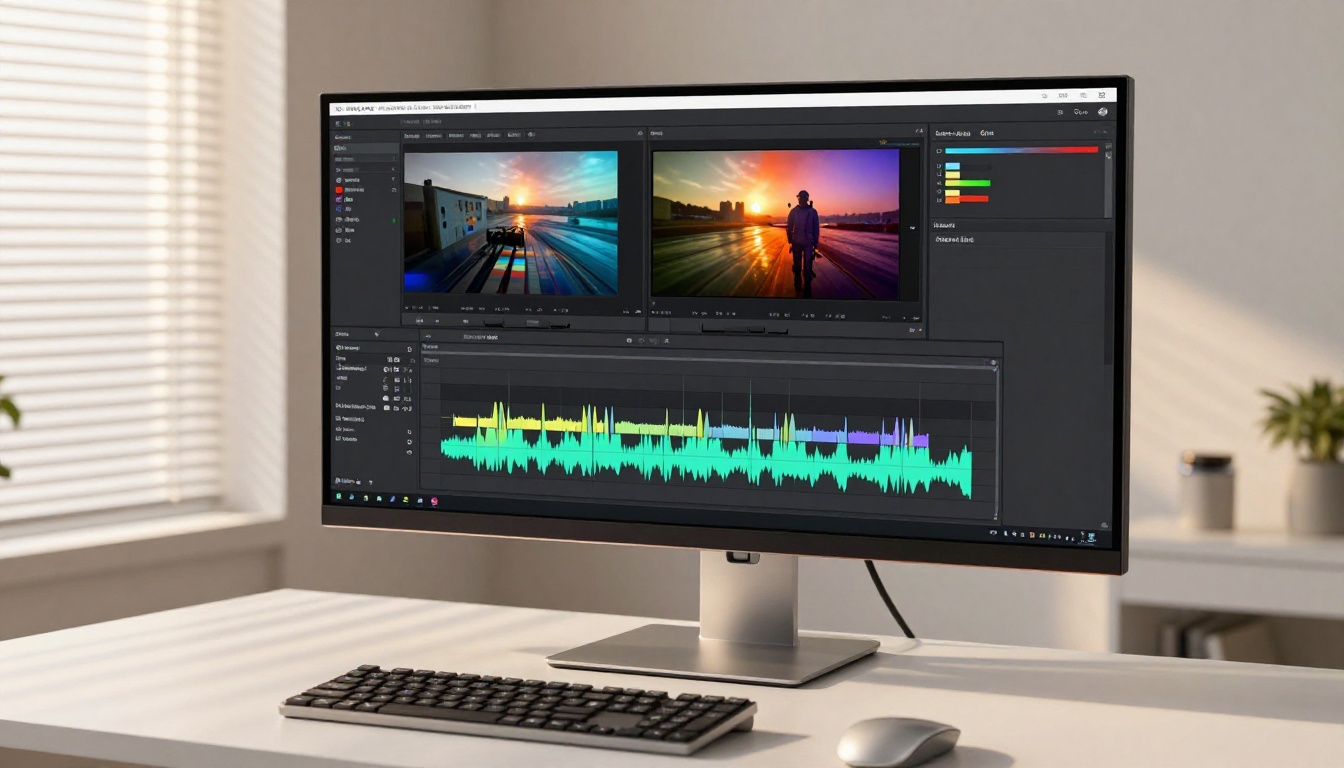
Step 1: Choose your model. Navigate to the text-to-video or video-editing category. Select based on your content type. For most TikTok use cases, start with Seedance 2.0 for generated content or Lucy Edit 2 for editing existing footage.
Step 2: Write a detailed prompt. For text-to-video, describe the scene specifically. Include the subject action, setting, lighting direction, camera angle, and desired motion. Specific prompts produce dramatically better results than vague descriptions.
Step 3: Set your parameters. Select resolution (1080p for TikTok publication), aspect ratio (9:16 for vertical format), and duration. Most TikTok-optimized clips run 5-15 seconds for maximum watch-through rates.
Step 4: Generate and iterate. Run the generation, review the output, and adjust your prompt based on what needs changing. Most models support rapid iteration, so testing 5-10 variations in a single session is practical and fast.
Step 5: Edit and finalize. Pass the generated clip through Autocaption for subtitles, Video to SFX v1.5 for synchronized sound effects, and Real ESRGAN Video to maximize resolution before export.
💡 PicassoIA Video is the platform's free unlimited video generator, ideal for high-volume content days when you need to test multiple clip variations without burning through paid credits.
Match Tools to Your Content Type
Not every TikTok niche needs the same workflow. Here is a practical mapping of tools to the most common content categories on the platform:
Build Your TikTok Content System Today
The creators getting real traction on TikTok are not waiting for one viral moment. They are building repeatable systems that produce 3-5 pieces of quality content per day with minimal manual effort. AI tools make that scale achievable for a single creator, not just a full production team.
A practical high-output TikTok workflow using PicassoIA looks like this:
- Generate raw clips with Seedance 2.0 or Kling v3 Video as your base content
- Animate existing photos with Wan 2.7 I2V to turn stills from any shoot into motion content
- Edit and reframe using Lucy Edit 2 for text-based editing and Reframe Video for vertical conversion
- Add synchronized audio with Video to SFX v1.5 for effects and MMAudio for ambient soundscapes
- Caption and upscale with Autocaption for accessibility and Real ESRGAN Video for maximum resolution before publishing
That is a full production pipeline that takes a text prompt to a polished, captioned, sound-designed TikTok clip in under 15 minutes. Every model listed in this article is available directly on PicassoIA. No separate subscriptions, no API keys, no technical setup required. Pick a model, write your first prompt, and start building your content system today.


