The TikTok algorithm waits for no one. You have approximately 3 seconds to capture attention before viewers swipe away forever. In that pressure-cooked environment, traditional video editing workflows simply don't work. Opening desktop software, rendering exports, waiting for uploads—these are luxuries TikTok creators can't afford. This is where AI-powered tools transform from nice-to-have to essential survival gear.
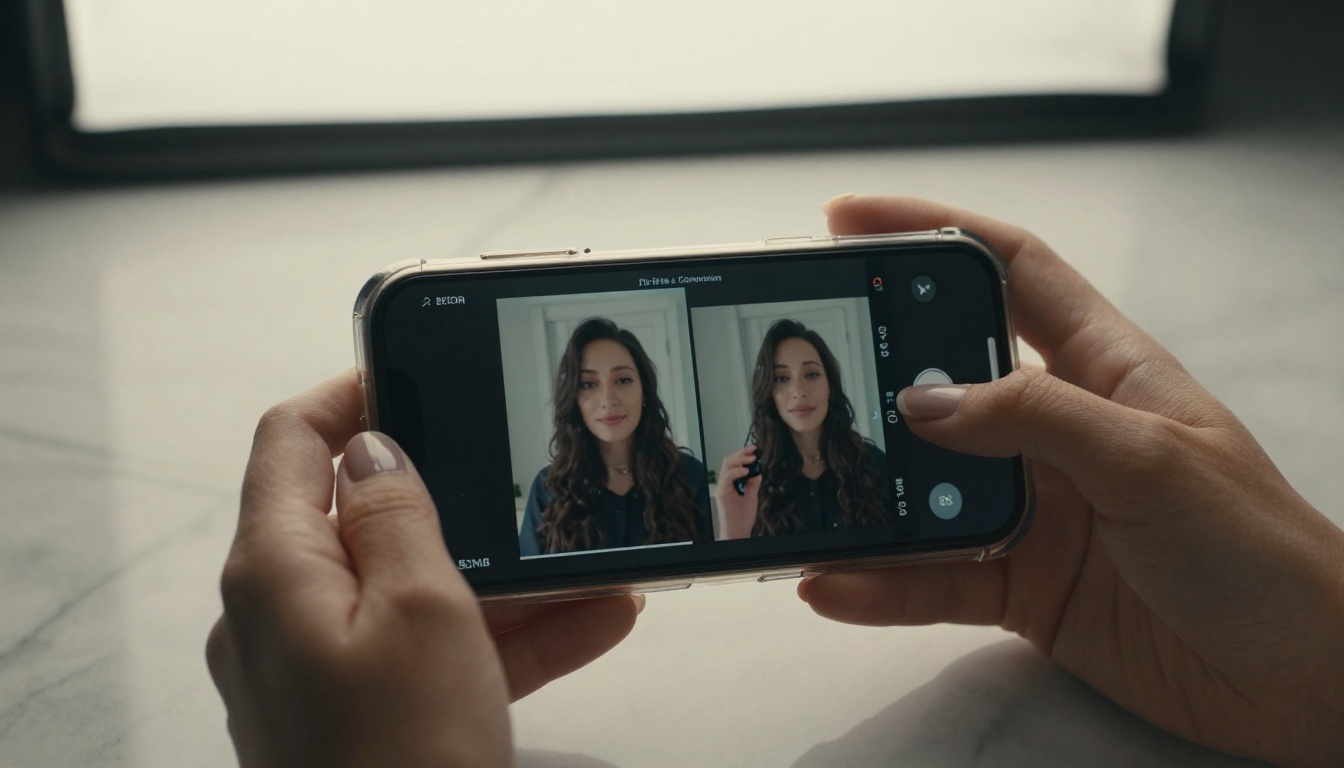
Compression without quality loss was once the holy grail of video editing. The featured-vid model solves this with AI algorithms that analyze your TikTok content frame-by-frame, identifying redundant data patterns humans would never notice. A 50MB dance video becomes 8MB without visible quality degradation. This matters because TikTok's upload speed directly affects virality potential—smaller files upload faster, giving you more attempts per hour.
💡 Pro tip: Run featured-vid on your entire video library first, then edit. Starting with compressed files speeds up every subsequent editing step by 30-40%.
Frame-perfect trimming in seconds
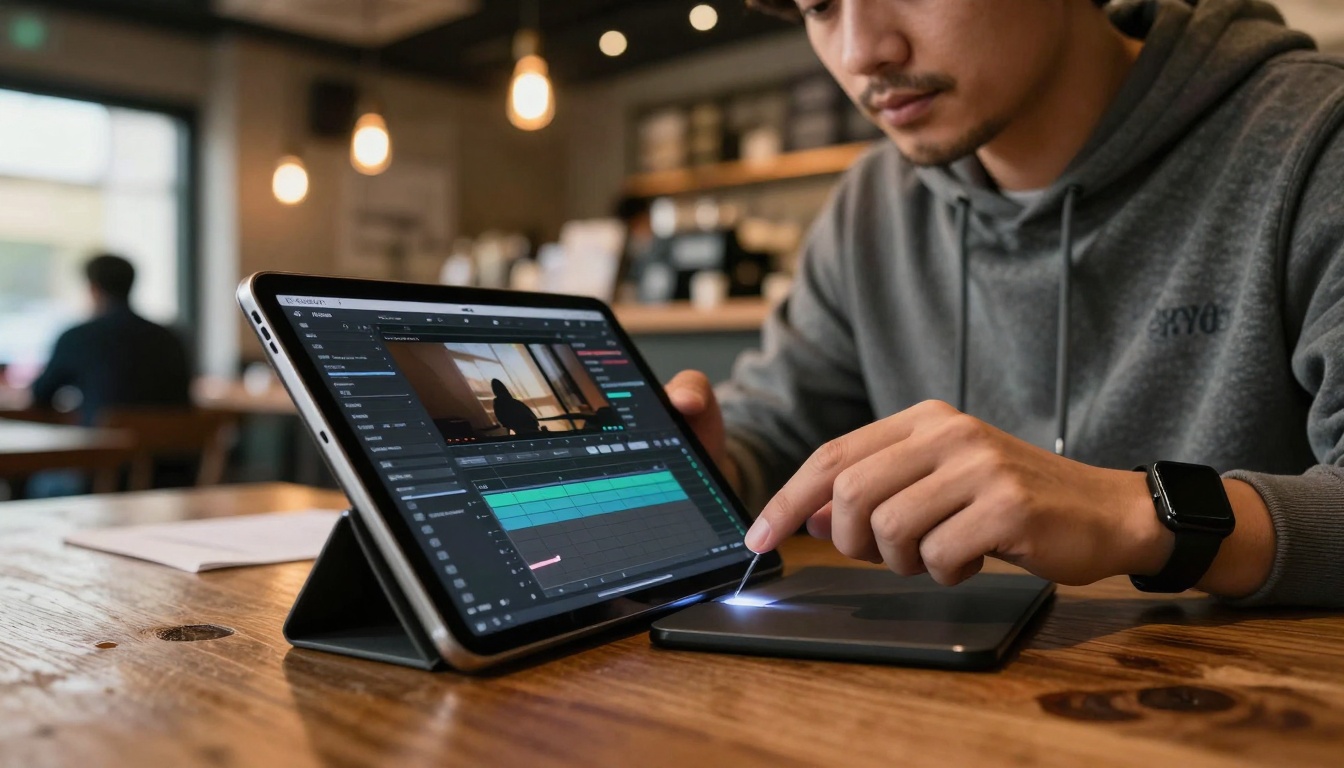
The trim-video tool understands TikTok's rhythm. Instead of manually scrubbing through timelines, you tell it "cut to the beat at 0:47" or "remove the 2-second pause after the transition." The AI analyzes audio waveforms and visual motion to make cuts that feel natural, not jarring. What used to take 15 minutes of precise manual work now happens in three clicks.
Three parameters that matter most:
- Beat detection sensitivity: Set to "high" for music-driven content
- Motion smoothing: Prevents jump cuts from looking amateurish
- Auto-padding: Adds 0.5 seconds before/after cuts for breathing room
Merging multiple clips seamlessly
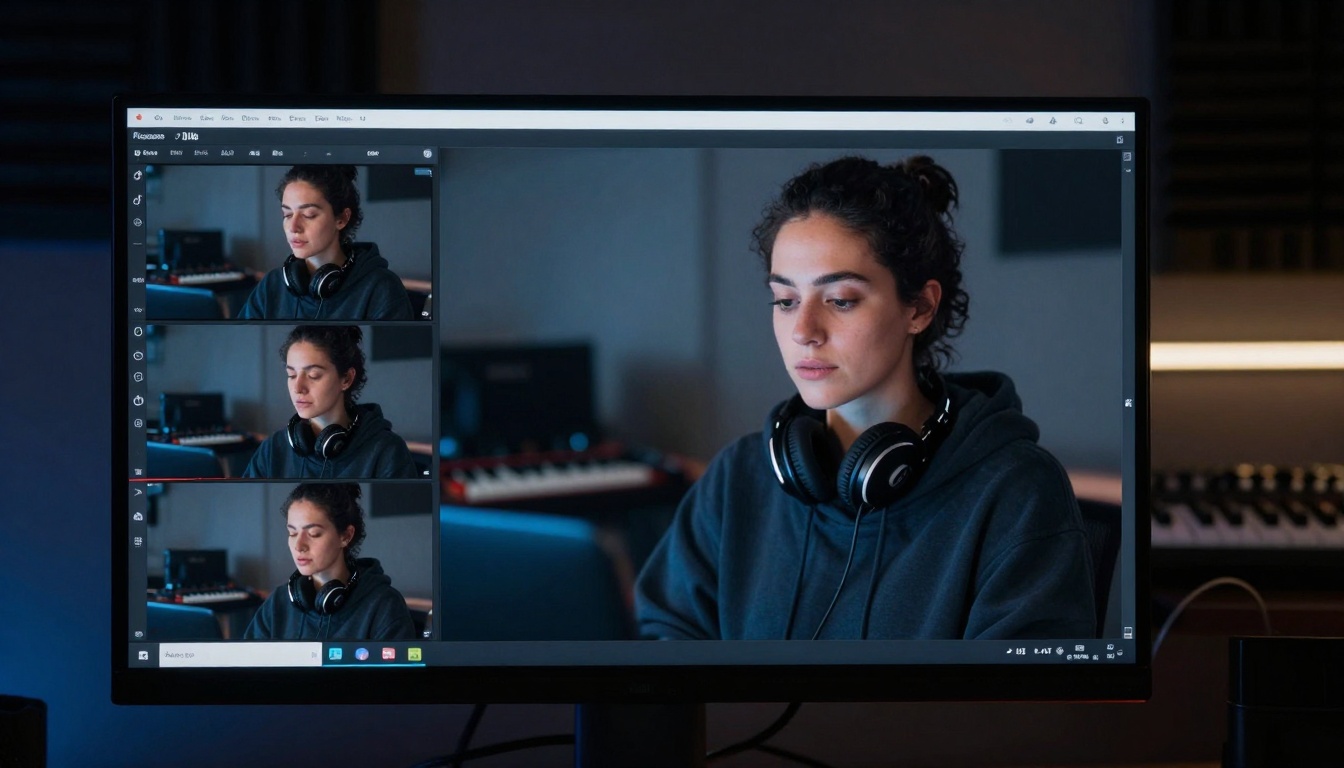
TikTok's multi-part stories and "this vs that" comparisons require seamless merging. video-merge doesn't just concatenate files—it analyzes color grading, audio levels, and motion flow between clips to create transitions that look intentional. The AI detects when Clip A ends with leftward motion and Clip B starts with rightward motion, suggesting a whip pan transition instead of a simple cut.
| Merge Type | Best For | AI-Suggested Transition |
|---|
| Sequential | Storytelling | Crossfade with audio ducking |
| Comparative | Product reviews | Split-screen with sync points |
| Reaction | Duet videos | Picture-in-picture with delay matching |
Automatic captions that actually sync
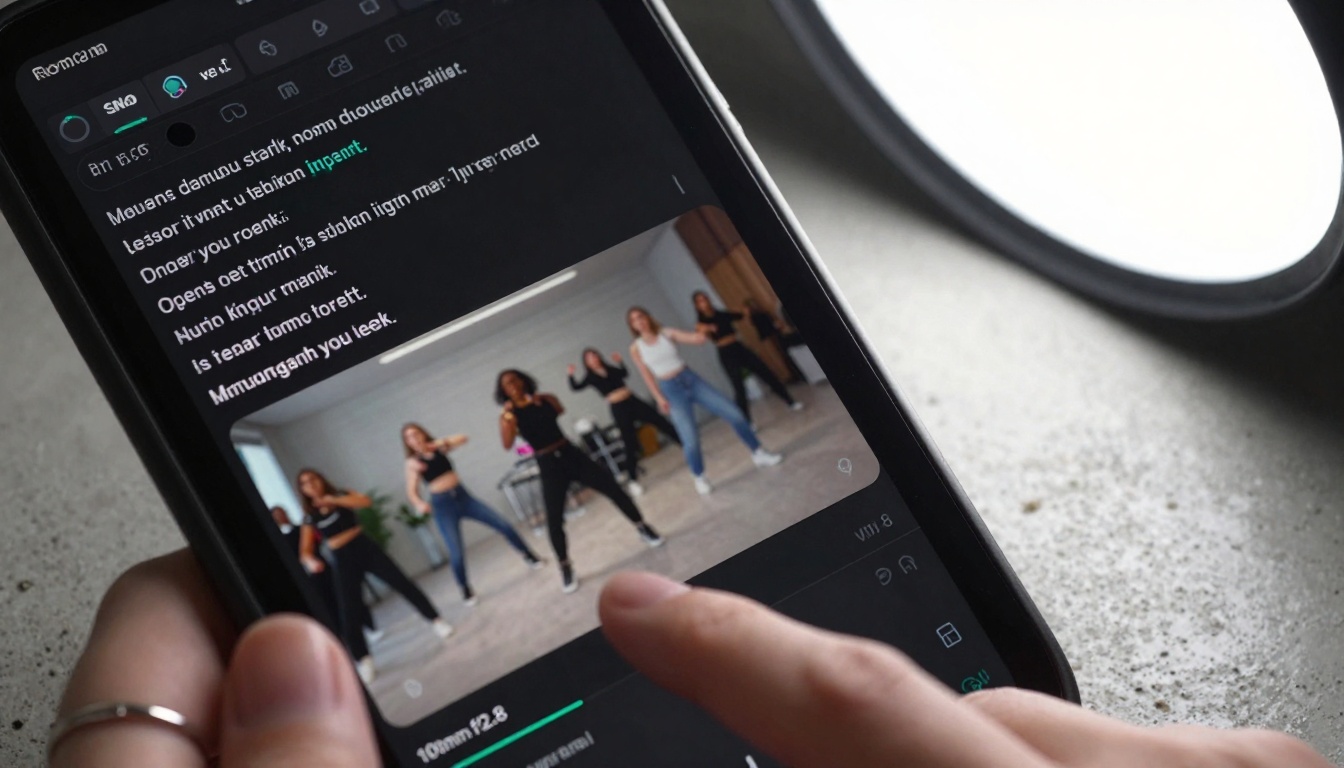
TikTok's internal caption tool fails with accents, background noise, or fast speech. autocaption uses multiple speech recognition models simultaneously, comparing results to achieve 98% accuracy even with challenging audio. More importantly, it times captions to visual beats—when you point at something on screen, the caption appears exactly then, not three frames later.
Why this beats manual captioning:
- Speed: 60 seconds of audio processed in 2-3 seconds
- Style options: 8 font families with TikTok-optimized sizing
- Emoji integration: AI suggests relevant emojis based on speech content
- Hashtag generation: Creates SEO-optimized hashtags from transcript
From blurry to crystal clear
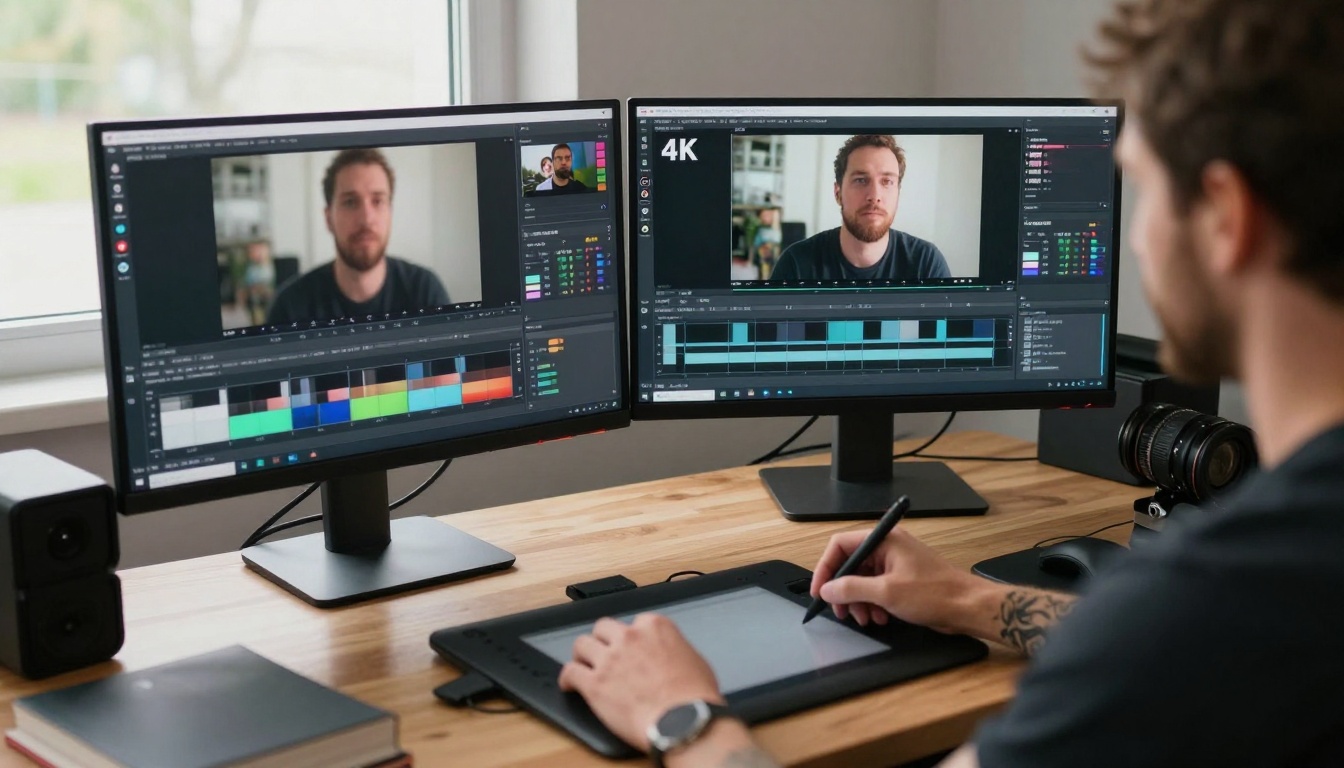
Old footage shot on earlier phones often looks soft on modern displays. real-esrgan-video doesn't just increase resolution—it reconstructs missing detail using AI-trained patterns of what similar scenes should contain. A 480p clip from 2018 becomes 4K-quality by inferring texture on fabrics, sharpness on edges, and clarity in shadows.
Upscaling settings for TikTok:
- Output resolution: 1080p (TikTok's maximum display)
- Artifact removal: Aggressive (compression creates blocking)
- Motion compensation: High (prevents ghosting in fast scenes)
- Batch processing: Enable for multiple clips
Split-screen made simple
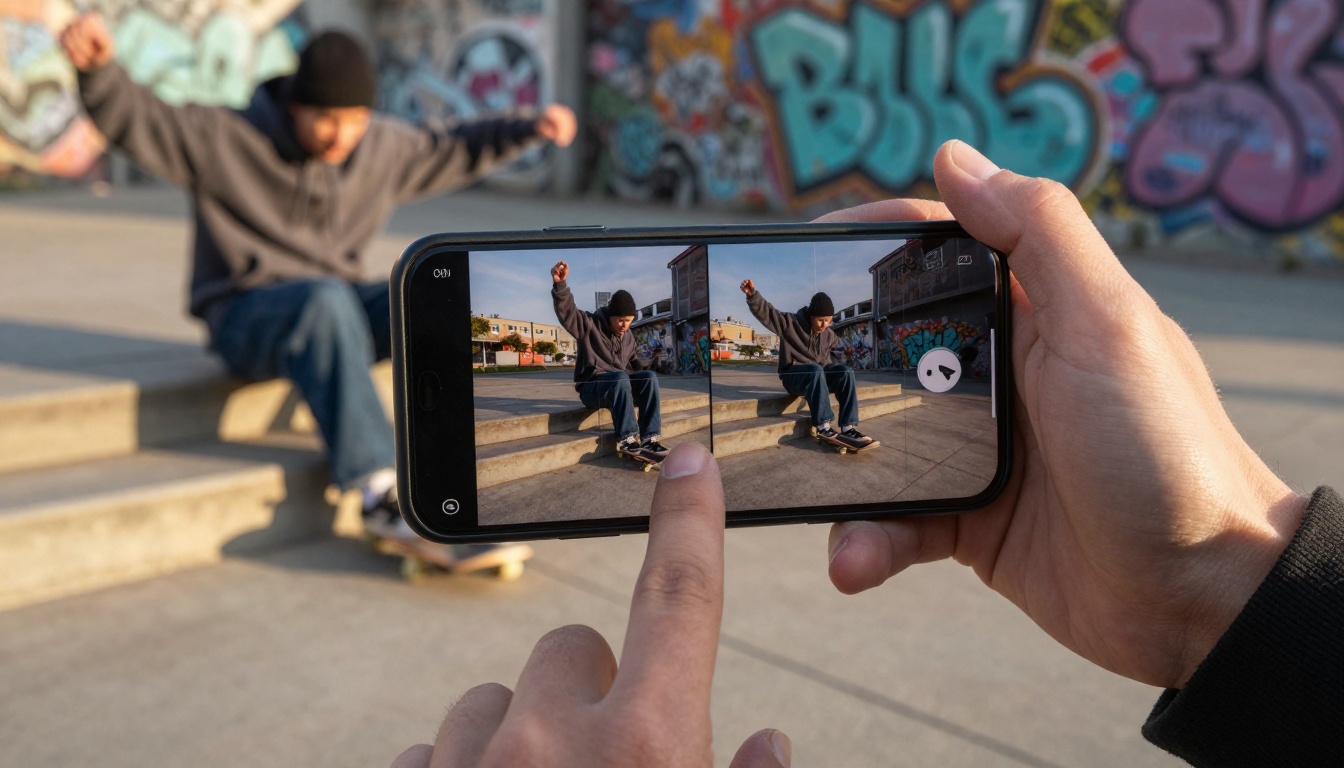
Comparative content thrives on TikTok, but creating clean split-screens manually is tedious. split-screen-video automatically aligns multiple clips by their dominant motion vectors. If you have a "before workout" and "after workout" clip, the AI matches body positions frame-by-frame so the transition focuses on changes, not camera angle differences.
Creative uses beyond comparison:
- Tutorial overlays: Show hand movements with tool close-up simultaneously
- Reaction amplification: Your face reacting beside the surprising clip
- Multi-angle coverage: Same moment from front, side, and above cameras
- Progress tracking: Week 1, 2, 3, 4 in quad splits
Perfect audio-video alignment
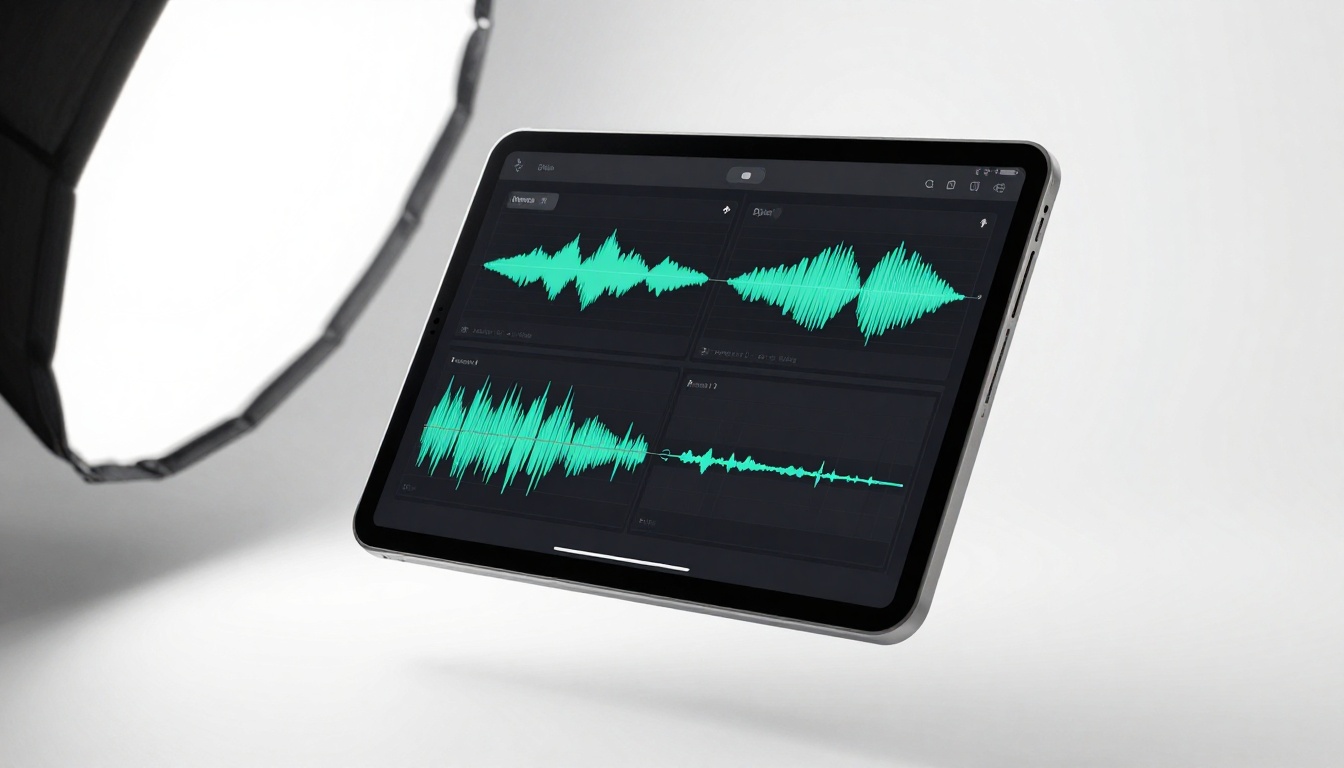
Nothing screams "amateur" faster than lips moving out of sync with audio. video-audio-merge uses visual phoneme detection (matching mouth shapes to sounds) and waveform analysis to achieve frame-perfect sync. Even if your original recording has drift, the AI realigns everything automatically.
When to use this tool:
- Voiceover addition: Narration recorded separately
- Music replacement: Changing soundtrack without recutting video
- Dub correction: Fixing poorly synced translated content
- Multi-track mixing: Background music + voice + sound effects
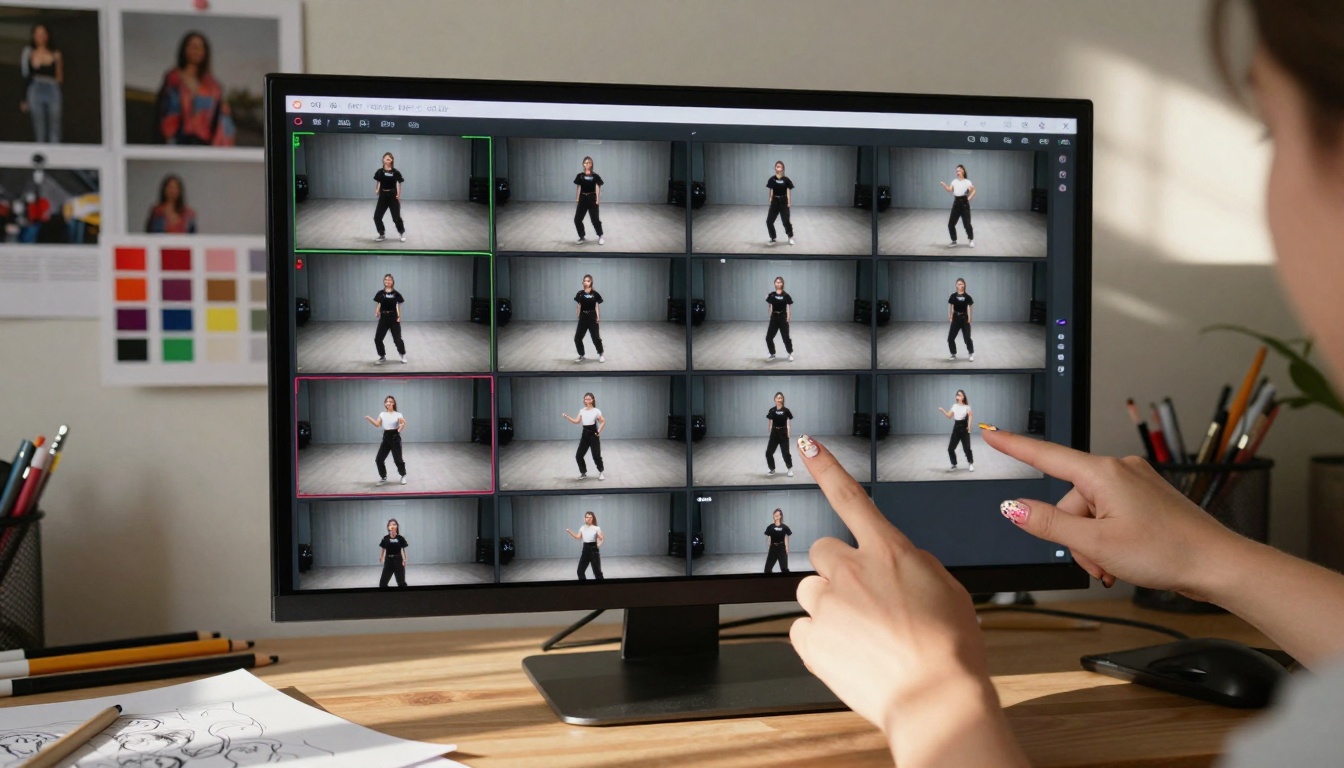
TikTok's thumbnail selection interface shows blurry, low-res previews. frame-extractor pulls every frame at maximum quality, then uses AI to score each for "thumbnail potential" based on facial expression clarity, action peak moments, color contrast, and composition. You get 5-10 perfect options instead of guessing.
Thumbnail scoring factors:
- Face visibility: Both eyes visible, mouth not covered
- Action clarity: Motion frozen at most dynamic point
- Color pop: High contrast against TikTok's white interface
- Rule of thirds: Subject positioned in composition sweet spots
- Text space: Blank areas for overlay text if needed
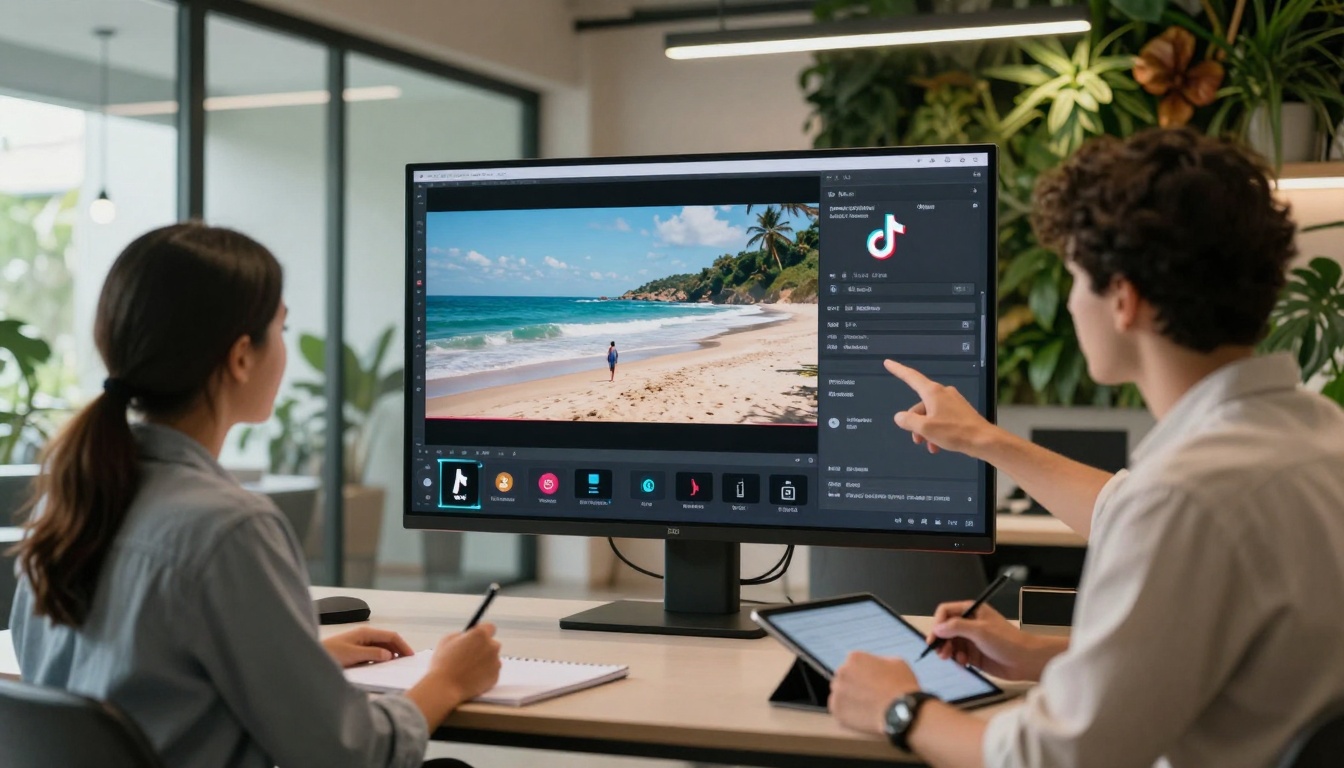
Consistent aesthetic builds brand recognition on TikTok. modify-video applies style transfer across entire videos, not just single frames. Film noir, anime, vintage VHS, cyberpunk—apply any visual style while maintaining temporal coherence (the style stays consistent across moving frames).
Popular style presets for TikTok:
- Dreamy pastel: Soft focus, washed colors, bloom highlights
- Urban gritty: High contrast, desaturated, film grain
- Minimalist clean: White background, sharp edges, no shadows
- Retro analog: CRT scanlines, color bleed, tape warp
Workflow optimization: The 5-minute TikTok
Combining these tools creates a production pipeline that turns raw footage into polished TikTok content in under 5 minutes. Here's the sequence:
- Compress first → featured-vid
- Trim to highlights → trim-video
- Merge if multi-part → video-merge
- Add captions → autocaption
- Enhance quality → real-esrgan-video
- Select thumbnail → frame-extractor
- Apply style → modify-video (optional)
This workflow eliminates the 45+ minutes most creators spend jumping between different apps, manually aligning elements, and waiting for renders.
Cost analysis: Free vs. paid alternatives
Many TikTok creators assume AI tools are expensive. PicassoIA's video editing models operate on credit-based systems where complex operations might cost $0.02-$0.10. Compare this to monthly subscriptions:
| Tool | Monthly Cost | PicassoIA Equivalent | Cost per 100 videos |
|---|
| Premium Mobile Editor | $9.99/month | trim-video + merge | ~$0.50 |
| Professional Desktop | $29.99/month | All tools combined | ~$2.00 |
| Agency Suite | $99.99/month | Batch processing | ~$5.00 |
The math becomes compelling at scale. If you post 3 TikToks daily (90/month), traditional software costs $1.11 per video versus $0.30 with AI tools. Over a year, that's $1,200 saved.
Technical requirements: What you need
These tools work through web interfaces requiring no downloads. Minimum specs:
- Device: Any smartphone, tablet, or computer
- Browser: Chrome, Safari, or Firefox (updated)
- Internet: 5 Mbps upload for smooth processing
- File formats: MP4, MOV, AVI, WebM supported
- Maximum size: 500MB per video (TikTok's limit is 287.6MB)
No GPU requirements, no RAM limitations, no storage concerns—everything processes in the cloud.
Common mistakes to avoid
New users sometimes misconfigure settings, leading to suboptimal results:
- Over-compression: Setting featured-vid to maximum compression on already-small files creates artifacts
- Aggressive trimming: Removing too many frames breaks narrative flow
- Style overuse: Applying heavy filters to already-stylized content
- Ignoring audio: Not using video-audio-merge when adding music
- Batch errors: Processing unrelated clips together with different requirements
Start with moderate settings, check results, then adjust. The AI learns from your corrections over time.
While focused on TikTok, these tools output files compatible with:
- Instagram Reels: 9:16 aspect ratio, <90 seconds
- YouTube Shorts: 1080x1920, <60 seconds
- Facebook Stories: Various ratios, <20 seconds
- Twitter/X Videos: Multiple formats, <2:20 minutes
Export presets for each platform ensure optimal quality without manual resizing.
The evolution of AI video editing
Current tools represent third-generation AI editing. First generation simply automated existing manual processes. Second generation added basic "smart" features. This third generation understands context—not just what's in the frame, but why it matters for viewer engagement.
Future developments will likely include:
- Emotional tone analysis: Adjust editing style based on content mood
- Audience prediction: Tailor edits to your specific follower demographics
- Trend anticipation: Suggest edits aligning with emerging viral patterns
- Collaborative AI: Multiple creators editing the same project simultaneously
Getting started today
The barrier to entry has never been lower. Pick one tool that solves your biggest pain point:
Most tools offer free trial credits. Process one video, compare before/after, and assess time saved. The efficiency gains become obvious immediately.
Your next viral video
The tools exist. The cost is reasonable. The time savings are measurable. What separates consistent TikTok creators from occasional posters isn't creativity—it's production velocity. When you can ideate, film, edit, and post within one focused hour instead of spreading across days, consistency becomes achievable.
These AI tools don't replace human creativity; they eliminate the mechanical friction that stifles it. Your unique perspective meets algorithmic efficiency. The result isn't just faster videos—it's more videos, better videos, and ultimately, more impact.
Try one tool today. Process a video you've been meaning to edit. Notice how much mental energy you save on technical details, redirecting it toward what actually matters: connecting with your audience.


