Anime illustrations carry a kind of precision that regular photos don't: sharp linework at pixel edges, soft gradient fills, skin tones with almost no texture variation, and fine details that collapse into mud the moment you try to upscale them with a generic tool. If you've ever run anime art through a standard bicubic upscaler, you already know the result: blurry outlines, color bleeding, and fine hair strands turning into a smeared blur. The right AI upscaler changes all of that, and PicassoIA has nine of them available without content restrictions.
This article covers the best AI upscalers for uncensored anime illustrations, what each one does best, and which NSFW-capable generation models pair with them for a complete workflow.
Why Anime Art Breaks Standard Upscalers
Most upscalers were trained on real photographs. They expect sensor noise, depth-of-field blur, and organic texture variation in skin and fabric. Anime illustrations don't have any of that. They have hard edges, flat color fills, cel shading, and stylized anatomy that doesn't match the training distribution of a photo-based model.
When you force anime art through a photo-trained upscaler, the model tries to "correct" it. It smooths linework it interprets as aliasing. It adds grain to flat color fills. It mistakes intentional cel shadows for JPEG compression artifacts and attempts to fix them. The result is an illustration that no longer looks like anime at all.
The models designed for anime upscaling work differently. They recognize the structural properties of drawn art: clean vector-like edges, gradient fills, and stylized proportions. The best ones also operate without content filters, which matters when you're working with adult illustration styles.
What Separates a Good Anime Upscaler
Before comparing tools, it's worth knowing which metrics actually matter for anime art upscaling:
- Edge sharpness: Clean, non-hairy outlines at 4x or 6x scale
- Color fidelity: Flat fill zones should stay flat, not develop phantom grain
- Detail injection: Fine elements like eyelashes, jewelry, and fabric weave should improve, not degrade
- Speed: Batch upscaling workflows need throughput, not just quality
- Content policy: For adult illustration styles, a model that refuses your input is useless
💡 The scale factor matters too. Going from 512x512 to 2048x2048 (4x) is well within what modern models handle cleanly. Pushing to 6x is where you start separating good upscalers from great ones.
| Factor | Why It Matters for Anime |
|---|
| Edge sharpness | Anime relies on precise linework that must survive scaling |
| Flat color integrity | Cel shading fills must not develop unwanted grain or texture |
| Detail hallucination | Good models add plausible fine detail, bad ones add artifacts |
| Uncensored support | Many upscalers filter adult content, blocking creative workflows |
| Scale ceiling | 4x is standard; 6x models give more room for print output |
9 Top AI Upscalers on PicassoIA
Clarity Pro is a photorealistic upscaler that consistently performs above its category. What makes it notable for anime art is the detail injection step built into its pipeline. Rather than simply interpolating missing pixels, it actively generates plausible micro-details: fine hair separation, costume fabric weave, subtle skin texture on character faces. For anime characters with complex costume design, this produces results that look hand-drawn at the higher resolution rather than algorithmically stretched.
The model runs well on both character art and environmental scenes, and it does not apply content restrictions, making it suitable for adult illustration workflows.
Works best on: character art with complex clothing, face-focused illustrations, print-ready output.
Topaz Labs built a strong reputation in the photography world for producing clean upscales up to 6x without visible artifacts. Their Image Upscale model on PicassoIA brings that same pipeline to a browser interface without requiring a desktop install. For large-format output (posters, merchandise prints, high-resolution exports), the 6x ceiling gives you significantly more working room than most alternatives.
The model handles both sharp and soft illustration styles well, preserving gradient transitions that other models tend to binarize at high magnification.
Works best on: large-format print output, high-resolution manga panels, soft gradient backgrounds.
Real-ESRGAN is the benchmark model for anime upscaling in the open-source world. The version on PicassoIA uses the NightmareAI implementation, which includes the anime-specific variant of the architecture. This distinction matters: the anime variant was trained on hand-drawn content rather than photographs, so it understands the difference between an intentional cel-shading edge and compression noise.
At 4x, it produces clean outlines, smooth flat fills, and sharp hair strand separation. It's the default recommendation for anyone who wants a reliable result without tuning parameters.
Works best on: general anime upscaling, manga panels, lineart, flat-style illustrations, waifu art.
Crystal Upscaler is specifically optimized for portrait work. For anime content, this translates to exceptional face reconstruction: eyes with visible catchlights, eyelash separation at the individual strand level, lip edge definition that stays clean at full magnification. If your illustration centers on a character's face, Crystal will outperform most general-purpose upscalers.
It handles the soft, round facial geometry of anime characters better than models trained on realistic proportions, because it was designed to work with diverse facial structures rather than assuming photographic anatomy.
Works best on: character portraits, close-up faces, character sheets, adult anime character art.
As the name suggests, Recraft Crisp Upscale prioritizes edge sharpness. It runs a dedicated edge-preservation pass before the upscale, ensuring outlines stay crisp and don't develop the soft haloing that affects generic models. For lineart-heavy illustrations, this is one of the cleanest options available.
The trade-off: it's less aggressive about detail hallucination. You get exactly what was in the original, scaled up cleanly, without synthetic additions. For predictable results and clean edges, this is your tool.
Works best on: clean lineart, black-and-white manga, flat graphic styles, vector-style illustration.
Where Crisp Upscale preserves, Creative Upscale adds. It injects depth and texture that wasn't in the original, making it a better fit for illustrations that feel flat and need more visual weight at large sizes. The added detail follows the style cues in the original image, so results remain coherent rather than randomly textured.
💡 Using both Recraft models in sequence (Crisp first, then Creative at a smaller scale increment) is a technique some artists use to get clean edges with added depth without overly aggressive texture injection.
Works best on: detailed scene illustrations, backgrounds with environmental texture, artistic upscaling for complex scenes.
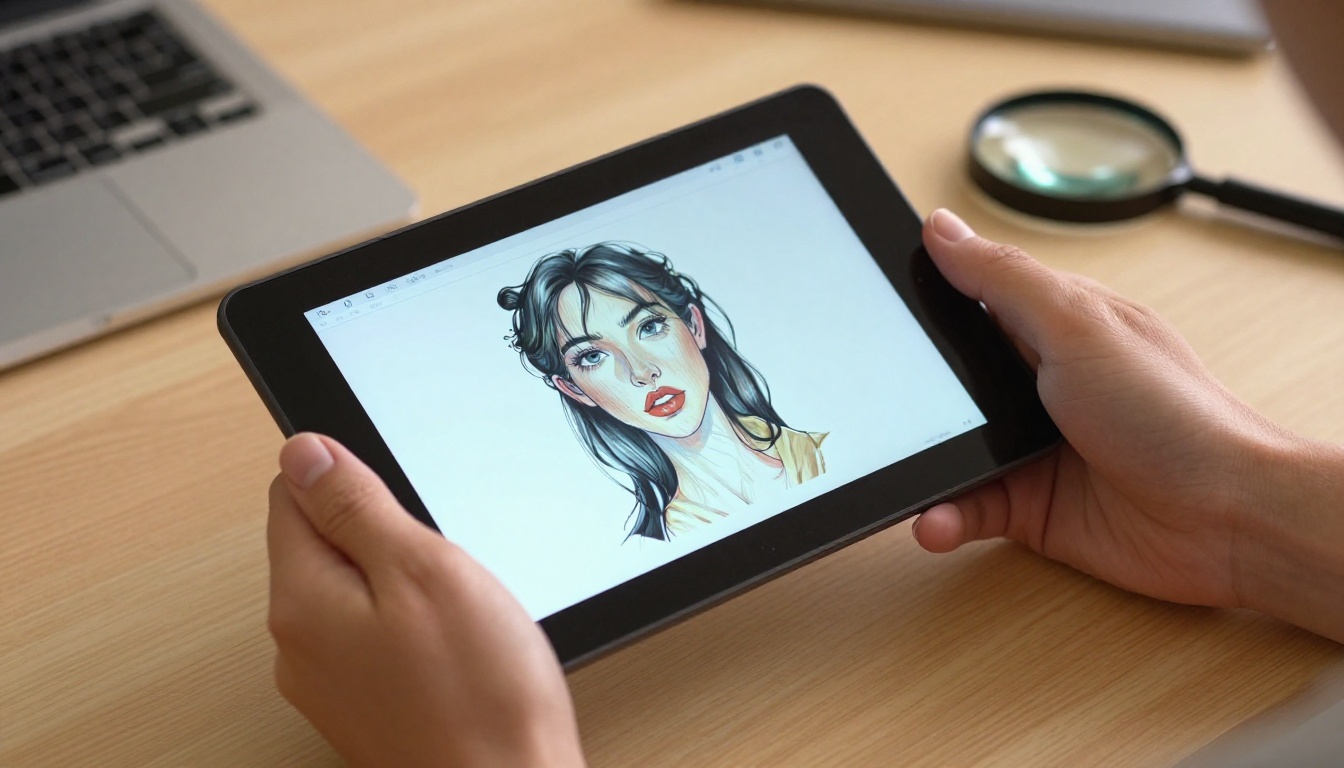
Bria's Increase Resolution model handles the 4x scale with a focus on commercial output quality. It performs well on diverse illustration styles, including both Western-influenced digital art and traditional anime aesthetics. The model is particularly good at maintaining color accuracy across flat fill zones, which is where many models introduce banding or subtle hue shifts that require manual correction afterward.
For batch upscaling workflows where consistency across multiple pieces matters more than squeezing out every last detail on a single image, Bria delivers reliable uniformity.
Works best on: batch workflows, commercial digital art, color-critical output where consistency across a set is important.
PrunaAI's P-Image Upscale is built for speed without sacrificing output quality. It processes images in under a second, making it the obvious choice for high-throughput workflows. The quality-to-speed ratio is exceptional, and the model handles both photographic and illustrated content without specialized configuration.
For anime content specifically, the fast turnaround makes iterative comparison practical: you can run multiple upscale passes and compare results in seconds rather than minutes, letting you find the right balance quickly.
Works best on: fast iteration, high-volume batch jobs, speed-sensitive production workflows.
Google's Upscaler model on PicassoIA brings enterprise-grade deep learning upscaling to a browser interface. It handles the 4x scale with a balance of sharpness and smooth gradient preservation that works across a wide range of illustration styles. The model doesn't specialize in anime specifically, but its broad training distribution means it handles unusual styles gracefully rather than producing artifacts on inputs it wasn't designed for.
Works best on: diverse mixed-style illustration sets, situations where other specialized models produce inconsistent artifacts.
Best NSFW Anime Models on PicassoIA
Upscaling only solves half the problem. If you're generating new anime illustrations rather than upscaling existing ones, you need models that accept uncensored prompts and produce high-quality results at full resolution. PicassoIA offers several that handle this without restrictions:
-
Seedream 4.5 - The top pick for uncensored anime generation. Accepts adult content, supports image editing, and produces highly realistic results in under 3 seconds. Its successor, Seedream 5 Lite, does not support NSFW content, so stay with 4.5 for adult illustration workflows.
-
PicassoIA Image Editor Pro - Img2img model with unlimited generations on Elite and Infinite plans. Need 500 upscaled and edited anime illustrations? They cost nothing extra on your subscription. Compare that to per-credit models where 500 images could run $50 or more. Returns results in under a second. Includes a 3-generation free trial, no credit card required.
-
Qwen Image 2 - Open-source model for text-to-image and editing with detailed realism and no content restrictions.
-
Grok Imagine Image - Strong img2img capability, converts reference images to anime-adjacent glamour formats with realistic results.
-
Recraft V4 - Text-to-image only, but delivers very realistic results for artistic NSFW content.
-
P-Image - NSFW text-to-image generation in under 1 second. The fastest generation option on the platform.
💡 Unlike platforms that silently downgrade NSFW prompts or return blank outputs without explanation, PicassoIA's models are explicit about their content support. You know before you run whether a model accepts your prompt type.
How to Use Clarity Pro Upscaler on PicassoIA
Clarity Pro Upscaler is available at picassoia.com/en/collection/super-resolution/philz1337x-clarity-pro-upscaler. Here's how to get the best results on anime illustrations:
Step 1: Upload your image
Drag and drop your anime illustration into the upload area. Supported formats include JPG, PNG, and WebP. For best results, start with at least 512x512 pixels. Very low-resolution sources (under 256px on the short side) will still upscale, but the hallucinated detail quality decreases significantly with smaller inputs.
Step 2: Set the scale factor
For most use cases, 4x is the right choice. It quadruples pixel dimensions while staying within the model's ideal operating range. Use 2x if you only need a moderate resolution boost or if the original is already fairly large.
Step 3: Adjust the creativity slider
Clarity Pro includes a creativity setting that controls how aggressively it adds detail beyond what's in the original. For anime art with intentional flat zones, like solid-color backgrounds or cel-shaded skin, keep creativity low to medium to avoid unwanted texture injection. For complex scenes with architectural details or dense environmental elements, higher creativity produces richer, more detailed results.
Step 4: Enable face enhancement
Toggle the face enhancement option when your illustration contains character faces. This activates a dedicated face reconstruction pass that sharpens eyes, lips, and hair with added precision, particularly useful for adult anime character portraits.
Step 5: Compare and download
Run the upscale and use the side-by-side comparison view in PicassoIA to check results before finalizing. Look for any areas where the model over-processed flat zones or introduced artifacts, and adjust the creativity setting for a second pass if needed.
Upscaling vs. Regenerating
A common question: should you upscale a low-resolution anime illustration, or regenerate it at higher resolution from scratch? The answer depends on what you're working with:
| Scenario | Best Approach |
|---|
| Upscaling a specific original piece | Upscale: preserves the original intent |
| Generating new art for a project | Regenerate: start at full resolution |
| Improving an AI-generated image you mostly like | Upscale: refine rather than recreate |
| Working from a very small source (under 256px) | Regenerate: too little source data for clean upscaling |
| Batch processing a large collection | Upscale: far faster than regenerating each image |
| Changing content or style significantly | Regenerate: more control over the final result |
For most practical workflows, the two approaches complement each other. Generate at moderate resolution using Seedream 4.5 or P-Image, then apply Clarity Pro Upscaler or Image Upscale by Topaz Labs in a second pass. You get the creative control of generation with the resolution quality of a dedicated upscaling model.
Start Generating at Full Resolution
The nine upscalers on PicassoIA cover the full range of use cases: speed-optimized, detail-injecting, edge-sharpening, portrait-focused, and large-format print-ready. No single model wins every scenario, which is exactly why having access to the full set on one platform matters.
For uncensored anime illustration work, the workflow that consistently delivers is: generate with Seedream 4.5 or PicassoIA Image Editor Pro, then scale up with Clarity Pro Upscaler or Real-ESRGAN. Fast, clean, uncensored, and available directly in your browser with no software install.
PicassoIA gives you over 90 models across generation, editing, and upscaling, all without the content restrictions that block creative workflows on mainstream platforms. The full catalog is at picassoia.com/en/all-models.