The race to build the most powerful AI video generator has produced remarkable results. What seemed impossible just two years ago is now accessible to anyone with a browser. The technology has moved beyond experimental demos into practical tools that professionals use daily for real projects.
This isn't about hype or theoretical capabilities. The platforms ranked here are being used right now to produce content for major brands, educational institutions, and independent creators. Each has distinct strengths that make it better suited for specific use cases.
What Makes an AI Video Generator Great in 2027
The baseline for quality has risen dramatically. Every platform on this list can produce videos that look real at first glance. The differentiators now come down to nuance, control, and consistency.
Motion quality separates good from exceptional. The best generators handle complex movements, multiple subjects, and scene transitions without artifacts or unnatural jumps. Watch for how well a platform maintains object permanence and spatial relationships across frames.
Prompt adherence determines how closely the output matches your vision. Some platforms interpret creative direction loosally, while others follow instructions with precision. This matters more as projects become specific.
Generation speed affects workflow. A model that takes 10 minutes per video works fine for occasional use but becomes a bottleneck when you need to iterate quickly or produce volume.
Resolution and aspect ratio options should match your delivery requirements. Most platforms now offer 1080p as standard, with some reaching 4K. Aspect ratio flexibility matters for cross-platform content.
Top AI Video Generators Ranked
1. Sora 2 Pro
OpenAI's latest iteration represents the current peak of AI video generation. The model excels at interpreting complex prompts and maintaining consistency across longer durations.
Key strengths:
- Generates videos from 4 to 12 seconds with synchronized audio
- Handles both portrait (720x1280) and landscape (1280x720) orientations
- Accepts an optional image as the first frame for precise control
- Produces consistently high-quality motion without common artifacts
The audio synchronization capability sets Sora 2 Pro apart. Rather than generating silent video that requires post-production audio, the model creates appropriate sound that matches the visual content. This integration saves significant time in the editing process.
Best for: Marketing videos, product visualizations, social media content that needs professional polish and synchronized audio.
Limitations: The 12-second maximum duration requires strategic planning for longer narratives. Projects requiring extended sequences will need multiple generations and manual assembly.
2. Google Veo 3.1
Google's approach prioritizes flexibility and control. Veo 3.1 offers more customization options than most competitors, letting users fine-tune nearly every aspect of generation.
Key strengths:
- Variable duration from 4 to 8 seconds with precise control
- Reference image system maintains subject consistency across videos
- Negative prompts exclude unwanted elements effectively
- Image-to-image transitions create smooth morphing effects
- Full 1080p resolution as standard
The reference image feature solves a common problem in AI video generation: maintaining character or product consistency. Upload reference images, and Veo 3.1 ensures your subject appears the same way across multiple generations.
Best for: Projects requiring consistent characters or products, educational content, storyboarding, and concept visualization where precision matters.
Limitations: The reference image system works best with 16:9 aspect ratio and 8-second duration. Using it with other settings reduces effectiveness.
3. Kling v2.5 Turbo Pro
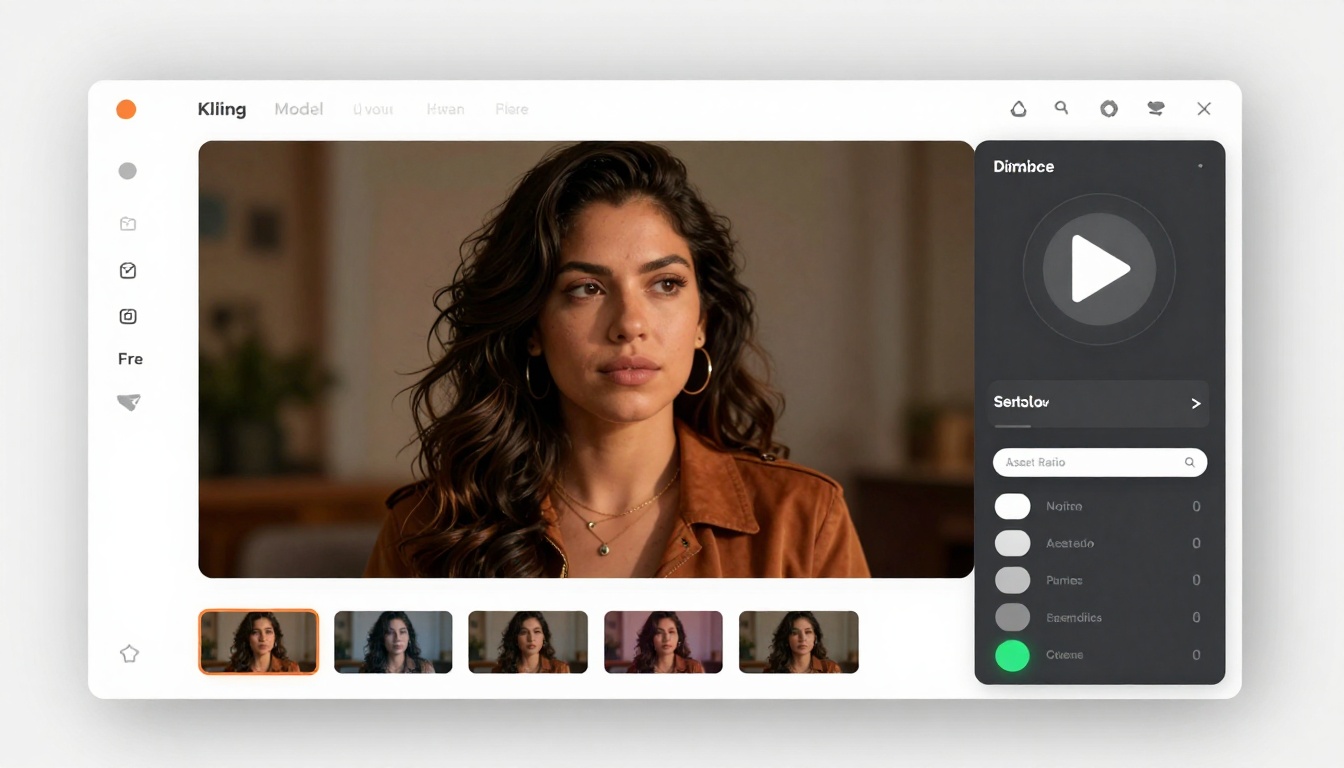
Speed defines Kling's value proposition. This model generates quality video faster than competitors while maintaining strong visual results.
Key strengths:
- Rapid generation speed for quick iteration
- Strong motion rendering with cinematic depth
- Flexible aspect ratios: square (1:1), landscape (16:9), and portrait (9:16)
- Duration options of 5 or 10 seconds
- High prompt accuracy
The guidance scale parameter gives users control over how literally the model interprets prompts. Lower values allow more creative interpretation, while higher values enforce strict adherence to instructions.
Best for: High-volume content production, social media campaigns, rapid prototyping, and situations where iteration speed matters more than absolute maximum quality.
Limitations: While quality is strong, it falls slightly behind Sora 2 Pro and Veo 3.1 in handling extremely complex scenes with multiple subjects.
Resolution and Quality Comparison
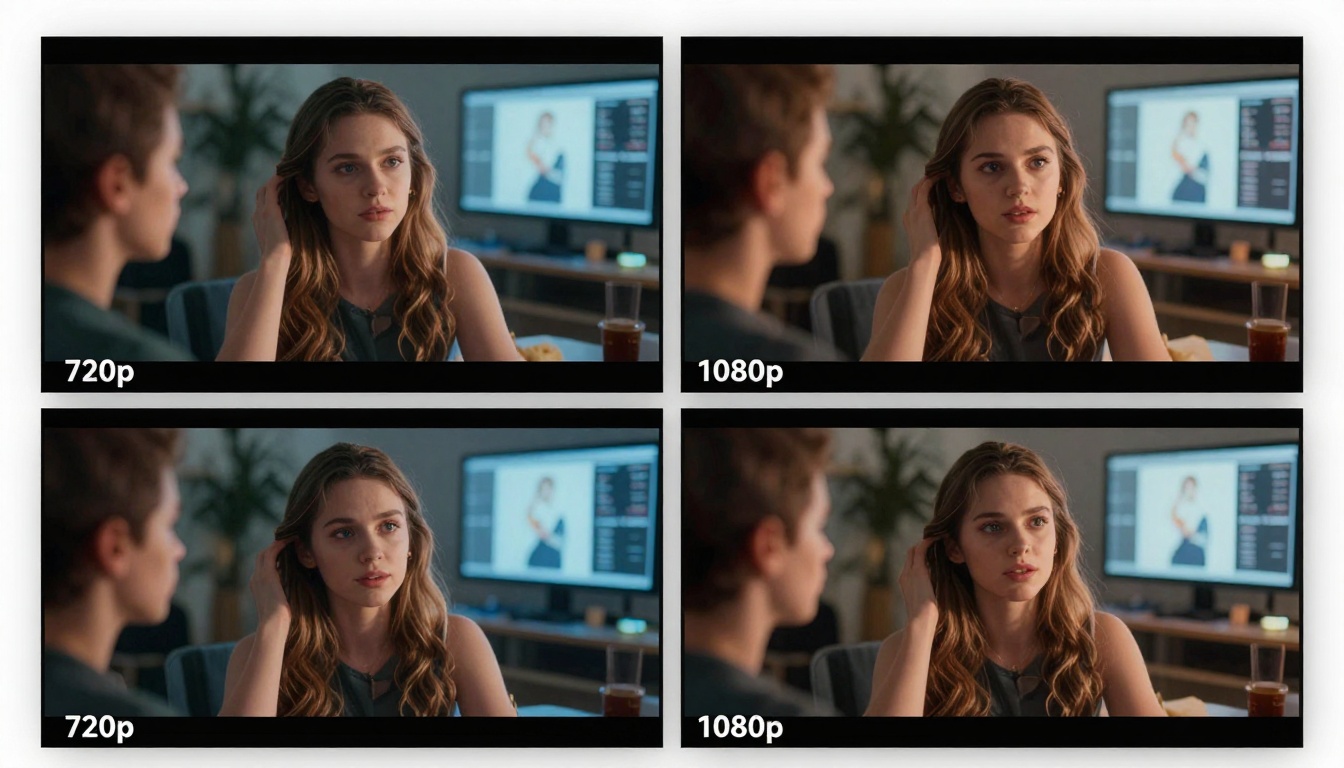
The gap between 720p and 1080p matters more in video than in still images. Motion amplifies artifacts and compression issues. All three platforms handle 1080p well, but approach it differently.
Sora 2 Pro offers standard (720p) and high (1024p) options. The high setting produces noticeably sharper results worth the extra processing time for final deliverables.
Veo 3.1 defaults to 1080p with an option to reduce to 720p for faster generation. The quality difference is significant enough that 720p should only be used for rough drafts.
Kling v2.5 doesn't explicitly list resolution options in its interface, but outputs consistent with 1080p standards based on testing.
For professional work, always use the highest available resolution. The quality difference becomes obvious when videos are viewed on larger screens or when clients compare side by side.
Practical Applications by Use Case
Marketing and Advertising
Marketing teams need volume and consistency. Budget constraints make hiring videographers for every social post impractical.
Sora 2 Pro excels for high-stakes campaigns where production value matters. The audio sync feature eliminates post-production steps, reducing time to publish.
Kling v2.5 handles bulk content production efficiently. Generate multiple variations of the same concept quickly, then select the best performers based on engagement metrics.
Example workflow: Create 20 variations of a product showcase video in under an hour. Test all variations on social platforms. Double down on top performers with additional budget.
Social Media Content
Platform-specific requirements demand flexibility. Instagram Reels use 9:16, YouTube Shorts also use 9:16, but YouTube main feed prefers 16:9. Creating separate cuts for each platform consumes time.
Kling v2.5 supports square (1:1), landscape (16:9), and portrait (9:16) aspect ratios natively. Generate platform-optimized content without cropping or letter boxing.
Sora 2 Pro handles portrait and landscape well, covering most social needs. The synchronized audio provides an advantage since social platforms increasingly prioritize videos with sound.
Platform algorithms reward native aspect ratios. Videos that fit the viewing area without black bars perform better in feeds and discovery.
Educational Content
Explainer videos need clarity more than artistic flair. The goal is understanding, not entertainment, though good visuals help retention.
Veo 3.1 works well for educational content because negative prompts prevent distracting elements. If explaining a technical concept, you can exclude visual noise that might confuse learners.
The reference image feature maintains consistency when explaining multi-step processes. Show the same diagram or character across multiple video segments so viewers build familiarity.
Example: Teaching software workflows. Use consistent UI mockups across all tutorial videos so students recognize the interface immediately.
Writing Effective Video Prompts

Prompt quality directly impacts output quality. Generic descriptions produce generic results. Specificity matters.
Structure prompts with these elements:
- Subject and action (what's happening)
- Environment and setting (where it's happening)
- Lighting and mood (how it feels)
- Camera movement (how we see it)
- Style and aesthetic (overall look)
Example weak prompt: "A person walking in a city"
Example strong prompt: "A young professional woman in business casual attire walking confidently down a modern glass office corridor, warm afternoon sunlight streaming through floor-to-ceiling windows, camera tracking alongside her at medium distance, contemporary corporate aesthetic with subtle lens flares"
The stronger prompt gives the model clear direction on every visual element. Less room for interpretation means more consistent results.
Camera movement terminology helps significantly:
- Tracking shot: camera moves alongside subject
- Dolly in/out: camera moves toward or away from subject
- Crane shot: camera moves up or down
- Static: camera doesn't move
- Handheld: slight natural camera shake
Specifying camera movement prevents the common issue of uncertain perspective that can make AI videos feel floaty or disoriented.
Common Pitfalls and How to Avoid Them
Problem: Inconsistent character appearance across videos
Solution: Use reference images (Veo 3.1) or start each video with a consistent image reference (Sora 2 Pro). Maintain the same descriptive language for characters across all prompts.
Problem: Unnatural motion or physics violations
Solution: Be specific about motion type and speed. Instead of "moving quickly," specify "walking at a brisk pace" or "running at full sprint." The model needs concrete movement descriptions.
Problem: Videos that don't match the intended mood
Solution: Include mood descriptors in prompts. Words like "serene," "energetic," "somber," or "playful" significantly influence the model's interpretation. Also specify lighting conditions which heavily affect mood.
Problem: Wasted generations from poor prompts
Solution: Test variations systematically. Change one element at a time to understand what affects output. Build a library of prompt structures that work well for your use cases.
Using PicassoIA for Video Generation
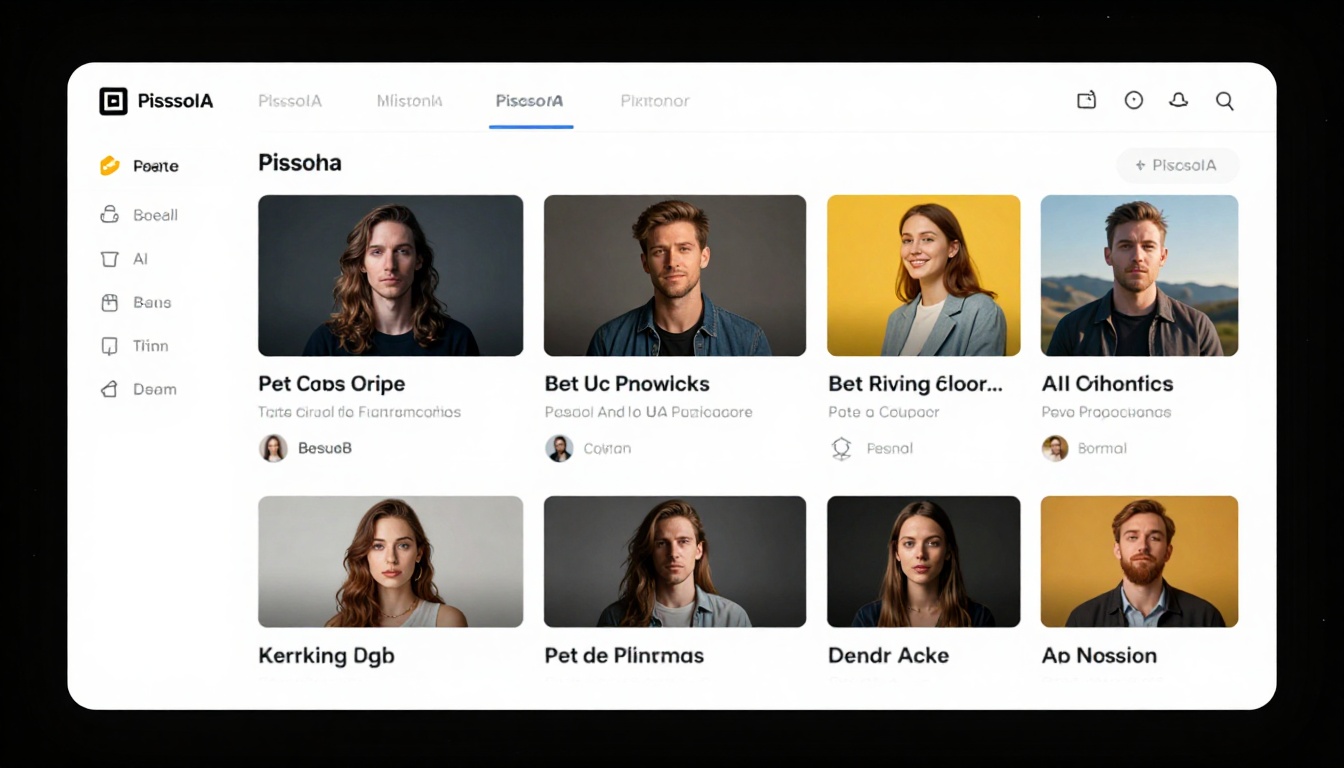
PicassoIA provides unified access to multiple video generation models through a single platform. Rather than managing separate accounts and interfaces for each AI service, you work through one consistent interface.
The platform includes all three ranked models plus dozens of alternatives for specific use cases. You can experiment with different approaches without the friction of multiple logins and payment methods.
Getting Started with Sora 2 Pro on PicassoIA
Visit the Sora 2 Pro model page on PicassoIA to access OpenAI's most advanced video generator.
Step 1: Write Your Prompt
Enter a detailed description of the video you want to create. Include specific information about:
- What's happening in the scene
- The setting and environment
- Lighting conditions and mood
- Camera angle and movement
- Duration preference (4, 8, or 12 seconds)
Example: "A sleek sports car driving along a coastal highway at sunset, waves crashing against rocks below, golden hour lighting creating dramatic shadows, camera tracking the car from behind at medium distance, cinematic widescreen aesthetic"
Step 2: Select Video Duration
Choose from three duration options:
- 4 seconds: Quick snippets, social media teasers
- 8 seconds: Standard social posts, product showcases
- 12 seconds: Longer narratives, detailed demonstrations
Longer durations require more processing time but provide more storytelling space.
Step 3: Choose Resolution
Select between standard (720p) or high (1024p) quality:
- Standard (720p): Faster generation, suitable for social media and web
- High (1024p): Better detail and sharpness, recommended for professional use
Step 4: Pick Aspect Ratio
Choose orientation based on where the video will be used:
- Portrait (720x1280): Instagram Reels, TikTok, Instagram Stories
- Landscape (1280x720): YouTube, websites, presentations
Match the aspect ratio to your primary distribution channel to avoid cropping.
Step 5: Optional - Add Reference Image
If you want precise control over the first frame, upload an image that matches your chosen aspect ratio. The model will use this as the starting point and animate from there.
This feature excels for:
- Starting with a specific product shot
- Maintaining brand consistency
- Showing exact locations or settings
- Controlling precise composition
Step 6: Generate and Download
Click generate and wait for processing. Generation time varies by duration and resolution:
- 4-second standard: ~2-3 minutes
- 8-second high: ~5-7 minutes
- 12-second high: ~8-10 minutes
Once complete, preview the video in your browser. Download if it meets your requirements, or adjust your prompt and regenerate if needed.
The platform automatically syncs audio to match the visual content, eliminating the need for separate audio production.
Alternative Models on PicassoIA
Beyond the top three ranked models, PicassoIA hosts specialized generators for specific needs:
Wan 2.5 series: Fast generation with good quality for rapid iteration and volume production.
Hunyuan Video: Excels at animated content and stylized visuals when photorealism isn't required.
Mochi 1: Strong performance on nature and landscape scenes with organic movement.
CogVideoX-5B: Open-source option with good results and full control over parameters.
Experiment with different models for different project types. The investment of a few test generations often reveals which model best suits each use case.
Budget Considerations
AI video generation costs vary by platform and usage volume. Most services charge per generation rather than subscription, making pricing unpredictable for high-volume users.
Factors affecting cost:
- Video duration (longer = more expensive)
- Resolution (higher quality costs more)
- Number of generations needed
- Model complexity
Track your cost per finished video, not cost per generation. If you need five attempts to get usable results, that's your true cost. Models with higher per-generation costs but better first-attempt success rates often prove more economical.
PicassoIA's unified platform helps control costs by:
- Single payment method across all models
- Clear pricing per generation upfront
- No subscription commitments
- Pay only for successful generations
For professional use, budget for experimentation. Expect to generate 3-5 variations per finished video as you refine prompts and learn each model's quirks.
What's Coming in 2027
The development pace shows no signs of slowing. Several significant improvements are in public testing or announced for release:
Extended duration: Models currently max out around 10-12 seconds. Multiple providers have demonstrated 30+ second generations in labs. Longer durations will require less manual stitching of clips.
Multi-shot sequences: Automatic scene transitions within a single generation. Describe multiple camera angles or locations in one prompt and get a cohesive sequence.
Fine-tuning capabilities: Upload reference footage to teach models your specific visual style. Brand consistency will become much easier to maintain.
Real-time generation: Current generation times of several minutes will drop to near-instant. This enables interactive experiences and live content creation.
4K and beyond: Resolution will continue increasing. 4K is already technically possible but remains computationally expensive. Expect wider availability throughout 2027.
The gap between AI-generated and traditionally filmed video continues closing. Within months, distinguishing between the two will become genuinely difficult for casual viewers.
Practical Next Steps
Pick one model from the ranked list based on your primary use case. Spend time learning that model's behavior before branching to others. Shallow familiarity with many models produces worse results than deep familiarity with one.
Create a prompt template for common use cases. Write a structure that works, then modify the specifics for each project. This consistency improves your results and speeds up workflow.
Build a library of successful prompts. When something works well, save the exact prompt structure. Analyze what made it successful. Apply those patterns to new projects.
Test systematically. Change one variable at a time to understand what affects output. Document your findings. This investment pays dividends as you develop intuition for how models interpret instructions.
Start with low-stakes projects to build skills. Use AI video generation for internal presentations, social experiments, or personal projects before deploying it for client work or major campaigns.
The technology is ready for production use right now. The barrier isn't capability, it's learning to use these tools effectively. That knowledge compounds quickly with practice.


