The landscape of video creation has shifted dramatically in the last year. What used to require expensive equipment, specialized teams, and weeks of production now happens in minutes with AI video generators. But with dozens of options flooding the market, which ones actually deliver professional results? This analysis cuts through the hype to examine the top AI video generation apps available today.
Why AI Video Generation Matters Now
Video content dominates digital platforms, with social media algorithms prioritizing motion over static images. The demand for video has exploded, but traditional production remains costly and time-intensive. AI video generation bridges this gap by enabling creators, marketers, and businesses to produce content at scale without Hollywood budgets.
💡 Practical Reality: Most businesses need 5-10 video clips per week for social media, but only have resources for 1-2. AI generators solve this production bottleneck.
The technology has matured beyond simple animations. Today's top models generate photorealistic footage with coherent motion, natural lighting, and believable physics. What separates the best from the rest comes down to three factors: output quality, generation speed, and cost efficiency.
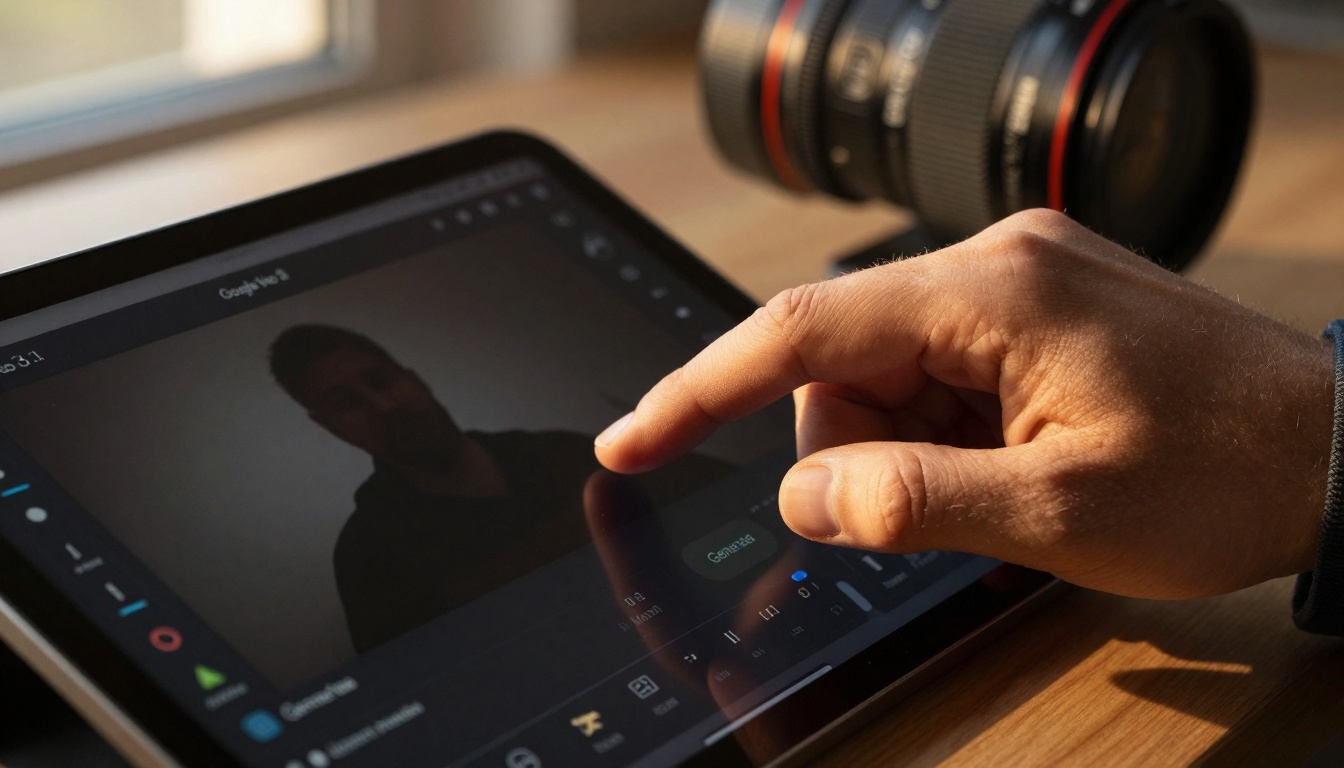
Google Veo 3.1: The Professional's Choice
Google's Veo 3.1 represents the current benchmark for professional-grade AI video. Built on Google's DeepMind research, it excels at generating videos with exceptional temporal coherence—meaning objects move naturally through time without artifacts or glitches.
What Makes Veo 3.1 Stand Out:
- Resolution: 1080p output with potential for 4K upscaling
- Motion Quality: Best-in-class physics simulation for natural movement
- Style Control: Extensive parameters for cinematic looks
- Generation Time: 2-3 minutes for 10-second clips
Best For: Marketing agencies, film professionals, brands needing broadcast-quality content
Limitations: Higher cost per generation, requires precise prompting for optimal results
OpenAI Sora 2 Pro: Cinematic Quality Leader
When OpenAI announced Sora 2 Pro, it set a new standard for cinematic AI video generation. The model understands complex scene descriptions and generates footage with remarkable visual storytelling capabilities.
Key Strengths:
- Scene Understanding: Interprets nuanced prompts about mood, atmosphere, and narrative
- Character Consistency: Maintains character appearance across multiple shots
- Camera Movement: Simulates professional cinematography techniques
- Lighting Control: Natural-looking illumination with proper shadows and highlights
Use Cases:
- Short film production
- Concept visualization for directors
- Pre-visualization for larger productions
- Educational content with narrative elements
Pricing Reality: Sora 2 Pro sits at the premium end, justified by its unparalleled quality for cinematic applications.
| Feature | Google Veo 3.1 | OpenAI Sora 2 Pro |
|---|
| Max Resolution | 1080p | 4K capable |
| Generation Speed | 2-3 minutes | 3-5 minutes |
| Motion Quality | Excellent physics | Cinematic movement |
| Best For | Commercial content | Narrative storytelling |
| Cost Tier | High professional | Premium cinematic |
Kling v2.6: Fast Production Workhorse
For content creators needing speed and volume, Kling v2.6 delivers rapid generation without sacrificing too much quality. Its optimized architecture processes prompts in under 90 seconds for most clips, making it ideal for social media content pipelines.
Production Advantages:
- Batch Processing: Generate multiple variations simultaneously
- Template System: Save and reuse successful prompt formulas
- API Integration: Direct connection to content management systems
- Cost Efficiency: Lower price point for high-volume users
Social Media Applications:
- Daily TikTok/Reels content
- Product demonstration videos
- Educational explainer clips
- Event promotion teasers
💡 Content Strategy: Use Kling v2.6 for daily social content, reserve Veo or Sora for flagship campaign videos.
The trade-off comes in fine detail quality—Kling prioritizes speed over perfection, which works perfectly for platforms where videos play small and get scrolled quickly.
WAN Video Models: Specialized Motion Control
The WAN video models family offers something unique: precise motion parameter control. Where other generators give you "cinematic" or "dynamic" as vague options, WAN models provide sliders for specific motion characteristics.
Controllable Parameters:
- Motion Speed: Frame-by-frame velocity adjustments
- Camera Movement: Pan, tilt, zoom, dolly with numerical values
- Object Trajectory: Define specific paths for elements in scene
- Timing Control: Keyframe-style animation timing
Who Needs This Level of Control:
- Motion graphics designers
- Product visualization specialists
- Architectural walkthrough creators
- Technical explainer video producers
WAN Model Variations:
Seedance 1.5 Pro: Realistic Character Animation
Character animation represents one of the most challenging areas for AI video generation. Seedance 1.5 Pro from ByteDance tackles this specifically, with algorithms trained on human motion capture data for natural movement.
Character-Specific Features:
- Facial Expression Consistency: Maintains character emotions across shots
- Body Language: Natural gestures and posture changes
- Lip Sync: Basic synchronization with audio (when provided)
- Clothing Dynamics: Fabric movement that follows body motion
Applications:
- Animated spokesperson videos
- Educational characters for children's content
- Game character animation prototypes
- Virtual influencer content creation
Technical Consideration: Seedance requires more specific character descriptions than general video generators. You need to define appearance, clothing, and personality traits in your prompt.
PixVerse v5: Stylized Artistic Videos
Not every project needs photorealism. PixVerse v5 specializes in artistic and stylized video generation, offering creative looks that stand out in crowded feeds.
Artistic Capabilities:
- Style Transfer: Apply specific art styles to generated videos
- Color Grading: Cinematic looks built into the generation process
- Composition Rules: Follows artistic composition principles
- Texture Emphasis: Highlights artistic textures and patterns
Creative Use Cases:
- Music video concept visuals
- Brand identity motion graphics
- Artistic social media content
- Festival/event promotional materials
Style Parameters Include:
- Watercolor animation
- Oil painting motion
- Sketch/line art movement
- Digital art aesthetics
- Vintage film looks
💡 Brand Differentiation: When competitors use photorealistic AI videos, artistic styles from PixVerse create immediate visual distinction.
How to Choose Your Video Generator
Selecting the right AI video generator depends entirely on your specific needs and constraints. Here's a decision framework:
Budget-Based Selection:
- Under $100/month: Kling v2.6 or WAN 2.5 variants
- $100-500/month: Mix of Kling for volume, Veo 3.1 for quality
- $500+/month: Full access to Sora 2 Pro, Veo 3.1, specialized tools
Quality vs. Speed Matrix:
| Priority | Best Choice | Reason |
|---|
| Maximum Quality | Sora 2 Pro | Unmatched cinematic output |
| Speed + Quality Balance | Veo 3.1 | Professional results in reasonable time |
| Maximum Speed | Kling v2.6 | Under 90 seconds for social content |
| Specialized Control | WAN models | Precise motion parameters |
| Artistic Styles | PixVerse v5 | Non-photorealistic creative looks |
Video Generation Costs and Speed Comparison
Understanding the economics of AI video generation helps plan sustainable content production. Costs vary not just by platform, but by resolution, length, and generation parameters.
Cost Breakdown by Platform:
| Platform | 10-Second Clip | 30-Second Clip | 60-Second Clip |
|---|
| Kling v2.6 | $0.15-0.25 | $0.40-0.60 | $0.80-1.20 |
| Veo 3.1 | $0.50-0.75 | $1.50-2.25 | $3.00-4.50 |
| Sora 2 Pro | $1.00-1.50 | $3.00-4.50 | $6.00-9.00 |
| WAN Models | $0.30-0.45 | $0.90-1.35 | $1.80-2.70 |
| PixVerse v5 | $0.20-0.35 | $0.60-1.05 | $1.20-2.10 |
Generation Time Realities:
- Fastest: Kling v2.6 (60-90 seconds)
- Balanced: Veo 3.1 (2-3 minutes)
- Quality-Focused: Sora 2 Pro (3-5 minutes)
- Parameter-Heavy: WAN models (2-4 minutes based on complexity)
Production Planning Tip: Batch your generations during off-hours. Most platforms offer slight discounts for queued jobs processed overnight.
Using PicassoIA for Video Generation
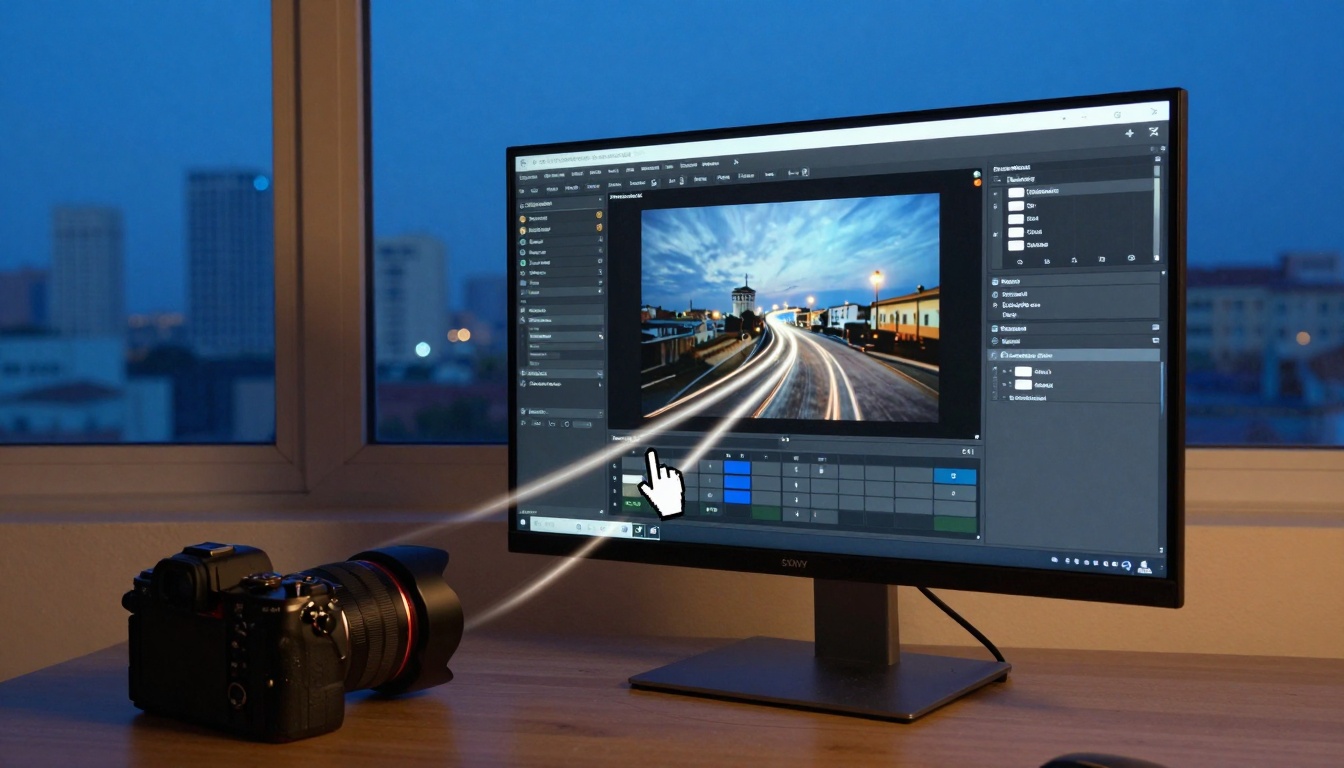
PicassoIA serves as a centralized platform accessing multiple AI video generators through a unified interface. This approach offers several practical advantages over dealing with individual platforms.
PicassoIA Benefits:
- Single Account: One login for all video generation tools
- Unified Credits: Purchase credits usable across any model
- Comparison Tools: Side-by-side output evaluation
- Workflow Management: Organize projects across different generators
- API Access: Single integration point for your applications
Available Video Models on PicassoIA:
- Google Veo 3.1 - Professional quality
- Google Veo 3.1 Fast - Quicker version
- OpenAI Sora 2 Pro - Cinematic excellence
- OpenAI Sora 2 - Standard version
- Kling v2.6 - Speed-focused
- Kling v2.6 Motion Control - Enhanced movement
- WAN 2.6 T2V - Parameter control
- WAN 2.6 I2V - Image-to-video
- Seedance 1.5 Pro - Character animation
- PixVerse v5 - Artistic styles
How to Use Video Models on PicassoIA
The PicassoIA platform simplifies accessing these advanced tools. Here's the practical workflow:
Step 1: Account Setup
- Create a PicassoIA account
- Purchase credits based on your monthly video needs
- Set up project folders for organization
Step 2: Model Selection
- Browse the video generation category
- Select based on your quality/speed/control needs
- Review example outputs from each model
Step 3: Prompt Crafting
- Use specific, descriptive language
- Include camera movement instructions
- Specify lighting conditions
- Define character details (if applicable)
- Set duration and aspect ratio
Step 4: Parameter Adjustment
For models like WAN with extensive controls:
- Start with basic parameters
- Generate test clips
- Adjust motion settings based on results
- Save successful parameter combinations
Step 5: Output Management
- Download generated videos
- Organize by project/client
- Track credit usage per project
- Schedule batch generations for efficiency
💡 Pro Tip: Create a "prompt library" of successful formulas for different video types (product demos, social clips, explainers) to maintain consistency across projects.
What Comes Next in AI Video Generation
The current generation of AI video tools represents just the beginning. Several developments will shape the next 12-18 months:
Immediate Improvements:
- Longer Sequences: Moving beyond 60-second clips to multi-minute narratives
- Audio Integration: Synchronized sound effects and music generation
- Multi-Shot Sequences: Consistent characters across different camera angles
- Interactive Editing: Adjust generated videos through natural language
Industry-Specific Applications:
- E-commerce: Product demonstration videos at scale
- Education: Animated explanations for complex topics
- Healthcare: Patient education and procedural visualization
- Real Estate: Virtual property tours from floor plans
Cost Trajectory: Expect prices to decrease 30-50% over the next year as competition increases and computational efficiency improves.
Getting Started with Your First AI Videos
If you're new to AI video generation, start with these practical steps:
Beginner Path:
- Sign up for PicassoIA - Centralized access to multiple models
- Start with Kling v2.6 - Fast, affordable, good for learning
- Create simple social media clips - 10-15 second videos
- Experiment with different prompts - Learn what works
- Graduate to Veo 3.1 - When you need higher quality
Budget Allocation:
- Month 1: $50 for experimentation
- Month 2: $150 for actual production
- Month 3+: Scale based on proven ROI
Common Beginner Mistakes to Avoid:
- Overly complex prompts (start simple)
- Expecting perfection on first try (generate multiple variations)
- Ignoring aspect ratio requirements (match platform specs)
- Forgetting to specify duration (defaults may not suit your needs)
The most effective approach combines human creativity with AI execution. You provide the vision, direction, and quality control—the AI handles the technical production. This partnership creates scalable video content that maintains artistic integrity while achieving production efficiencies previously impossible.
Ready to create your first AI-generated video? Start with a specific, simple prompt on PicassoIA's Kling v2.6, generate 3-5 variations, and select the best result. From there, you'll develop the intuition for what each platform excels at and build a production workflow that matches your specific content needs.


