Social media has transformed from text and photos to video-first platforms, and keeping up means producing more content than ever. AI video generators offer a solution—but which ones actually work for Instagram Reels, TikTok trends, and YouTube Shorts? We tested dozens of platforms to separate marketing hype from practical tools.

The modern creator's workstation: multiple screens, multiple platforms, one goal—engaging content.
The numbers don't lie: video content gets 48% more engagement than static posts. Instagram Reels reach 20% more non-followers. TikTok's algorithm favors consistent posting. YouTube Shorts can go viral in hours. But producing professional-quality video daily? That's where most creators hit a wall.
💡 Reality Check: Traditional video production requires cameras, lighting, editing software, and hours of work. AI video generation cuts that to minutes—sometimes seconds.
Social media platforms have specific requirements:
- Instagram Reels: 9:16 aspect ratio, 3-90 seconds, vertical format
- TikTok: 9:16, 15 seconds to 10 minutes, fast-paced editing
- YouTube Shorts: 9:16, up to 60 seconds, YouTube integration
- Facebook/Instagram Stories: 9:16, 15 seconds max
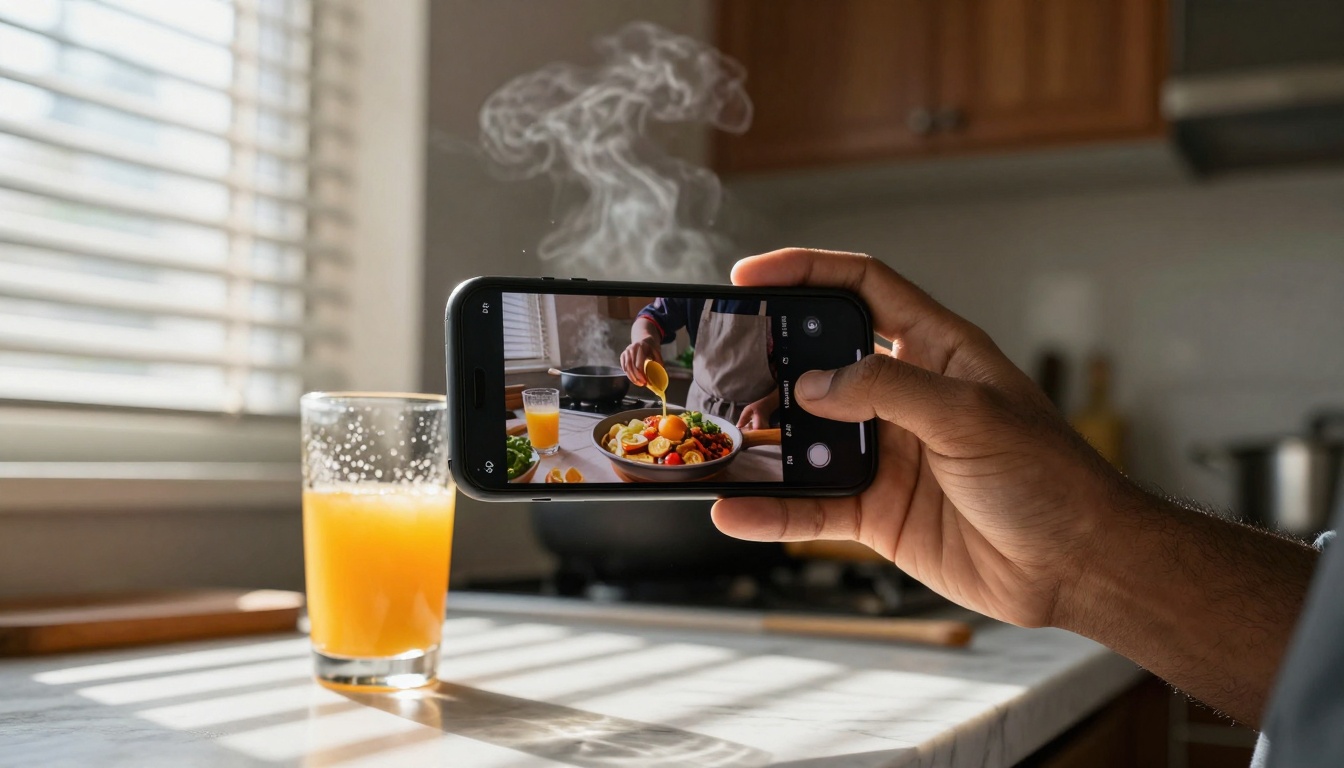
Low-angle perspective of Reels creation: empowerment through technology.
Top 8 AI Video Generators Compared
We tested platforms based on three criteria: output quality, generation speed, and social media optimization. Here's what works:
Sora 2: OpenAI's Flagship Video Generator
Best for: Cinematic quality, brand commercials, high-production value content
Social Media Fit: Excellent for YouTube Shorts and Instagram Reels where visual quality matters most. The Sora 2 model produces 1080p videos with realistic motion and detailed environments.
Strengths:
- Photorealistic output that often passes as professional footage
- Complex scene understanding (multiple characters, detailed backgrounds)
- Consistent character appearance across frames
Limitations:
- Slower generation (2-5 minutes per clip)
- Higher cost per generation
- Limited vertical format optimization
Use When: You need premium quality for product launches, brand storytelling, or content where production value directly impacts credibility.
Veo 3.1: Google's Advanced Video AI
Best for: Versatile content, educational videos, tutorial content
Social Media Fit: Great for all platforms, especially with its Veo 3.1 Fast variant optimized for quicker turnaround.
Strengths:
- Excellent text-to-video consistency (prompts translate accurately)
- Good motion physics (natural movement, object interactions)
- Multiple duration options (5-60 seconds)
Limitations:
- Can be overly literal with prompts
- Occasional artifacts in complex scenes
- Character consistency varies
Use When: You need reliable, straightforward video generation for how-to content, educational snippets, or consistent brand messaging.

Analytics matter: tracking what works across different AI video approaches.
Kling V2.6: Kuaishou's High-Quality Video Model
Best for: Fast-paced content, entertainment, viral trends
Social Media Fit: Specifically optimized for short-form platforms. The Kling V2.6 model understands TikTok and Reels aesthetics.
Strengths:
- Fast generation (often under 60 seconds)
- Trend-aware outputs (understands current video styles)
- Good character animation for entertainment content
Limitations:
- Quality consistency varies
- Limited scene complexity
- Sometimes prioritizes speed over detail
Use When: You need to capitalize on trends quickly or produce high-volume content for daily posting schedules.
Wan 2.6: Stable Diffusion for Video
Best for: Artistic styles, creative experiments, unique aesthetics
Social Media Fit: Good for Instagram Reels where artistic flair matters. Available as WAN 2.6 T2V for text-to-video and WAN 2.6 I2V for image-to-video.
Strengths:
- Strong artistic control (style transfer, aesthetic adjustments)
- Consistent with Stable Diffusion ecosystem
- Good for niche aesthetics (vintage, filmic, artistic)
Limitations:
- Can be too artistic for commercial content
- Motion sometimes choppy
- Learning curve for optimal prompts
Use When: Your brand has a specific visual style or you're creating content for artistic/creative audiences.
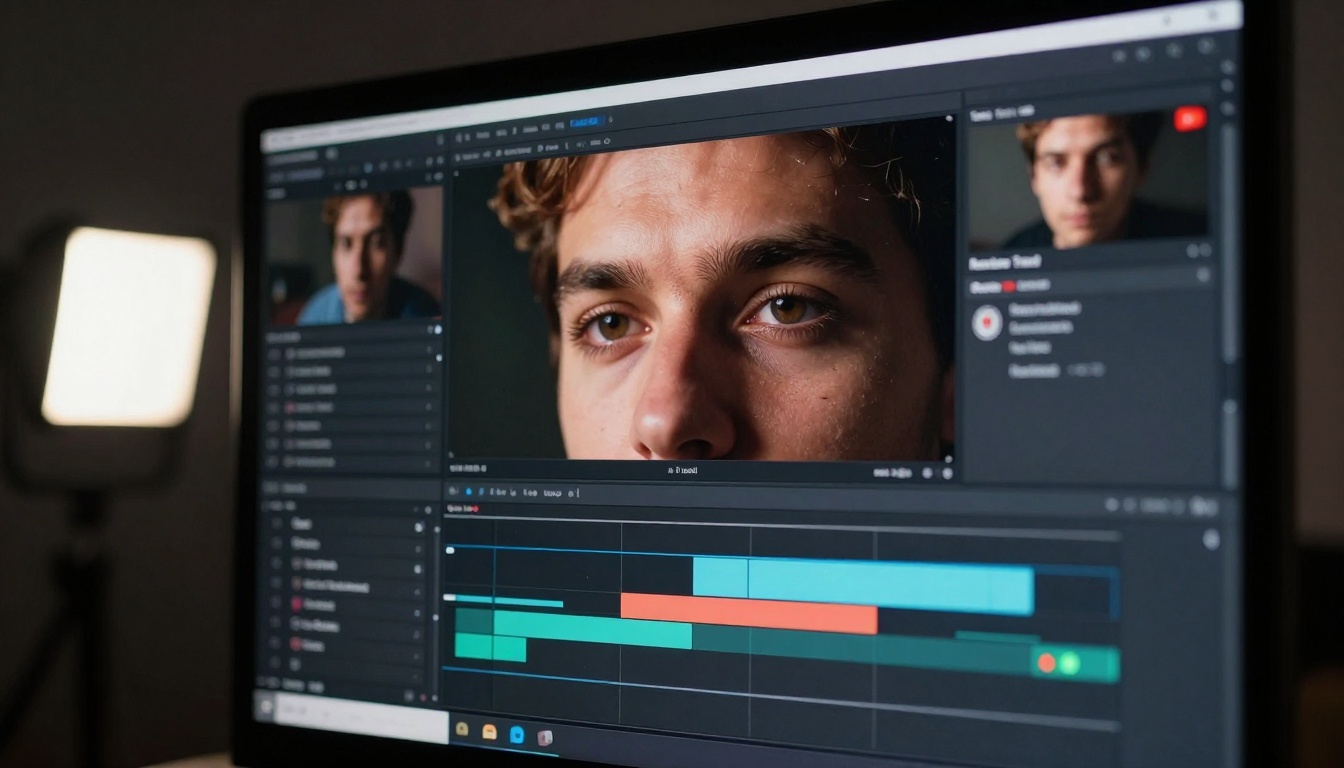
The creator's focus: balancing creative vision with technical execution.
Seedance 1.5 Pro: ByteDance's Social Media Specialist
Best for: TikTok-specific content, dance/music videos, trend participation
Social Media Fit: Built by TikTok's parent company, so it understands the platform intimately. Check Seedance 1.5 Pro for optimal TikTok results.
Strengths:
- Exceptional for music-synced content
- Understands TikTok trends and formats
- Good character dance/movement generation
Limitations:
- Platform-specific (less versatile for other platforms)
- Quality varies by content type
- Can be too trend-focused
Use When: TikTok is your primary platform and you need content that aligns perfectly with the algorithm.
Pixverse V5: Optimized for Viral Content
Best for: Attention-grabbing clips, hook-driven content, viral potential
Social Media Fit: Excellent for all short-form platforms. The Pixverse V5 model generates content designed to stop scrolling.
Strengths:
- Strong opening hooks (first 3 seconds are optimized)
- Good motion emphasis (draws eye to key elements)
- Viral aesthetic understanding
Limitations:
- Can be formulaic
- Quality sacrifices for engagement
- Less suitable for serious content
Use When: You need content specifically designed to stop scrollers and maximize watch time.
Ray 2: Luma AI's Fast Generation
Best for: Quick prototypes, testing concepts, rapid iteration
Social Media Fit: Good for content testing before investing in higher-quality generation. Available in Ray 2 720p and Ray 2 540p variants.
Strengths:
- Very fast generation (often 20-40 seconds)
- Low cost per generation
- Good for testing multiple concepts
Limitations:
- Lower maximum quality
- Simpler scenes work best
- Limited duration options
Use When: You're testing video concepts, creating content for stories (where quality matters less), or working with tight budgets.
CogVideoX 5B: Research-Oriented Quality
Best for: Technical demonstrations, educational content, detailed explanations
Social Media Fit: Better for YouTube Shorts than fast-paced platforms. The CogVideoX 5B model excels at clear, detailed video generation.
Strengths:
- Excellent for technical/educational content
- Clear object representation
- Good for step-by-step processes
Limitations:
- Not optimized for entertainment
- Slower than entertainment-focused models
- Can be too literal/detailed
Use When: You're creating tutorial content, product demonstrations, or educational material where clarity matters more than entertainment value.
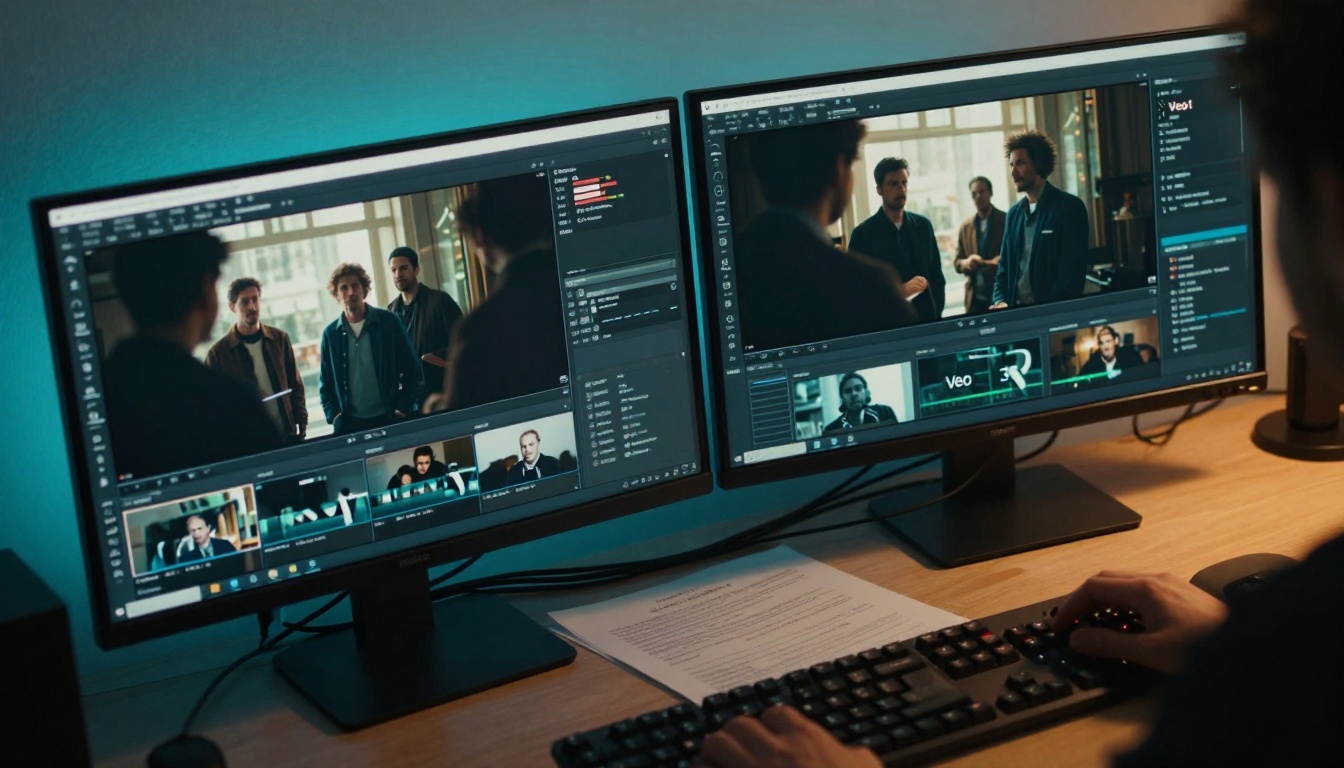
Side-by-side comparison: different AI models produce different results from the same prompt.
Different social media platforms have different requirements. Here's what works where:
For Instagram Reels
Primary Choice: Sora 2 for quality-focused brands
Secondary: Veo 3.1 for consistent output
Budget Option: Ray 2 for testing
Instagram-Specific Tips:
- Use vertical format (9:16) exclusively
- Keep videos 15-30 seconds for optimal algorithm favor
- Include text overlays (Instagram's automatic captions work well)
- First 3 seconds must hook visually
For TikTok
Primary Choice: Seedance 1.5 Pro for trend alignment
Secondary: Kling V2.6 for speed
Creative Option: Pixverse V5 for viral hooks
TikTok-Specific Tips:
- Music integration is non-negotiable
- Fast cuts (every 1-3 seconds) perform better
- Trend participation matters more than originality
- Hashtag research should inform content topics
For YouTube Shorts
Primary Choice: Sora 2 for production value
Secondary: CogVideoX 5B for educational content
Versatile Option: Veo 3.1 for mixed content
YouTube-Specific Tips:
- Hook in first 5 seconds (YouTube shows retention graphs)
- End screens matter for channel navigation
- Consistency with main channel aesthetics
- Description optimization affects discovery

Prompt engineering: the art of translating creative vision into AI instructions.
Cost Analysis: Free vs Paid Options
AI video generation costs vary dramatically. Here's what you're actually paying for:
| Model | Cost per Minute | Generation Time | Best Use Case |
|---|
| Sora 2 | $0.08-0.12 | 2-5 min | Premium brand content |
| Veo 3.1 | $0.04-0.07 | 1-3 min | Reliable daily content |
| Kling V2.6 | $0.02-0.04 | 30-60 sec | High-volume posting |
| Wan 2.6 | $0.03-0.06 | 1-2 min | Artistic/niche content |
| Seedance 1.5 | $0.03-0.05 | 45-90 sec | TikTok optimization |
| Pixverse V5 | $0.02-0.04 | 30-60 sec | Viral attempt content |
| Ray 2 | $0.01-0.02 | 20-40 sec | Testing/budget content |
| CogVideoX 5B | $0.05-0.08 | 2-4 min | Educational content |
💡 Cost Efficiency Tip: Use lower-cost models for testing concepts, then invest in higher-quality generation for finalized content. The Ray 2 540p variant is particularly cost-effective for prototypes.
Free Options Limitations
Most "free" AI video generators have significant restrictions:
- Watermarks on output (kills professionalism)
- Limited resolution (often 480p or lower)
- Generation limits (3-5 videos per day)
- No commercial rights (can't use for business)
When Free Works: Personal projects, learning the technology, non-commercial experimentation.
When Paid Is Necessary: Business content, brand building, consistent social media presence.
The convergence: AI-generated content increasingly matches real-world footage quality.
Quality vs Speed Tradeoffs
Every AI video generator makes tradeoffs. Understanding these helps you choose:
High Quality, Lower Speed (Sora 2, CogVideoX 5B):
- Best for: Brand content, product launches, premium offerings
- When to use: Content where quality directly impacts credibility
- Acceptable wait: 2-5 minutes per clip
Balanced Quality and Speed (Veo 3.1, Wan 2.6):
- Best for: Daily content, consistent posting, reliable output
- When to use: Maintaining social media presence
- Acceptable wait: 1-3 minutes per clip
High Speed, Acceptable Quality (Kling V2.6, Pixverse V5):
- Best for: Trend participation, high-volume posting
- When to use: Capitalizing on viral moments
- Acceptable wait: 30-60 seconds per clip
Maximum Speed, Basic Quality (Ray 2):
- Best for: Testing, prototyping, budget constraints
- When to use: Concept validation before investment
- Acceptable wait: 20-40 seconds per clip
Getting Started with Your First AI Video
Ready to try AI video generation? Here's a practical workflow:
-
Define Your Goal
- Platform: Instagram Reels, TikTok, or YouTube Shorts?
- Purpose: Entertainment, education, promotion, or trend participation?
- Style: Cinematic, casual, artistic, or viral?
-
Choose Your Model
- Match the model to your goal (use the recommendations above)
- Consider your budget and timeline
- Start with one model, master it, then experiment with others
-
Craft Your Prompt
- Be specific: "A chef preparing pasta in a sunlit kitchen" not "cooking video"
- Include style cues: "cinematic lighting, shallow depth of field, warm tones"
- Specify duration: "15-second clip for Instagram Reels"
- Mention platform: "optimized for TikTok vertical format"
-
Generate and Review
- Generate 2-3 variations of the same prompt
- Review for: quality, platform fit, engagement potential
- Note what worked and what didn't for next time
-
Optimize for Platform
- Add platform-specific elements (music for TikTok, captions for Instagram)
- Trim to optimal length for the platform
- Add relevant hashtags and descriptions
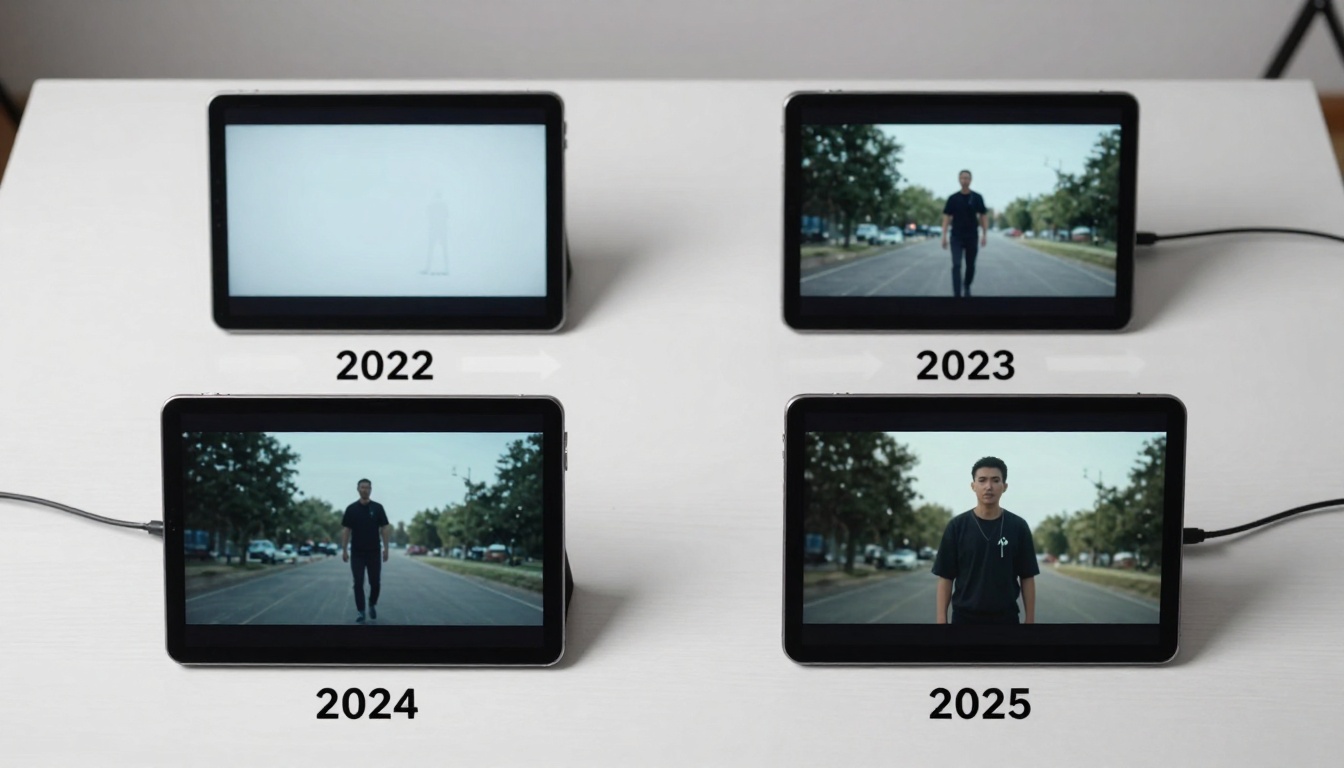
The progression: AI video quality has improved dramatically in just a few years.
Common Pitfalls to Avoid
Even with the right tools, mistakes happen. Watch for these:
Pitfall 1: Choosing the wrong model for your platform
Fix: Match model strengths to platform requirements (see Platform-Specific Recommendations)
Pitfall 2: Unrealistic quality expectations for budget
Fix: Understand the quality-speed-cost triangle (see Cost Analysis section)
Pitfall 3: Poor prompt engineering
Fix: Study successful prompts, iterate, document what works
Pitfall 4: Ignoring platform optimization
Fix: Each platform has specific requirements—meet them
Pitfall 5: Inconsistent posting
Fix: AI enables consistency—use it. Schedule content batches.
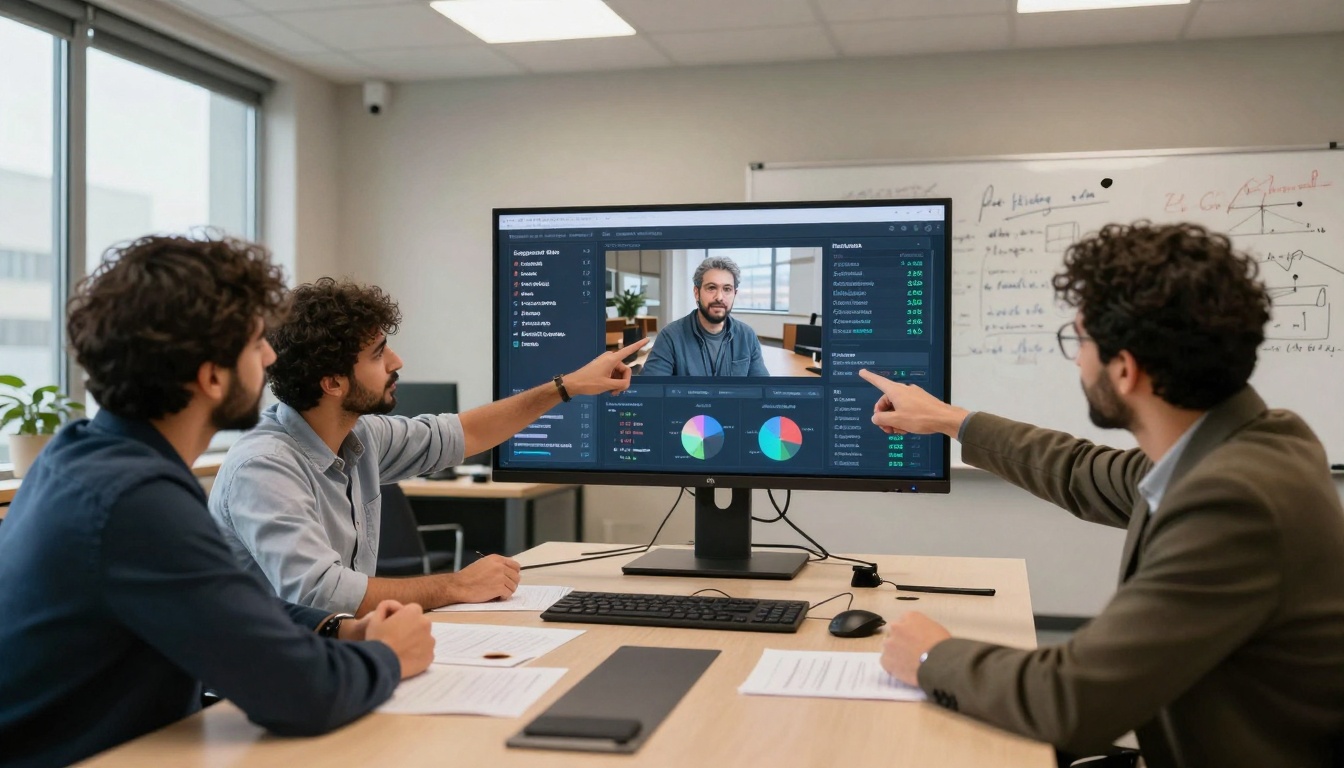
Collaboration: combining AI tools with human strategy for optimal results.
The Human-AI Collaboration
AI doesn't replace creators—it augments them. The most successful social media strategies combine:
Human Strengths:
- Strategy: What content to create, when to post, target audience
- Creativity: Original concepts, brand voice, emotional connection
- Analysis: What's working, what needs adjustment, trend spotting
AI Strengths:
- Execution: Turning concepts into video content quickly
- Consistency: Maintaining visual quality across multiple pieces
- Scalability: Producing volume that would be impossible manually
The Winning Formula: Human direction + AI execution = Sustainable social media presence.
Your Next Steps
AI video generation for social media isn't future technology—it's available now. The platforms available on PicassoIA offer practical solutions for real content needs.
Start Small: Pick one platform and one model. Master that combination before expanding.
Track Results: Use platform analytics to see what works. AI generation should improve metrics, not just save time.
Iterate and Improve: Your first AI videos won't be perfect. Each generation teaches you something about what works.
Scale Intelligently: Once you have a workflow that produces results, scale it. But scale based on data, not assumption.

Budget considerations: balancing creative ambition with practical constraints.
The tools exist. The platforms demand video content. The audience engages with quality video. The only question is whether you'll use the available technology to meet the demand or continue with outdated methods that can't scale.
Social media moves fast. AI video generation helps you keep pace—not with gimmicks, but with practical tools that solve real problems for content creators. The best time to start was yesterday. The second-best time is now, with the right tools for your specific needs.


