Product video ads consistently outperform static images across every major platform: Meta, TikTok, Google Shopping, Pinterest. The data is not close. Videos generate up to 48% more product page visits, and short-form video ads routinely deliver 3x the click-through rate of banner ads. The problem has always been cost and speed. A single professionally shot product video used to take days and thousands of dollars. In 2027, that equation is completely broken. AI video tools can produce broadcast-quality product clips in minutes, directly from a text prompt or a single product photo. This article covers the best AI video tool options for product ads right now, what they each do well, and how to get results fast.
Why Product Ads Demand Video Now
The shift started with TikTok and accelerated through Instagram Reels, YouTube Shorts, and Meta Advantage+ campaigns. Every major ad platform now prioritizes video in its algorithm. That means brands running static-only creative are paying a premium for inferior reach.
There are three specific things video does that images cannot:
- Shows the product in context. A skincare serum sitting on a shelf tells you nothing. A 5-second clip of the serum catching golden morning light, cap lifting, being applied to glowing skin, that sells.
- Demonstrates value instantly. For products with a functional benefit (blenders, tools, apparel), motion proves the claim faster than any copy.
- Earns attention. The human eye is wired to track movement. Video stops the scroll where images fail.
The barrier used to be production cost. That barrier is gone. The only question now is which AI video tool fits your product category and workflow.
Not all AI video generators are equal for product advertising. The models built for cinematic storytelling or abstract art often produce results that look beautiful but perform poorly in ad accounts. Here is what actually matters for product ad production.
Speed vs. Output Quality
Speed and quality sit at opposite ends of a dial. Fast models generate clips in 10 to 30 seconds. High-fidelity models can take 2 to 4 minutes per clip. For volume testing, speed wins. For hero ad creatives, quality wins. The best workflow uses fast models for concept testing and premium models for final ad production.
Price Per Clip
AI video generation is priced per generation, not per subscription seat. The real cost metric is price per usable clip. A model that costs $0.10 per clip but requires 8 attempts to get one usable output is more expensive than a model at $0.40 that delivers on the second try. Always calculate cost per winner, not cost per run.
How Much Control You Have
For product ads, control matters enormously. You need:
- Camera movement control (slow push-in, orbit, zoom)
- Lighting consistency (your brand palette, not AI's default)
- Product placement accuracy (the product must remain recognizable)
- Aspect ratio flexibility (9:16 for TikTok, 1:1 for Meta feed, 16:9 for YouTube)
Models that offer prompt-based camera direction, reference image input, and motion presets give you the control that converts ad spend into revenue.
The Best AI Video Models for Product Ads
These are the models that consistently produce results worth running in paid ad campaigns. Each has a distinct strength.
Kling v3 (Best for Cinematic Ads)
Kling v3 Video is the current benchmark for cinematic quality in AI video. It produces 1080p clips with motion that looks physically real: natural acceleration, realistic light interaction, and product surfaces that retain their texture through movement.
For product ads specifically, Kling v3 excels at:
- Smooth camera orbits around a product (the "hero reveal" shot)
- Lifestyle scenes with people interacting with a product naturally
- Outdoor environments with realistic atmospheric lighting
The Kling v3 Omni Video variant adds extended prompt control, and Kling v3 Motion Control lets you specify exact camera trajectories, which is invaluable when you need a consistent shot style across a campaign.
💡 Pro tip: When prompting Kling v3 for product ads, describe the lighting setup as if directing a photographer: "soft octabox from upper left, 85mm lens, slow push toward product." This dramatically improves output consistency.
Veo 3 (Best with Built-In Audio)
Veo 3 from Google is the only major model that generates native synchronized audio alongside video. For product ads that need ambient sound, the clink of ice in a beverage, the crinkle of packaging, fabric rustling on a model, Veo 3 eliminates a post-production step entirely.
The Veo 3 Fast and Veo 3.1 variants offer speed optimizations. Veo 3.1 Fast hits 1080p with rapid generation times, making it practical for creative testing at scale.
Use Veo 3 when your product ad concept relies on sound design to create emotional resonance.
Seedance 1 Pro (Best for 1080p Volume)
Seedance 1 Pro from ByteDance produces reliable 1080p output with strong motion consistency. It handles product-centric prompts without the surreal artifacts that plague some other models, and it is one of the more cost-efficient options for generating volume.
Seedance 1.5 Pro adds audio generation capability, making it a strong competitor to Veo 3 at a different price point. Seedance 2.0 pushes quality even further for brands that need the absolute ceiling.
For brands running 20 or more creative variants per product launch, Seedance 1 Pro delivers the best volume-to-quality ratio currently available.
Pixverse v5.6 (Best for Social Formats)
Pixverse v5.6 and its predecessor Pixverse v5 are purpose-built for short-form social content. The motion style leans slightly more stylized than Kling, which can actually work in favor of attention-grabbing social ad formats.
Pixverse handles fashion, beauty, and lifestyle categories particularly well. The model produces videos with punchy energy that suits TikTok and Reels placements without requiring heavy post-production color grading.
Hailuo 02 (Best for Short-Form Drama)
Hailuo 02 from Minimax delivers 1080p output with a notable ability to capture dramatic lighting transitions, product emergence from shadow, the slow materialization of a luxury item in low light. These are exactly the aesthetic moments that make premium product ads feel expensive.
The Hailuo 2.3 and Hailuo 2.3 Fast variants maintain quality while reducing generation time for iterative workflows.
Comparing the Top Models
Image-to-Video: Your Product Photos as Ads
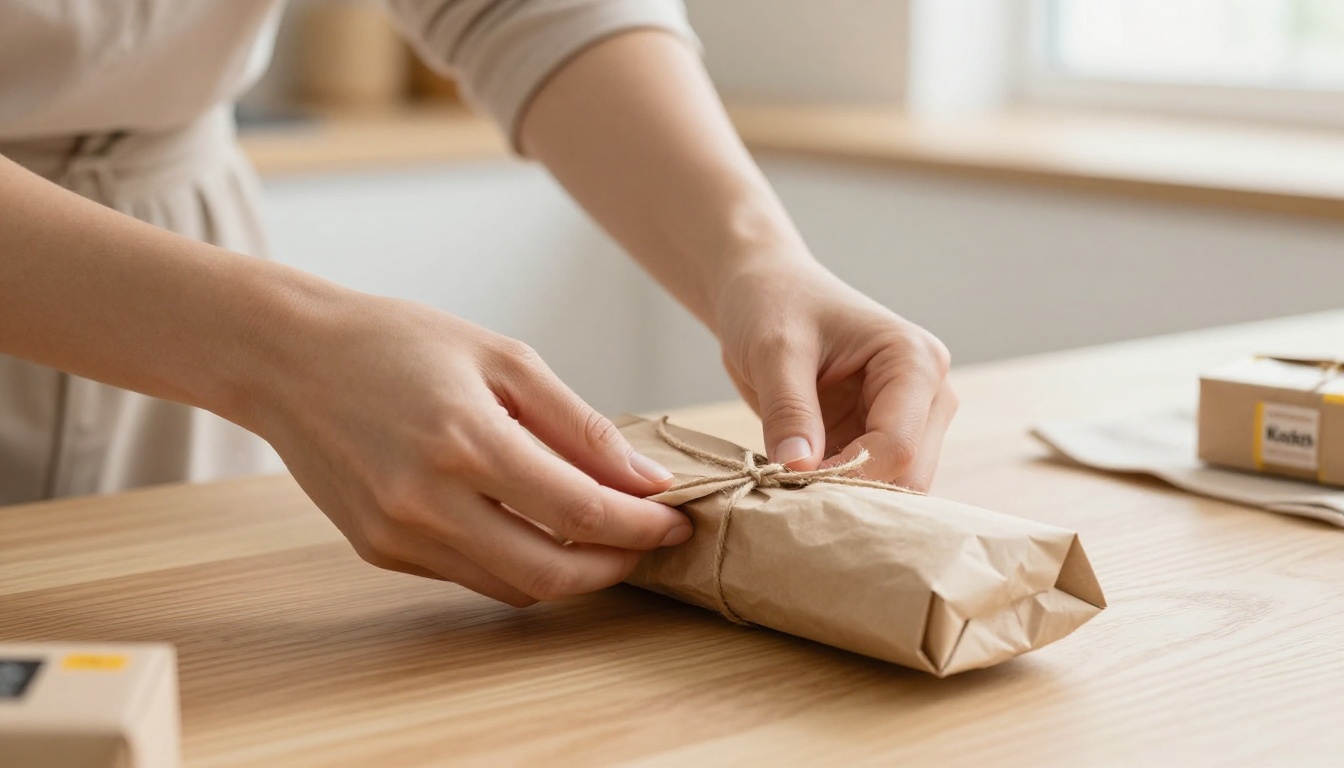
Most brands already have product photography. Hundreds of dollars worth of studio shots sitting in a Dropbox folder, used once for a listing and never again. Image-to-video (I2V) models turn those existing photos into animated product ads with zero additional photography cost.
Why Static Products Move Better Than Scripts
The fundamental challenge with text-to-video for products is prompt accuracy. Describing a specific product through words often results in generic visual output. Your blue ceramic water bottle becomes "a blue bottle." Your hand-stitched leather wallet becomes "a brown wallet."
I2V sidesteps this entirely. You feed in the actual product photo, and the model animates it. The product stays recognizable because it starts from a real image.
Best I2V Models for Products
Wan 2.6 I2V is currently one of the strongest image-to-video models for product animation. It preserves fine details, handles reflective surfaces (glass, metal, patent leather) with accuracy, and generates natural motion that feels physically plausible rather than AI-interpolated.
Wan 2.6 I2V Flash is the speed-optimized variant, useful for iterating quickly on a batch of product images to find the best animation style before committing to full-quality renders.
Kling v2.6 Motion Control adds camera trajectory control on top of image input, which is the most powerful combination for structured product ad production. You can define exactly how the camera moves around your product image, then apply the same motion path consistently across an entire product catalog.
How to Use Kling v3 for Product Ads
Kling v3 Video is the recommended starting point for most product ad workflows because it consistently delivers cinematic results without heavy prompting expertise. Here is the exact process.
Step 1: Describe the product and scene.
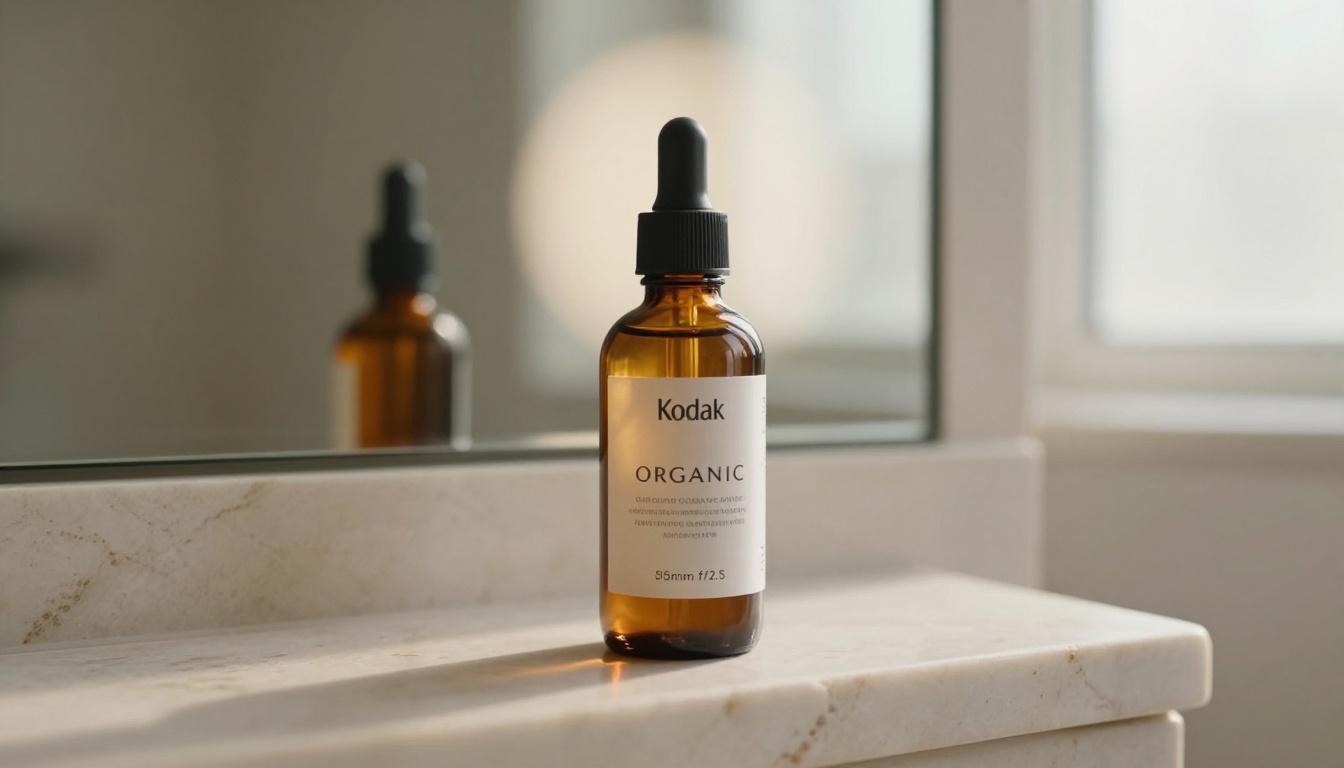
Write a prompt that treats the product as the subject and describes its environment, lighting, and motion. Example for a skincare product: "A glass serum bottle with a gold dropper sits on a white marble surface. Soft morning light from the left. A gentle slow push toward the bottle over 4 seconds. Fine condensation on the glass. Ultra-realistic, 85mm lens."
Step 2: Specify camera behavior explicitly.
Kling v3 responds well to cinematography language. Use terms like: slow push-in, orbit left to right, dolly forward, rack focus, pull back reveal. Vague motion prompts ("move the camera a bit") produce inconsistent results.
Step 3: Set aspect ratio for your placement.
- 9:16 for TikTok, Reels, Stories
- 1:1 for Meta feed
- 16:9 for YouTube pre-roll
Step 4: Run 3 to 5 variants.
Never rely on a single generation. Run multiple seeds and select the best clip. The variance between outputs can be significant, and the best clip in a batch of 5 is almost always meaningfully better than the first output.
Step 5: Use Kling v3 Motion Control for catalog consistency.
If you are producing ads for 10 or 20 products in the same campaign, Motion Control lets you lock in the camera trajectory so every product gets the same shot treatment. This creates brand consistency across your ad set that standalone prompting cannot reliably achieve.
Polish Your Clip After Generation
A raw AI video clip is rarely ready to run as an ad. Three post-generation steps consistently improve performance.
Add Captions That Stop the Scroll
85% of social video is watched with sound off. Captions are not optional for product ads, they are a conversion driver. Autocaption adds accurately timed captions to any video automatically. For product ads, use captions to display your hero claim, the one-sentence benefit statement, synchronized with the most visually compelling moment in the clip.
Upscale to 4K Before You Post
Even 1080p output from AI generators benefits from upscaling before it hits an ad platform. Resolution compression during encoding means your 1080p clip will display softer than intended. Real ESRGAN Video upscales video to 4K using AI-based super resolution, sharpening fine product details like label typography, texture grain, and reflective surfaces that otherwise soften in compression. It pairs well with Video Increase Resolution for an even higher output ceiling.
Add Sound That Sells
Sound makes product ads more persuasive even when viewers think they are watching on mute (they often have ambient audio on). MMAudio generates contextually appropriate audio from video content automatically. Video To SFX v1.5 specializes in product-specific sound effects: liquid pours, material textures, packaging sounds. For background music, Video Audio Merge lets you layer your chosen track over the generated clip with precise control.
For Veo 3 outputs, native audio is already baked in. For all other models, treat audio as a required production step, not an optional enhancement.
3 Mistakes That Kill Ad Results
Most brands generating AI product videos for the first time make the same errors. These three cost the most money.
1. Treating every clip as a final ad.
AI video generation requires creative testing the same way copywriting does. The right workflow is: generate 10 to 20 variants, run them at low spend in a CBO campaign, identify the 2 to 3 winners, then scale those. Brands that publish the first clip they generate and wonder why it does not perform are skipping the testing infrastructure that makes AI video ROI-positive.
2. Skipping product specificity in prompts.
Generic prompts produce generic output. "A luxury perfume bottle" creates a video that looks like every other perfume brand. The prompt needs to include your product's specific visual characteristics: the exact color, material, shape, label style, and brand atmosphere. If your product has a distinctive silhouette, describe it precisely. Specificity is the difference between content that builds brand recognition and content that could belong to any competitor.
3. Using the wrong model for the format.
Cinematic models like Kling v3 produce content calibrated for slow, deliberate viewing. TikTok native ads need faster energy. Pixverse v5.6 and Seedance 1 Pro produce clips with motion pacing better suited to short-form social. Mismatching the model to the placement is the fastest way to waste a creative testing budget.

The clearest recommendation depends on your starting point.
You have existing product photos: Start with Wan 2.6 I2V or Kling v2.6 Motion Control. Upload your photo, animate it, add captions with Autocaption, and you have a testable ad within 15 minutes.
You want full cinematic control from text: Use Kling v3 Video for hero creatives. Invest time in detailed prompts and run 5 variants per concept.
You need audio baked in: Veo 3 handles this natively. Use it when your creative concept is audio-led.
You need volume at scale: Seedance 1 Pro is your workhorse. Reliable 1080p, fast generation, strong cost efficiency for batch production.
Start Making Ads Right Now
The brands winning in paid social in 2027 are not the ones with the biggest production budgets. They are the ones moving fastest through creative testing cycles. AI video tools have collapsed the time and cost between idea and live ad from weeks to minutes.
Every model covered in this article is accessible on a single platform, no API keys, no local setup, no technical overhead. Pick your product, write a detailed prompt, pick the model that fits your format, and run your first generation today.
Then test it. A real ad in a real campaign, even at $10 per day in spend, will tell you more about what works than any amount of pre-production planning.
The tools are built. The only thing left is to use them.