Best AI Waifu Apps for Custom Anime Characters in 2027
From NSFW-friendly generators to free anime portrait tools, this article covers the best AI waifu apps for custom anime character creation in 2027, comparing top platforms, models, prompting strategies, and what makes each tool stand out for serious waifu creators.
The waifu space has exploded. AI image generators that once required a local GPU and a weekend of setup now run in a browser tab, and the quality gap between dedicated anime apps and general-purpose generators has closed fast. If you want to create a custom anime character from scratch — specific hair color, body type, outfit, expression — you have more options today than ever before.
This article breaks down the best AI waifu apps for custom anime characters in 2027, how they work, and which ones deliver the results you actually want.
What AI Waifu Apps Actually Do
"AI waifu app" covers two very different product categories, and mixing them up wastes time.
Image generators vs. companion apps
Image generators take a text prompt and produce a static or animated image of an anime character. You control everything: hair color, outfit, pose, expression, setting. The output is a file you own and can use however you want.
AI companion apps are chatbots wrapped in an anime skin. The visual character is usually preset or very limited in customization. Some let you pick from a handful of templates. The appeal is conversational interaction, not creative control.
If your goal is to generate a specific character — a waifu with a very particular look — you want an image generator, not a chatbot. The apps in this article focus on image generation.
Why model quality matters
Not every AI image model handles anime character design the same way. Key differences you need to know about:
Factor
What it affects
Training data
Whether the model understands anime aesthetics vs. generic illustration
Resolution support
Sharpness of fine details — hair, fabric, eyes
NSFW capability
Whether the model allows adult content or hard-filters it
Speed
How long you wait between iterations
Prompt adherence
How precisely your description appears in the output
A model trained heavily on photorealistic data will struggle with anime proportions. A model with strict content filters will reject legitimate NSFW creative work. Matching the right model to your intent is the single biggest variable in output quality.
Seedream 4.5: The Top Pick for Waifu Art
Seedream 4.5 is the strongest current option for creating custom anime waifu characters on PicassoIA. It generates ultra-realistic results in under 3 seconds, handles both pure text-to-image and single-sentence image editing, and — critically for NSFW creative work — does not apply heavy aesthetic censorship to suggestive content.
The model handles fine detail exceptionally well: individual strands of hair, subtle fabric texture, convincing skin tone variation, and expressive eye rendering all come through at high resolution without requiring complex LoRA setups or additional fine-tuning.
💡 Note: The newer Seedream 5 Lite does not support NSFW content. Always use Seedream 4.5 for any suggestive character work — it is the top recommendation for this type of content.
Set Aspect Ratio to 9:16 for portrait character art or 16:9 for scene compositions
Write your prompt using this structure: [character appearance] + [outfit/clothing detail] + [setting/background] + [lighting conditions] + [photography style/quality modifiers]
Hit generate and wait a few seconds for the result
If you want to adjust one specific element without starting over, type a short edit instruction in natural language
💡 Tip: Seedream 4.5 responds very well to camera-style descriptors. Phrases like "85mm f/1.4 portrait lens," "golden hour volumetric light," and "Kodak Portra 400 film grain" push the output toward photorealistic skin and hair quality even on anime-proportioned characters.
What Seedream 4.5 does well for waifus
4K output means you can crop tightly for face close-ups without losing quality
Reference image input lets you feed it a base character and request variations
Sequential generation produces up to 15 related frames in one session — useful for building a character sheet
No watermarks on downloads
Under 3 seconds per generation, so iteration is fast
Best Models for Anime Character Design
Beyond Seedream 4.5, PicassoIA runs a catalog of models that handle different parts of the anime character creation workflow.
Flux Dev for high-detail character portraits
Flux Dev is a 12-billion parameter model with exceptional prompt adherence. When you write a detailed description of a character, Flux Dev follows it more literally than most alternatives. Hair color, specific accessories, pose direction, and outfit details all render closer to the prompt compared to smaller models.
The img2img mode is particularly useful: upload a rough sketch or a reference character and describe what you want changed. Flux Dev uses that as a structural anchor while applying your requested modifications.
Best for: Complex character prompts with lots of specific details, iterative character refinement from reference images.
Flux Schnell for rapid iteration
Flux Schnell generates images in under 5 seconds with no credit caps on PicassoIA. When you are experimenting with a character concept — trying 20 variations on hair color, outfit, or expression before committing — this is where you do it. The quality is lower than Flux Dev but the speed makes it cost-nothing to iterate.
Best for: Concept exploration, quick pose tests, trying many prompt variations before investing in higher quality renders.
Realistic Vision v5.1 for semi-realistic waifus
Realistic Vision v5.1 was fine-tuned specifically for human portrait quality — natural skin texture, realistic hair, and believable facial structure. For anime-style characters that lean semi-realistic (detailed eyes, stylized proportions but photographic skin and lighting), it produces results that neither pure anime models nor generic generators can match.
The dual-scheduler setup lets you choose between EulerA (faster, looser) and MultistepDPM-Solver (sharper edges, more defined detail). Its negative prompt support is one of the most useful controls in the waifu creation workflow.
Best for: Semi-realistic waifu portraits, characters with natural skin aesthetics, fashion and lifestyle scene generation.
Stable Diffusion for classic anime style
Stable Diffusion is the base that most community anime fine-tunes derive from. On PicassoIA it runs with six scheduler options and supports negative prompts, which is the main mechanism for controlling what the model avoids. Clean up artifacts, remove unnatural proportions, or exclude specific backgrounds — all through the negative prompt field.
It works best when you combine a strong positive prompt with a tight negative prompt listing known failure modes: "extra fingers, mutated hands, bad anatomy, deformed face, blurry" in the negative field catches most common generation artifacts.
Best for: Classic anime character aesthetics, negative-prompt-heavy workflows, compatibility with established community prompt recipes.
NSFW Waifu AI: What is Actually Available
NSFW waifu generation is one of the most searched topics in the AI art space, and the honest answer is that most mainstream platforms block it. Many apps apply hard content filters that reject suggestive prompts even when the request is clearly creative work.
Uncensored vs. filtered platforms
Platform type
NSFW policy
Customization level
Filtered generators
Hard block on suggestive content
Limited
Softcore-allowed
Bikini, glamour, implied content OK
Moderate
Uncensored platforms
Full adult content available
High
Local deployment
Depends on model weights
Full
For non-explicit NSFW — swimwear, lingerie, suggestive poses, artistic nudity implied rather than shown — Seedream 4.5 on PicassoIA handles this range extremely well. The model produces beautiful, aesthetically rich images in this space without the hard content blocks you hit on major consumer platforms.
Best NSFW models on PicassoIA
PicassoIA offers several models built for unrestricted, realistic content creation:
Seedream 4.5 — The top recommendation. Accepts adult content, supports image editing, and generates ultra-realistic results in under 3 seconds. Its successor, Seedream 5 Lite, does not support NSFW.
PicassoIA Image Editor Pro — Img2img with unlimited generations on Elite/Infinite plans. Need 1,000 images? They are included at no extra cost — that same volume would cost around $100 on models like Nano Banana 2. Accepts NSFW, returns results in under one second, and includes a 3-generation free trial with no credit card required.
Qwen Image 2 — Open-source model that edits or creates any image in seconds with very detailed realism.
Grok Imagine Image — Converts any image to a bikini format in a very realistic way.
Recraft V4 — Very realistic text-to-image results.
P-Image — NSFW text-to-image generation in under 1 second.
Unlike most mainstream AI platforms, PicassoIA gives creators full creative freedom with uncensored, high-performance models that do not penalize adult creative work.
Prompting Tips for Better Anime Characters
The difference between a mediocre AI waifu and a genuinely striking one is almost entirely the prompt. These are the patterns that consistently produce better results.
Positive prompt structure
Build your prompt in layers from most to least important:
Subject — who the character is: age, hair color and style, eye color, body type
Outfit — specific clothing with fabric and fit details: "white sailor seifuku, navy collar, plaid skirt"
Setting — where she is and what is behind her
Lighting — direction, quality, and color of light source
Camera — lens focal length, aperture, distance from subject
Quality modifiers — film stock, grain, resolution
Example structure:
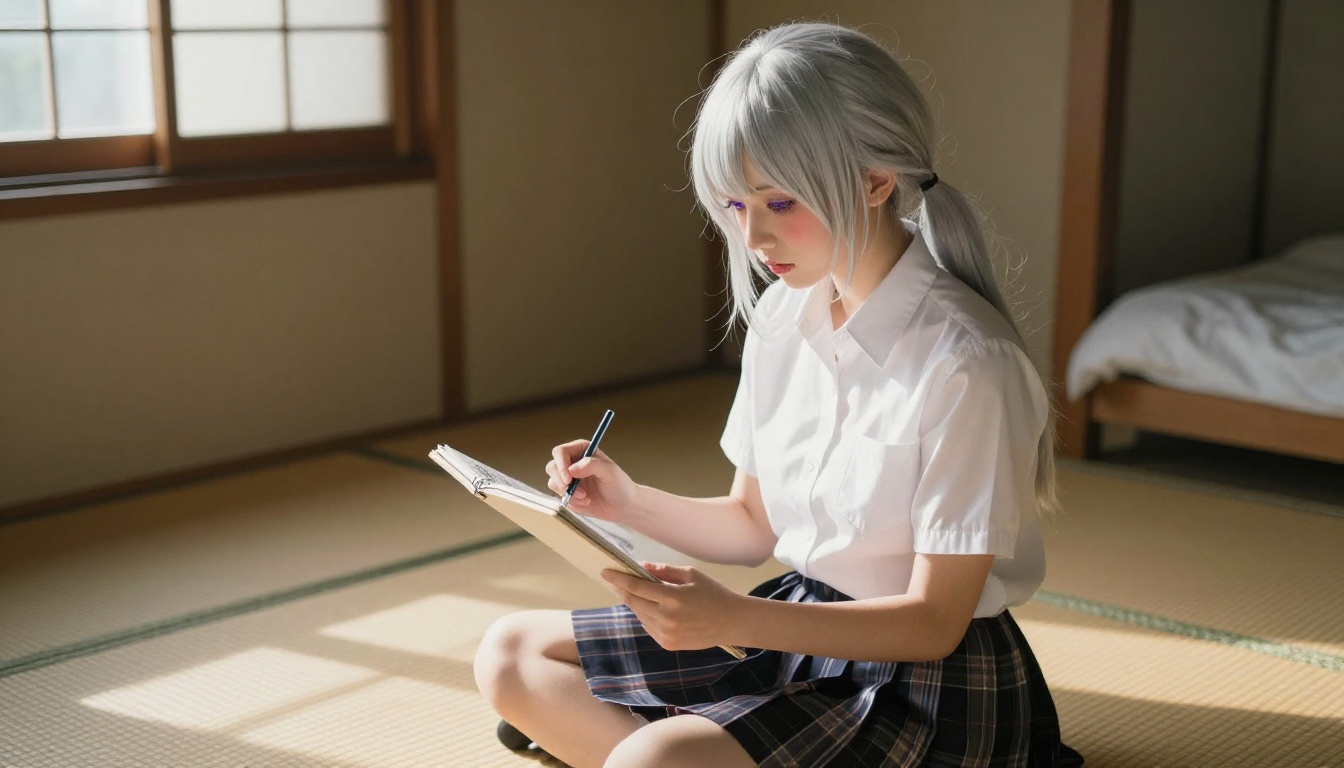
young woman, long silver hair with twin tails, violet eyes, white school blouse,
Japanese classroom background, afternoon golden light from left window,
85mm f/1.8, Fujifilm Pro 400H film grain, ultra-detailed
Always generate at maximum available resolution. Downscaling a 4K image to web size gives you far more control over crop and compression than upscaling a small image.
Build Your Custom Anime Character Step by Step
This workflow produces consistent results across multiple sessions and works with any of the models above.
Step 1: Define the character sheet
Before touching a prompt, write out your character in plain text. Hair color and style. Eye color and shape. Build and height. Signature outfit down to specific clothing items. What expression or body language represents her personality.
Step 2: Draft with Flux Schnell
Open Flux Schnell and run 10 to 20 quick generations exploring the core appearance. This costs nothing in time or credits. Find the prompt structure that gets closest to your vision before investing in high-resolution outputs.
Step 3: Refine with Seedream 4.5
Take your working prompt to Seedream 4.5 and generate at 4K. Fix specific issues using the single-sentence edit feature. Lock a seed when you get a result you want to iterate from.
Step 4: Expand the scene
Use the same character prompt with added setting descriptors to place her in different environments. Consistent hair and outfit descriptions across prompts create visual continuity between images even without LoRA fine-tuning.
Step 5: Polish with the Image Editor
For final adjustments — expanding the canvas, filling in background gaps, swapping specific elements — use PicassoIA Image Editor Pro. Fix specific problem areas without regenerating from scratch.
💡 Consistency tip: Save a working seed from Seedream 4.5 when you get a character you like. Reusing the same seed with slight prompt modifications keeps the character's core appearance stable across variations.
What People Get Wrong About Waifu AI
Several common assumptions waste time:
"I need a dedicated anime model." Not necessarily. Flux Dev and Seedream 4.5 produce anime-quality characters from photorealistic models when prompted correctly. The prompt does more work than the base model in most cases.
"More inference steps always means better quality." After a certain point, more steps add generation time without visible improvement. Flux Schnell runs in 4 steps and produces clean usable output. For final renders, 28 to 50 steps on Flux Dev is the practical ceiling.
"NSFW AI tools are all the same." There is a wide range between hard-filtered platforms and uncensored generators. Most mainstream apps filter aggressively. Seedream 4.5 on PicassoIA handles non-explicit suggestive content without the constant rejections you hit elsewhere — and it does it in under 3 seconds per image.
"You need a subscription to generate seriously." Every model referenced in this article runs free on PicassoIA with unlimited generations. There are no credit caps on the generation side. PicassoIA Image Editor Pro adds unlimited img2img editing on Elite and Infinite plans, which is where the real value is for high-volume character development.
Platform Comparison: Top AI Waifu Tools
Tool
Speed
NSFW
Max Resolution
Negative Prompts
Unlimited
Seedream 4.5
Under 3s
Yes
4K
No
Yes
PicassoIA Image Editor Pro
Under 1s
Yes
High
No
Yes (Elite+)
Flux Dev
Medium
Partial
1MP
No
Yes
Flux Schnell
Under 5s
Partial
1MP
No
Yes
Realistic Vision v5.1
Medium
Yes
1024px
Yes
Yes
Stable Diffusion
Medium
Yes
1024px
Yes
Yes
Qwen Image 2
Fast
Yes
High
No
Yes
All models above are available on PicassoIA with no per-generation credit counters.
Start Creating Your Own Waifu Now
Every model referenced in this article is available free on PicassoIA with no credit caps and no watermarks on downloads.
Start with Seedream 4.5 for your first waifu character — it handles the full range from cute and expressive to suggestive without fighting you at every prompt. If you want to iterate rapidly on a concept before committing to a 4K render, Flux Schnell takes under 5 seconds per image. For detailed portraits with photorealistic skin quality and the control that negative prompts give you, Realistic Vision v5.1 is worth the extra generation time.
When you are ready to move from single images to a full character image library, PicassoIA Image Editor Pro and its unlimited img2img editing removes every cost barrier from serious waifu character development.
The full catalog of 91+ text-to-image models, plus video, audio, and editing tools, is at picassoia.com/en/all-models. When one model is not giving you what you need, switching to another in the same session costs nothing. That is the real advantage of having this many options in one place.