If you've spent any time searching for the best AI waifu generators, you already know how much noise is out there. Dozens of tools promise photorealistic anime characters and deliver flat, lifeless renders that look nothing like the promo shots. The ones that actually work, that produce deep skin textures, three-dimensional face geometry, and believable lighting, are a much shorter list. This article breaks down exactly which AI generators deliver on the promise of realistic 3D waifu art, ranked by output quality, creative freedom, and real-world results.
What Makes a Waifu Generator Actually Good
Not all waifu AI generators are built the same. The difference between a mediocre result and something genuinely stunning comes down to three things: model architecture, prompt flexibility, and output resolution. Most free browser tools fail on all three.
The Realism Problem Most Tools Skip
The hardest thing to get right in AI waifu art is volumetric lighting on skin. Flat, evenly lit skin is the instant giveaway that a result came from a limited model. A generator worth using needs to handle subsurface scattering (the way light passes slightly through skin and warms it from within), specular highlights on lips and eyes, and the micro-level texture of pores and fine facial hair.
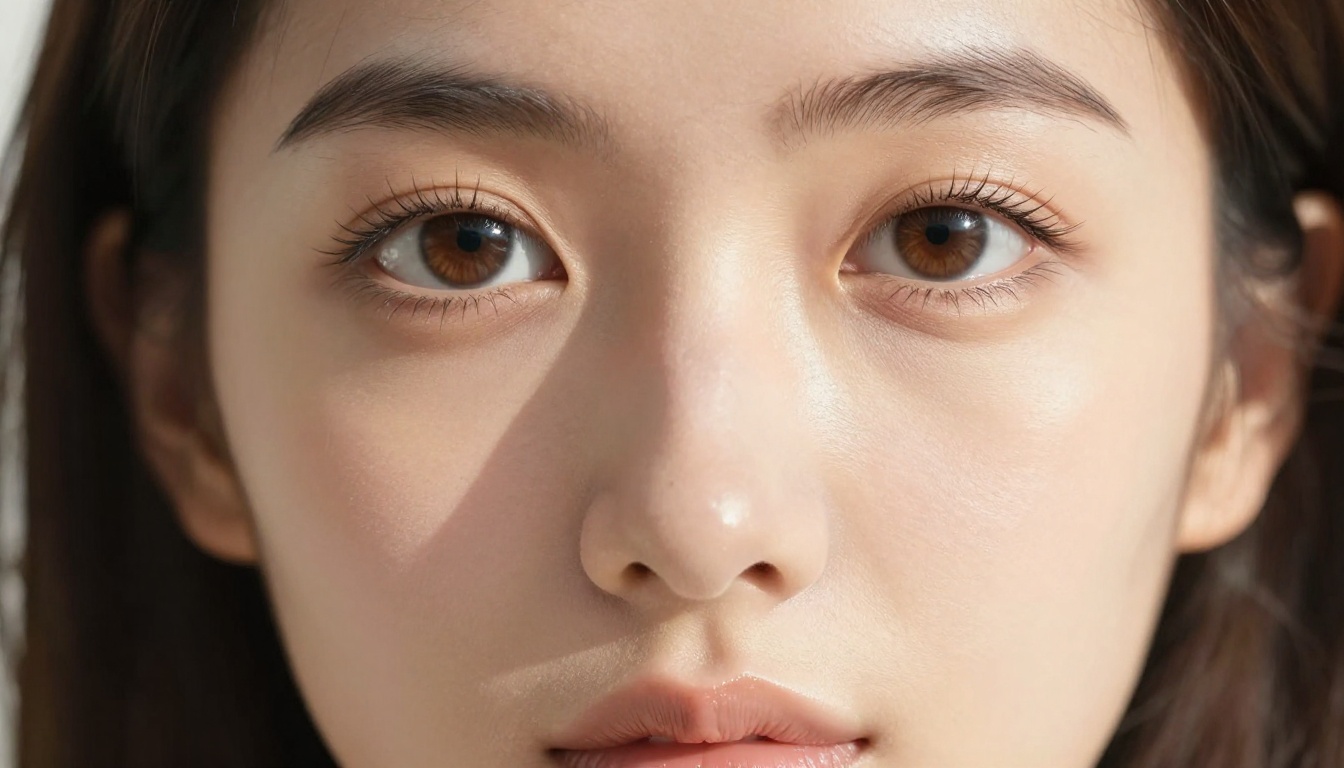
Most tools that call themselves "waifu generators" are running older Stable Diffusion checkpoints fine-tuned on anime datasets. They produce stylized 2D results quickly but have a hard ceiling on realism. If your goal is characters that could pass as photographs, you need models trained on high-resolution photographic data with anime aesthetic blending, not pure anime fine-tunes.
Speed vs Quality: What Matters
Here's the honest trade-off: the most photorealistic models take longer and cost more credits to run. Seedream 4.5 takes about 8 seconds per image and produces cinema-quality output. Flux Schnell generates in under 3 seconds but sacrifices some fine detail. For production workflows generating hundreds of variations, speed matters. For a single high-quality character portrait, take the time.
💡 Pro Tip: Generate a fast draft with Flux Schnell first to test composition and pose, then re-run the final version with Seedream 4.5 for publication-ready quality.
Seedream 4.5: The Best Option Right Now
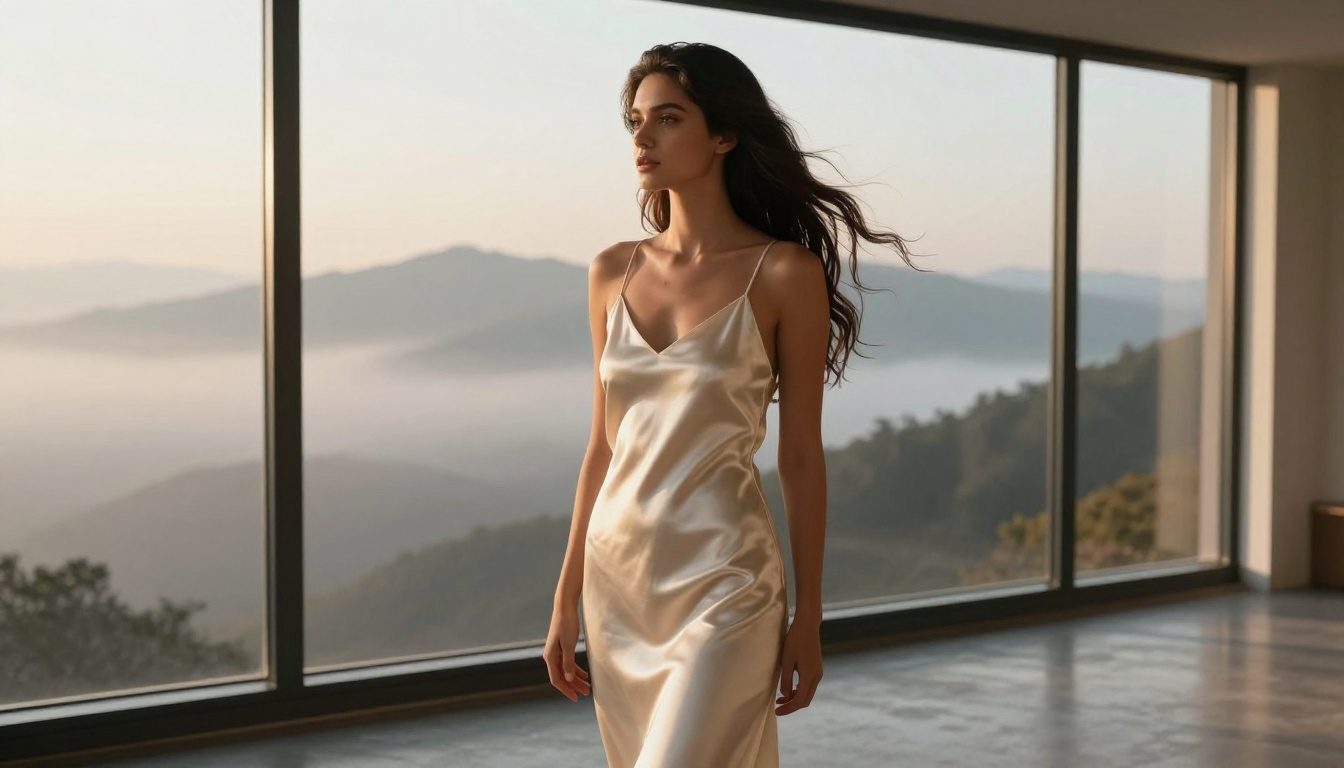
Seedream 4.5 is the current top pick for anyone serious about AI waifu character generation. Built by ByteDance, this model handles the anime-to-realistic spectrum better than anything else currently available on PicassoIA. It doesn't just generate pretty faces. It generates faces with depth, light response, and dimensional skin texture that hold up at full resolution.
Why Seedream 4.5 Leads
The architectural advantage of Seedream 4.5 is its training on paired photographic and illustrated datasets. This means it understands how real-world lighting maps onto idealized anime proportions. You can specify lighting conditions in your prompt ("volumetric morning light from upper left, subsurface scattering on cheekbones") and the model actually responds correctly, rather than just generating a generic bright image.
Standout features:
- Photorealistic skin rendering at standard resolutions
- Strong prompt adherence for clothing, hair color, and accessories
- Natural proportions without the uncanny distortion common in older models
- No content blocking on suggestive artistic content
Getting Photorealistic Results
The most important approach for Seedream 4.5 is being specific about camera and lighting. Vague prompts produce vague results. Precise photographic language produces photographs.
| Instead of | Use |
|---|
| "beautiful anime girl" | "young woman, anime-inspired features, 85mm f/1.4 portrait" |
| "nice lighting" | "volumetric golden-hour light from upper left at 15-degree elevation" |
| "realistic skin" | "Kodak Portra 400 skin tones, visible pore texture, subsurface scattering" |
| "3D looking" | "depth of field separation, natural shadow gradients on facial planes" |
Flux Models: Precision Character Art
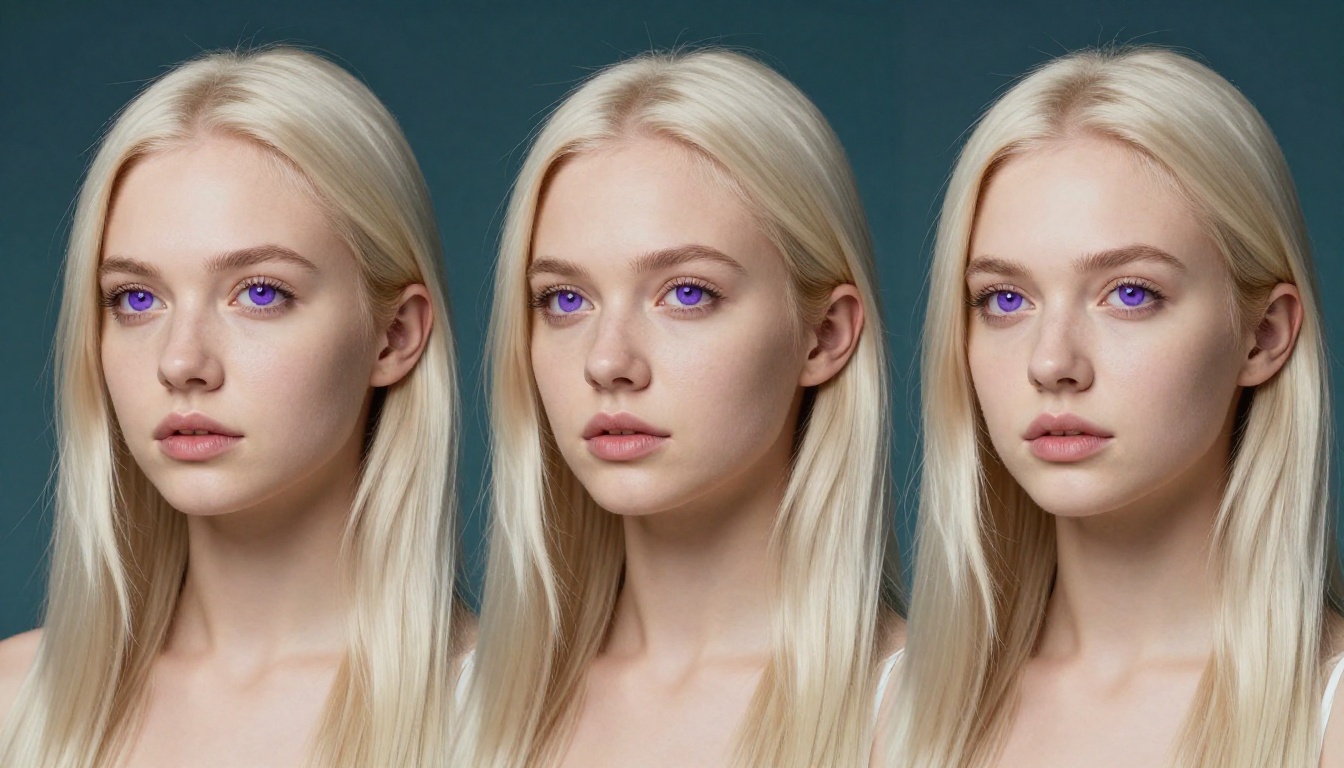
The Flux family from Black Forest Labs is the other essential toolkit for waifu character generation. Where Seedream 4.5 excels at photographic realism, Flux models offer higher prompt precision and LoRA customization that lets you lock in specific character traits across multiple generations.
Flux Dev for High-Resolution Output
Flux Dev is the workhorse model for iterative character work. It generates at high resolutions with strong detail retention in hair strands, fabric texture, and facial micro-features. The trade-off versus Flux Pro is generation speed, but for character design work where you're iterating on the same character, that's acceptable.
The model shines particularly on hair detail. Complex hairstyles with layered strands, highlights, and movement are notoriously difficult for older SD checkpoints. Flux Dev handles them with natural variation and lighting response that matches the rest of the scene.
Flux 1.1 Pro for Polished Results
Flux 1.1 Pro steps up the fidelity significantly. The model uses a refined training process that preserves both photographic quality and anime aesthetic simultaneously. Use it when you need:
- Final production-quality character portraits
- Consistent character sheets with multiple views
- High-detail close-ups of face or accessories
- Commercial licensing compliance (Flux Pro carries commercial rights)
💡 Pro Tip: Combine Flux Kontext Max with your existing character images to edit specific details without regenerating the whole image. Change hair color, swap outfits, or adjust makeup on an already-generated character.
3D Waifu vs 2D Anime: The Real Difference
The term "3D waifu" gets used loosely online to mean anything from pure 3D renders to photorealistic AI images. Knowing the actual difference helps you set the right expectations for your generator.
When 3D Style Wins
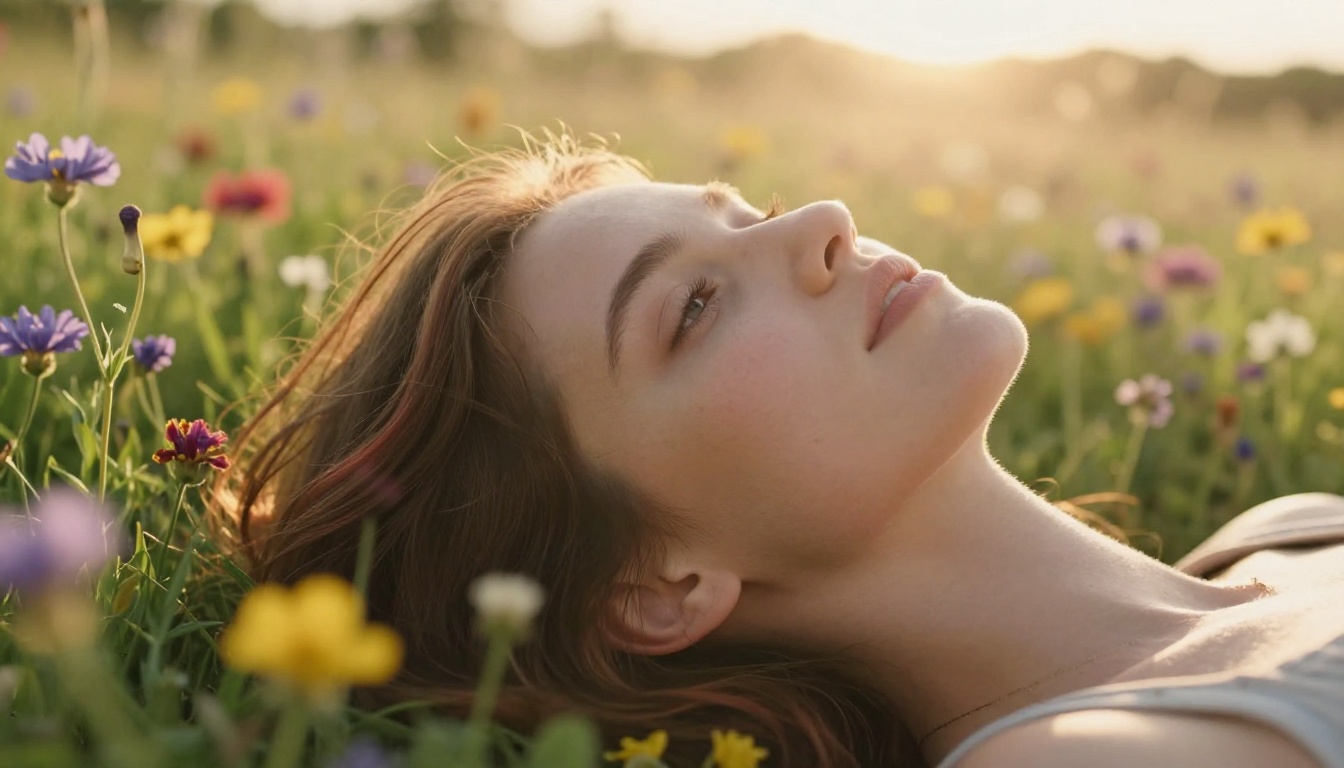
Pure 3D models (Blender, Daz3D, VTuber rigs) give you poseable, animatable characters with consistent geometry across angles. AI-generated "3D" images are actually flat images that convincingly simulate three-dimensional space through lighting, shadow, and depth of field. Neither is better in absolute terms. The question is what you're using the character for:
| Use Case | Best Approach |
|---|
| Static portraits, social media art | AI generator (faster, more natural) |
| VTuber / Live2D rigging | Traditional 3D software |
| Animation sequences | 3D software or AI image-to-video |
| Quick character concepts | AI generator |
| Game-ready assets | 3D modeling software |
| Wallpapers, print art | AI generator |
Prompts That Actually Work for 3D Depth
Getting genuine depth perception in AI waifu art requires prompting for optical depth cues, not just asking for "3D":
- Use focal length: "85mm f/1.4" naturally blurs backgrounds and creates separation
- Describe shadow direction: "Shadow falling diagonally across cheekbone from left" creates facial planes
- Layer the background: "Sharp foreground with blurred midground and soft background"
- Reference lighting direction: "Three-point studio lighting: key light upper right, fill from left, rim from behind"
PicassoIA Image Editor Pro: No-Limits Creation
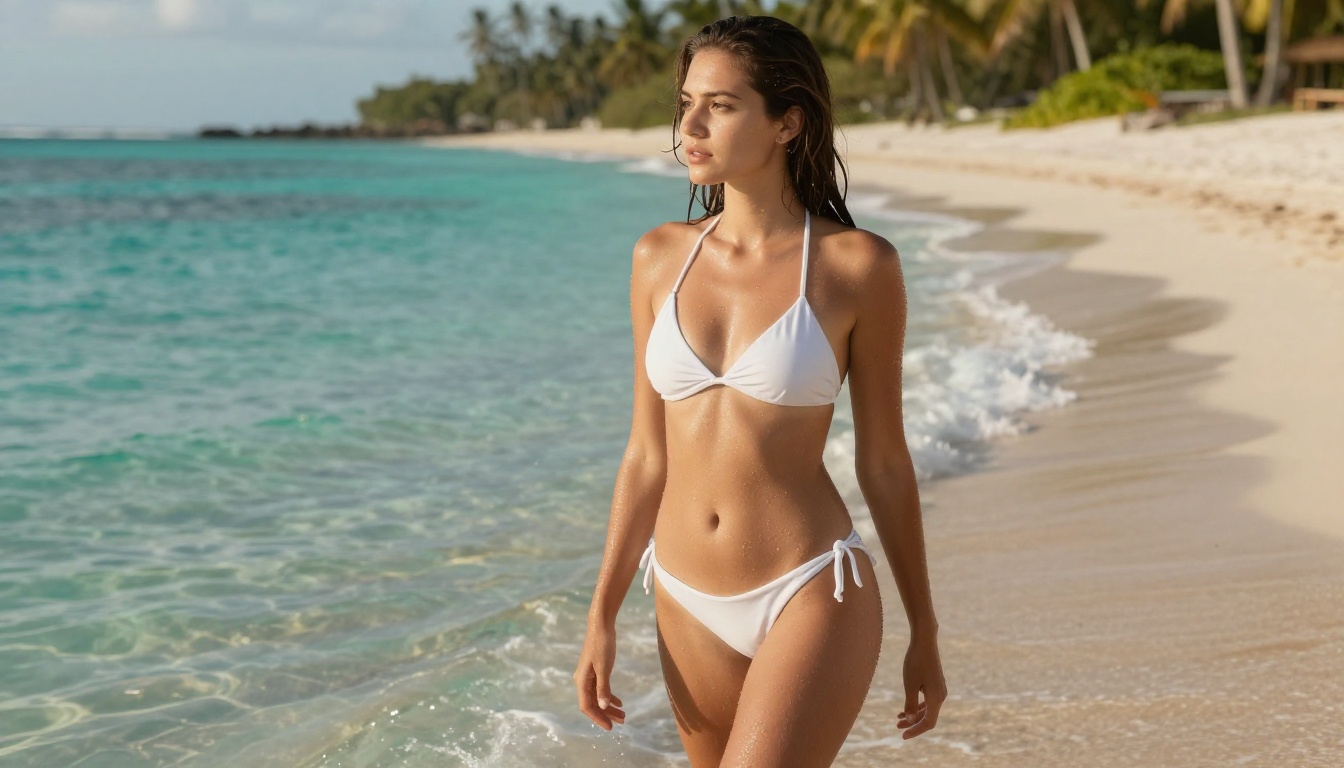
For waifu character generation without content restrictions, PicassoIA Image Editor Pro is the go-to solution. It provides access to unlimited generations across the platform's full model library, including Seedream 4.5 and the complete Flux family, with no content filtering on suggestive artistic content.
How to Set Up Your Character
The most efficient workflow for character creation on PicassoIA starts with a character sheet prompt: a single detailed prompt that defines all the fixed traits before you start iterating on poses and scenarios.
A solid character sheet prompt structure:
- Physical base: face shape, skin tone, eye color, hair color and length
- Unique identifiers: distinctive features like a scar, beauty mark, or unusual eye color
- Camera baseline: lens, focal length, distance
- Lighting baseline: direction, quality, color temperature
Once you have a character you like, save the prompt. Every subsequent image starts from that base and only changes the pose, background, or outfit.
Refining Details with Inpainting
PicassoIA's inpainting capability, available through Flux Fill Pro and Flux Fill Dev, lets you fix specific areas of a generated image without regenerating the whole thing. Got a perfect face but the hand looks wrong? Mask the hand area and regenerate just that region. This dramatically speeds up the process of getting a fully polished character image.
💡 Pro Tip: After finalizing your character image, run it through Clarity Pro Upscaler to bring out micro-details that the base generation may have softened. This is especially effective on hair strands and fabric texture.
Free vs Paid: What You Actually Get
The honest breakdown of AI waifu generators on the free vs paid spectrum matters if you're planning more than occasional casual use.
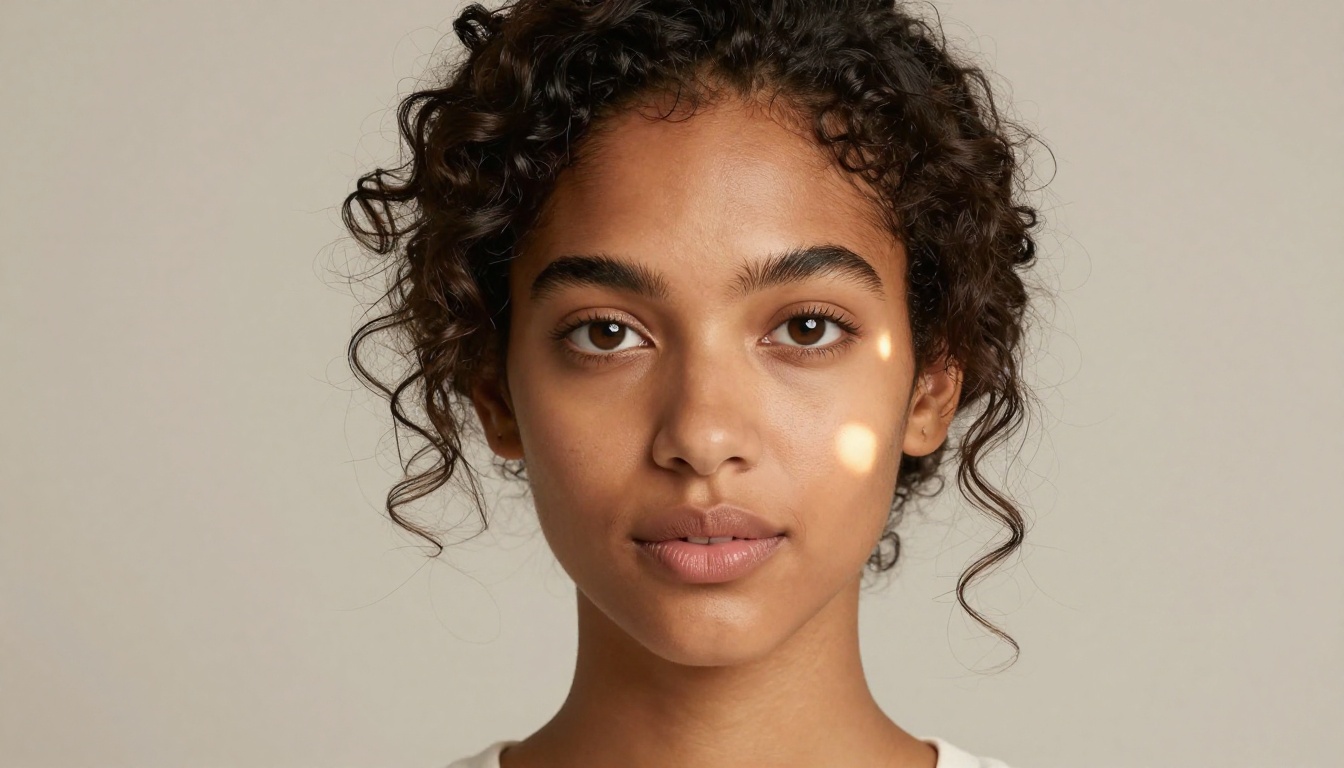
What Free Tiers Deliver
Free access on PicassoIA gives you:
- Access to multiple models including Flux Fast and Flux Schnell
- Standard resolution outputs
- Daily generation limits
- Access to the full prompt editor
For someone learning the platform, testing character concepts, or generating occasional pieces, free tier covers a lot of ground. The quality ceiling on free-tier models is genuinely good.
When Unlimited Matters
If you're generating character art at volume, building a visual identity for a VTuber persona, or producing consistent content for social media, the limits on free tier add friction fast. Unlimited generation on premium tier means:
- No waiting for daily limit resets
- Access to full-resolution Seedream 4.5 and Flux 1.1 Pro outputs
- Priority queue processing during peak hours
- No content restrictions on suggestive artistic work
- Access to inpainting, outpainting, and advanced editing tools
The math works out quickly. If you're generating more than 20 to 30 images per day for any consistent workflow, the time saved on limit resets alone justifies premium.
Upscaling Waifu Art for Print and Animation
Generated images from even the best models top out at around 1024x1024 pixels natively. For print, large-format displays, or animation source frames, you need to upscale without losing the quality you worked to achieve.
Clarity Pro Upscaler in Practice
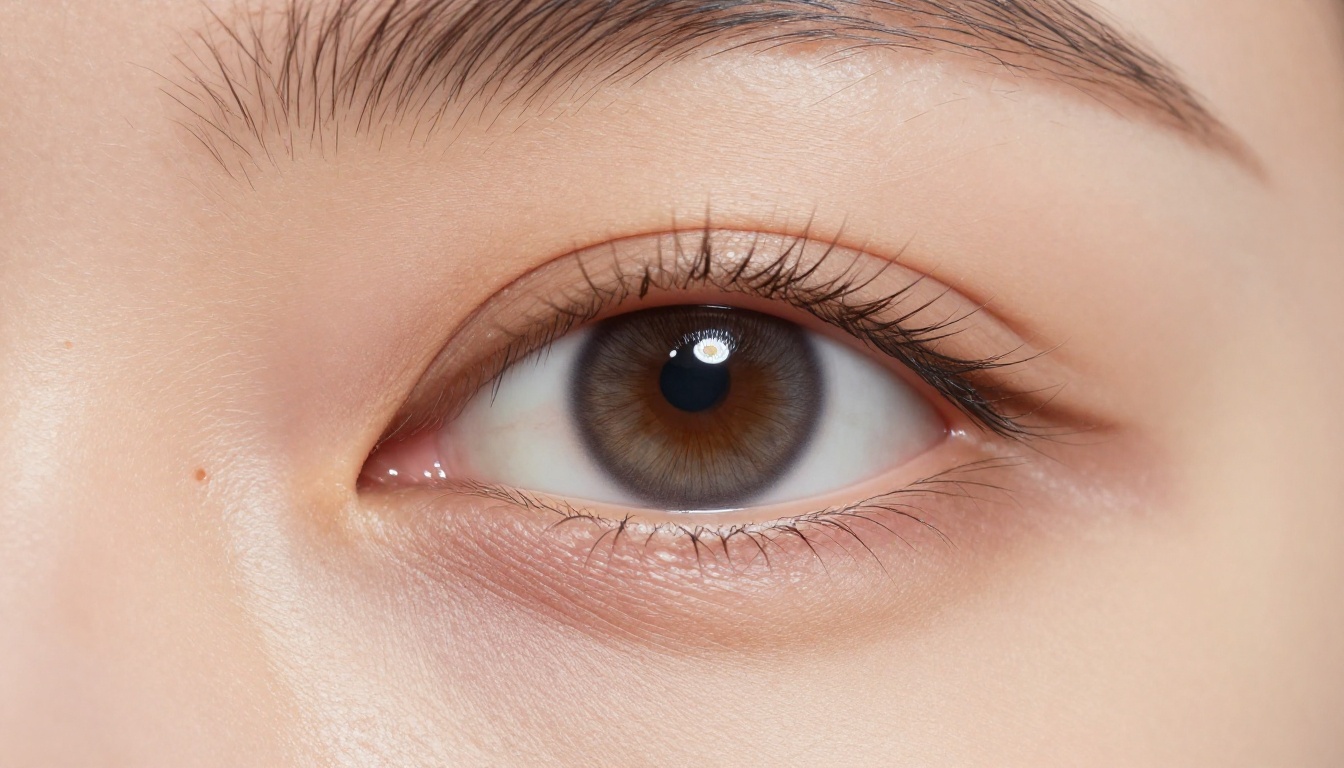
Clarity Pro Upscaler from philz1337x is the upscaling model of choice for character art. Unlike standard bicubic upscaling, it's an AI upscaler that adds detail while enlarging, sharpening skin texture, hair strands, and fabric weave at higher resolutions rather than just stretching existing pixels.
The workflow for maximum quality character upscaling:
- Generate at standard resolution with your chosen model
- Run through Clarity Pro Upscaler at 2x
- Optionally run Crystal Upscaler for portrait-specific enhancement
- Final output at 2048x2048 or higher for print or large-format use
For character art specifically, Topaz Image Upscale supports up to 6x enlargement, making it useful when you need poster-sized output from a standard AI generation.
Top Prompt Tips for Realistic Characters
Getting from "good enough" to "actually impressive" in AI waifu generation is mostly about how you describe what you want. Here are the approaches that consistently work.
Lighting Descriptors That Work
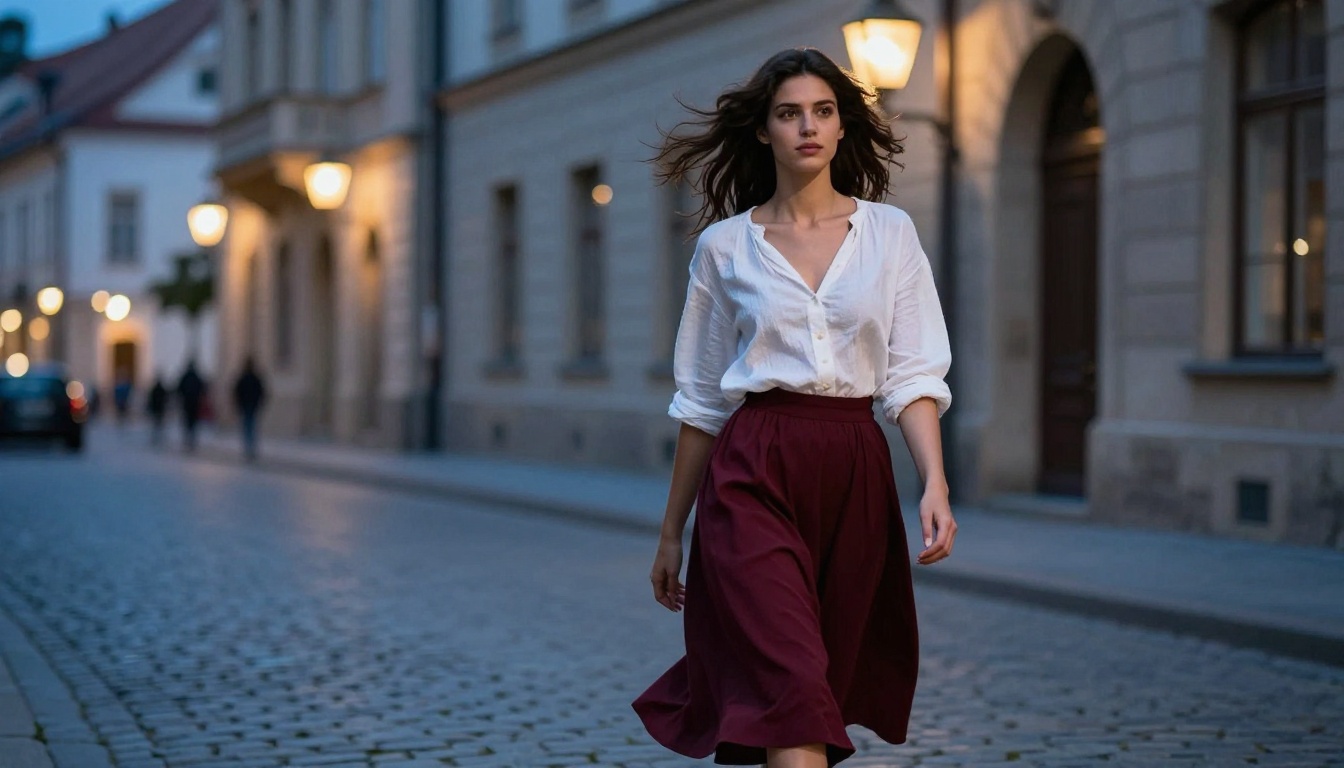
Lighting is the single biggest lever for realism. These phrases reliably improve photorealism across all major models:
"volumetric morning light from upper left" — diffused, directional, realistic"Rembrandt lighting: key light at 45 degrees, shadow triangle on cheek" — classic portrait depth"golden-hour backlighting, hair-light halo" — romantic, dimensional"overcast diffused light, soft even fill, no hard shadows" — clean editorial style"practical light sources: single candle, warm orange fill" — moody, intimate
Body and Pose Language
Most waifu generation failures come from weak pose description. Be explicit:
- Camera angle: "low-angle, camera at knee height looking up" vs "aerial, looking straight down"
- Subject distance: "extreme close-up, filling the frame" vs "medium shot, waist up"
- Body language: "relaxed shoulder posture, slight tilt to right" vs "formal standing"
- Gaze direction: "direct eye contact with lens" vs "looking slightly left of frame"
💡 Pro Tip: For consistent character poses, use Flux Depth Pro or Flux Canny Pro to use an existing image as a structural reference. These ControlNet-style models let you lock in body position and regenerate with a different character style over the same skeleton.
Start Creating Your Own Waifu Characters
The tools exist to create genuinely stunning AI waifu characters right now, and the quality ceiling is higher than most people expect. Seedream 4.5 is where to start for the most realistic results. From there, the Flux family gives you precision editing and LoRA customization. The upscalers turn your best results into print-ready art.
There's no reason to settle for flat, lifeless results when the models that produce something genuinely beautiful are all in one place. The full library of 90+ text-to-image models, including every Flux variant and the complete Seedream lineup, is available at picassoia.com/en/all-models. Pick a model, write a detailed prompt, and see what photorealistic waifu character art actually looks like when you use the right tools.


