If you've spent time hunting for anime prompts that actually produce the results you're after, you already know the frustration: vague prompts give you generic results, and most "prompt lists" online are recycled noise that don't account for how modern AI generators actually interpret language. This article cuts through all of that. Below you'll find specific, tested prompt formulas built for hentai-style anime AI generators, from character descriptions and clothing choices to lighting setups and composition tricks that bring your waifu ideas to life.
What Makes an Anime Prompt Actually Work
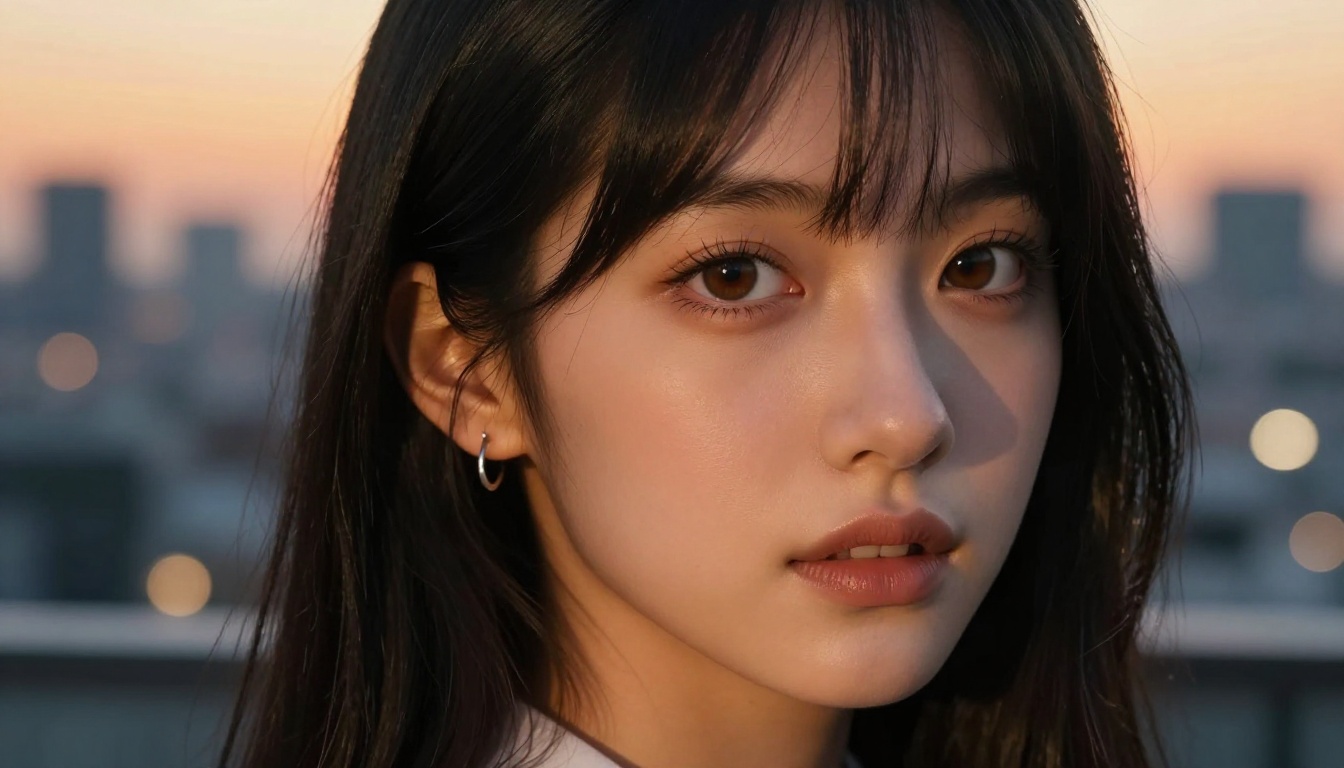
Most people write prompts like requests. They type "anime girl with big eyes and long hair" and wonder why the result looks flat. The problem isn't the model. It's the prompt structure.
AI generators respond to layered specificity. The more precisely you describe the subject, environment, lighting, and mood, the closer the output matches your vision. For anime-style image generation, this matters even more because the genre has dozens of sub-styles, each with distinct visual codes.
Subject and Character Anchors
A strong anime character prompt always starts with a character anchor: a clear statement of who or what you're depicting. This anchors everything else.
Weak anchor: anime girl, long hair, pretty
Strong anchor: young anime woman, 20s, large luminous amethyst eyes, cascading silver twin-tails reaching waist, delicate heart-shaped face, high cheekbones
The difference is precision. Specific details like eye color, hair style, facial structure, and age cue the model toward a coherent character rather than a generic archetype.
For hentai-style AI generators, the character anchor also sets the tone for suggestive content. You're not just describing a face; you're establishing the character's presence, personality, and visual weight in the frame.
Style Triggers That Matter
Style triggers are prompt terms that communicate the visual language you want. Different AI models respond differently to these, but some terms have proven reliable across Seedream 4.5, Flux Dev, and other popular generators.
| Style Trigger | What It Does |
|---|
masterpiece, best quality | Signals high-fidelity output |
8k, ultra-detailed | Pushes texture and resolution detail |
soft lighting, rim light | Controls the mood and dimensionality |
dynamic pose, leaning forward | Adds energy and natural movement |
from above, close-up shot | Sets camera angle relative to subject |
intricate fabric detail | Improves clothing texture rendering |
depth of field, bokeh background | Creates cinematic background separation |
Stacking 3-5 style triggers after your character anchor significantly improves output consistency.
15 Ready-to-Use Anime Prompts
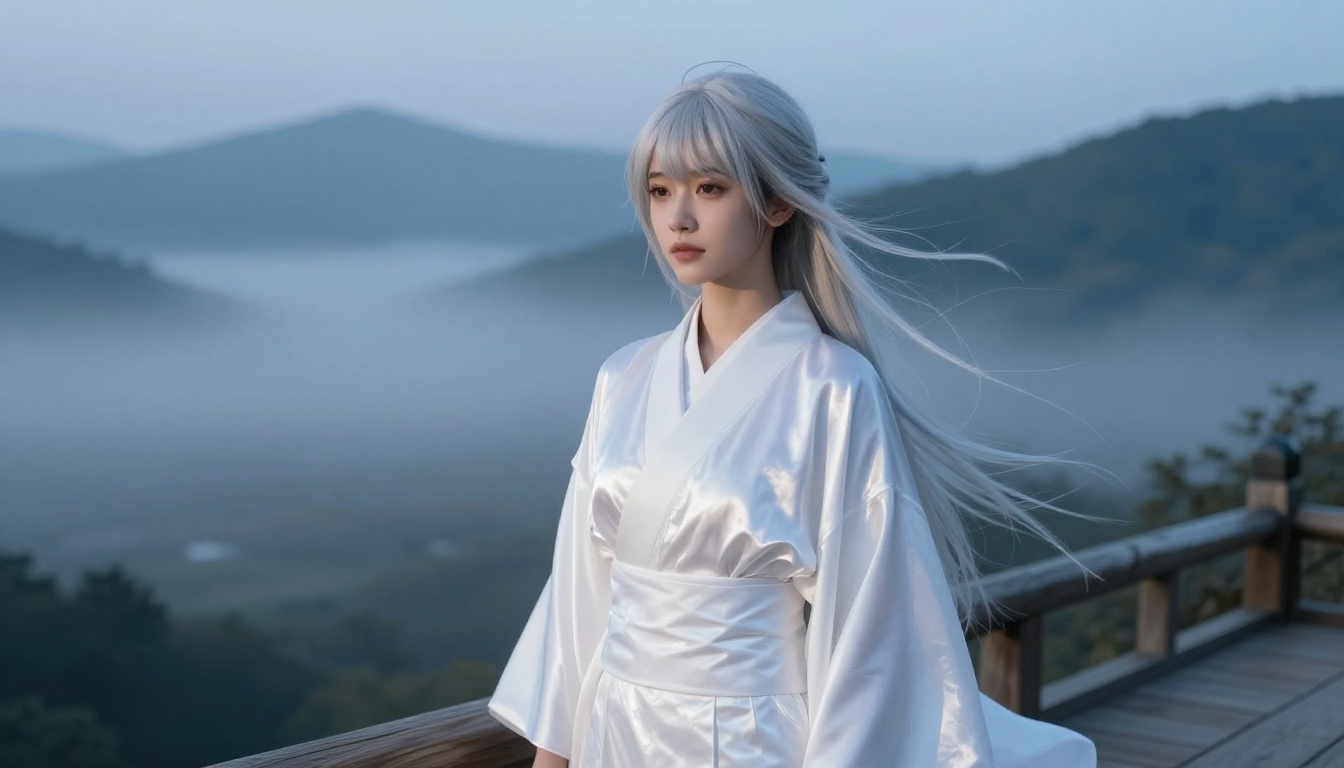
These are copy-paste ready prompts optimized for hentai-style anime AI art. Each one is structured with character anchor, style, setting, and mood. Test these on Seedream 4.5 first for the best results.
-
young anime woman, large violet eyes, long silver hair, wearing delicate white lingerie, sitting on a bed of rose petals, soft diffused bedroom lighting, shy expression, masterpiece, ultra-detailed, 8k
-
anime girl, 20s, short red hair with twin braids, golden eyes, school uniform skirt slightly lifted by wind, standing on a rooftop at sunset, dynamic pose, soft rim lighting, high detail, bokeh city background
-
waifu portrait, large blue eyes, long black hair flowing in wind, wearing a barely-there white bikini at a tropical beach, warm golden hour sunlight from the left, photorealistic skin texture, 8k
-
anime woman, mature features, dark purple hair swept behind one ear, wearing a black lace boudoir set, kneeling pose on a wooden floor, single spotlight from above, dramatic shadows, ultra-detailed fabric
-
cute anime girl, pink twin-tails, large round eyes, white sailor uniform half-open, sitting cross-legged on a windowsill at dusk, warm ambient light, intricate fabric wrinkles, soft skin shading
-
anime woman with long auburn hair, large hazel eyes, wearing an elegant sheer cover-up over a string bikini, leaning against a stone railing at a coastal resort, natural daylight, cinematic composition
-
dark-haired anime waifu, serious expression, wearing a deep red satin slip dress, one strap off shoulder, standing at a rain-soaked window at night, reflections on glass, moody atmospheric lighting
-
anime girl, silver-blue hair, large teal eyes, in a bathing scene with translucent white shirt clinging to skin, wooden Japanese bath house setting, steam, warm candlelight, ultra-detailed, masterpiece
-
blonde anime woman, gentle smile, wearing lacy white lingerie set, lying on white silk sheets, morning light from a window, ultra-detailed skin texture, soft shadows, photorealistic quality, 8k
-
anime character, twintails green hair, athletic body, wearing a revealing sports bikini, dynamic mid-jump pose at a beach volleyball court, midday sun, sharp details, cinematic angle from below
-
mature anime woman, long wavy dark hair, wearing an elegant open-back evening gown at a moonlit Japanese garden, pearls around neck, moonlight from the right, deep shadows, artistic beauty shot
-
anime girl, cat ears, large amber eyes, wearing a maid outfit with short skirt and thigh-highs, holding a tea tray, interior of a café, warm lamp lighting, detailed fabric, shy expression, 8k
-
waifu, silver hair in a high ponytail, ice blue eyes, wearing an elf-inspired revealing festival costume with intricate embroidery, posed in a mystical forest at night, moonbeam from above, ultra-detailed
-
anime woman in a traditional onsen setting, long wet black hair, wrapped loosely in a white towel, natural hot spring steam rising, warm amber lantern light, peaceful expression, ultra-detailed, 8k
-
cute anime girl, large brown eyes, short bob hair with bangs, wearing an oversized sweater and nothing else, kneeling on a plush carpet, morning soft lighting from a nearby window, ultra-detailed
Hentai-Style Prompts That Stay Tasteful
Hentai-style AI art sits in a creative space that ranges from mildly suggestive all the way to fully explicit. Most platforms, including general-purpose generators, block the explicit end entirely. PicassoIA handles this differently: several of its models accept adult content without filtering, giving you room to work.
But tasteful, non-explicit hentai-style art is often more impactful than explicit content anyway. A well-composed suggestive scene that leaves something to the imagination creates far more visual tension and artistic quality.
Swimwear and Lingerie Prompts
These prompts target the sweet spot between glamour and suggestion without crossing into explicit territory. They work well on Seedream 4.5 and PicassoIA Image Editor Pro.
💡 Tip: Add artistic beauty photography or editorial fashion to the end of suggestive prompts to push the result toward an artistic framing rather than raw adult content.
Swimwear prompts that work:
anime woman in a white string bikini, beach setting, wet sand, golden hour light from behind, rim lighting on wet skin, cinematic beauty shot, 8kwaifu in a revealing one-piece swimsuit, luxury resort poolside, aerial angle, caustic water reflections on skin, masterpiece qualityanime girl in a micro bikini top and denim shorts, street fashion setting, Tokyo background, natural daylight, dynamic casual pose, high detail
Lingerie prompts that work:
anime woman wearing delicate black lace lingerie, bedroom setting, single candle light, silk sheets, close-up from the waist up, artistic boudoir photography style, ultra-detailedwaifu in white satin slip, backlit by window light, silhouette and soft detail mix, morning atmosphere, beauty portrait photography, 8k
Suggestive Scene Prompts
Suggestive scene prompts work by establishing context and tension rather than explicit visual content. The setting, lighting, and pose do the heavy lifting.
anime woman emerging from ocean water, soaking wet white dress clinging to body, dramatic side lighting, wind in hair, cinematic beauty photography, 8k ultra-detailedwaifu caught in a changing room moment, surprised expression, towel barely covering, warm interior lighting, slightly blurred background, artistic framing, masterpiecetwo anime women sharing an umbrella in rain, one whispering to the other, close faces almost touching, romantic tension, night city lights bokeh, ultra-detailed
Best NSFW Models for Anime Art on PicassoIA
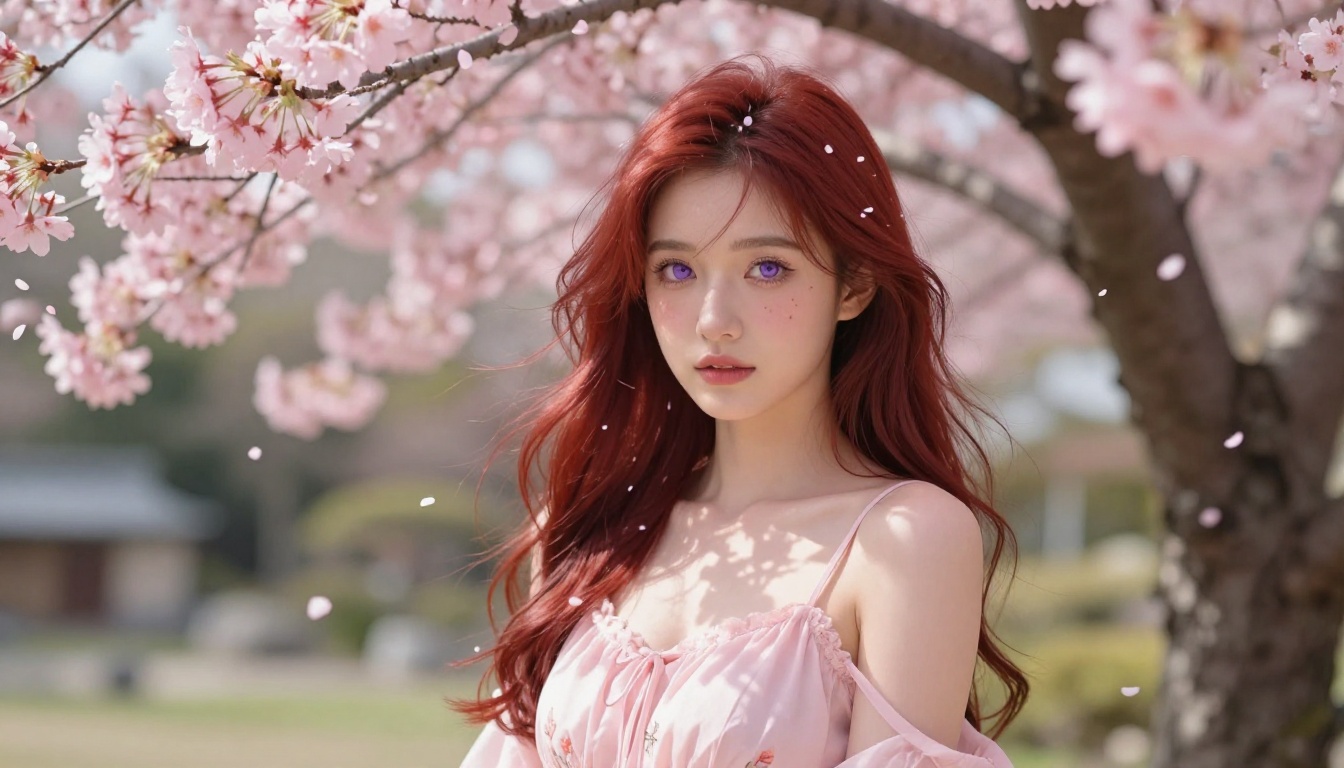
Not all AI models accept NSFW content. Many mainstream platforms cut off anything suggestive. PicassoIA takes a different position, offering models specifically suited for adult anime art creation. Here's the ranked list of what actually works:
-
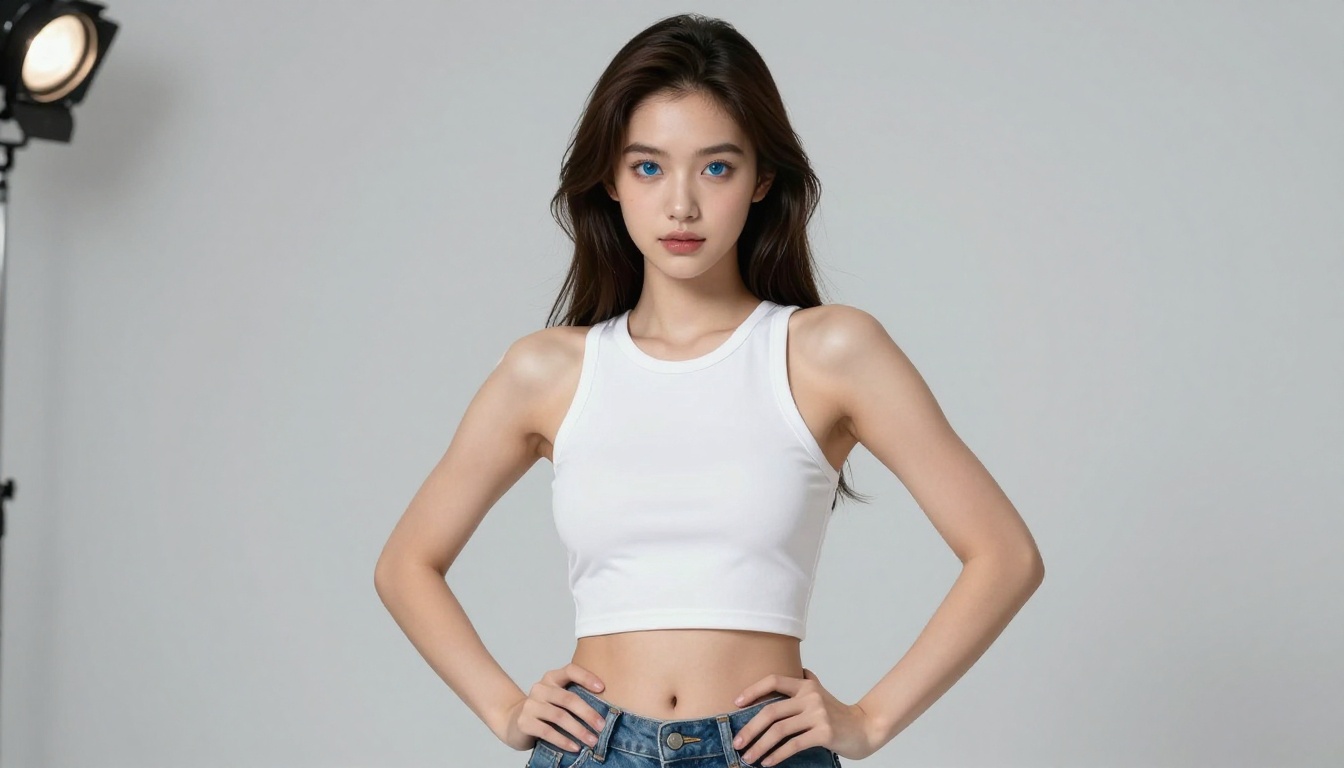
Seedream 4.5 — The top pick for hentai-style anime AI art. It accepts adult content, handles image editing, and produces highly realistic results in under 3 seconds. This is the model to start with. Note: its newer sibling, Seedream 5 Lite, blocks adult content entirely, so stick with 4.5 for NSFW work.
-
PicassoIA Image Editor Pro — An img2img model with unlimited generations included in Elite and Infinite plans. Need 500 anime images? They're free. On models like Nano Banana 2, that same volume would cost around $50. Results come back in under a second, accept NSFW content, and you can try it with 3 free generations, no credit card required.
-
Qwen Image 2 — Open-source model that edits or creates images in seconds with very detailed realism. Strong for both text-to-image and image-to-image workflows.
-
Grok Imagine Image — Specializes in realistic image conversions. Excellent for taking a clothed reference image and generating a swimwear or bikini version with natural results.
-
Recraft V4 — Very realistic results from text prompts alone. Best used when you have a detailed written description and no reference image.
-
P-Image — NSFW text-to-image in under 1 second. Fast iteration cycles make it ideal for prompt testing before committing to longer generation runs.
-
Flux Dev — Excellent for detailed character work. Flux's architecture handles intricate clothing details and facial features with high fidelity.
-
Flux Schnell — The fast version of Flux. Use for rapid prototyping when you need to test 20 prompt variations quickly.
💡 Browse all available models at picassoia.com/en/all-models to see the full catalog with live previews.
How to Use Seedream 4.5 for Anime Generation
Seedream 4.5 is the fastest path from prompt to high-quality anime art on PicassoIA. Here's how to get results in under 5 minutes.
Step-by-Step Setup
- Go to Seedream 4.5 on PicassoIA
- In the prompt field, paste one of the prompts from the list above or build your own using the structure:
[character] + [clothing] + [setting] + [lighting] + [quality tags]
- Set the aspect ratio. For portrait-style waifu art, use 9:16 (portrait). For scenes and environments, use 16:9 (landscape).
- Leave the default seed for varied results, or lock a seed number once you find a composition you like for consistent output.
- Hit Generate. Results come back in under 3 seconds.
Parameter Tips for Best Results
Negative prompts matter. Adding these reduces the most common quality problems:
ugly, distorted hands, blurry, low quality, deformed face, bad anatomy, extra limbs, watermark, text, censored
Quality stacking. End every prompt with quality anchors:
masterpiece, best quality, ultra-detailed, 8k resolution, sharp focus
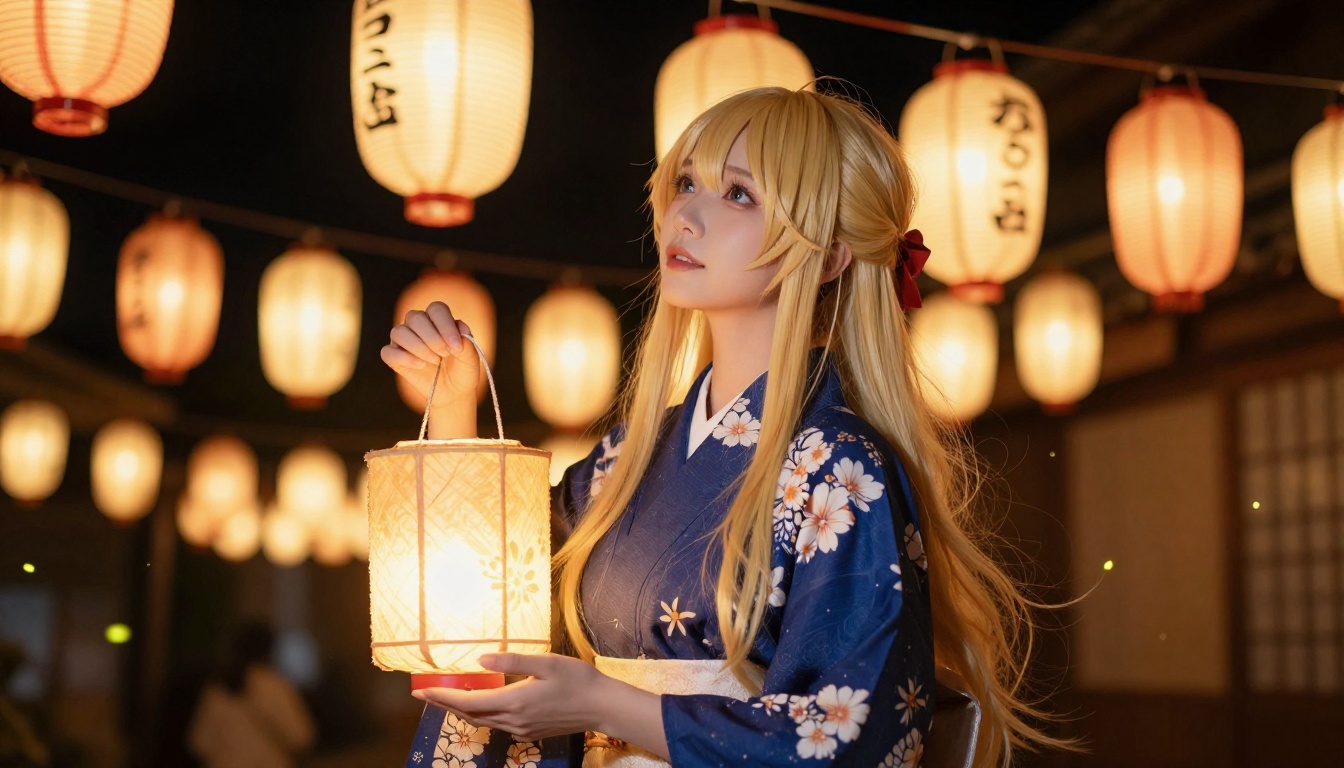
Character consistency. If you want the same character across multiple images, lock specific physical details in every prompt. The model can't remember previous generations, so you have to repeat the character description each time. Flux Kontext Pro and Flux Kontext Dev are strong choices when character consistency across a series is a priority.
Prompt Modifiers That Change Everything
After the character anchor, two categories of modifiers have the highest impact on final quality: lighting and camera. Most beginners skip these entirely, which explains why their results look flat.
Lighting and Atmosphere
Light defines mood. The same character prompt with different lighting directions produces radically different emotional tones.
| Lighting Term | Visual Effect |
|---|
golden hour light from the left | Warm, romantic, flattering |
overcast soft light | Even, clean, fashion-shoot quality |
single candle light from below | Intimate, dramatic, slightly ominous |
rim lighting from behind | Separates subject from background, creates a halo effect |
volumetric morning light | Diffused, atmospheric, cinematic |
studio three-point lighting | Professional, editorial, high-contrast |
For hentai-style anime art specifically, warm low-angle light from a candle or lantern source is one of the most effective choices. It creates intimacy and flatters skin tones without looking artificial.
Camera and Composition
Camera terms control how the viewer relates to the character. They're often the difference between a static image and one that feels alive.
close-up shot, 85mm lens — intimate portrait, face-focusedfull body shot, 35mm lens — environmental context, full figure visiblefrom above, looking down — vulnerable, smaller-feeling subjectfrom below, low angle — powerful, dominant subject presencethree-quarter view — classic portrait angle, dimensionalDutch angle, slight tilt — tension, unease, cinematic drama
💡 Always pair camera angle with a focal length. Writing "from below, 24mm wide angle" produces very different results from "from below, 85mm telephoto." The focal length controls perspective distortion and background compression.
Upscaling Your Anime Art
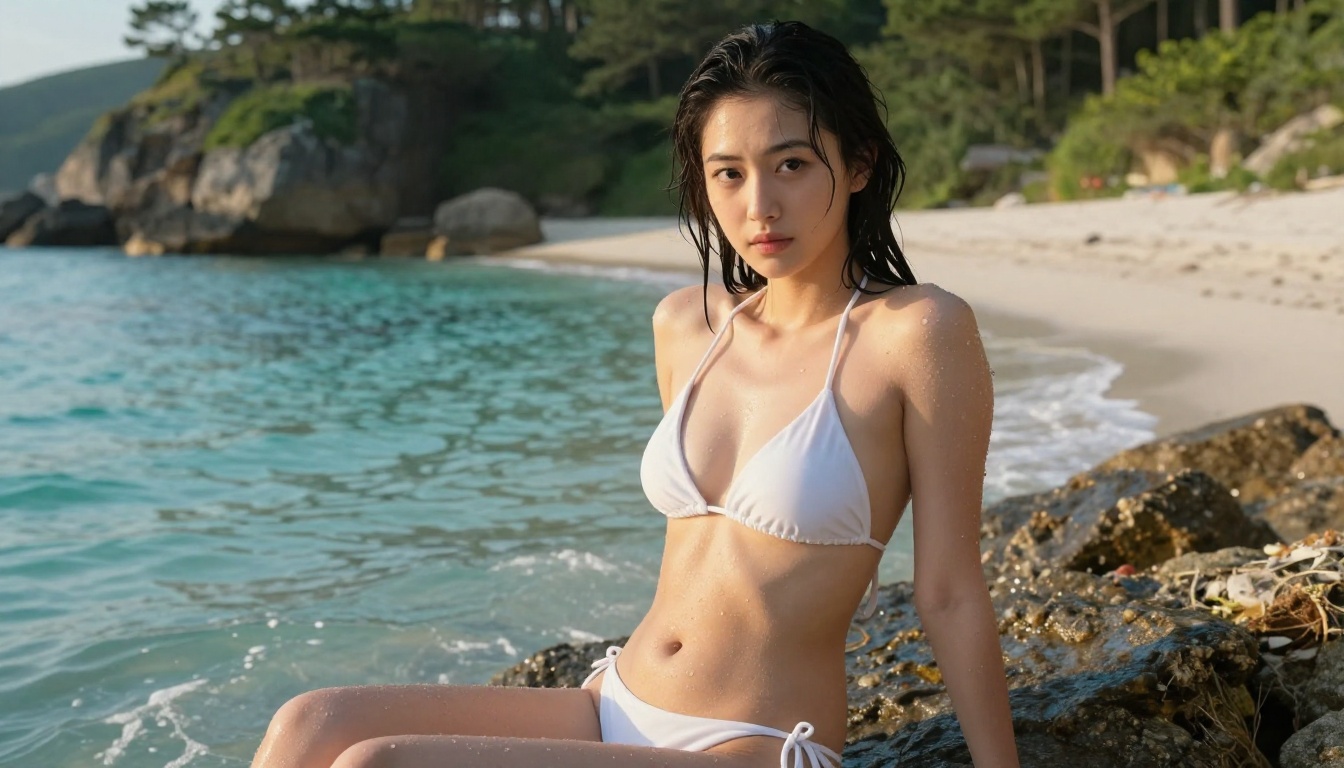
AI-generated anime images at standard resolution often lose fine detail on skin, hair, and fabric when viewed at full size. Upscaling fixes that, and PicassoIA has dedicated models for the job.
Realistic Vision v5.1 — strong for portraits; preserves skin tones and facial details during upscaling workflows.
Portrait Series — handles portrait-specific upscaling with attention to facial structure and fine hair detail.
Flux 1.1 Pro — generates at high native resolution with strong natural detail. Using Flux as your primary generator often reduces the need for a separate upscale step entirely.
Flux 1.1 Pro Ultra — the highest native output resolution in the Flux family. Best choice when you need print-quality output from the initial generation.
A practical workflow: generate your image on Seedream 4.5, then pass the result through a super-resolution model to get a final 4K output. The combination of speed (Seedream 4.5 under 3 seconds) with a separate upscale pass delivers results that match or exceed dedicated anime art applications.
The Prompts Are Ready. Now Create.
You have 15 tested prompts, a ranked list of the best NSFW-capable models on PicassoIA, and the structural knowledge to build your own. The only thing left is to start generating.
Seedream 4.5 is where to begin: it's fast, accepts adult content, and produces the kind of high-detail anime art that most generators block or water down. Once you've found prompts that work, iterate on them using PicassoIA Image Editor Pro for unlimited variations without burning through credits.
If you want to push further into character design, different outfits, or distinct art styles, the full model catalog is at picassoia.com/en/all-models. Over 90 text-to-image models are available, many without content restrictions, giving you the space to build whatever visual language you're working toward.
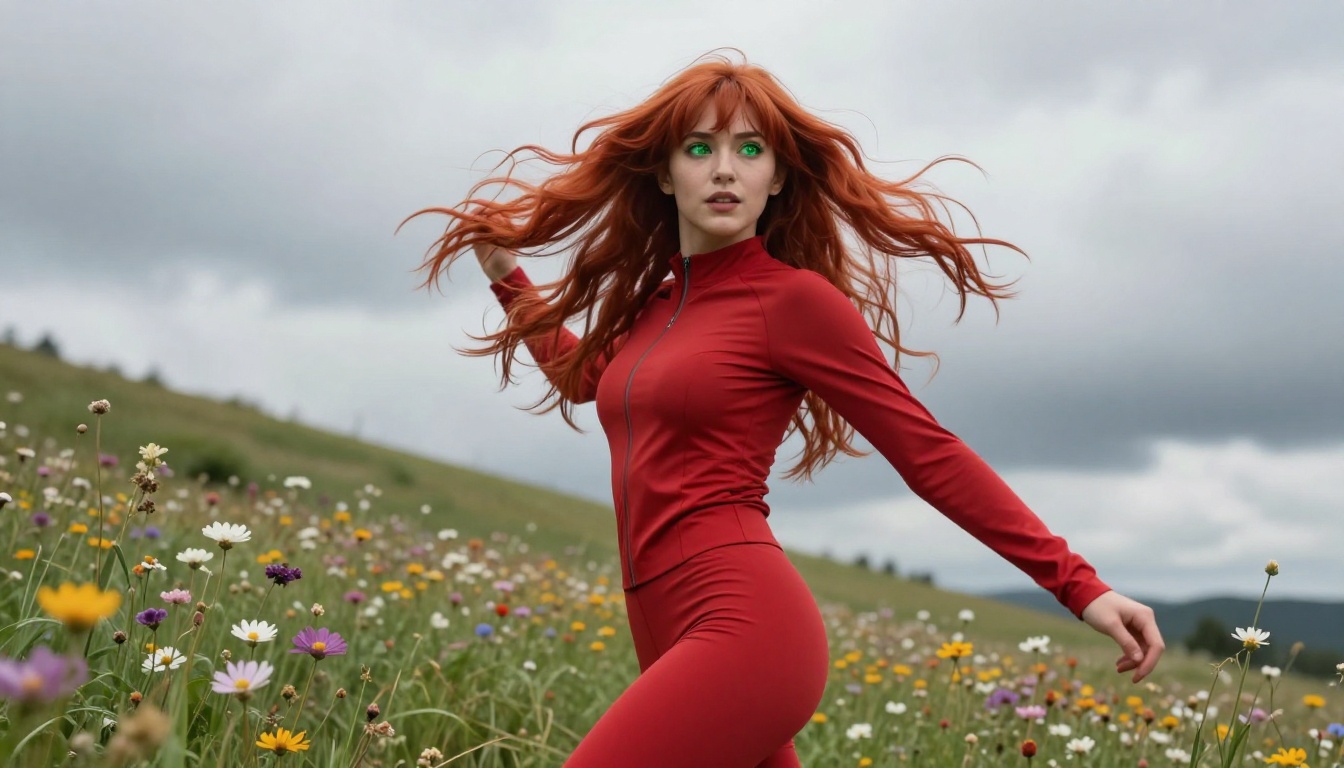
The prompts work. The models are ready. Go create.


