Most AI image platforms are built for brand managers, not artists. If you've ever tried to generate glamour photography, editorial lingerie work, or tasteful artistic imagery on platforms like Artlist AI, Midjourney, or DALL-E, you've hit the wall: content filters that block anything remotely suggestive, even when the intent is purely artistic.
The best Artlist alternative with an NSFW AI generator solves this in a way mainstream platforms won't. More model options, fewer restrictions, and output quality that rivals professional photography workflows.
Here's exactly what's available, which models perform best, and how to get the results you're looking for.
Why Artlist Falls Short for Creative Work
Artlist built its product for YouTube creators, commercial brands, and marketing teams. Its entire philosophy is "brand-safe first," which means any AI tools in its ecosystem inherit that constraint. The content policies aren't an oversight: they're core to how the product is positioned.
This creates a hard ceiling for anyone working in:
- Glamour and swimwear photography
- Artistic nudity in fine-art or editorial contexts
- Fashion photography that pushes conservative limits
- Adult fiction book artwork and illustration
- Boudoir reference images for portrait photographers
- Any creative project involving the human form realistically
The Restriction Is Model-Deep
This is important: the filtering on mainstream platforms isn't just a prompt-parsing layer you can work around with clever wording. The restriction is baked into the training data and model fine-tuning itself. Models trained on sanitized datasets produce sanitized outputs regardless of how the prompt is written.
Even GPT Image 1, which produces some of the sharpest instruction-following results available, runs on OpenAI's safety layer that aggressively removes suggestive content. The output quality is excellent. The creative freedom isn't.
What "NSFW" Means in This Context
For this article, NSFW refers to artistically mature content: swimwear and lingerie photography, implied nudity with tasteful framing, sensual portraiture, and beauty and body work that would fail mainstream content filters but succeeds as serious artistic output.
Not explicit. Not pornographic. The distinction matters because platforms sit at very different points on this spectrum, and knowing where a platform lands determines whether it's actually useful for your work.
What a Real Alternative Needs to Deliver
Not every platform that removes safety labels actually delivers quality. A platform with one model, even a permissive one, is still severely limiting. Here's what separates genuine alternatives from platforms that just switched off the "safe mode" label.
Model Variety Is Non-Negotiable
Different model architectures produce fundamentally different visual results. Flux Dev produces cinematic photorealism with lighting behavior that follows real physics. RealVisXL v3.0 Turbo was fine-tuned specifically for portrait and beauty photography. Stable Diffusion offers maximum customization through community fine-tunes.
You need access to all of these, not a single one-size-fits-all model.
Speed Determines Workflow Quality
Iteration speed matters more in NSFW creative work than in most other AI image contexts. You're often generating 20-30 variants to find the right composition, pose, lighting, and expression before committing to a final render.
Flux Fast generates in under 2 seconds. P Image produces results in under 1 second. At that speed, prompt iteration works like burst photography: rapid fire, then select. Slow generation breaks the creative loop.
The Platform Comparison
| Feature | Artlist AI | Midjourney | DALL-E 3 | PicassoIA |
|---|
| NSFW Support | None | Filtered | Heavily filtered | Full artistic |
| Text-to-Image Models | 1-2 | 1 | 1 | 91+ |
| Generation Speed | 15-30s | 20-40s | 10-20s | Under 2 seconds |
| Photorealism Quality | Moderate | High | Good | Excellent |
| Pricing | Subscription | Subscription | Pay-per-use | Free + credits |
| Portrait Specialist Models | No | No | No | Yes |
The Best Models for NSFW AI Image Generation
Model selection determines 70% of your result before you write a single word of the prompt. Here's what each major option delivers.
Flux Dev: Cinematic Realism
Flux Dev is currently the benchmark for photorealistic AI image output. Its distinctive quality: lighting behavior that follows real-world physics rather than statistical averaging from training data. Shadows fall correctly. Skin tone shows micro-level variation. Fabric texture is believable at close inspection.
For glamour and editorial work, Flux Dev produces images that hold up to the same scrutiny as professional photography. Skin texture shows pore-level detail. Hair shows individual strand behavior in light. Depth of field blurs progressively from the focal point outward in a natural way.
Best for: Editorial glamour, swimwear, fashion photography, implied nudity requiring high photorealism.
Flux Pro: Maximum Detail
Flux Pro takes Flux Dev's realism and adds detail capacity. If Flux Dev is your medium-format camera, Flux Pro is the same camera with a higher-resolution sensor. It's slower, but the output ceiling is higher.
Use Flux Pro for final renders after you've validated composition and direction with faster models.
Best for: Final production renders, large-format output, maximum detail NSFW photography.
RealVisXL v3.0 Turbo: Portrait Specialist
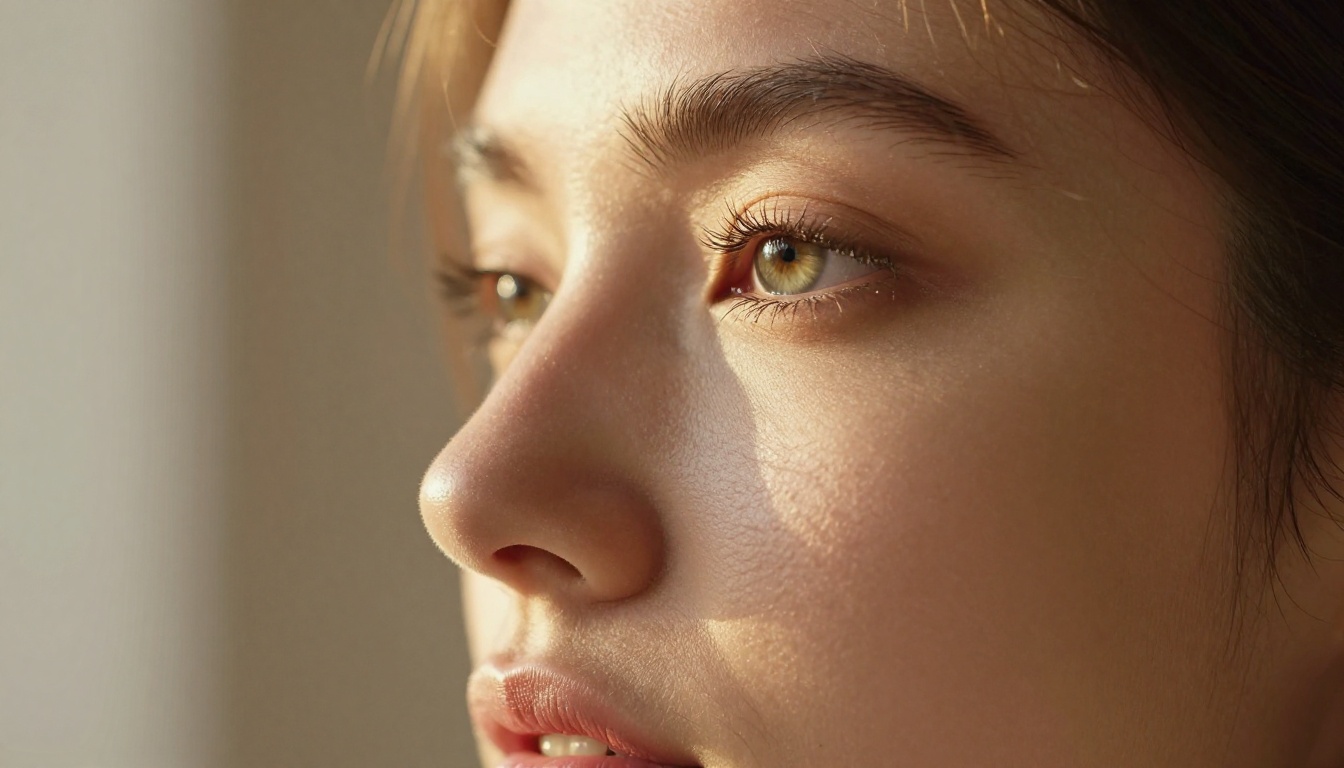
RealVisXL v3.0 Turbo was built specifically for portrait and beauty photography. It handles faces in ways that general-purpose models don't: natural facial asymmetry, realistic eye reflections, believable makeup and skin conditions, and proportions that avoid the "AI face" effect that plagues lower-quality models.
For close-up NSFW portraiture, this model consistently outperforms general-purpose options on the elements that matter most: the face.
Best for: Close-up portraits, beauty photography, face-forward NSFW content with expression control.
Stable Diffusion: Full Creative Control
Stable Diffusion remains the foundation of open creative AI generation. Its open architecture has produced thousands of community fine-tunes across specific aesthetics, body types, lighting setups, and styles.
The newer Stable Diffusion 3.5 Large significantly improves on the original in sharpness, anatomical coherence, and ability to follow complex multi-element prompts.
Best for: Custom aesthetic requirements, artistic figure work, situations where you need a specific visual style.
Qwen Image 2 Pro: Prompt Precision
Qwen Image 2 Pro brings a different strength to NSFW generation: prompt adherence. Where other models may interpret your prompt loosely, Qwen Image 2 Pro follows specific clothing descriptions, pose instructions, and environmental details more precisely.
It also produces particularly accurate results for diverse skin tones, making it valuable for creators working with specific subject types.
Best for: Complex prompt requirements, specific clothing and styling details, diverse subject representation.
Dreamina 3.1: Cinematic Output
Dreamina 3.1 produces cinematic 4MP images with a film-inspired color science that separates it from the clean digital look of Flux-family models. If your NSFW creative work has a warm, filmic, editorial magazine quality rather than sharp digital precision, Dreamina 3.1 hits that aesthetic.
Best for: Editorial, fashion, warm-toned glamour work with filmic color grading.
How to Use PicassoIA for NSFW Images
PicassoIA's 91+ text-to-image models give it the widest selection of any platform for NSFW creative work. Here's the complete workflow.
Step 1: Select the Right Model
The right model for your project depends on what you're producing:
Step 2: Write a Prompt That Works
Vague prompts get generic results. Specific prompts get publishable results. Think like a photographer directing a shoot, not a writer describing a scene.
Weak: "beautiful woman in lingerie on bed"
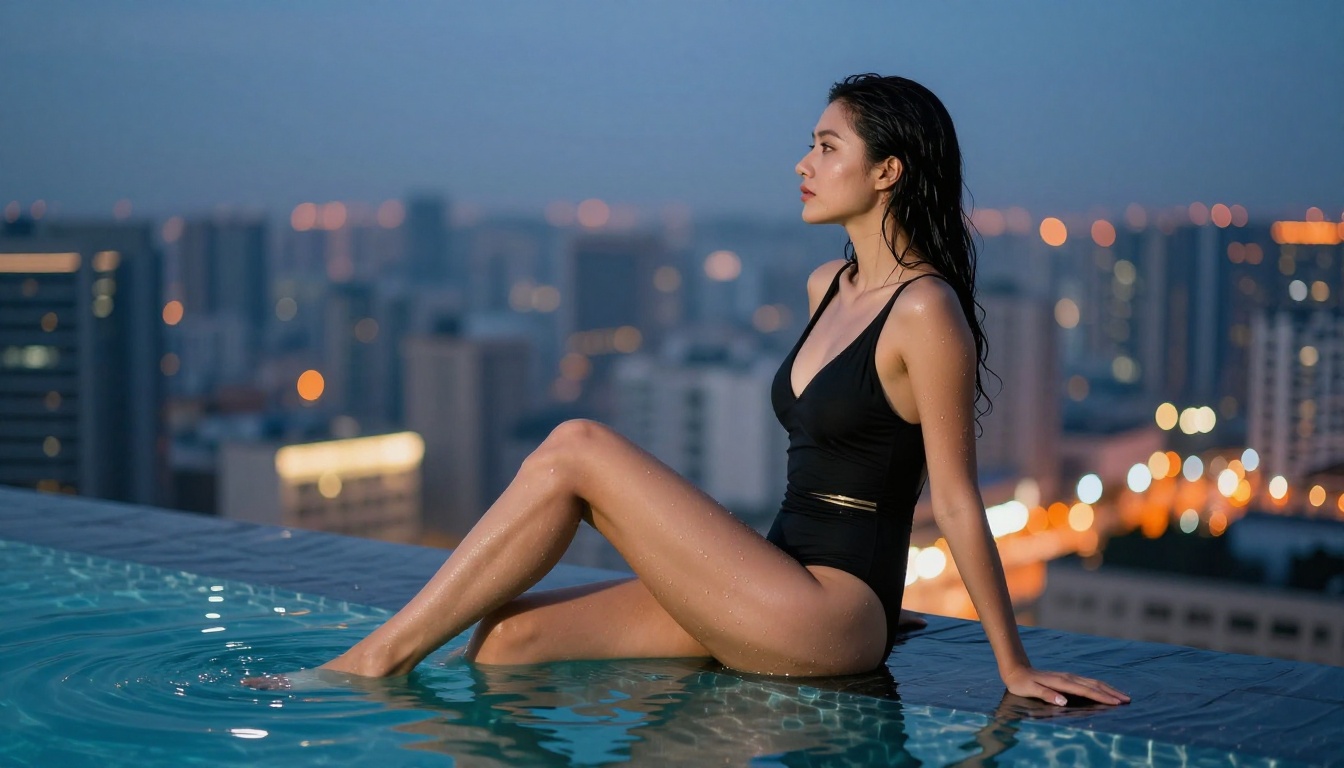
Strong: "woman in white lace lingerie, reclining on crisp white linen, morning light from window at left creating soft directional shadows, shot with 85mm f/1.8 at 1.5m distance, Kodak Portra 400 grain, pore-level skin texture, shallow depth of field blurring headboard, photorealistic 8K RAW"
The second prompt gives the model: subject description, environment, lighting direction and quality, camera specs, film stock reference, texture requirements, depth of field, and quality anchors. Every element constrains the output toward your intent.
Core prompt components for NSFW results:
- Subject: Specific description of clothing, pose, body position, expression
- Environment: Location, time of day, ambient conditions
- Lighting: Direction, source, quality (hard vs. soft), color temperature
- Camera specs: Focal length, aperture, shooting distance
- Film reference: "Kodak Portra 400", "Ektar 100", or similar
- Quality anchors: "photorealistic 8K", "RAW", "ultra-sharp", "natural skin texture"
Step 3: Iterate Rapidly
Generate 4-6 variants with your initial prompt before changing the model or making major prompt adjustments. Small variables matter: the same prompt with slightly different wording can produce very different results. Document what works.
Once you have a composition direction that's working, switch to a higher-quality model for your final render. Flux Kontext Dev also lets you edit existing generated images, adjusting specific elements like clothing, background, or lighting without regenerating from scratch.
Prompt Writing for NSFW Results
Think in Photography Terms
Models that produce the best photorealistic NSFW output were trained primarily on real photography data. They respond to photography language: focal lengths, aperture values, film stocks, lighting setups, and studio terminology.
Instead of emotional or creative writing language, use technical photography language:
| Instead of... | Use... |
|---|
| "beautiful lighting" | "volumetric morning light from left, f/1.8" |
| "in a sexy pose" | "reclining, slight body turn toward camera, one arm extended" |
| "realistic skin" | "pore-level skin texture, Kodak Portra 400 grain" |
| "romantic atmosphere" | "warm amber ambient, soft bokeh background, candlelit room" |
Lighting Changes Everything
The single most impactful variable in NSFW AI photography is lighting direction and quality. The same subject and composition looks completely different depending on the light:
- Golden hour backlight: Rim lighting, silhouette effect, dramatic warm atmosphere
- Soft window light from left: Intimate, Rembrandt shadow quality, editorial feel
- Studio softbox from 45 degrees: Fashion photography, controlled shadows, clean skin rendering
- Mixed ambient with single source: Complex shadows, realistic indoor environment
💡 Add "volumetric light" or "volumetric shadows" to any prompt to increase three-dimensional depth and spatial realism in the output.
Quality Anchors That Work
End every prompt with quality anchors. These aren't decorative: they actively steer model output toward photographic realism:
photorealistic 8K RAWKodak Portra 400 film grainultra-sharp foreground detailshallow depth of fieldnatural skin texture, visible porescinematic lighting, HDR
Without these, you get the model's average output. With them, you're aiming at the model's quality ceiling.
PicassoIA isn't just a text-to-image tool. For NSFW creative workflows, several additional capabilities matter:
Image Editing: Flux Kontext Dev lets you edit specific elements of generated images. Change the clothing, adjust a pose, swap the background, or modify lighting in an already-successful composition without starting over.
Super Resolution: Once you have the right image, upscaling to 4x maintains detail rather than creating blurry artifacts. Useful for print-resolution output from smaller generated images.
Outpainting: Extend the canvas of any image to reveal more of the scene. Useful when a composition is close but needs more context on one side of the frame.
Face Consistency: The Face Swap AI tool allows facial replacement for consistency when you need the same subject across multiple images without regenerating every shot from scratch.
Who This Is Actually For
The creators who get the most value from a platform like this aren't anonymous accounts looking for explicit content. They're working professionals with legitimate creative needs:
Adult fiction authors who need book artwork that reflects their content honestly, not sanitized stock photography that misrepresents the genre.
Boudoir photographers who use AI generation for composition reference and creative direction before the actual shoot, needing examples that actually show what they're working toward.
Fashion designers iterating on swimwear and lingerie designs, needing photorealistic renders of specific garments on realistic figures before committing to production samples.
Digital artists and illustrators working in the glamour, pin-up, or fine-art nude tradition who want AI assistance for anatomy reference and composition planning.
All of these are professional, legitimate use cases that mainstream platforms actively prevent through their content policies.
Create Without Compromise
If you've been working around content restrictions on Artlist, Midjourney, or similar platforms, the workarounds are inefficient and the ceiling is still low. A platform built with model variety, generation speed, and real artistic freedom produces better work in less time.
PicassoIA's 91+ text-to-image models include every major photorealistic architecture available: Flux variants for cinematic realism, RealVisXL v3.0 Turbo for portrait work, Stable Diffusion for maximum customization, and faster options like Flux Fast and P Image for rapid iteration.
Pick a model, write a specific prompt, and see what's actually possible when the platform isn't working against you.


