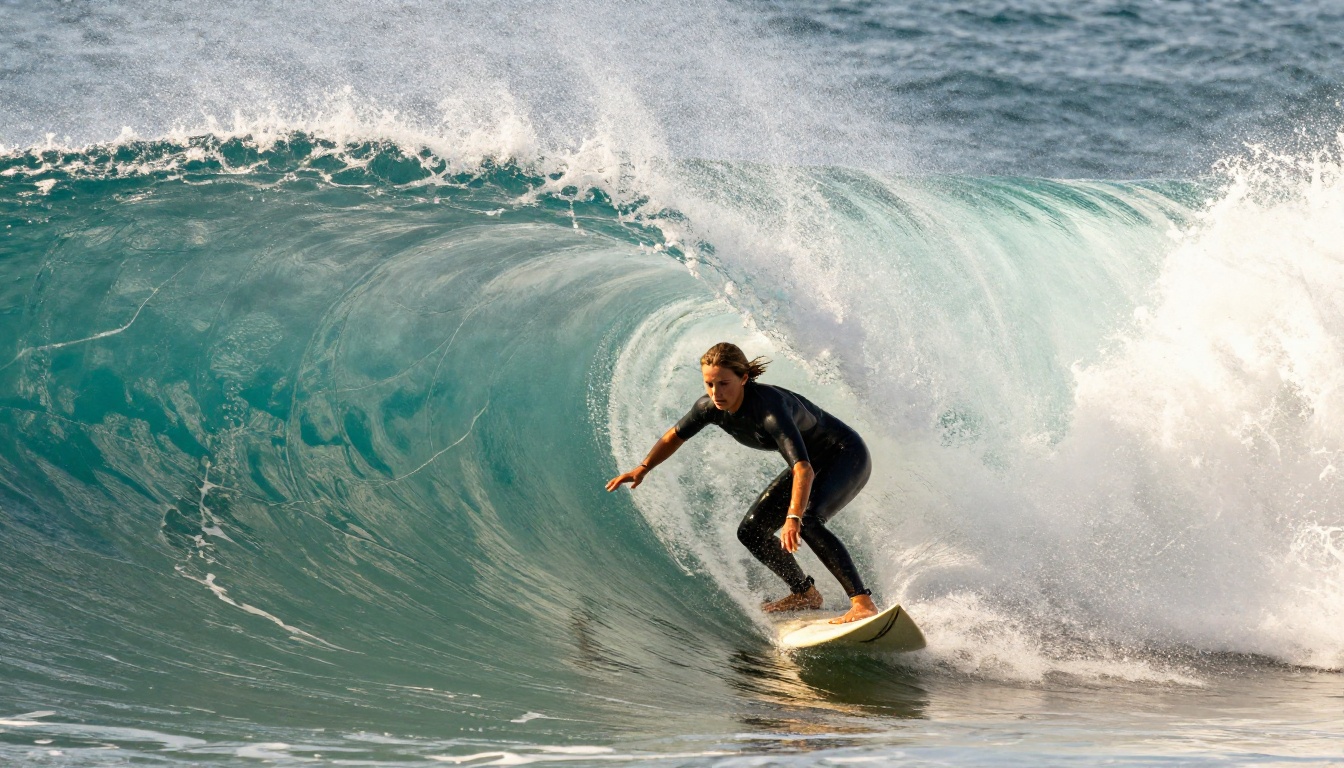
2026 has delivered something the AI image community has been waiting for: real competition. Not just incremental updates, but a complete reshaping of what photorealistic AI-generated images look like, how fast they arrive, and how accurately they follow complex prompts. The field is crowded and the differences between models are no longer just about style. They are about precision, text coherence, anatomical accuracy, lighting physics, and the ability to hold a creative concept together from first word to final pixel. This article puts the most significant models of 2026 side by side, not with vague impressions, but with real criteria: portrait realism, environmental fidelity, text rendering, creative flexibility, and generation speed. Whether you create content professionally, build products around AI visuals, or just want the sharpest images possible from your prompts, this breakdown tells you exactly where each model stands and what it is actually good for.
Why 2026 Is Different
The pattern from 2023 to 2025 was predictable: bigger models, more parameters, marginal visual gains. 2026 broke that pattern. Black Forest Labs dropped the entire Flux 2 architecture with multiple tiers designed for different use cases. OpenAI refined its image generation pipeline significantly with GPT Image 1.5. Google pushed Imagen 4 into a tier that competes head-to-head with photographic realism. ByteDance launched the Seedream 5 family. Ideogram finally cracked the text rendering problem that had plagued diffusion models since the beginning. The result is a year where choosing the right model actually matters.
The New Architecture Divide
The most important structural shift in 2026 is the separation between fast-diffusion models and precision-focused models. Fast models like Flux 2 Klein 4B and Seedream 5 Lite are built to generate in under three seconds with quality that was considered premium just two years ago. Precision models like Flux 2 Max and Imagen 4 Ultra take longer but produce images that hold up under scrutiny at 100% zoom.
What Separates Good from Great in 2027
Three qualities split the average from the exceptional this year:
- Prompt coherence at scale: Can the model keep every detail in a 200-word prompt accurate simultaneously, or does it "forget" elements?
- Material and texture fidelity: Does fabric fold correctly? Does glass refract light? Does skin have pore-level micro-detail?
- Edge case handling: Hands with complex gestures, reflective surfaces, crowded scenes, unusual camera angles.
The top models in this article have demonstrably better scores across all three. The models lower in the list are still excellent for specific tasks, just not all of them.
The Top Contenders of 2027
Flux 2 Series: Black Forest Labs Raises the Bar
Black Forest Labs has three main entries worth comparing directly.
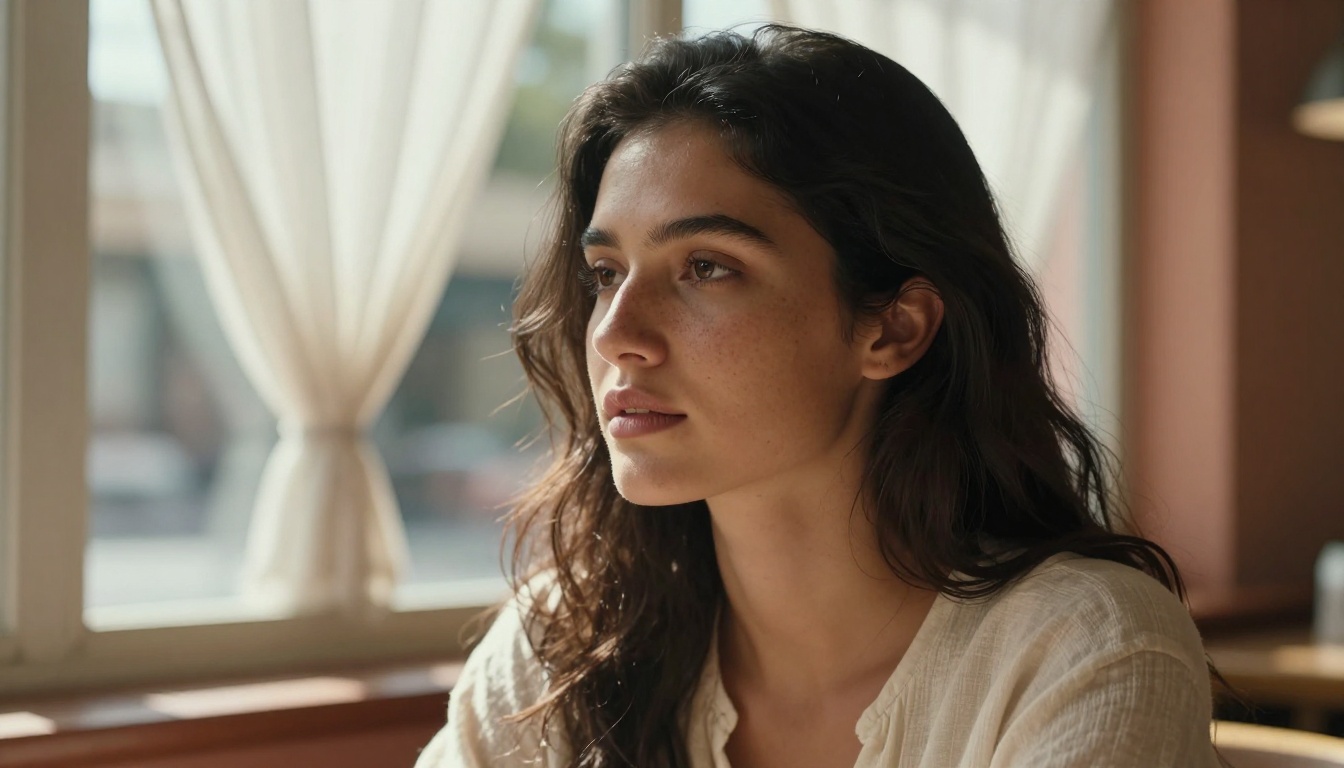
Flux 2 Pro sits at the quality-focused center of the lineup. It produces rich, detailed images with excellent prompt adherence and strong photorealistic outputs. Portrait work is where it particularly shines: hair strands, skin tones, and depth-of-field simulation are all handled with a precision that older Flux versions struggled with.
Flux 2 Max is the ceiling version. It runs slower, costs more per generation, and returns images with noticeably more coherent fine detail in complex scenes. For commercial work where the output needs to pass a human eye at large print sizes, Flux 2 Max is hard to argue with.
Flux 2 Dev fills the developer and iteration niche. Output quality is close to Pro but generation is faster, making it practical for testing large prompt variations before committing to a Max-quality final run.
The context-editing models, Flux Kontext Pro and Flux Kontext Max, add text-based image editing capabilities on top of generation. You can take an existing image and modify specific elements through prompts without losing surrounding context. This is genuinely useful for product image workflows.
💡 Tip: For most professional use cases, Flux 2 Pro offers the best balance of quality and cost. Reserve Flux 2 Max for final-pass images only.
GPT Image 1.5: OpenAI's Precision Play
GPT Image 1.5 is built differently from diffusion-based models. Its architecture benefits from OpenAI's broader multimodal training, which translates into unusually strong prompt comprehension. When you write a detailed, layered scene description, GPT Image 1.5 tends to hold onto every component better than most competitors.
Where it stands apart: object relationship accuracy. Prompts involving multiple people, spatial relationships, or narrative scenes where element A needs to interact with element B produce cleaner, more logically consistent results. The aesthetic is slightly more "produced" than Flux, with clean editorial quality that works well for marketing and commercial content.
Imagen 4 and Imagen 4 Ultra: Google's Quality Push
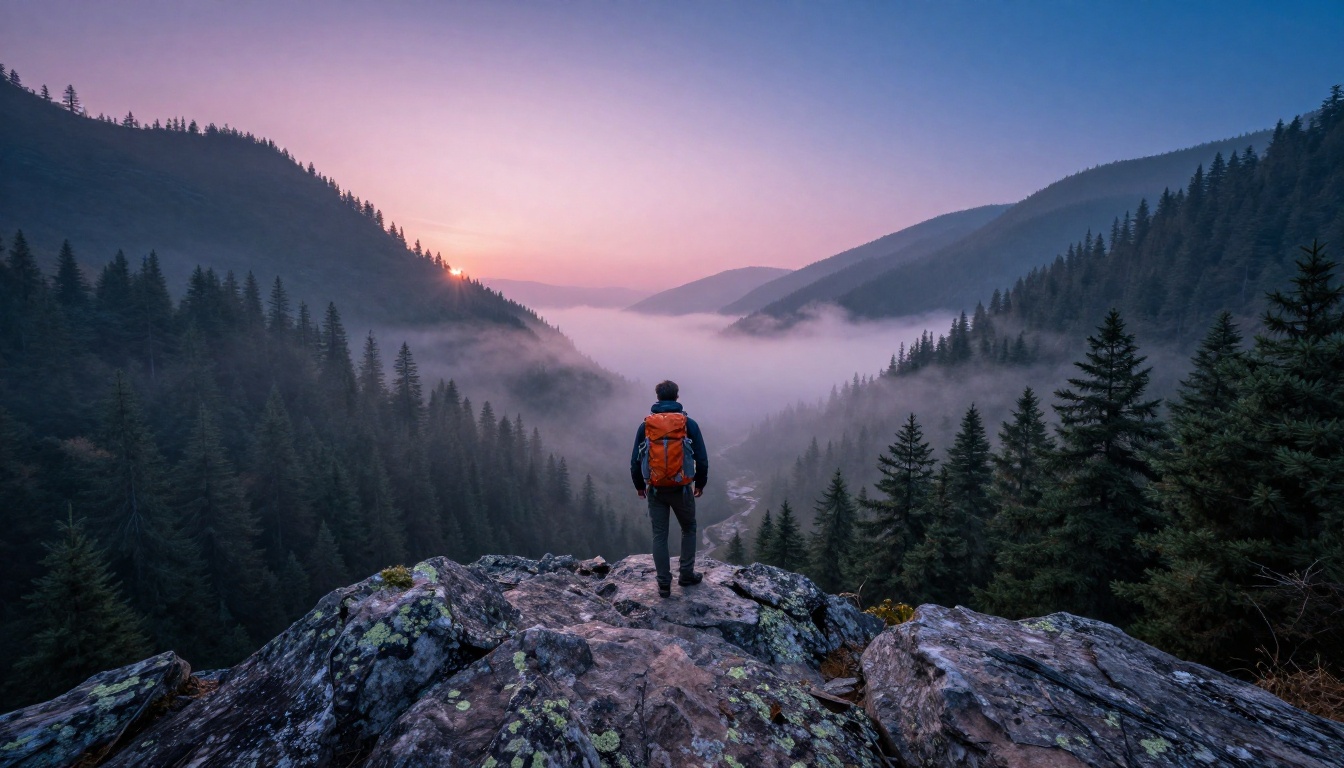
Google entered competitive territory with Imagen 4. The base model handles photorealism well across a wide range of subjects, with particular strength in natural environments and outdoor scenes. Atmospheric effects, sky gradients, water reflections, and distant haze all render with convincing physics.
Imagen 4 Ultra pushes this further into territory that challenges photography in controlled comparisons. The Ultra tier adds notable improvements in object surface rendering, particularly for materials like glass, metal, and translucent fabrics. For anyone generating product photography at scale, Imagen 4 Ultra belongs in the conversation.
Imagen 4 Fast drops quality somewhat but is designed for rapid generation workflows where volume matters more than peak fidelity.
Speed vs. Quality: The Real Tradeoff
Sub-5-Second Models
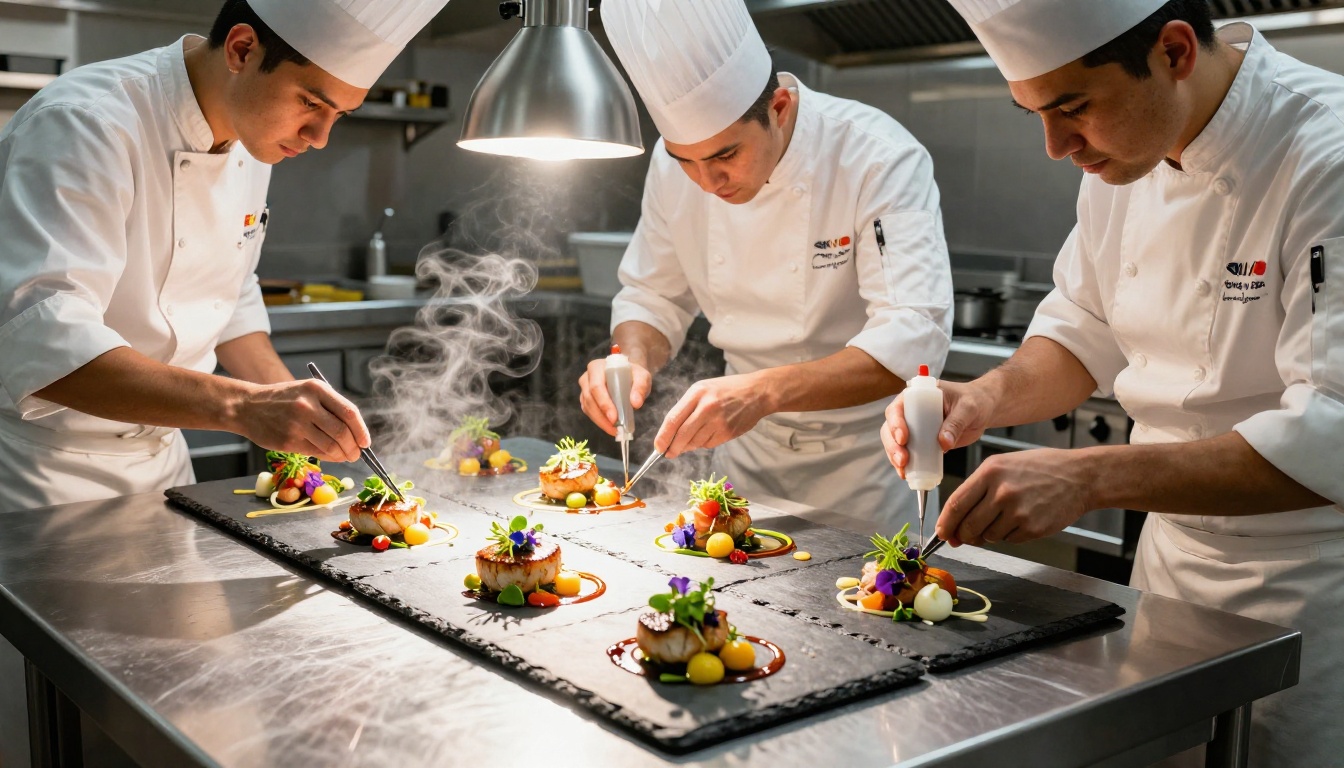
The fast tier of 2026 models produces images that would have been impressive flagship outputs in 2024. Seedream 5 Lite, Flux 2 Klein 4B, and the earlier Flux Schnell all generate in seconds with output quality suitable for social media, rapid prototyping, and content that does not require close inspection.
The tradeoff shows in complex prompts. Fast models compress inference steps, which means fine detail in hair, fabric texture, and distant background elements becomes softer or less accurate. For full-bleed print use or large-format digital display, the limitations become visible.
When Slower Means Better
Precision models from Flux 2 Max and Imagen 4 Ultra justify their longer generation times with outputs that maintain coherence at high zoom levels. The difference is not dramatic at thumbnail size, but at 2000 pixels wide the gap becomes clear in:
- Hair and fine fiber detail
- Reflective surface accuracy
- Text and label rendering
- Background consistency in complex scenes
Photorealism: Who Gets It Right?
Skin, Hair, and Portrait Fidelity
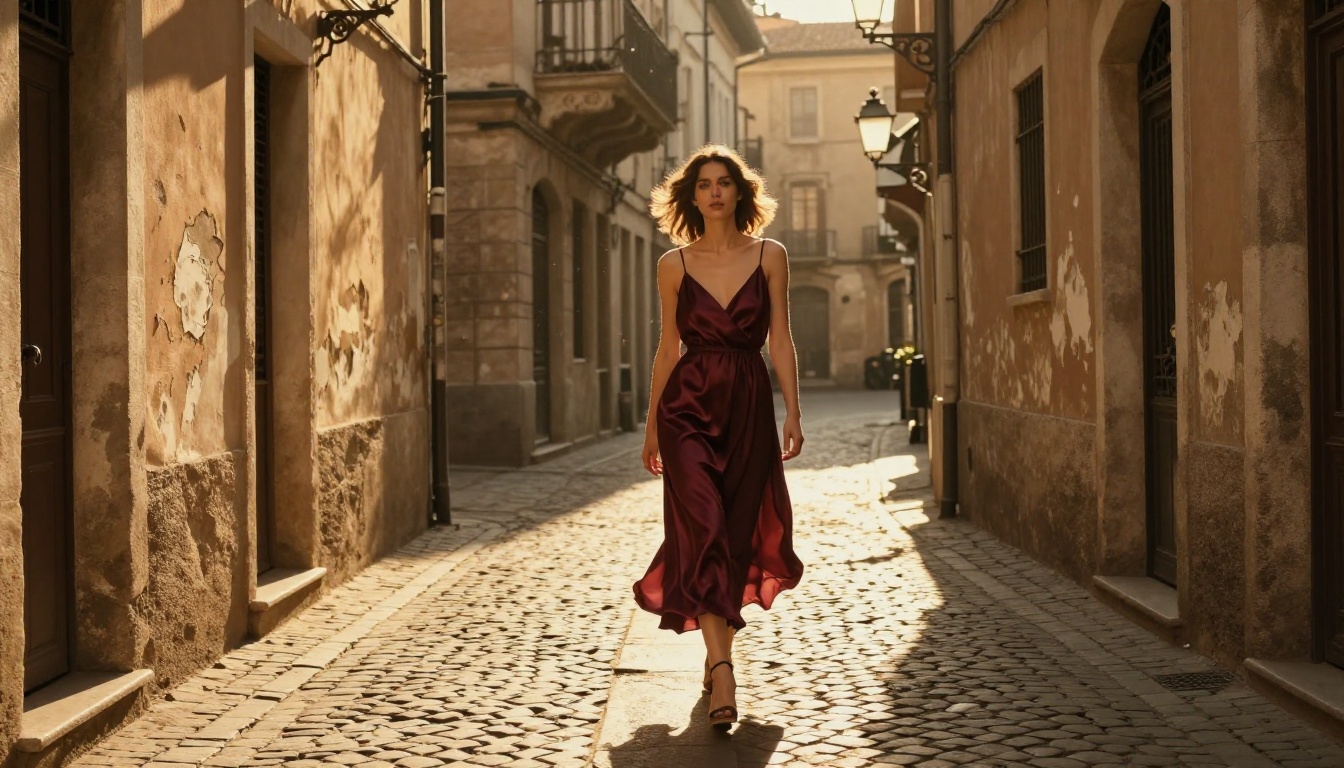
Portrait photorealism is the most scrutinized benchmark for AI image models because human faces are what viewers examine most critically. In 2027, the gap between models is measurable.
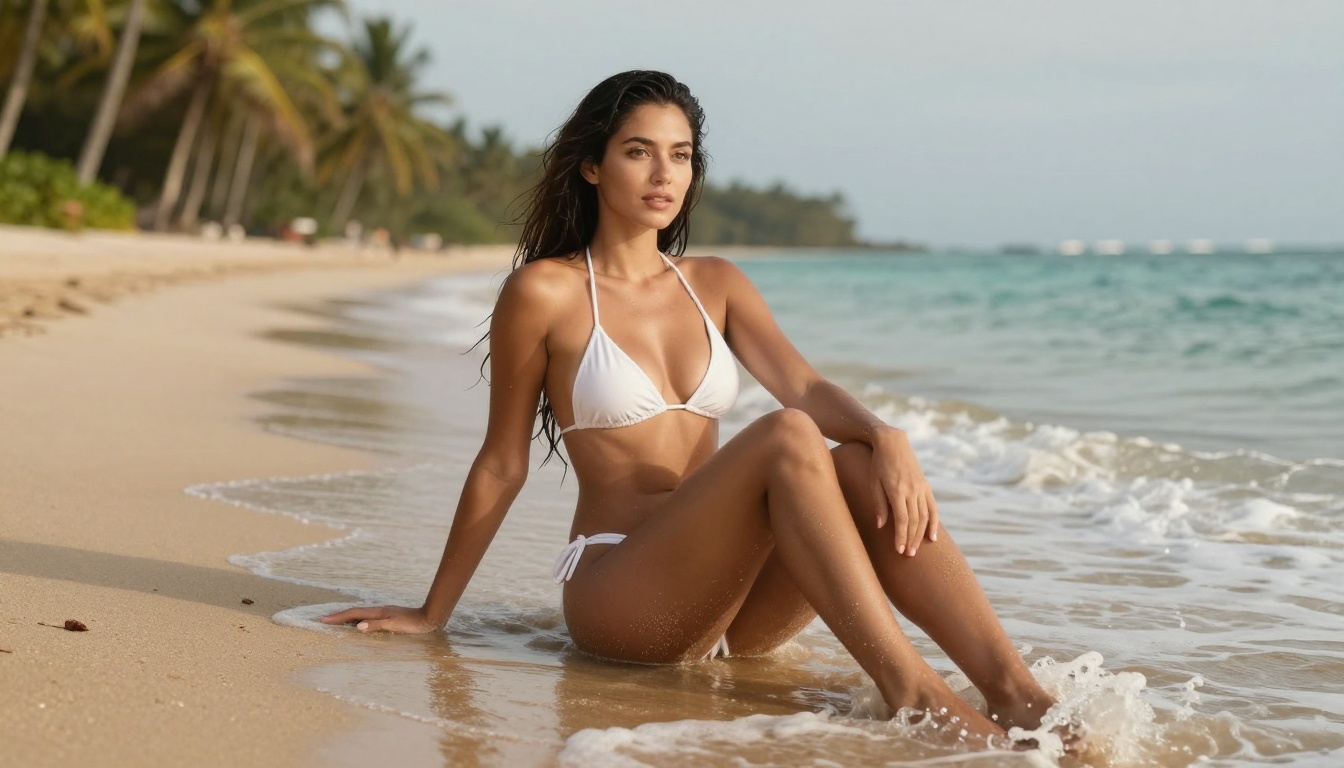
Flux 2 Pro and Imagen 4 Ultra both produce portrait work with genuine pore-level skin texture, natural subsurface scattering simulation, and accurate iris detail. Seedream 4.5 also performs strongly in this area with a slightly warmer, more editorial color grading tendency that works well for beauty and fashion.
Where models still diverge noticeably: hair physics in motion, teeth with natural variation, and hands in complex gestures. GPT Image 1.5 has shown measurable improvements in hand rendering specifically, which has historically been a weak point across all diffusion-based models.
Environments and Atmosphere
Natural environments reveal a different set of model strengths. Imagen 4 handles atmospheric perspective particularly well, correctly rendering how objects lose contrast and saturation with distance. Flux 2 Max produces excellent volumetric light simulation in indoor scenes. Recraft V4 Pro takes a different approach, optimizing for visual design consistency across a series of images, which is valuable for brand-level content creation.
Text Inside Images: Still a Mess (Mostly)
Why Most Models Still Struggle
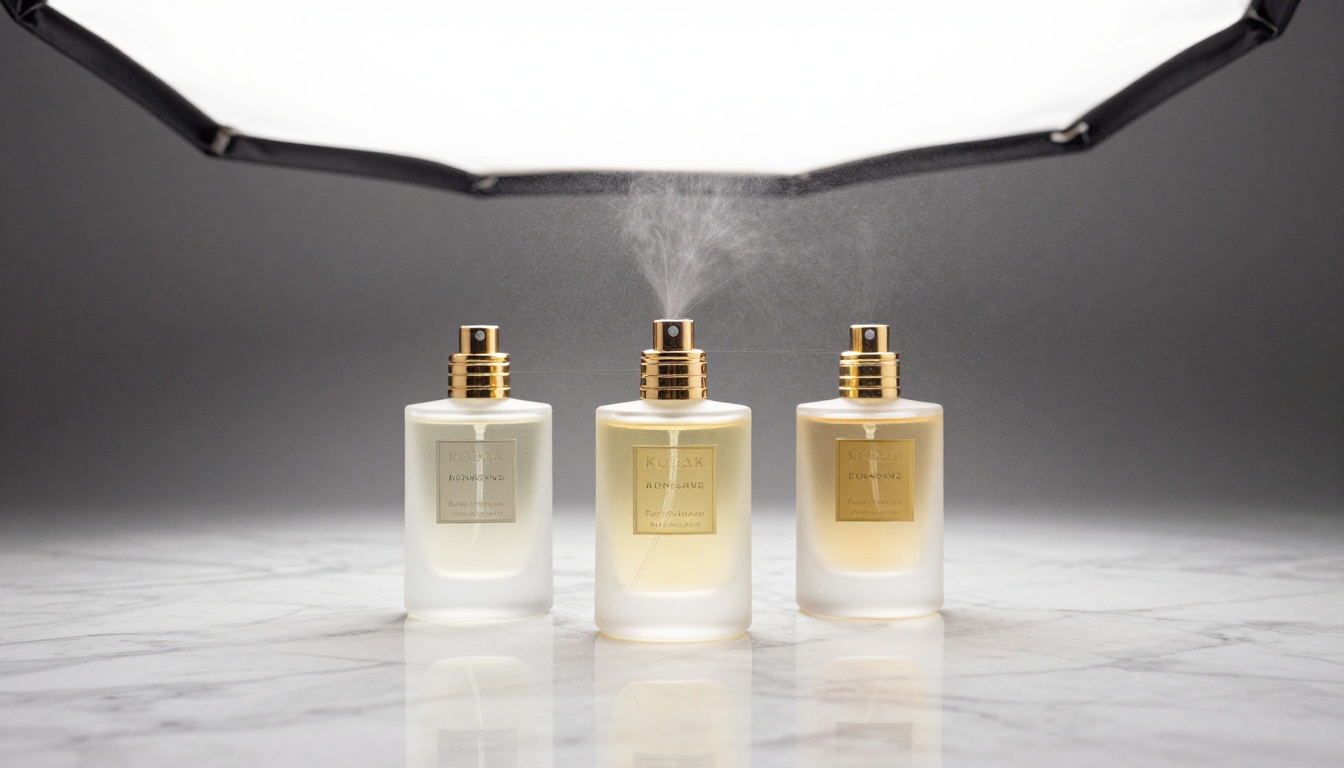
Rendering readable, correctly spelled text inside an image has been the persistent failure point for diffusion-based models. In 2027, most models have improved but the problem is not solved. Flux 2 Pro handles short words reasonably well, but multi-word phrases or specific fonts frequently produce errors.
The core issue is architectural: diffusion models do not "understand" language as discrete characters, they interpolate visual patterns. This means text is treated as a texture rather than a sequence of symbols, leading to plausible-looking but incorrect letterforms.
Ideogram V3 and Recraft V4 Lead Here
Ideogram V3 Quality made text rendering its defining feature. Across all tested prompts involving labels, signage, captions, and typographic elements, it achieves accuracy that other models cannot match. If your workflow involves generating images where text accuracy is non-negotiable, Ideogram V3 Quality is the only model in this group that consistently delivers.
Ideogram V3 Turbo offers the same text handling capability at faster speed with a modest quality reduction in non-text image elements. Ideogram V3 Balanced sits between the two, useful when you need both text accuracy and above-average realism in the same image.
Recraft V4 Pro also handles text above average, particularly for product and brand-oriented prompts, and adds strong vector output capabilities through the Recraft V4 Pro SVG variant, which is purpose-built for logo and design work.
💡 Tip: For social media posts, product labels, or marketing materials that need correct text in the image, route those prompts to Ideogram V3 Quality. Use Flux 2 Pro for everything else.
Specialized Models Worth Your Attention
Recraft V4 Pro for Designers
Recraft V4 and the Pro version are built specifically for visual designers and brand teams. Where most models optimize for single-image realism, Recraft prioritizes style consistency across a series of images. If you are generating a set of product photos, editorial spreads, or brand assets that need a unified aesthetic, Recraft V4 Pro handles this through its style controls in a way other models do not.
Seedream 5 Lite for Volume Work
Seedream 5 Lite from ByteDance is the efficiency leader in the 2027 lineup. For workflows requiring hundreds of image variations, social media content at scale, or rapid concept iteration, it delivers quality that respects the viewer without demanding premium generation budgets. Seedream 4.5 remains relevant as a step up when slightly more detail is needed but the full precision tier is overkill.
Qwen Image 2 Pro for Versatility
Qwen Image 2 Pro covers an unusually wide range of styles and subjects without needing style-specific prompting. Where some models have clear visual "personalities" that drift toward certain aesthetics, Qwen Image 2 Pro maintains neutrality. For teams generating across multiple content categories, that flexibility reduces the need to juggle multiple model subscriptions. Qwen Image 2 is the base version for when budget matters more than peak detail.
How to Use Flux 2 Pro on PicassoIA
Flux 2 Pro is one of the most capable models available through PicassoIA and the one that balances quality and cost most effectively for most use cases. Here is how to get the best results from it.
Setting Up Your First Generation
- Go to the Flux 2 Pro page on PicassoIA and open the prompt interface.
- Write a structured prompt: Start with the subject, then describe the environment, then add lighting specifics, then camera and lens details. This ordering matches how the model weighs elements. Example: "Close portrait of a man in his 40s, weathered fishing dock background, warm late afternoon golden light from the left, 85mm f/1.8, Kodak Portra 400 film grain."
- Set aspect ratio to 16:9 for editorial and web content, 1:1 for social media squares, 9:16 for mobile and vertical formats.
- Use the prompt to describe what you do NOT want: Adding phrases like "no text, no watermarks, no artificial lighting" helps the model avoid common artifacts.
Parameter Tips for Flux 2 Pro
- Guidance Scale: Keep between 3.5 and 4.5 for photorealistic work. Higher values increase prompt adherence but can over-saturate colors.
- Steps: 28 to 35 steps is the practical range for quality output without excessive generation time.
- Seed: Fix a seed number once you have a composition you like. This lets you iterate on prompt wording while holding the overall composition stable.
💡 Tip: If you want maximum texture detail in portraits, add "Kodak Portra 400, film grain, pore-level skin texture, subsurface scattering" to your prompt. These terms activate the model's highest-fidelity rendering behavior.
For image editing on top of a generated base, Flux Kontext Pro lets you take a Flux 2 Pro output and selectively modify elements with text prompts without losing the rest of the image. Flux Kontext Max offers the same capability at higher fidelity for final production use.
Full Model Comparison at a Glance
Which Model Is Right for You?
The honest answer is that no single model wins across every category in 2027. The top models in this list are exceptional within their specializations. The most effective workflows use two or three models strategically: a fast model for iteration, a precision model for finals, and a specialist model for tasks like text rendering or brand consistency.
Here is a clear decision matrix:
For portraits and fashion content: Flux 2 Pro or Seedream 4.5. Both produce high-fidelity skin and clothing texture with natural lighting behavior.
For product photography at scale: Imagen 4 Ultra for flagship product shots, Flux 2 Pro for volume work with strong results.
When text in the image matters: Ideogram V3 Quality with no close second. Nothing else in 2027 handles typographic accuracy as reliably.
For visual design and brand systems: Recraft V4 Pro for style consistency and vector output capabilities.
When speed and volume are the priority: Seedream 5 Lite for general content, Ideogram V3 Turbo when text in the image is still required.
For editing existing images with text prompts: Flux Kontext Max or Flux Kontext Pro for context-aware modifications without destructive replacement.
PicassoIA gives you access to all of them in one place. Try prompting the same scene across Flux 2 Pro, Imagen 4, and Ideogram V3 Balanced with identical text. The visual differences will immediately show you which model fits your aesthetic and workflow requirements. Start there, test with your actual prompts, and build a model rotation that fits what you create.