Creating a photorealistic AI boyfriend for photos is no longer a niche experiment — it is a mainstream creative tool used by millions worldwide. Whether you want a virtual companion for social media, a roleplay scenario, personal creative projects, or are simply curious about what AI-generated male portraits can look like, the tools available today are genuinely impressive. The gap between a stilted cartoon avatar and a completely believable, natural-looking photo of a handsome man has closed dramatically over the past two years.
This article breaks down the best free AI boyfriend generators for photos available right now, what makes each one stand out for realism and flexibility, and how you can create stunning results using Seedream 4.5 and other top models on PicassoIA, many of which are completely free to start.
What AI Boyfriend Generators Actually Do
Photo Quality vs. Chat Features
Not all "AI boyfriend" tools are the same thing. Most apps marketed as AI boyfriend simulators are primarily chat-based: they let you text a virtual character, give him a personality, and have conversations. When it comes to actual photos, these apps typically produce low-quality output, heavily stylized avatars, or static illustrations that look nothing like a real person.
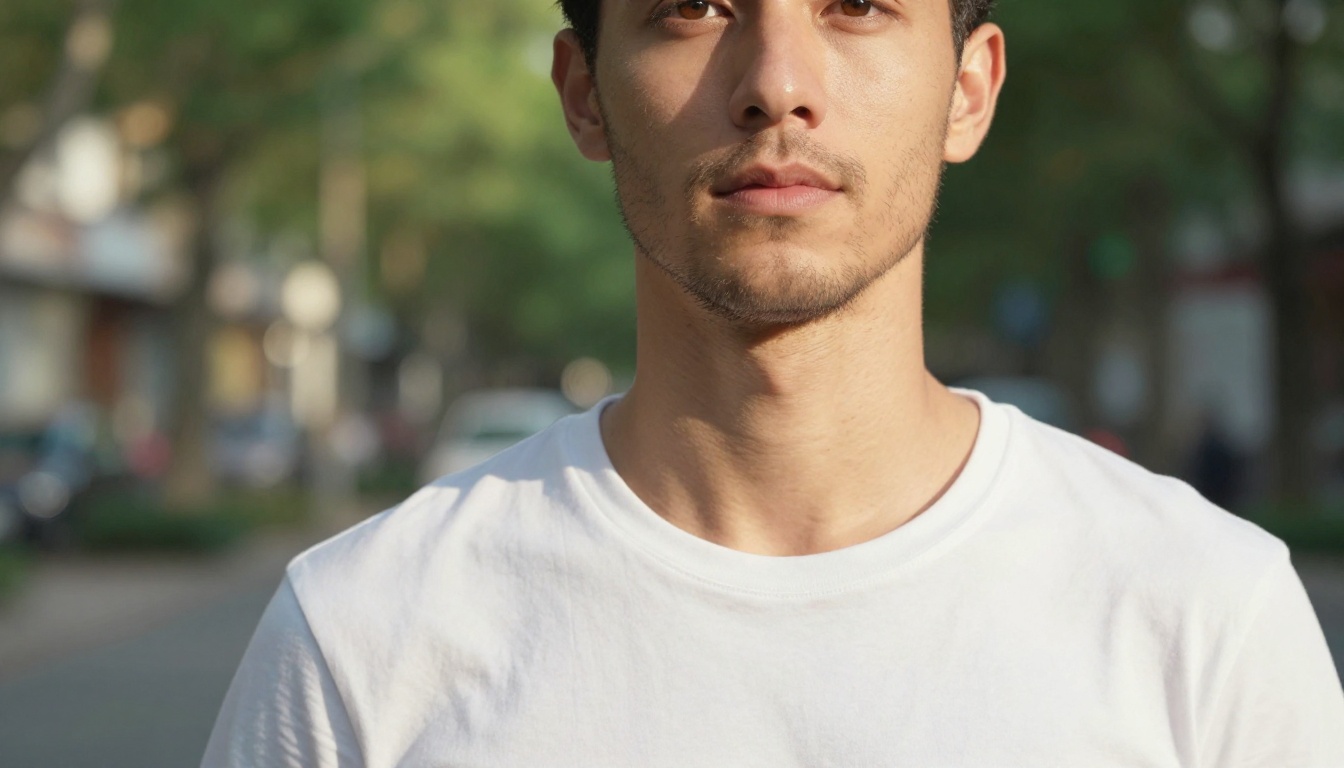
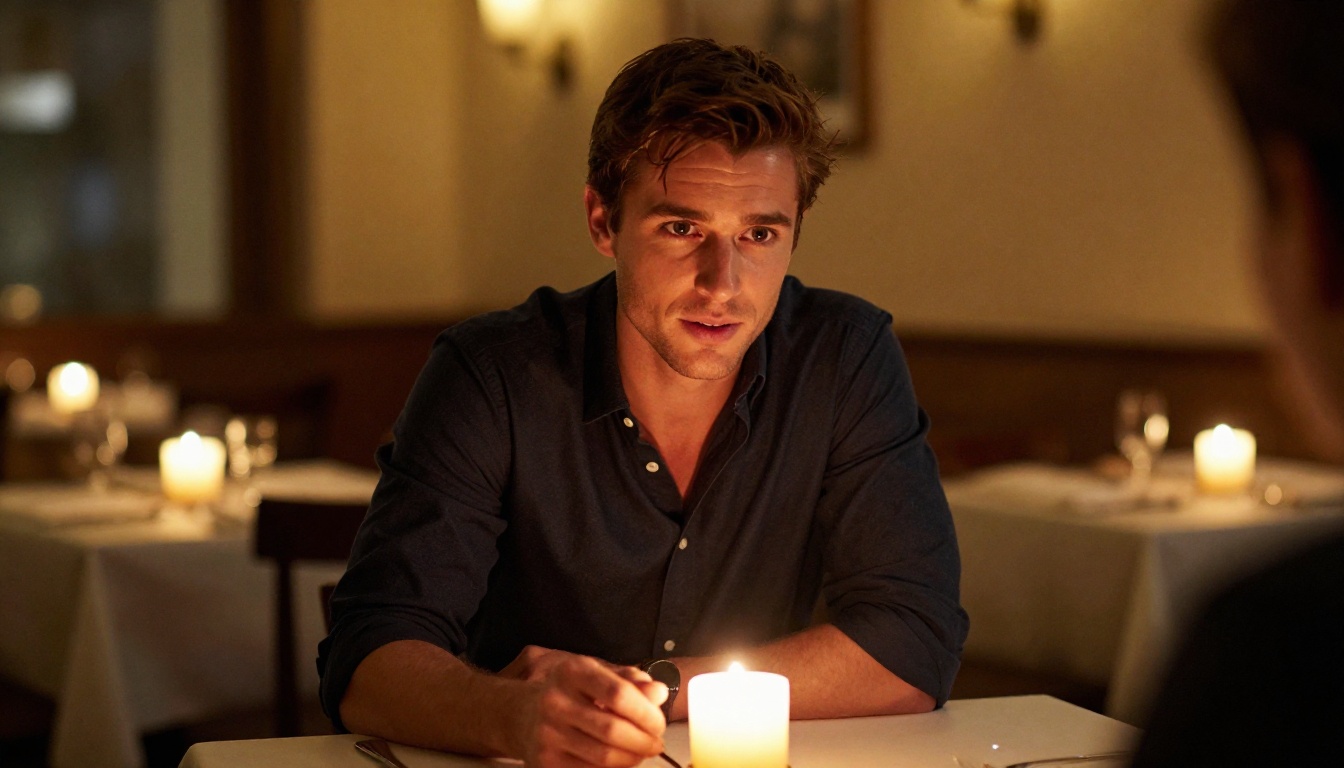
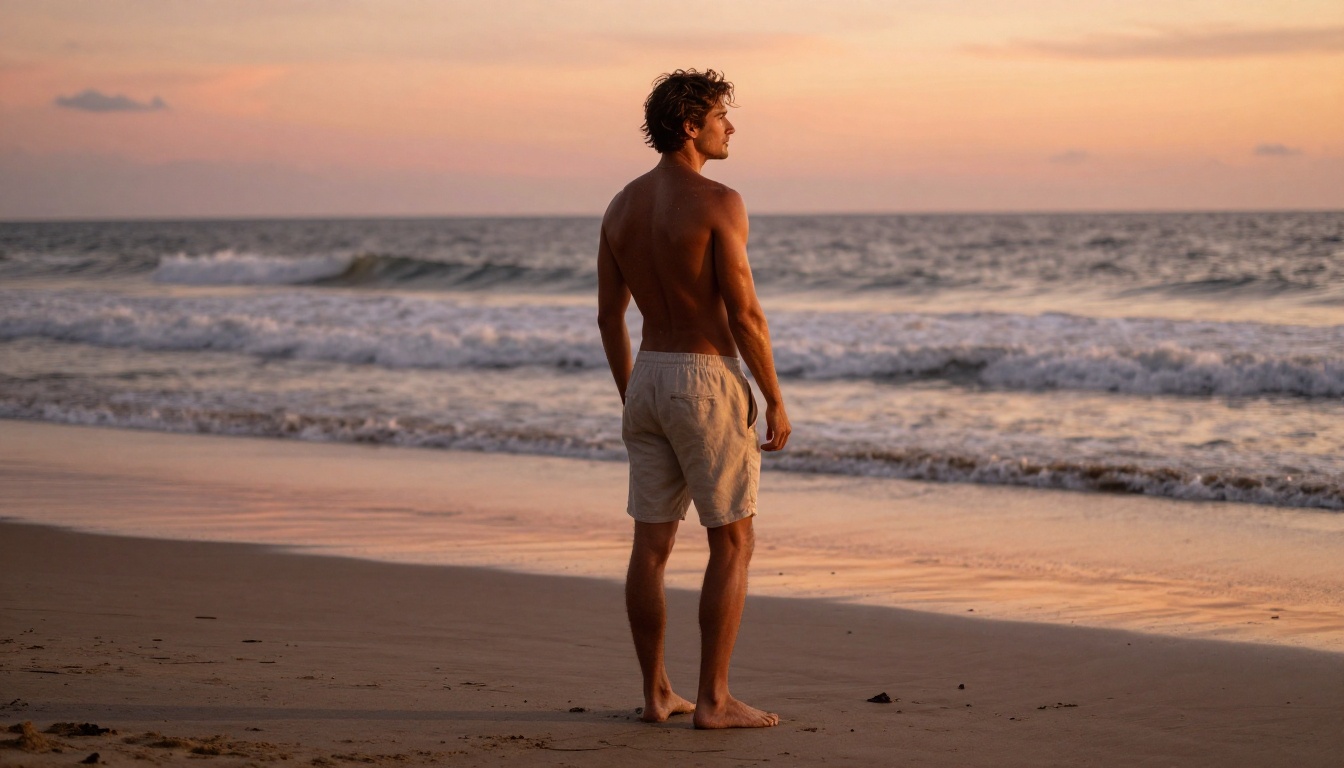
What most people actually want is different: photorealistic images of a handsome, believable male companion placed in a variety of real-world scenarios. A cozy cafe morning. A beach at golden hour. A candlelit dinner. A casual moment at home.
For that kind of output, you need a text-to-image AI model with three key qualities:
- High photorealism in faces, skin texture, and lighting
- Minimal content filters that would block romantic or intimate prompts
- Flexibility in posing, environment, and mood
The Problem with Mainstream AI Tools
Most well-known AI image generators, including the ones built into popular chat apps, apply aggressive content filters. Describe a man in a romantic context, a shirtless scenario, or anything with intimate undertones and the system either refuses outright or returns a sanitized, stiff image that looks nothing like what you described.
The workaround is to use platforms built specifically for creative freedom. PicassoIA hosts models that generate images based on what you actually write, not a filtered, watered-down version of it.
Free vs. Paid
Dedicated AI boyfriend apps typically charge $10 to $30 per month for access to decent photo quality. However, general-purpose image generators on platforms like PicassoIA offer free credits or free trials that produce far superior photo quality with no upfront cost.
💡 Tip: A free text-to-image model with minimal content restrictions will almost always outperform a paid "AI boyfriend app" when it comes to photo realism. The specialized apps are selling the chat experience, not the image quality.
Here is how the most popular options stack up for photo generation specifically:
| Tool | Photo Quality | Free Tier | Content Filters | Speed |
|---|
| Seedream 4.5 (PicassoIA) | ⭐⭐⭐⭐⭐ | Free credits | Minimal | Under 3s |
| PicassoIA Image Editor Pro | ⭐⭐⭐⭐⭐ | 3 free generations | Minimal | Under 1s |
| Qwen Image 2 (PicassoIA) | ⭐⭐⭐⭐⭐ | Free credits | Minimal | 5–8s |
| Grok Imagine Image (PicassoIA) | ⭐⭐⭐⭐ | Free credits | Minimal | 5–10s |
| Recraft V4 (PicassoIA) | ⭐⭐⭐⭐ | Free credits | Minimal | 5–8s |
| Standard Chat Companion Apps | ⭐⭐ | Limited | Heavy | Varies |
| Mainstream AI Art Platforms | ⭐⭐⭐ | Limited | Very Heavy | Varies |
The verdict is clear: PicassoIA's models dominate when it comes to free, high-quality AI boyfriend photo generation. No other category of tool comes close on the combination of realism, creative freedom, and cost.
Best AI Models on PicassoIA for Boyfriend Photos
PicassoIA hosts over 90 text-to-image models, but for creating realistic AI boyfriend photos specifically, a handful stand far above the rest.
Seedream 4.5 — The Best Free Option
Seedream 4.5 is the top recommendation for anyone wanting photorealistic male portraits. Built by ByteDance, it generates highly detailed, naturalistic images in under 3 seconds, faster than most models in its quality tier.
What makes it exceptional for boyfriend photos specifically:
- Photorealistic skin texture: pores, natural stubble, authentic lighting response on skin
- Flexible prompting: handles romantic, intimate, and suggestive scenarios faithfully
- Image editing mode: take an existing photo and refine specific elements without regenerating from scratch
- No aggressive content filtering: describe what you want and it renders it accurately
💡 Important note: Seedream 5 Lite, the newer version in the same family, does NOT support adult or intimate content. Always use Seedream 4.5 for unrestricted results.
PicassoIA Image Editor Pro — Unlimited Generations
PicassoIA Image Editor Pro is an image-to-image model, meaning you start with a reference photo and transform or refine it using a text prompt. Its biggest advantage is unlimited generations on Elite and Infinite plans.
Consider this: generating 1,000 boyfriend photos on pay-per-credit models like Nano Banana 2 would cost around $100. With Image Editor Pro on an Elite plan, those same 1,000 images cost nothing extra as they are included in your subscription.
Additional advantages:
- A 3-generation free trial with no credit card required
- Results delivered in under 1 second
- Full support for intimate and NSFW scenarios
- Ideal for iterating and perfecting a specific look
Qwen Image 2 — Open Source Realism
Qwen Image 2 is an open-source model that handles both creating and editing images with very detailed realism. Being open-source means it operates without the restrictive content policies found in commercial closed-source alternatives.
For AI boyfriend photos, this translates to more creative freedom: you can describe natural, intimate scenarios and receive results that look genuine rather than sanitized. The model excels at realistic male facial features and natural body proportions.
Grok Imagine Image — Best for Transformations
Grok Imagine Image by xAI specializes in realistic image transformation. If you have a base photo you want to restyle, repose, or modify, Grok converts images with impressive accuracy while maintaining photorealistic quality throughout.
It is particularly strong at:
- Taking a casual photo and transforming it into a romantic-looking shoot
- Adjusting clothing, backgrounds, or lighting conditions realistically
- Maintaining natural facial consistency across edits
Recraft V4 — Crisp Text-to-Image
Recraft V4 offers some of the crispest text-to-image outputs available on PicassoIA. While it operates in text-to-image mode only with no editing function, the raw output quality, sharp detail, natural skin rendering, and accurate lighting response, makes it excellent for generating fresh boyfriend photos from written descriptions.
P-Image — Speed Champion
P-Image by PrunaAI generates images in under 1 second with full NSFW support. When you want to iterate rapidly through different looks, poses, or scenarios for your AI boyfriend, P-Image's generation speed makes the process feel near-instant. Generate 20 variations in the time other models take to produce one.
How to Create Your AI Boyfriend on PicassoIA
PicassoIA's interface makes the process straightforward even for complete beginners. Here is how to get consistently photorealistic results.
Step 1: Choose Your Starting Model
Head to picassoia.com and navigate to the text-to-image section. For first-time users, start with Seedream 4.5 — it is the most capable and forgiving model, producing great results even from moderately detailed prompts.
Step 2: Write a Detailed, Specific Prompt
This is where most beginners under-deliver. Vague prompts produce generic, unconvincing results. The more specific you are, the more realistic and personalized the output.
Weak prompt: "handsome man, romantic photo"
Strong prompt: "Close-up portrait of a 28-year-old man with dark brown eyes and natural light stubble, sitting in a sunlit European cafe, wearing a cream linen shirt, warm golden morning light streaming from the left, shallow depth of field, 85mm f/1.4 prime lens, photorealistic, Kodak Portra 400 film grain"
Key elements to include in every prompt:
- Age range: "late 20s", "early 30s" rather than just "young man"
- Physical features: eye color, hair style and color, beard or stubble
- Setting: a specific location with environmental details and atmosphere
- Lighting: direction, color temperature, and quality (soft, harsh, diffused)
- Camera details: focal length and aperture to control depth of field
- Film style: "Kodak Portra 400" or "film grain" for natural texture imperfections
Step 3: Refine with Image Editor Pro
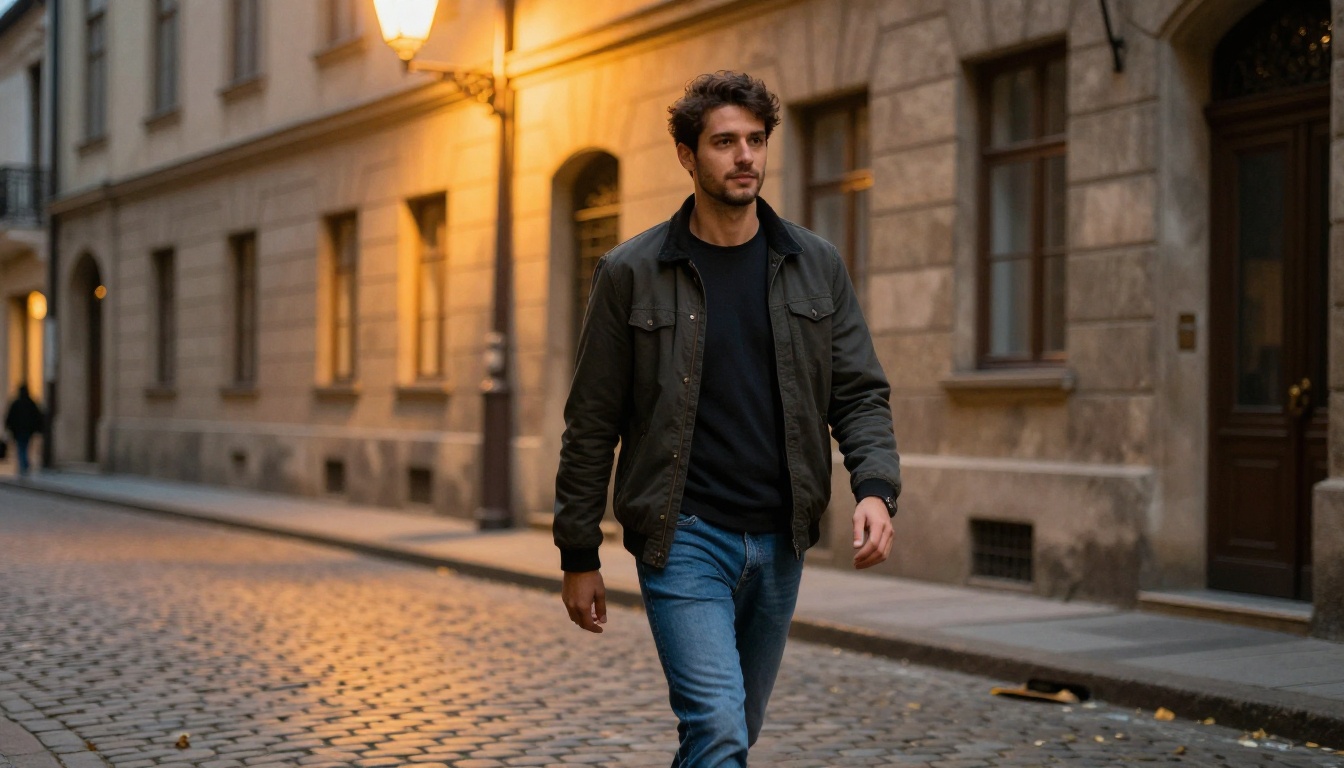
Once you have a base image you are happy with from Seedream 4.5, switch to PicassoIA Image Editor Pro. Upload your generated image and use text prompts to make targeted changes:
- Swap the outfit or add a jacket
- Shift the background from indoors to outdoors
- Make the expression warmer or more intense
- Adjust lighting from morning to evening
Because Image Editor Pro delivers results in under 1 second, you can iterate through dozens of variations in a few minutes without burning through credits.
Step 4: Generate Different Scenarios
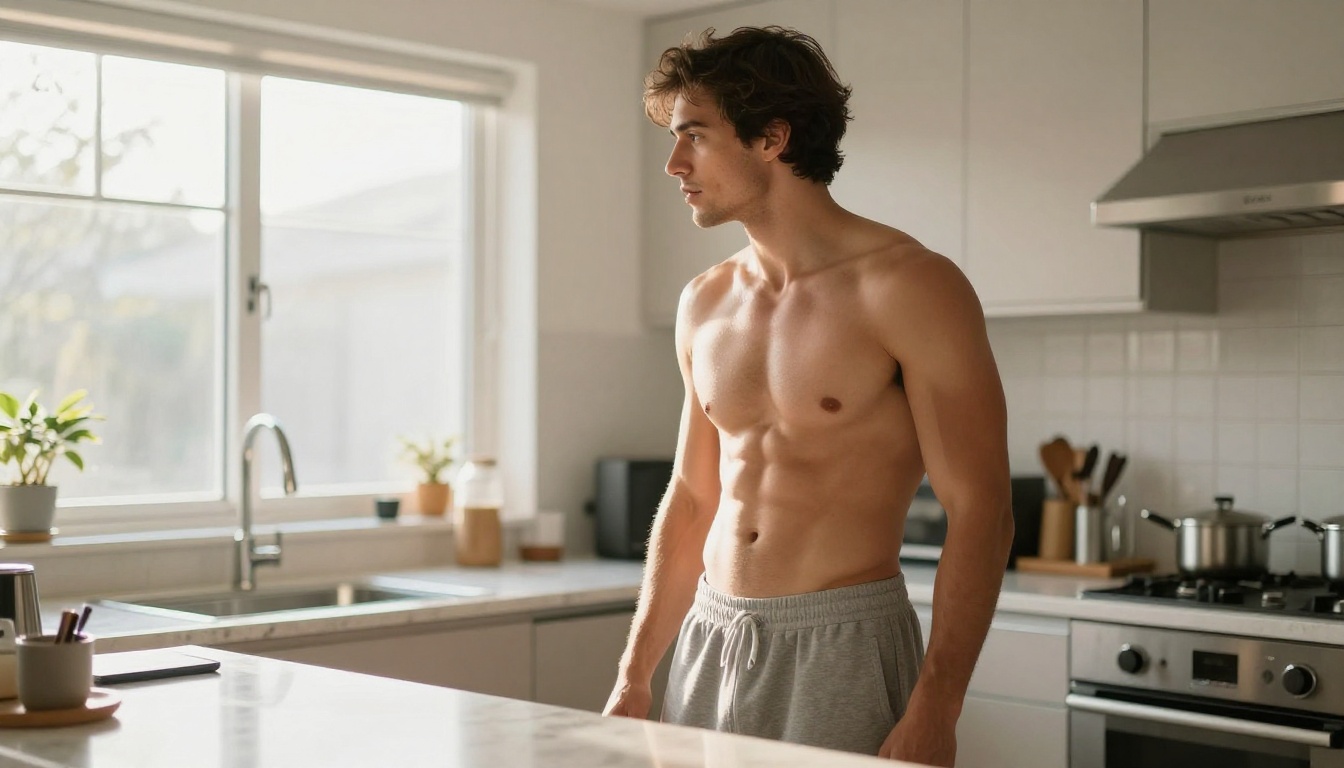
The real creative power of AI boyfriend generators comes from scenario variety. Using a consistent character description across prompts, you can generate an entire album:
- A morning coffee shot (intimate, casual, cozy indoor atmosphere)
- A beach golden-hour photo (outdoorsy, relaxed, warm natural light)
- A candlelit restaurant scene (romantic, date-night energy)
- A gym photo after a workout (athletic, confident, natural sheen)
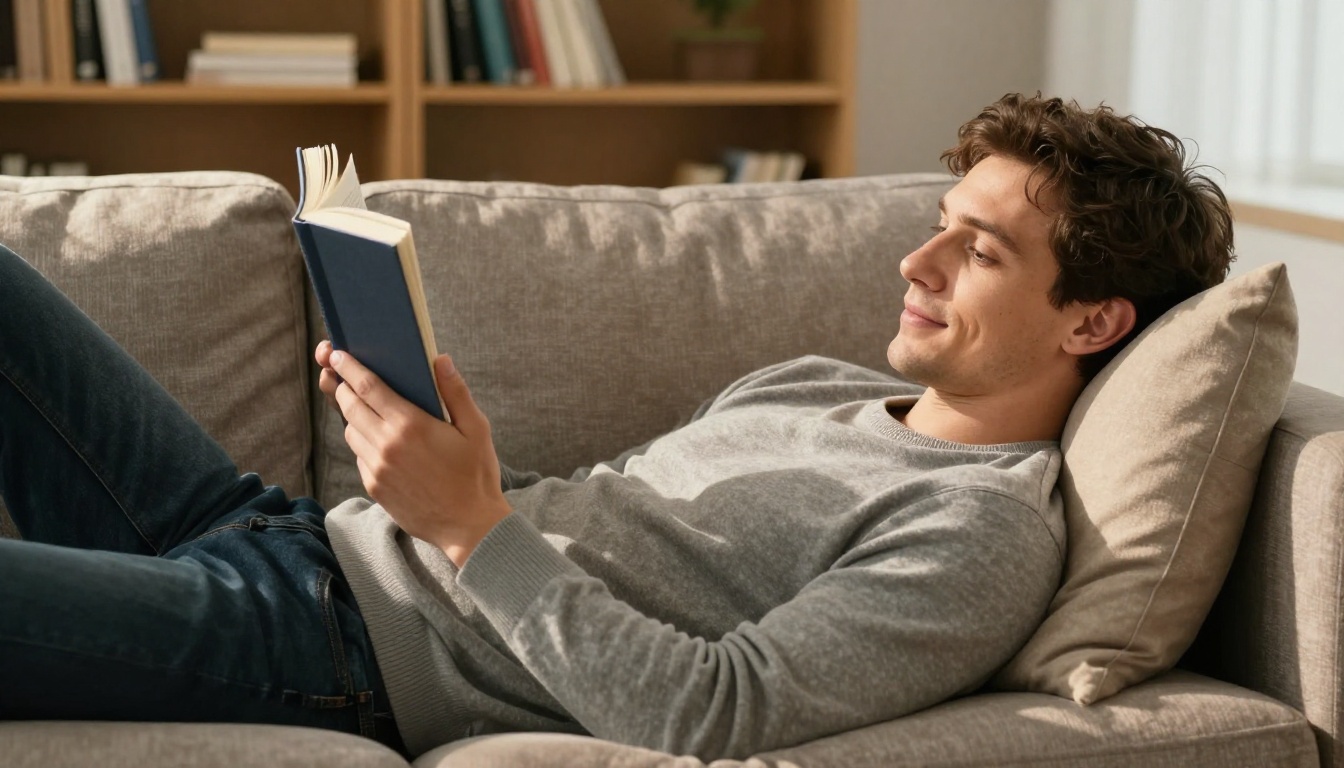
- A cozy reading evening at home (soft, intellectual, approachable)
💡 Consistency tip: Keep the same core character details (age, eye color, hair description, build) across all prompts. This creates a coherent visual persona across your entire set of photos.
Tips for More Realistic Boyfriend Photos
Getting consistently photorealistic results requires a few techniques that most beginners overlook.
Lighting Descriptions Are the Most Important Element
The single biggest factor separating realistic from synthetic-looking AI photos is lighting. Always specify at minimum:
- Direction: "warm light from the upper left", "overhead diffused soft box"
- Quality: "soft diffused afternoon light", "harsh direct midday sun", "warm intimate candlelight"
- Color temperature: "warm golden hour at 5pm", "cool neutral overcast morning"
Use Film References
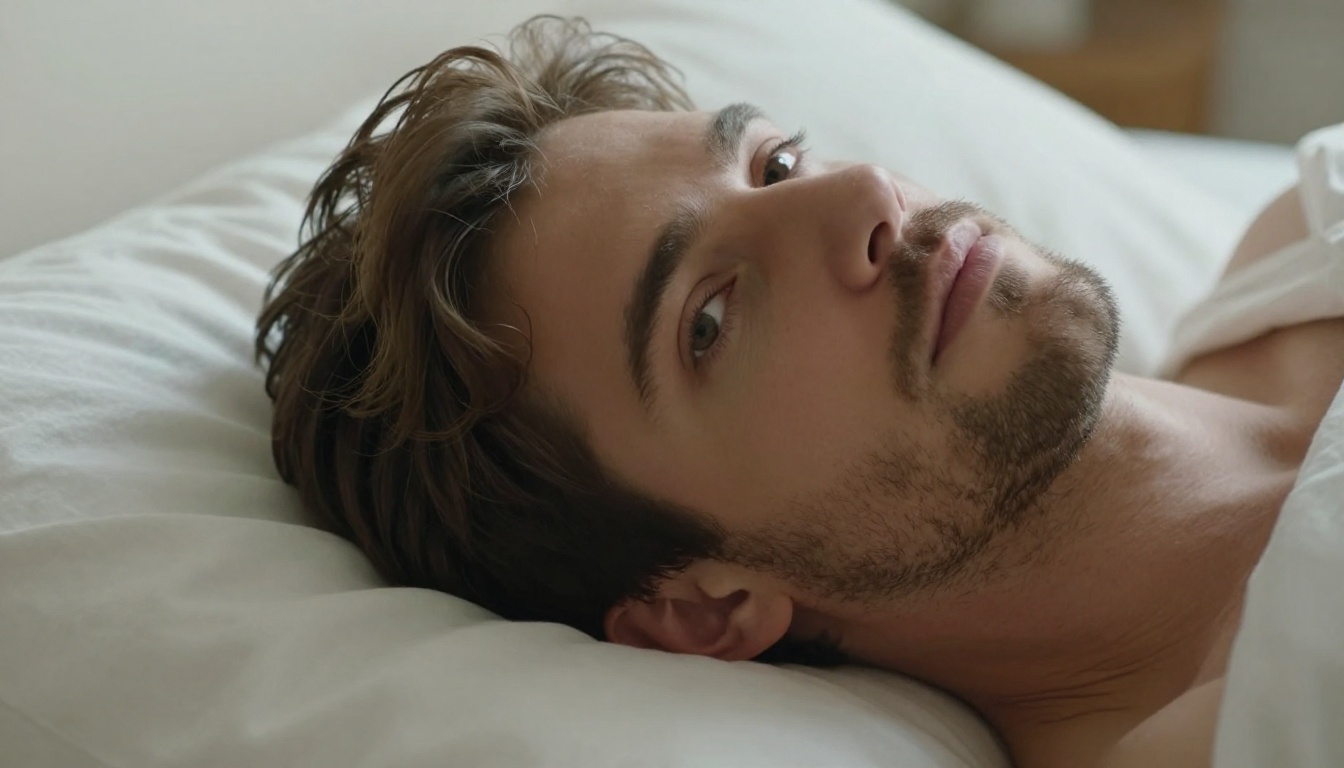
Adding "Kodak Portra 400", "Fuji Superia 400", or "Ilford HP5" to your prompt tells the model to render with film-like grain, organic color science, and natural imperfection. These qualities are exactly what makes photos feel human rather than digitally generated.
Specify Lens and Aperture
"85mm f/1.4" creates beautiful background separation with a soft bokeh that naturally separates the subject. "35mm f/8" keeps everything sharp for environmental portraits. "24mm f/2.8" gives a slight wide-angle cinematic feel. These details change the final composition dramatically and signal photographic authenticity to the model.
Do Not Over-Specify Physical Features
Paradoxically, listing 15 specific physical traits often produces worse results than listing 5 strong ones. Pick your 3 to 5 most important characteristics and describe them clearly. Let the model fill in complementary details naturally rather than fighting too many simultaneous constraints.
Upscaling Your AI Boyfriend Photos
Even excellent AI images benefit from upscaling, particularly if you want to print them, use them at full screen size, or zoom into facial details. PicassoIA's super-resolution models add genuine detail rather than simply stretching pixels.
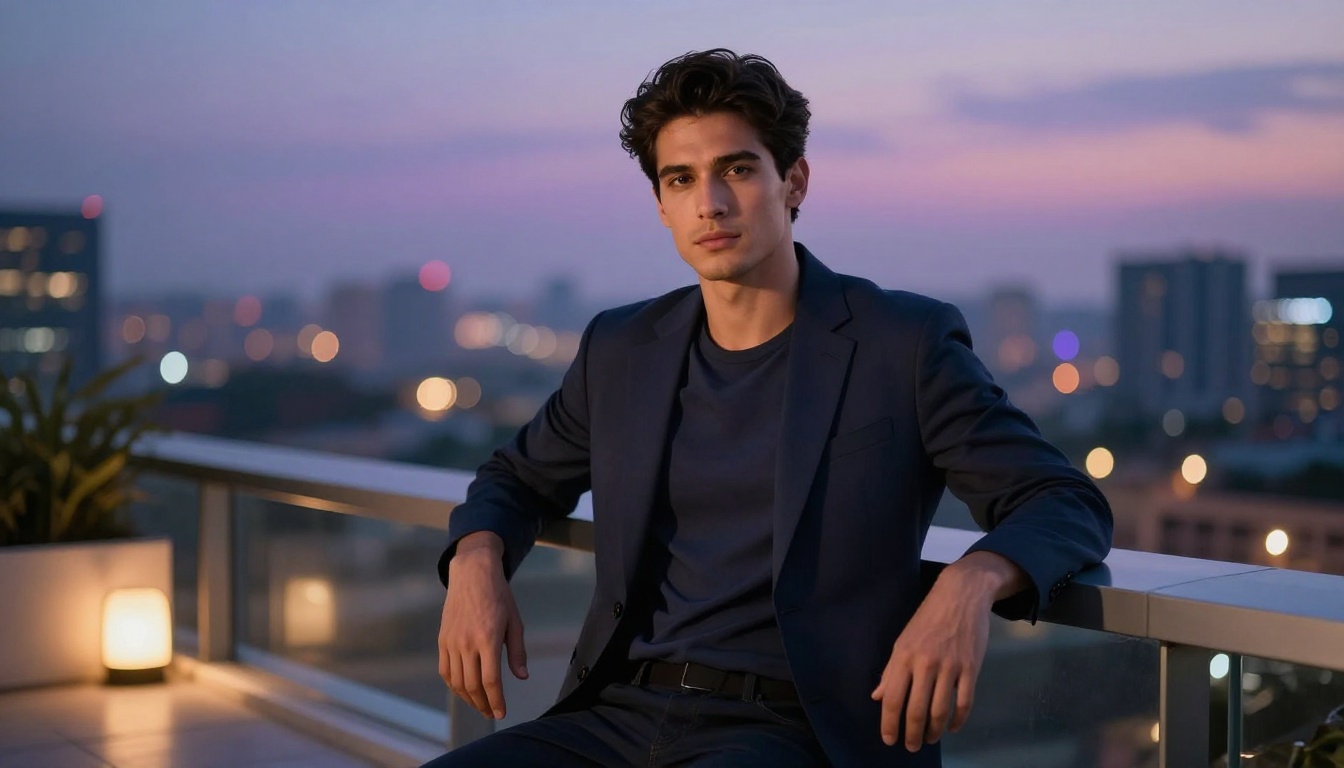
For AI boyfriend photos specifically, Crystal Upscaler is the strongest choice. It is designed for portrait work and adds realistic skin texture, hair strand detail, and fine fabric texture rather than generic edge sharpening.
💡 Recommended workflow: Generate at standard resolution with Seedream 4.5, pick your best result, then run it through Crystal Upscaler for a 4x resolution boost that makes the image print-ready.
Full Lineup of Unrestricted Models on PicassoIA
When you want to go beyond standard romantic portraits into more suggestive or intimate territory, PicassoIA offers a dedicated lineup of models with minimal content restrictions:
- Seedream 4.5 ⭐ — The all-around top choice. Accepts intimate content, supports image editing, generates in under 3 seconds. Its newer sibling Seedream 5 Lite does not support NSFW content.
- PicassoIA Image Editor Pro — Unlimited generations on Elite or Infinite plans. A thousand intimate edits vs. roughly $100 on pay-per-credit models. Under 1 second, free trial with no credit card.
- Qwen Image 2 — Open-source model with highly detailed realism and no restrictive filters built in.
- Grok Imagine Image — Realistic image transformations, ideal for stylizing or modifying existing photos.
- Recraft V4 — Crisp, sharp text-to-image results with strong photorealism.
- P-Image — Under 1 second, outstanding for rapid iteration across many variations.
- prunaai-wan-2.2-image — Highly realistic image generation from text descriptions, no content filters.
Unlike mainstream AI platforms that block entire categories of romantic or intimate content, PicassoIA gives creators full creative control with uncensored, high-performance models.
👉 See the complete catalog at picassoia.com/en/all-models.
Start Creating Your AI Boyfriend Right Now
The distance between wanting a photorealistic AI boyfriend photo and actually having one is now just a few text prompts. With Seedream 4.5 on PicassoIA, you can generate your first image for free with no credit card and no complex setup required.
Start with a simple cafe portrait. Try a beach scenario next. Switch to PicassoIA Image Editor Pro to refine the details until you have exactly the look you want. When you are ready for a sharper, larger version, run it through Crystal Upscaler for a 4x resolution boost that makes every detail crisp.
The most realistic AI boyfriend photo you have ever seen is probably one well-crafted prompt away. Head to picassoia.com and start generating now.


