This guide examines the most effective free AI generators for both images and videos, providing detailed comparisons of features, output quality, and practical limitations. We analyze text-to-image models like Flux and Qwen, video generators like Kling and Seedance, and discuss which free options deliver professional-grade results without subscription fees. Learn about prompt engineering techniques that maximize quality from free tools, understand usage limits, and discover hidden capabilities within no-cost platforms.
The misconception that quality AI image and video generation requires expensive subscriptions is outdated. Today's landscape offers powerful free AI generators that deliver professional results without financial barriers. From text-to-image models like Flux and Qwen Image to video platforms like Kling and Seedance, the free tier capabilities have expanded dramatically.
Why Free AI Generators Matter
The availability of high-quality free AI generators changes creative accessibility. Students, hobbyists, startups, and professionals testing new concepts can experiment without financial risk. These tools lower the barrier for creative expression while maintaining output quality that often rivals paid alternatives.
Three factors drive this shift:
Competition - With multiple providers offering free tiers, quality standards increase across the board
Technology democratization - Model efficiency improvements reduce computational costs
User acquisition strategy - Platforms use free tiers to build communities and demonstrate value
💡 Key Insight: The most significant difference between free and paid tools isn't raw capability—it's usage limits. Free generators restrict daily generations or output resolution, not fundamental model quality.
Top Free Image Generators Compared
Free AI image generators fall into distinct categories with different strengths. Understanding these differences helps match tools to specific creative needs.
Text-to-Image Specialists
Flux models excel at photorealistic generation with excellent prompt adherence. The free tier typically offers 10-20 daily generations at standard resolution.
Strengths:
Photorealistic quality comparable to paid versions
Strong understanding of complex prompts
Consistent character generation across multiple images
Limitations:
Daily generation caps
Lower priority during peak usage times
Limited batch processing
Qwen Image focuses on artistic styles with flexible composition control. Free access often includes unlimited generations at reduced speed.
Advantages:
Excellent artistic style reproduction
Good composition control
Strong color management
Considerations:
Slower generation times
Occasional style inconsistencies
Less photorealistic than Flux alternatives
Hybrid Platforms
Some platforms offer both image and video generation within free tiers. WAN models provide respectable image generation alongside their video capabilities.
Multi-tool benefits:
Single interface for different media types
Shared prompt learning across modalities
Consistent style application
Trade-offs:
Specialized tools often outperform in their specific domain
Interface complexity increases
Resource allocation between features
Best Video AI Tools at Zero Cost
Free AI video generation has advanced rapidly, with several platforms offering substantial capabilities without payment.
Short-Form Video Specialists
Kling video tools provide excellent motion quality and temporal consistency. Free tiers typically offer:
Some platforms take broader approaches, offering versatile video generation across multiple categories.
Common free tier specifications:
1-3 video generations daily
10-30 second duration limits
Watermarked or lower-resolution output
Basic editing controls
Workflow integration:
Most free tools provide API access for integration
File format compatibility varies
Processing queue times depend on platform load
Quality Differences: Free vs Paid
The quality gap between free and paid AI generators has narrowed significantly. Understanding where differences remain helps manage expectations.
Technical Comparison Table
Aspect
Free Tier
Paid Tier
Practical Impact
Output Resolution
1024×1024 typical
2048×2048+
Print vs screen use
Generation Speed
15-30 seconds
5-10 seconds
Workflow pacing
Daily Limits
10-50 generations
Unlimited
Project scale
Priority Queue
Standard
High priority
Peak time reliability
Advanced Features
Basic controls
Full parameter access
Creative flexibility
Batch Processing
Limited or none
Full support
Production efficiency
API Rate Limits
Strict
Generous
Integration depth
Watermarks
Sometimes present
None
Commercial use
Where Free Tools Excel
Free AI generators often match paid alternatives in several key areas:
Core model quality - The underlying AI models are identical
Prompt understanding - Language comprehension doesn't vary by tier
Style reproduction - Artistic style transfer works equally well
Basic editing - Cropping, filtering, and basic adjustments function identically
Where Paid Tools Still Lead
Paid subscriptions provide advantages in:
Consistency - More reliable during high-demand periods
Scale - Unlimited generation for large projects
Speed - Priority processing reduces wait times
Advanced controls - Fine-tuning parameters for specialized needs
Prompt Strategies for Better Results
Maximizing free AI generator output requires strategic prompt engineering. The same techniques that improve paid tool results work even better with free alternatives.
Improved: "A woman walking through a sunlit forest"
Optimized: "Photorealistic portrait of a woman walking through a sun-drenched deciduous forest during golden hour, shot with 85mm f/1.8 lens, shallow depth of field, Kodak Portra 400 film simulation, natural skin texture with subtle pores"
Negative Prompt Utilization
Free tools often benefit significantly from negative prompts that exclude common artifacts:
--no blurry, distorted, deformed, ugly, bad anatomy, extra limbs, mutated hands
Common exclusion patterns:
For realism: --no cartoon, anime, drawing, painting, illustration
For clarity: --no blurry, fuzzy, pixelated, low quality
For consistency: --no extra limbs, mutated hands, bad anatomy
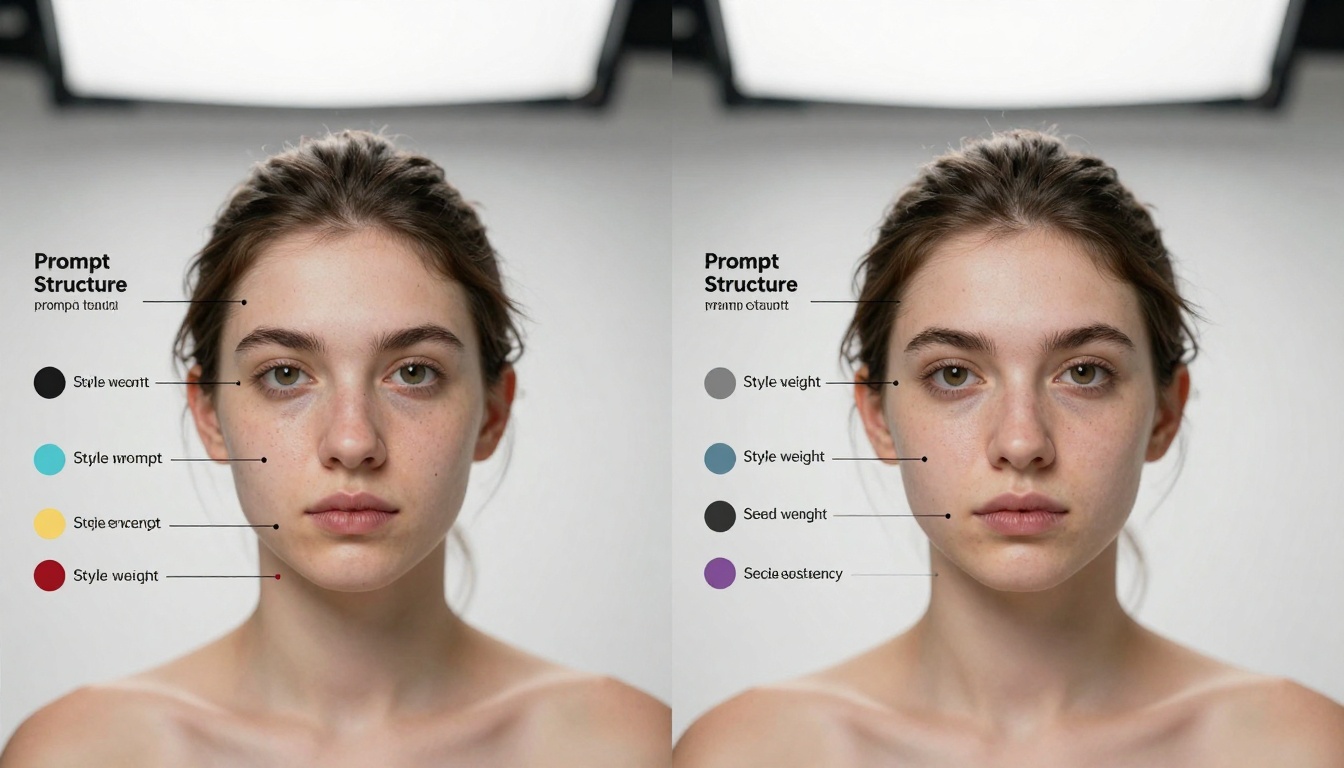
Style Weight Optimization
Most free generators support style weight adjustments through syntax like:
photorealistic portrait::1.2 of elderly man::1.0 with detailed wrinkles::0.8
Weight strategy:
Primary subject: 1.0-1.2
Environment: 0.7-0.9
Style elements: 0.8-1.1
Technical details: 0.6-0.8
Usage Limits and Workarounds
Free AI generators impose usage limits, but strategic approaches maximize available resources.
Daily Limit Management
Platform
Typical Free Limit
Reset Time
Strategy
Flux-based
20 generations
Midnight UTC
Plan batch work
Qwen-based
Unlimited (slow)
N/A
Background processing
Video tools
1-3 videos
24-hour cycle
Prioritize quality
Hybrid
Mixed allocation
Varies
Balance media types
Multi-Tool Rotation
Using multiple free generators in rotation bypasses individual limits:
Morning session: Primary tool for critical work
Afternoon session: Secondary tool for experiments
Evening session: Tertiary tool for refinement
Quality vs Quantity Trade-off
With limited generations, each prompt must count. This constraint often improves results through:
More careful prompt preparation
Better reference image selection
Thorough parameter consideration
Strategic generation sequencing
Batch Processing Strategy
Even with daily limits, batch processing improves efficiency:
Prepare all prompts before starting generation
Queue sequential variations to test different approaches
Document parameters for successful generations
Archive results with metadata for future reference
Getting Started with Free AI Creation
Beginning with free AI generators requires minimal setup but benefits from systematic approach.
Initial Tool Selection
Start with one image generator and one video tool that match your primary needs:
For video content: Experiment with Kling or Seedance
Learning Curve Management
The first 20-30 generations establish baseline proficiency:
Weeks 1-2: Basic prompt experimentation
Weeks 3-4: Style and parameter exploration
Weeks 5-6: Advanced technique development
Weeks 7-8: Workflow optimization
Common Beginner Mistakes
Avoid these frequent missteps with free generators:
Overcomplicating prompts - Start simple, then add complexity
Ignoring negative prompts - They significantly improve free tool output
Wasting generations - Plan each generation purposefully
Not documenting settings - Successful parameters should be recorded
Progress Tracking
Monitor improvement through systematic documentation:
Generation
Prompt Length
Parameters Used
Result Quality
Lessons Learned
#1
5 words
Default
Basic
Need more detail
#5
15 words
Style weight
Good
Negative prompts help
#10
25 words
Full control
Excellent
Specificity matters
Professional Results with Free Tools
The most significant revelation for many creators is realizing free AI generators can produce professional-quality results. The constraint of limited generations often forces better technique development than unlimited paid access.
Portfolio Development
Free tools support complete portfolio creation:
Concept development - Unlimited ideation without cost
Style exploration - Test multiple approaches within limits
Final refinement - Apply learned techniques to polished work
Production deadlines require guaranteed processing time
Advanced parameters are essential for specific projects
Commercial licensing requires explicit permission
The current landscape of free AI generators for images and videos offers substantial capability without financial commitment. Tools like Flux, Qwen Image, Kling, and Seedance provide professional-grade results through strategic prompt engineering and workflow optimization. The primary limitation isn't quality—it's scale, and for most creators, free tiers offer more than enough capacity for substantial creative work.