Typing a few words and getting a polished, photoreal image back used to feel like a paid only luxury. In 2027 it is a daily habit, and the best part is how much of it costs nothing. The real question is no longer whether free AI image generators exist. It is which one gives you real quality, real speed, and real freedom to create as much as you want without a credit card stopping you mid idea.
We ranked the strongest options you can use right now, from models that write sharp, lifelike images in under three seconds to one that never puts a meter on your editing at all. The tools sitting at the top are the ones that stay free when your ideas get serious, and the best free AI image generator for you is the one whose limits you never bump into.
Why The Free Tier Finally Got Good
A couple of years ago, free AI image tools were bait. You got a handful of generations, a watermark stamped across the result, and a paywall the moment you found your rhythm. By 2026 that changed for three plain reasons.
- Too many platforms chasing the same users, so generous free tiers became the way to stand out.
- Open source models caught up to commercial ones, so quality stopped being a paid privilege.
- Creators expected it. A younger wave of makers simply will not pay for basic image creation.
💡 Reality check: Free still has shapes. Some tools hand you a few credits and call it free. Others let you generate without counting. This ranking rewards the second kind.
What Separates A Great One
Before the ranking, here is the scorecard. These are the things that decide whether a free image generator is worth your time in 2027.
| What to check | Why it matters | What good looks like |
|---|
| Daily limits | How much you can actually make | 25+ images a day, or no cap at all |
| Resolution | Print and web usability | 1024px and up, 2K to 4K ideal |
| Commercial rights | Whether you can sell the result | Full rights, no attribution |
| NSFW freedom | Suggestive and glamour work allowed | Permitted, blocking only illegal content |
| Editing | Change a photo, not just make one | Built in, prompt based |
| Speed | How fast you iterate | Under three seconds for a draft |
| Watermarks | A professional look | None |
💡 The quiet differentiator most lists ignore: can you edit, not just generate? The models that let you upload a photo and change it by typing are the ones that save real hours.
The Free AI Image Generators Worth Using
Here is the ranking. The top five all run on Picasso IA, where one account gives you every model below through a single interface, and several of them carry no generation limit at all.
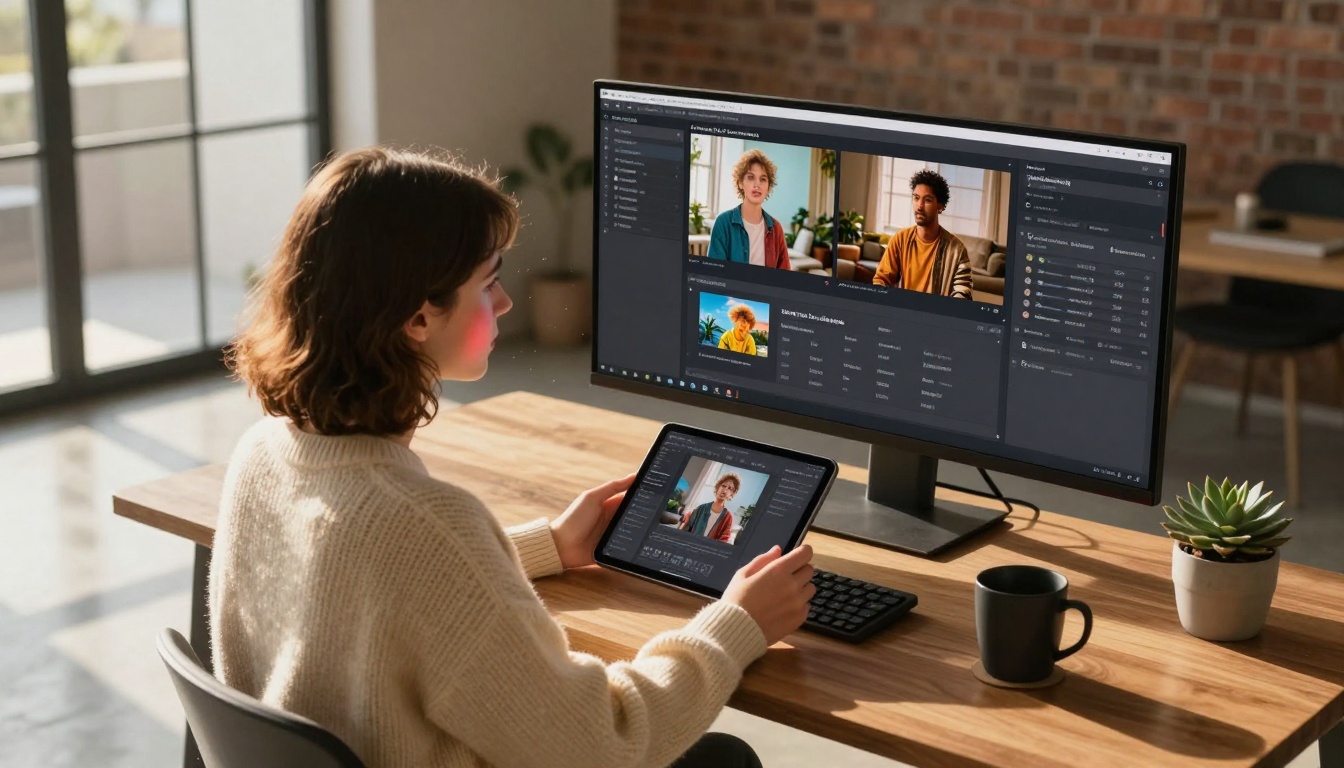
Seedream 4.5 wins because it does the three things creators ask for most, and it does them fast. It writes sharp, lifelike images from a single prompt at 2K or 4K, it edits existing photos when you feed it a reference, and it accepts NSFW prompts so glamour, bikini, and suggestive shots stay on the table. Best of all, it is quick. A finished image often lands in under three seconds.
The realism is the headline. Skin texture, natural light, and fine detail come out looking photographed rather than generated, which is why it sits above everything else here.
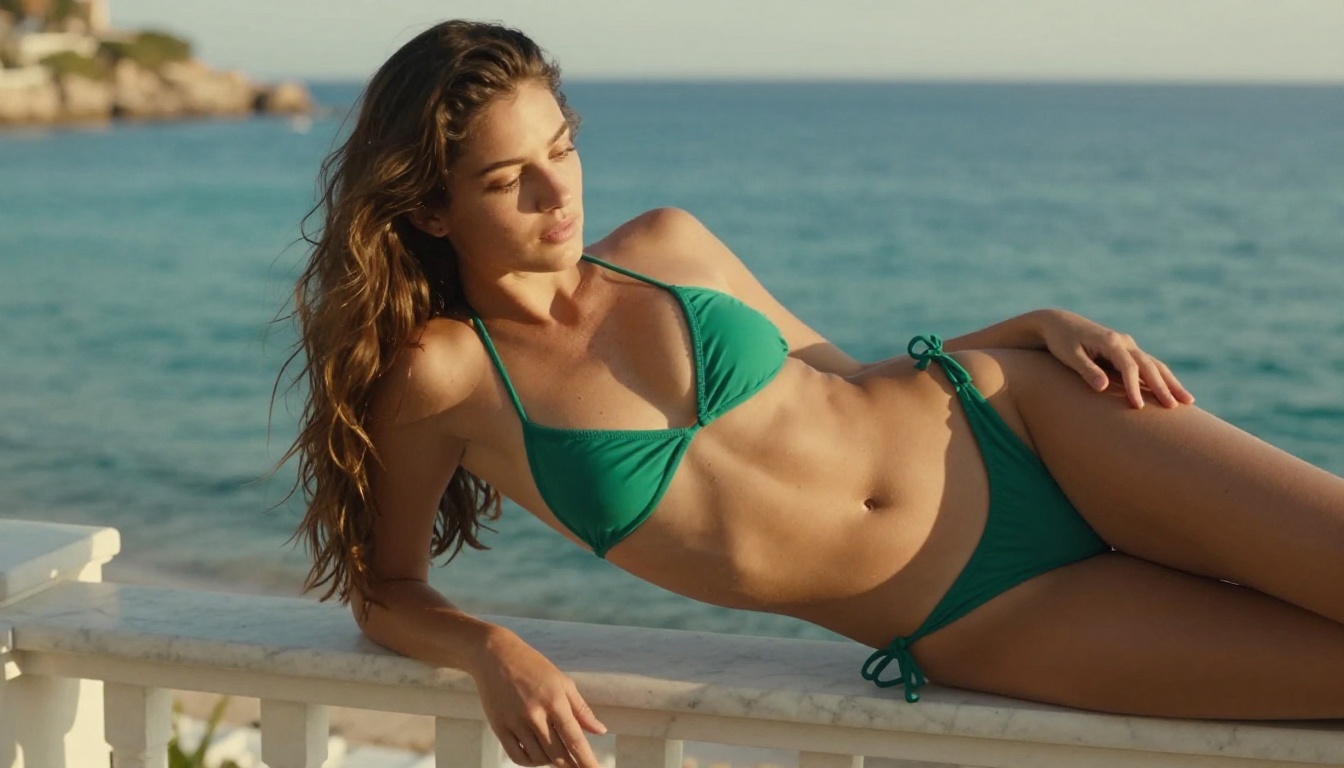
What makes it the top pick:
- 2K and 4K output for print ready detail
- Image to image editing with 1 to 14 reference images
- NSFW friendly for glamour and suggestive shoots, kept tasteful
- Sub three second results on most prompts
- Batches up to 15 related images in one run
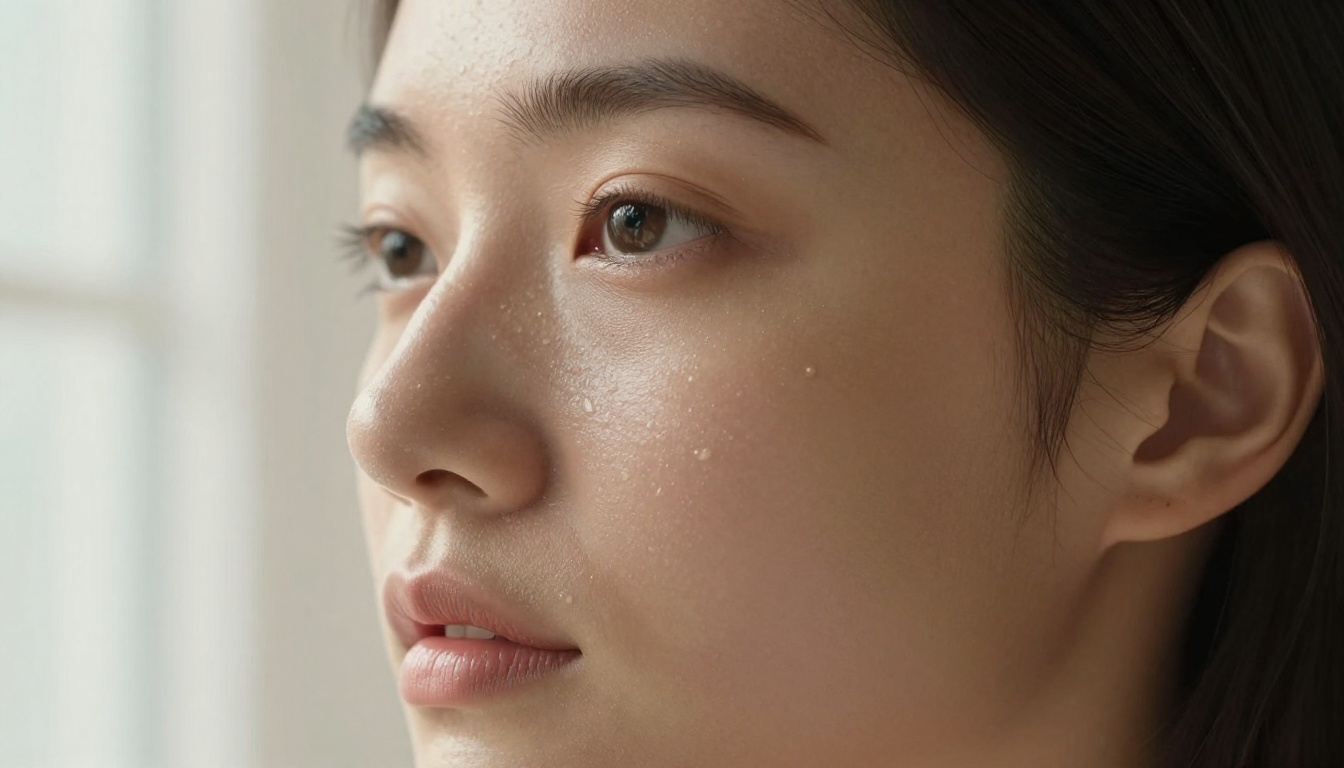
Watch how a single still becomes a moving moment. This clip was rendered at 720p straight from a Seedream style image.
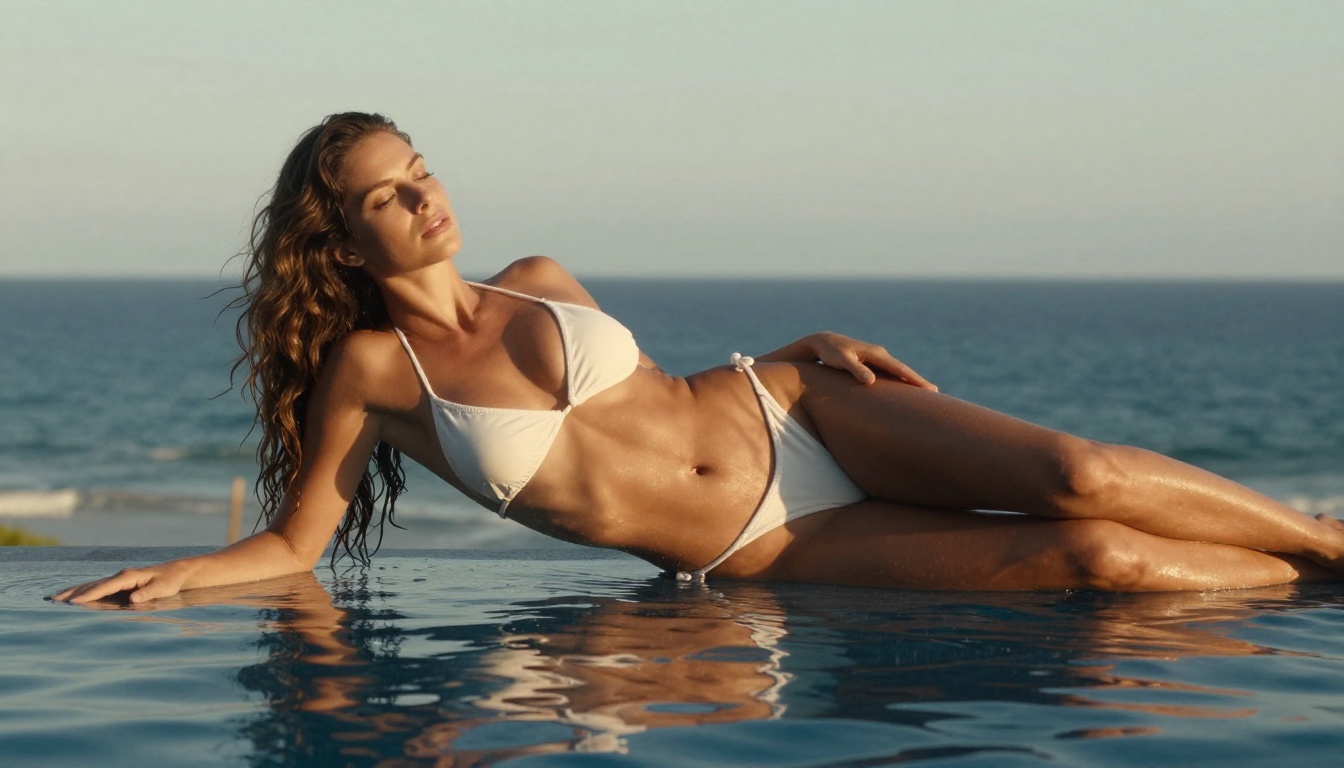
💡 Quick tip: Ask for the camera in your prompt. Phrases like 85mm lens, soft window light, realistic skin texture push Seedream toward photographic results instead of glossy, plastic ones.
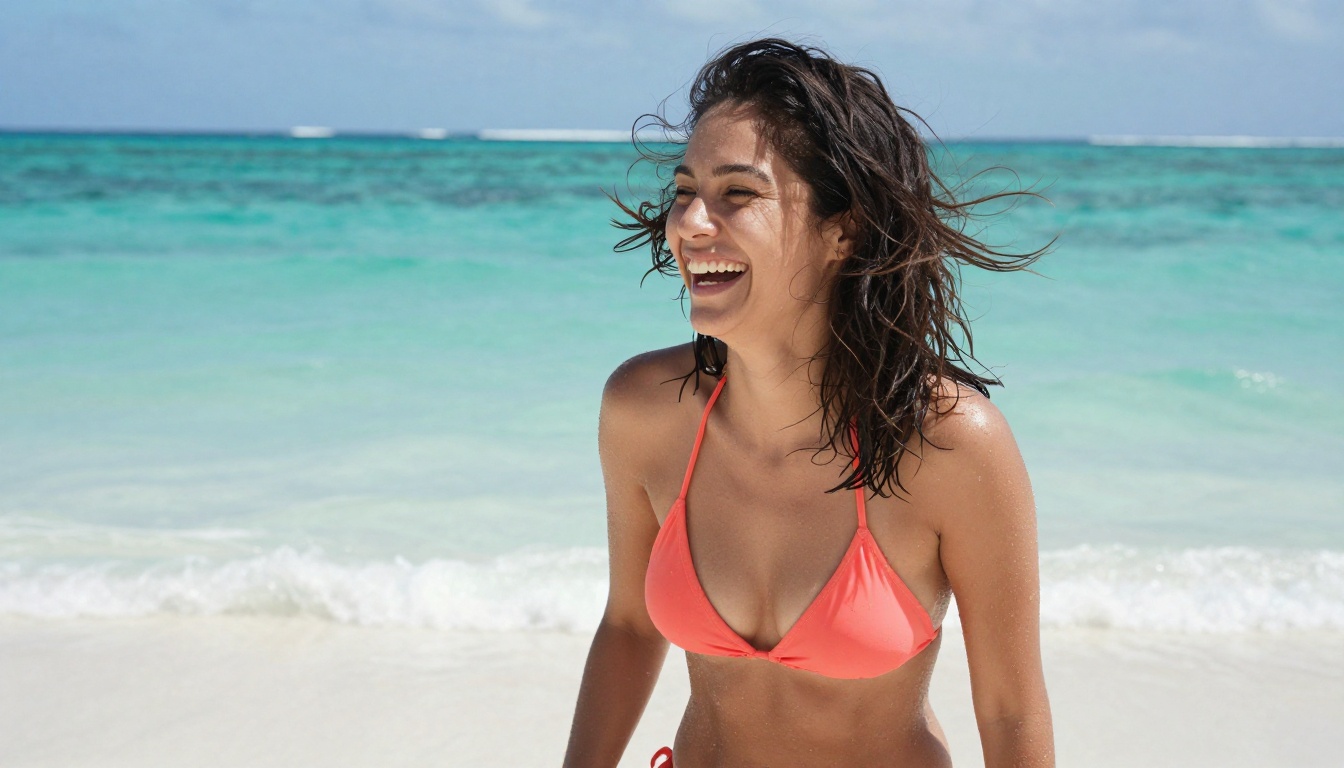
If your work is editing rather than building from scratch, PicassoIA Image Editor Pro is the one to beat, and it earns second place on a single feature: it is unlimited. There is no per edit cap and no daily quota. You upload a photo, describe the change in plain language, and get a clean result in about a second. Then you do it again, as many times as you want.
That matters more than it sounds. Editing is iterative. You rarely nail a look on the first try, so a meter on your edits is a meter on your creativity. This model removes it. It also runs img2img, so you can feed it a base image and reshape it however you like.
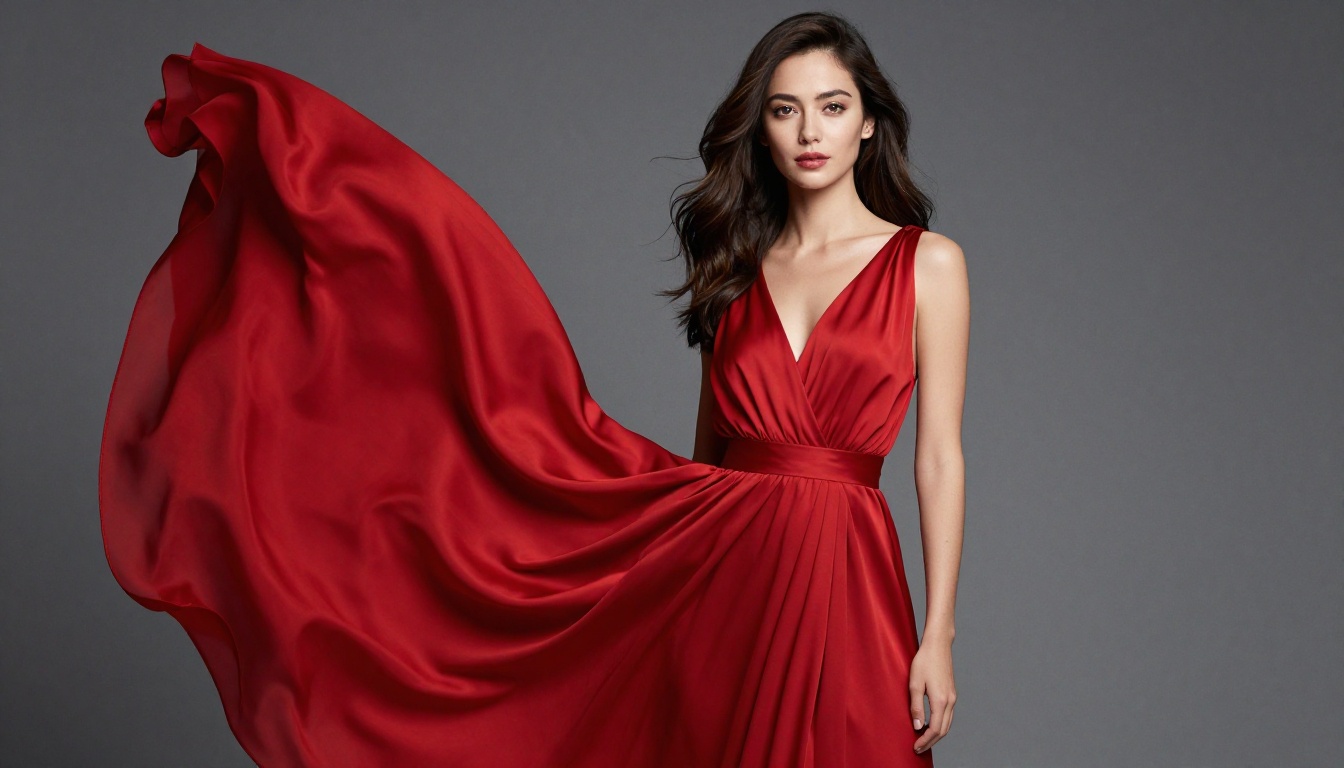
Here is why unlimited changes the math. Picture a campaign that needs 2,000 edited images. On metered platforms, a per image model like Nano Banana 2 charges for every render, so roughly 1,000 images runs about $100. With Image Editor Pro on an Elite or Infinite plan, those same edits cost nothing, because you generate without limits.
| Images you need | Pay per image model | PicassoIA Image Editor Pro |
|---|
| 100 | about $10 | $0, included |
| 1,000 | about $100 | $0, included |
| 2,000 | about $200 | $0, included |
It also accepts NSFW prompts, handles up to three reference images at once, and runs fast enough that the editing loop never breaks your focus. New here? It gives you 3 free generations with no credit card, so you can test it before committing.
Where it shines:
- Unlimited edits on Elite or Infinite plans
- One second results on most edits
- NSFW friendly glamour and suggestive edits
- Up to three reference images addressed by name in the prompt
- 3 free trials, no card required
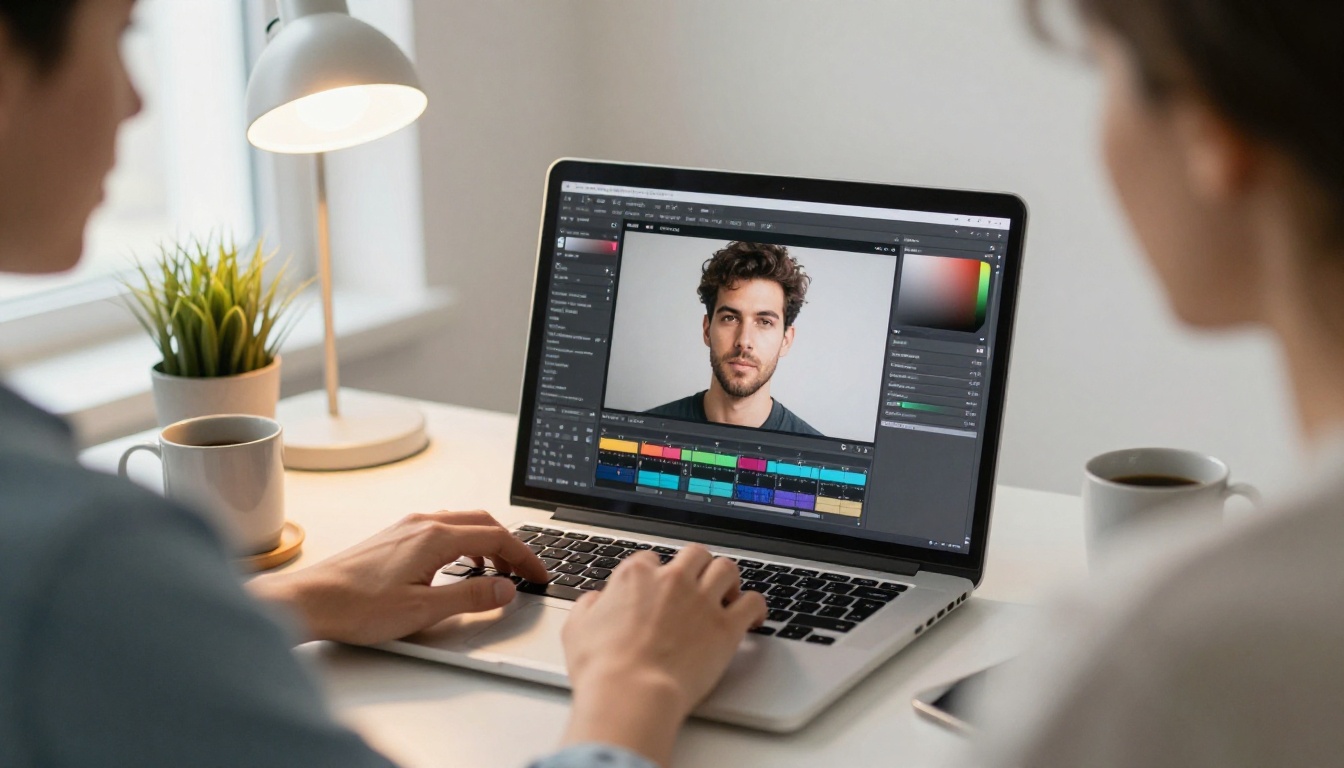
Qwen Image 2 is the open source pick, and it punches above its weight. Because the model is open, it carries none of the walled garden friction, and it still creates or edits almost any image in seconds with genuinely detailed realism. Feed it a prompt for a fresh image, or hand it a photo with an instruction and let it rework the shot.
It also renders readable text inside images, including Chinese characters, which most free models still fumble.
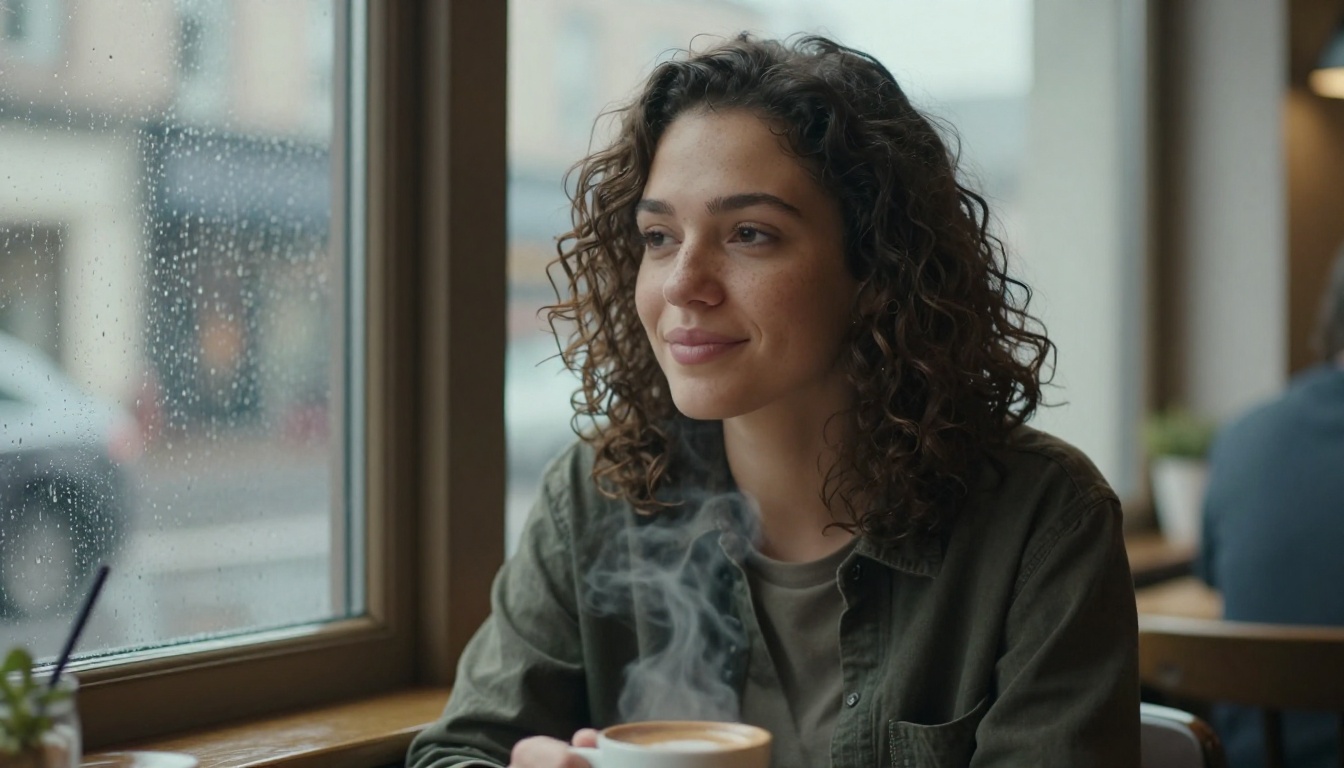
Strong points:
- Open source flexibility with no lock in
- Create or edit from one model
- Detailed realism in seconds
- Nine aspect ratios plus negative prompts and fixed seeds
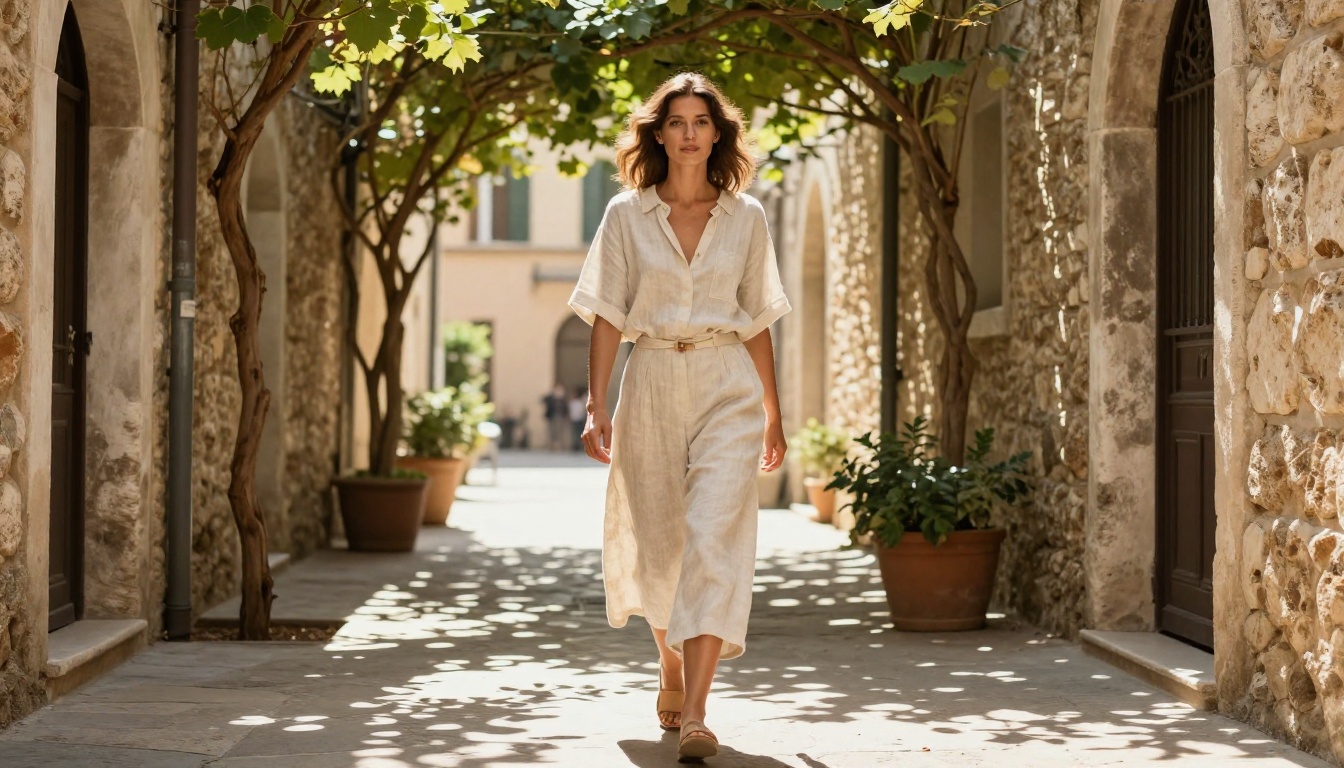
Grok Imagine Image has a trick people actually ask for: hand it a photo and it will convert almost any image into a realistic bikini shot, cleanly and convincingly. The skin, the fabric, and the lighting all hold together, which is hard to fake. Beyond that single use, it is a fast text to image and editing model with 14 aspect ratios and unlimited generations on Picasso IA.
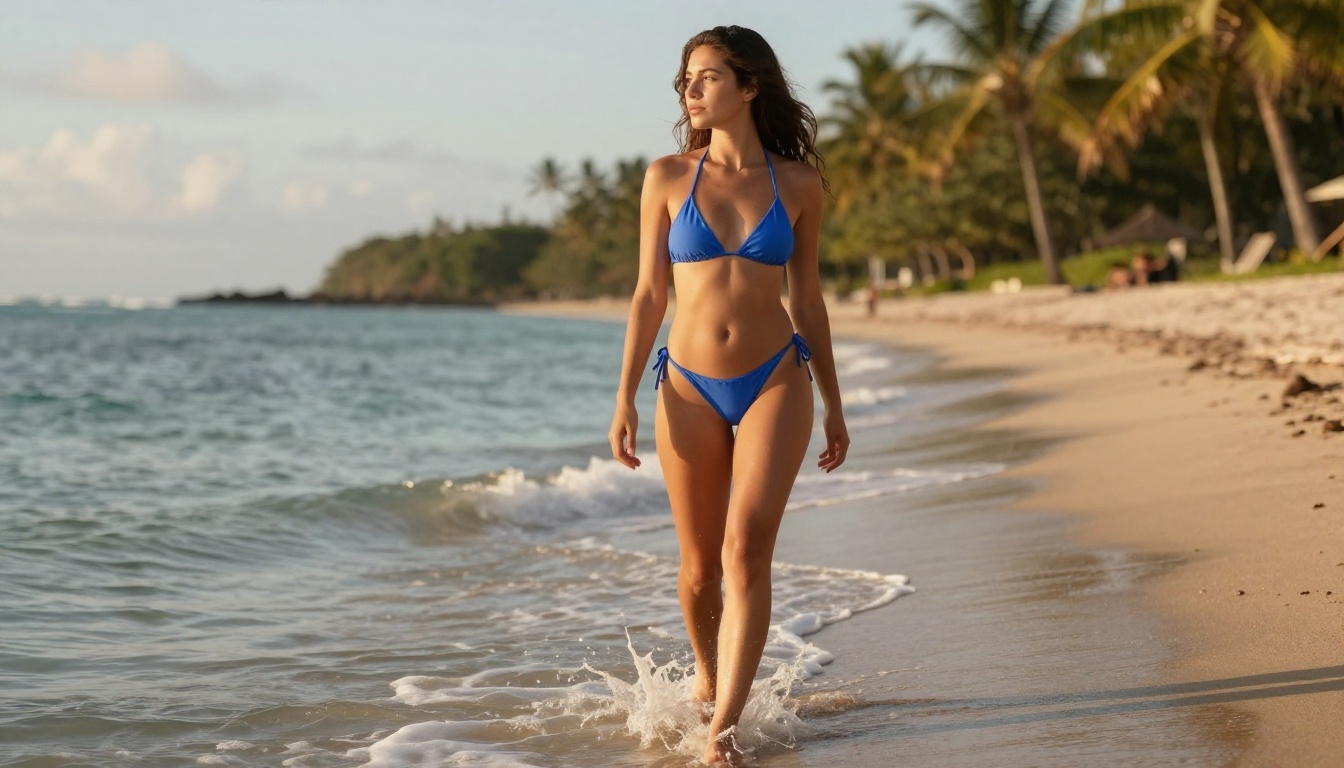
Here is a 720p clip generated from a Grok style beach image, the kind of result you can build from a simple photo.
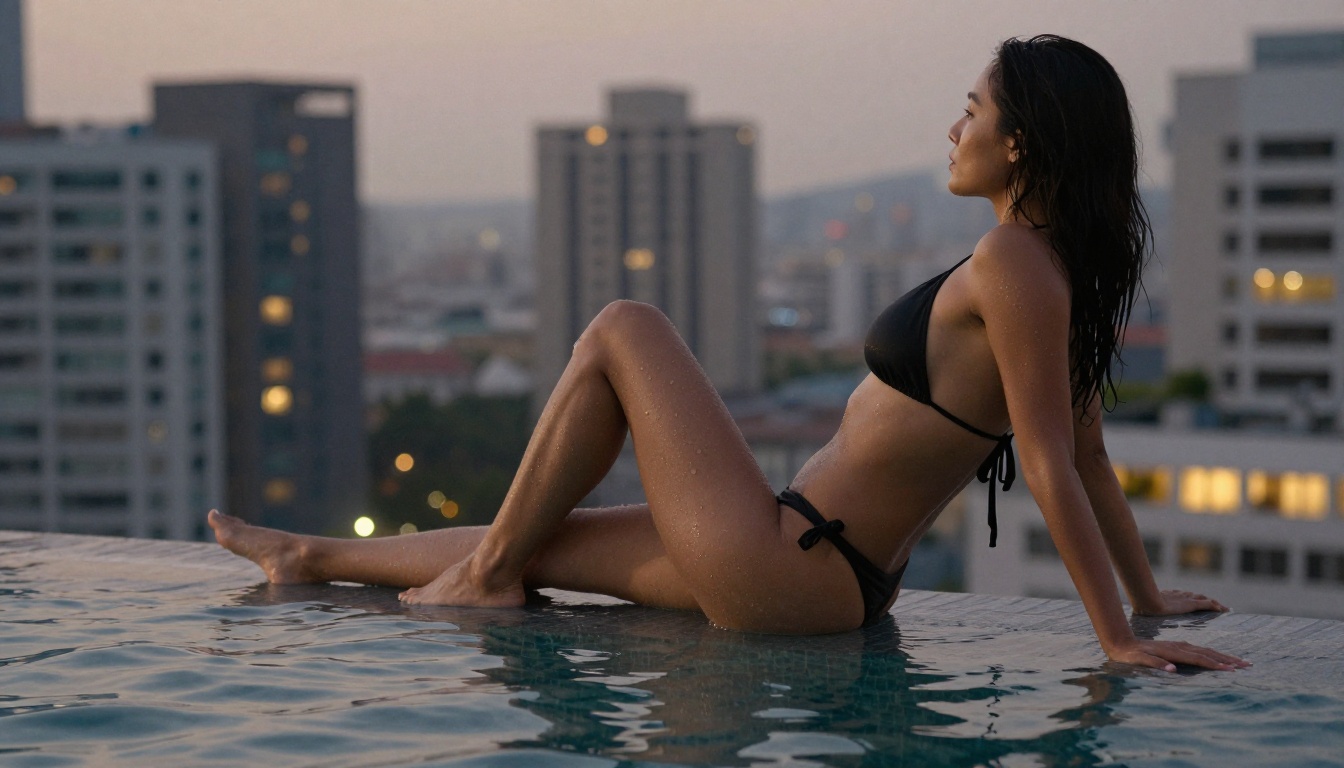
Why people reach for it:
- Photo to bikini edits that actually look real
- 14 aspect ratios from square to cinematic
- Unlimited generations, no credits or caps
- Edit mode for backgrounds, lighting, and added elements
Recraft v4 For Photoreal Detail
Recraft v4 is text to image only, no editing, and that focus is exactly why the results look so clean. It reads prompts closely and returns images with art directed framing and very realistic detail, the kind of polish that usually takes several retries elsewhere. If you want a lifelike product shot or a crisp lifestyle scene from a single description, this is the one.
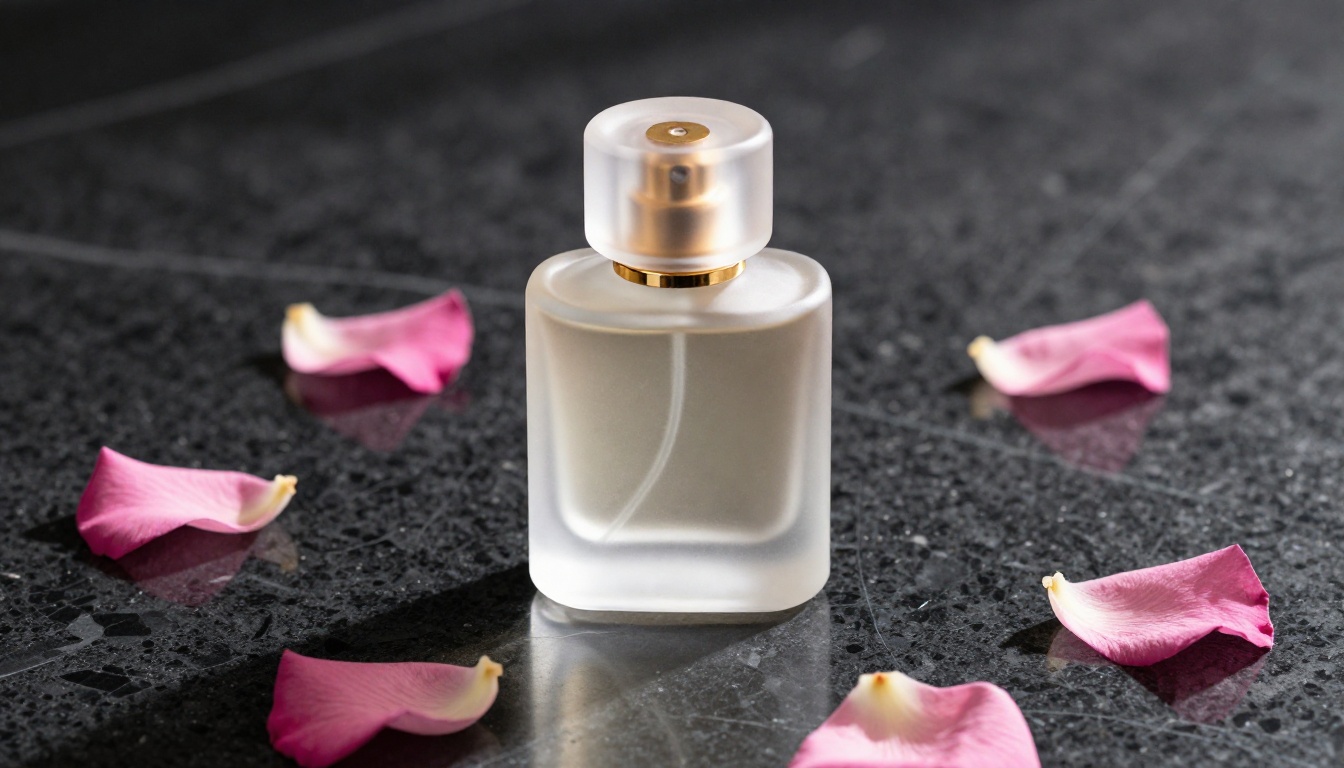
It also renders readable text inside the image, so posters and labeled visuals come out legible on the first pass. The trade off is simple. You generate, you do not edit.

Best for:
- Photoreal text to image with art directed composition
- Readable text baked into the image
- Fast at standard resolution
- Text to image only, no editing
Leonardo.AI Free Tier
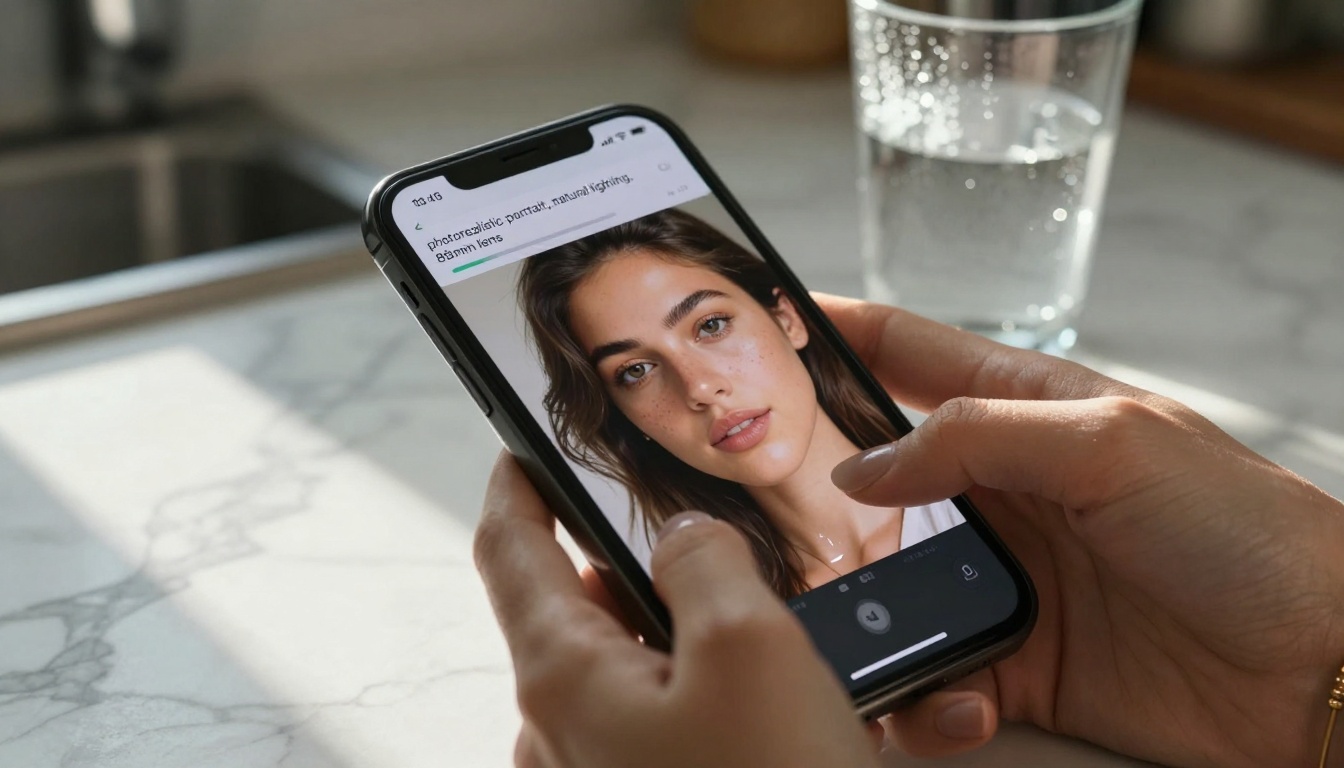
Leonardo's free tier offers nearly 150 generations a month with no watermarks, which made it a favorite for consistent brand visuals. The catch is queue time. During peak hours a render can take two to three minutes, and the mobile app leans premium. It runs on a flux-2-pro style architecture, which explains the steady quality. Best for social media creators and small brands that need a reliable look.
Midjourney's Basic Plan
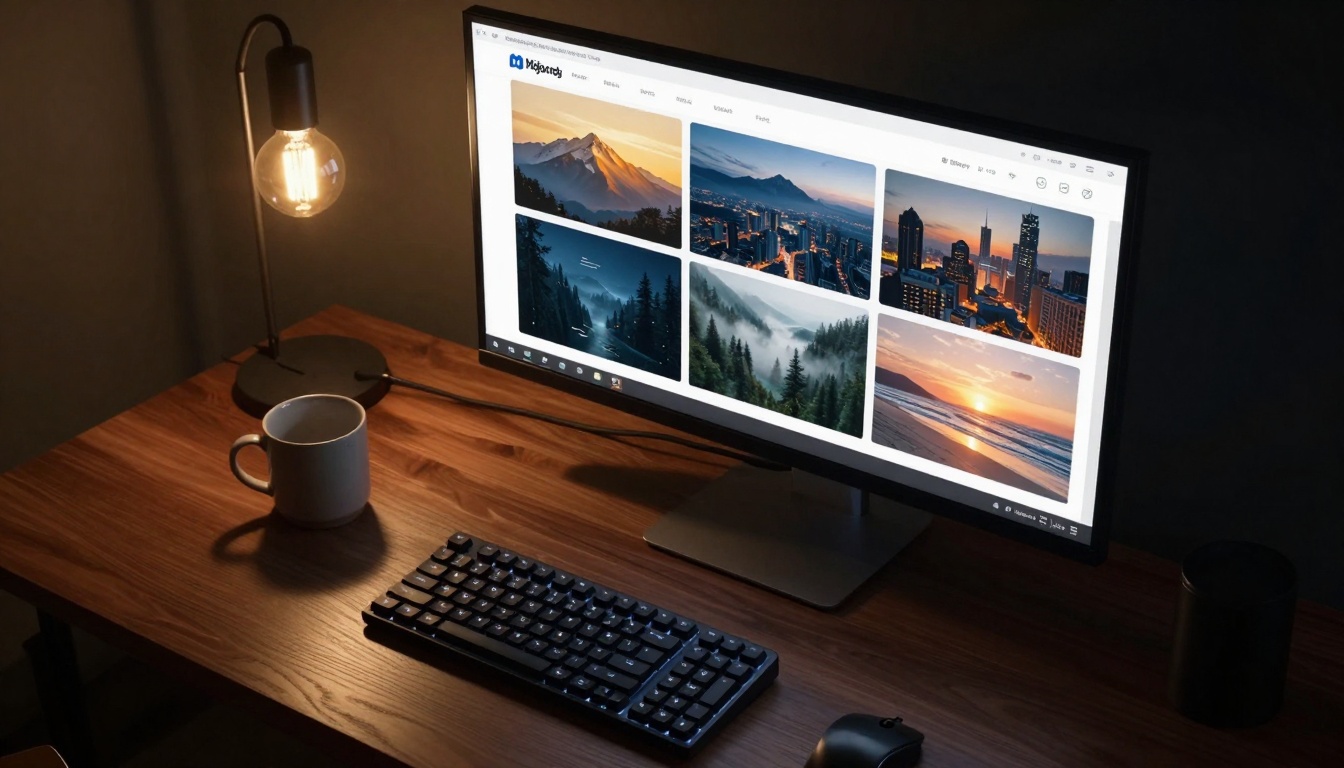
Midjourney is the quality benchmark that kicked off the whole wave. The free route through Discord gives you 25 fast generations a month on the latest model, with personal use rights only. Those 25 vanish fast, and the Discord flow feels dated next to modern web apps. Its look differs from open models like stable-diffusion-3.5-large, but the aesthetic consistency is its own draw. Best for artists chasing a distinct style.
Stable Diffusion WebUI
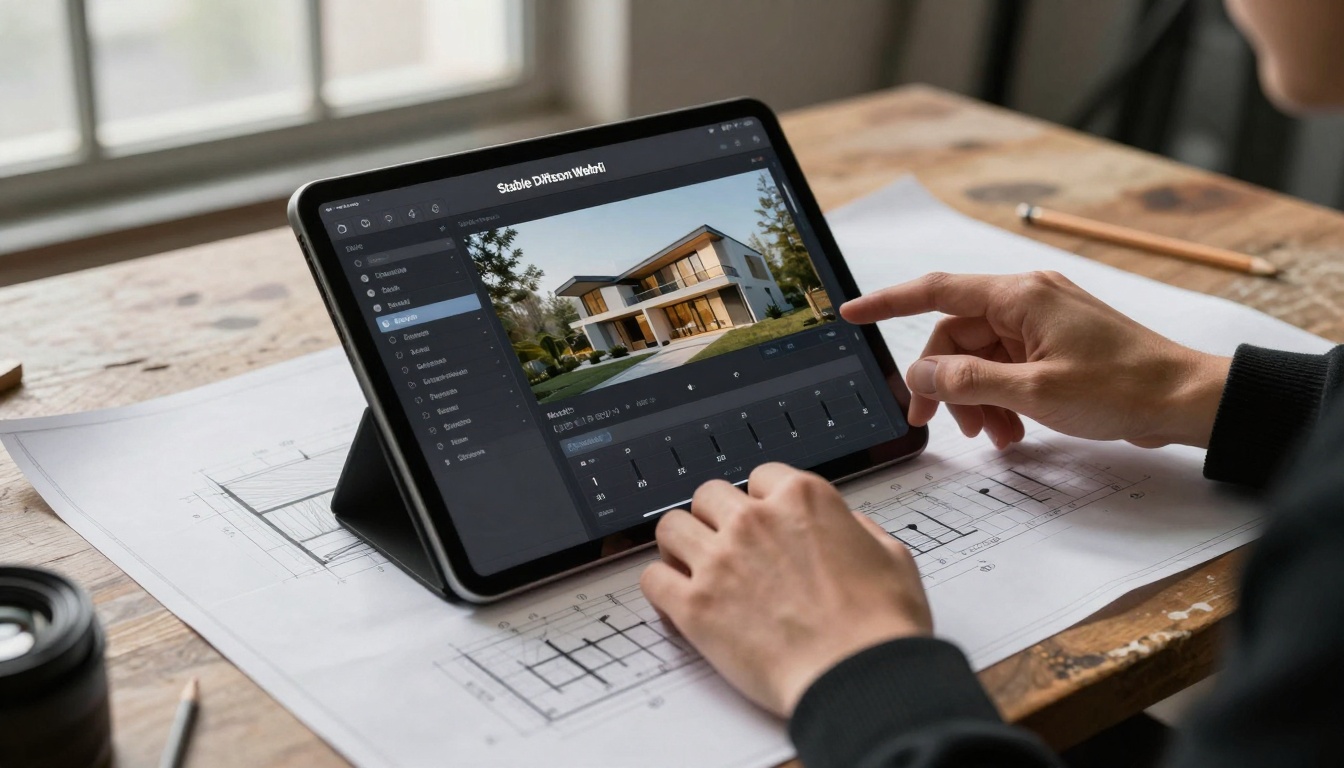
Run locally, this is the power user's playground with unlimited generations and full parameter control. The trade off is setup. You need a capable GPU with at least 8GB of VRAM, and cloud versions reintroduce limits. The WebUI loads hundreds of community checkpoints, including builds close to qwen-image-2512 and flux-2-klein-4b. Best for developers and technical artists who want total control.
Ideogram Free Access
Ideogram is the text specialist that solved AI's handwriting problem. The free tier gives 100 prompts a day at 1024px with commercial rights, and nothing matches its in image text rendering for logos and posters. It is less versatile for pure photography, since the models favor graphic design. Its outputs share traits with ideogram-v3-quality. Best for designers and marketers who need words inside the art.
Bing Image Creator
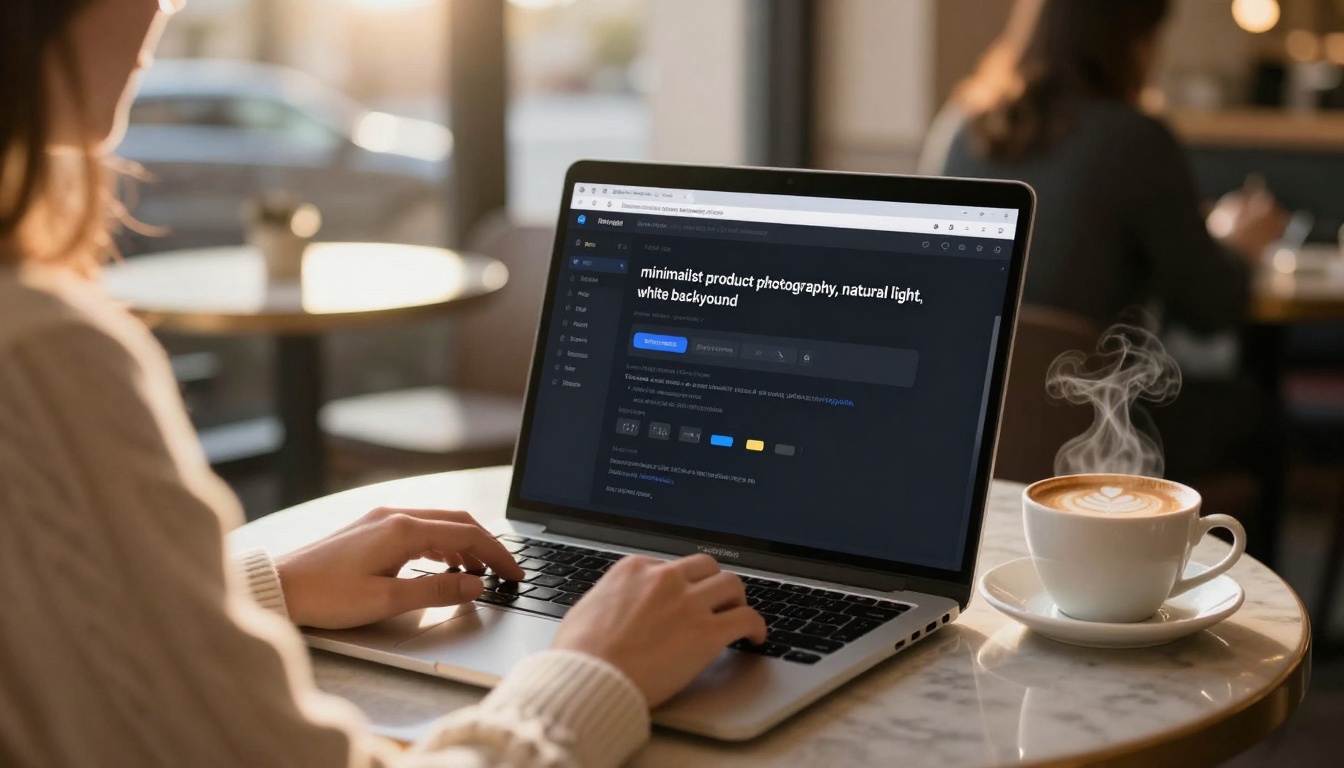
Microsoft's option, powered by DALL-E 3, is the most accessible on the list with 15 fast boosts a day plus unlimited slow generations at 1024px. The safety filters can block harmless requests, but the quality is reliable and it takes almost no time to pick up. It sits on OpenAI's stack, different from open models like gpt-image-1.5. Best for students, office workers, and casual creators.
Playground AI Free
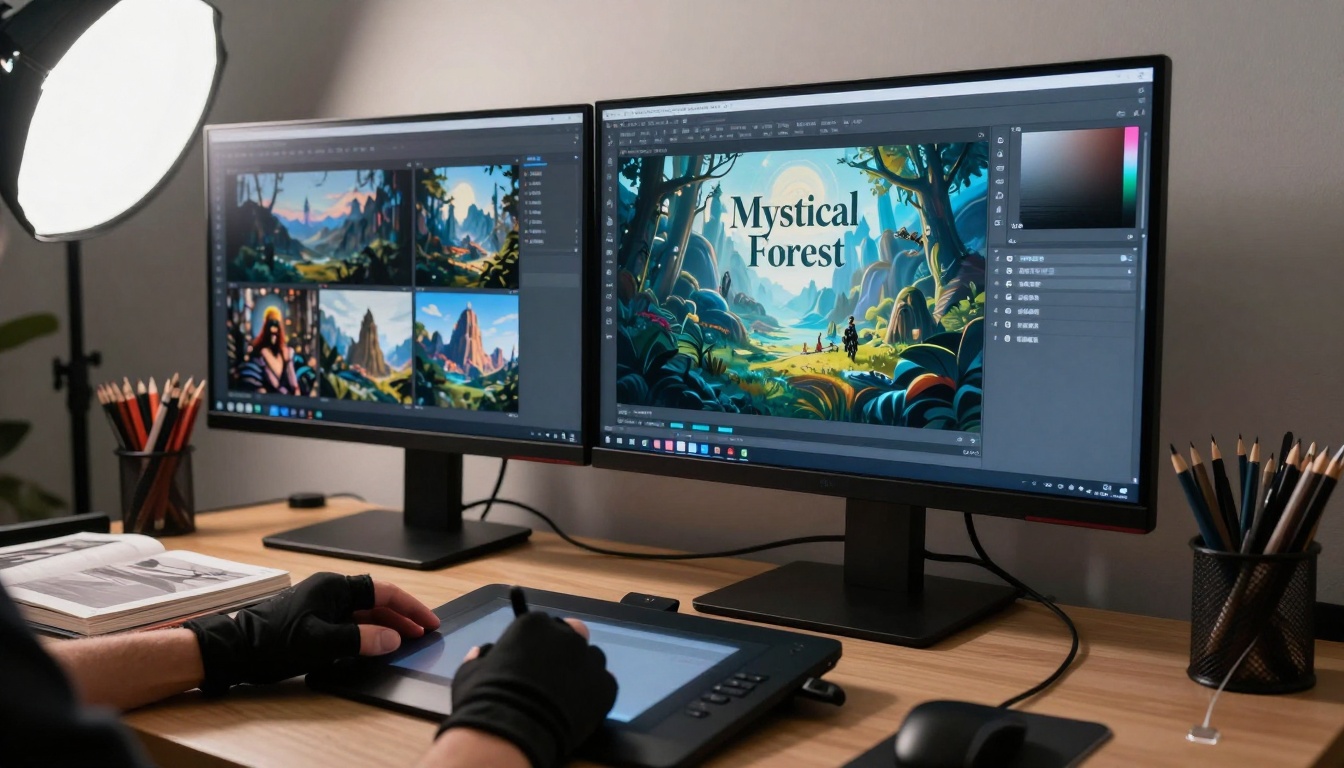
Playground sits between Bing's simplicity and Stable Diffusion's depth, with 500 images a month and a modern, intuitive interface. The 500 limit sounds generous until you start batch work, then it disappears. It supports several backends, including p-image for faster runs. Best for intermediate creators and small content teams that want balance.
Hidden Costs You Should Know
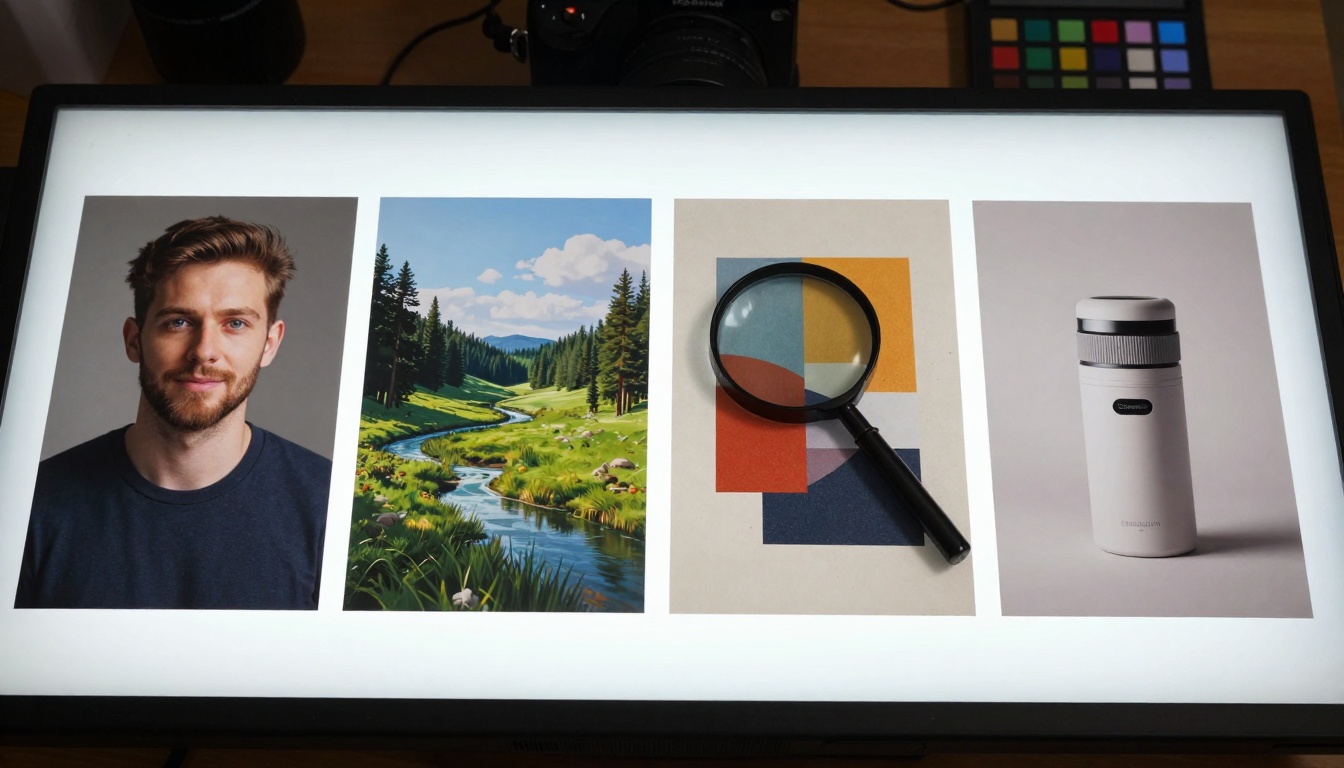
Free never means free of everything. Every platform takes value somewhere.
| Platform | What they take | What it costs you |
|---|
| Leonardo.AI | Prompt data | Queue times, attribution |
| Midjourney | Community metrics | Discord only, personal use |
| Stable Diffusion | Open source pull | Setup time, hardware spend |
| Ideogram | Text research data | Weak for non text images |
| Bing | Ecosystem lock in | Safety filter friction |
| Playground AI | Usage analytics | Monthly ceiling |
💡 The attribution trap: several free commercial tiers still require a visible credit. For client work, that small line of text can get a layout rejected.
Local tools like Stable Diffusion shift the bill from a subscription to your power meter. A GPU pulling 200W for four hours a day adds roughly $8 a month to electricity, before hardware.
Speed And Quality, Realistically
The speed against quality trade off defines the 2027 free tier.
- Fast drafts, under 15 seconds. Lower resolution near 768px, more artifacts. Good for concept testing and thumbnails.
- Standard, 30 to 60 seconds. A clean 1024px with better coherence. Good for finals and print prep.
- Premium, two minutes or more. 1536px and up with maximum detail. Good for commercial and large format.
The twist in 2027 is that the fastest models, led by Seedream 4.5 and Image Editor Pro, now deliver standard quality at draft speed, which is why they top this list.
Commercial Rights, Read The Fine Print
This is where platforms split hard. Reading the terms separates a real free tool from a marketing trap.
- Full rights, no attribution: local Stable Diffusion, Playground AI within revenue limits, and the Picasso IA models above.
- Rights with attribution: Ideogram and some community builds.
- Personal use only: Midjourney free and parts of Bing.
💡 Document everything. Screenshot the terms page for any tool you use commercially. Policies shift, and you want proof of what you agreed to.
Watch for the revenue cap trick, where commercial use is fine until you pass a threshold, then a forced upgrade appears.
When Paying Actually Makes Sense
The upgrade triggers become obvious once you live in a free tier for a while. Move to paid when:
- Queue times regularly pass five minutes during your work hours.
- You hit a monthly limit before the month ends.
- Your resolution needs sit above 1024px most days.
- Commercial volume approaches a revenue cap.
- Team features become a requirement.
The quick math: if a free tier saves two hours a month and a paid one saves four, a $20 plan pays for itself when your time is worth more than $10 an hour. On Picasso IA, the unlimited models above push that decision much further out, since volume alone never forces the upgrade.
Using These Models On Picasso IA
The whole ranking lives behind one login. Here is the fastest path from idea to finished image.
- Pick a model from the text to image collection. Reach for Seedream 4.5 for realism, or PicassoIA Image Editor Pro when you are editing a photo.
- Write the prompt in plain language. For edits, upload your photo first, then describe the change you want.
- Set ratio and resolution. Choose 4K on Seedream for print, or match input image when you edit.
- Generate, then iterate. On unlimited models like Image Editor Pro and Grok Imagine Image, run as many takes as you need.
- Download clean files with no watermark.
💡 Editing tip: the platform also handles background removal, inpainting fixes, and face swaps, so you can chain a fresh generation into a polished final image without leaving the site.
A Simple Workflow That Works

Most serious creators mix a few models by strength rather than forcing one to do everything.
For social content, 50 plus images a week:
- Seedream 4.5 for photoreal brand visuals
- Recraft v4 for graphics that need text
- Image Editor Pro to retouch and resize without limits
For glamour and lifestyle shoots:
- Seedream 4.5 for the base portrait
- Grok Imagine Image for realistic bikini edits
- Image Editor Pro for backgrounds and finishing
For client work with commercial needs:
- Qwen Image 2 for open source flexibility
- Image Editor Pro for unlimited revisions
- Local Stable Diffusion when you want total control
What Shifts In 2027
Looking at the roadmaps, expect a few clear moves over the next year.
- Higher free limits as competition pushes daily counts well past 25.
- Better mobile apps that finally match the desktop experience.
- More niche free tiers aimed at specific jobs like product or portrait work.
- Faster local runs on ordinary consumer hardware.
- More unlimited offerings as creators reward tools that never meter them.
The free tier race is good for makers, though rising compute costs mean some of today's offers may shrink. The platforms that built around unlimited from the start are the ones most likely to hold the line.
Start Creating Today
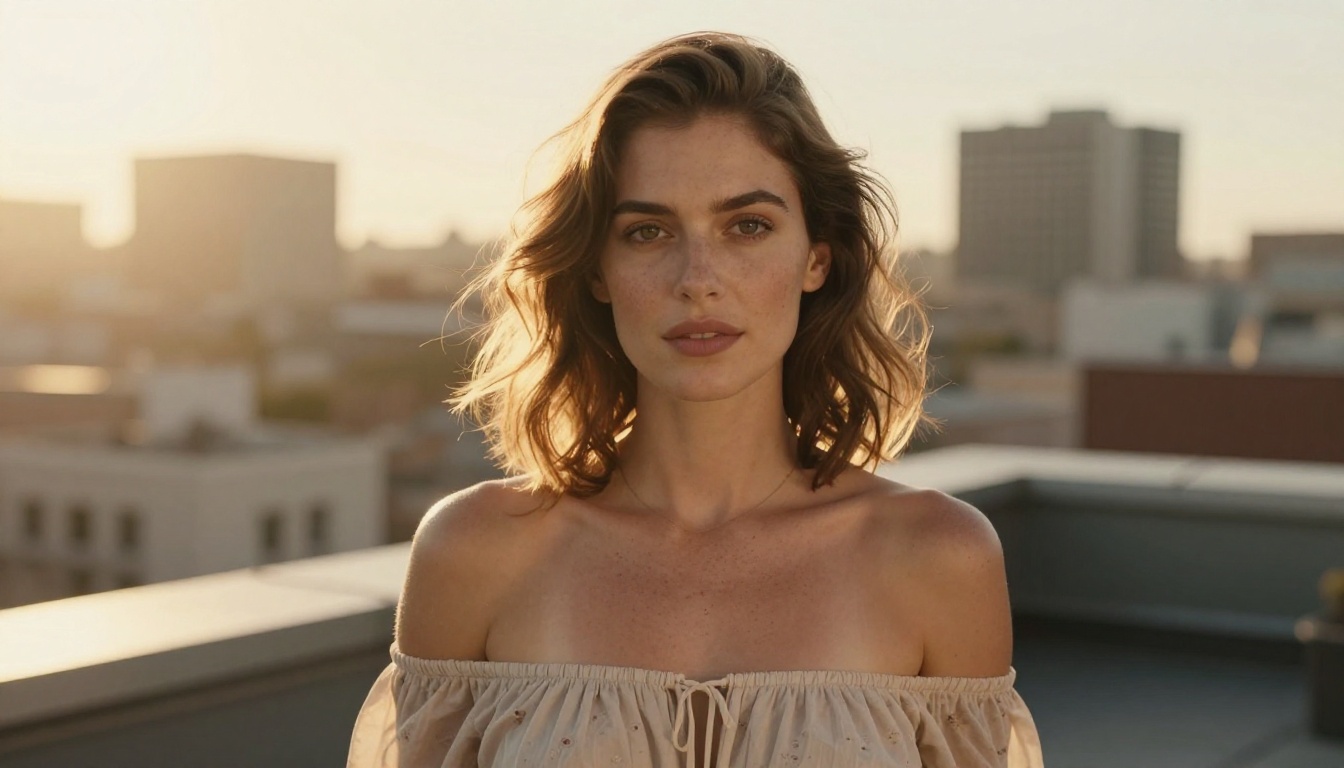
Stop wondering and start testing. The right free AI image generator for you comes down to your comfort with tools, your volume, your commercial needs, and your quality bar. Run the same prompt across two or three models, something like professional portrait photography, natural window light, 85mm lens, realistic skin texture, then compare the results, the speed, and the terms.
The barrier in 2027 is not cost anymore. With Picasso IA you can run Seedream 4.5, PicassoIA Image Editor Pro, and the rest of this ranking from one place, and several of them never put a meter on you at all.
When you are ready to push past tame results, head to picassoia.com/en/all-models and browse the best NSFW AI models for generating without limits.
Pick one, type your first prompt, and see how far free goes now.


