Finding the best free AI image generator online in 2027 is harder than it should be. The market is packed with tools that call themselves free, then hit you with credit caps after a handful of images, stamp watermarks on every download, or hide the realistic models behind a paywall you never saw coming. This article skips all of that. You get the models that produce genuinely photorealistic results at zero cost, ranked from the most realistic and fastest down, plus a step by step walkthrough of the top one and an honest look at what separates a real free tool from a glorified trial.

The word free gets stretched thin in the AI image space. Most platforms treat it as an acquisition hook, not a real offering. Before you spend time on any tool, it pays to know the three traps that show up again and again.
Credit Caps That Drain in Minutes
The standard pattern: sign up, get 10 to 25 credits, generate a few images, and hit a wall. Some platforms reset credits weekly, but the per image cost burns through an allocation fast. Prompt iteration is normal work with any AI image generator. Running 20 to 30 variations in one session is routine, not unusual. A 25 credit cap makes that kind of creative process impossible.
💡 Tip: Look for platforms that clearly state unlimited generations instead of vague free tier wording.
Watermarks That Make Files Unusable
Some tools generate sharp, detailed images, then stamp them with a visible logo on the free plan. The quality may be strong, but the file is useless for anything professional until you pay to strip the branding. That is a hidden cost wearing a free label.
Sign Up Walls Before You See Anything
Requiring an account before a single image benefits the platform, not you. Some tools ask for email verification, then a credit card for identity confirmation, then push a subscription on every screen. A tool that earns the free label lets you try it before asking for anything. The models below do exactly that.
What to Look for in a Free AI Image Generator
The criteria that separate a genuinely useful free generator from the rest are simple once you know what to check.
Output Quality That Holds Up
A free generator that produces blurry or incoherent images is not free, it is a time cost. The best free models in 2027 run the same foundation weights as paid platforms. The difference is access and limits, not what the model can produce.
Flexible Aspect Ratios
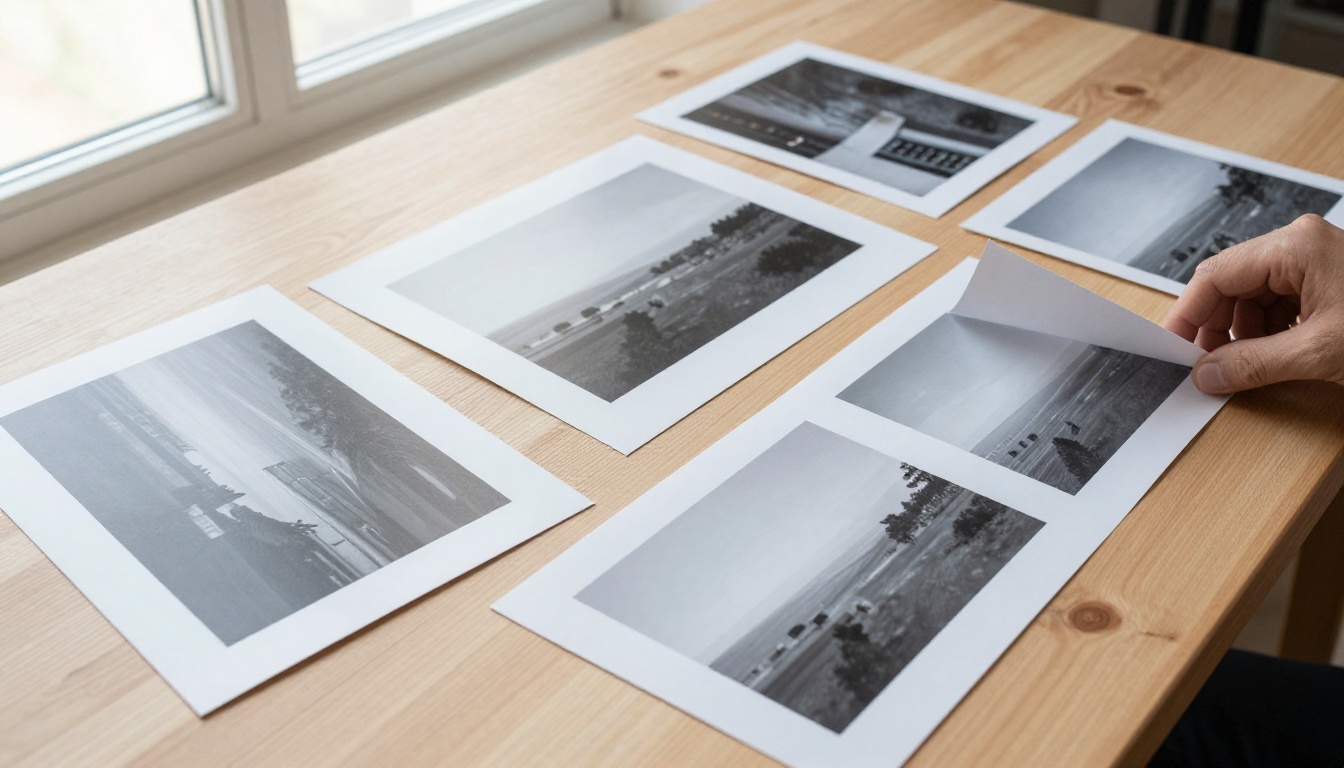
Real creative work spans formats. Social posts need 1:1 or 4:5. Banners need 16:9. Vertical mobile content needs 9:16. A generator locked to square output covers only a fraction of what most creators need. Look for at least 8 to 14 ratio presets.
Image Editing and Img2Img
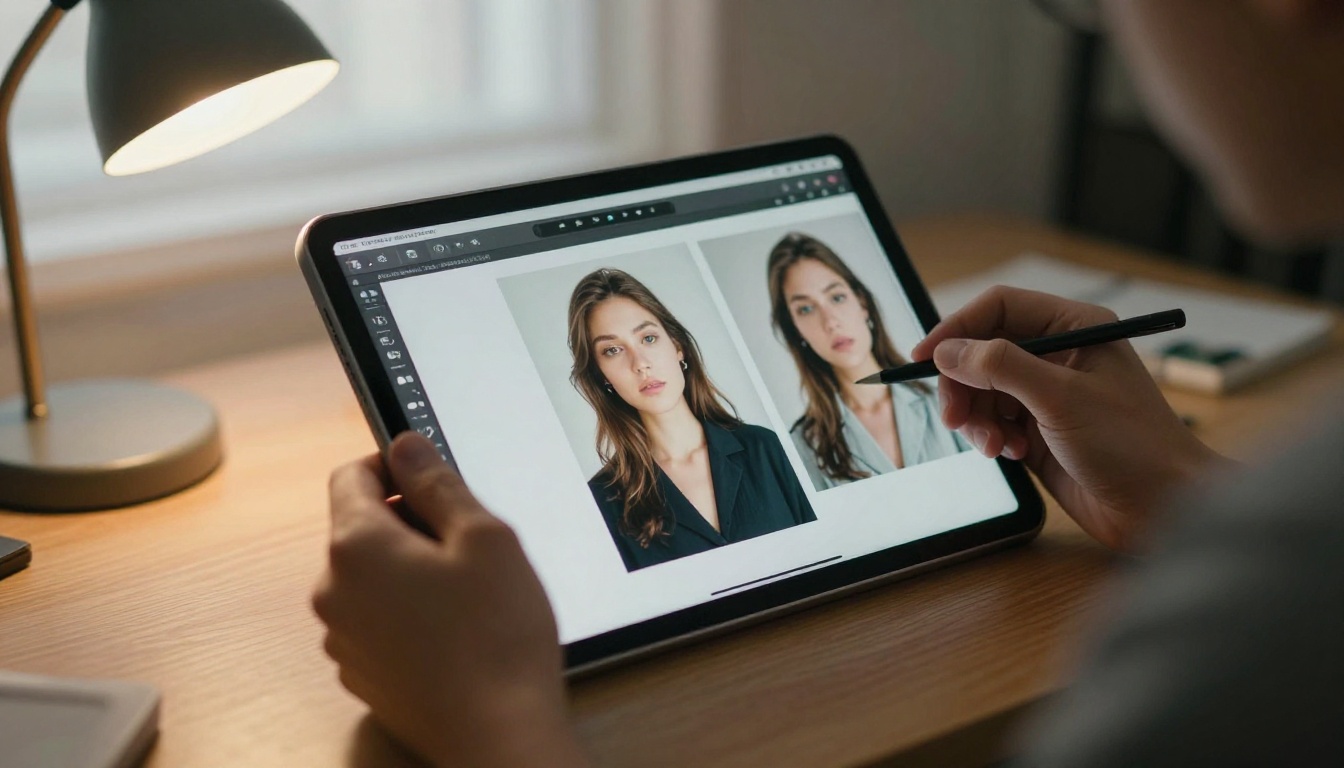
Text to image is only half the job. The moment you have a photo you want to change, you need img2img: upload an image, describe the change, get an edited result. The strongest free options here are PicassoIA Image Editor Pro, Qwen Image 2, and Grok Imagine Image, each of which reworks an existing photo from a plain text instruction. Swapping a background, changing an outfit, or restyling a portrait stops being a manual masking job.
NSFW Freedom Without Limits
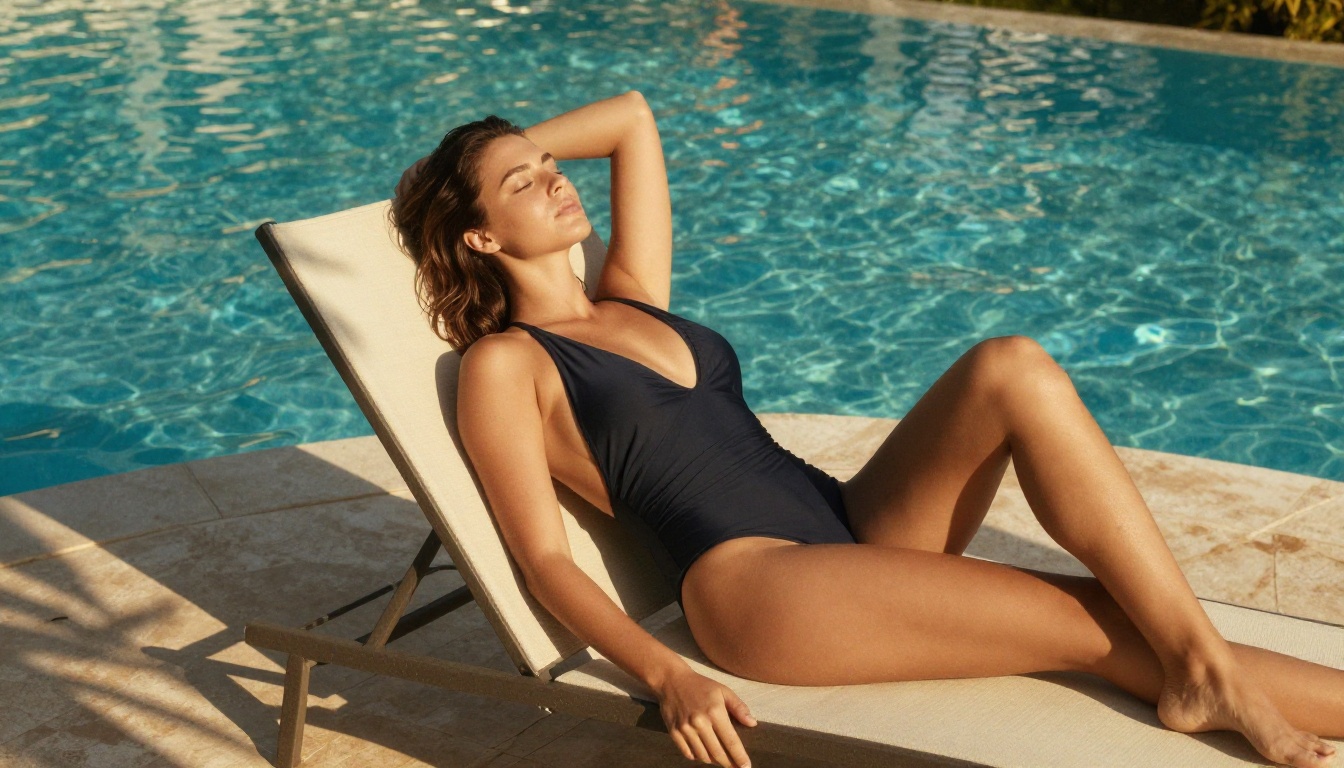
Most mainstream generators block anything suggestive, even tasteful glamour or swimwear. A few models take a more permissive stance, producing beautiful, realistic, non explicit NSFW results like bikini and glamour shots without a hard refusal. Seedream 4.5, Image Editor Pro, and Grok Imagine Image all handle this category while keeping output realistic. If that matters for your project, it is worth knowing which models cooperate.
The Best Free AI Image Models Right Now
These ten models are available on PicassoIA with no credit caps, no watermarks, and no account required to start. The ranking puts realism and speed first. Every model is linked, so you can open it and generate immediately.
| Model | Speed | Best For | Editing and NSFW |
|---|
| Seedream 4.5 | Under 3 seconds | Photorealistic 2K and 4K | Img2img, NSFW friendly |
| Image Editor Pro | Under 1 second | Unlimited photo editing | Img2img, NSFW friendly |
| Qwen Image 2 | A few seconds | Open source realism | Img2img, both modes |
| Grok Imagine Image | Seconds | Photo to bikini edits | Img2img, NSFW friendly |
| Recraft v4 | Seconds | Art directed realism | Text to image only |
| Flux Schnell | Under 5 seconds | Rapid iteration | Text to image |
| Flux Dev | 5 to 15 seconds | High detail output | Img2img |
| Flux 1.1 Pro | 5 to 10 seconds | Precise prompt matching | Text to image |
| Stable Diffusion | 15 to 30 seconds | Granular control | Img2img |
| Ideogram v2 | 10 to 20 seconds | Readable text in images | Inpainting |
1. Seedream 4.5: Realistic 4K in Seconds
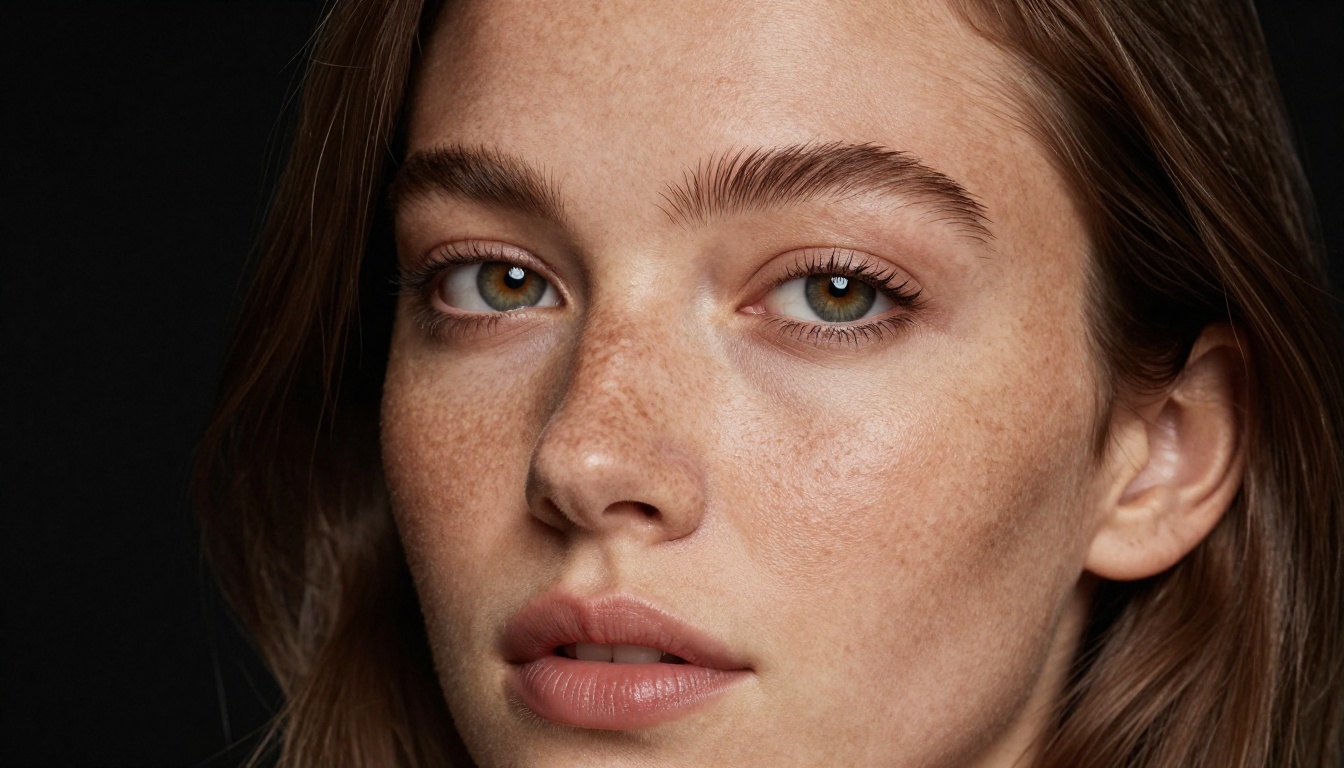
Seedream 4.5 sits at the top for one reason: it produces some of the most realistic images you can generate for free, and it does it in under three seconds. Type a prompt, pick 2K or 4K, choose from nine aspect ratios, and get a pixel dense result ready to download with no watermark. That speed plus that fidelity is exceptional performance for a free model.
It is not only text to image. Drop in one to fourteen reference images and it edits or blends them, so the same model handles creation and editing. Turn on sequential mode and it returns up to 15 related images in a single run, useful for character variations or story scenes. It also accepts NSFW prompts, producing realistic glamour and swimwear shots that most mainstream tools refuse outright.
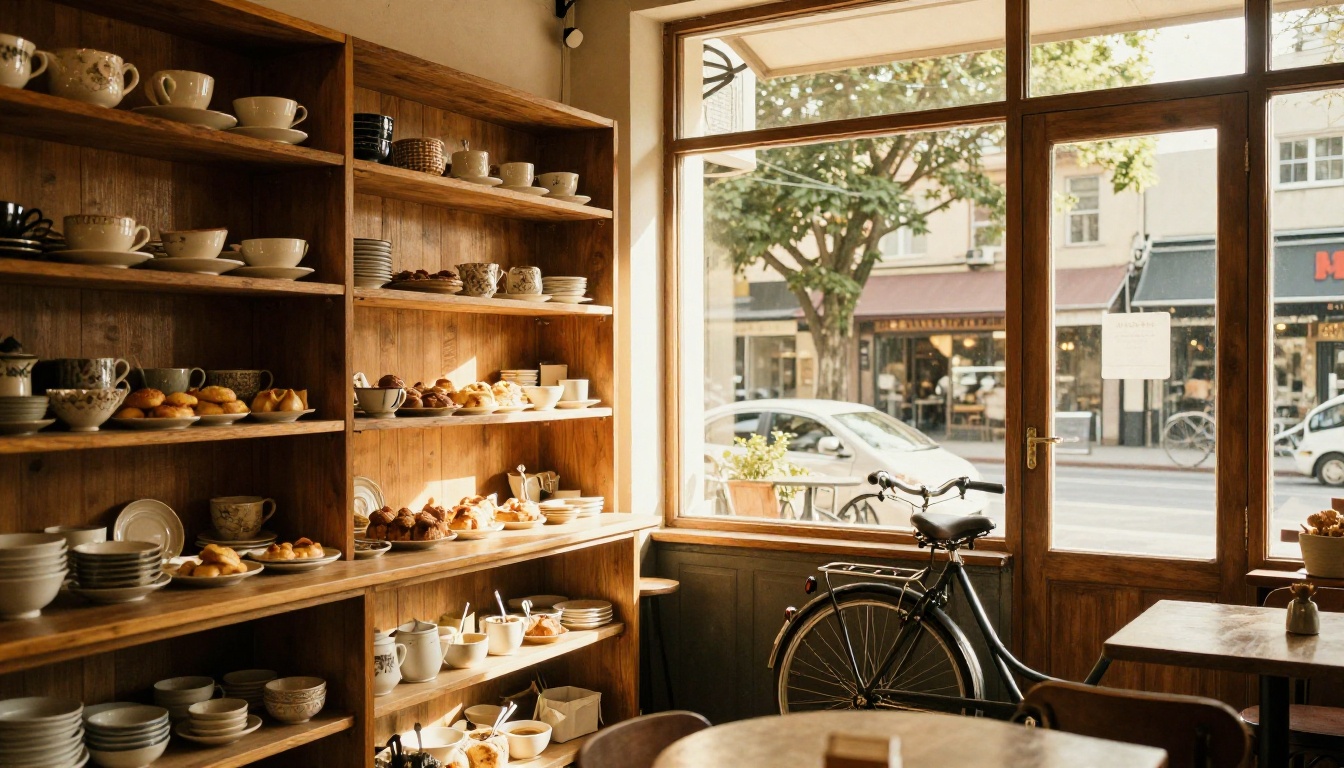
Realism holds up across subjects, from a beauty portrait to a warm café interior like the one above, where natural light and material textures read as a real photograph rather than a render.
2. PicassoIA Image Editor Pro: Unlimited Edits
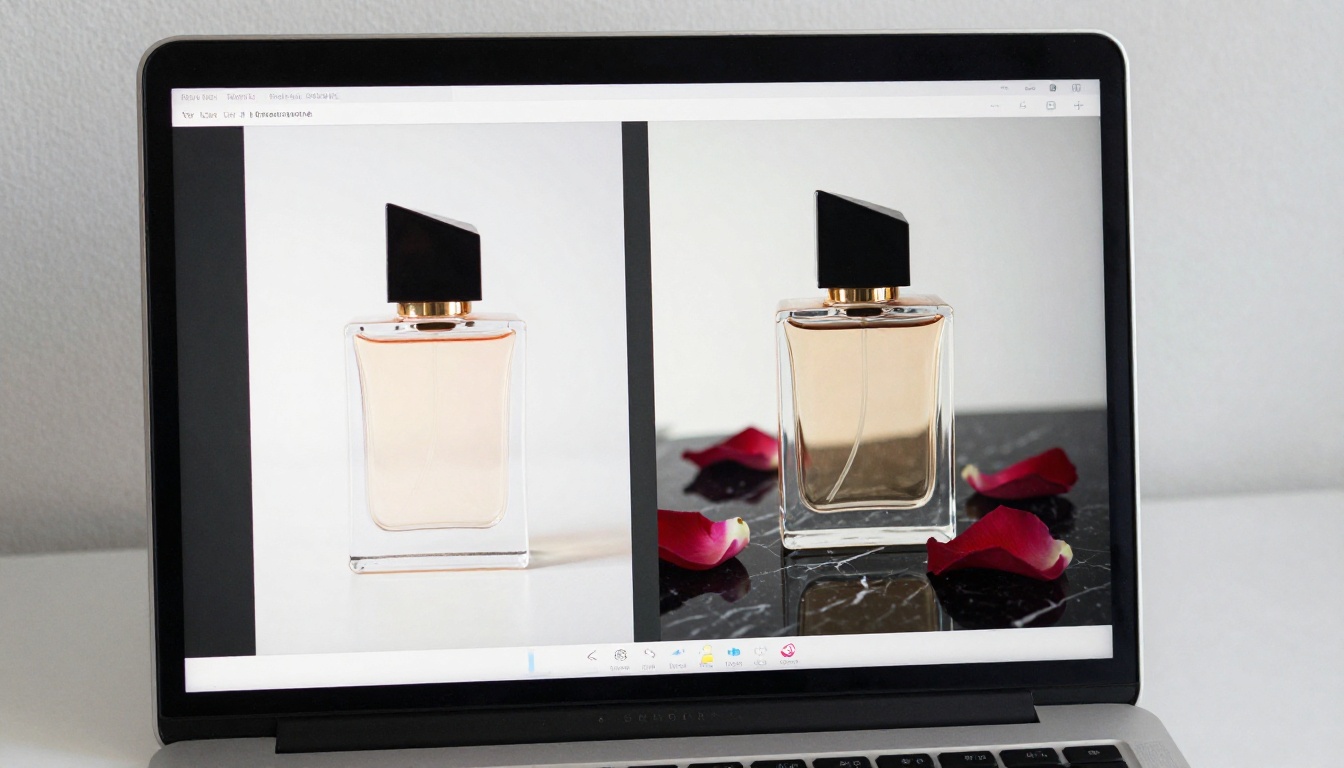
PicassoIA Image Editor Pro is the native editing model, and its standout trait is simple: it is unlimited. Upload up to three reference images, describe the change in plain language, and get a polished edit in under a second. There is no per edit cap and no daily quota that runs dry mid session.
It does true img2img: swap a background, change an outfit color, retouch a portrait, or combine elements from several photos into one. It accepts NSFW edits and keeps results realistic. Because nothing is metered, you iterate until the result is exactly right instead of rationing attempts.
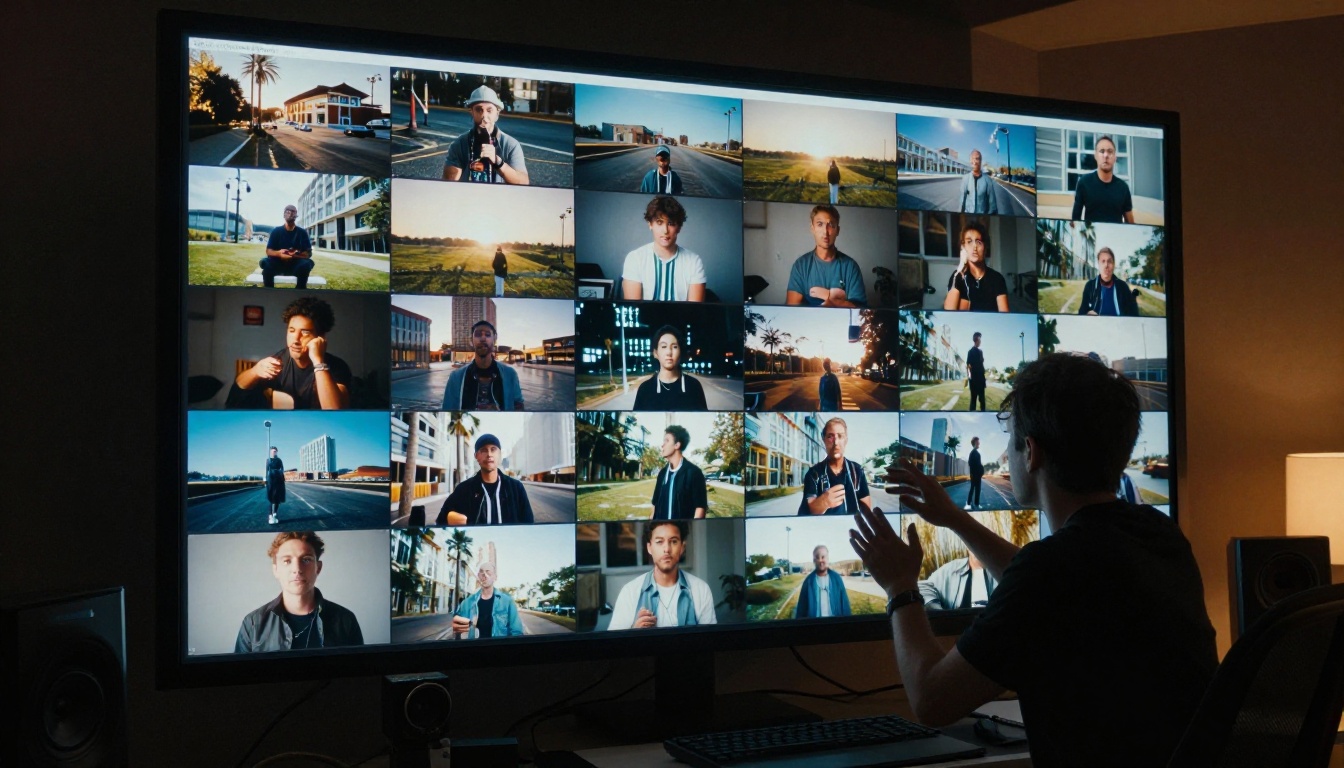
Unlimited Generations vs Pay Per Image
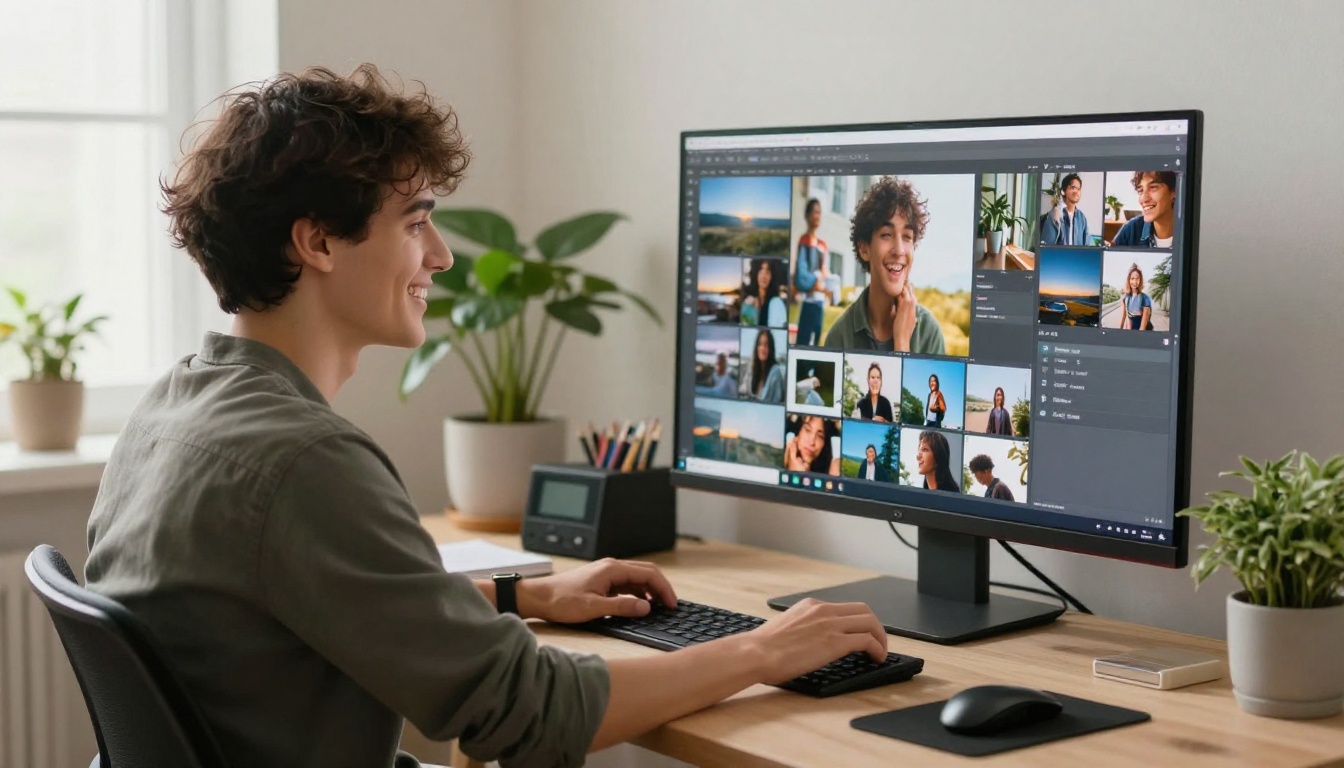
Most editors charge per image. That cost compounds the instant you iterate. Here is the math that makes PicassoIA Image Editor Pro different.
On a pay per image editor such as Nano Banana 2, editing 1,000 images at roughly ten cents each runs about $100. Need 2,000 images? That is $200 out of pocket, and the meter keeps running on every retry.
On Image Editor Pro the same 2,000 edits cost $0. Unlimited generation is included in the Elite and Infinite plans, so 2,000 images, or 20,000, carry no per image charge. You generate without limits.
| Volume | Pay per image (~$0.10 each) | Image Editor Pro |
|---|
| 100 images | ~$10 | Included |
| 1,000 images | ~$100 | Included |
| 2,000 images | ~$200 | Included |
💡 New here? Image Editor Pro gives you 3 free generations with no credit card, so you can test the quality before committing to anything.
3. Qwen Image 2: Open Source Realism
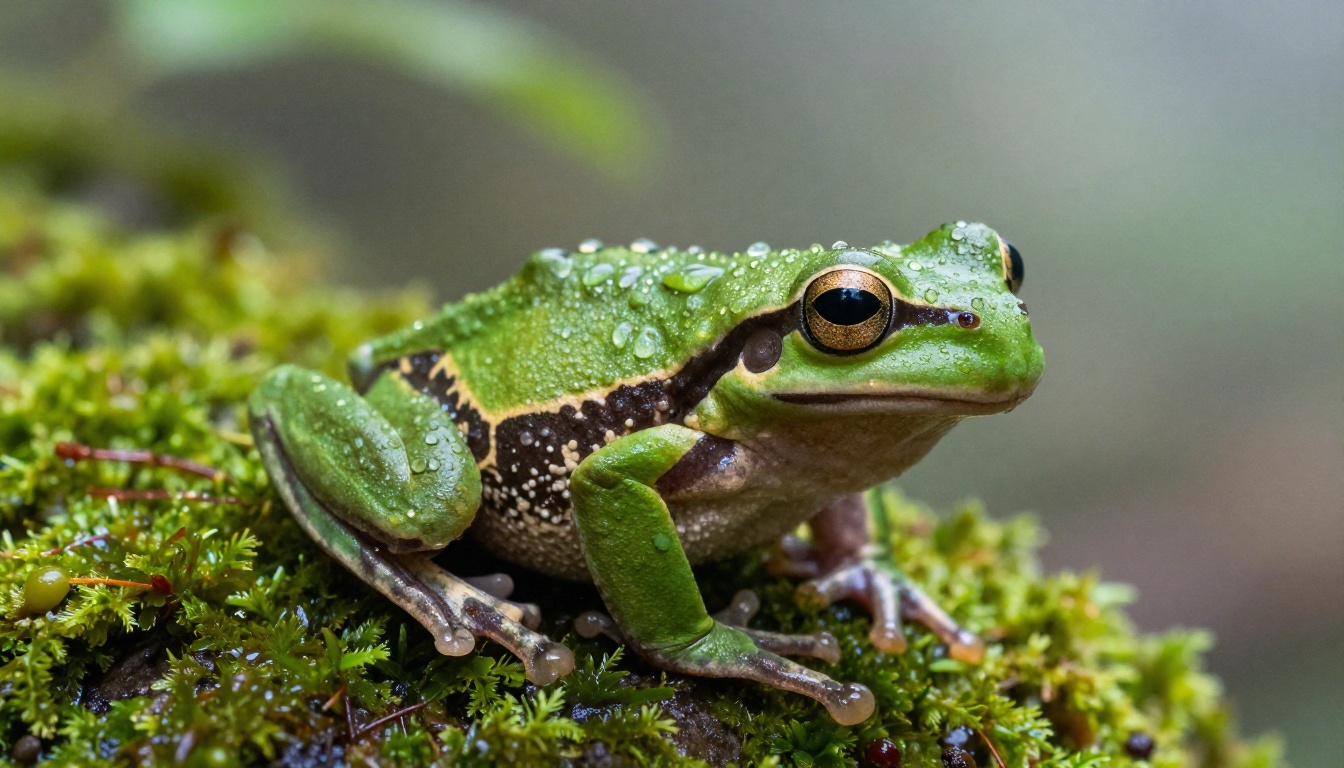
Qwen Image 2 is open source, and that openness pays off in flexibility. It creates or edits any image in seconds with very detailed realism, from a dew covered macro shot to a clean product photo. It runs in two modes, text to image and image editing, across nine aspect ratios, with sharp text rendering in English and Chinese and an optional prompt expansion that fills in detail automatically. When you want realistic results fast and the freedom of an open model, this is the pick.
4. Grok Imagine Image: Photo to Bikini
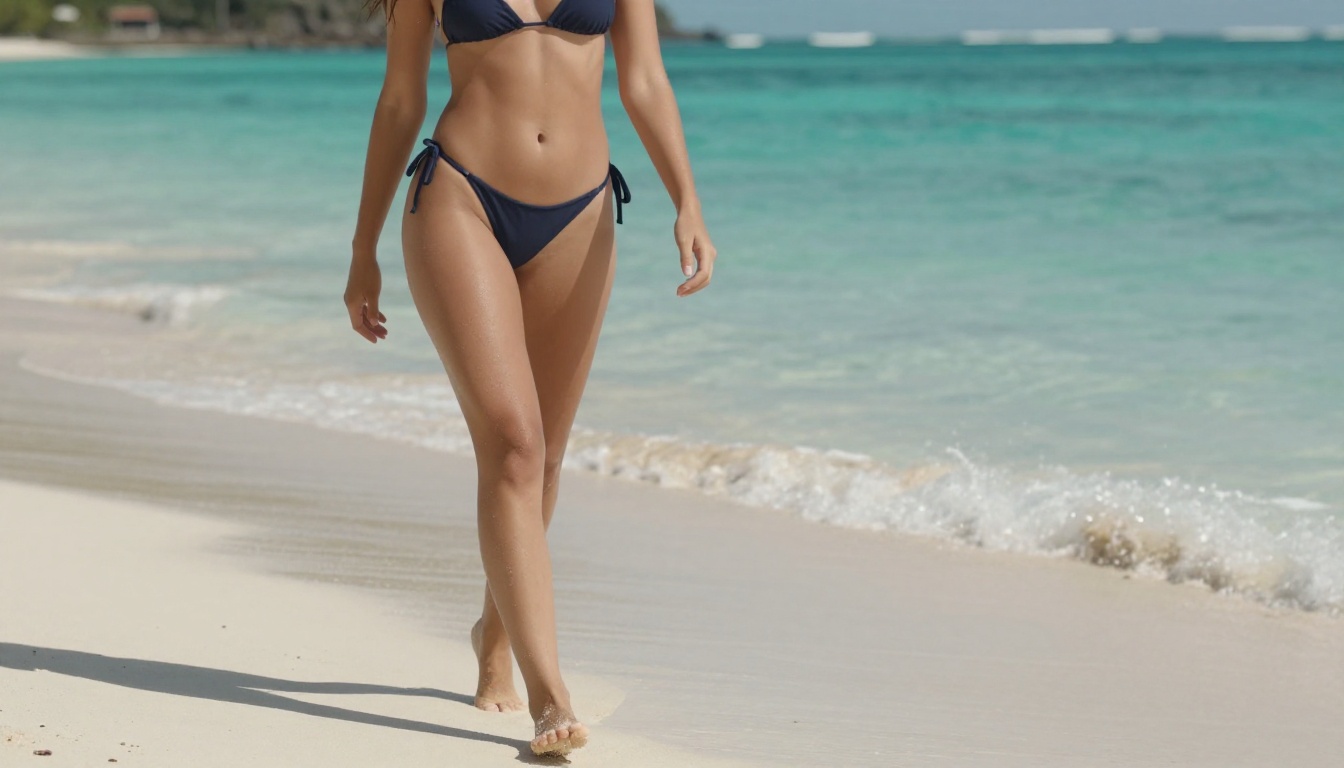
Grok Imagine Image creates images from text and edits existing photos from a written instruction. Its most requested trick: it converts almost any photo into a realistic bikini version, with natural skin tone, lighting, and fabric that hold up to a close look. It supports 14 aspect ratios and runs unlimited on PicassoIA with no credits or caps, so you can iterate on a look as many times as you want.
5. Recraft v4: Art Directed Realism
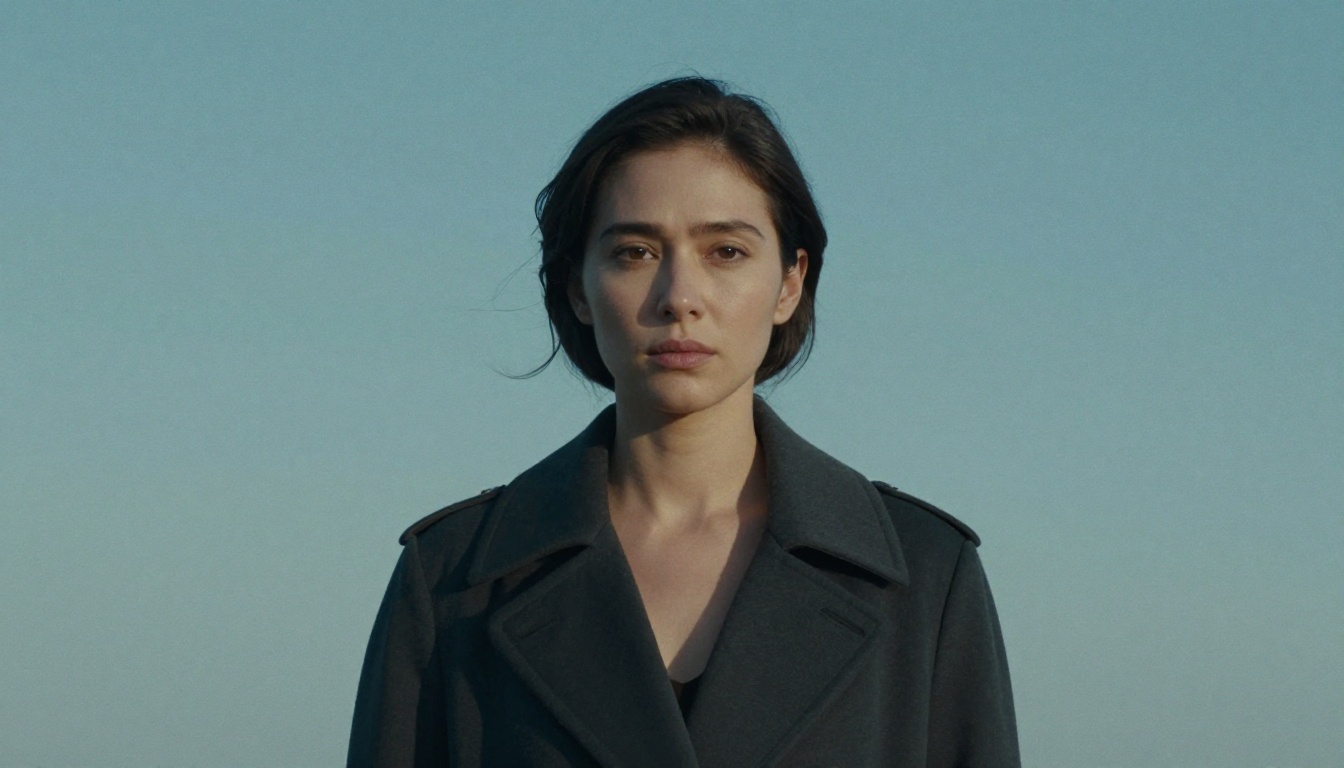
Recraft v4 trades editing for taste. It is text to image only, but the realism and composition are a step above. It reads prompts closely, frames the shot with intentional visual hierarchy, and renders readable text inside the image when you need a headline or label. For a finished, art directed photo from a single prompt, Recraft v4 delivers very realistic results without the back and forth most generators require.
Flux Schnell: The Speed Standard
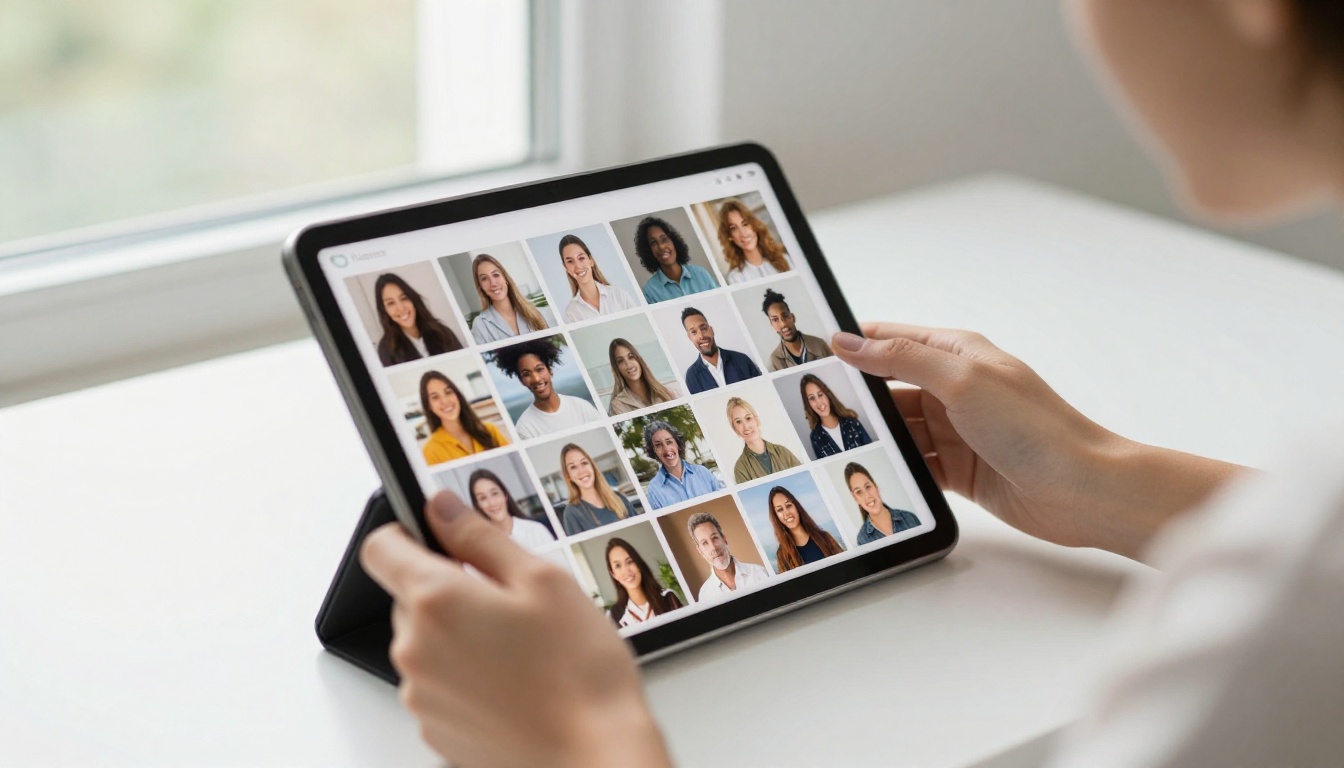
Flux Schnell generates a 1 megapixel image in under five seconds using four denoising steps. For any workflow built on rapid iteration, testing 15 to 30 prompt variations in one session, this is the model to start with. Output is noticeably sharp for a speed first model.
Specs:
- 11 aspect ratios (1:1 through 21:9)
- WebP, JPG, or PNG output formats
- Fixed seed for reproducible results
- Unlimited generations on PicassoIA
Flux Dev: Where Detail Comes In
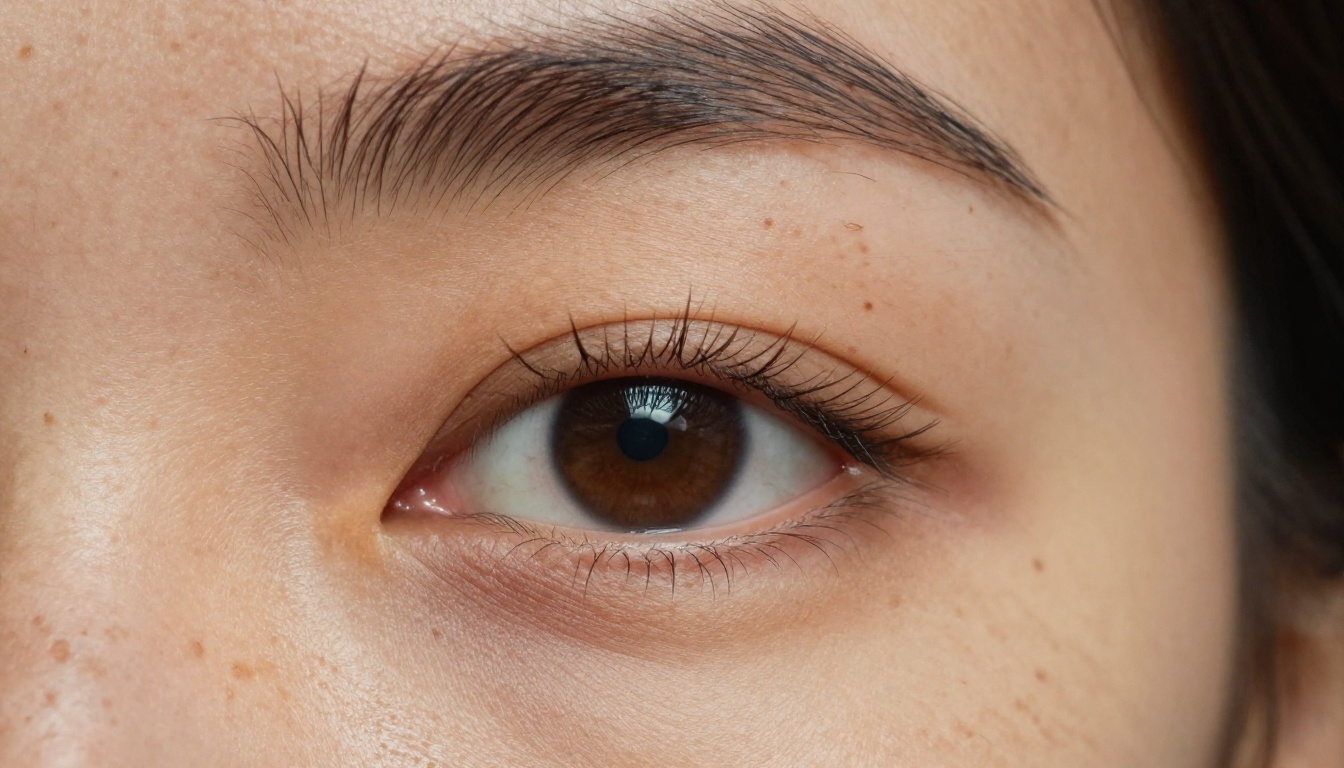
Flux Dev is the detail focused sibling of Schnell. It runs 28 to 50 denoising steps and adds an img2img mode where you upload a reference photo and redirect it with a text prompt. When Schnell gives the right direction but texture or sharpness is not quite there, Flux Dev is the natural next step, with noticeably richer results on complex scenes.
Flux 1.1 Pro: Precision Over Speed
Flux 1.1 Pro reads your prompt more carefully than Schnell or Dev. It reflects specific lighting conditions, compositional cues, and subject details from your description. An optional prompt expansion toggle adds variety when your starting wording is sparse. When accuracy matters more than raw speed, this is the Flux variant to reach for.
Stable Diffusion: Maximum Control
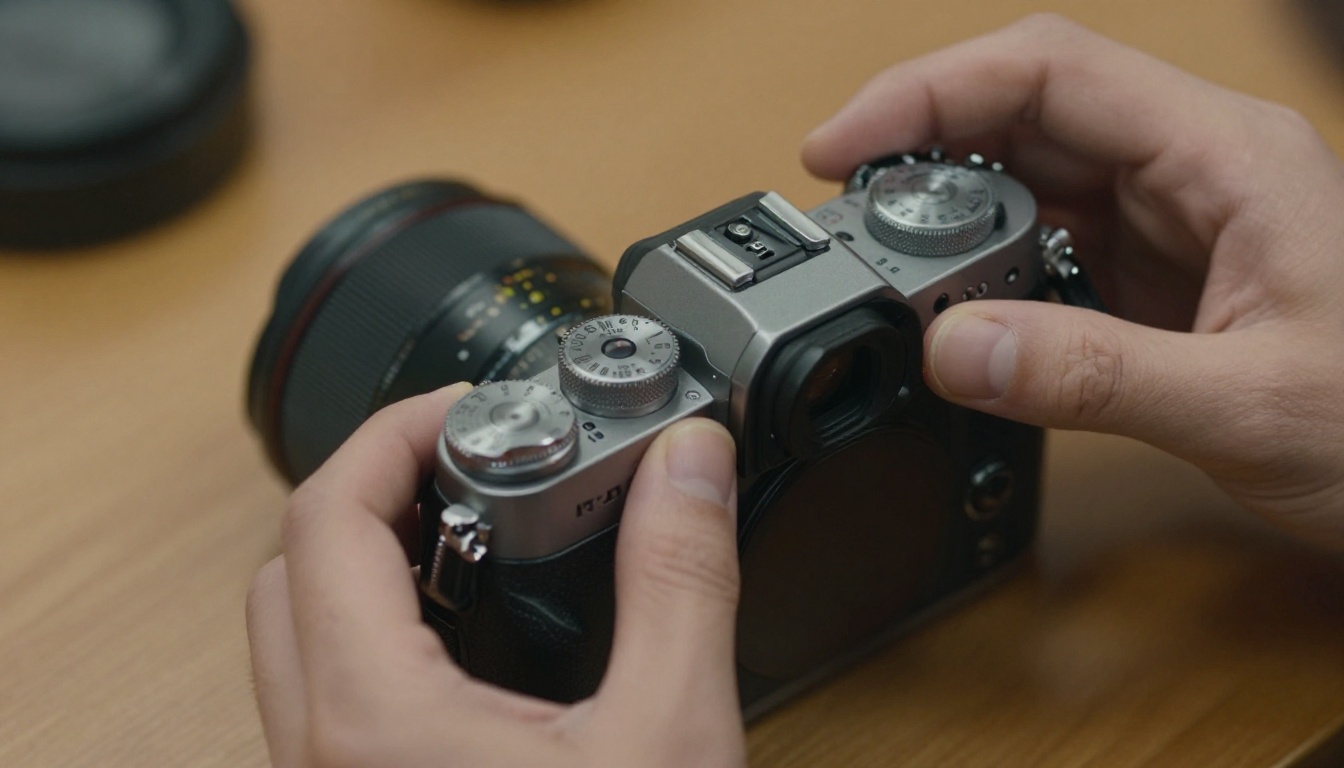
Stable Diffusion is the original open weights text to image model, and it stays relevant because it gives more direct control than anything newer on this list. Six schedulers, a guidance scale slider, negative prompts, and adjustable inference steps let you tune the generation process at a granular level. It runs slower than Flux and resolution goes up to 1024x1024, but when you know exactly what you want, it respects that.
Ideogram v2: Readable Text Inside Images
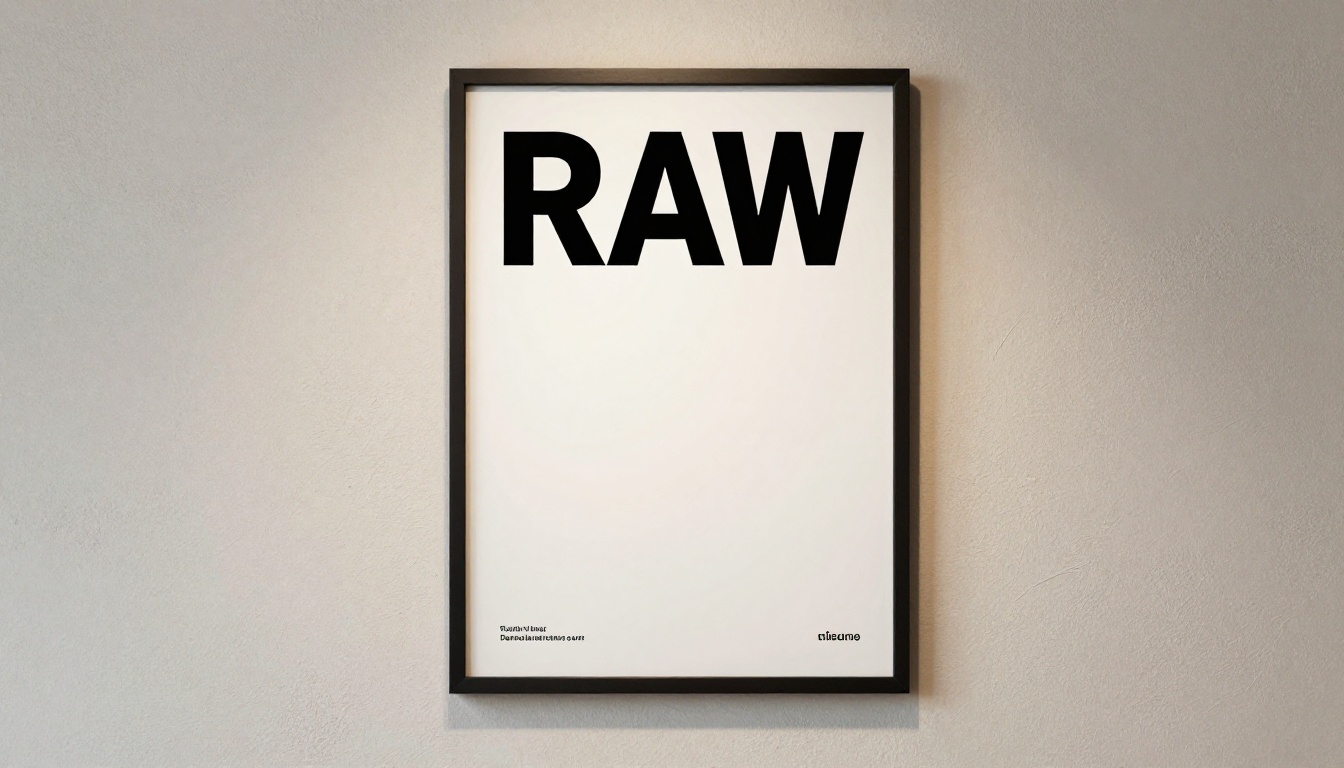
Most AI image generators handle text inside images poorly, producing blurry or misspelled words. Ideogram v2 is built to fix that. It renders legible, accurate text in posters, labels, ad creatives, and signage without a second editing step, and it supports inpainting with a black and white mask to repair or replace specific areas of an image while leaving the rest untouched.
How to Use Seedream 4.5 for Free
Seedream 4.5 is the best starting point because it pairs top tier realism with three second generation. Here is the exact process.
Step 1: Open the model
Go to Seedream 4.5 on PicassoIA. No account is required to generate your first image.
Step 2: Write a specific prompt
Describe three things: subject, setting, and light. "A woman in a white linen shirt at a wooden table, warm morning light from the left window, photorealistic, 85mm" produces a far more usable result than "woman at table."
Step 3: Pick 2K or 4K
Choose 2K for fast social ready output, or 4K when you need print level detail up to 4096 pixels.
Step 4: Set your aspect ratio
Choose the ratio before generating, not after:
- 1:1 for social media posts
- 16:9 for website headers and YouTube thumbnails
- 9:16 for vertical mobile content and Stories
- 3:2 for standard photography layouts
Step 5: Add a reference image (optional)
To edit or blend, upload one to fourteen reference images and describe what should change. This is where Seedream doubles as an editor instead of only a generator.
Step 6: Generate and download
Click generate, wait a few seconds, and download a clean, full resolution file as WebP, JPG, or PNG, with no watermark and ready to use.
💡 Run a few quick 2K iterations to lock your creative direction, then switch to 4K for the final render once the look is confirmed.
Writing Prompts That Actually Work
The model does about half the work. Your prompt does the other half. These three approaches produce consistently stronger output across every model on this list.
Describe Light Before Anything Else
Lighting shapes the final image more than almost any other variable in your prompt. "Morning light from the left window" beats "well lit scene." "Overcast flat light" beats "outdoor setting." Leading with the light condition and direction pulls the rest of the composition into coherence.
Strong light descriptions to start from:
- "Soft golden hour backlight, sun low and behind the subject at 5pm..."
- "Overcast diffused light, no hard shadows, clean product photography..."
- "Studio softbox at 45 degrees from upper left, white background..."
- "Volumetric morning light through an east facing window, dust in the air..."
Use Negative Prompts to Cut Artifacts
Stable Diffusion and Ideogram v2 both accept negative prompts. Use them to exclude the most common failure modes before they show up in the output:
blurry, low resolution, watermark, text overlay, extra limbs, distorted hands, overexposed, cartoon, CGI
This tightens the result without forcing defensive wording into your positive prompt.
Match the Ratio to the Platform First
A 1:1 image cropped for a 16:9 banner loses half its composition. Set the aspect ratio before generating, not after. Every model on this list supports at least ten ratio presets, so there is no reason to generate in the wrong format and crop later.
Free vs Paid: Where the Line Falls
Free image generation handles most solo and small team workflows without friction. Here is an honest breakdown of where the free tier holds and where it does not.
| Use Case | Free Works | Paid Needed |
|---|
| Blog and editorial images | Yes | No |
| Social media content | Yes | No |
| Personal portfolio work | Yes | No |
| Product mockups for personal use | Yes | No |
| Client deliverables (commercial) | Depends on license | Often yes |
| High volume batch production | No | Yes |
| API access and automation | No | Yes |
| Custom model fine tuning | No | Yes |
For most solo creators, bloggers, and small teams, unlimited free generation with no watermarks is more than enough. The cases where paid matters are volume at scale, commercial licensing, and programmatic access through an API.
Beyond Text to Image Generation
Text to image is the entry point, not the whole platform. Once you have a base image, several more tools become directly useful.
Background Removal in One Click
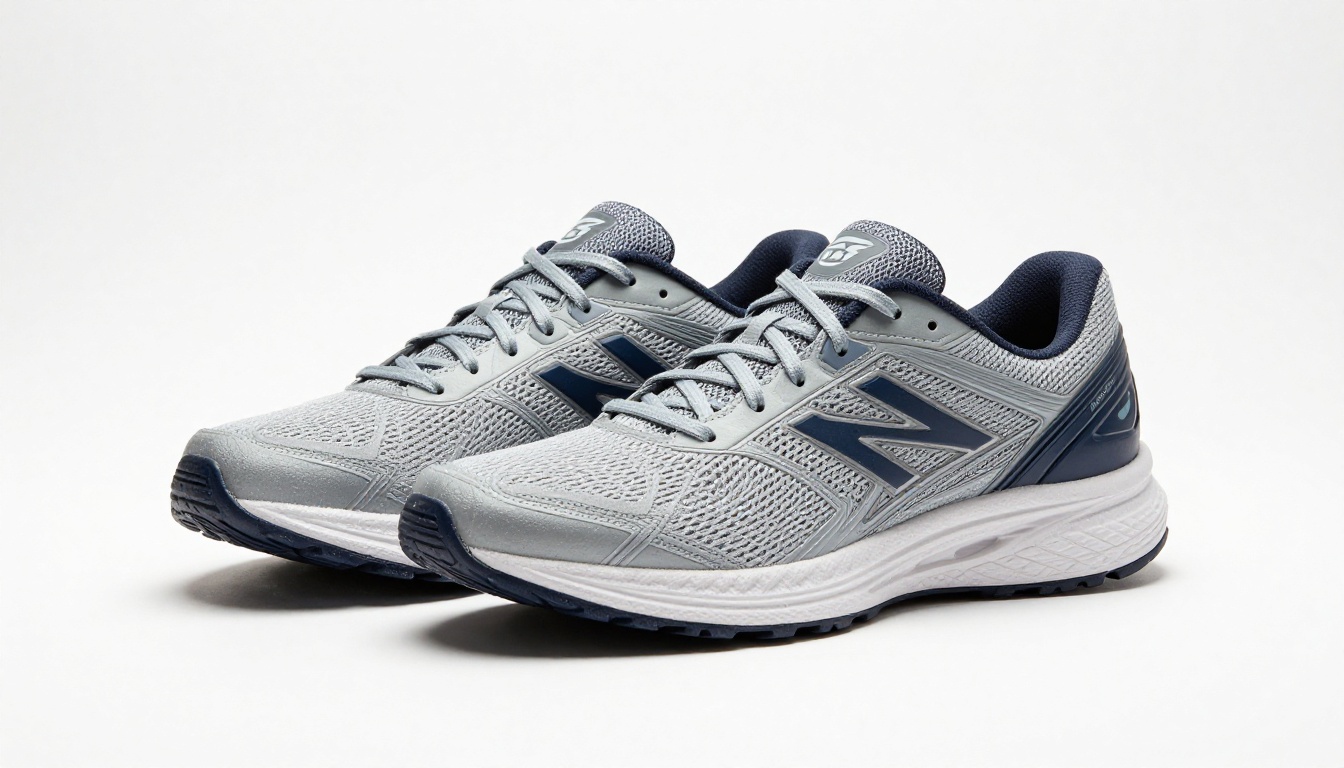
PicassoIA's background removal tool strips the background from any photo in seconds. Upload a product shot or portrait, run the tool, and get a clean transparent PNG. This handles most cases where you would otherwise spend time manually masking in a separate application.
Upscale With Super Resolution
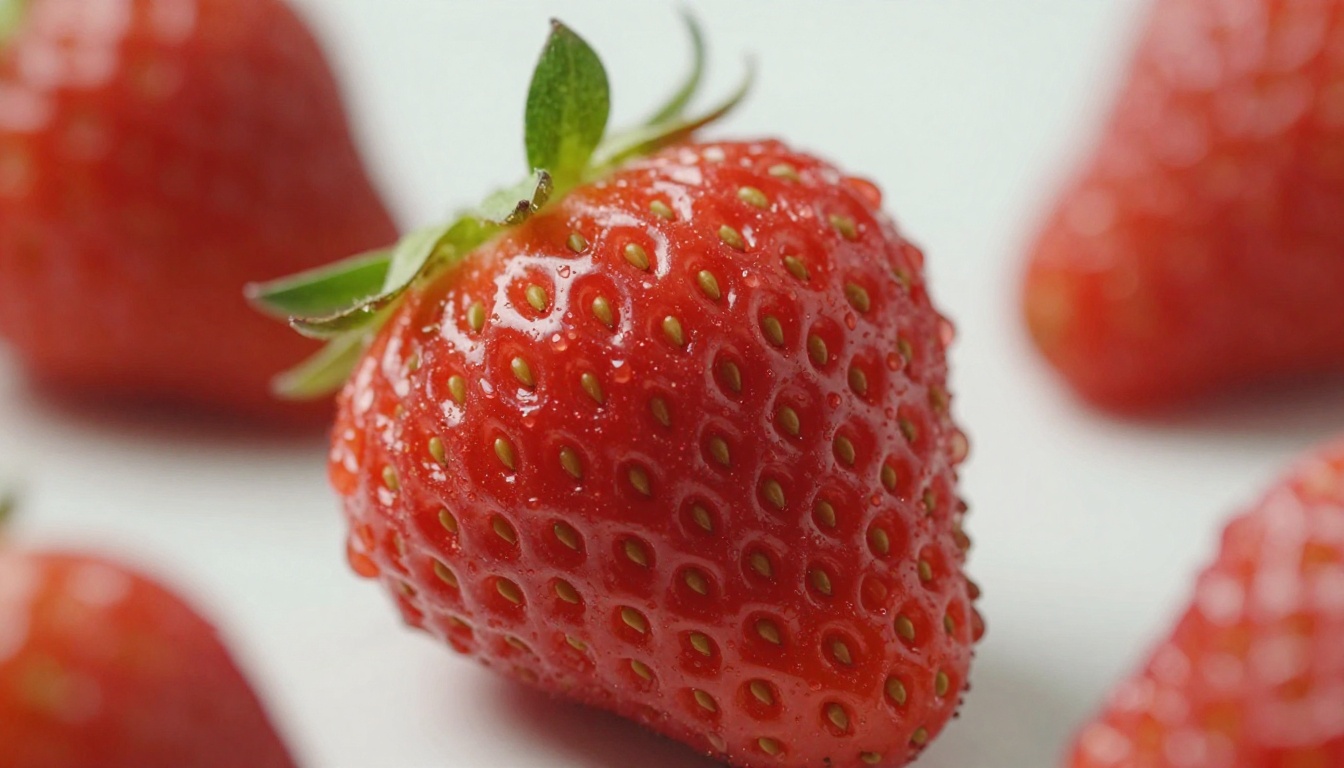
Super resolution models on PicassoIA take a generated or uploaded image and upscale it 2x to 4x while keeping edges sharp and adding fine detail. If you generated at 1 megapixel and need a file large enough for print or large format display, this closes the gap with no quality penalty.
Image to Video in 720p
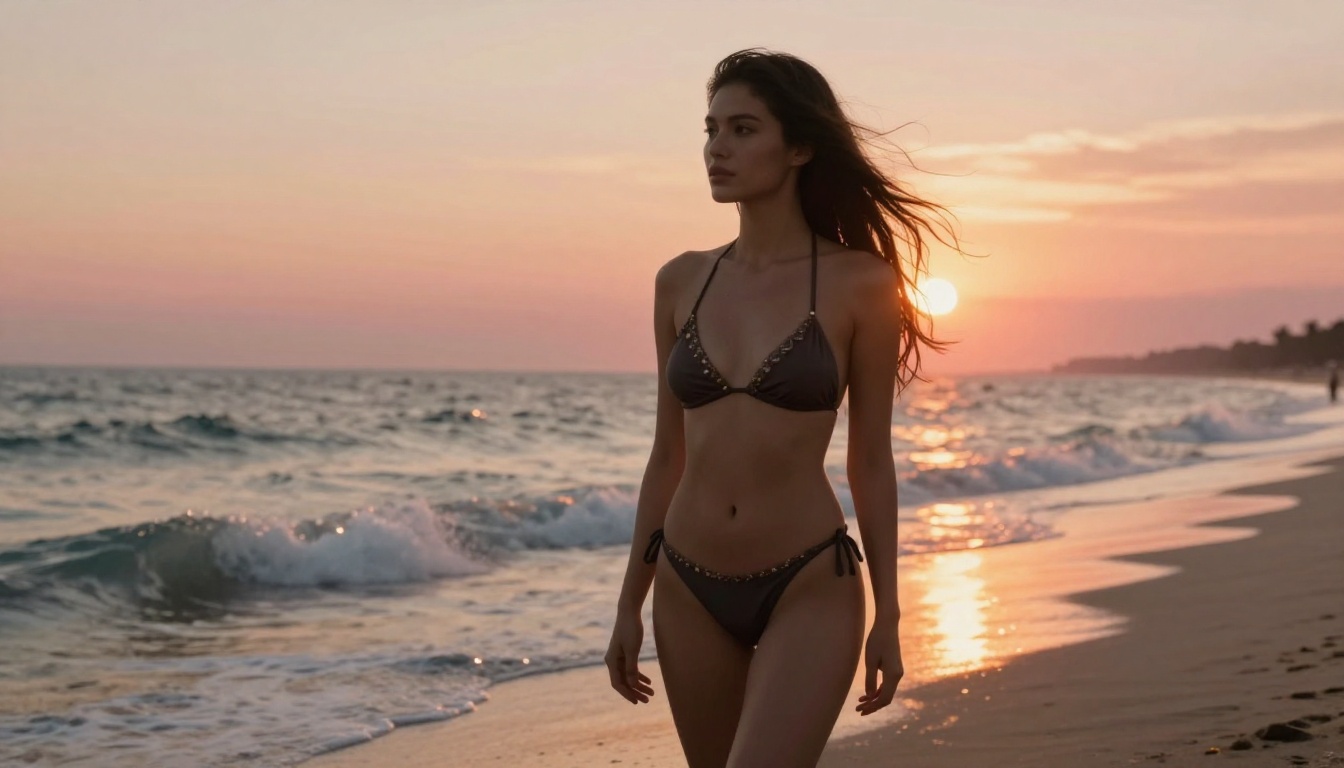
Once an image lands, you can bring it to life. PicassoIA turns a still into a short 5 second clip at 24fps, in 480p or 720p. Here is the seaside frame above animated at 720p:
The motion is generated from a single image, with the first frame matched to your photo, so a still glamour shot becomes a moving clip in one step.
Face Swaps and Video Tools
For projects that go past still images, PicassoIA also offers a face swap AI tool for realistic portrait replacement, text to video models with over 87 options for turning prompts or images into short clips, and AI video upscaling and stabilization for existing footage. Lipsync and effects round out the video side, all in the same platform rather than jumping between services.
Which Model to Use When
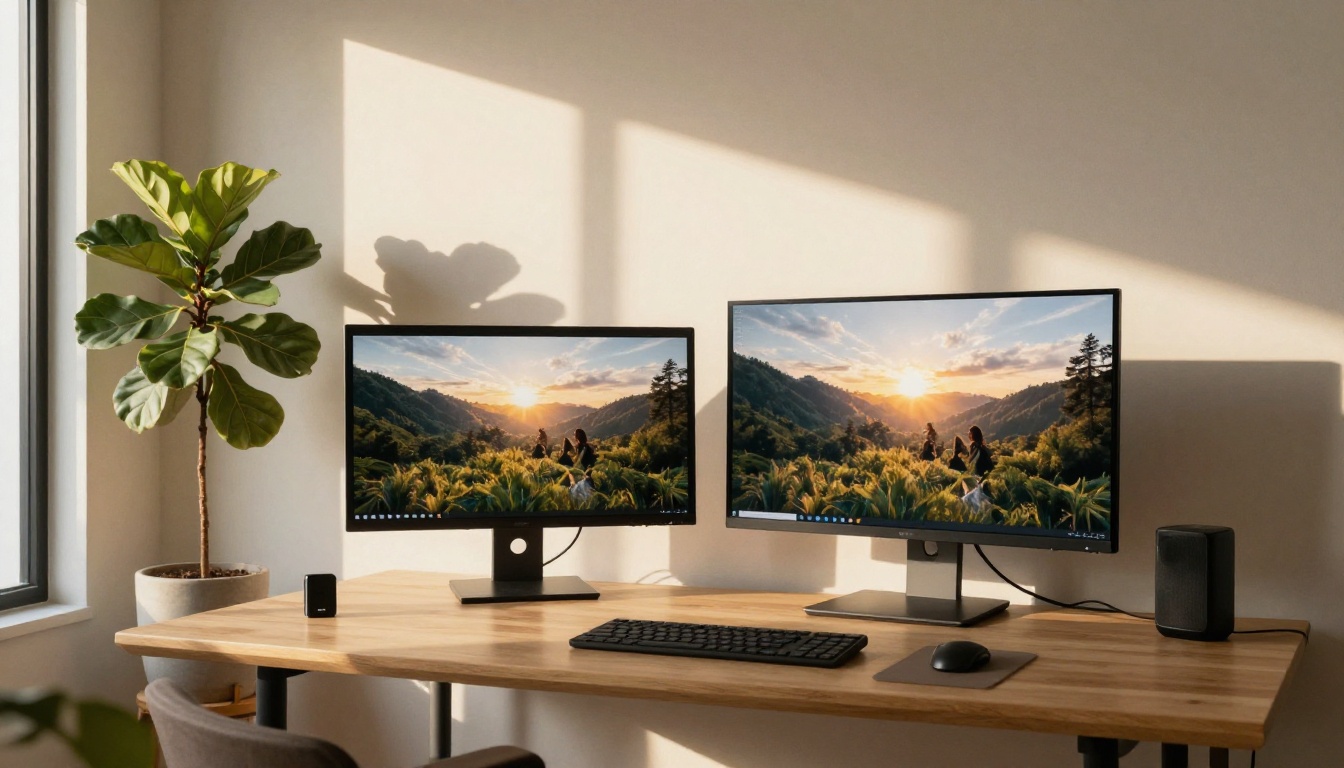
With ten strong options available, a quick decision framework saves time at the start of every session.
💡 Most realistic, fastest: Seedream 4.5 generates in under three seconds at 2K or 4K. Start here.
💡 Editing an existing photo, unlimited: Image Editor Pro reworks any image in under a second with no caps.
💡 Open source realism: Qwen Image 2 creates or edits in seconds with fine detail.
💡 Photo to bikini: Grok Imagine Image converts a photo realistically and runs unlimited.
💡 Art directed text to image: Recraft v4 frames and renders with design taste.
💡 Rapid iteration: Flux Schnell returns a direction in under five seconds.
💡 Granular control: Stable Diffusion offers schedulers, guidance scale, and full negative prompt support.
💡 Readable text in the image: Ideogram v2 renders accurate words and phrases inside the scene.
Try It Right Now
The fastest way to see what a free AI image generator online can do is to run a prompt. Open Seedream 4.5 on PicassoIA, describe what you want to see, pick a resolution and aspect ratio, and generate. The first realistic image appears in seconds, no account required.
When the result is close but not quite right, change one detail in your prompt and run it again. That fast, free iteration loop, with no credit pressure, is where the actual creative process happens. You are not forced to commit to a direction before you have seen what is possible.
From there, Image Editor Pro edits any photo without limits, Qwen Image 2 and Grok Imagine Image handle img2img and realistic NSFW edits, and Recraft v4 is where you go for art directed text to image. Want the full lineup? Browse the best NSFW AI models at picassoia.com/en/all-models and generate without limits.


