The Best Free AI Tools for Adult Content Creators in 2027
From photorealistic NSFW image generators to free upscaling and face swap tools, this article covers every AI tool adult content creators need to produce high-quality, scroll-stopping content without a subscription or credit card.
The adult content creation industry has changed more in the last two years than in the previous decade combined. AI image generation has shifted from an experimental curiosity to a core production workflow. Whether you run a solo creator page, manage a modeling agency, or produce glamour content for subscription platforms, the tools available today can cut your production time in half and dramatically raise the visual quality of everything you publish.
And here is the critical detail most articles skip: some of the most capable AI image models in existence are completely free. No monthly subscription, no credit card, no watermarks on every output. Free tiers with real, usable outputs.
This article covers the specific models adult creators are actually using right now, what separates useful free tools from useless ones, and exactly how to start generating photorealistic content within minutes.
Why Adult Creators Are Moving to AI Fast
The math has changed
Producing a single polished glamour shoot traditionally requires a photographer, a location, lighting equipment, retouching software, and hours of post-production. Even a modest shoot can cost several hundred dollars and a full day. AI image generation collapses that entire pipeline into a text prompt and roughly 10 seconds.
The creators seeing the biggest gains are not replacing models or shoots entirely. They are using AI to fill content gaps, bulk up their libraries between live shoots, and create variations of popular concepts without the overhead.
Consistency at scale
One persistent problem in adult content creation is maintaining a consistent aesthetic across a large library. AI makes this trivial. Once you find a prompt formula that works, you can generate hundreds of consistent images with slight variations in pose, lighting, or setting. That kind of consistency would cost an enormous amount to replicate through traditional photography.
What Makes a Free AI Tool Actually Useful
Not every "free" AI tool is worth your time. Before diving into the specific models, here is what actually separates a genuinely useful free tool from one that wastes your afternoon.
Output resolution
Low-resolution outputs are unusable for professional content. A good free tool should produce at minimum 1024x1024 or 1024x576 (16:9) images without requiring an upgrade. Many free tiers cap at 512x512, which is too small for most platforms.
NSFW permissions
This is the single biggest filter for adult creators. Most mainstream AI image platforms have strict content policies that prevent any suggestive content whatsoever. The models discussed below either have open NSFW settings or are available on platforms that allow adult content within legal limits.
Generation speed
If a free tier limits you to one image every two minutes, it is functionally unusable for bulk production. Look for models that generate in under 30 seconds per image, even on free tiers.
Prompt adherence
A tool that regularly misinterprets your prompts produces unusable outputs. The best models understand complex compositional instructions: lighting direction, camera angle, body positioning, clothing specifics. This is especially important for adult content where precision matters.
💡 Pro tip: The best way to test prompt adherence is to describe a very specific pose or lighting setup and see how closely the model follows it. Vague prompts reveal nothing about model capability.
The Best Free AI Models for Adult Creators
Flux Schnell: Fast and Free
Flux Schnell by Black Forest Labs is the fastest genuinely capable free model available. It generates a 16:9 image in under 10 seconds and the output quality is remarkable for a free tier. The model handles skin texture, lighting, and compositional instructions well.
It is not the highest-quality model in the Flux family, but for rapid iteration and bulk content generation, nothing beats its speed-to-quality ratio. If you are testing prompt variations, Flux Schnell lets you run 20 tests in the time other models finish one.
Best for: Rapid prototyping, bulk content generation, testing prompt formulas.
Realistic Vision v5.1: Built for Human Bodies
Realistic Vision v5.1 is one of the most popular models specifically because it was trained with an emphasis on photorealistic human anatomy. It renders skin with natural micro-details, handles complex poses without distorting proportions, and produces outputs that are difficult to distinguish from real photography at a glance.
It runs on the SDXL architecture, which means it benefits from all the ControlNet and LoRA extensions available for that ecosystem. This is important for creators who want to control pose or maintain a consistent character look across multiple images.
Best for: High-quality portrait and glamour photography, content requiring anatomical accuracy.
RealVisXL v3.0: Skin-Perfect Renders
RealVisXL v3.0 Turbo takes the Realistic Vision concept and pushes it further with SDXL's higher base resolution. The outputs from this model are notably sharp, with skin textures that include the kind of natural imperfections (pores, fine lines, subtle blemishes) that make an image feel photographed rather than generated.
The "Turbo" designation means faster generation with only marginal quality tradeoff compared to the full version.
Best for: Close-up beauty and portrait work where skin texture is critical.
DreamShaper XL Turbo: Stylized Glamour
DreamShaper XL Turbo occupies a different niche. Where Realistic Vision leans hard into photography realism, DreamShaper produces images with a slightly elevated, stylized quality. Think editorial fashion photography rather than candid street photography.
This model is particularly effective for glamour content that leans into a more polished, cinematic aesthetic. It handles fabric and clothing textures exceptionally well, which matters when clothing is a key part of the composition.
Best for: Fashion, editorial glamour, content with strong wardrobe elements.
Stable Diffusion 3.5: The Model That Started Everything
Stable Diffusion 3.5 Large is the current flagship from Stability AI and represents a significant leap over earlier versions. The text understanding is dramatically improved, meaning complex compositional prompts actually land the way you intended.
The model also handles multi-subject compositions better than any previous version, which matters for creators producing content with multiple figures.
SDXL remains worth mentioning as the most widely deployed architecture in the free AI ecosystem. Most of the LoRA models (custom fine-tunes) available for adult content run on SDXL, making it the foundation of most serious workflows.
Best for: Complex multi-subject scenes, high-detail environments, prompt-heavy compositions.
Proteus v0.2: Versatile Character Generation
Proteus v0.2 is a more specialized model that excels at maintaining character consistency across generations. For creators building content around a recurring character or persona, this model delivers more consistent facial features and body proportions across separate generations than most alternatives.
It is also excellent at handling stylistic variety, allowing the same character to appear in dramatically different settings and lighting conditions while remaining recognizable.
Best for: Character-based content series, subscription creators building a consistent persona.
Free vs. Paid: Is Free Good Enough?
The honest answer: for most use cases, yes. Here is a direct comparison of what you actually get at the free vs. paid tier across the most important dimensions.
Feature
Free Tier
Paid Tier
Output resolution
1024x576 to 1024x1024
Up to 2048x2048+
Generations per day
20-50
Unlimited
Generation speed
10-30 seconds
5-15 seconds
NSFW access
Varies by model
Full access
LoRA/ControlNet support
Limited
Full
Priority queue
No
Yes
Commercial license
Limited
Full
The free tier covers creative exploration, content prototyping, and moderate production volumes. When you scale to hundreds of images per day or need 4K+ resolution outputs for large format use, a paid plan becomes worth the investment.
💡 Workflow tip: Use free-tier speed for prompt testing, then switch to a higher-quality paid model only for final production runs. This approach can cut costs by 70% or more.
Beyond Images: Other Free Tools Creators Actually Need
Great images are just the start. Here are the other AI capabilities that adult creators use daily.
AI Super Resolution: Make It Print-Ready
Standard AI outputs at 1024x1024 are perfectly sufficient for digital content. But for platform banners, physical merchandise, or high-resolution display, you need more. Super-resolution AI upscalers can take a 1024px image and produce a clean 4096px output without visible artifacting.
This is particularly useful when you generate an image with perfect composition but need it larger for a specific use case.
Background Removal
One of the most practical free AI tools for creators. Clean background removal lets you:
Drop a subject onto custom backgrounds
Create collage-style promotional materials
Produce clean product-style shots from complex images
Relight subjects in post without reshooting
The AI background removal tools available today handle hair, fabric edges, and complex silhouettes with near-perfect accuracy, something that used to require hours of manual masking in Photoshop.
Face Swap
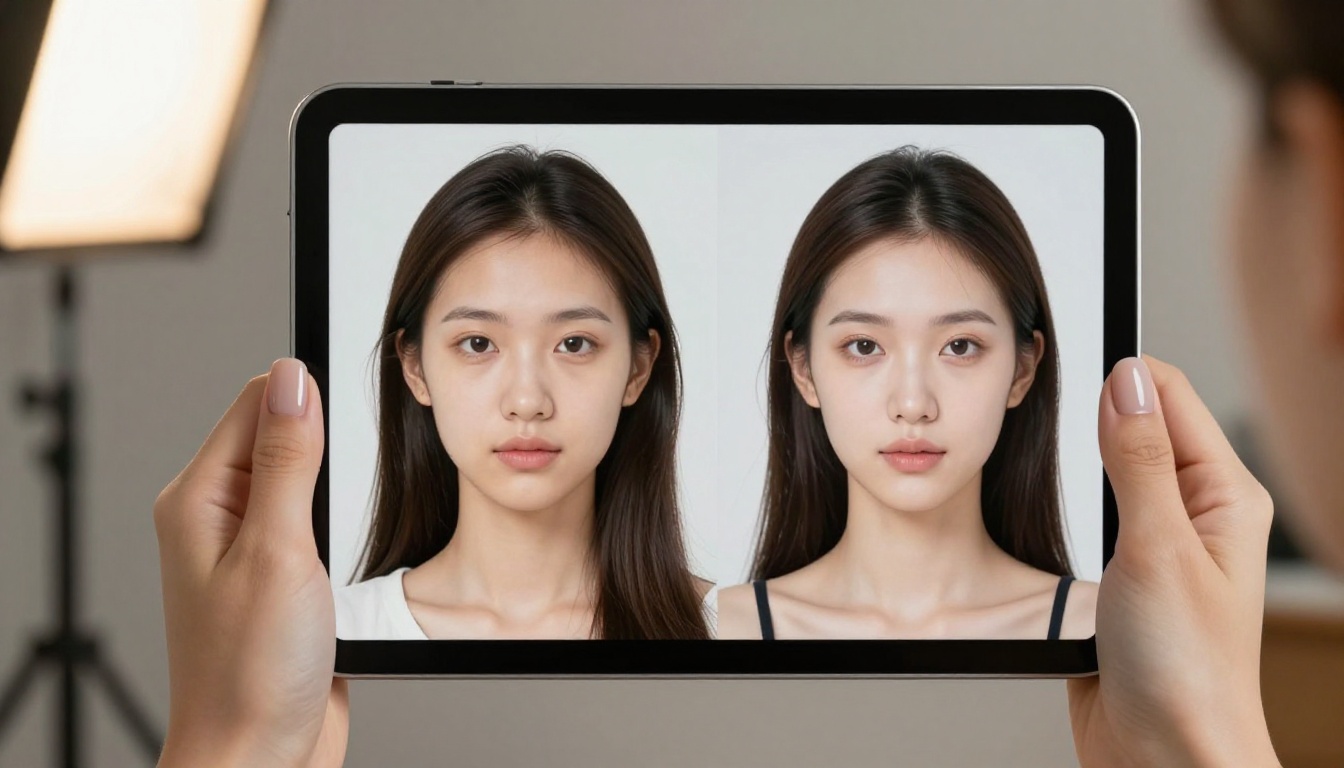
For creators who work with multiple personas or need to maintain client privacy, AI face swap technology has reached a level of realism that makes it a genuinely professional tool. The best implementations produce outputs that require close examination to distinguish from the original.
This is also useful for generating promotional images from AI-created base characters while maintaining a consistent face identity across a large content library.
How to Use Flux Schnell on PicassoIA
Flux Schnell is the ideal starting point for adult creators new to AI generation. Here is exactly how to use it.
Step 1: Access the model
Navigate to the Flux Schnell page on PicassoIA. No account required to start generating.
Step 2: Write a structured prompt
The best prompts for adult content follow a consistent structure:
Beautiful woman, standing in profile pose, wearing a red silk dress, modern rooftop at sunset, golden backlight creating rim light on hair, 85mm portrait lens shallow depth of field, photorealistic, Kodak Portra 400 film grain, 8K RAW
Step 3: Set the aspect ratio
For most content platforms, 9:16 (portrait) or 1:1 (square) performs best. For header images and promotional banners, use 16:9.
Step 4: Run the generation
Flux Schnell generates in under 10 seconds. Review the output against your prompt checklist: does the lighting match? Is the pose correct? Is the resolution sufficient?
Step 5: Iterate
If something is off, adjust the specific part of the prompt that corresponds to the problem. Add negative prompts for common issues (blurry, deformed hands, overexposed).
Step 6: Upscale if needed
If the output is perfect but needs higher resolution, run it through an AI super-resolution upscaler before publishing.
💡 Prompting tip: Flux Schnell responds well to lighting descriptions. Be specific: "volumetric golden hour light from the left at 45 degrees" produces dramatically different results than simply "good lighting."
Parameters worth adjusting:
Steps: Higher steps (30-50) produce more refined outputs but take longer
CFG Scale: Values between 6-8 produce the best photorealistic results
Seed: Fix the seed when iterating on a composition you like
Years of community testing across adult AI content creation have produced some reliable prompt formulas. These are not magic, but they consistently outperform vague prompts.
Glamour portrait formula:
[Nationality] woman, [age descriptor] years old, [hair description], [clothing], [pose], [location], [time of day] light, [lighting direction], [camera lens], photorealistic, film grain, 8K
Beach and outdoor formula:
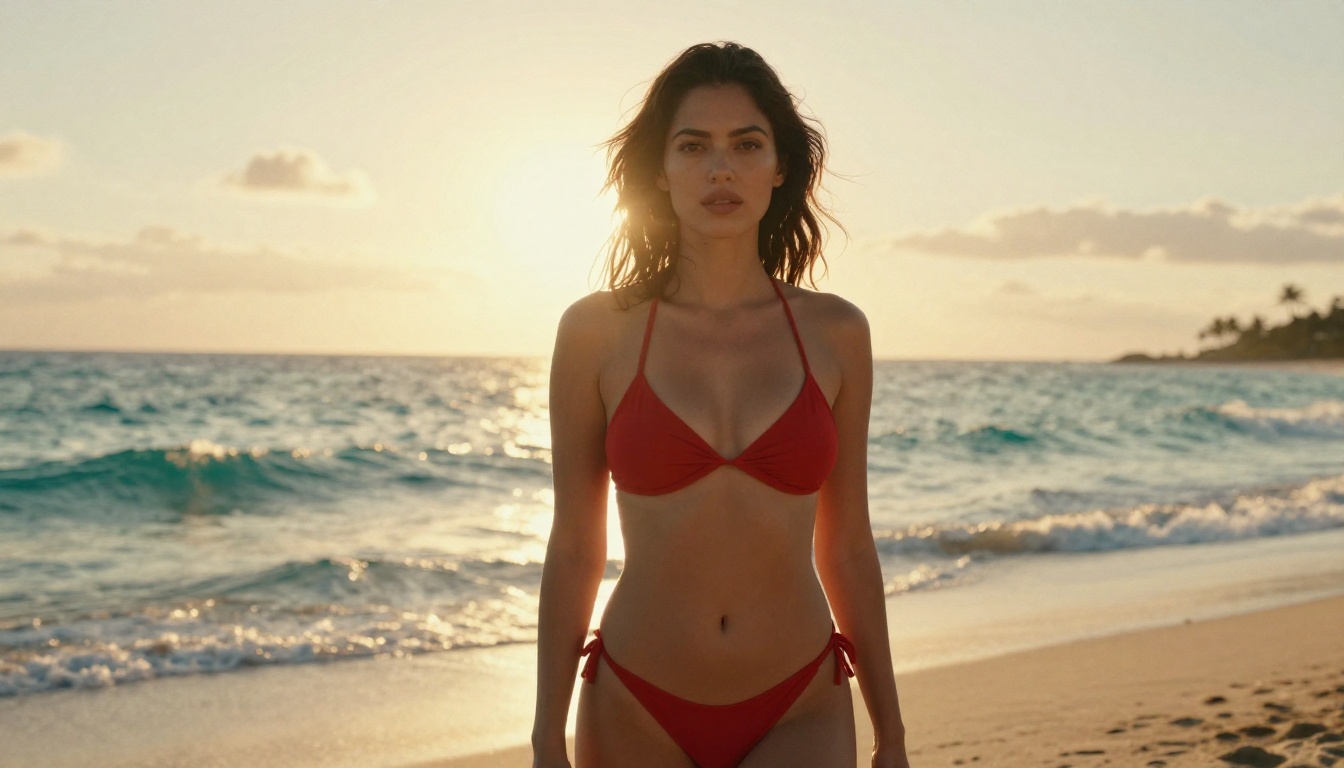
[Subject description], [swimwear], [pose on/at location], golden hour, rim light from behind, bokeh background, 85mm f/1.8, Kodak Portra 400 grain, RAW photography
The most common mistake new users make is under-specifying lighting. Lighting is the single biggest factor in whether an AI image looks like a professional photograph or a generic render. Always describe light direction, color temperature, and quality (soft, hard, diffused).
Start Generating Now
The tools are free. The learning curve is short. The only thing left is to start.
Start with Flux Schnell to test your prompt formulas quickly. Once you find a composition that works, switch to Realistic Vision v5.1 or RealVisXL v3.0 Turbo for the final high-quality output. Use super resolution to upscale your best images before publishing.
The creators building the biggest AI-assisted content libraries right now are not doing anything complicated. They are running structured prompt formulas across multiple models, finding what works for their aesthetic, and scaling from there.
Open PicassoIA, pick any model from this list, and run your first generation. You will have your first usable image in under 60 seconds.