Voice cloning used to cost thousands of dollars and require a professional audio lab. Today, you can do it in minutes, from your laptop, at no cost. The best free AI voice cloning tool depends on what you need, and right now there are more capable options than ever before. This article breaks down exactly what works, why certain models perform better than others, and how to get results you can actually use.
What AI Voice Cloning Actually Does
Voice cloning is the process of training an AI model on a voice sample, then using that model to generate new speech that sounds like that specific person. The output is synthetic, but the best models available today produce results that are genuinely difficult to distinguish from real recordings under normal listening conditions.
The technology behind modern voice cloning has improved dramatically in the last two years. Models that once required hours of training audio now work from as little as 5 to 30 seconds of clean speech. The shift from fine-tuned training to zero-shot approaches has made the technology accessible to anyone with a smartphone microphone and a browser.
Zero-Shot vs. Fine-Tuned Cloning
There are two main technical approaches to voice cloning. Zero-shot cloning uses a short audio sample to generate matching speech immediately, without any dedicated training step. The model has been pre-trained on massive voice datasets and can extrapolate the characteristics of a new voice from a brief sample.
Fine-tuned cloning involves creating a dedicated model specifically trained on a single voice, typically using 5 to 30 minutes of audio. This produces more consistent results and handles edge cases better, but requires more data and processing time.
For most use cases, zero-shot cloning is the practical choice. It is fast, it works immediately, and the quality gap between approaches has narrowed significantly with newer models.
What Determines Voice Quality
Three factors have the most impact on how convincing a cloned voice sounds:
- Source audio quality: A clean recording in a quiet room with minimal reverb gives the model more precise data. Background noise confuses the model about what is voice and what is not.
- Sample length: More speech samples give the model more phonetic data to work from. The difference between 10 seconds and 45 seconds is noticeable in the output.
- Model architecture: Models released in 2024 and 2025 handle prosody, emotional expression, and tonal variation significantly better than their predecessors. The naturalness of pauses, emphasis, and cadence is where newer models really separate themselves.
What You Can Actually Build
Legitimate use cases for voice cloning are broader than most people realize. Content creators use it to maintain a consistent narration voice across hundreds of videos without recording each one. Language learners record their teacher's voice and use it for practice material in different scenarios. Developers build voice assistants with personalized voices rather than generic synthetic ones. Audiobook authors produce full recordings from written manuscripts without booking studio sessions.
The technology raises real consent questions when applied to other people's voices without permission, but for cloning your own voice, the applications are practical, creative, and increasingly essential for anyone working in audio content.
Not every free tool is worth using. Some limit output length to the point of being impractical. Others produce output that sounds noticeably artificial on close listening. The following models represent the current best options across different use cases.
Minimax Voice Cloning
Minimax Voice Cloning is one of the most capable zero-shot cloning models available right now. Upload a short audio sample, type the text you want generated, and it produces speech in that voice. The output quality is high enough for professional use in many production contexts.
What separates it from older models is the naturalness of prosody. The rhythm and cadence of the cloned voice feel human rather than mechanical. Emotional variation is handled well, and the model supports multiple languages without a significant quality drop. For general-purpose voice cloning, this is the model to start with.
💡 Record your voice sample in a quiet room with soft furnishings. Kitchens and bathrooms add reverb that confuses the model. A bedroom with curtains and carpet works very well as an improvised recording space.
Qwen3 TTS
Qwen3 TTS offers something genuinely different: the ability to clone an existing voice AND design a completely original synthetic voice from scratch. This dual capability makes it particularly valuable for content creators who want a consistent AI voice persona rather than a clone of a specific real person.
The voice customization parameters include tone, pacing, accent characteristics, and emotional register. You can dial in a specific kind of voice rather than being constrained to what a single sample provides. For brand voice work or persona creation, this flexibility is significant.
Resemble AI Chatterbox
Resemble AI Chatterbox is the standout choice when emotional expression matters. The model adds emotion control on top of voice cloning, meaning you are not just replicating the sonic characteristics of a voice but giving it the ability to express happiness, seriousness, calm, or excitement in the output.
A flat, emotionless voice clone works for reading out data or navigation instructions. For narrative content, audiobooks, podcast-style material, or anything where tone carries meaning, Chatterbox is in a different category from the competition.
The Chatterbox Turbo variant prioritizes generation speed while keeping quality high, useful when you need fast iterations. Chatterbox Pro pushes output fidelity to its maximum for final production work where quality is non-negotiable.
ElevenLabs v3
ElevenLabs v3 has become something of a quality benchmark for AI voice generation. It produces voice output with exceptional naturalness, handles long-form content without the quality degradation that affects other models at scale, and supports voice cloning through voice profile uploads.
The free tier limits monthly character generation, but for testing workflows and smaller projects it covers typical usage comfortably. When speed is the priority without sacrificing output quality, ElevenLabs Flash v2.5 is the optimized option. For multilingual projects, ElevenLabs v2 Multilingual handles over 30 languages with consistent voice characteristics across language switching.
Minimax Speech 2.8 HD
Minimax Speech 2.8 HD sits at the top of the Minimax speech lineup for output quality. The dynamic range is wider than most competing models, which means the difference between whispered speech and normal volume is preserved accurately rather than being compressed toward a uniform level. This makes a noticeable difference in narrative content where the voice is meant to carry emphasis and contrast.
For high-volume production where speed matters more than maximum quality, Minimax Speech 2.8 Turbo handles real-time generation workloads without sacrificing too much on naturalness.
Gemini 3.1 Flash TTS
Gemini 3.1 Flash TTS brings the advantage of 70+ language support with 30 distinct voice options. For international content production, few models compete on language breadth. The model handles multilingual text naturally, including switching between languages within a single text block, which remains a weakness for many competing models that were trained with narrower language coverage.
Play Dialog
Play Dialog from PlayHT is built specifically for conversation audio. Rather than a single speaker reading text, it generates realistic dialogue between two distinct voices. For podcast-style content, interview simulations, training materials with back-and-forth exchanges, or conversational AI applications, this model fills a gap that standard TTS tools cannot address on their own.
How to Clone a Voice on PicassoIA
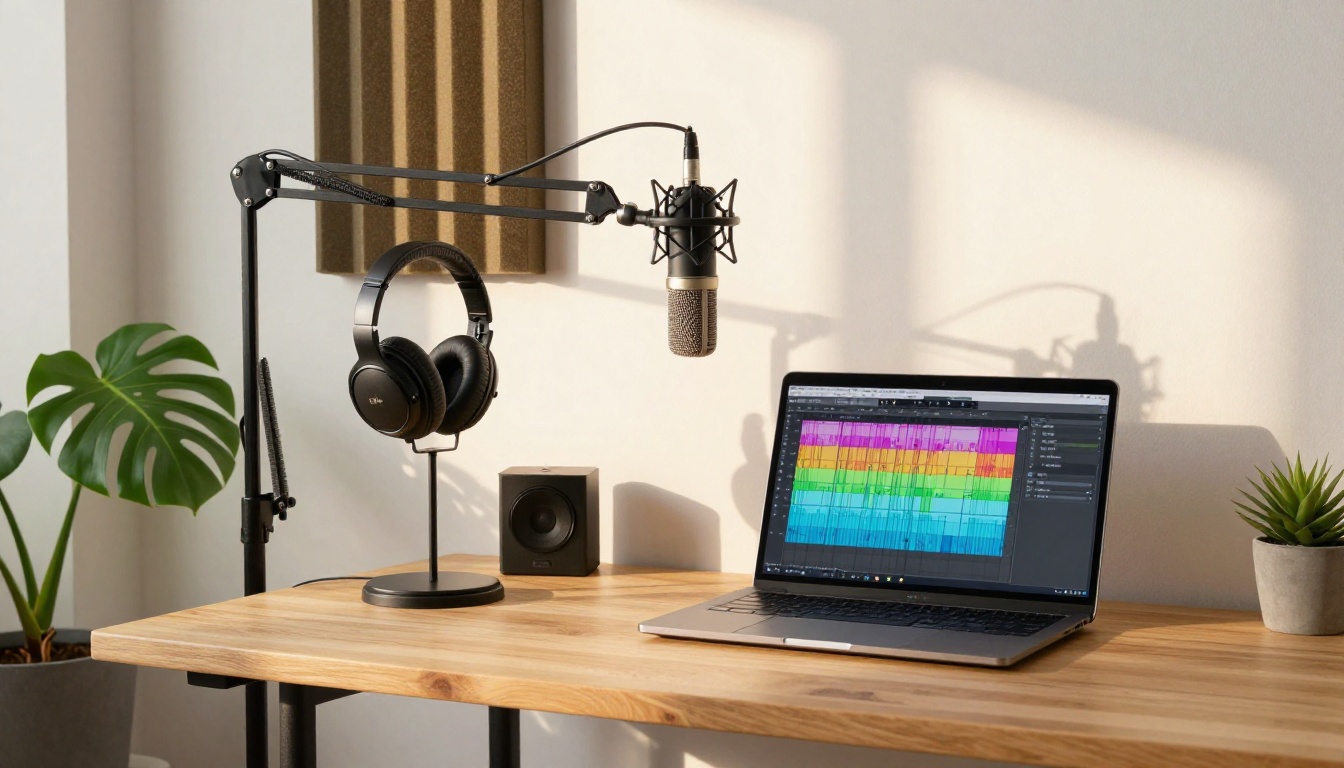
PicassoIA brings all these models together in one platform. Here is a practical walkthrough for cloning a voice from scratch without any technical setup.
Step 1: Pick Your Model
Open the Minimax Voice Cloning page for straightforward replication, or Chatterbox if you need emotional range in the output. If you are working across multiple languages, Gemini 3.1 Flash TTS or ElevenLabs v2 Multilingual are the stronger starting points.
Step 2: Prepare Your Audio Sample
Your voice sample should meet these requirements:
- Length: 15 to 60 seconds of continuous speech
- Environment: Quiet room with minimal reverb, no background music or noise
- Format: WAV or MP3 work well, WAV is preferred for quality
- Consistency: One speaker throughout, no overlapping voices
- Content: Reading a paragraph aloud provides better phonetic coverage than repeating single words
Recording with a smartphone in a carpeted bedroom works well. You do not need professional recording equipment to get good results.
Step 3: Upload and Generate
Upload your sample through the model interface on PicassoIA. Enter the text you want the cloned voice to speak. Most models on the platform generate output in under 30 seconds, and the result is ready to download immediately.
Step 4: Refine the Output
If the first generation sounds slightly off, try these adjustments:
- Speech rate: Reducing it by 10 to 15% often produces more natural-sounding output
- Text segmentation: Breaking long paragraphs into shorter sentences improves processing accuracy
- Sample quality: Re-recording the source audio makes a significant difference, even minor improvements to the recording environment carry through clearly
- Model switching: If one model struggles with a specific accent or vocal style, trying another model often resolves it
💡 For Chatterbox, setting the emotion parameter to "calm" for neutral narration produces the most natural-sounding baseline. From there you can adjust upward for content that needs more energy.
Free vs Paid Voice Cloning
Free tiers are genuinely practical for most personal and testing use cases. Knowing the real differences helps you decide when the limitations start to matter for your specific workflow.
| Factor | Free Tier | Paid Tier |
|---|
| Output length | Limited monthly cap | Unlimited or high cap |
| Voice quality | High (same underlying models) | High (same underlying models) |
| Processing speed | Standard queue | Priority processing |
| Commercial license | Sometimes restricted | Usually included |
| Custom voice training | Limited or not available | Full fine-tuning available |
| API access | Not available | Available |
The quality difference between free and paid tiers is minimal because both typically access the same underlying models. The real differences come down to volume, processing priority, and whether you need API access for automated workflows.
For personal projects, creative work, and smaller production runs, free tiers cover the majority of real use cases. When you need bulk generation at scale, guaranteed commercial rights, or API integration into a production pipeline, that is when upgrading makes concrete sense.
Real Ways People Are Using This
Content Creators Scaling Output
YouTubers, course creators, and social media producers are using voice cloning to generate consistent narration across large content volumes without recording every script individually. Once a voice clone is established, generating a voiceover from a written script takes minutes rather than hours of recording and editing time. The consistency across videos is also noticeably better than re-recording, since mood and energy level cannot vary.
Podcast Production
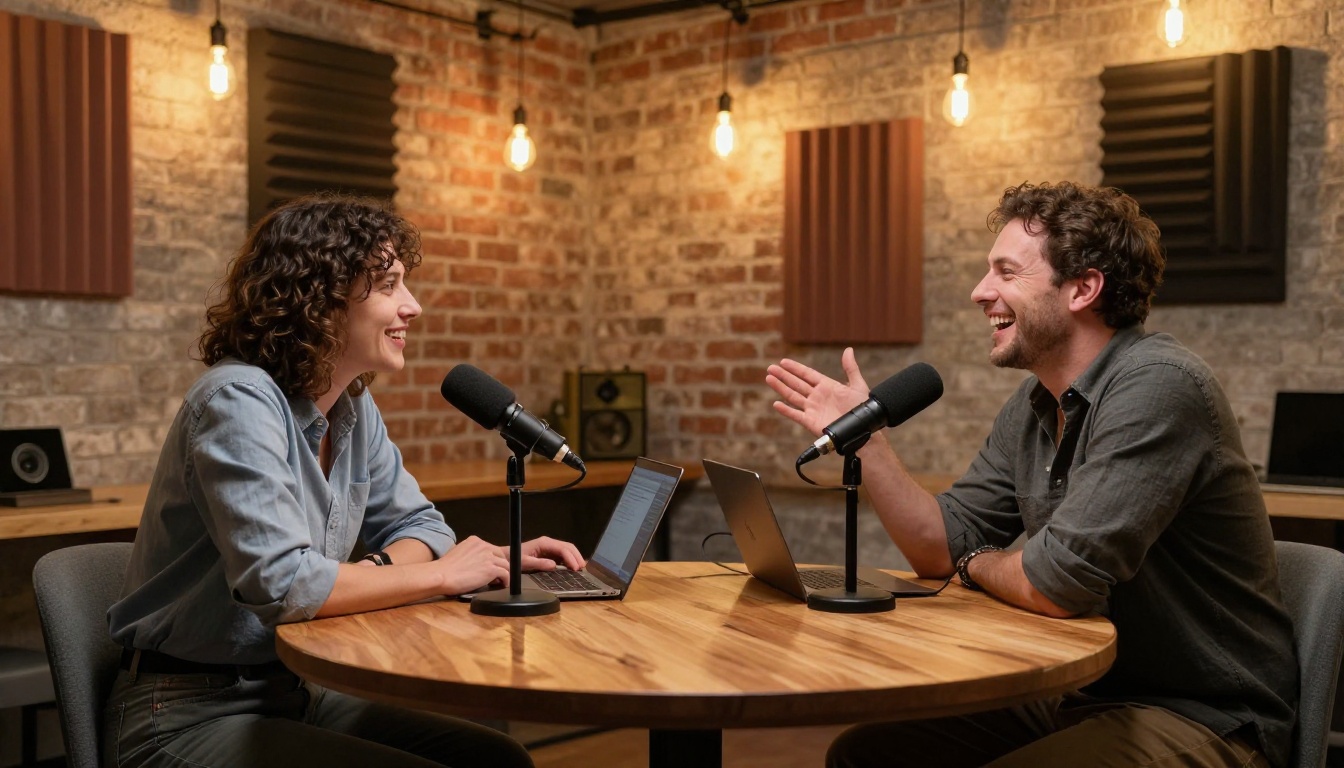
Podcast teams are using AI voice synthesis to generate intro segments, promotional clips, and filler content without additional recording sessions. Play Dialog handles simulated conversation segments between two voices, which is useful for interview-format preview content and scripted dialogue.
Language Localization
Creators with multilingual audiences are using voice cloning to produce translated versions of their content in their own voice. Using Gemini 3.1 Flash TTS and ElevenLabs v2 Multilingual, a creator can publish their content in multiple languages while retaining their vocal identity across all versions.
Audiobook Production
Writers converting manuscripts to audiobooks are cloning their own voice to produce recordings at the pace of writing rather than the pace of reading aloud. This significantly reduces the time cost of self-published audiobook production and allows for easy re-recording of updated sections without needing to match a previous studio session performance.
3 Problems You Might Hit
The Voice Sounds Robotic
This is almost always caused by source audio quality rather than a model limitation. Background noise, room reverb, and microphone distortion all degrade the model's ability to accurately capture voice characteristics. Re-recording in a quieter environment usually resolves it. Soft furnishings absorb echo well. A walk-in closet with clothing hanging is acoustically excellent for voice recording.
If the source audio is clean and the output still sounds artificial, adding punctuation to your input text to create natural breathing pauses often helps. Models perform better with natural sentence structures than with long unpunctuated blocks of text.
The Accent Sounds Wrong
Models sometimes drift on accents that are less common in their training data. Qwen3 TTS and ElevenLabs v3 both handle a wider range of accent variation than most alternatives. Switching between models is often the fastest fix when accent accuracy is the specific issue.
The Output Cuts Off
Long text generation sometimes hits free-tier length limits mid-generation. The workaround is straightforward: split your text into sections of roughly 200 to 300 words, generate each section separately, then combine the audio files in any basic editor. Voice consistency across segments remains stable because the same voice clone parameters are applied throughout each generation.
More Audio Power Beyond Cloning
Voice cloning is one capability in a broader audio production toolkit. If you are building a full workflow, PicassoIA also offers these tools that work well alongside voice cloning:
Combining these tools in sequence, transcribing existing audio, editing the text, then regenerating in a cloned voice, gives you a powerful audio editing workflow that previously required expensive dedicated software and a professional session engineer. You can fix a mispronunciation, update outdated content, or add new sections to a recording without scheduling another session.
Create Your First Cloned Voice Today
The best free AI voice cloning tool is the one you actually put to work. Every model covered in this article has a free tier on PicassoIA that lets you test output quality against your specific voice and use case before building any workflow around it.
Start with Minimax Voice Cloning for straightforward zero-shot cloning. Switch to Chatterbox when your project needs emotional range. Reach for Gemini 3.1 Flash TTS when multilingual output matters.
You do not need a studio, expensive software, or technical expertise. A quiet room, a clean recording environment, and a few minutes are enough to produce a voice that sounds exactly like you, ready to narrate, present, or perform on demand.
Try the voice cloning models on PicassoIA and put your voice to work without ever picking up a microphone again.


