Looking for the best free AI waifu generators for anime photos? The AI image generation space has completely changed in 2027. The quality available at zero cost would have been unimaginable just two years ago. Whether you want a detailed school uniform anime girl, a fantasy warrior character, or a soft summer beach waifu, the right tool produces breathtaking results in seconds.
This article breaks down the top free platforms and models, how to use them effectively, and which generators consistently deliver the most stunning anime character images without asking for your credit card.
What Actually Makes a Great Waifu Generator
Not every AI image model handles anime-style character generation equally. A tool that does photorealistic landscapes brilliantly can completely fall apart when asked to render detailed anime features. Here is what separates the best from the rest.
The Three Pillars of Quality
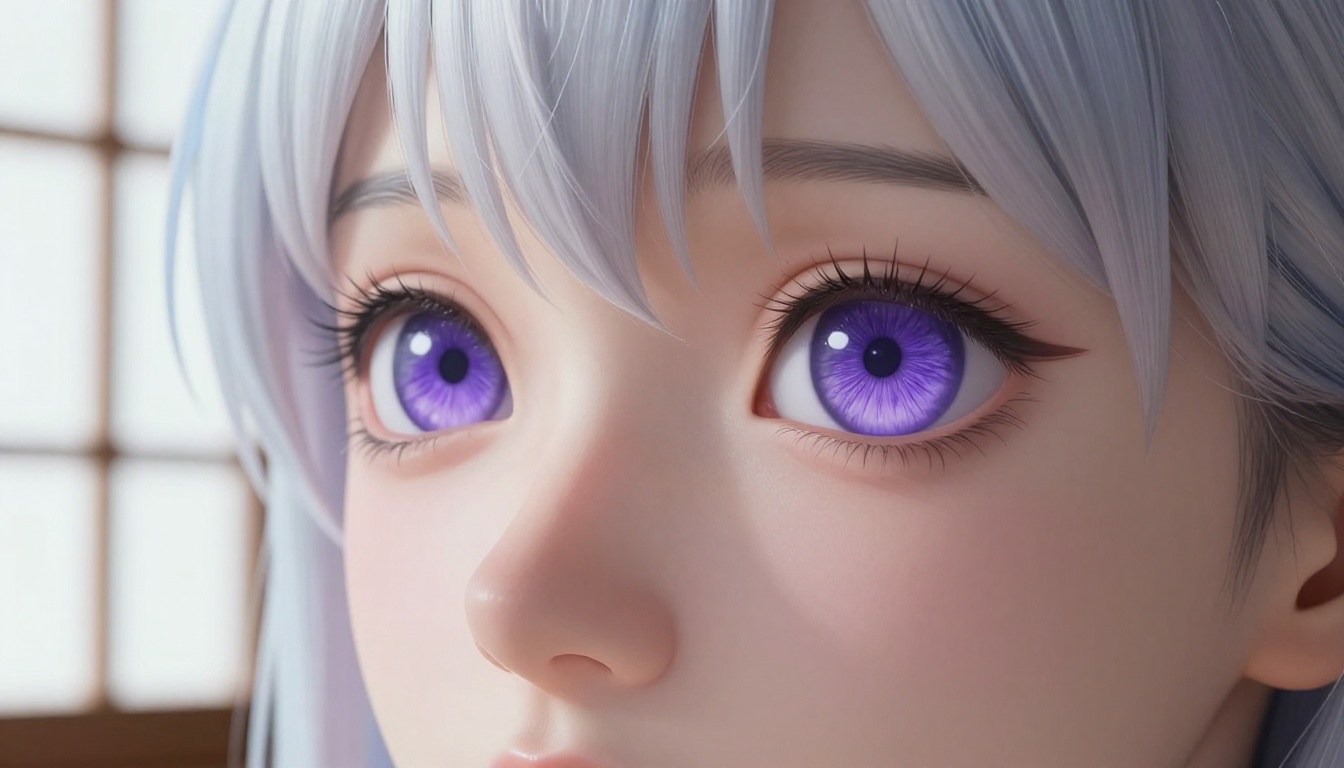
Eye detail is the single most important factor in waifu generation. Anime characters live and die by their eyes, and a model that smears or distorts eyes will produce unsatisfying results no matter how good the rest of the image looks. The best models render individual iris fibers, natural catchlights, and lash detail that feels alive.
Prompt responsiveness determines how precisely the model follows your creative vision. You might want a specific hair color, a particular outfit, or a distinct emotional expression. Some models respond with frustrating vagueness while others hit your vision almost exactly on the first try.
Free access matters more than it sounds. Some platforms throttle free users to embarrassing resolutions, force watermarks onto every image, or limit you to three generations per day. The platforms listed here offer genuinely usable free tiers.
Why Resolution Matters
💡 Tip: Always generate at the highest resolution the free tier allows. Waifu images lose detail rapidly when upscaled from a low base resolution. A 1024x576 starting point is the practical minimum for web-ready results.
Anime characters have fine detail that demands resolution: hair strands catching light, fabric weave on a school uniform, the reflective surface of an eye. Lower resolution compresses these details into muddy approximations.
Top Free AI Waifu Generators in 2027
The platforms below represent the current best options for free AI waifu and anime character generation. Each has distinct strengths worth knowing before you invest time learning a platform.
Seedream 4.5: The Free Waifu Standard
Seedream 4.5 is the starting point for anyone serious about free AI waifu generation. Built by ByteDance, it combines exceptional anime character handling with 4K output quality that genuinely holds up at full size.
What makes Seedream 4.5 particularly valuable for waifu content is its nuanced understanding of anime aesthetic conventions alongside photorealistic rendering. It bridges the gap between the stylized look anime fans want and the photographic quality that makes an image feel premium.
What it does best:
- 4K output on the free tier
- Strong understanding of anime facial structure and proportions
- Excellent performance with character outfit descriptions
- Consistent eye quality across generations
- Fast generation speed under 10 seconds per image
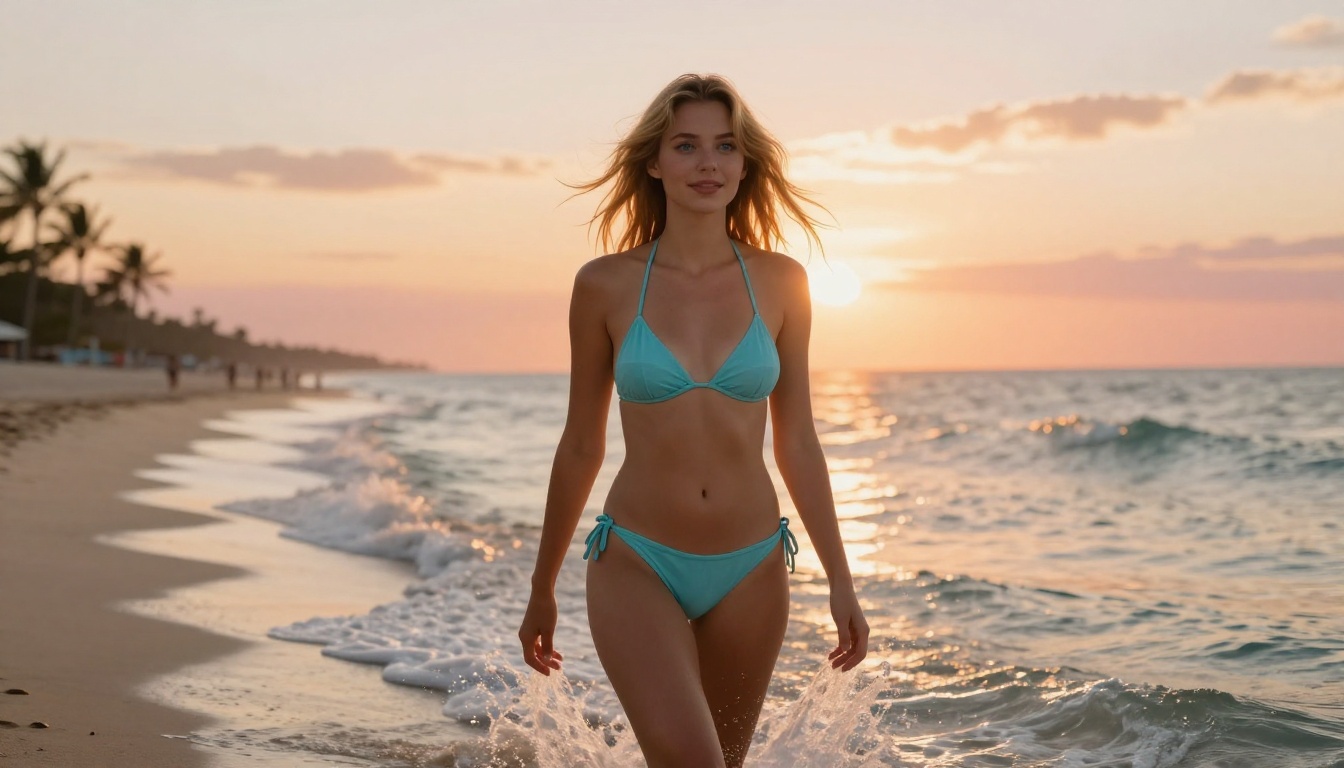
The model handles NSFW-adjacent content with far less filtering than most alternatives, making it the go-to choice for suggestive but non-explicit anime content. A prompt like "beautiful anime girl in a summer bikini at the beach, golden hour, photorealistic" produces clean, attractive results where other models refuse or distort.
PicassoIA Image Editor Pro: Unlimited Generations
If you need volume, PicassoIA Image Editor Pro is the only platform that offers genuinely unlimited generations on its free tier. Most platforms cap free users at daily or monthly limits that disappear quickly when you are iterating on prompts to nail a specific character design.
The Image Editor Pro gives you access to over 91 text-to-image models through a single interface, meaning you can switch between models without leaving the platform or managing separate accounts. For waifu generation workflows that involve trying multiple models on the same prompt, this is a significant practical advantage.
Access the full model library at picassoia.com/en/all-models.
Krea 2 Medium: Anime and Painterly Art
Krea 2 Medium is explicitly designed for anime and painterly art generation. For waifu content, it produces a distinctive aesthetic that sits between photorealistic and classic anime illustration. The result is characters that feel drawn from a high-quality visual novel or anime film rather than a photograph, which many fans specifically prefer.
Best for:
- Visual novel style character portraits
- Painterly atmospheric backgrounds
- Stylized anime with high artistic quality
- Character designs with strong visual identity
Flux Fast: Instant Results at Scale
Flux Fast prioritizes speed without sacrificing quality to a degree that matters for most waifu generation use cases. When you are iterating through a dozen prompt variations to find the right character design, waiting 45 seconds per generation becomes a genuine workflow bottleneck. Flux Fast eliminates that problem.
The model produces sharp results in a fraction of the time of heavier models, making it ideal for rapid prototyping. Once you have locked in a prompt you are happy with, you can switch to a higher-quality model for the final generation.
Qwen Photo to Anime: Real Photos Turned into Waifus
Qwen Image Edit Plus LoRA Photo to Anime does something the other models on this list cannot: it takes a real photograph and converts it into an anime character.
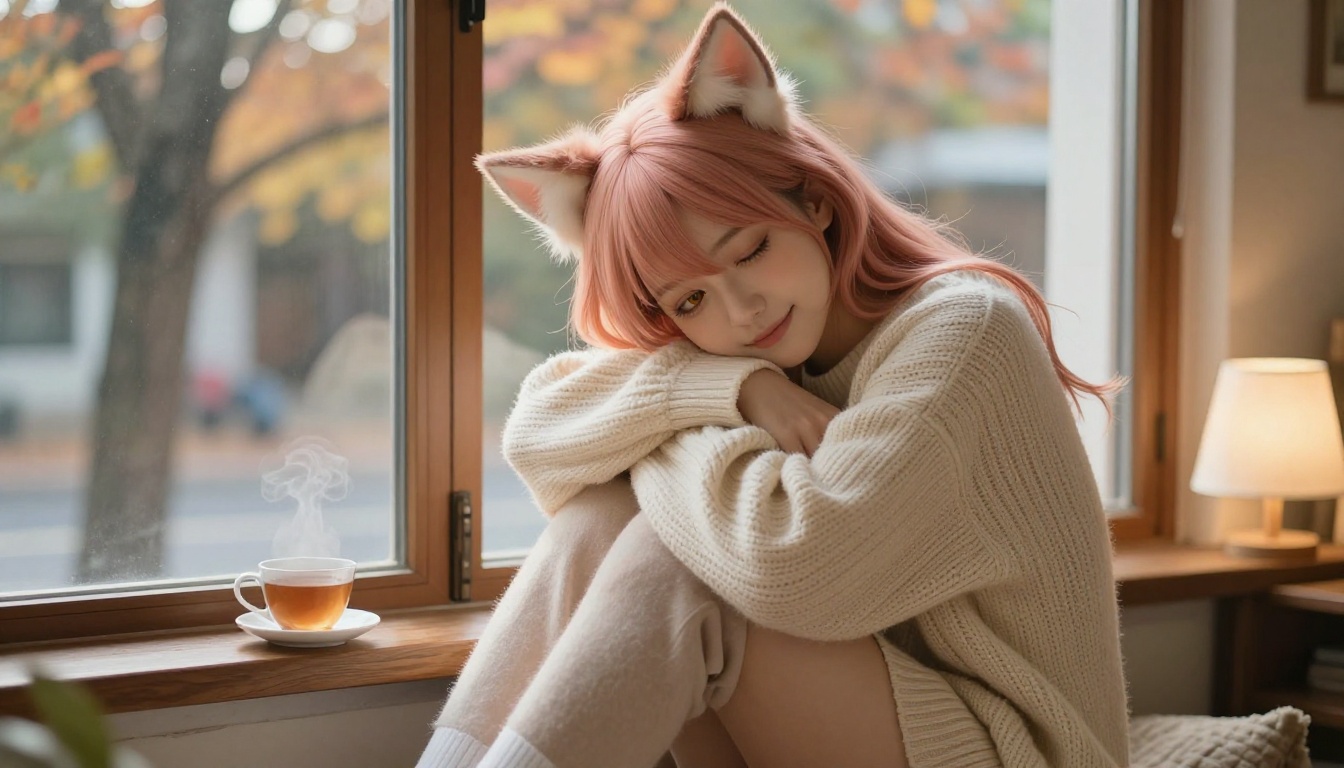
This opens a workflow that many waifu enthusiasts find compelling. You start with a real photo (of yourself, a friend, or a stock image) and convert it into an anime-style character while preserving the facial structure and identity of the original. The result is a personalized waifu that feels genuinely unique rather than generated from a generic prompt.
The conversion quality is notably high. Hair, eye size, and skin are all converted with coherence rather than simply applying a filter on top of the photograph.
How to Use Seedream 4.5 on PicassoIA
Since Seedream 4.5 is the strongest free model for waifu generation, here is a step-by-step workflow to get the best results from it.
Step 1: Build a Strong Base Prompt
Start with your character's defining features in this order: gender, hair color, hair length, eye color, outfit, setting, mood.
Example: beautiful anime girl, long silver hair, violet eyes, wearing white school uniform, sunlit classroom, warm afternoon light, gentle smile
This structure gives the model a clear hierarchy of what matters most.
Step 2: Add Quality Modifiers
Append these modifiers to almost any waifu prompt: photorealistic, 4K, natural lighting, detailed eyes, soft skin texture, high quality
Avoid generic boosters like "masterpiece" or "best quality" as these terms have lost meaning through overuse and can confuse newer models.
Step 3: Control the Atmosphere
Lighting descriptions dramatically change the emotional tone of waifu images.
| Lighting Description | Effect |
|---|
| "golden hour sunlight from left" | Warm, romantic, flattering |
| "soft diffused studio light" | Clean, professional, detailed |
| "paper shoji screen light" | Traditional Japanese, intimate |
| "lantern bokeh background" | Festive, warm, atmospheric |
| "overcast natural light" | Even, soft, melancholic |
Step 4: Specify the Camera and Lens
Seedream 4.5 responds well to photography-style specifications. Adding 85mm f/1.8, shallow depth of field or 35mm wide angle, environmental context shifts the composition and rendering style in predictable ways.
Step 5: Iterate Fast, Render Slow
Use Flux Fast for quick prompt testing. Once you have a prompt that consistently produces the character you want, run the final version through Seedream 4.5 for the highest quality output.
Anime Photo Styles Worth Creating
The best AI waifu generators handle a wide range of character archetypes and settings. Here are the styles that produce the most striking results.
Classic Anime Archetypes
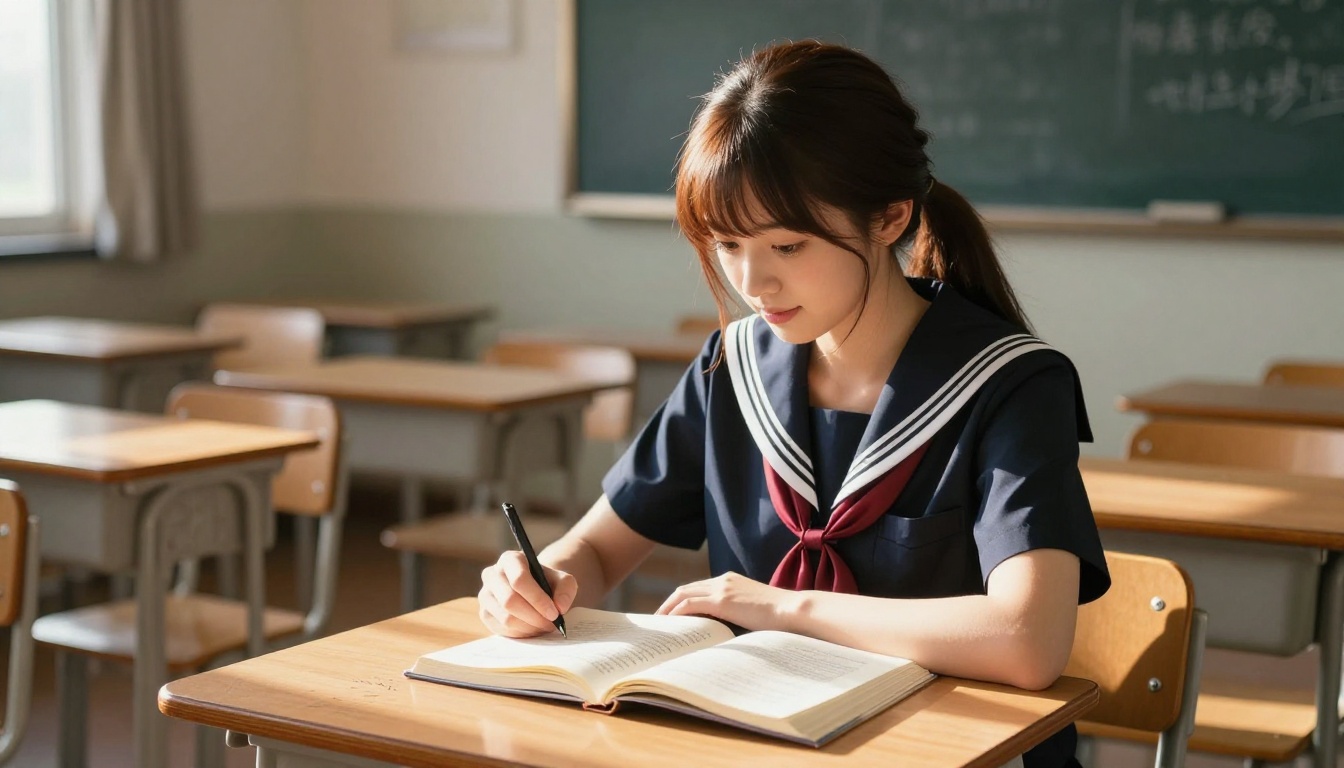
School Uniform remains the most popular waifu archetype for a reason. The combination of a recognizable outfit, nostalgic setting, and character expressiveness creates images with strong emotional resonance. Sailor uniforms and blazer uniforms both work exceptionally well.
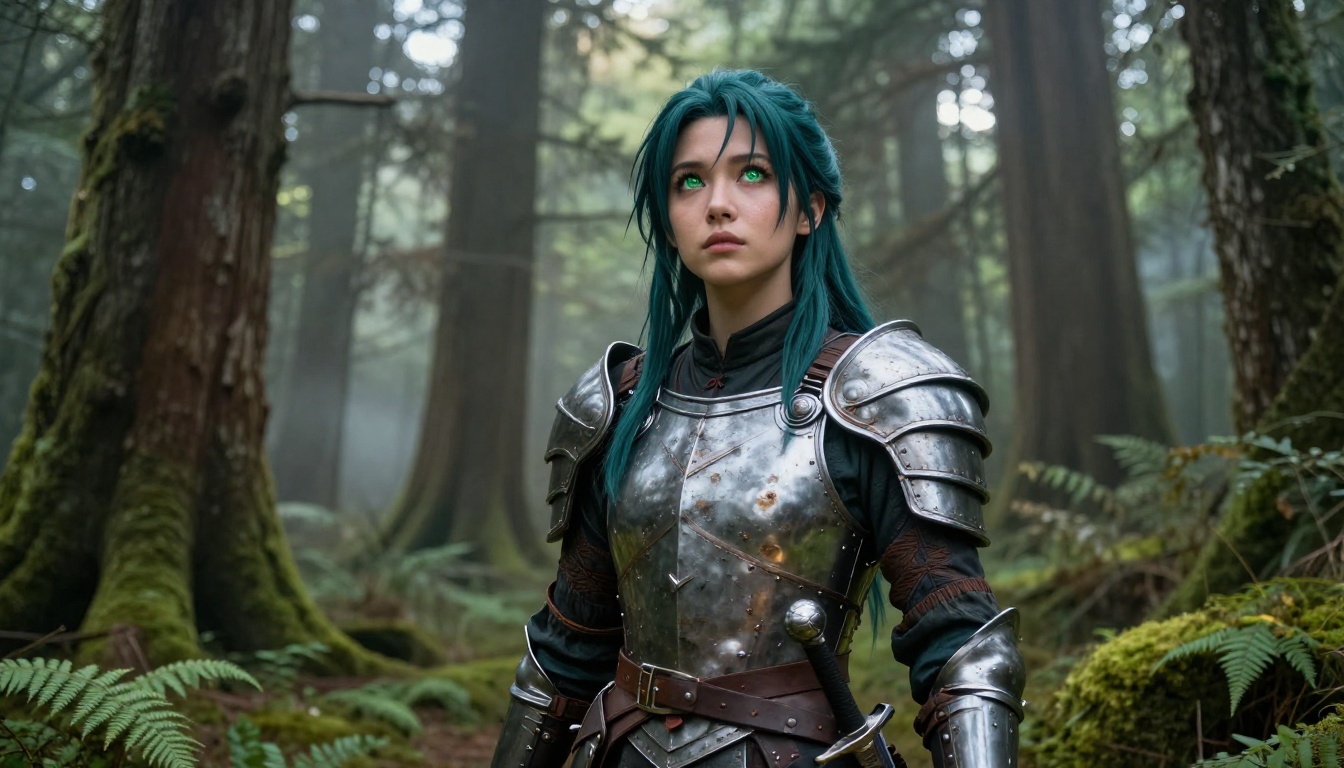
Fantasy Warrior produces some of the most visually dramatic waifu images. Leather armor, mystical forest settings, and determined expressions combine with natural lighting to create characters that feel like they belong in a premium RPG.
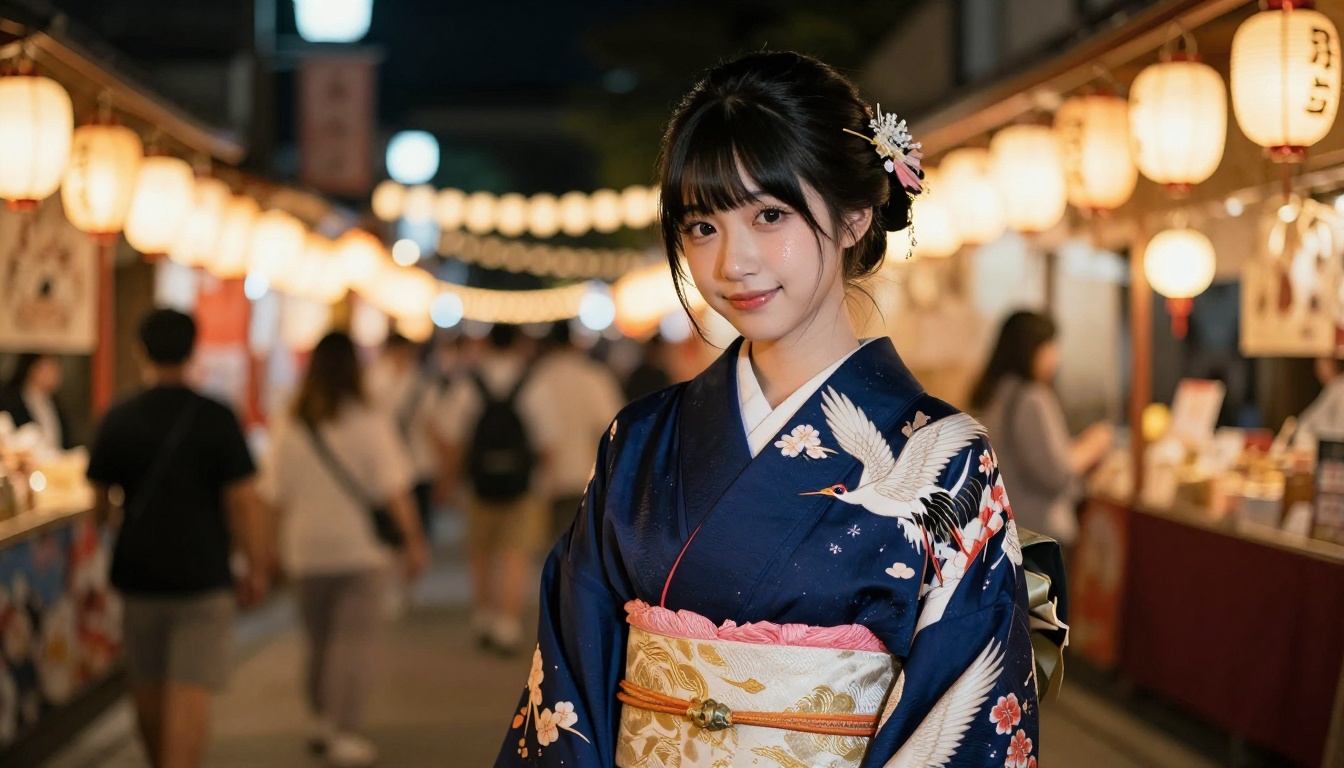
Traditional Japanese settings including kimono at festivals, miko shrine maiden outfits, and tea ceremony scenes benefit enormously from accurate cultural detail in the prompt. These images perform consistently well because the visual vocabulary is so specific.
Setting-Driven Generation
The setting often matters as much as the character. These environments produce reliably beautiful waifu images:
- Cherry blossom gardens: Soft pink petals and warm spring light create instant visual appeal
- Summer beach: Golden hour backlit hair and ocean horizon backgrounds are consistently stunning
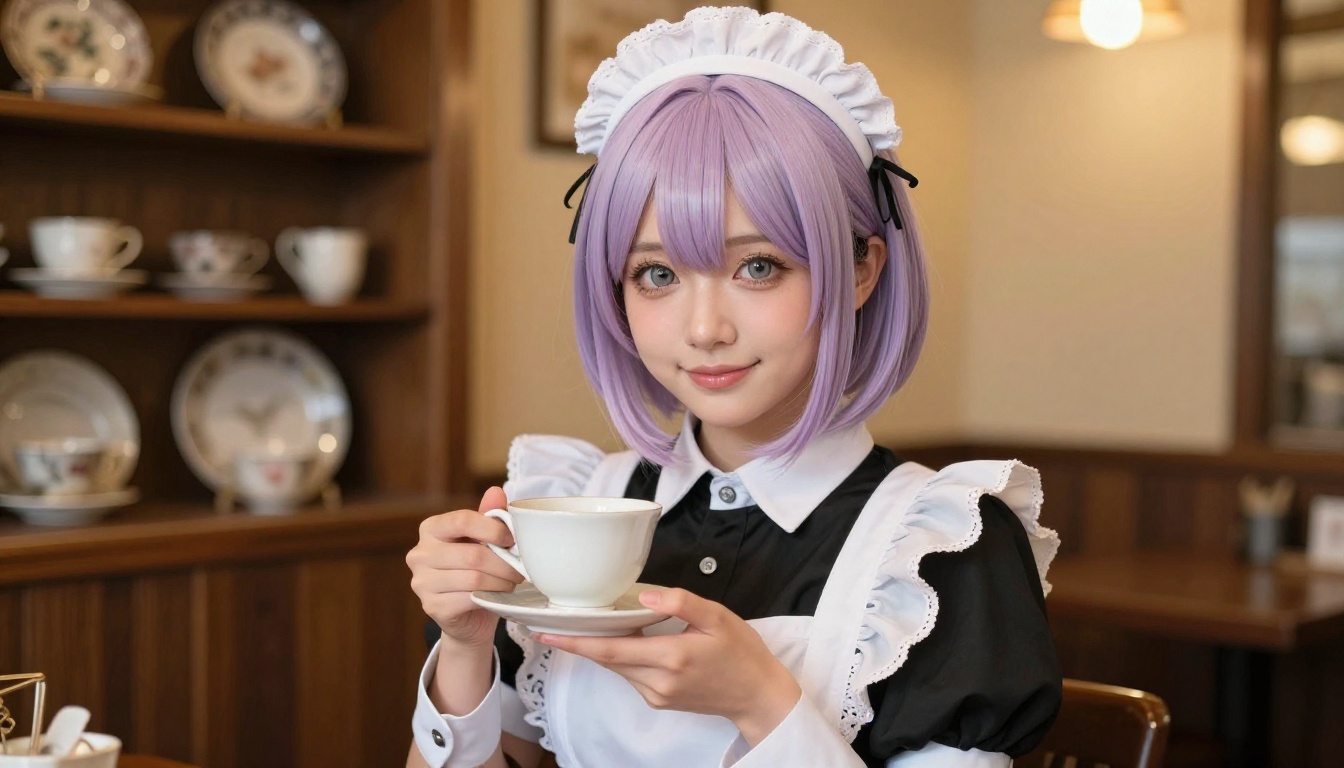
- Maid cafes: Warm interior lighting and detailed costume design reward careful prompting
- Night festivals: Paper lantern bokeh creates one of the most beautiful background effects available in AI generation
NSFW Waifu Generation
For suggestive but non-explicit content, Seedream 4.5 handles bikini, lingerie, and similar content without the excessive filtering or distortion that makes other models frustrating for this use case.
💡 Important: Seedream 5 Pro also handles this content well. However, avoid Seedream 5 Lite for any adult-adjacent content as it blocks it aggressively. Stick with Seedream 4.5 as your primary choice for the best results.
The secret is keeping prompts focused on aesthetics: body language, setting, natural lighting, and clothing texture rather than explicit descriptions. The model reads artistic intent well when prompts frame the image in terms of photography and atmosphere.
Model Comparison at a Glance
Prompting Mistakes That Kill Waifu Quality
Even with a great model, bad prompts produce bad results. These are the errors that consistently hurt waifu generation quality.
Vague Character Descriptions
Bad: anime girl, cute
Better: beautiful anime girl, long rose gold hair, warm amber eyes, wearing white sundress, cherry blossom garden, soft morning light, gentle relaxed expression
Specificity is everything. The model cannot read your mind. Every detail you leave out gets filled in by the model's statistical average of what fits the context, which often does not match what you actually want.
Conflicting Style Instructions
Asking for "photorealistic anime in 3D render style with illustration quality" sends the model three different directions at once. Pick one primary style direction and support it.
For the models on this list, "photorealistic with anime-inspired features" is the most effective framing. It tells the model to prioritize photographic rendering quality while applying anime aesthetic conventions for the character design.
Ignoring Negative Prompts
Most platforms allow negative prompts. Use them. For waifu generation, these consistently improve results:
distorted eyes, extra fingers, blurry, low quality, watermark, cartoon filter, flat colors
Eye distortion is the most common failure mode in anime generation. Adding distorted eyes, crossed eyes, asymmetrical eyes to your negative prompt dramatically reduces this problem.
What PicassoIA Offers Beyond Waifu Generation
PicassoIA is not just an image generation platform. Once you have created your waifu character, the platform gives you tools to do much more with the result:
- Face Swap AI: Apply your character's face to different scenes or outfits with one click
- Outpainting: Expand the canvas beyond the original image frame to add environmental context
- Inpainting: Fix specific areas of an image, perfect for correcting a hand or refining an outfit detail
- Super Resolution: Upscale your best generations to 4x their original size without quality loss
- AI Image Restoration: Repair and sharpen images that lost detail during generation
These tools work together in a workflow that takes a great initial generation and refines it into something polished enough for any use. The Inpainting tool alone solves the most common waifu generation problem: bad hands.
💡 Pro tip: After generating your waifu with Seedream 4.5, run the image through Super Resolution to get a crisp final output at full 4x size. The detail retention is exceptional.
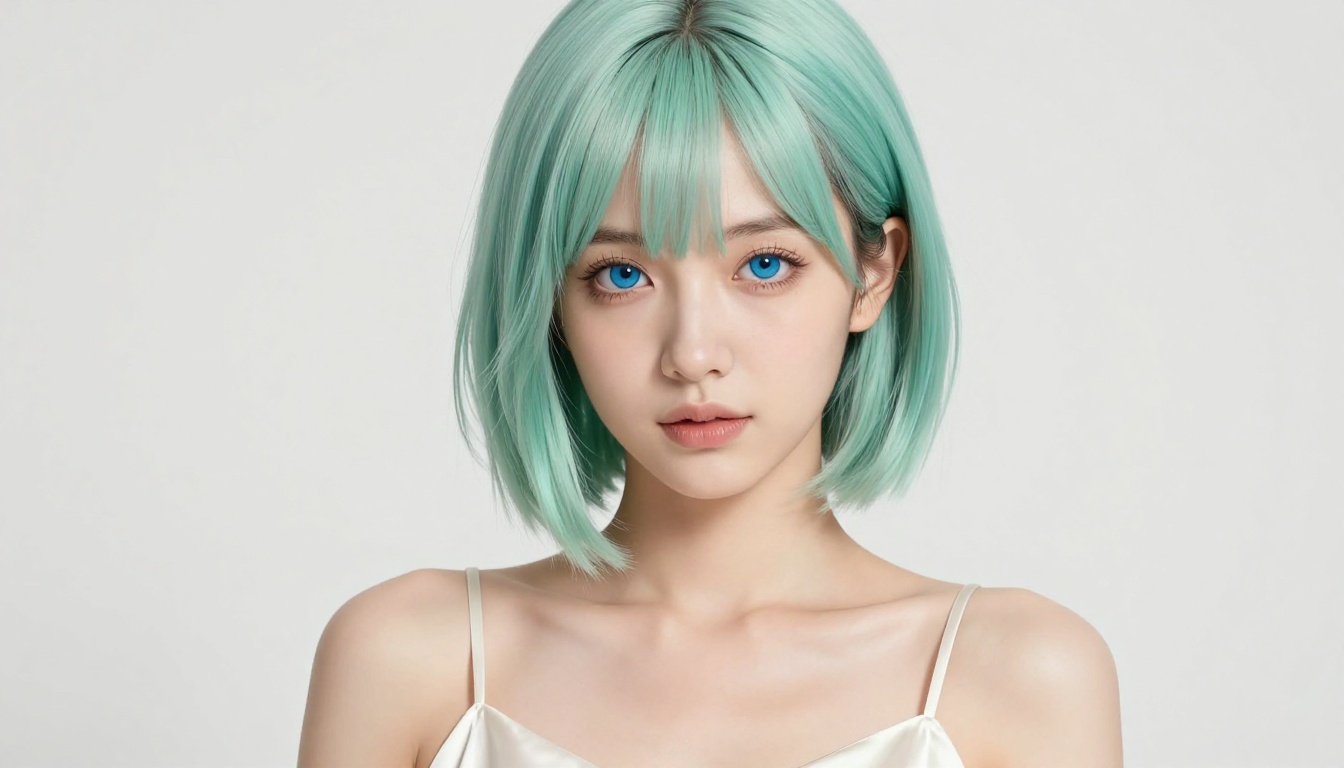
Start Creating Your Own Waifu Now
The tools covered here represent the current peak of free AI waifu generation. Seedream 4.5 is where to start. It produces 4K results, handles the full range of waifu archetypes and styles, and consistently delivers eye quality that makes characters feel real and expressive.
PicassoIA hosts all these models in one place, with unlimited generation access through Image Editor Pro. You do not need to manage accounts across six different platforms or deal with watermarks on every image.
Open the full model library at picassoia.com/en/all-models, load up Seedream 4.5, and start with the prompting structure from this article. Your first result will show you how far free AI image generation has come in 2027.
The only thing between you and a stunning waifu photo is a well-written prompt.


