GPT-5.2 has become the gold standard for AI language generation, but its premium pricing puts it out of reach for many users. The good news? Several powerful alternatives offer comparable performance at zero cost. Whether you need conversational AI, content creation, or technical assistance, these free models deliver professional results without breaking the bank.
Why Look for GPT-5.2 Alternatives?
The demand for AI language models has exploded in 2027, but not everyone can justify GPT-5.2's subscription fees. Free alternatives have matured significantly, offering features that were once exclusive to paid models. Many of these options run on open-source architectures, giving developers more control and transparency.
Cost isn't the only factor. Some alternatives excel in specific areas like coding, multilingual support, or longer context windows. By choosing the right model for your needs, you often get better results than using a general-purpose premium solution.
DeepSeek-V3: The Rising Star
DeepSeek-V3 has emerged as one of the most impressive free alternatives in early 2026. This model combines advanced reasoning capabilities with exceptional speed, making it ideal for both simple queries and complex tasks.

What makes DeepSeek-V3 special:
- Context-aware responses that maintain coherence across long conversations
- Adjustable creativity levels through temperature and top-p sampling
- Built-in repetition control with presence and frequency penalties
- Fast processing speeds that rival premium models
- Open-source transparency for developers who want to understand how it works
The model handles everything from technical documentation to creative writing. Its parameter tuning options let you fine-tune outputs to match your exact requirements, whether you need formal business communication or casual blog posts.
Meta's Llama 3.1 with 405 billion parameters stands as proof that bigger can be free. This massive model delivers enterprise-grade performance without any subscription fees, making it perfect for demanding applications.

The sheer size of Llama 3.1 means it understands nuance and context better than smaller models. When you ask it to analyze complex documents or generate detailed technical content, it rarely stumbles. The model's fine-tuning for conversational tasks makes it feel natural, not robotic.
Key capabilities:
- 405B parameters provide deep language understanding
- Customizable output length and creativity controls
- Advanced filtering with top_k and top_p parameters
- System prompt support for consistent behavior across sessions
- Stop sequences for precise output control
You can use Llama 3.1 for chatbots, content automation, summarization, or even code generation. Its versatility makes it suitable for almost any text-based AI task.
Anthropic's Claude 4.5 Sonnet offers a different approach. Instead of maximizing raw power, it focuses on reliability and safety. This makes it particularly valuable for business applications where you can't afford unpredictable outputs.
Claude excels at following complex instructions and maintaining consistent tone. If you need to generate content that matches specific brand guidelines or writing styles, Claude often outperforms larger models. Its responses feel polished and professional right out of the box.
The model's safety features reduce the risk of generating problematic content, which matters when you're using AI for customer-facing applications. This reliability comes without sacrificing creativity or usefulness.
Open Source Advantages
Free alternatives share a significant advantage: open-source accessibility. Unlike GPT-5.2's black-box approach, these models let developers inspect their architectures, understand their limitations, and even modify them for specific use cases.

This transparency builds trust. You know exactly what the model can and cannot do. You can test it thoroughly before committing to production deployments. And if something goes wrong, community forums and documentation provide real solutions instead of generic support responses.
Benefits of open-source models:
- Complete transparency in model architecture and training data
- Active community support and continuous improvements
- No vendor lock-in or surprise pricing changes
- Customization options for specialized applications
- Privacy control since you can run models locally
Cost Comparison: Free vs. Premium
The economics speak for themselves. GPT-5.2 subscriptions can run hundreds of dollars monthly for high-volume users. These free alternatives eliminate that expense entirely, letting you redirect budget to other priorities.
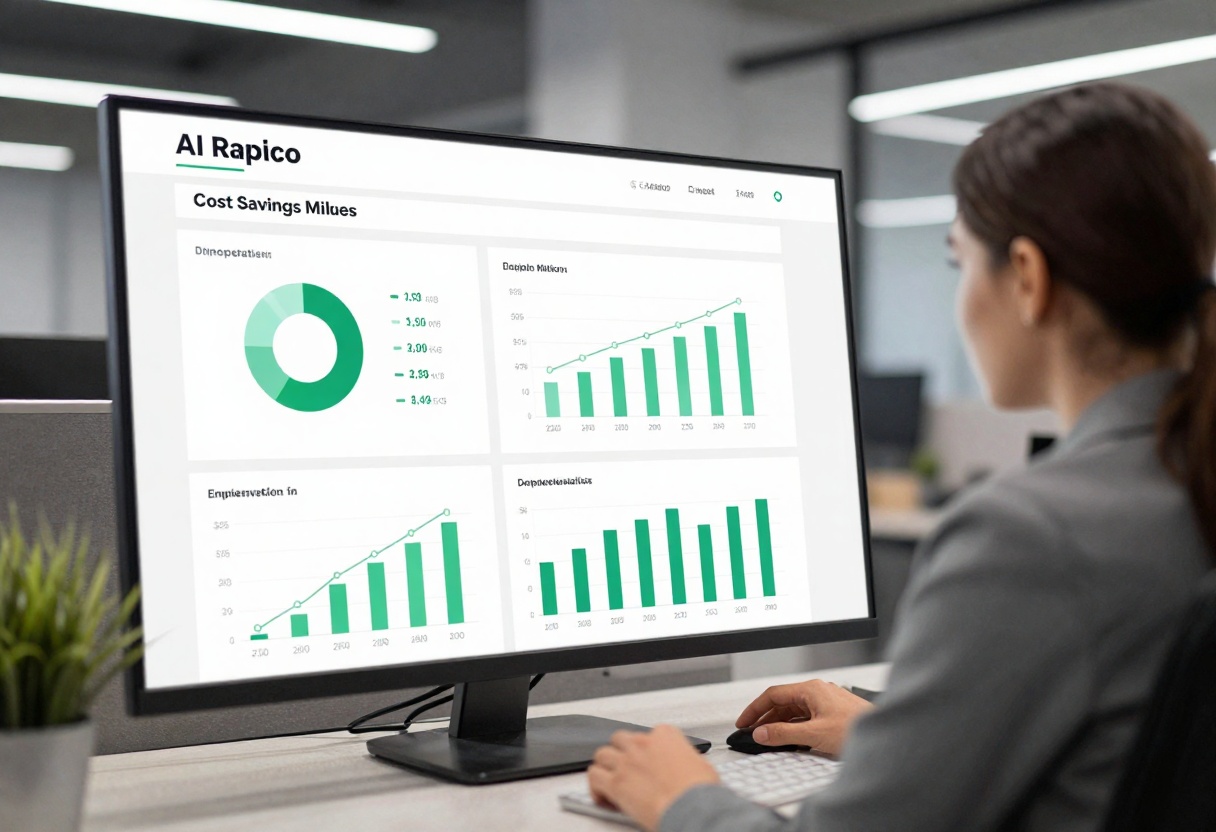
For startups and small businesses, this cost difference determines whether AI adoption happens at all. Free models make experimentation affordable. You can test different approaches, iterate quickly, and scale usage without worrying about exponential cost increases.
| Model | Monthly Cost | Best For |
|---|
| GPT-5.2 | $200+ | Premium features, latest capabilities |
| DeepSeek-V3 | Free | Balanced performance, general use |
| Meta Llama 3.1 | Free | Complex reasoning, technical content |
| Claude 4.5 Sonnet | Free | Business applications, safety-critical tasks |
Even organizations that can afford GPT-5.2 often mix in free alternatives. Use premium models for critical customer-facing applications while free options handle internal tasks, documentation, and development work.
Gemini 3 Pro: Google's Free Offering
Google's Gemini 3 Pro brings multimodal capabilities to the free tier. While technically focused on text generation for this comparison, its ability to understand context from images and other media types adds useful flexibility.

The model shines when you need to process diverse input types. Ask it questions about images, combine text and visual prompts, or generate content that references multiple sources. This versatility makes it valuable for content creators who work across different media formats.
Gemini's integration with Google's ecosystem provides additional benefits. If you already use Google Workspace tools, the model fits naturally into existing workflows without requiring new infrastructure or authentication systems.
Real-world testing shows these alternatives hold their own against GPT-5.2 in most scenarios. While premium models edge ahead in specialized tasks, the gap has narrowed considerably over the past year.
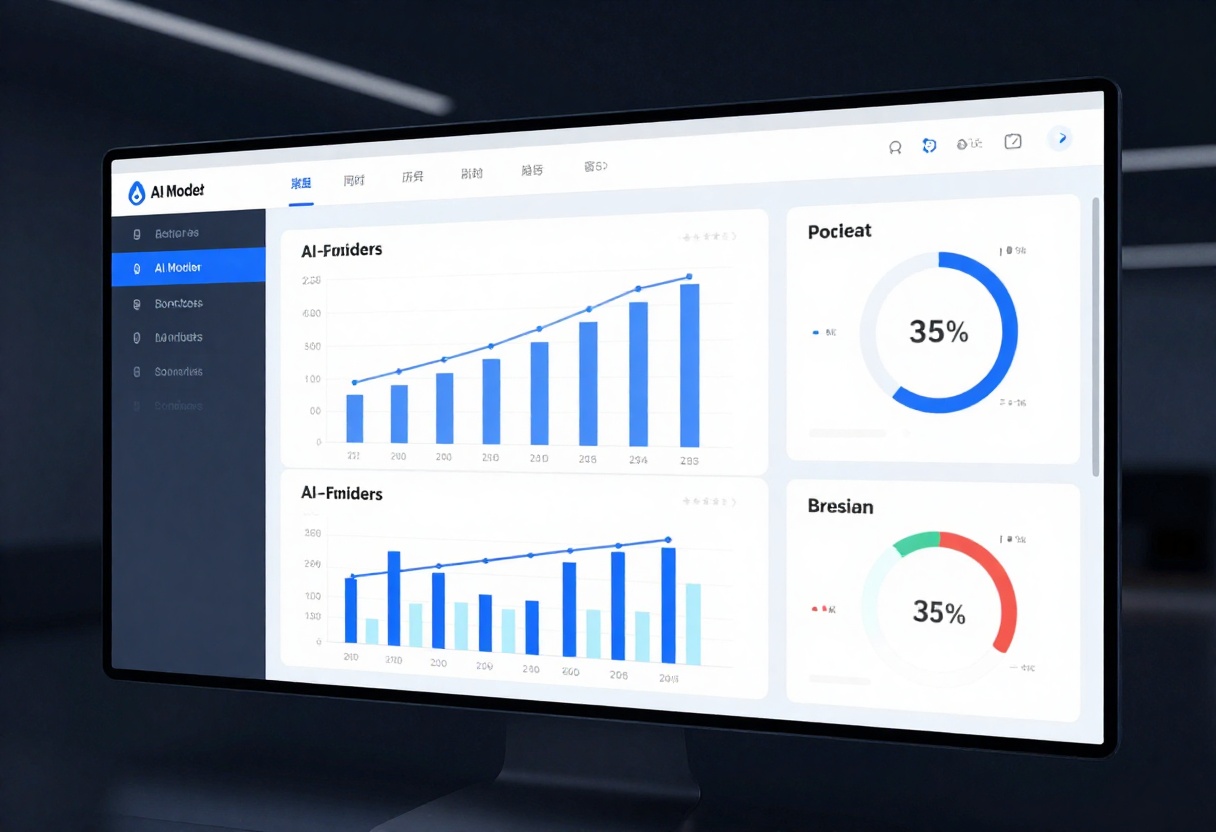
Recent benchmark highlights:
- DeepSeek-V3 matches GPT-5.2 speed in standard queries
- Meta Llama 3.1 exceeds GPT-5.2 in reasoning tasks requiring deep context
- Claude 4.5 Sonnet shows higher accuracy in following complex multi-step instructions
- Gemini 3 Pro leads in multimodal understanding and cross-format tasks
These results matter because they demonstrate you're not sacrificing quality by choosing free options. In many cases, you might actually improve results by selecting a model optimized for your specific use case rather than defaulting to the most expensive option.
Getting Started with PicassoIA
PicassoIA provides unified access to all these free alternatives through a single platform. Instead of managing multiple accounts and APIs, you can test different models side-by-side and find the best fit for each project.
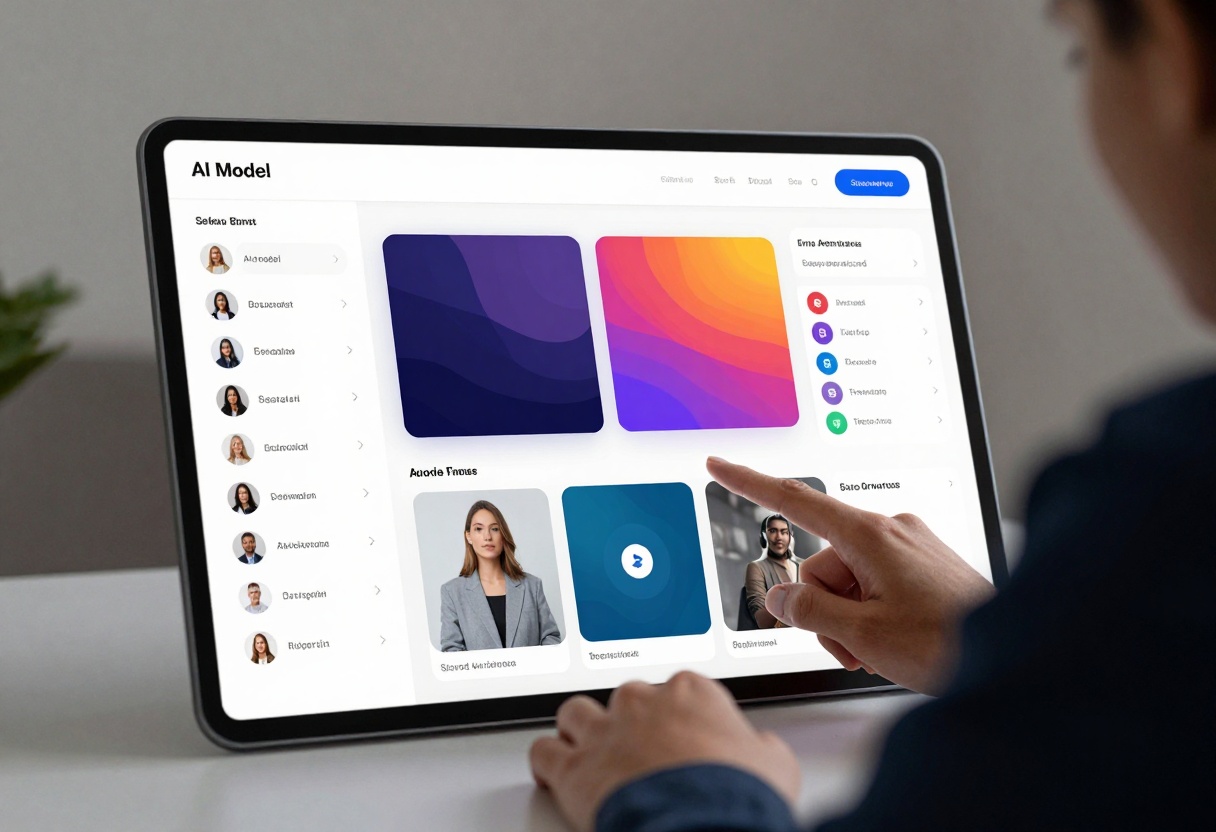
The platform handles the technical complexity of model deployment and scaling. You focus on crafting prompts and evaluating outputs while PicassoIA manages infrastructure, updates, and optimization behind the scenes.
This approach lets you experiment freely. Try DeepSeek-V3 for one task, switch to Llama 3.1 for another, and compare results without rewriting integration code. The flexibility accelerates development and helps you avoid being locked into a single model that might not age well.
Practical Usage Tips
Getting the best results from these free alternatives requires understanding their strengths. Each model has parameters you can adjust to optimize outputs for specific tasks.
Temperature settings matter. Higher values (0.8-1.0) generate creative, varied responses. Lower values (0.2-0.4) produce consistent, focused outputs. Match temperature to your needs: creative writing versus technical documentation requires different approaches.
Context length impacts quality. Longer prompts provide more guidance but can slow processing. Find the balance between giving enough context and keeping prompts concise. Most models handle 2,000-4,000 tokens effectively without degradation.
System prompts set behavior. Define the model's role upfront: "You are a technical writer" or "You are a creative storytelling assistant." This framing helps maintain consistency across multiple generations.
Test different models for the same task. What works best varies by use case. DeepSeek-V3 might excel at one type of content while Claude 4.5 handles another better. PicassoIA's unified interface makes these comparisons straightforward.
How to Use DeepSeek-V3 on PicassoIA
Ready to try one of the best free alternatives? DeepSeek-V3 offers professional-grade text generation without any cost. Here's how to get started on PicassoIA.
Step 1: Access the Model Page
Navigate to the DeepSeek-V3 model page on PicassoIA. The interface provides immediate access to all model features without requiring complex setup.
Step 2: Configure Your Prompt
Enter your text prompt in the main input field. Be specific about what you need. Instead of "write about AI," try "write a 300-word professional blog post about AI applications in healthcare, focusing on patient diagnosis improvements."
Required parameter:
- Prompt: Your text input describing what you want the model to generate
Step 3: Adjust Optional Settings
Fine-tune the output using these controls:
- Max Tokens (default: 1024): Controls response length. Increase for longer content, decrease for concise answers
- Temperature (default: 0.6): Adjusts creativity. Use 0.3-0.5 for factual content, 0.7-0.9 for creative writing
- Top P (default: 1): Nucleus sampling parameter. Lower values (0.8-0.9) create more focused outputs
- Presence Penalty (default: 0): Reduces repetition of topics. Increase to 0.5-1.0 if responses feel repetitive
- Frequency Penalty (default: 0): Reduces repetition of specific words. Adjust to 0.5-1.0 for more varied vocabulary
Step 4: Generate Your Content
Click the generate button to start processing. DeepSeek-V3 typically delivers results in seconds, even for complex requests. The output appears in the results panel where you can review and copy it.
Step 5: Refine and Iterate
Not satisfied with the first result? Adjust your prompt or parameters and generate again. The model's speed makes iteration practical. Try different temperature settings or add more context to your prompt to improve results.
Pro tips for better outputs:
- Start with the default settings, then adjust based on results
- Use higher temperature for brainstorming, lower for factual content
- Increase max tokens if responses get cut off
- Add specific formatting instructions in your prompt (bullet points, paragraphs, etc.)
- Save successful parameter combinations for future similar tasks
DeepSeek-V3 on PicassoIA handles content creation, question answering, summarization, and more. Its flexibility makes it suitable for both casual experimentation and production deployments. The free access removes cost barriers while delivering professional results.
Choosing the Right Alternative
No single model works best for everyone. Your choice depends on specific requirements: response speed, output quality, specialized capabilities, or integration needs.
Choose DeepSeek-V3 when:
- You need balanced performance across diverse tasks
- Speed matters more than maximum sophistication
- Parameter tuning flexibility is important
- You want reliable general-purpose AI without complexity
Choose Meta Llama 3.1 when:
- Complex reasoning and deep context understanding are critical
- You're working with technical or specialized content
- Raw processing power outweighs speed concerns
- Your application benefits from the largest available parameter count
Choose Claude 4.5 Sonnet when:
- Safety and reliability take priority over raw performance
- You need consistent tone and style across generations
- Business or customer-facing applications demand predictable behavior
- Instruction-following accuracy matters more than creative freedom
Choose Gemini 3 Pro when:
- Your workflow involves multiple media types
- Integration with Google services provides value
- Multimodal understanding improves your specific use case
- You need flexibility across text and visual inputs
The beauty of PicassoIA is you don't have to commit to one option. Test multiple models, evaluate results, and let performance guide your decision rather than assumptions about which should work best.
The Future of Free AI Models
The trend toward powerful free alternatives shows no signs of slowing. Companies invest in open-source models to build ecosystems, attract developers, and establish standards. Users benefit from this competition through better models and lower costs.
Expect continued improvements in 2027. Current free models already challenge premium options in many areas. As development accelerates, the gap will likely shrink further. Some predictions suggest free alternatives may eventually match or exceed GPT-5.2's capabilities entirely.
This democratization of AI technology changes who can build with these tools. Small teams and individual developers gain access to capabilities that once required enterprise budgets. Innovation accelerates when more people can experiment without financial risk.
Final Thoughts
GPT-5.2 remains impressive, but it's no longer the only viable option. DeepSeek-V3, Meta Llama 3.1, Claude 4.5 Sonnet, and other free alternatives deliver professional results without subscription fees.
The right choice depends on your specific needs. Test different models through PicassoIA's unified platform, measure real-world performance, and let results guide your decision. You might find a free alternative that actually works better for your use case than the premium option you assumed you needed.
The AI landscape continues evolving rapidly. What seems cutting-edge today becomes standard tomorrow. By exploring free alternatives now, you position yourself to adapt as the technology develops, without being locked into expensive subscriptions that might not age well.
Ready to start? Visit PicassoIA to access these powerful free alternatives and see which one fits your needs best. The only cost is your time, and the potential benefits are substantial.


