The world of software development has changed dramatically. AI coding assistants have become essential tools that help developers write better code faster, catch bugs before they become problems, and learn new programming concepts more efficiently.
If you're looking for free AI coding tools in 2027, you're in luck. The landscape has matured significantly, with several powerful options available that don't cost a dime. But which ones are actually worth your time?

What Makes a Coding AI Actually Useful
Before diving into specific tools, it's worth understanding what separates genuinely helpful AI coding assistants from glorified autocomplete. The best tools do more than just finish your sentences. They understand context, suggest optimizations, catch potential issues, and adapt to your coding style.
Real-time code generation is table stakes now. Any decent AI should be able to write functional code based on natural language descriptions. But the magic happens when the tool can also explain what it's doing, why it made certain choices, and how you might improve the approach.
The other crucial factor is language support. Most developers work across multiple languages and frameworks. An AI that only handles Python or JavaScript isn't going to cut it for modern polyglot development.
Code Generation That Actually Works
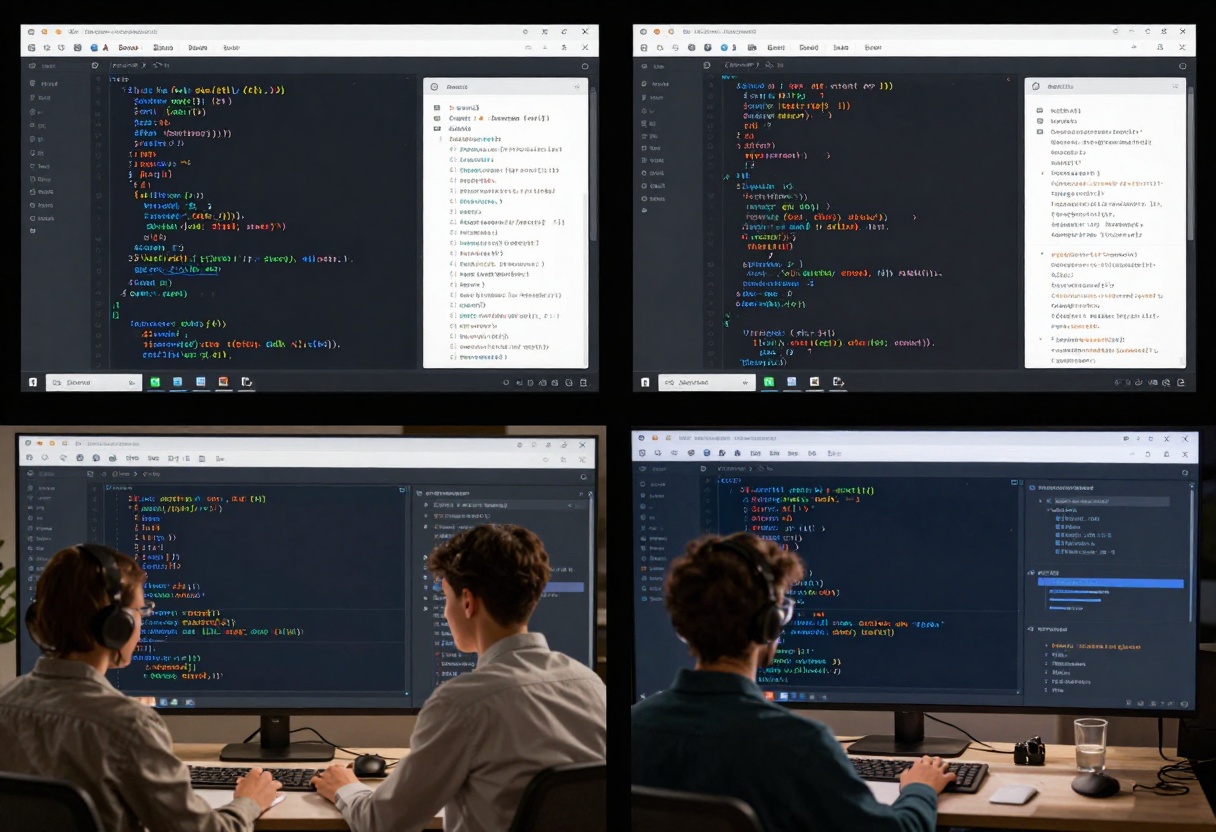
The core promise of AI coding tools is simple: describe what you want, and the AI writes the code. In practice, this works surprisingly well for common patterns and boilerplate code.
Modern AI assistants can generate entire functions, classes, and even small modules from plain English descriptions. The quality varies, but the best tools produce code that's not just functional but also follows best practices and includes proper error handling.
What's particularly impressive is how these tools handle edge cases. Instead of blindly generating code that works in the happy path, good AI assistants consider error conditions, validate inputs, and add defensive programming patterns.
Finding Bugs Before They Find You
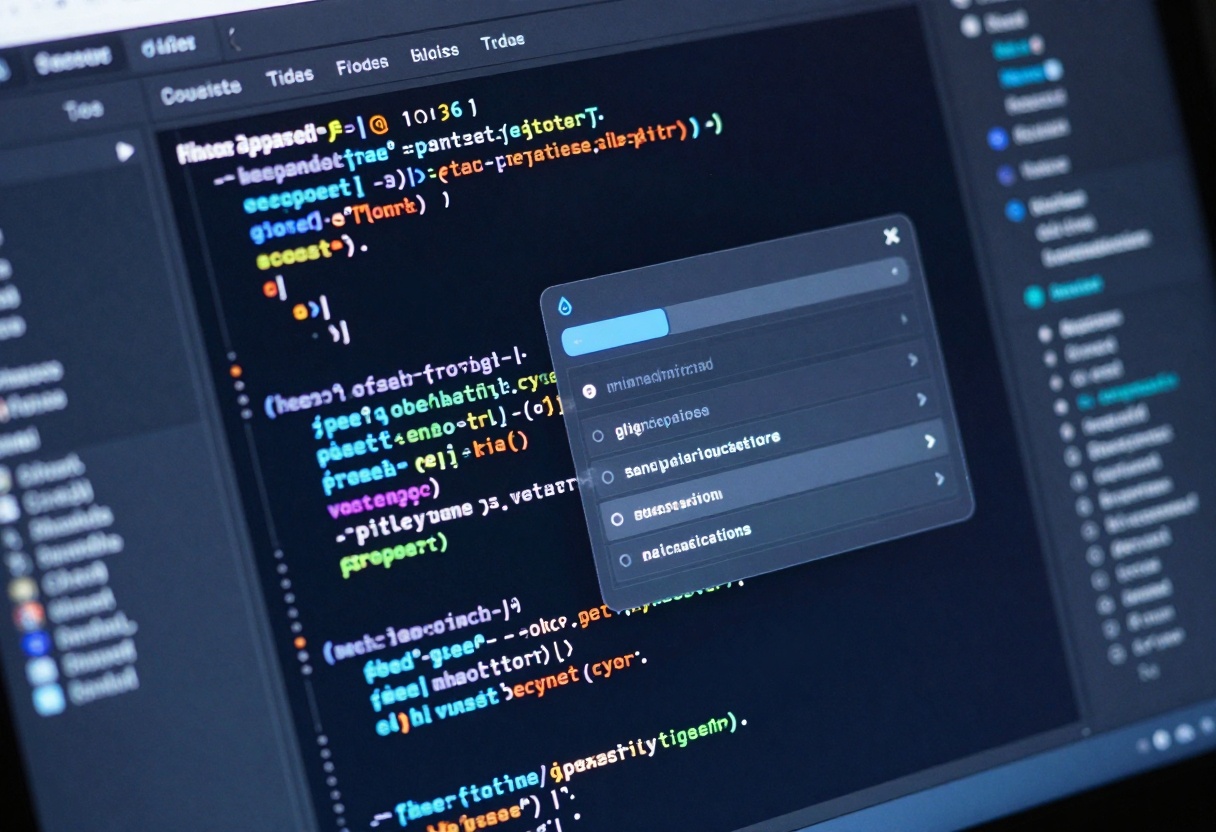
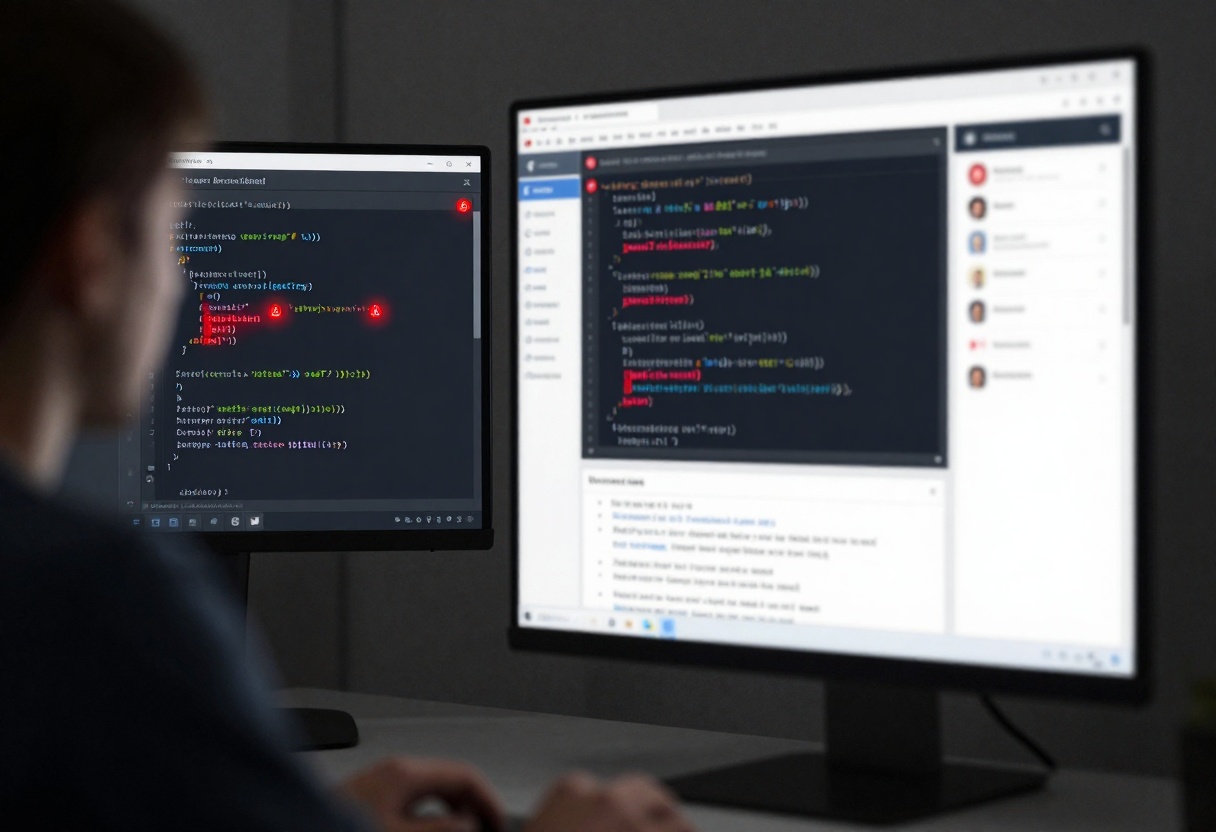
Automatic bug detection has become one of the most valuable features of AI coding assistants. Instead of waiting for code reviews or runtime errors, these tools can spot problems as you type.
The sophistication here is remarkable. AI assistants can identify not just syntax errors but also logical mistakes, potential security vulnerabilities, and performance bottlenecks. They're like having an experienced developer looking over your shoulder, minus the awkwardness.
Some tools go further by suggesting fixes for the issues they find. This isn't just about correcting typos; it's about understanding the intended behavior and proposing actual solutions.
Documentation Without the Pain
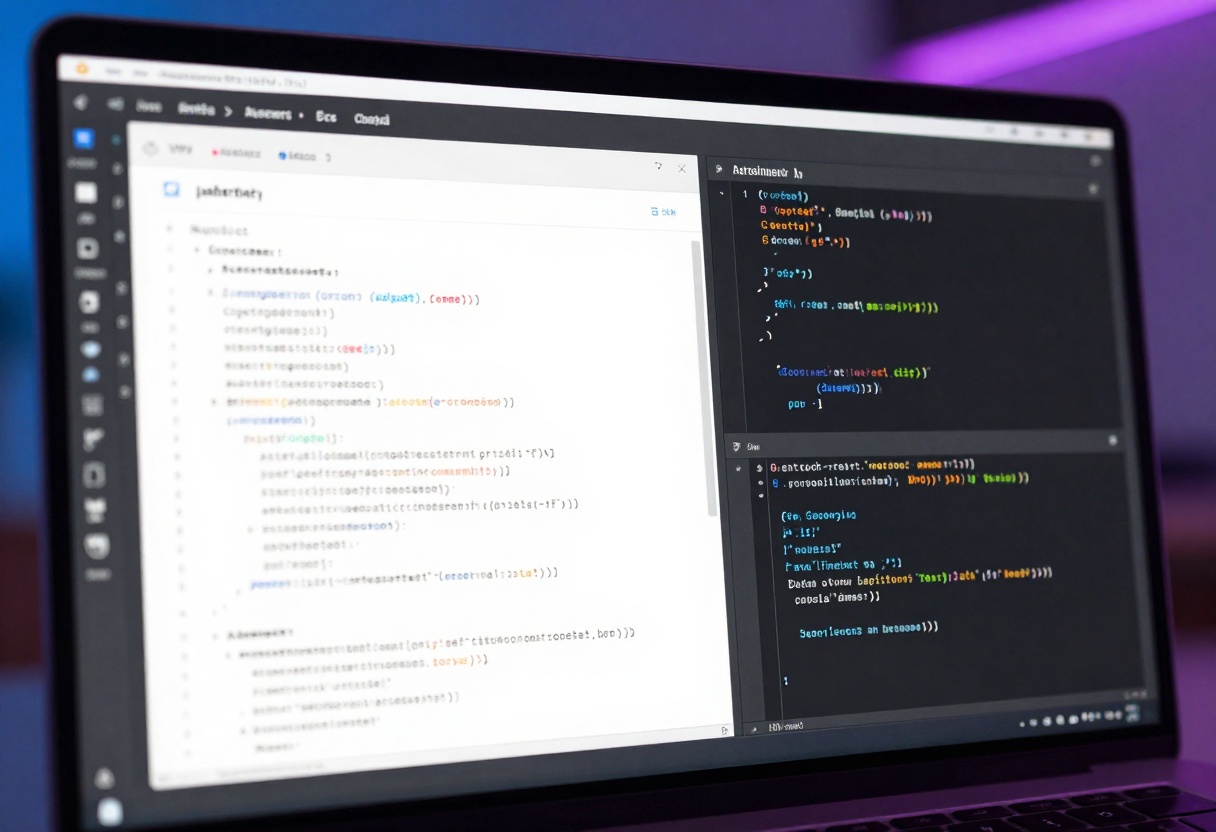
Writing documentation is often seen as a chore, but AI-powered documentation generation has made this much more manageable. Modern tools can analyze your code and generate clear, accurate documentation automatically.
This includes everything from inline comments to full API documentation. The AI understands what each function does, what parameters it expects, and what it returns. It can even infer the purpose of complex algorithms and explain them in plain language.
The quality of generated documentation has improved dramatically. Instead of generic descriptions, AI assistants now create context-aware explanations that actually help other developers understand your code.
Collaborative Development Gets Smarter
Team collaboration features in AI coding tools have evolved beyond simple code sharing. These assistants can now facilitate better communication between developers by maintaining context across team members and suggesting consistent patterns.
When multiple developers work on the same codebase, AI assistants help maintain consistency by learning and enforcing team coding standards. They can catch style violations, suggest naming conventions, and ensure everyone follows the same patterns.
This becomes especially valuable in remote work environments where face-to-face code reviews are less common. The AI acts as a consistent mediator, helping teams maintain code quality without constant meetings.

Code Refactoring Made Easy
Intelligent refactoring suggestions help developers improve existing code without breaking functionality. AI assistants can identify opportunities to simplify complex logic, extract reusable functions, and optimize performance.
The process is remarkably safe. Modern tools understand dependencies and side effects, so they can suggest refactoring that preserves behavior while improving code quality. They can even show you before-and-after comparisons so you understand exactly what's changing.
This capability has made it much easier to maintain legacy code. Instead of being afraid to touch old code because you might break something, you can let the AI guide you through safe improvements.
Learning While You Code
For developers learning new languages or frameworks, AI tutoring capabilities have become invaluable. These tools don't just write code for you; they explain concepts, suggest best practices, and help you understand why certain approaches work better than others.
The educational aspect goes both ways. As you code, the AI learns your patterns and can offer increasingly personalized suggestions. It's like having a patient mentor who adapts to your learning style and experience level.
This makes AI coding assistants particularly valuable for junior developers or anyone picking up a new technology. Instead of constantly switching to Stack Overflow, you can get explanations and examples right in your editor.
Automated Testing That Thinks
Writing tests is essential but often tedious. AI-powered test generation changes this by automatically creating comprehensive test suites based on your code.
These tools analyze your functions and generate test cases that cover edge cases, boundary conditions, and common usage patterns. They can even suggest additional scenarios you might not have considered.
The quality of generated tests has reached a point where they're often more thorough than manually written ones. AI assistants think of edge cases that humans might miss and can generate large numbers of tests quickly.
Multi-Language Support
The best free AI coding tools in 2027 support dozens of programming languages out of the box. Whether you're writing Python, JavaScript, Java, C++, Rust, or something more esoteric, modern AI assistants can help.
This polyglot capability is crucial because most real-world projects involve multiple languages. You might have a Python backend, JavaScript frontend, and SQL database queries all in the same repository. A truly useful AI assistant needs to handle all of these seamlessly.
The quality of suggestions remains consistent across languages, which is impressive given how different programming paradigms can be. The AI understands not just syntax but also language-specific idioms and best practices.
Productivity Gains You'll Actually Notice
The real test of any tool is whether it actually makes you more productive. With AI coding assistants, the answer is clearly yes for most developers.
Time savings come from multiple sources: faster code writing, fewer bugs that require debugging, automatic documentation, and quicker problem-solving. Studies show developers using AI assistants complete tasks 30-50% faster on average.
But speed isn't everything. The quality improvements matter just as much. Code written with AI assistance tends to be more consistent, better documented, and less prone to common mistakes. This means less technical debt accumulating over time.

Top Free Options for 2027
Several AI coding assistants stand out as the best free options available this year:
Large language models have become incredibly powerful for coding tasks. Models like GPT-5 excel at understanding natural language descriptions and generating appropriate code. They can handle complex queries, explain existing code, and suggest improvements.
Context-aware assistants go beyond simple code completion by understanding your entire project. They can suggest relevant functions from your codebase, maintain consistency with existing patterns, and catch integration issues early.
Specialized tools focus on specific aspects like code review, testing, or documentation. While not as comprehensive as general-purpose assistants, they often provide deeper capabilities in their niche.
The key is finding the right combination for your workflow. Many developers use multiple tools together, leveraging the strengths of each.
Privacy and Security Considerations
When using AI coding assistants, it's important to understand how your code is handled. Data privacy varies significantly between tools.
Some assistants process everything locally on your machine, keeping your code completely private. Others send code to cloud servers for processing, which raises questions about who can access your intellectual property.
For professional work, especially in regulated industries, you need to ensure the AI tools you use comply with your organization's security policies. Many companies now have specific guidelines about which AI assistants are approved for use.
The good news is that most reputable free tools are transparent about their data handling practices. Read the privacy policies and make informed decisions about what works for your situation.
Integration with Your Workflow
The best AI coding assistant is one that fits seamlessly into how you already work. Modern tools offer plugins for popular IDEs like VS Code, IntelliJ, and Sublime Text.
Integration quality matters more than you might think. An AI that requires constant context switching or awkward keyboard shortcuts won't get used, no matter how powerful it is. The best tools feel like a natural extension of your editor.
Many assistants also integrate with version control, issue trackers, and CI/CD pipelines. This creates a unified workflow where AI assistance is available at every step of the development process.
Getting Started with PicassoIA's GPT-5
PicassoIA offers access to GPT-5.2, one of the most capable language models for coding tasks. Here's how to use it effectively for your development work.
Navigate to GPT-5 on PicassoIA
Visit the GPT-5.2 model page on PicassoIA. This gives you access to OpenAI's most advanced language model without needing a paid subscription or API key.
Write Your Coding Prompt
In the prompt field, describe what you want to accomplish. Be specific about the programming language, framework, and any constraints. For example: "Write a Python function that validates email addresses using regex and handles edge cases like plus addressing."
The more context you provide, the better the results. Include information about your coding style, any libraries you prefer, and what kind of output you expect.
Configure Verbosity Settings
GPT-5 lets you control how detailed the responses are. Choose between:
- Low verbosity for quick, concise code snippets
- Medium verbosity for balanced explanations with code (default)
- High verbosity for detailed explanations, multiple approaches, and educational content
For learning purposes, high verbosity helps you understand not just what the code does but why it works that way.
Adjust Reasoning Effort
The reasoning effort parameter controls how much computational power the model uses to think through your request:
- None or Low for straightforward tasks
- Medium for typical coding problems
- High or XHigh for complex algorithms, optimization problems, or tasks requiring deep analysis
Higher reasoning effort uses more tokens but produces more thoughtful, well-considered responses. For complex debugging or architecture decisions, the extra thinking is worth it.
Use System Prompts for Consistency
Set a system prompt to establish consistent behavior across multiple queries. For example: "You are a senior Python developer who prioritizes clean code, comprehensive error handling, and clear documentation."
This ensures all responses follow your preferred coding standards without needing to repeat the requirements in every prompt.
Add Images for Visual Context
GPT-5 supports image input, which is useful for:
- Debugging code screenshots from error messages
- Analyzing UI mockups to generate frontend code
- Understanding diagrams or architecture drawings
- Processing whiteboard photos from planning sessions
Upload relevant images alongside your text prompt for more accurate, context-aware responses.
Set Token Limits Appropriately
The max_completion_tokens parameter controls output length. For complex tasks with high reasoning effort, set this to a higher value to avoid truncated responses. A good starting point is 2000-4000 tokens for detailed code generation.
Future of AI-Assisted Development
The trajectory of AI coding tools suggests we're only at the beginning. Future developments will likely include even more sophisticated understanding of codebases, better team collaboration features, and deeper integration with the entire software development lifecycle.
We're moving toward a future where AI doesn't just assist with coding but participates more actively in the entire development process. This includes requirements gathering, architecture decisions, and deployment strategies.
The tools available today, especially the free options, give us a glimpse of this future. They're already transforming how developers work, making coding more accessible and enjoyable for everyone.
Ready to experience AI-powered coding assistance? Try GPT-5 on PicassoIA and see how it transforms your development workflow.


