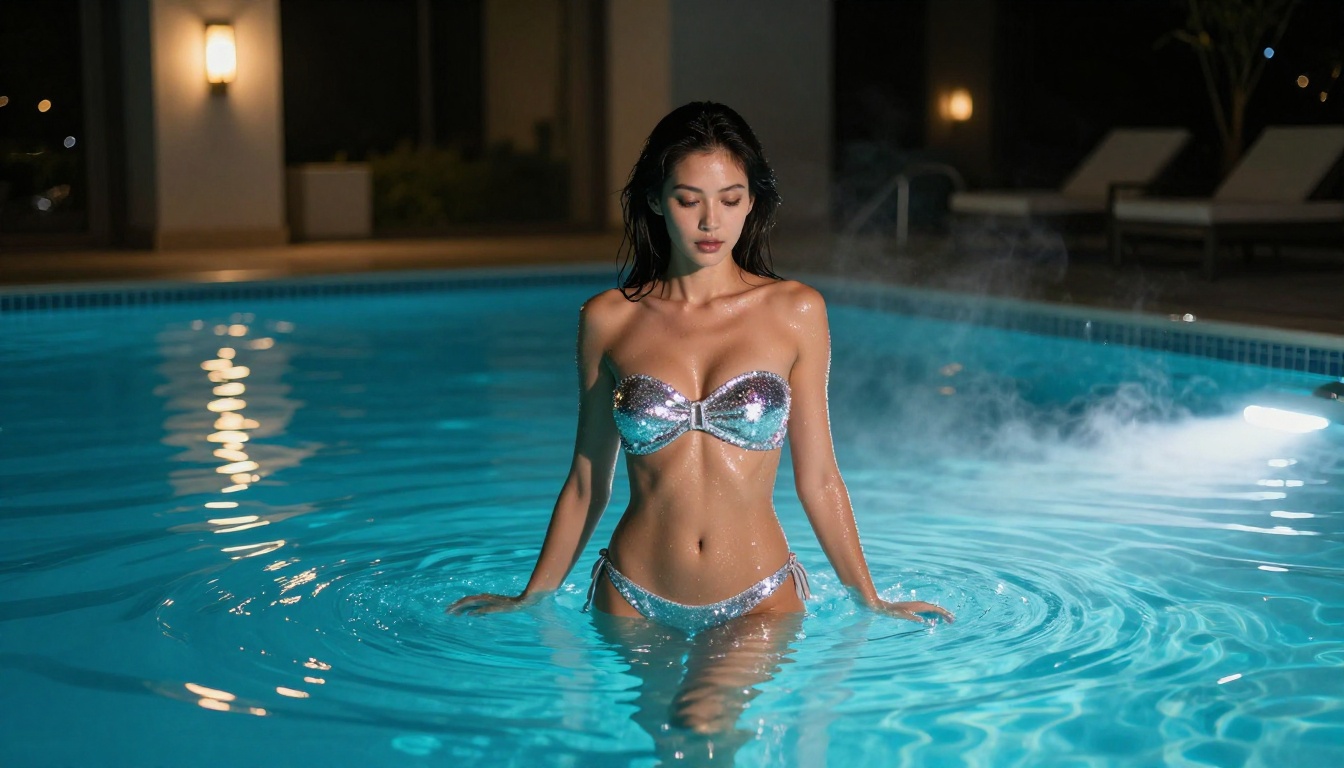
The free NSFW AI generator space in 2026 looks nothing like it did two years ago. What used to require expensive hardware and technical knowledge has become a browser-tab experience, with photorealistic results that would have seemed impossible just 18 months ago. Whether you want to create glamour portraits, boudoir photography, artistic nude studies, or simply test the limits of what AI can produce without a credit card, the tools available today are genuinely impressive.
But "free" is a complicated word in this space. Some platforms offer true zero-cost access with meaningful output quality. Others bury their best models behind paywalls and call their watermarked previews "free." This article cuts through the noise and gives you a direct, honest look at what actually works in 2027 for adults who want serious image quality without monthly subscriptions.
What Makes a Great Free NSFW Generator
Not all free tiers are created equal. Before diving into specific tools, here is what separates the genuinely useful platforms from the ones wasting your time.
Realism Is Non-Negotiable
The first thing that matters is photorealism. Early NSFW AI art looked like bad oil paintings. The best generators in 2027 produce work that is indistinguishable from professional photography at a glance. Models trained on massive real-world datasets, with architecture that handles skin textures, lighting, and facial consistency, are what you are after.
Look for models built on Flux 2 Dev, Stable Diffusion 3.5, or RealVisXL architectures. These have proven track records for generating human subjects with believable skin texture, proper anatomical proportions, and natural lighting responses.
Free Tier Limits That Actually Matter
Every platform restricts free users differently. The limits that genuinely affect your workflow:
- Resolution caps: Many free tiers top out at 512x512 or 768x768, which is not usable for detailed portraits
- Daily generation limits: Some platforms give you 10 images per day, others 50 or unlimited with queue times
- Model access: Free tiers often lock you to weaker, older models while paid subscribers get cutting-edge architecture
- Watermarks: A watermark destroys usability, full stop
- NSFW filter aggressiveness: This varies wildly and is often the deciding factor
Privacy and Data Practices
This matters more in the NSFW space than anywhere else. Before using any platform, check:
- Whether your generations are stored server-side
- Whether they are used for model training
- Whether they are visible to other users or moderation staff
- What the data retention policy is
The best platforms are explicit about privacy. If you cannot find a clear data policy, treat that as a red flag.
The Best Free NSFW AI Generators in 2027
Here is a direct breakdown of what is actually worth your time this year.
Flux 2 Dev: The Open-Source Leader
Flux 2 Dev is the open-source flagship from Black Forest Labs and represents the single biggest leap in accessible, high-quality image generation. Running this model through a browser-based platform gives you access without any local GPU requirement. The model handles complex lighting scenarios, multi-person compositions, and particularly excels at photorealistic portrait generation.
What makes Flux 2 Dev stand out for adult content specifically: it responds exceptionally well to detailed prompting. Where older models would produce generic results from vague instructions, Flux 2 Dev rewards specificity. Describe the lighting angle, the fabric texture, the camera lens, the background atmosphere, and you get dramatically better results.
💡 Tip: Add camera specifications to your prompts. "85mm f/1.4 shallow depth of field" produces sharper, more professional-looking subject isolation than simply describing what you want to see.
Flux Schnell for Fast Iteration
When you need volume over absolute quality, Flux Schnell is the answer. It generates images in a fraction of the time of its heavier sibling, making it ideal for rapid iteration. The quality is still very solid, especially for testing prompt variations. Use it to find compositions that work, then switch to Flux 2 Dev or Flux 2 Pro for your final render.
Stable Diffusion 3.5: Rock-Solid Architecture
Stability AI's Stable Diffusion 3.5 Medium sits in a sweet spot between speed and quality. It is significantly faster than the large models while retaining most of the detail capability. The Stable Diffusion 3.5 Large Turbo version pushes this further with accelerated inference, making it one of the most practical free-tier options available.
Both models handle the non-explicit NSFW genre well. Boudoir photography styles, glamour portraits, artistic partial nudity, and lingerie shoots all fall within what these models produce naturally without heavy prompt engineering.
RealVisXL v3.0 Turbo: Purpose-Built Realism
RealVisXL v3.0 Turbo is purpose-built for photorealistic output. Its name tells you exactly what it prioritizes: visual realism. Skin texture, hair detail, eye depth, and fabric behavior all look closer to actual photography than most competitors. For portrait-focused adult content, this is one of the strongest free options in the text-to-image space right now.
DreamShaper XL Turbo: Editorial Quality
DreamShaper XL Turbo takes a different approach. While primarily an artistic model, it handles the boundary between stylized and realistic portraiture in a way that is genuinely useful for glamour work. If you want results with a slightly editorial photography feel rather than pure documentary realism, DreamShaper produces consistent, high-quality output with shorter queue times than heavier models.
Free vs. Paid: A Real Comparison
Here is what you actually get across free and paid tiers on the platforms worth using in 2026:
| Feature | Free Tier | Paid Tier |
|---|
| Resolution | Up to 1024px | Up to 4K+ |
| Daily generations | 20-50 images | Unlimited |
| Model access | Standard models | All models including latest |
| Queue priority | Standard | Priority processing |
| Watermarks | Sometimes | Never |
| NSFW content | Varies by platform | Typically broader |
| Storage | Session only | Cloud save |
| API access | No | Yes |
The honest assessment: free tiers in 2026 are genuinely usable for casual and personal use. If you are generating under 30 images per day and do not need print-resolution output, free access on a platform like PicassoIA covers most use cases without any cost.
Prompting for NSFW Results That Work
Bad prompting is the number one reason people get disappointing NSFW AI art. Here is what actually moves the needle.
Anatomy Over Ambiguity
Vague prompts like "beautiful woman in lingerie" produce generic, soft results. Effective NSFW prompting describes the scene in the same way a professional photographer would brief a model. What is the lighting doing? Where is the camera? What is the texture of the fabric? What is the background?
Compare these two prompts:
Weak: "Beautiful woman in a bikini on the beach"
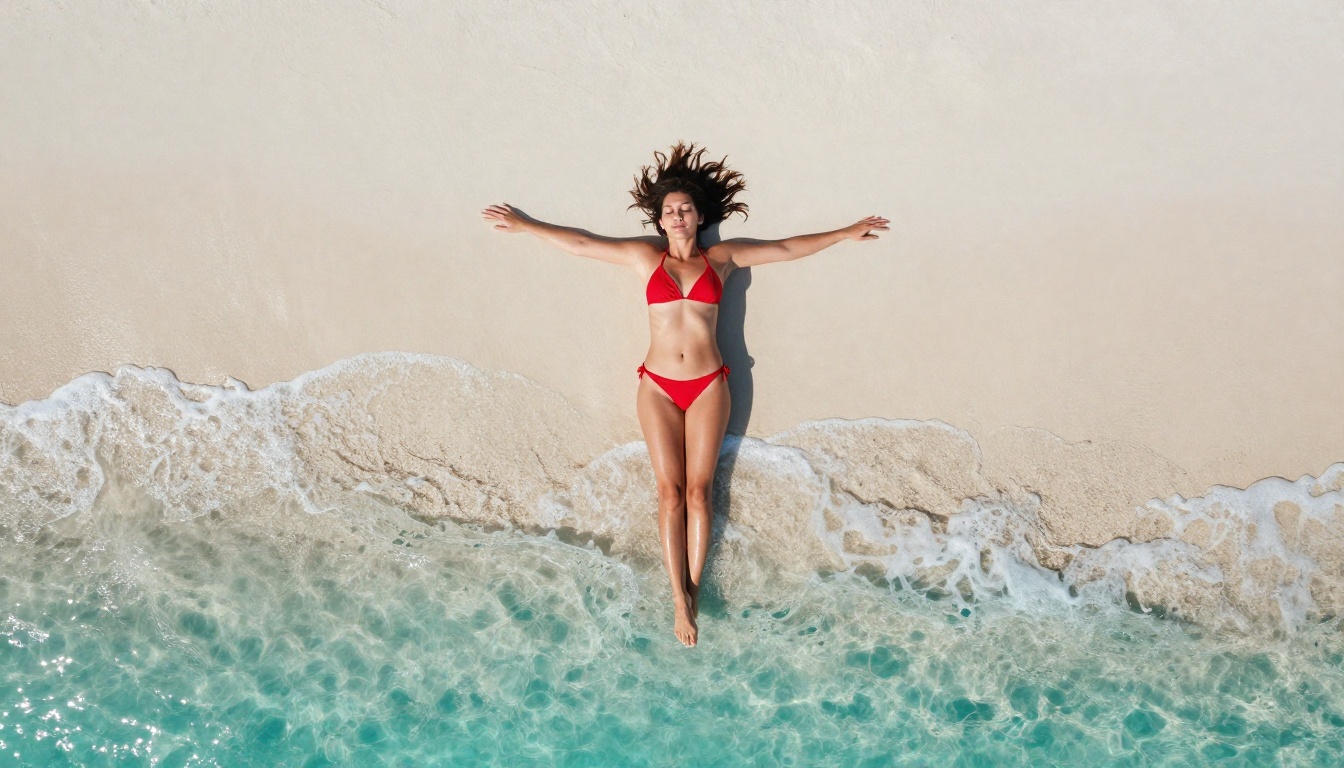
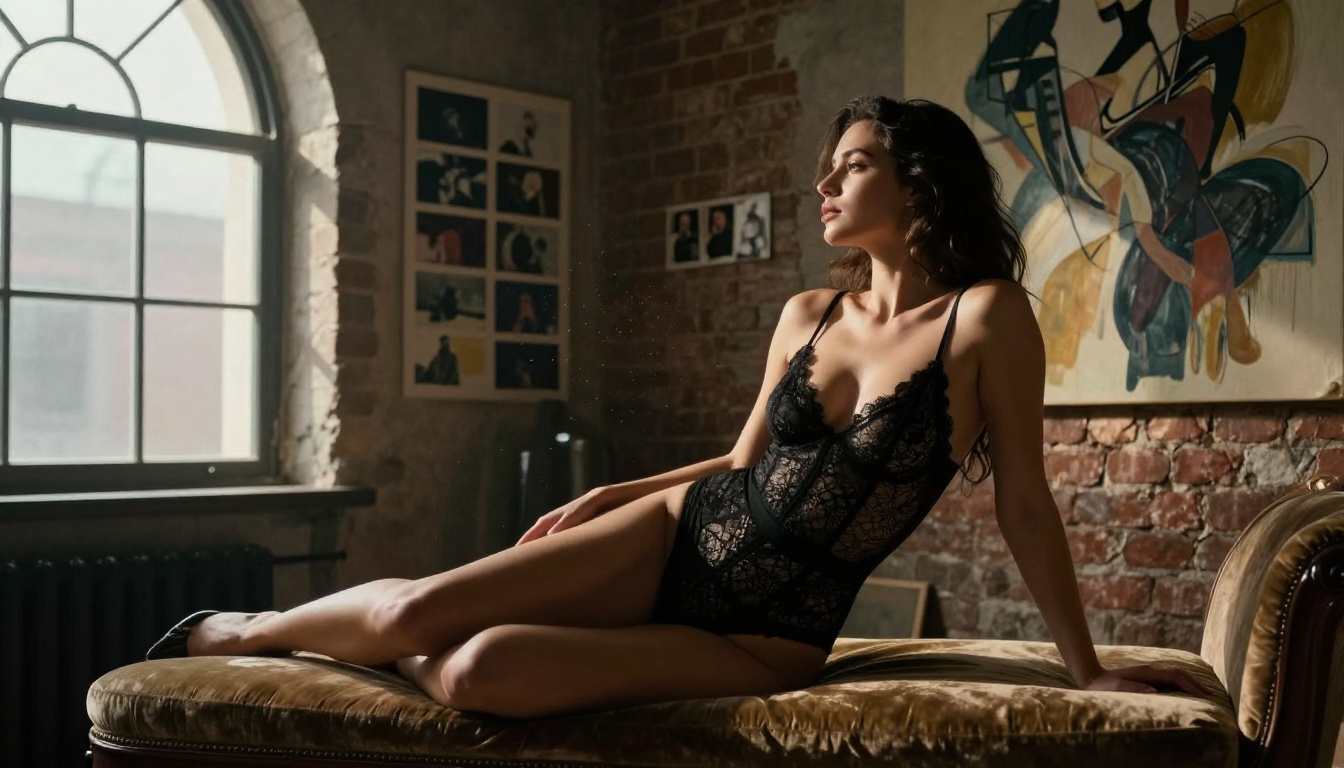
Effective: "A sun-bronzed woman in a red string bikini lying on white sand, turquoise ocean behind her, warm noon sun directly overhead creating minimal shadows, photographed from a low 30-degree angle at 50mm f/2.0, sand texture visible in foreground, Kodak Portra 400 film grain"
The second prompt tells the model's diffusion process exactly what physical reality to approximate. The difference in output quality is substantial.
Negative Prompts Are Not Optional
Most platforms support negative prompts. Use them. Common additions for NSFW work:
cartoon, illustration, anime, 3D render, digital art (to keep it photorealistic)blurry, low quality, watermark, deformed (quality control)extra fingers, distorted face, bad anatomy (anatomy correction)
Seed Numbers for Consistency
When you find a generation you like, note the seed number. Reusing the same seed with slight prompt variations lets you iterate on a specific look, lighting scenario, or composition while keeping what works consistent.
💡 Tip: Save seeds alongside your prompts in a simple text file. Building a library of "working seeds" dramatically speeds up your creative workflow over time.
How to Use PicassoIA for NSFW Generation
PicassoIA gives you browser-based access to over 90 text-to-image models with no installation required. Here is a step-by-step approach for producing high-quality adult content on the platform.
Step 1: Pick the Right Model
For most adult content use cases in 2027, Flux 2 Dev is the default recommendation. If you want faster iteration, switch to Flux Schnell. For the highest possible realism in portrait work, try RealVisXL v3.0 Turbo. For scene-heavy compositions, Stable Diffusion 3.5 Large Turbo maintains compositional coherence more reliably.
Step 2: Build Your Prompt in Layers
Structure your prompt in five layers:
- Subject: Age range, physical features, clothing or state of dress
- Environment: Location, surrounding elements, background details
- Lighting: Direction, quality, color temperature, hard or soft
- Camera: Focal length, aperture, shooting angle, distance
- Quality markers: "RAW 8K photography, Kodak Portra 400, photorealistic, film grain"
This layered approach consistently outperforms single-sentence prompts.
Step 3: Set Your Parameters
Most models on PicassoIA expose key parameters:
- Steps: 30-40 for final outputs, 20 for quick tests
- Guidance Scale (CFG): 7-9 is the sweet spot for photorealistic adult content
- Aspect Ratio: 2:3 for portrait orientation, 16:9 for scenes and environments
Step 4: Iterate Until It Clicks
Generate 4-8 variations with the same prompt before making changes. This gives you a real sample of what the model can produce rather than judging based on a single unlucky output. Identify what is working in each variation, then refine your prompt to push those elements further.
Model Specializations Worth Knowing
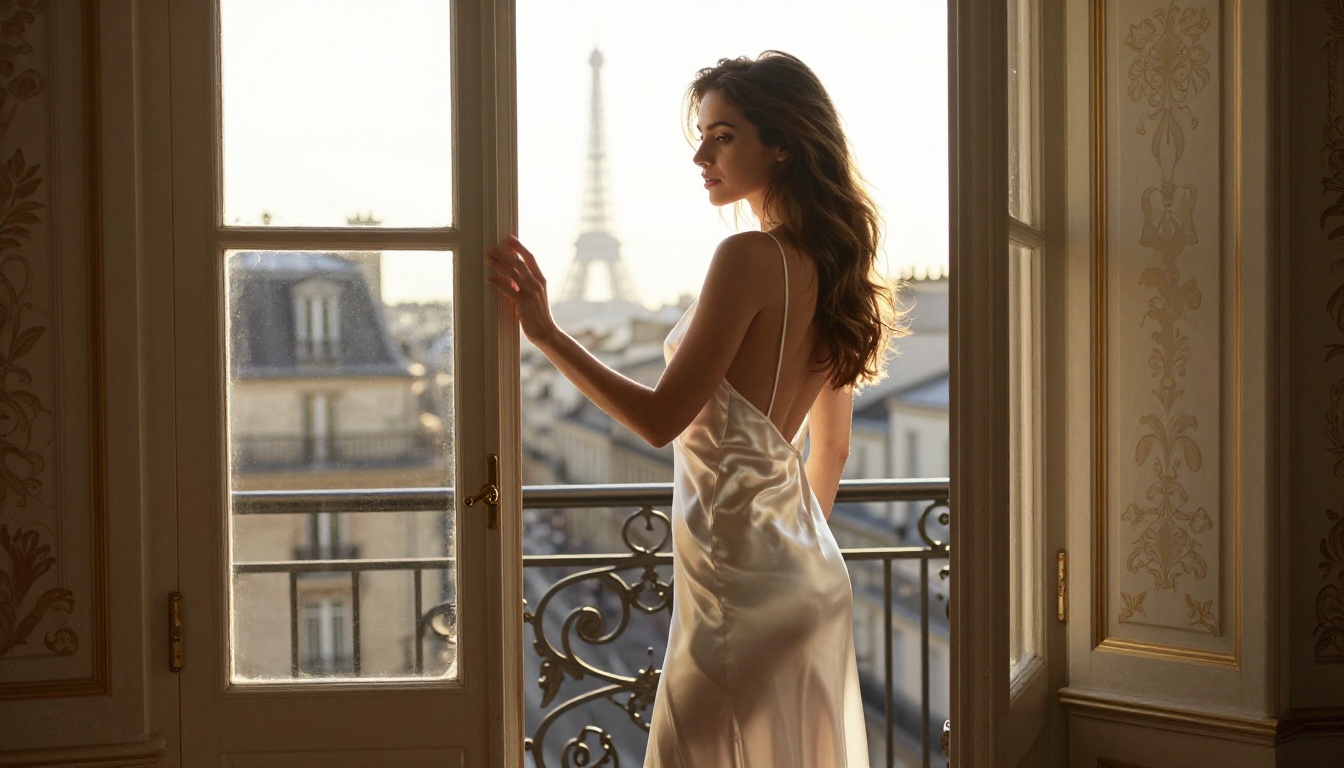
Different models excel in different subtypes of adult content. Matching your use case to the right model architecture makes a bigger difference than most people realize.
| Use Case | Best Model | Why |
|---|
| Skin realism, close-up portraits | RealVisXL v3.0 Turbo | Purpose-trained for photorealism |
| Complex scene compositions | SD 3.5 Large Turbo | Better spatial coherence |
| Editorial fashion and glamour | DreamShaper XL Turbo | Editorial photography quality |
| Speed with good quality | Flux Schnell | Fastest inference in its class |
| Best overall quality | Flux 2 Dev | Balanced realism and prompt adherence |
| Maximum quality, no speed limit | Flux 2 Pro | Highest fidelity output available |
Common Mistakes That Kill Output Quality
Even experienced users fall into these traps.
Overloading the prompt: More words do not always mean better results. If your prompt exceeds 150 words, you are likely introducing conflicts. Keep core prompt elements focused and let the model fill in reasonable defaults.
Ignoring the model's natural style: Each model has a stylistic comfort zone. Forcing Flux Schnell to produce oil-painting-style images, or asking DreamShaper for hyper-documentary realism, works against the model's architecture. Use each tool for what it does naturally.
Not using reference images when available: Many platforms support image-to-image generation. If you have a reference photo of the composition, lighting, or style you want, use it. The model's output quality improves significantly when it has a visual anchor rather than purely text instructions.
Accepting the first result: The best AI-generated adult content comes from iteration. Your first generation is a starting point, not a final product. Give yourself time to work through variations.
💡 Tip: Save every generation that has elements you like, even if the overall image is not what you wanted. Successful details like a specific lighting angle, a body position that worked, or a background that fit can inform better composite prompts in your next session.
Privacy in Adult AI Generation
This deserves its own section because most people skip it entirely.
When you generate NSFW content on any platform, consider:
What happens to your generations: On most platforms, your images are stored on their servers, at least temporarily. Some platforms explicitly state that staff may review flagged content. If privacy is a priority, look for platforms that offer local generation or explicit no-logging policies.
Prompt data: Even if the image itself is not stored long-term, many platforms log prompt text for abuse detection and model improvement. Your prompts may be retained even when images are not.
Account association: Generating adult content through a platform tied to your real identity creates a record. This may or may not matter to you, but it is worth being conscious of before you begin.
What Sets 2026 Apart from Before
The photorealism gap between free and paid tools has narrowed dramatically this year. Flux 2 Dev on a free tier in 2026 produces images that would have required a professional photographer and post-production work a few years ago. RealVisXL v3.0 Turbo handles skin rendering with a level of subsurface scattering and micro-detail that was previously impossible without proprietary closed models.
The open-source community's contribution to this space has been the real story of the last two years. Models like Flux and Stable Diffusion 3.5 are now freely accessible through browser-based platforms, removing the technical barrier that used to separate hobbyists from professionals.
Start Creating Now
The best free NSFW AI generators in 2027 are genuinely good, not just "good for free tools." The creative output you can produce with Flux 2 Dev, RealVisXL v3.0 Turbo, DreamShaper XL Turbo, and Stable Diffusion 3.5 Medium at zero cost is extraordinary by any historical standard.
PicassoIA puts all of this in one place. Over 90 text-to-image models, browser-based access with no installation, and a free tier that covers real use cases. You can start with Flux Schnell for fast iteration, graduate to Flux 2 Dev for your best work, and push the ceiling with Flux 2 Pro when you want maximum output quality.
Write a detailed prompt, pick a model that fits your use case, and see what comes back. The gap between what you can imagine and what you can generate in 2027 has never been smaller.