Free NSFW AI image generators have gone from niche curiosity to mainstream creative tools in a matter of months. Platforms that once charged premium rates for adult content generation now offer powerful, unrestricted models at no cost, and the quality gap between free and paid has nearly disappeared. Whether you're an artist creating bold editorial work, a content creator building a personal brand, or someone who simply wants to generate beautiful, suggestive images without restrictions, the right tool makes all the difference. This article breaks down exactly which models are worth your time, why they beat the alternatives, and how to get the most out of each one.
NSFW AI Generation Is Exploding Right Now
The demand for uncensored AI image tools is being driven by three factors: better open-source models, more permissive platforms, and a growing community of creators who want creative freedom without compromise. Most mainstream tools like Midjourney and DALL-E have strict content filters that block any suggestive content, even artistically legitimate work. This has pushed demand toward platforms built specifically for unrestricted generation.
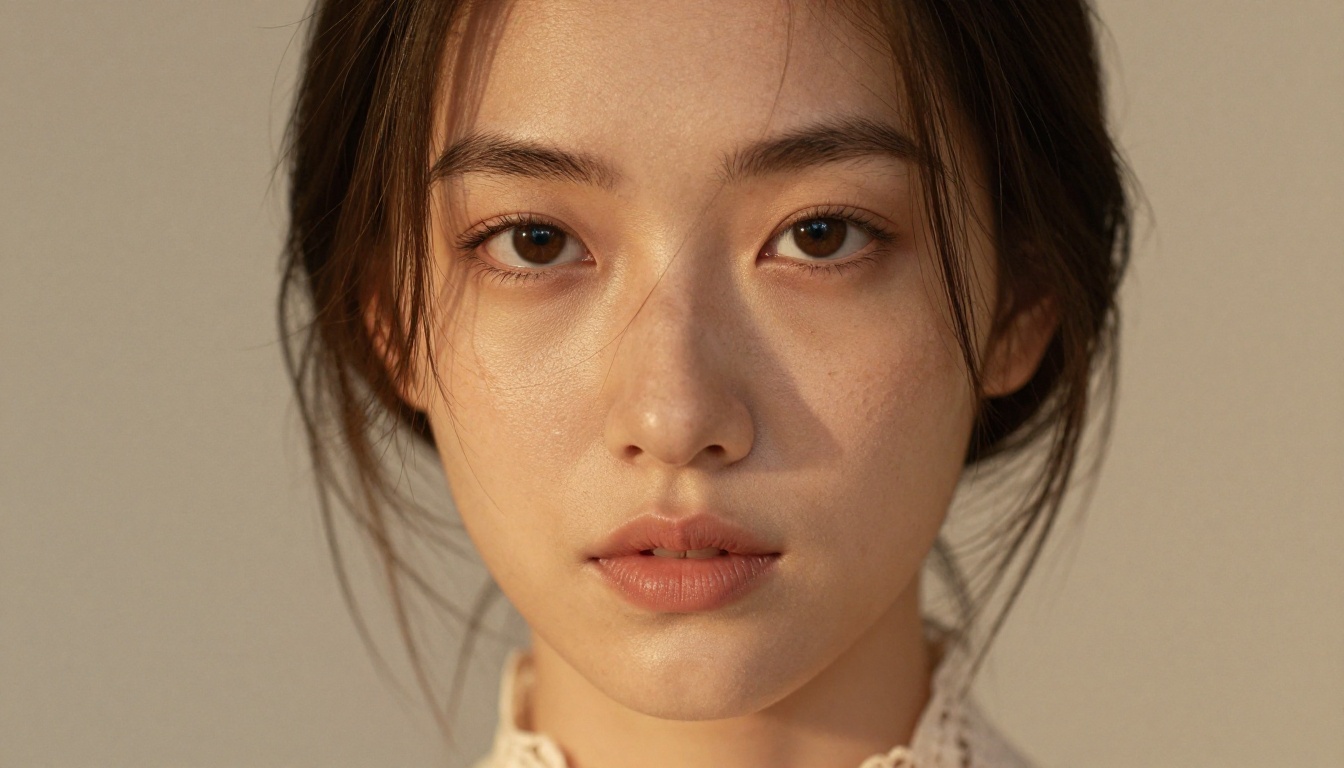
What Changed in 2025
The improvement across free NSFW tools over the past year is dramatic. Here's what's actually different:
- Model quality: Today's open NSFW models produce photorealistic results that rival professional photography, with accurate skin texture, proportions, and lighting response
- Speed: New inference optimizations mean you get results in seconds rather than minutes, even on free tiers
- Free tiers: Platforms are competing hard on access, and many now offer hundreds of free generations daily with no watermark
- Resolution: 4K and even 8K outputs are now available without premium subscriptions on the right platforms
- Prompt fidelity: Modern models actually follow complex, specific prompts, which matters enormously for NSFW work where precision is everything
💡 The biggest shift is not the models themselves, it's the platforms. A great model behind a broken interface or aggressive filter is useless. The platforms on this list actually let you use the power available to you.
The Real Difference Between Free Tools
Not all free NSFW generators are equal. Some cap you at 10 images per day. Others watermark everything. A few use models so outdated the results look like smeared paintings. What separates a genuinely useful free tool from a waste of time comes down to four factors:
- Model recency: Older base models produce noticeably worse anatomy and skin texture. A two-year-old model is practically ancient in this space.
- Daily generation limits: Some platforms are "free" in name only, with limits so restrictive they're unusable for any real creative session
- Resolution ceiling: Many free tiers max out at 512px, which is inadequate for any professional or even semi-serious use
- Filter aggressiveness: Even on platforms that advertise "NSFW support," some quietly censor outputs without explaining why or offering any recourse
The #1 Pick: Seedream 4.5
Seedream 4.5 from ByteDance is the best free NSFW AI image generator available right now. It was built with NSFW use cases in mind, produces genuinely stunning 4K photorealistic results, and is available completely free on PicassoIA with no hidden limitations.
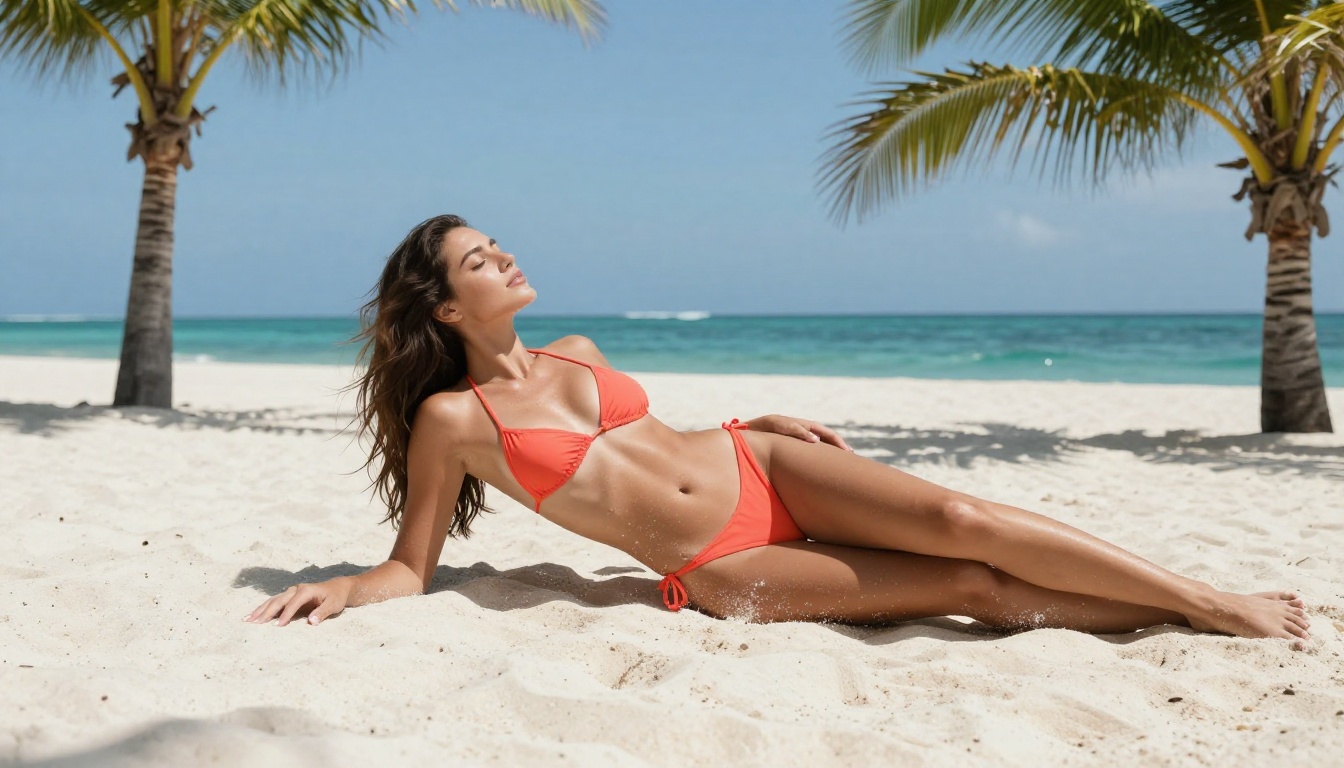
What sets Seedream 4.5 apart from everything else at this price point is its understanding of human anatomy. Most models struggle with proportional accuracy, skin texture, and natural lighting responses. Seedream 4.5 handles all three without extra prompting work. You don't need elaborate negative prompts to avoid deformed hands or misaligned features. The model simply produces clean, accurate, beautiful results from well-written prompts.
What Seedream 4.5 Does Best
| Feature | Rating |
|---|
| Skin texture accuracy | ★★★★★ |
| Lighting response | ★★★★★ |
| NSFW content handling | ★★★★★ |
| Prompt comprehension | ★★★★☆ |
| Speed on PicassoIA | ★★★★☆ |
| Output resolution | 4K native |
Best for: Photorealistic glamour, artistic nudity, editorial fashion, suggestive lifestyle content, boudoir-style imagery
The model particularly excels at soft, warm imagery with natural lighting. If your target aesthetic is "high-end fashion editorial" or "professional glamour photography," Seedream 4.5 is the tool that gets you there without fighting it.
Prompt Tips for Best Results
Seedream 4.5 responds exceptionally well to photography-style language. Think like a photographer setting up a real shoot, not an artist describing a painting:
- Lighting direction: "soft morning light from the left at 20 degrees" produces consistently better results than just "beautiful lighting"
- Camera specifications: "85mm f/1.8 shallow depth of field" tells the model exactly what aesthetic you want and activates its photographic training
- Film stock references: "Kodak Portra 400" produces the warm, organic skin tones the model handles exceptionally well, with characteristic grain and color rendering
- Environment specificity: "sun-bleached wooden deck overlooking a tropical bay" beats "outdoor setting" every single time
💡 Lock in a seed number once you find a composition you like. You can then iterate on the prompt without losing the basic composition and lighting that's already working for your scene.
Image Editor Pro: Unlimited Generations
PicassoIA Image Editor Pro is the top choice if you need unlimited NSFW generation without daily caps. Unlike every other platform on this list, Image Editor Pro does not restrict how many images you can create. This makes it the obvious tool for anyone running high-volume creative projects, whether that's a content creator building a library of images or an artist iterating rapidly through dozens of compositions.
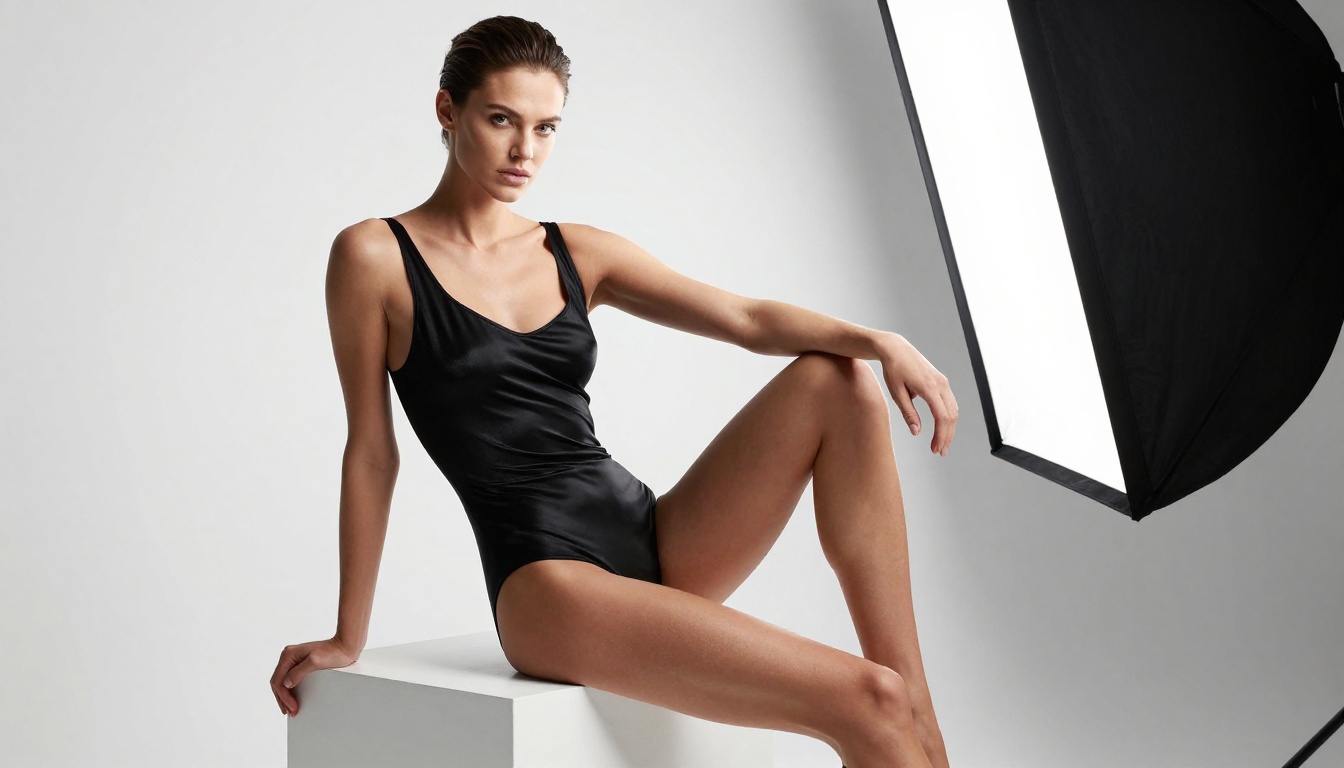
Why Unlimited Matters
Most platforms advertise "free" tiers that evaporate after 20 or 30 images. You hit the wall right when you're deep in a creative session and starting to find what works. PicassoIA Image Editor Pro removes that ceiling entirely.
- No daily generation limit on any content type
- NSFW content fully supported without hidden filters
- Inpainting and outpainting built in for editing and refining generated images
- High-resolution output available across all session types
- Session history preserved so you can revisit and iterate on past work
Use case: High-volume creators, artists who need to iterate fast, anyone building a substantial image library for personal or commercial projects.
Built-In Editing Tools
One advantage Image Editor Pro has over standalone generators is the integrated editing suite. After generating an image you like, you can:
- Inpaint specific areas to fix or change details without regenerating the whole image
- Outpaint to extend the canvas and add context around a good central composition
- Upscale outputs to higher resolutions for print or large-format use
This editing workflow is something standalone NSFW generators typically can't offer.
More Free NSFW Models Worth Using
Beyond the top two, several other models on PicassoIA consistently deliver for specific NSFW use cases.
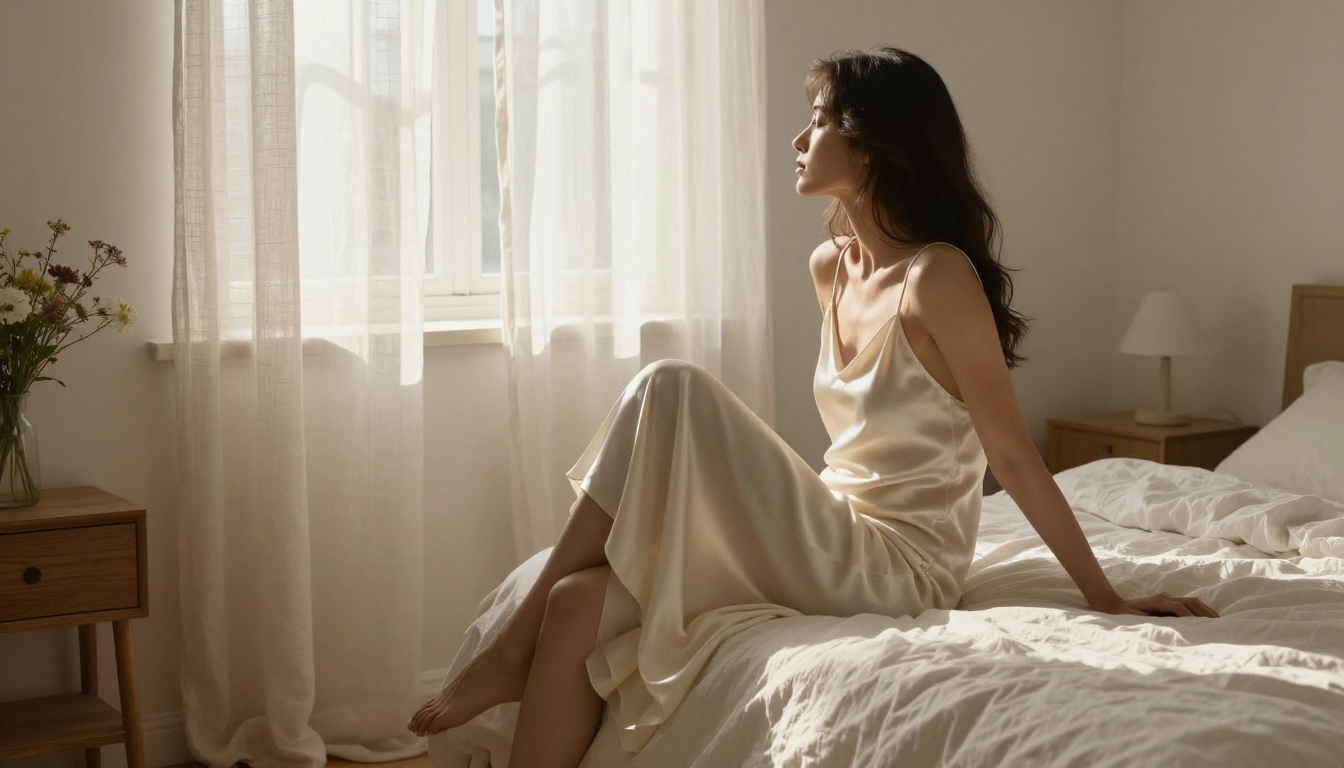
Seedream 5 Pro vs Seedream 4.5
Seedream 5 Pro takes the Seedream lineage further with true 2K sharpness that's genuinely difficult to distinguish from high-resolution photography. For NSFW content specifically, the improvement in fine detail is visible immediately.
The two models serve slightly different needs:
- Seedream 4.5: More "film-like" output, warmer tones, better for romantic and artistic NSFW content where mood matters more than clinical sharpness
- Seedream 5 Pro: Sharper, crisper output with more defined fine detail, better for editorial and fashion-forward imagery where precision matters
Both are free on PicassoIA, so you can run the same prompt through both and compare directly.
⚠️ Do not confuse Seedream 5 Pro with Seedream 5 Lite. The Lite version applies content filters that block adult content entirely, making it unsuitable for NSFW work. Always use Seedream 4.5 or Seedream 5 Pro for this content type.
SDXL Variants Worth Knowing
SDXL from Stability AI remains the most widely supported open-source image model, and it handles NSFW content well. The base model is uncensored, highly flexible, and has the largest LoRA ecosystem of any model currently available.
Two variants are particularly useful:
- SDXL Lightning 4Step: 4x faster than standard SDXL with minimal quality loss. Best for rapid iteration when you need to cycle through many variations quickly
- SDXL Controlnet LoRA: Adds structural control so you can lock in pose, composition, or depth map, then vary the subject and style
SDXL is best when you want to apply custom LoRAs or styles, need rapid-fire generation for ideation, or want to build on the community's extensive fine-tuning work.
When Older Models Still Win
Seedream 4 and Seedream 3 are older iterations that still punch above their weight for specific use cases:
- Seedream 4: Produces excellent results at lower computational cost, making it faster on congested servers during peak usage hours
- Seedream 3: Useful for specific aesthetic styles that newer models have drifted away from, particularly certain warm-tone artistic looks that feel distinctly organic
If the newer models are busy or slow, Seedream 4 is a reliable fallback that delivers quality without the wait.
Using Seedream 4.5 on PicassoIA
Seedream 4.5 is available directly on PicassoIA with no account required for basic generation. Here is how to get the best results from your first session.
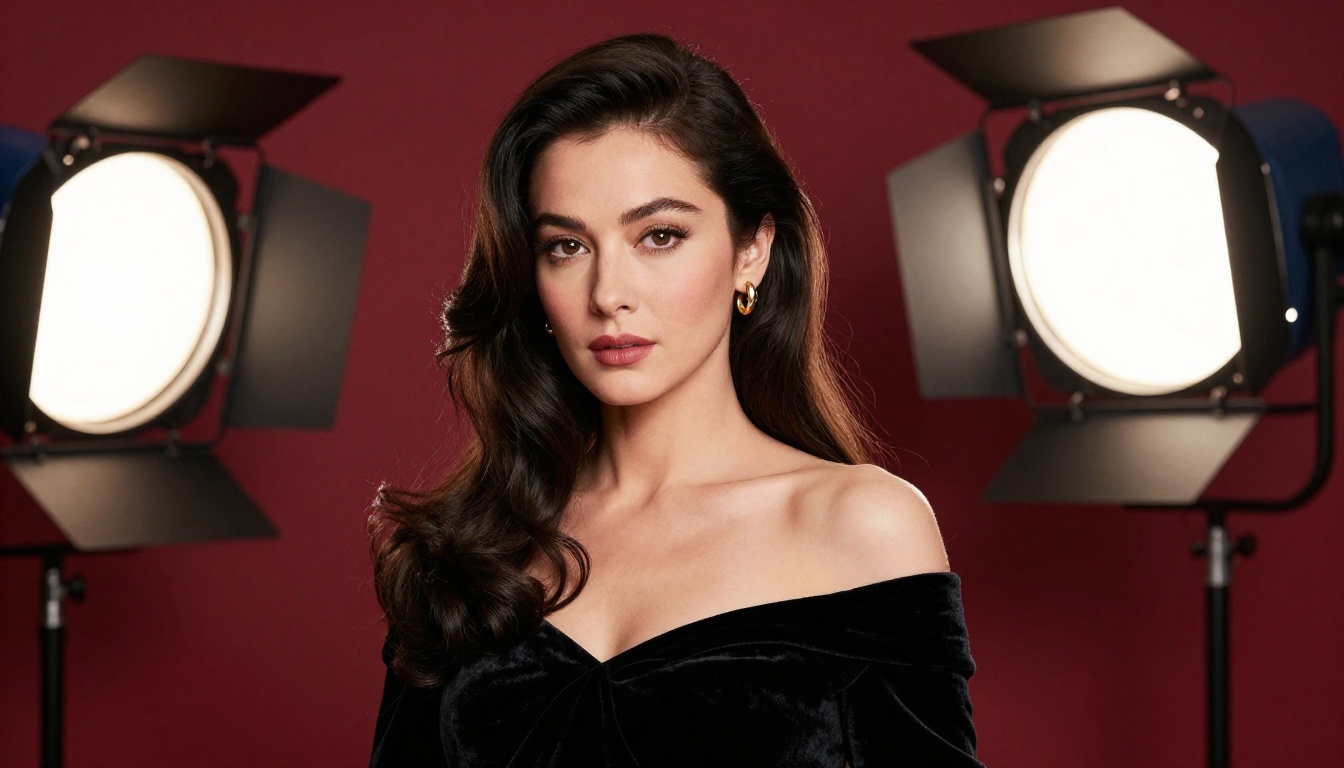
How to Use Seedream 4.5
Step 1: Open the model page
Navigate to Seedream 4.5 on PicassoIA. The interface loads immediately with a prompt field ready to use. No signup required to generate your first images.
Step 2: Write a photography-style prompt
Structure your prompt using this format:
[Subject + pose/position] + [Setting/environment details] + [Specific lighting conditions] + [Camera/lens specifications] + [Film stock or style reference]
Example: "Young woman in a silk slip dress standing near tall windows in a sunlit Parisian apartment, soft morning light from the right creating gentle directional shadows across her face and shoulders, Canon 85mm f/1.8 shallow depth of field, Kodak Portra 400 film aesthetic, photorealistic, RAW 8K"
Step 3: Configure your parameters
- Aspect ratio: 16:9 for landscape, 9:16 for portrait, 1:1 for square social formats
- Resolution: Enable the highest available tier for maximum output quality
- Steps: Higher step counts give more fine detail but take slightly longer to generate
Step 4: Refine your negative prompt
Add: "deformed hands, extra fingers, blurry, low resolution, watermark, bad anatomy, disfigured" to catch the most common generation artifacts before they appear.
Iterate Fast
The biggest mistake new NSFW AI users make is over-investing in their first prompt. Don't spend 20 minutes perfecting your opening attempt. Instead:
- Generate 5 quick variations of a rough prompt to find what the model responds to
- Identify what's working in each variation (composition, lighting, subject position)
- Refine the prompt based on what's actually producing good results
- Lock in a seed for the variation you like best, then continue refining with that seed fixed
This approach finds good results in fewer total generations than trying to write the perfect prompt cold.
Better Prompts, Better Results
The quality of your output is directly tied to how well you describe your scene. This is not about using magic words. It's about being specific in the way a photographer would be specific when planning a shoot.
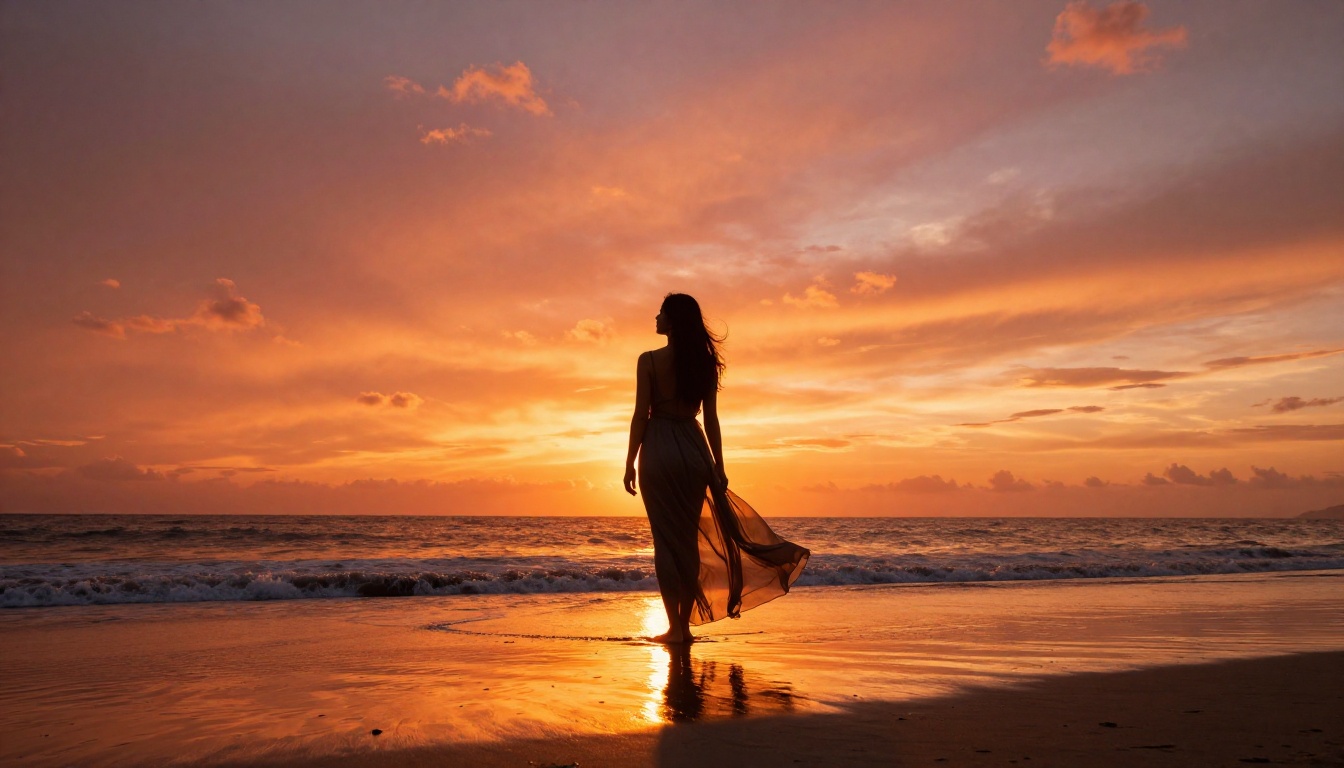
5 Habits That Actually Work
1. Describe light like a cinematographer
Weak: "good lighting, beautiful light"
Strong: "volumetric morning light entering from the upper left at 30 degrees, casting soft directional shadows across the subject's face and shoulders, warm 3200K color temperature"
2. Name your camera and lens every time
"Canon 85mm f/1.4 shallow depth of field" tells the model exactly what visual language you want. Models trained on photography understand this natively and respond to it. The lens choice signals not just depth of field but the entire visual style of the resulting image.
3. Use film stock references
Kodak Portra 400, Fuji 400H, and Ilford HP5 each signal distinct aesthetic packages: color rendering, contrast, grain character, and shadow behavior. These references calibrate the output in ways that vague style prompts cannot.
4. Describe anatomy and pose explicitly
"Natural standing pose, weight shifted to the left hip, right arm relaxed at side, left hand resting lightly on window frame" produces dramatically better anatomy than just describing the setting and hoping the model figures out where to put the limbs.
5. Add targeted negative prompts
Use negative prompts to eliminate the most common NSFW generation artifacts:
"deformed hands, extra fingers, bad anatomy, blurry, low resolution, watermark, text, logo, oversaturated, plastic skin, doll-like, artificial"
What Not to Put in Your Prompt
Certain words consistently produce worse results with photorealistic NSFW models:
- Vague quality terms: "high quality," "amazing," "perfect" add nothing that a direct photographic description doesn't communicate better
- Meta-instructions: "make it realistic" tells the model nothing that camera and lighting specifications don't say more precisely
- Contradictory style stacking: "photorealistic digital art oil painting illustration" creates a confused output that satisfies none of those aesthetics. Pick one visual language and commit to it
Quality vs Speed Workflow
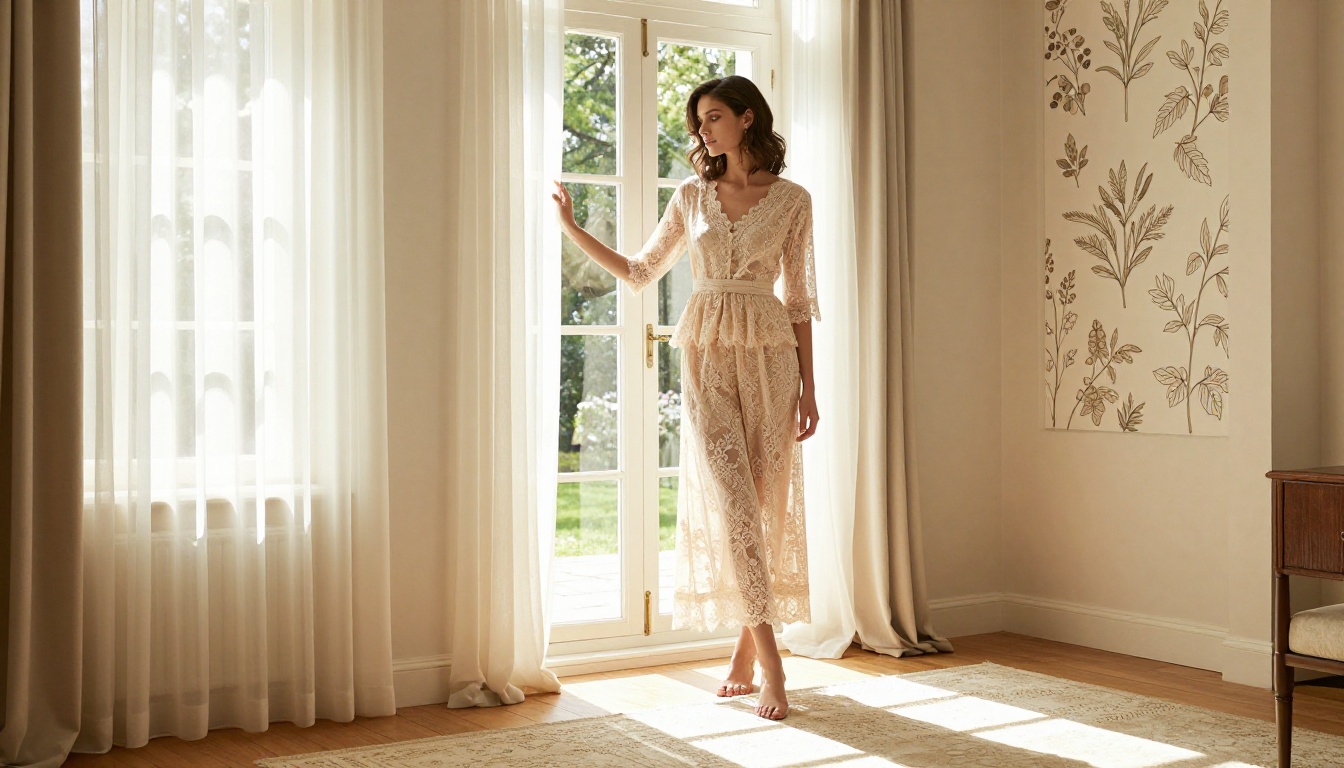
Most creators default to maximum quality settings for everything. This makes sense for final outputs, but it destroys iteration speed. A smarter three-phase workflow:
- Ideation phase: Use SDXL Lightning 4Step for fast, low-cost exploration of compositions and concepts. The speed lets you cycle through 20 variations in the time other models produce 5.
- Refinement phase: Switch to Seedream 4.5 to perfect the 2 to 3 compositions that actually work. Use the seed-lock approach to iterate precisely.
- Final output phase: Use Seedream 5 Pro for the highest-resolution final renders of your proven compositions.
This means you're spending your slower, higher-quality generation time on prompts you've already validated, not on experiments that might not work.
Resolution Considerations
- Social media use: 1024px output is often sufficient and generates faster
- Print or full-screen display: 2K or 4K is the minimum worth using
- Cropping and zooming: Go 4K from the start and rely on Seedream 4.5 or Seedream 5 Pro native resolution to give yourself room to crop without losing quality
Start Creating on PicassoIA Now
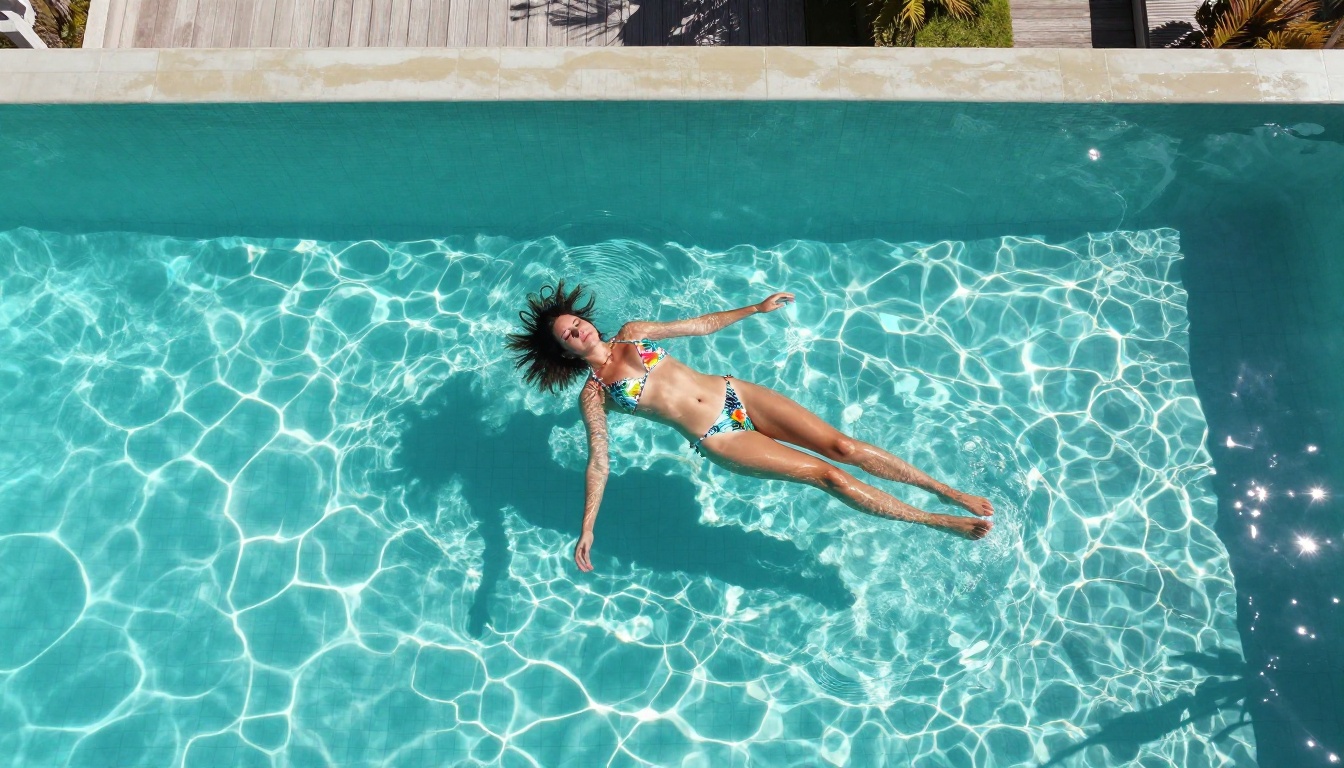
Every model covered in this article is available to try right now, for free, at picassoia.com/en/all-models. No account is required to get started.
The best way to see what these models can do for your specific use case is to run your own comparison. Take one prompt. Run it through Seedream 4.5, then Seedream 5 Pro, then SDXL. The differences will be immediately obvious and you'll know which model fits your creative direction.
For creators who need volume without limits, PicassoIA Image Editor Pro is where to start. Set up your prompt templates, generate freely, and use the built-in inpainting and outpainting tools to refine what the AI gives you. It's the only truly uncapped free NSFW generator on the market that doesn't sacrifice output quality to offer that freedom.
The platform also offers Seedream 4 and Seedream 3 for those who want to see the full Seedream model evolution or prefer the aesthetic character of earlier versions.
Privacy and Platform Safety
One consideration often missing from NSFW generator roundups: where do your images go? On PicassoIA, no account is required for basic generation, which gives you a baseline of privacy for casual use. For intensive professional use, creating an account unlocks generation history, saved prompt templates, and session management, all without changing the content policy.
Generated content ownership on PicassoIA belongs to the user. What you create is yours.
The NSFW AI image generation space is only getting more capable. Models that required expensive API access or premium subscriptions a year ago are now available free, with output quality that genuinely rivals professional production. Head to picassoia.com/en/all-models, start with Seedream 4.5, and see what's possible.


