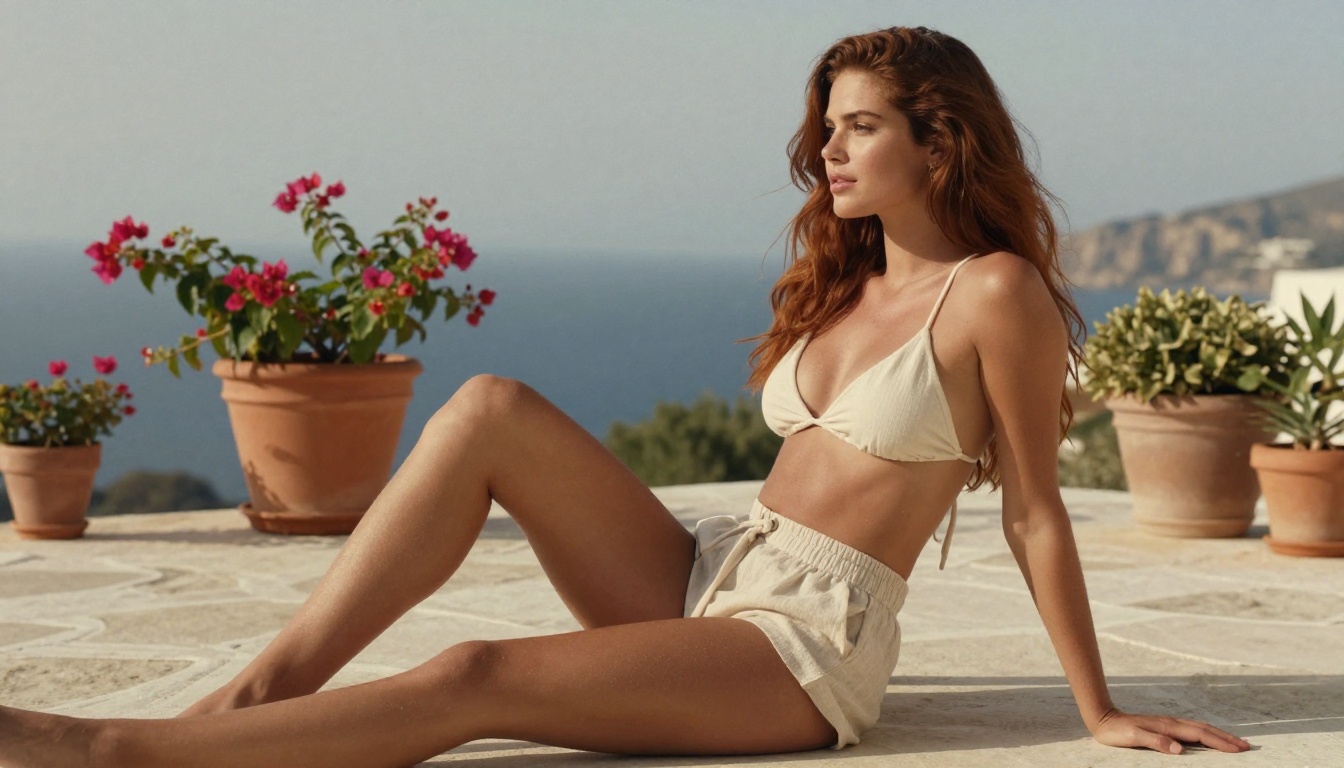
The free AI image generation space has exploded over the past two years. Anyone with a browser can now produce photorealistic imagery that would have required a professional photographer and a full studio setup just three years ago, and the NSFW category has become one of the most competitive, fastest-evolving corners of that space. But "free" is a loaded word. Some tools offer free tiers that drain in five minutes. Others are genuinely open-source but demand a powerful GPU most people don't own. And a growing number of platforms quietly added safety filters that neuter the entire point. This comparison cuts through that noise and tells you exactly which free NSFW image generators are worth your time in 2027.
What "Free" Actually Means Here
Fully Free vs. Freemium
When people search for free NSFW AI image generators, they usually mean one of three things: open-source models they can run locally, cloud platforms with free credits, or tools that offer unlimited generation without a paywall. Each has a real cost attached.
Local models require a GPU with at least 8GB VRAM, and realistically 12GB or more for quality output at reasonable resolutions. The software is free. The hardware isn't. A machine capable of running Flux Dev at 1024x1024 in under 30 seconds costs between $1,200 and $2,500 in GPU alone, not counting the rest of the build.
Free credit platforms give you 10 to 50 images before asking for a card. That's enough to test a concept, not enough to produce a real volume of work. Most of these platforms also enforce strict content policies on their free tiers that disappear only after you pay.
Truly unlimited free tools almost always throttle quality, speed, or resolution for non-paying users. The output you see in marketing materials is rarely what you get on the free tier.
What to Actually Look For
💡 Watch out for tools that watermark outputs, cap resolution at 512px, or silently disable NSFW prompts on free tiers. These bait-and-switch patterns are far more common than the platforms will admit.
The most honest free tier in 2026 gives you full-resolution output with no watermark, even if it means waiting in a queue. Platforms built around open-source model infrastructure tend to honor this better than closed proprietary tools. The reason is straightforward: their differentiation is access and speed, not the model itself, so they have less incentive to cripple the free tier's quality.
The Models That Set the Standard
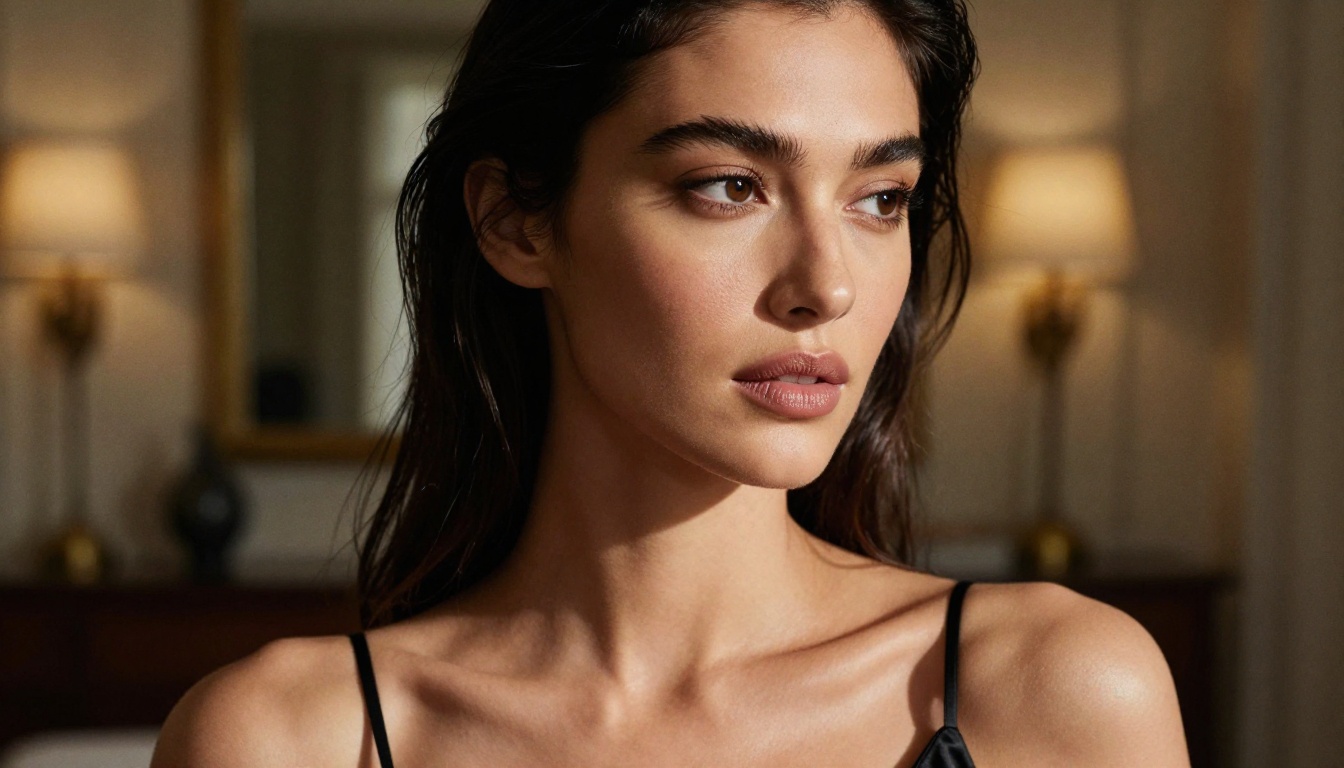
Not all NSFW-capable models produce equal results. The gap between a low-quality generator and a high-end photorealistic one comes down to three things: training data, model architecture, and the fine-tuning applied on top. Here is what is actually worth using in 2027, starting with the picks that lead the pack this year.
PicassoIA Image Editor Pro
Sitting at the very top of this list is PicassoIA Image Editor Pro, the platform's own image-to-image model. You upload a photo, describe the change you want in plain language, and a polished edited result comes back in under a second. It accepts NSFW content, so you can retouch, restyle, or adjust suggestive imagery without running into a safety wall.
What pushes it into first place is the pricing. Generations are unlimited: no per-edit cap, no daily quota. If you need 1,000 images, you make 1,000 images at no extra cost, included with an Elite or Infinite subscription. Put that next to a credit-metered model like Nano Banana, where 1,000 generations runs around $100, and the gap is hard to ignore.
You can try it before committing anything: it offers 3 free generations with no credit card required.
💡 Why unlimited matters for NSFW work: suggestive and glamour imagery takes heavy iteration. You rarely nail the pose, fabric, and lighting on the first attempt. A model that never charges per try lets you refine for as long as it takes, and at under a second per edit the loop stays fast.
Seedream 4.5
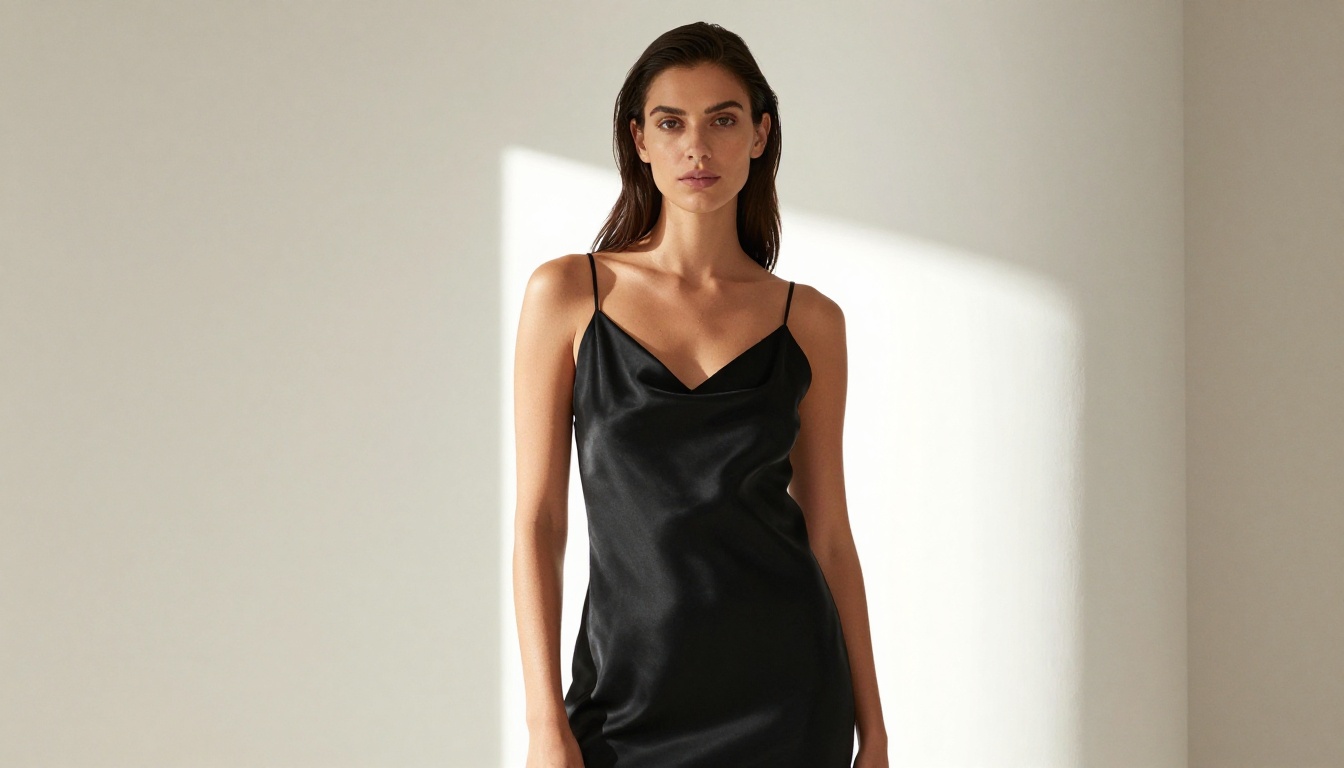
Right behind it sits Seedream 4.5, ByteDance's text-to-image model and one of the most realistic options on the platform. It produces sharp 2K and 4K output, accepts NSFW prompts, and also edits existing photos when you feed it a reference image. Most generations finish in under three seconds, which is exceptional performance for output at this resolution.
For suggestive and glamour content, Seedream 4.5 renders skin tone, fabric, and natural light with a believable, photographic quality. The speed makes it practical for batch work: run a set of variations, keep the strongest, and refine from there.
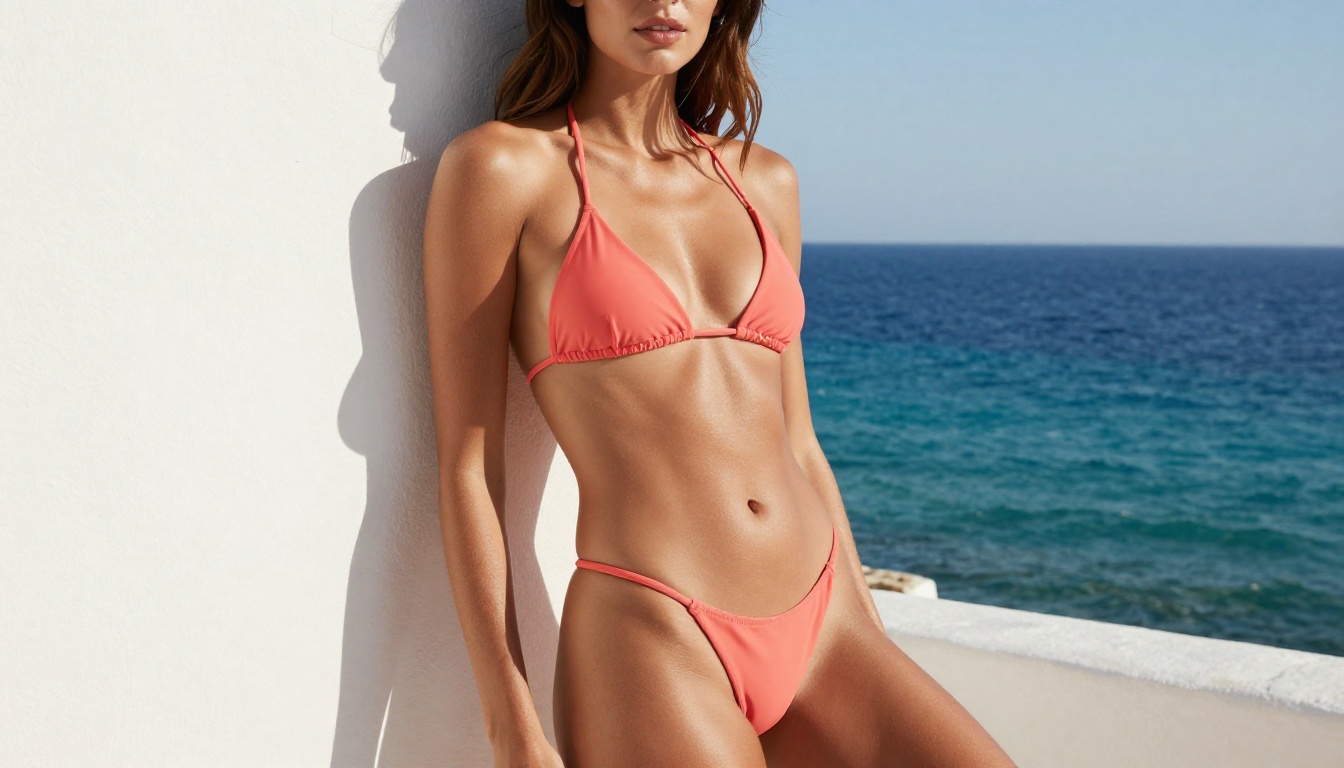
Qwen Image 2
Qwen Image 2 is the open-source pick. Because the weights are open, it drops into almost any workflow, and it both creates images from scratch and edits existing photos in seconds with detailed, realistic results. Hand it a written instruction plus a reference image to apply a change, or start from a plain text description. Its sharp detail and accurate prompt adherence make it a dependable everyday option for realistic human subjects.
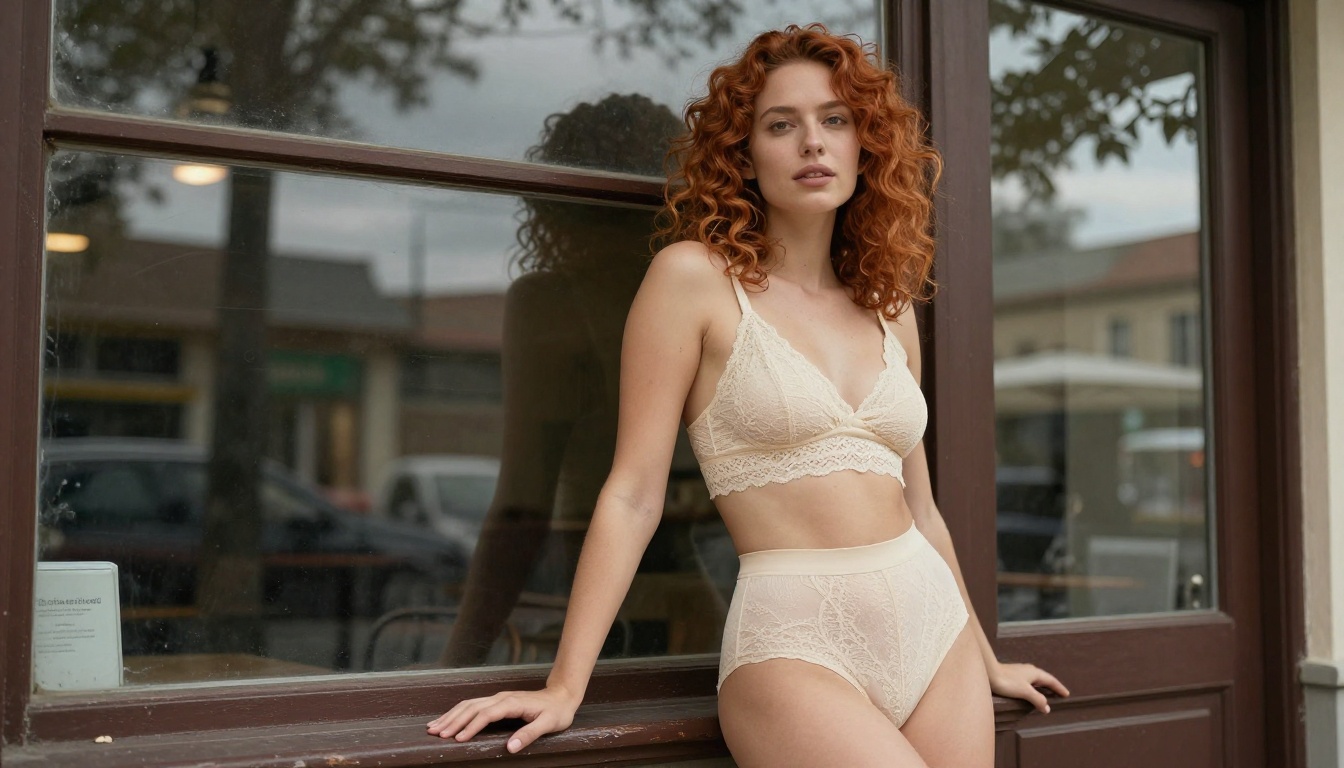
Grok Imagine Image
Grok Imagine Image has a trick that fits this category perfectly: hand it a photo and it converts the subject into a bikini look in a strikingly realistic way, matching skin tone, lighting, and body contour so the result reads as a real photograph rather than an edit. It runs unlimited generations on PicassoIA with no credits or caps, so you can keep adjusting until the look lands.
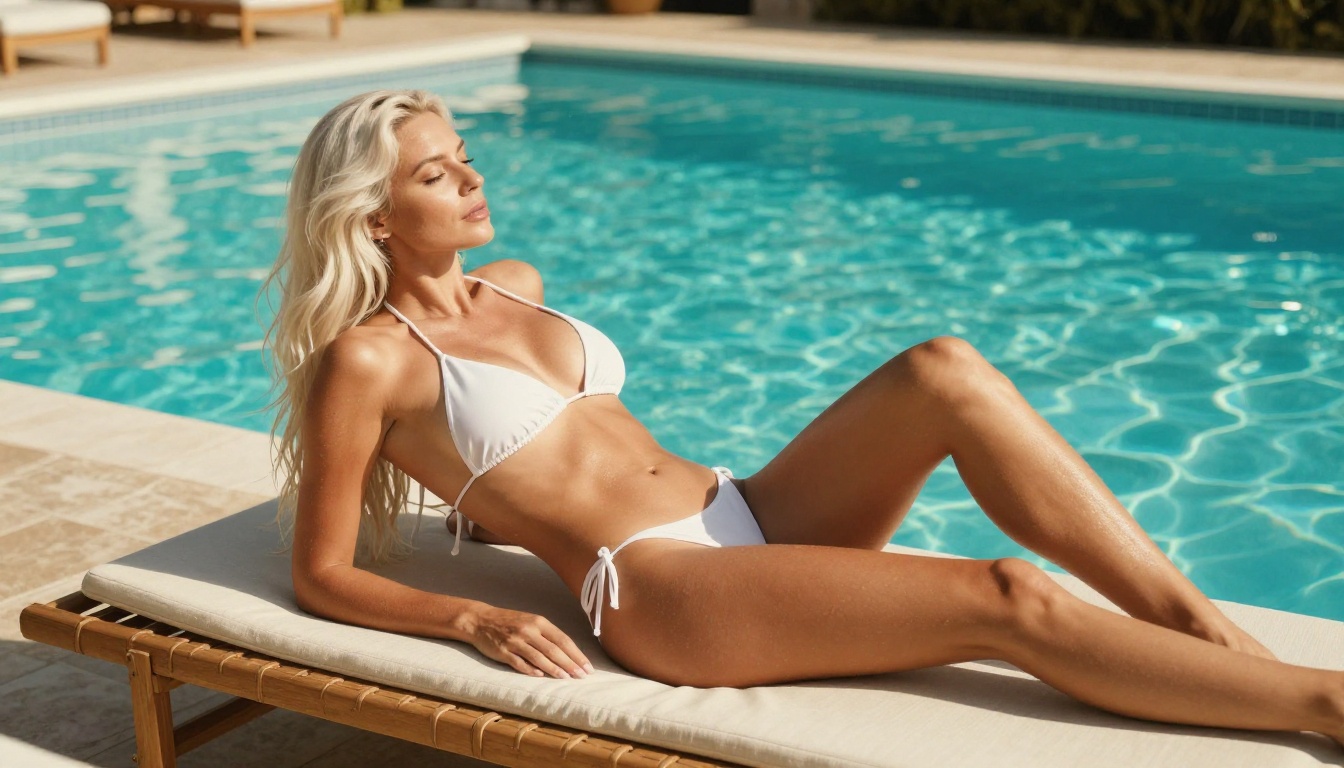
Recraft v4
Recraft v4 rounds out the new additions. It is text-to-image only, with no editing mode, but the realism it pulls from a written prompt is genuinely impressive. Its art-directed composition and precise prompt reading mean the framing tends to look intentional rather than randomly assembled. When you are starting from a description rather than a source photo, Recraft v4 is one of the most realistic ways to get there.
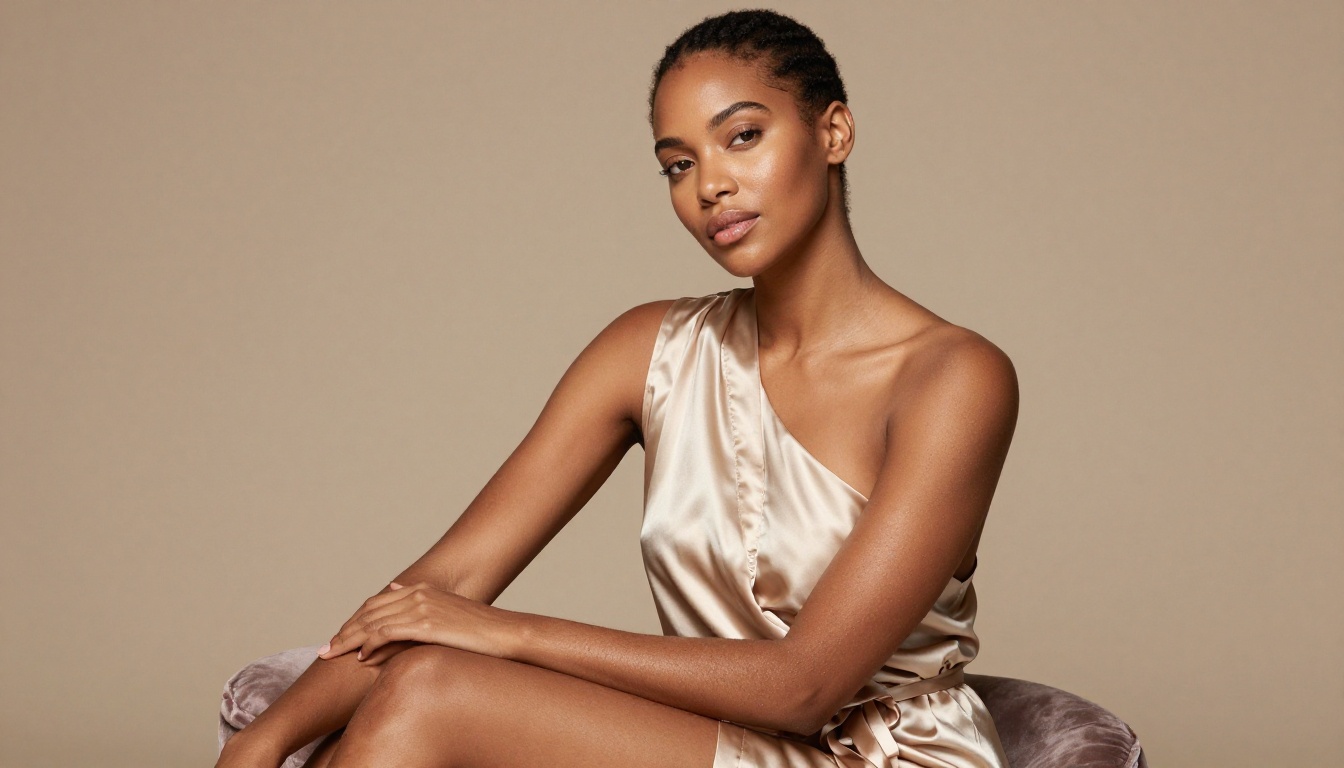
Beyond these arrivals, a set of open-weight models still defines the quality bar for photorealistic generation. Here is how they stack up.
Flux Dev and Flux Schnell
Flux Dev from Black Forest Labs is the current benchmark for open-weight photorealistic generation. Its 12-billion parameter transformer architecture produces anatomy, lighting, and skin texture that most closed models still can't match. For NSFW use, Flux-based models respond exceptionally well to detailed lighting and environment descriptions. They handle complex body poses, natural fabric draping, and fine skin detail better than older diffusion architectures, and they produce far fewer anatomical errors at default settings.
Flux Schnell runs four times faster at the cost of some micro-detail. It's the go-to for rapid iteration when you're testing compositions, poses, and lighting setups before committing to a full-quality render. The quality gap between Schnell and Dev is smaller than you'd expect from a 4x speed difference, which makes the workflow of sketching in Schnell and finalizing in Dev highly practical.
Stable Diffusion 3.5
Stable Diffusion 3.5 Large brought a major quality jump over its predecessors. The multimodal diffusion transformer architecture handles prompt adherence dramatically better, which matters enormously for NSFW content where composition, clothing details, and body pose need to match your description precisely.
Stable Diffusion 3.5 Medium is the accessible option: lighter, faster, and still capable of strong results with a well-crafted prompt. SDXL remains relevant specifically because of its LoRA ecosystem, which includes hundreds of fine-tuned checkpoint variants for beauty photography, fashion, and artistic suggestive content. If you're using LoRA fine-tunes, SDXL still supports the widest range of compatible weights.
Stable Diffusion 3.5 Large Turbo adds speed back to the equation by applying distillation, cutting generation steps significantly while retaining most of the quality. For high-volume workflows, it's a strong compromise between the full Large model and the faster Medium variant.
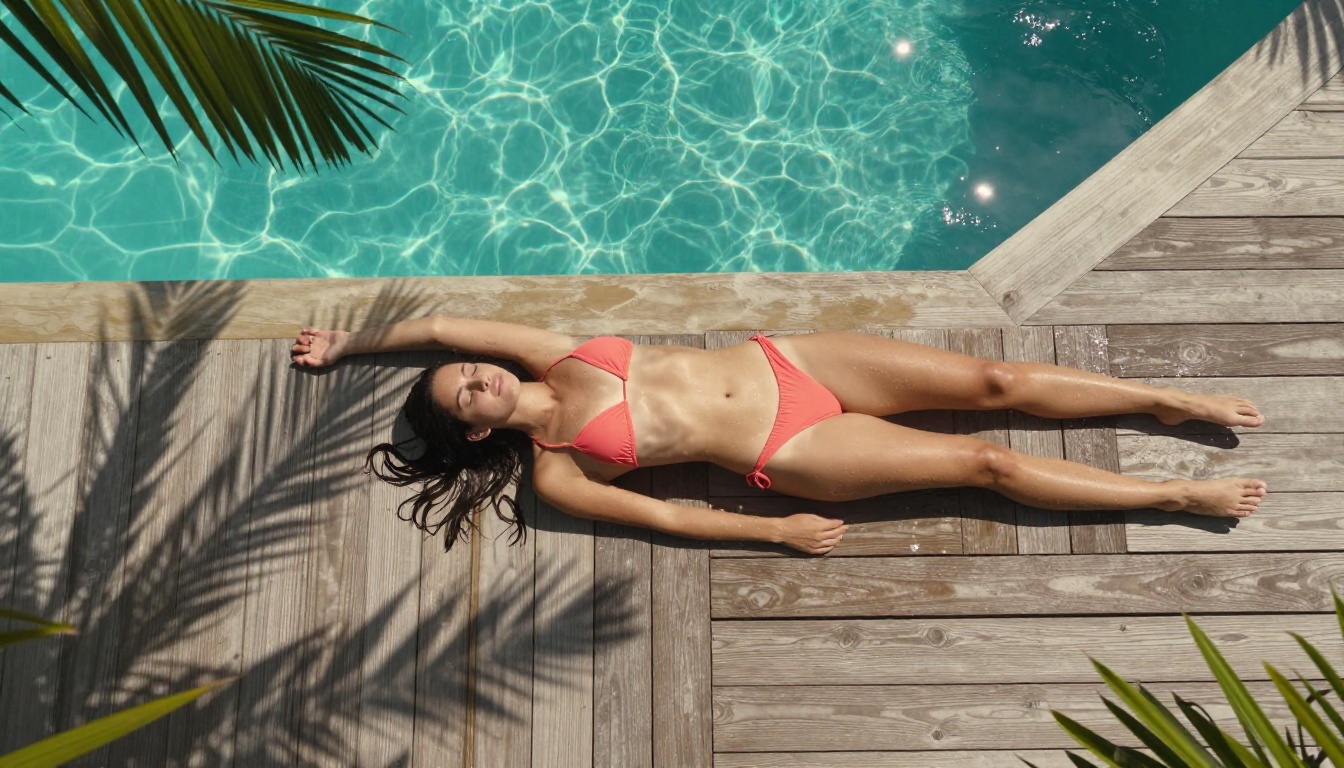
Realistic Vision v5.1
Realistic Vision v5.1 was trained with a specific focus on photorealistic human subjects. It consistently produces better skin tones, natural hair rendering, and believable facial features than general-purpose models at the same parameter count. The model was built specifically to address the uncanny-valley issues that plagued earlier photorealistic generators, particularly around eyes, teeth, and hand anatomy.
For portrait-oriented NSFW content, close-up glamour photography, and beauty editorial work, Realistic Vision v5.1 punches well above its weight relative to its compute requirements. It's one of those rare models where the default output looks genuinely photographic rather than processed.
DreamShaper XL Turbo
DreamShaper XL Turbo occupies an interesting middle ground: faster than most full-quality models, but retaining enough fine detail for glamour and fashion-adjacent NSFW work. Its default aesthetic leans slightly warmer and softer than Flux, which suits certain types of suggestive content where harsh photorealism would feel clinical. Think of it as the difference between a fashion magazine spread and a clinical product shot.
RealVisXL v3.0 Turbo
RealVisXL v3.0 Turbo combines the photorealistic training focus of the Realistic Vision lineage with the SDXL base architecture's support for LoRA fine-tunes and ControlNet. This makes it highly flexible: you can steer body pose with ControlNet while maintaining the skin quality of a dedicated photorealistic model. For NSFW content where specific poses are important to the composition, this combination is hard to beat.
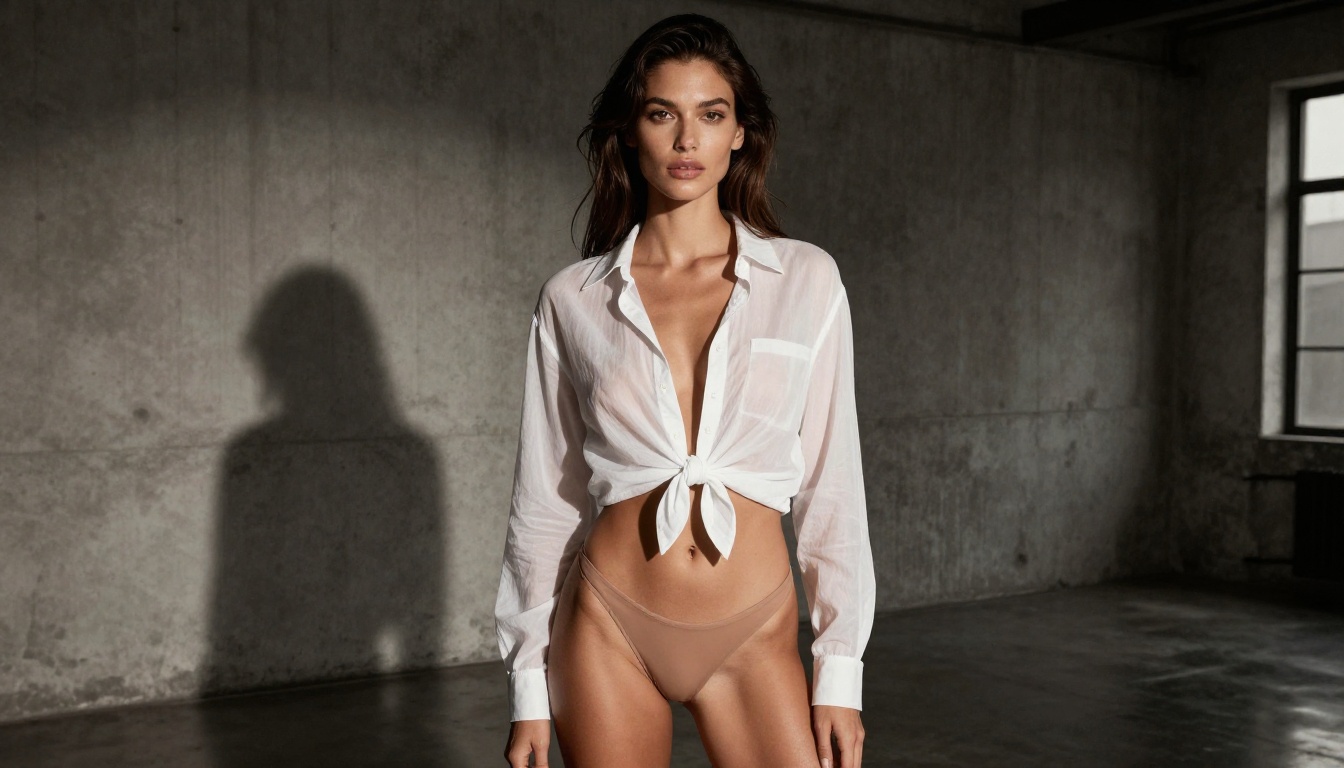
Photorealism vs. Artistic Style
When You Want Photographic Results
For content that should look like it came from an actual camera, model choice matters less than prompt structure. The three variables that separate photorealistic output from obvious AI-generated images are:
- Lighting specificity: Name the source, direction, and quality. "Warm late-afternoon light from camera-left at 45 degrees, casting a soft directional shadow across the collarbone" outperforms "good lighting" by a significant margin.
- Camera and lens: Including "85mm f/1.4" or "50mm f/2.0" actively influences depth-of-field rendering and focal compression in the output.
- Skin texture language: Phrases like "natural skin texture, visible pores, fine surface detail, subtle sun-kissed tone variation" prevent the plastic-smooth skin finish that ruins otherwise strong generations.
Film stock simulation adds the final layer: "Kodak Portra 400 film grain" or "Fujifilm Velvia color grade" steers the model toward analog texture rather than the default digital-clean output that flags an image as AI-generated at a glance.
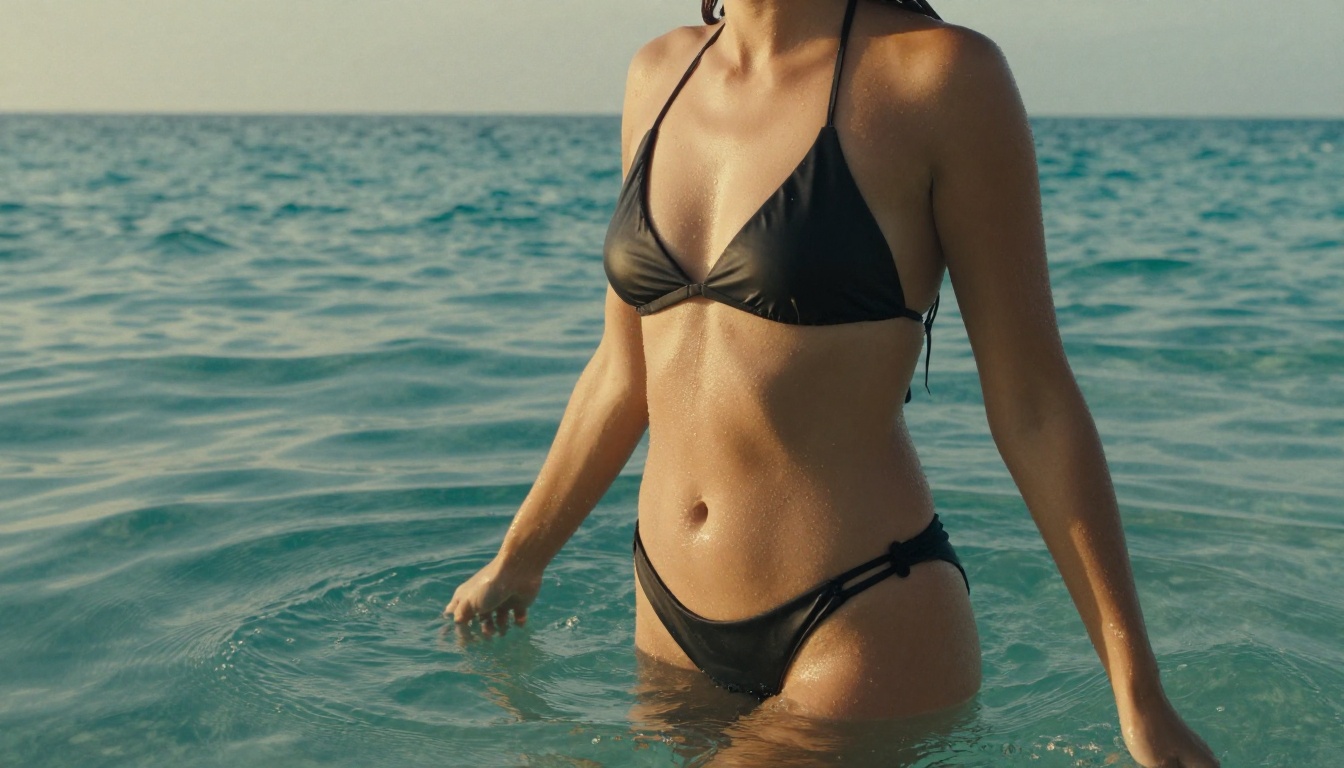
When Stylized Works Better
Not every NSFW use case demands photorealism. For fantasy scenes, artistic implied nudity, or fashion-forward imagery where a slightly idealized look is acceptable, models like SDXL Lightning 4Step and Ideogram v3 Quality offer a semi-realistic aesthetic that reduces uncanny-valley risk while producing visually compelling imagery.
💡 The stylized-to-photorealistic spectrum is a dial, not a switch. You control it through model selection, CFG scale, and prompt language. Higher guidance scale pushes harder toward your description but can over-sharpen edges. Lower CFG produces softer, dreamier output that reads as more "editorial" than "photographic."
How PicassoIA Makes This Accessible
Running NSFW Models Without a GPU
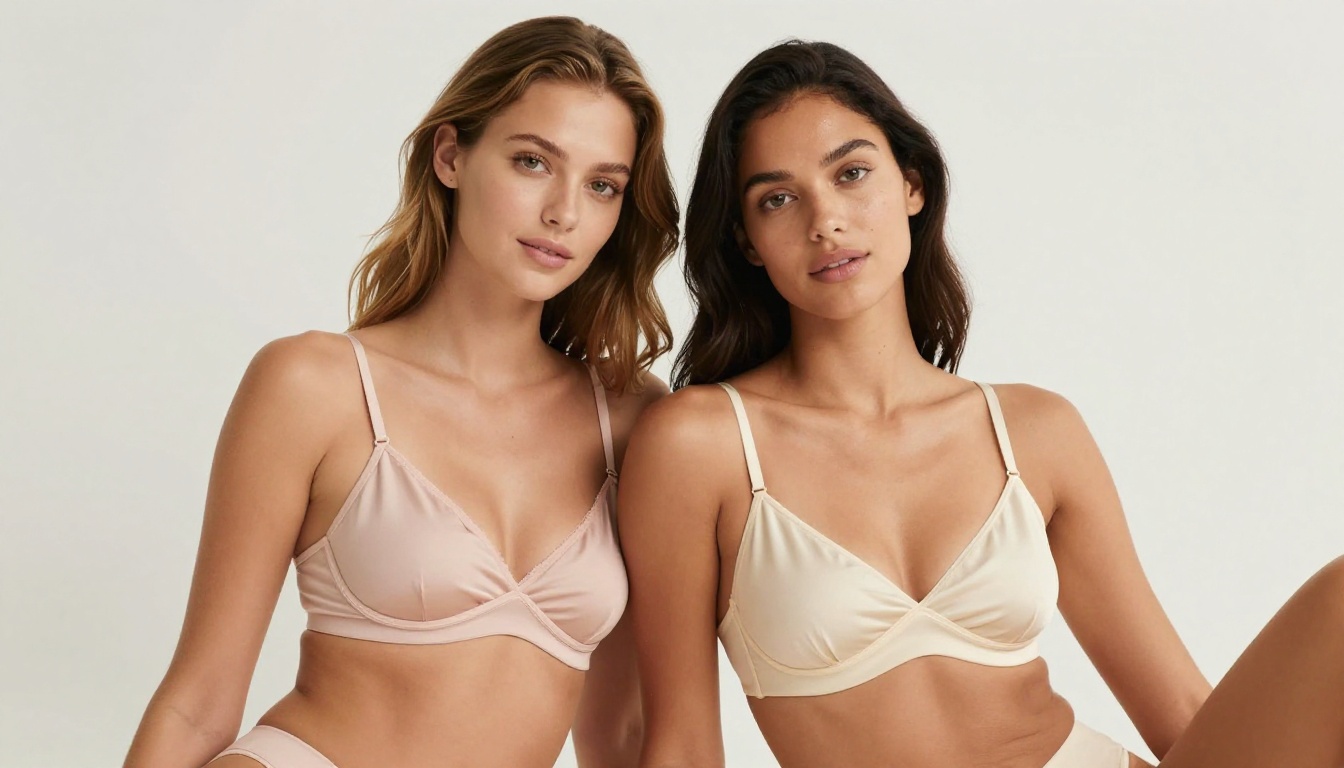
The biggest barrier to high-quality AI image generation locally is hardware. A capable setup for running Flux Dev at production quality costs between $1,200 and $2,500 in GPU alone. PicassoIA eliminates that entirely: every model runs on cloud infrastructure, accessible from any browser with no setup required.
This matters specifically for the NSFW category because the best-performing models, the Flux family, SD 3.5 Large, and RealVisXL, are also the most GPU-hungry. On consumer hardware, a single Flux Dev image at 1024x1024 can take three to five minutes. On the platform, the same generation completes in seconds.
The Models Available Right Now
PicassoIA's text-to-image collection includes over 91 models as of 2026, with strong coverage of the photorealistic human generation category:
- PicassoIA Image Editor Pro: unlimited image-to-image editing that accepts NSFW content and returns results in under a second
- Seedream 4.5: fast, highly realistic 2K and 4K generation with image editing support
- Flux 1.1 Pro Ultra: the highest-fidelity Flux variant on the platform, with native high-resolution output support
- Flux 2 Pro: the newest generation with stronger anatomical coherence and better environment-to-subject integration
- Flux Kontext Pro: adds text-based image editing on top of generation, useful for refining details post-generation without starting over
- Seedream 5 Lite: ByteDance's fast generation model with strong aesthetic defaults for human subjects
- GPT Image 1.5: OpenAI's latest image model, notable for precise prompt adherence and strong compositional accuracy
Generating on PicassoIA: Step by Step
Using any of these models for suggestive or NSFW-adjacent content takes under two minutes from prompt to finished image:
- Go to the model page, for example Flux Dev
- Enter your prompt with lighting, camera, and subject detail
- Set the aspect ratio: 16:9 for widescreen scenes, 1:1 or 4:3 for portraits
- Click generate. No GPU setup, no Python environment, no VRAM limits.
The platform also supports switching between models with the same prompt, which is one of the fastest ways to identify which model handles a specific subject or lighting scenario best for your particular use case.
See These Generations in Motion
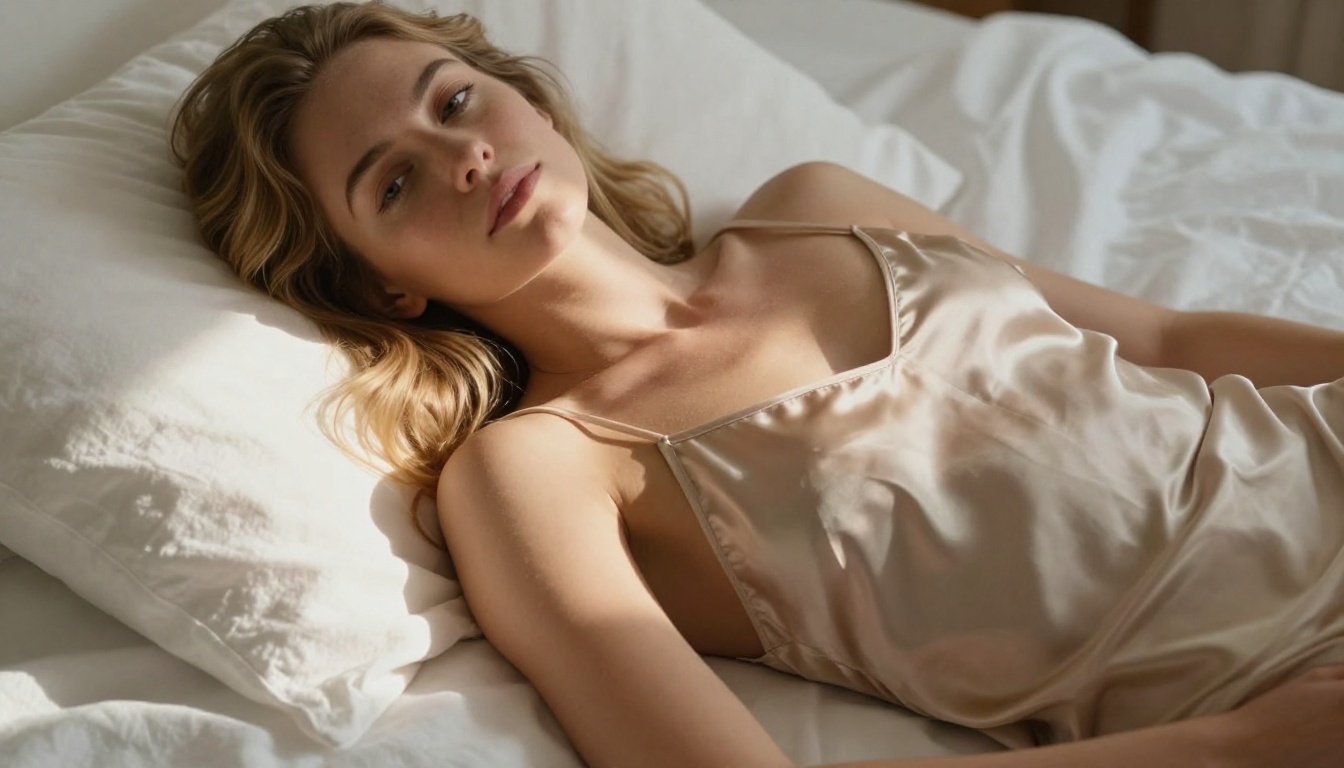
Static images are only half the story. The same photographs these models produce can be animated into short clips with PicassoIA's image-to-video models, like Wan 2.7 I2V and Kling v2.1. Each clip below started as a single still from this article, then ran through an image-to-video model at 720p. The motion is subtle on purpose: a breeze through the hair, water rippling, a slow walk through light.
A poolside still set in motion: the breeze lifts her hair while caustic light plays across the water and her skin.
Golden-hour ocean motion, with waves rolling in and water catching the low sun.
A sun-drenched terrace, where a light sea breeze moves the hair and the edge of the fabric.
A slow walk through a sunlit villa corridor, with dust motes drifting in the warm light.
A quiet morning scene, with soft window light and a sheer curtain drifting by the window.
💡 How it works: image-to-video models read depth and texture from a still, then predict plausible motion frame by frame. Portraits and water scenes animate the most naturally, which is why glamour and beach stills make such strong starting points. All five clips above were rendered at 720p.
Prompt Writing That Actually Works
What Every Strong NSFW Prompt Needs
The quality gap between a mediocre NSFW generation and a genuinely impressive one is almost entirely in the prompt. Here's what separates them:
Subject description, be specific not generic:
- Weak: "a beautiful woman"
- Strong: "a confident woman in her late twenties with olive skin, dark curly hair, sharp cheekbones, and a relaxed natural expression"
Clothing and styling, precise fabric and fit:
- Weak: "wearing a bikini"
- Strong: "wearing a minimal black satin bikini with thin adjustable straps, fabric pulling slightly at the hip, catching directional light at the edge"
Environment, anchor the scene with specifics:
- Weak: "on a beach"
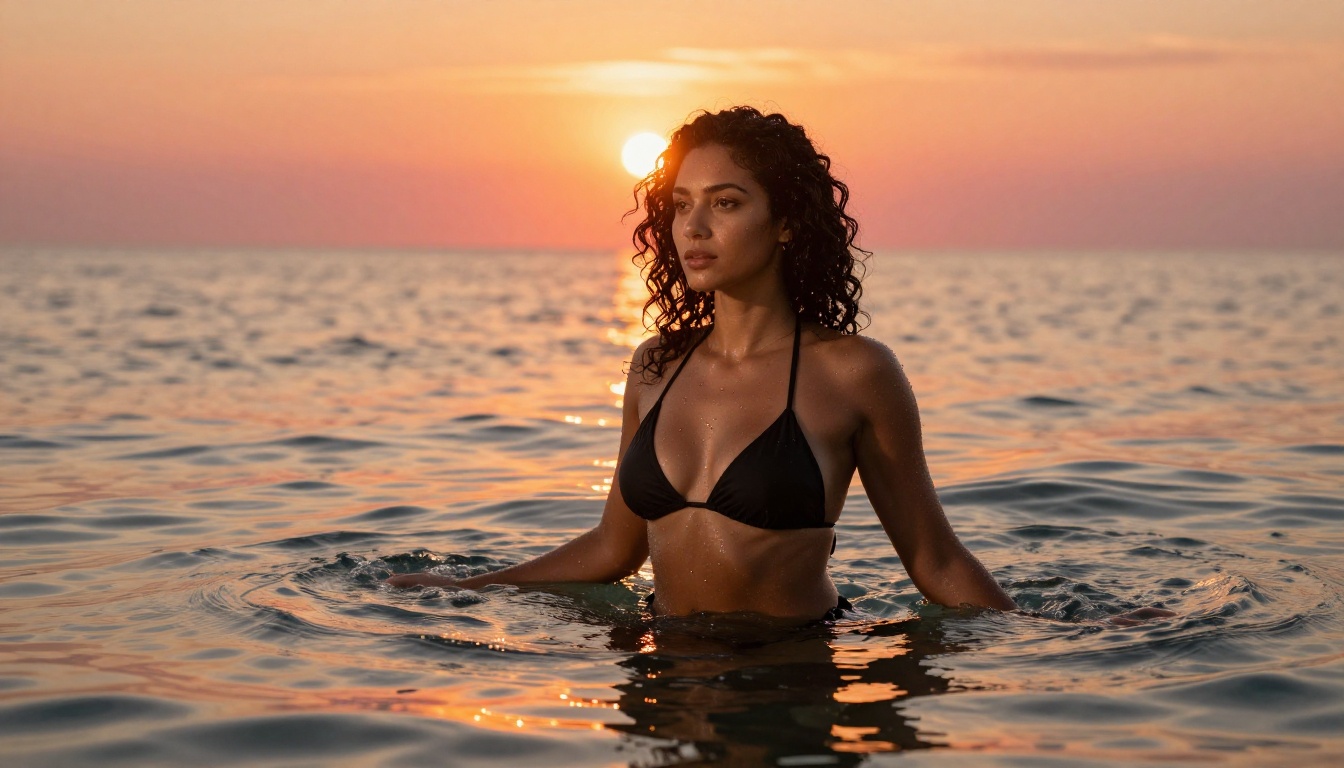
- Strong: "standing waist-deep in crystal-clear turquoise ocean water at golden hour, warm sunset light diffusing through the water surface, wet sand visible below"
Camera and lens, control the look:
- Include focal length, aperture, and depth-of-field intent
- Example: "85mm f/1.4, subject sharp, background rendered as soft circular bokeh"
Film and texture, remove the AI plastic look:
- "Kodak Portra 400 film grain, natural skin texture, visible pores, fine surface hair, subtle color variation in skin tone"
Common Prompt Mistakes
💡 The three biggest NSFW prompt failures: no lighting direction, no camera specification, and no skin texture language. Fix these three and output quality improves immediately, regardless of which model you're using.
| Mistake | Why It Fails | The Fix |
|---|
| "Perfect lighting" | No direction, quality, or source specified | "Warm late-afternoon light from camera-left, 45-degree angle, soft shadow under cheekbone" |
| "Ultra realistic" alone | Too generic, dilutes the prompt signal | Add film stock, lens focal length, and skin texture language |
| No pose or action specified | Model defaults to static frontal standing | "Standing with weight shifted onto right leg, head tilted slightly left toward camera" |
| Over-stacking quality tags | Dilutes the signal past usefulness | Use 3 to 5 specific descriptors instead of 15 generic ones |
| No background specification | Produces generic blank or cluttered output | Describe the environment in 1 to 2 focused sentences |
Comparing Output Quality
The Honest Side-by-Side
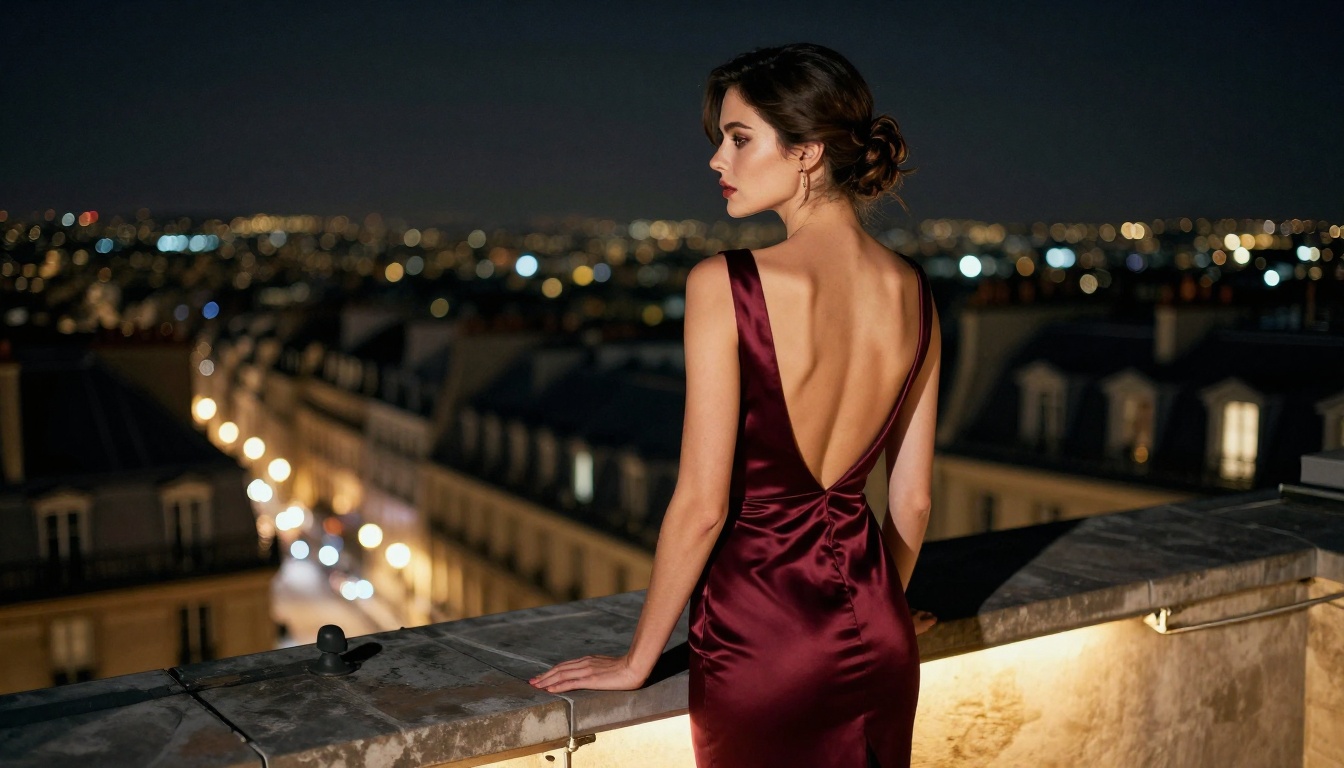
Here's how the main free or free-tier-accessible models compare across the criteria that actually matter for suggestive and NSFW content:
On skin realism: Flux Dev, Realistic Vision v5.1, and Seedream 4.5 lead here. All three handle granular skin texture, natural color variation, and the subtle imperfections that separate photorealistic output from obvious AI images.
On anatomy: Flux Dev's transformer architecture handles limb count, finger rendering, and body proportion better than most free-accessible models right now. SD 3.5 Large is a close second. SDXL-based models in general still show anatomical inconsistencies more frequently than the newer architectures.
On prompt adherence: When the exact composition, clothing detail, or body pose matters, SD 3.5 Large, Flux Dev, and Recraft v4 are the most reliable at following complex multi-part prompts. Older SDXL checkpoints drift from complex descriptions more frequently.
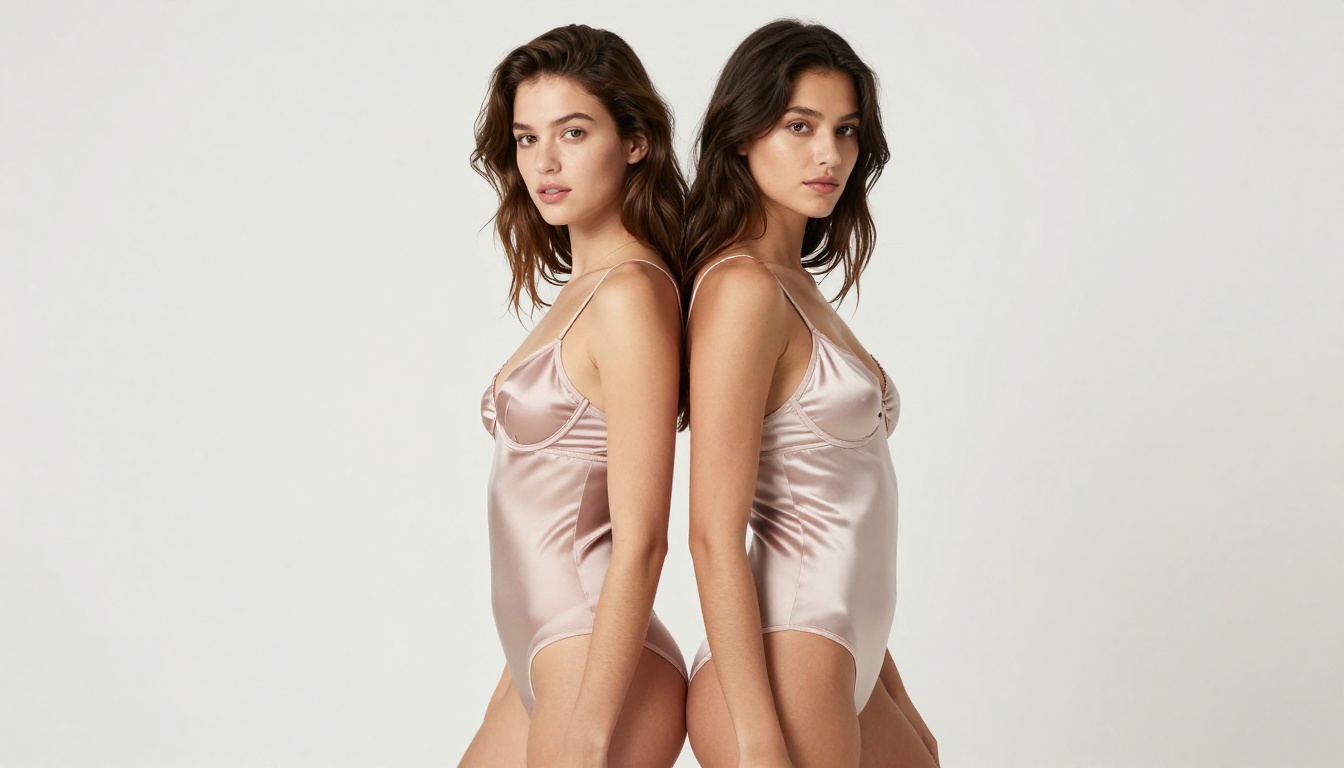
For image-to-image work specifically, PicassoIA Image Editor Pro sits in its own lane: it isn't competing on text-to-image realism so much as on cost and speed, and on both it wins outright for anyone doing high-volume editing.
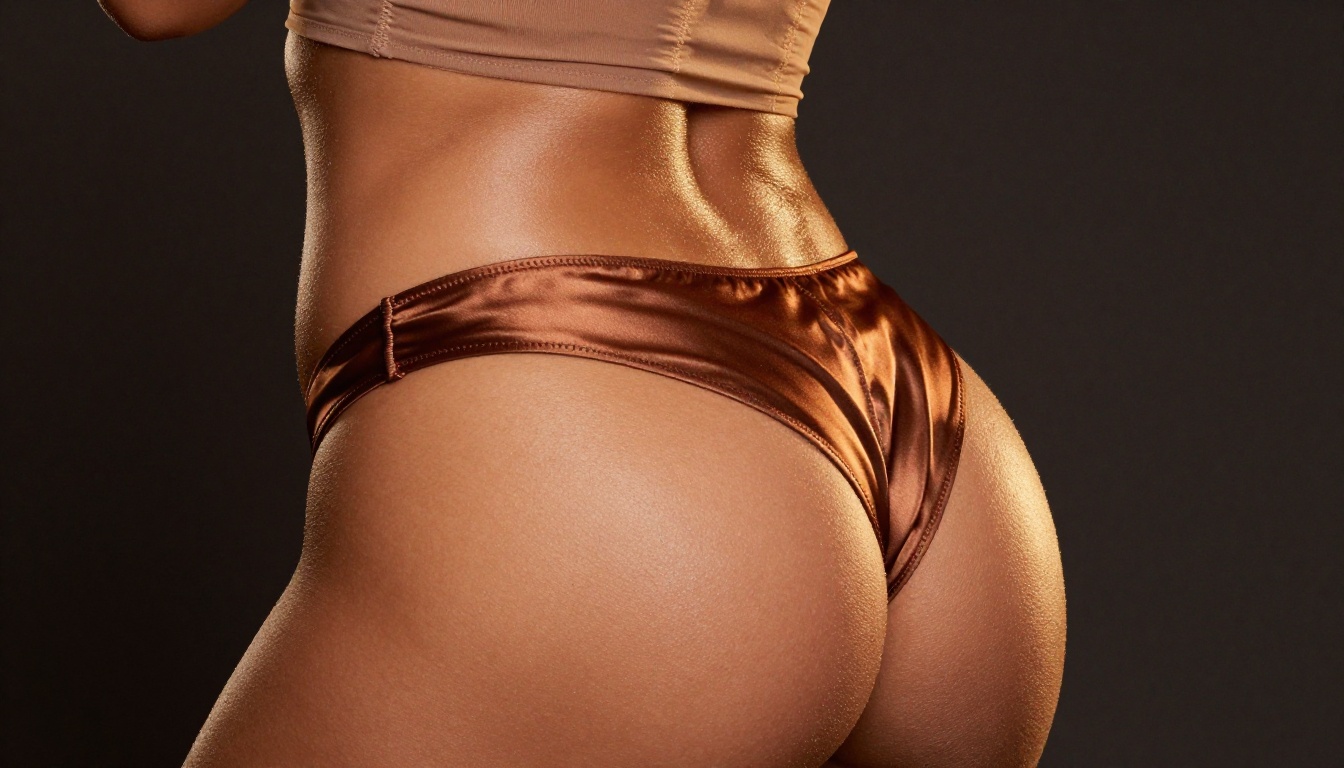
Which Generator Fits Your Use Case
For Portraits and Glamour
If your focus is close-up facial portraits, glamour photography, or fashion-adjacent suggestive content, the combination of Realistic Vision v5.1 for skin quality and Flux Dev for overall composition gives you the best coverage. Running them side by side on PicassoIA with the same prompt is the fastest way to identify which model handles your specific subject type better before committing to a full production run.
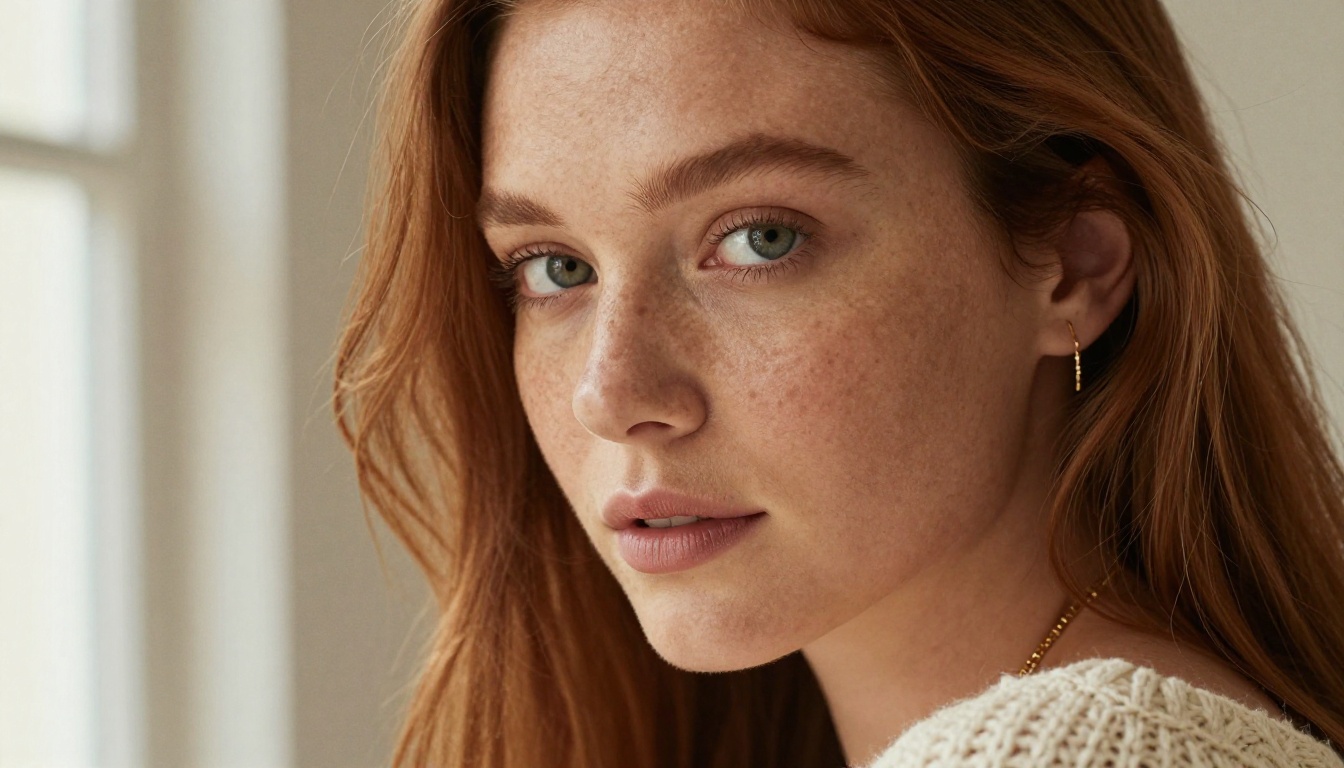
For Fantasy and Scene-Based Content
For imagery that blends suggestive content with environmental storytelling, Flux 2 Pro handles complex scene compositions best. Its improved coherence between subject and environment reduces the "subject pasted onto background" artifact that still appears in older models when the scene description is detailed and specific. Seedream 4.5 is a strong second pick here thanks to its sharp 4K detail on wide environmental shots.
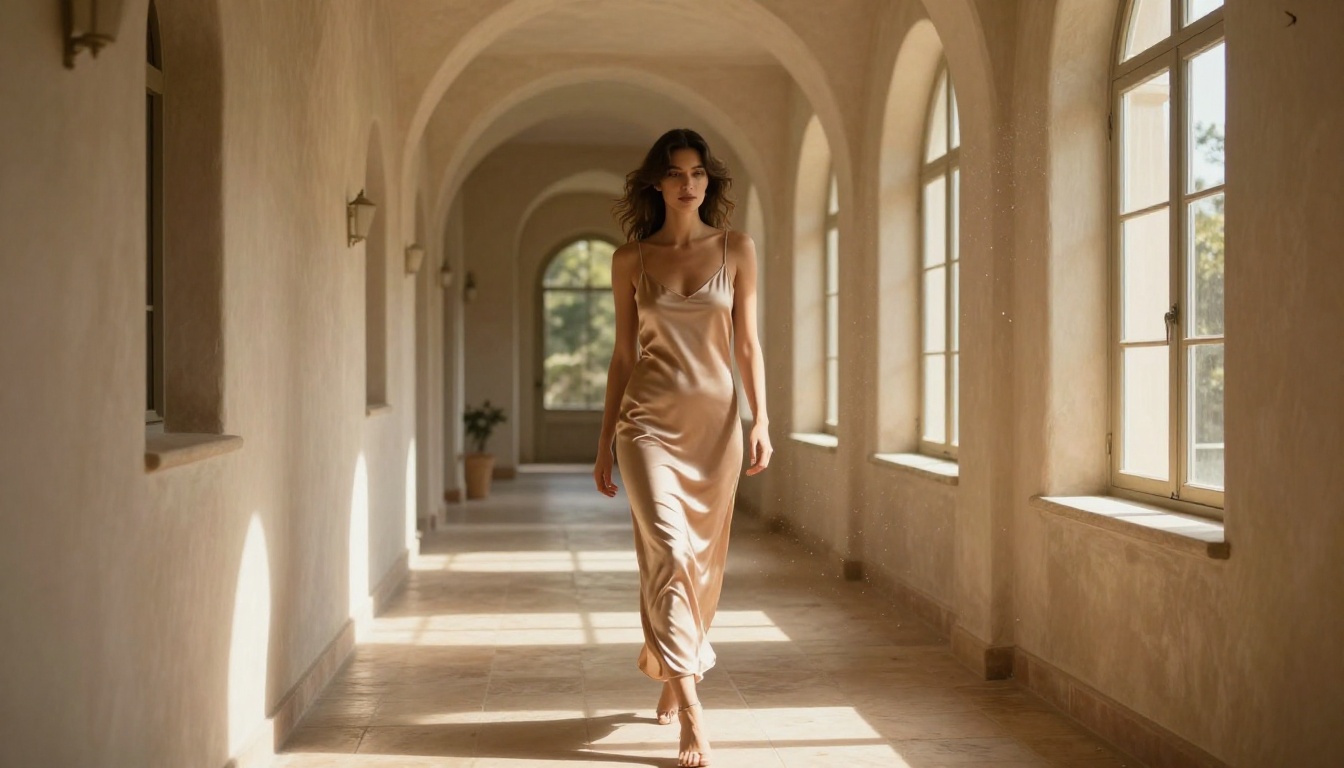
For Speed and Iteration
When you need volume, iteration speed matters more than peak quality. Flux Schnell, SDXL Lightning 4Step, and Qwen Image 2 are all strong options, each capable of producing usable results in seconds per image. Use them to nail the composition, pose, and lighting concept, then switch to Flux Dev or SD 3.5 Large for the final high-quality output. For pure editing speed, PicassoIA Image Editor Pro returns an edit in under a second with no per-generation cost.
💡 A two-step workflow that works: sketch the concept with Flux Schnell (fast, low cost), then finalize with Flux Dev (full quality). This approach cuts total generation time roughly in half compared to running every iteration through the slower model.
The best free NSFW AI image generators in 2027 are the ones that give you access to top-tier models without the hardware overhead. PicassoIA Image Editor Pro for unlimited editing, Seedream 4.5 for fast realistic generation, Flux Dev, Stable Diffusion 3.5 Large, Realistic Vision v5.1, and DreamShaper XL Turbo are all genuinely capable of producing professional-quality suggestive imagery when paired with well-constructed prompts.
What makes or breaks the experience isn't the model itself. It's the lighting specification, the camera language, and the skin texture detail in the prompt. Get those three right and the difference between a mediocre generator and an exceptional one shrinks dramatically.
PicassoIA puts all of these models in a single browser-based platform with no GPU required and no local setup. Whether you're working through Flux 1.1 Pro Ultra for maximum photorealism, Grok Imagine Image to convert a photo into a realistic bikini look, Recraft v4 for art-directed realism, or Seedream 5 Lite for aesthetic-forward generation, the quality ceiling is set by your prompts, not your hardware.
When you want to see everything in one place, the full catalog lives at picassoia.com/en/all-models, where you can browse the best NSFW AI models and generate without limits. Pick a model, write a detailed prompt, and see what the current state of free AI image generation actually looks like.


