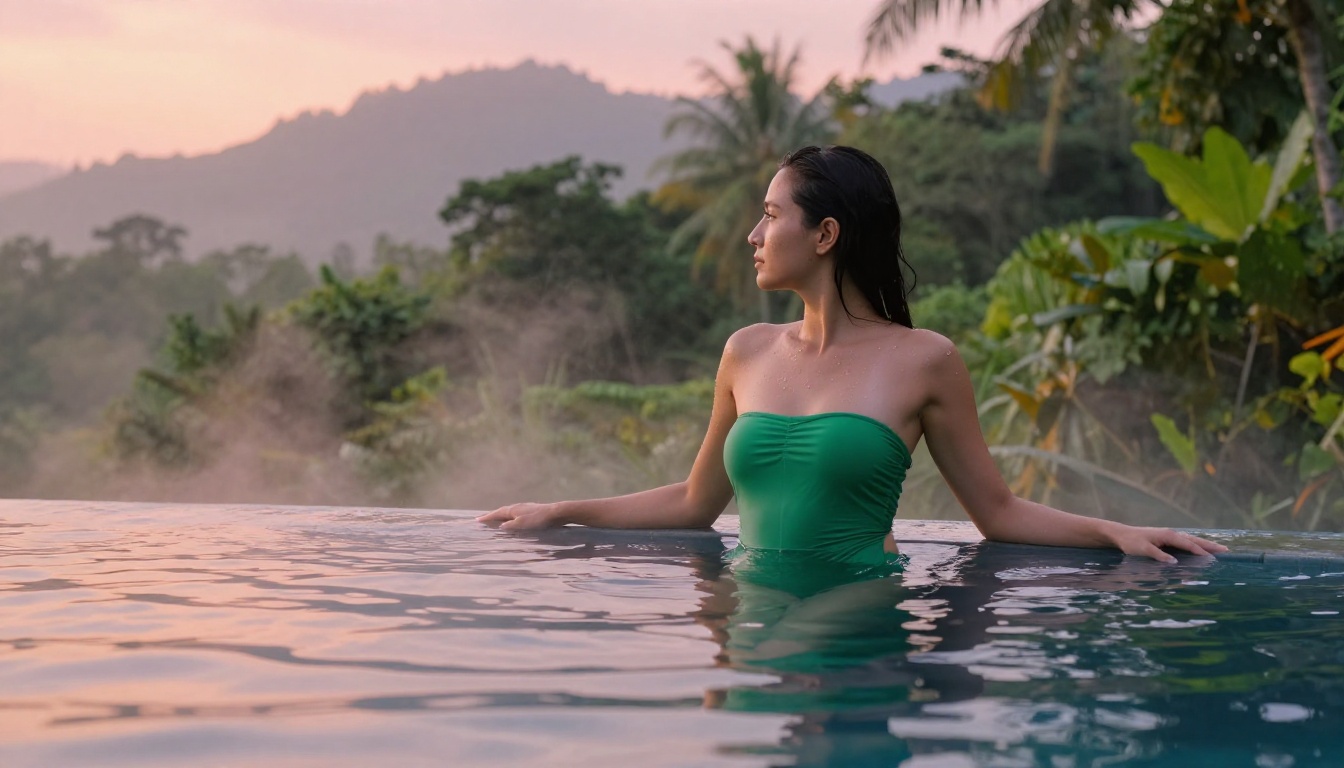
The search for a free NSFW video generator is one of the most typed queries in AI communities right now, and for good reason. AI video tools have exploded in capability over the last year, and a handful of platforms now let you create sensual, suggestive, or artistically bold videos without spending a dollar. But the options are scattered, the quality varies wildly, and most reviews either refuse to name the best tools or bury them under disclaimers. This article is different. Below is a direct, practical breakdown of the best free NSFW video generators available online in 2026, what they can actually do, and where to try them.
What Counts as NSFW Video AI?
Not all NSFW content is the same, and understanding that spectrum will help you pick the right tool for what you actually want to make.
Suggestive vs. Explicit
The term "NSFW" (Not Safe For Work) spans a wide range of content, from a swimsuit editorial to fully explicit adult material. Most publicly available AI video tools operate in the suggestive and artistic nudity range, generating bikini scenes, glamour aesthetics, implied scenarios, and sensual character motion without crossing into pornographic territory. This is the sweet spot most free tools target, because it allows them to stay on mainstream platforms while still serving a large creative and adult-adjacent audience.
Note: Truly explicit content generation typically requires specialized platforms with age verification and paid subscriptions. The tools covered here generate artistic, suggestive, and glamour-style content freely.
Why Free Tiers Actually Matter
Paying for AI video generation credits adds up fast. A single 5-second HD clip on a premium platform can cost $0.50 to $3.00 depending on the model. When you are experimenting with prompts for a specific aesthetic, that bill escalates quickly. Free-tier access, open-source weights, and daily credit allowances change that equation completely. They let you test outputs before committing, iterate on your vision, and build creative workflows without financial risk.
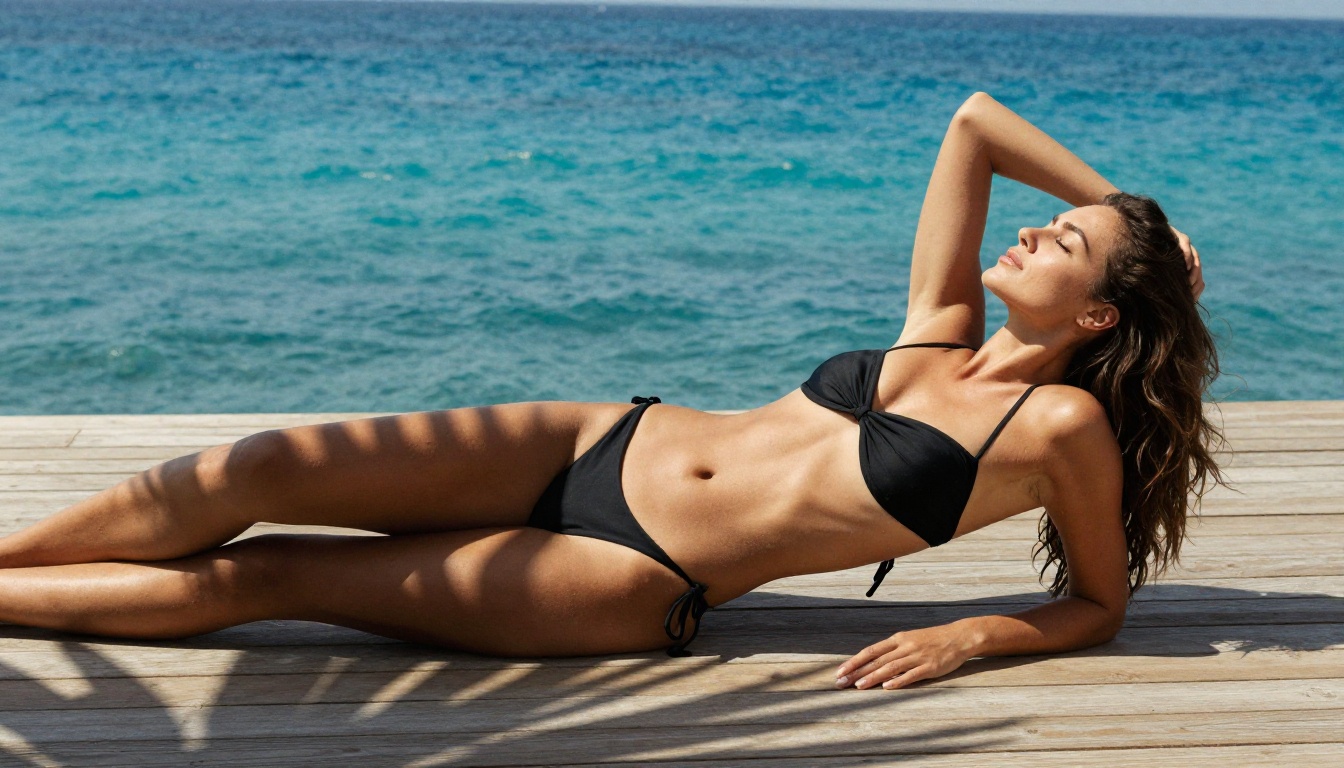
The Best Free NSFW Video Generators in 2027
These are the generators that currently offer the strongest combination of output quality, free access, and creative freedom in the suggestive-to-artistic range.
Kling v3 Video
Kling v3 by Kwai is one of the most capable text-to-video models available with a free tier. Its motion realism is exceptional, particularly for human subjects, which makes it highly effective for suggestive content. The model handles fabric movement, skin detail, and subtle character animation with a quality that was paid-only territory just six months ago.
What it does:
- Generates up to 10-second clips in standard tier
- Strong anatomical coherence, crucial for NSFW prompts
- Excellent lighting and texture rendering across frames
- Free daily credits on platforms like PicassoIA
On PicassoIA, Kling v3 is available in the text-to-video collection. You also have access to Kling v3 Omni, which adds image-to-video capability for anyone wanting to animate a specific character or scene they already have generated.
WAN 2.6 Text-to-Video
WAN 2.6 T2V is arguably the most important open-source video model for NSFW content creation. Because the weights are open, it can be run locally with no content filters, and when used via platforms that respect creative freedom, it delivers cinema-quality outputs. The model scores particularly high on portrait realism and lighting consistency across frames.
The image-to-video variant, WAN 2.6 I2V, is especially useful: you generate a still image with a NSFW-friendly image model, then animate it into motion. This two-step workflow gives you precise control over how your subject looks before any frames are rendered.
Tip: For NSFW prompts on WAN models, describe motion explicitly in your prompt. Instead of "a woman dancing," write "a woman in a silk dress slowly turning, fabric flowing around her legs, candlelight flickering across her skin."
Hailuo 2.3
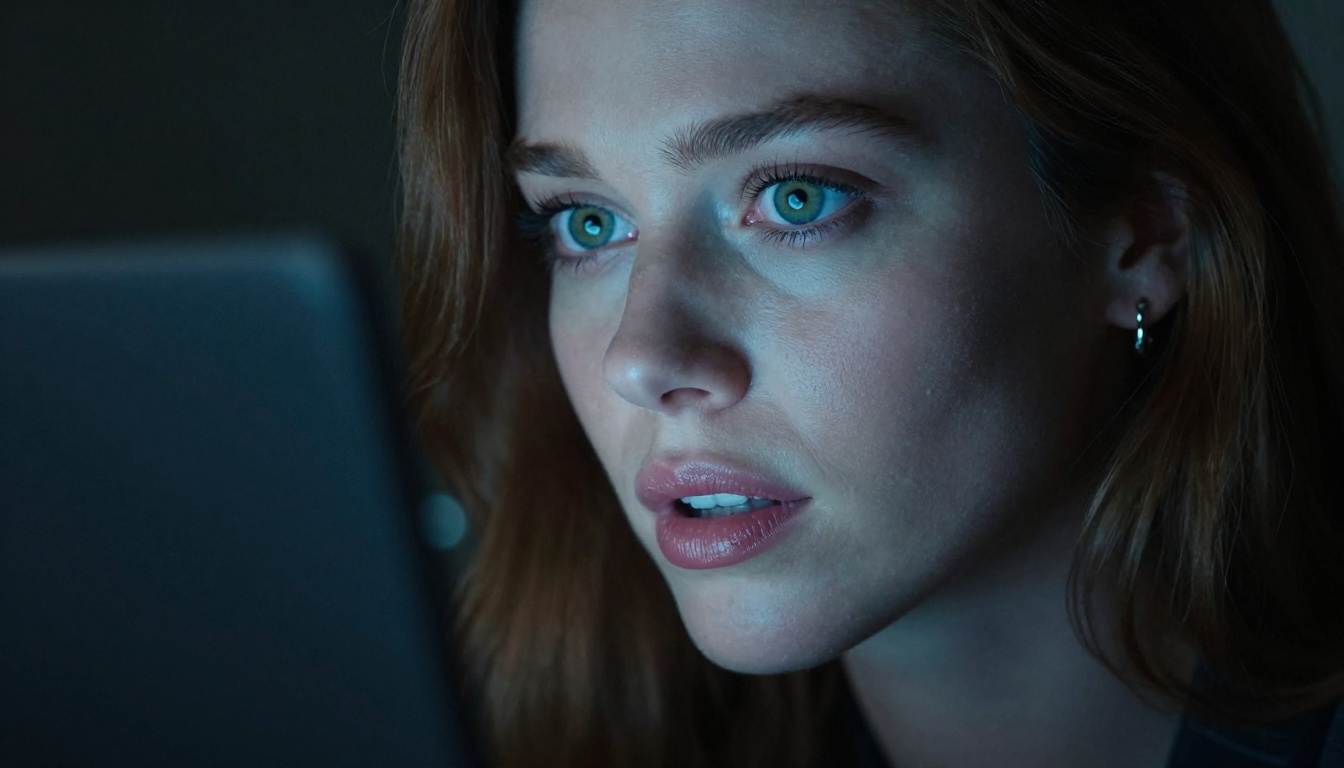
Hailuo 2.3 by MiniMax is a standout for producing smooth, cinematic motion with a high degree of prompt adherence. Free credits are available on multiple platforms, and the model's default quality is high enough that even first-attempt outputs often require minimal regeneration.
For suggestive content, Hailuo 2.3 excels at atmospheric scenes: a model walking slowly through a hotel corridor, a close-up of bare shoulders in morning light, a figure in lingerie at a window. The model interprets implied intimacy and translates it into movement with a natural rhythm. For speed without sacrificing much quality, Hailuo 2.3 Fast is worth trying alongside the standard version.
LTX-2 Distilled
LTX-2 Distilled from Lightricks is the most accessible free option on this list in terms of generation speed. "Distilled" here means it is a compressed version of the full LTX-2 model, optimized for rapid output without sacrificing too much quality. You get results in seconds rather than minutes.
For creators who need volume, such as testing many different prompt variations or producing multiple short clips for a project, LTX-2 Distilled is the practical choice. The sister model LTX-2.3-Pro offers higher fidelity when you need production-quality output.
PixVerse v5.6
PixVerse v5.6 has built a strong reputation for stylized realism and character animation. It handles face-to-body consistency better than many competitors, which matters a great deal when generating videos of human subjects in minimal clothing. Its outputs carry a slight cinematic grade by default, adding visual polish without additional editing.
Free tier access via PicassoIA gives you a set of daily generation credits. The quality-to-cost ratio here is excellent, and PixVerse v5 is also available if you want slightly different motion characteristics from the same family.
CogVideoX-5b
CogVideoX-5b is an open-weights model that offers a genuinely free option for self-hosted use, and a viable free tier via hosted platforms. It is one of the strongest community-supported models, meaning there is a large base of prompt resources, workflows, and fine-tunes built around it. For NSFW use cases, the community has developed specific prompting approaches that reliably produce high-quality suggestive content.
HunyuanVideo
HunyuanVideo by Tencent represents perhaps the highest raw quality ceiling of any fully open model on this list. It was released with open weights and has since become a foundation for numerous fine-tuned variants in the NSFW space. Via PicassoIA, you can access the base model with free credits to test its capabilities directly.
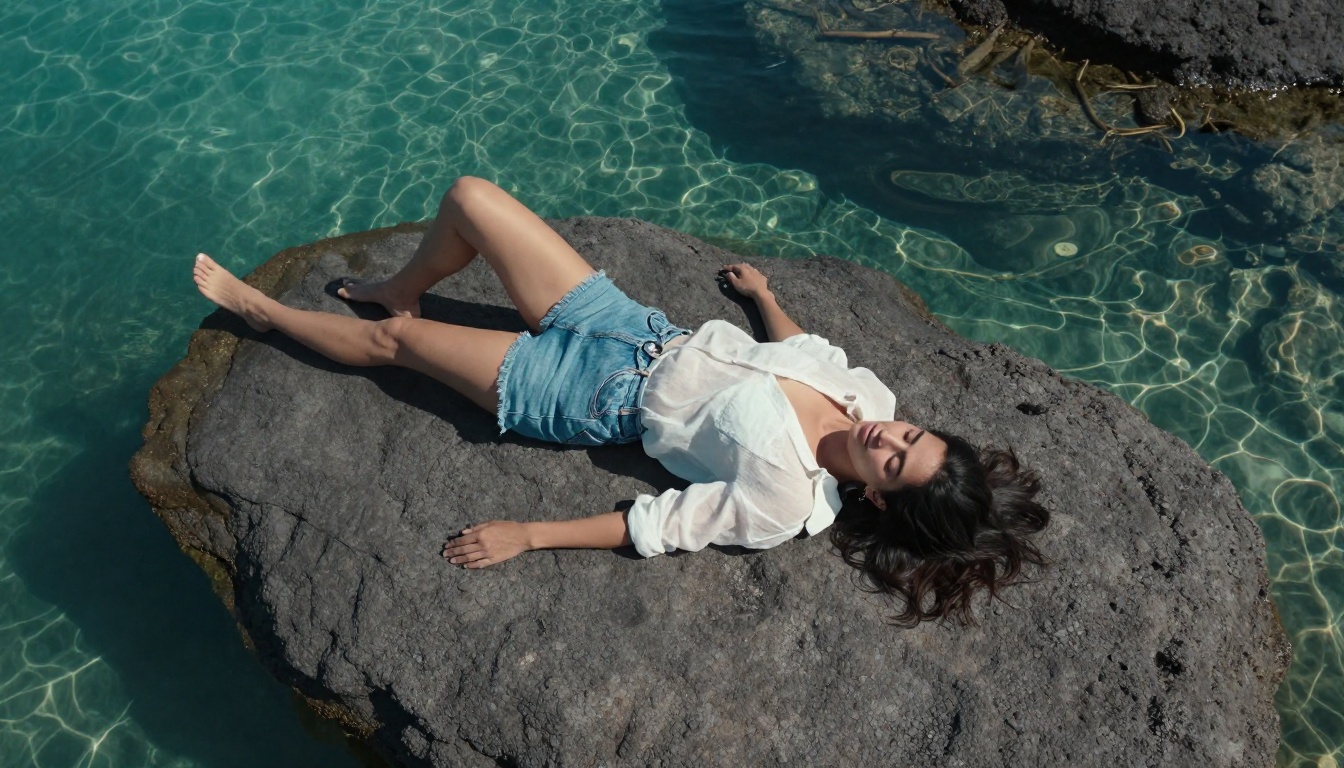
Head-to-Head Comparison
How to Use Kling v3 on PicassoIA
PicassoIA offers Kling v3 directly in its video generation collection with a clean interface and no technical setup required. Here is how to get your first NSFW-adjacent video clip in minutes.
Step 1: Open the Model
Navigate to the Kling v3 Video page on PicassoIA. You will see the generation interface with a text prompt field and parameter controls.
Step 2: Write Your Prompt
Be specific about subject, clothing, environment, lighting, and motion. Vague prompts produce vague results.
Example prompt:
"A woman in a silk champagne slip dress standing near a floor-to-ceiling window at night, city lights behind her, fabric moving softly in an indoor breeze, volumetric lighting from a floor lamp, cinematic slow-motion 24fps"
Parameters to set:
- Duration: 5 to 10 seconds
- Mode: Professional for higher detail
- Aspect ratio: 16:9 for widescreen output
Step 3: Set the Motion Intensity
Kling v3 has a motion intensity slider. For suggestive, slow-paced scenes, set it between 3 and 5. Higher values work for dynamic scenes but can introduce anatomical artifacts in close-up body shots.
Step 4: Generate and Evaluate
Your first generation is rarely perfect. Check for: motion continuity, fabric behavior, and face-body coherence. If the model loses consistency mid-clip, lower the motion parameter or simplify the scene description.
Step 5: Post-Process
Once you have your base clip, PicassoIA's Video Increase Resolution tool can upscale the output. If you want to add atmosphere, MMAudio generates a synchronized ambient soundtrack from your video automatically.
Writing Prompts That Actually Work
The difference between a mediocre and a stunning AI video output is almost entirely in the prompt. Here is how to write prompts that consistently produce high-quality NSFW-adjacent content.
Five Parts of a Strong Prompt
Every effective video prompt needs five components working together:
- Subject description: Who is in the frame, what are they wearing, how do they look?
- Environment: Where is the scene set? Interior or exterior, and what is the lighting situation?
- Motion instruction: What movement is happening? Be specific about speed and style.
- Camera angle: Low-angle, close-up, wide shot, or tracking?
- Mood and aesthetic: Cinematic, editorial, intimate, dramatic?
Strong prompt:
"Close-up low-angle shot of a woman in a black lace bodysuit seated on the edge of a bed, lamplight from the right casting warm shadows across her torso, she slowly turns her head toward the camera, hair falling across one eye, velvet headboard texture visible behind her, cinematic 4K"
Weak prompt:
"Sexy woman in lingerie"
The difference in output quality is enormous. The more context you give the model, the less room there is for unwanted interpretation.
What the Models Struggle With
All current free video generators have failure modes worth knowing before you start:
- Hands and fingers: Remain difficult across all models. Avoid prompts that require hands in sharp focus.
- Fast motion: Rapid action causes flickering and artifacts. Slow, deliberate movement works best.
- Long clips: Most free tiers cap at 5 to 10 seconds. Requesting longer clips often degrades quality near the end.
- Multiple subjects: Two or more people interacting is significantly harder. Solo subjects produce the most consistent results.
The Two-Step Workflow: Image to Video
The most reliable way to produce high-quality suggestive video content is the image-to-video workflow. Here is why it works and how to do it.
Why Start with a Still Image
Text-to-video models have to make many decisions at once: what does the character look like, what is the lighting, how is the scene composed. Image-to-video removes most of those decisions. You define the exact look in a static image, then hand that to a video model that only needs to add motion. The results are dramatically more consistent and predictable.
The Workflow in Practice
- Generate your character image using a high-quality image model on PicassoIA
- Upload that image to WAN 2.6 I2V or Hailuo 2.3 Fast
- Write a motion-only prompt that describes movement, not appearance
- Generate, evaluate, and refine
The motion prompt for an image-to-video call should be concise: "subtle breathing motion, hair moving gently in breeze, eyes blinking slowly" is more effective than repeating the full character description. The model already sees the image. It only needs to know what to do with it.
Stretching Your Free Credits
Every platform structures its free tier differently. Here is how to get the most output without spending anything.
Daily Reset Strategy
Most platforms reset credits at midnight UTC. Generate your highest-priority clips first each day, before any experimentation. Keep a saved list of your best-performing prompts so you are not wasting regenerations on drafts you have already tested.
Model Selection by Goal
Tip: Seedance-1-Lite by ByteDance is another solid free option with a focus on smooth motion. It is worth running in parallel with your primary model to compare outputs before committing credits to a full generation.
What to Do After Generation
Raw AI video outputs benefit from post-processing. A few tools on PicassoIA can take your clip from acceptable to professional without additional cost.
Upscale the Resolution
Video Increase Resolution by Bria processes your clip through an AI upscaling pipeline that sharpens edges, reduces compression artifacts, and can bring a 720p output up to 4K-equivalent detail. For NSFW content where skin texture and fabric detail matter, this step is worth doing every time.
Add Ambient Sound
Silence makes AI-generated videos feel unfinished. MMAudio analyzes your video and generates a synchronized ambient soundtrack, adding room tone, soft music, or environmental sound that matches the visual mood. For intimate or glamour scenes, this layer alone adds significant production value.
Reframe the Aspect Ratio
If you generated in 16:9 but need to post on a vertical platform, Reframe Video uses AI to intelligently crop and reframe your clip, keeping the subject centered throughout the motion rather than simply cropping a static region.

Having access to 87 text-to-video models in one place, with a unified credit system and no technical setup, changes what is practically possible for individual creators. PicassoIA brings together Kling v3, WAN 2.6, HunyuanVideo, Hailuo 2.3, PixVerse v5.6, and dozens more in a single interface where you can switch between models instantly and compare outputs side by side.
The editing tools are built in too. Upscaling, audio generation, reframing, and more are all available without leaving the platform. For anyone serious about NSFW video creation, the ability to iterate across multiple models in a single session is a real operational advantage over tools that lock you into a single model or require technical infrastructure to run.
If you have been holding off on experimenting with AI video because of cost or complexity, the free tiers available right now remove both obstacles. Pick a model, write a detailed prompt, and see what today's best AI video generators are actually capable of producing.