Free NSFW anime art sites are everywhere in 2027, and most of them are a disappointment. They promise unlimited creation, then deliver blurred results, mandatory watermarks, or a moderation filter that blocks everything interesting. If you have spent any time on these platforms, you already know the pattern: half your prompts get rejected, the other half produce images that look nothing like what you typed.
This piece breaks down which free platforms actually deliver, where they fall short, and why the sharpest results in 2027 are coming from a different kind of tool entirely.
Why Most Free Sites Don't Cut It
The appeal of a free NSFW anime generator is obvious. No subscription, no credit card, just generate and go. The reality, however, is that the word "free" almost always comes with a catch that matters far more than the price.
Content Filters That Block Everything Good
Every major free platform in 2027 runs some version of a safety classifier. These systems are built for corporate liability, not creator freedom. The result: your prompts get flagged, sanitized, or quietly rejected even when you are asking for something entirely artistic. A sheer kimono becomes a winter coat. A suggestive pose becomes a stiff, hands-at-sides standing shot.
💡 The filter problem is architectural. It is baked into how these models were fine-tuned, which means no prompt trick will fully get around it.
This is a particular problem for NSFW anime art and hentai AI generation: the style itself, with exaggerated features and expressive poses, triggers safety systems calibrated for a far more conservative audience.
Watermarks That Ruin the Output
Free tiers exist to push you toward paid subscriptions. That is a fair business model, but it means the actual free output is deliberately degraded. Watermarks sit across the center of the image. Resolution caps at 512x512. You get a preview of quality, never the thing itself. For a free anime waifu generator, that makes the output nearly unusable for anything beyond personal reference.
Rate Limits That Kill Momentum
Free platforms in 2027 enforce queue times the moment you start generating in volume. Want 20 prompt variations? The platform wants you to wait 4 minutes between each one, or buy tokens to skip the queue. This is not a side effect of limited infrastructure. It is a deliberate conversion mechanic.
Strip away the marketing, and a genuinely strong NSFW anime art generator in 2027 needs three things.
No Censorship on Adult Content
The platform needs to accept adult prompts and return adult results. Not every model handles this well, even on otherwise permissive platforms. The models that work best for this content are specifically configured to accept explicit style descriptors, detailed anatomy, and suggestive scenarios without softening the output.
Speed Under 3 Seconds
Iteration speed determines creative output. A generation that takes 30 seconds yields 120 images in an hour. One that takes under 3 seconds yields 1,200. That is a 10x difference in creative throughput, not a marginal improvement. For anyone doing serious work with AI anime character creation or building a consistent character look, speed is not optional.
Clean Output, No Brand Noise
The image should be publication-ready the moment it generates. No attribution overlays, no logos, no brand banners baked in. When you are using a free NSFW AI art generator for personal projects, content creation, or portfolio work, watermarks kill the workflow entirely.
Top Free Sites for NSFW Anime Art
Here is how the most-cited free platforms actually compare in 2027.
| Platform | Truly Free | NSFW Support | Watermark | Max Resolution | Speed |
|---|
| Civitai | ✅ Limited | ⚠️ Model-dependent | None | 1024px | Slow (queue) |
| Tensor.Art | ✅ Daily tokens | ⚠️ Partial | None | 1024px | Medium |
| SeaArt.ai | ✅ Daily credits | ⚠️ Model-dependent | None | 1024px | Medium |
| ArtBreeder | ✅ Basic tier | ❌ Blocked | None | Low | Medium |
| NightCafe | ✅ Daily credits | ❌ Filtered | Yes | 1024px | Slow |
| Pixiv AI | ✅ Limited | ⚠️ Partial | None | Medium | Medium |
| PicassoIA | ✅ Free trial | ✅ Full | None | Up to 4K | Under 3s |
The pattern is consistent. Free-tier platforms restrict adult output at the model level, cap daily generations, and top out at 1024 pixels. PicassoIA's free trial gives direct access to the same full-power models that paying subscribers run, with no additional filtering layer on top.
💡 A free trial with a real model beats 100 generations with a filtered one. Three uncensored results from Seedream 4.5 will show you more than 100 watermarked outputs from a restricted platform.
The Real Alternative: PicassoIA
PicassoIA is not just an image generator. It is a multi-model platform where you select the specific AI that fits your creative goal, rather than being locked into whatever the platform defaults to. For NSFW anime AI art specifically, this matters because different models handle adult content very differently, and having access to 91+ text-to-image options in one place changes how you work.
The platform does not apply an additional filtering layer on top of the models. What the model returns is what you see. No second-pass moderation, no automatic censoring. When you are running an adult anime content generator workflow, that distinction is significant.
Best NSFW Models on PicassoIA
1. Seedream 4.5: The Top Pick
Seedream 4.5 is the strongest all-around NSFW model on PicassoIA in 2027. It accepts adult prompts, supports image editing (not just generation from scratch), and returns hyper-realistic results in under 3 seconds. Skin texture, fabric detail, hair strands, and cinematic lighting all render with a precision that blurs the line between AI output and professional photography.
One important distinction: the newer Seedream 5 Lite does not support NSFW content. For adult output, Seedream 4.5 is the correct choice.
What it handles well:
- Detailed NSFW anime characters with realistic proportions
- Expressive poses, clothing detail, and skin rendering
- Image-to-image editing to refine existing generations without rebuilding from scratch
- Consistent character appearance across multiple outputs
2. PicassoIA Image Editor Pro: Unlimited Generations
PicassoIA Image Editor Pro is an image-to-image model. You feed it a source image and it adjusts the result based on your prompt. Its defining advantage is unlimited generations for Elite and Infinite plan subscribers: generate as many images as you want at no extra cost per image.
To put that in context, running 1,000 generations on a credit-based model like Nano Banana 2 costs roughly $100. On PicassoIA Image Editor Pro, that same volume is included in your plan. Results arrive in under 1 second, and a 3-generation free trial is available with no credit card required.
3. Qwen Image 2: Open Source, No Restrictions
Qwen Image 2 is an open-source model that handles both text-to-image and image editing without content restrictions. The open-source architecture means it was not fine-tuned with corporate safety constraints, which translates to far fewer rejected prompts. Results are highly detailed and realistic, making it a strong choice for uncensored anime art generation.
4. Grok Imagine Image: Instant Character Conversions
Grok Imagine Image specializes in converting any reference image into a bikini or swimwear format with photorealistic accuracy. Upload a source, describe the output, and the model handles the adjustment. Body and fabric realism on this model are consistently strong.
5. Recraft V4: Clean Text-to-Image Results
Recraft V4 delivers very clean, realistic output from text prompts. It does not support image editing, but for prompt-based generation of detailed NSFW anime art, the visual quality is competitive with paid specialist tools.
6. P-Image: When Speed Comes First
P-Image generates NSFW images in under 1 second. For rapid iteration sessions, testing prompt variations, or running large-volume batches, this model is built for that workflow.
💡 Pro workflow: Use P-Image for fast drafts. Run your best result through PicassoIA Image Editor Pro for a one-second quality pass. Two models, one workflow, significantly better output.
How to Use Seedream 4.5 on PicassoIA
Step 1: Open the Model Page
Go directly to Seedream 4.5. You will see the prompt interface with generation settings on the right side.
Step 2: Write a Detailed Prompt
Seedream 4.5 responds to specificity. Rather than typing "anime girl in bikini," describe the full scene: character appearance, clothing or lack of it, pose, setting, lighting direction, and mood. The model matches precision with precision.
Example prompt:
"Photorealistic anime-style young woman with waist-length silver hair and violet eyes, wearing a deep blue lace lingerie set, seated on the edge of a white bed, morning sunlight from the left, delicate fabric texture, 8K resolution"
Step 3: Set Aspect Ratio and Batch Size
Use 16:9 for widescreen, 9:16 for portrait orientation. Set batch size to 4 to generate multiple variations from one prompt and pick the strongest output.
Step 4: Refine with Image Editor Pro
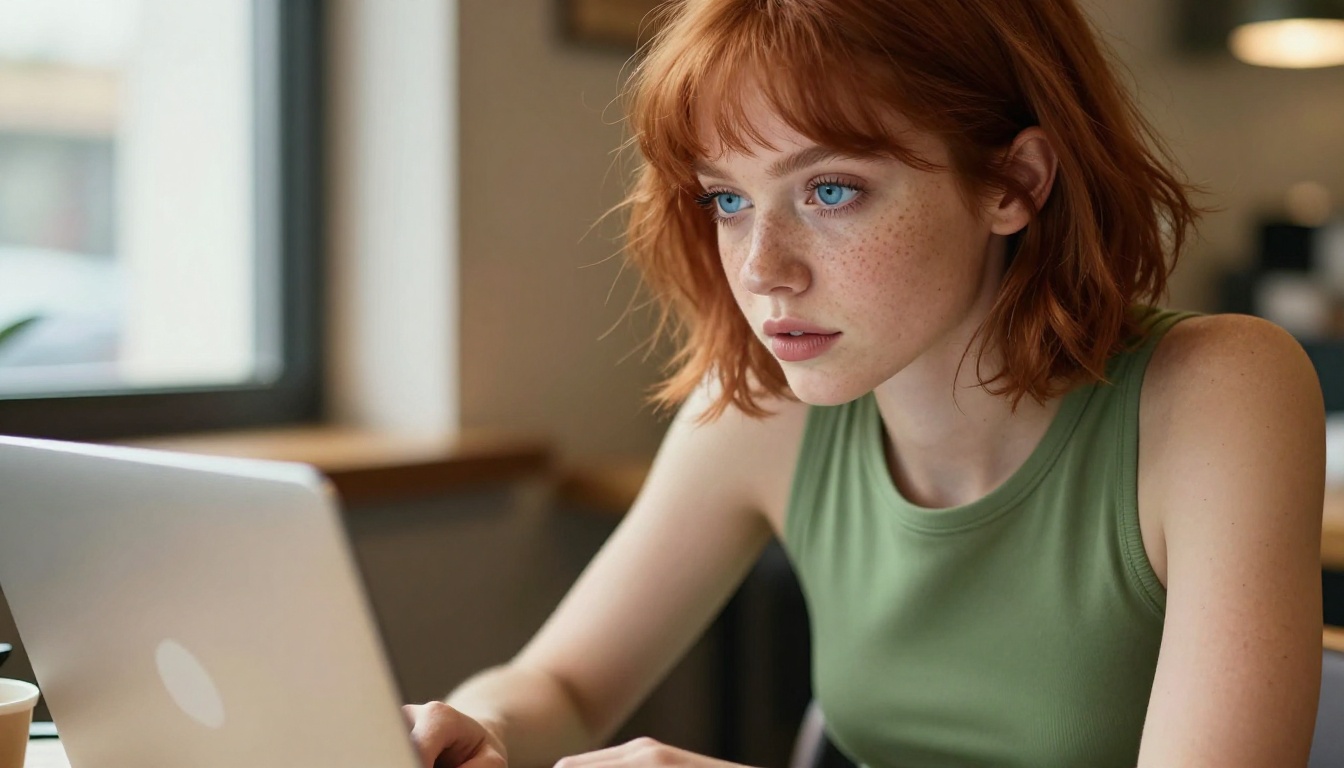
If the result is close but not quite right, bring that image into PicassoIA Image Editor Pro with a targeted adjustment prompt. This pass can fix anatomy, adjust clothing detail, or change lighting without regenerating from scratch. Results in under one second.
PicassoIA vs Free Sites
| Feature | Free Sites | PicassoIA |
|---|
| NSFW support | ⚠️ Partial or blocked | ✅ Full (per model) |
| Generation speed | 10 to 60 seconds | Under 3 seconds |
| Watermarks | Often yes | No |
| Daily generation limit | Yes | No (on paid plans) |
| Image editing tools | Rare | ✅ Included |
| Output resolution | Up to 1024px | Up to 4K |
| Free trial quality | Degraded output | Full model access |
| Available models | 1 to 3 | 91+ |
The gap is not close. Free sites trade quality and creative freedom for zero upfront cost. PicassoIA trades zero-cost access for performance, but the free trial closes that gap for anyone who wants to see the difference firsthand.
Beyond Images: Editing and Upscaling
PicassoIA extends well past text-to-image generation for creators who want a full production pipeline.
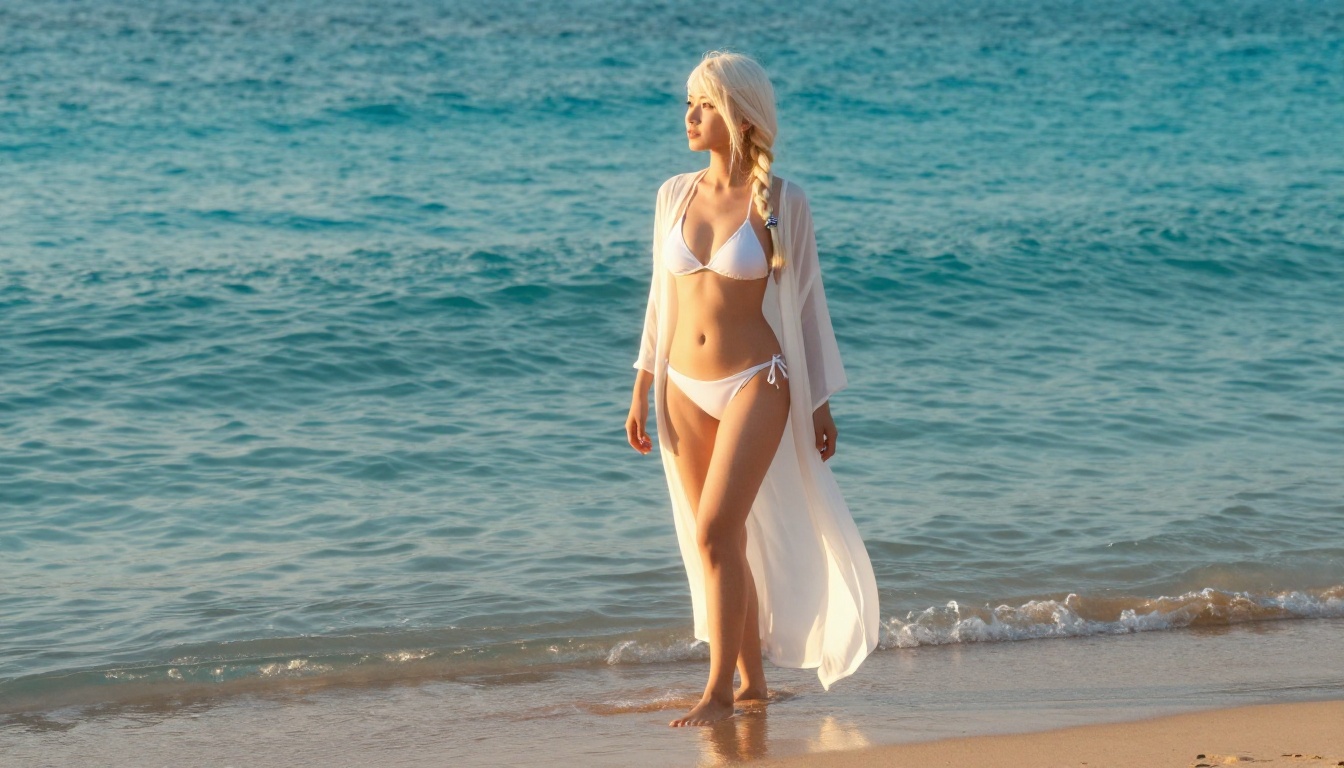
Super Resolution Upscaling: Take a 512px draft and scale it to 4K with detail preserved. Useful for any workflow where you draft fast and finalize once, without regenerating from scratch.
Inpainting: Fix specific details without regenerating the whole image. Mask the area you want to change, describe the fix, and the model handles it. Common use cases include hands, facial detail, clothing adjustments, and background swaps.
Background Removal: Strip the background from any character image in one click, then place them in a new scene using inpainting or outpainting tools.
Wan 2.2 Image: A text-to-image model with no content restrictions. Generates highly realistic images from detailed text descriptions. Works well for anime character art that requires very precise anatomical and detail accuracy.
💡 Workflow tip: Generate your base character in Seedream 4.5, upscale it with the Super Resolution tool, then use inpainting to refine any detail you want to change. That entire pipeline runs without leaving the platform.
1. Treating "free" as the primary criterion.
The cost of generating 100 blurred, watermarked, filtered images is not zero. It costs time, creative momentum, and iteration cycles you never get back. The actual cost of a PicassoIA free trial is three generations with no credit card. That is a far lower barrier than it sounds, and the quality difference is immediately visible.
2. Using one model for every task.
Different models are optimized for different workflows. Seedream 4.5 is best for full-scene generation with detailed anatomy. P-Image is built for fast iteration drafts. PicassoIA Image Editor Pro is best for refining images you already have. Using a single model for everything means leaving quality on the table in every session.
3. Ignoring the editing pipeline entirely.
Most creators focus on generation and never touch editing tools. The difference between a good result and a great one is often one targeted inpainting pass: fix the hands, adjust fabric detail, tweak the lighting direction. The editing tools on PicassoIA handle this in under a second per pass, and the result is sharper than regenerating the whole image from scratch.
Start Creating on PicassoIA
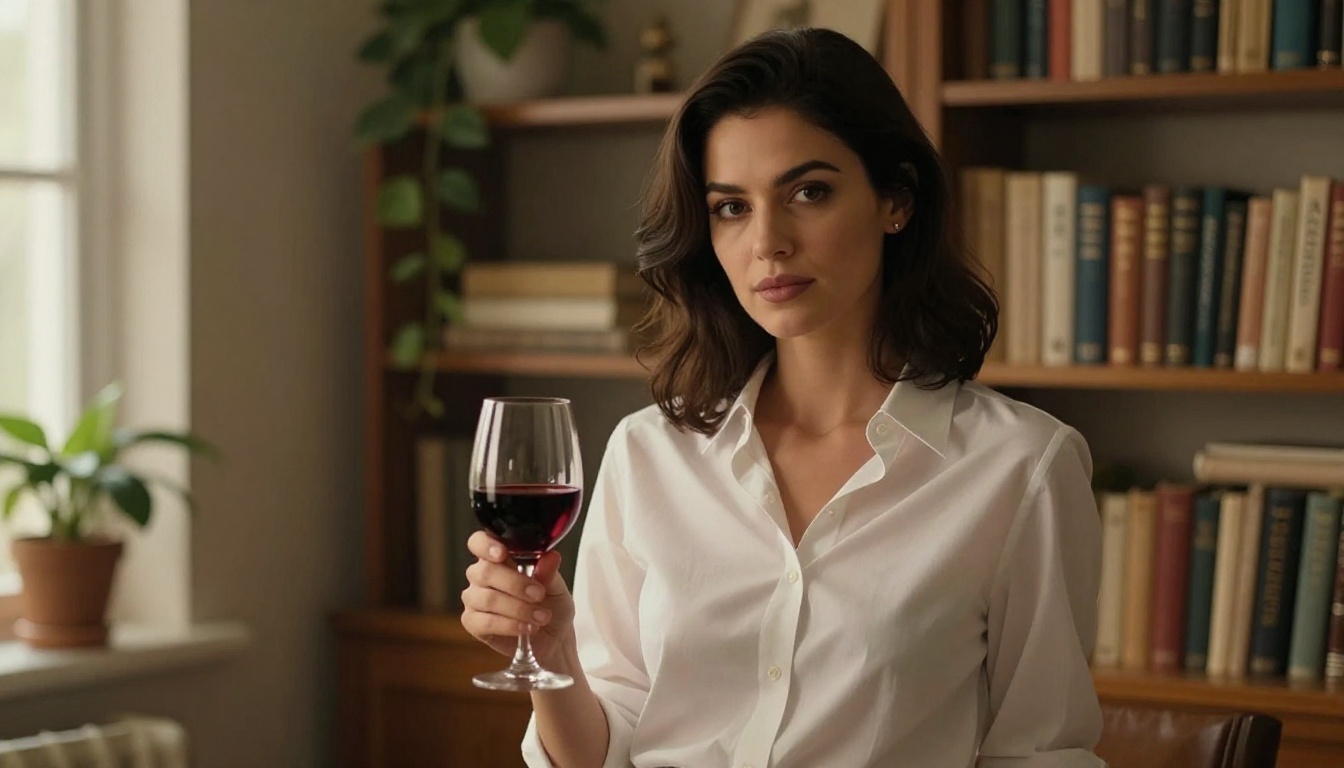
If you have been settling for watermarked, filtered, low-resolution output from free NSFW anime art sites, the comparison above makes a straightforward case for switching. PicassoIA's lineup of adult-capable models, led by Seedream 4.5 and backed by the unlimited-generation value of PicassoIA Image Editor Pro, represents the current ceiling for AI anime art quality in 2026.
What to try first:
Three free generations, no credit card required, and the result speaks for itself.


