There are hundreds of AI image generators claiming to be "free" in 2027, but the moment you try to create anything outside their sanitized comfort zone, you hit a wall. Censorship filters block your prompts, safety classifiers flag legitimate artistic content, and you're left with a frustratingly restricted creative experience. This article cuts through that noise. Below, you'll find the real tools that work, the models that won't fight you at every turn, and a practical breakdown of exactly how to use them starting today.
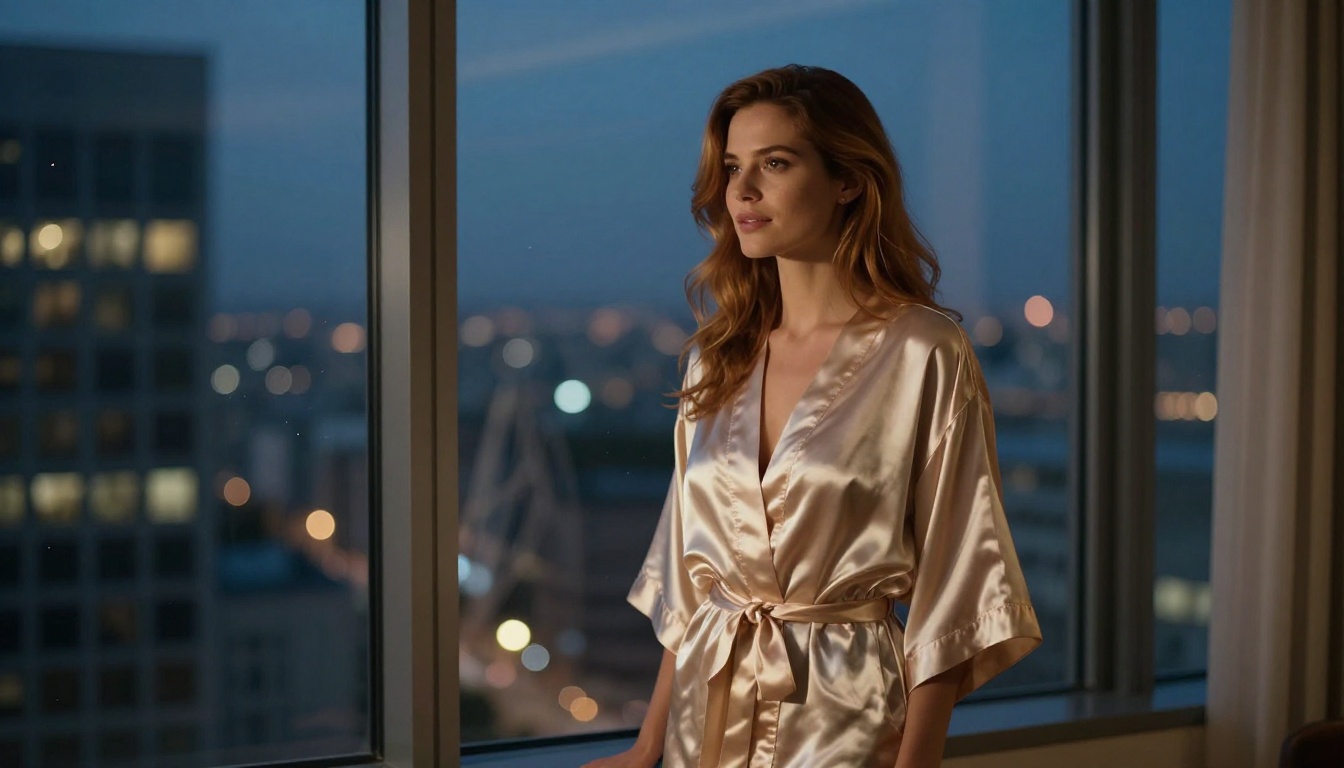
Why Most Free Generators Fall Short
Censored AI tools aren't a bug, they're a deliberate business decision. Most mainstream platforms filter aggressively because they're trying to stay palatable to enterprise advertisers and app store policies. The result is a creative straitjacket dressed up as a "safety feature."
The Filter Problem
When you type a prompt into a mainstream AI image generator, it passes through multiple content classifiers before a single pixel is rendered. These classifiers catch anything from implied nudity to provocative poses, stylized fashion photography, and even political imagery. For adult creators, fine artists, and anyone working in mature themes, this makes the tool nearly useless.
The three most common failure modes creators hit in 2026:
- Prompt refusal: The model won't process the request and returns a vague error
- Silent sanitization: The model modifies your prompt without telling you, removing key descriptors
- Watermark punishment: The tool generates the image but stamps it with a large logo unless you pay
Each of these wastes your time and undermines your creative process. None of them have to be part of your workflow.
What "Uncensored" Actually Means
An uncensored AI image generator processes your prompt exactly as written. No silent edits, no blocked keywords, no surprise refusals for words like "sheer fabric" or "bikini photography." In 2027, the best uncensored tools are also the most technically impressive, producing photorealistic 8K-quality outputs with natural lighting, accurate anatomy, and professional composition.
Uncensored doesn't mean uncontrolled, either. Quality still matters enormously. The best tools produce artistic, beautiful results with realistic skin texture and purposeful lighting, not degraded outputs from underpowered models running on server scraps.
Seedream 4.5: The Strongest Free Option Right Now
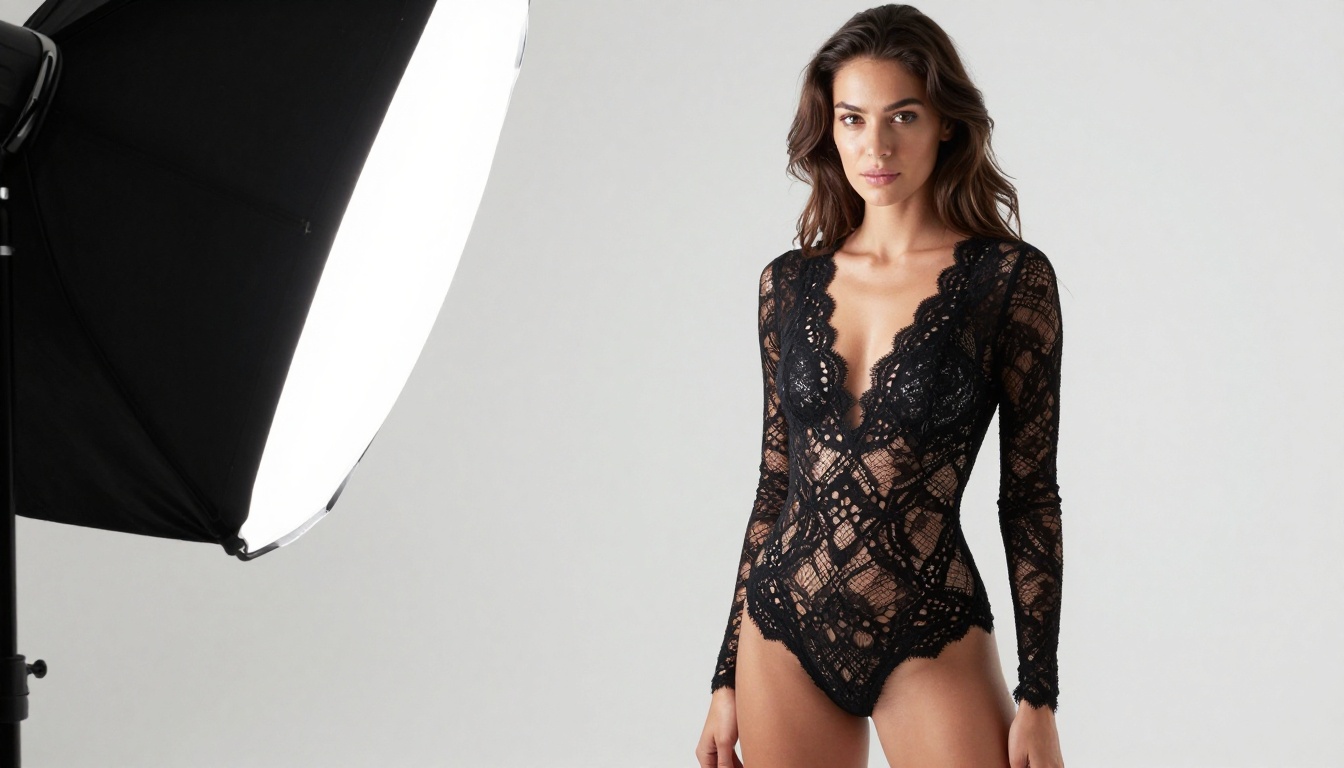
If you want one model to bookmark, it's Seedream 4.5. Developed by ByteDance and available free on PicassoIA, it produces some of the most realistic human anatomy, skin rendering, and fabric texture of any text-to-image model available without a paywall.
What Sets It Apart from the Competition
Seedream 4.5 was trained on a massively diverse dataset with minimal filtering at the output stage. This means the model understands nuanced prompts involving clothing, body language, and sensuality without defaulting to robotic, over-clothed, or anatomically incorrect outputs. Its core strengths:
- Photorealistic skin rendering: Pores, fine hair strands, and natural skin tone variations are generated accurately, not smoothed into plastic
- Prompt adherence: It follows complex, layered prompts with multiple subjects and specific environments without dropping descriptors
- Composition intelligence: Framing, lighting direction, and depth-of-field feel purposeful rather than random
- Speed: Outputs arrive in seconds, not minutes, which matters when you're iterating
- No hidden filters: What you type is what gets generated
For portrait photography, beauty content, fashion imagery, and artistic nudity, there's currently no free model that consistently performs better.
How to Use It on PicassoIA
Head to the Seedream 4.5 page on PicassoIA. No account is required for your first test generations. For unlimited outputs without watermarks, a free account registration is all you need. The model accepts plain English prompts and responds exceptionally well to camera direction terms like "85mm lens," "golden hour backlight," and "shallow depth of field."
💡 Pro tip: Add "Kodak Portra 400 film grain, photorealistic 8K, natural lighting" to any portrait prompt to push Seedream 4.5 into editorial photography territory instantly.
5 More Models Worth Knowing
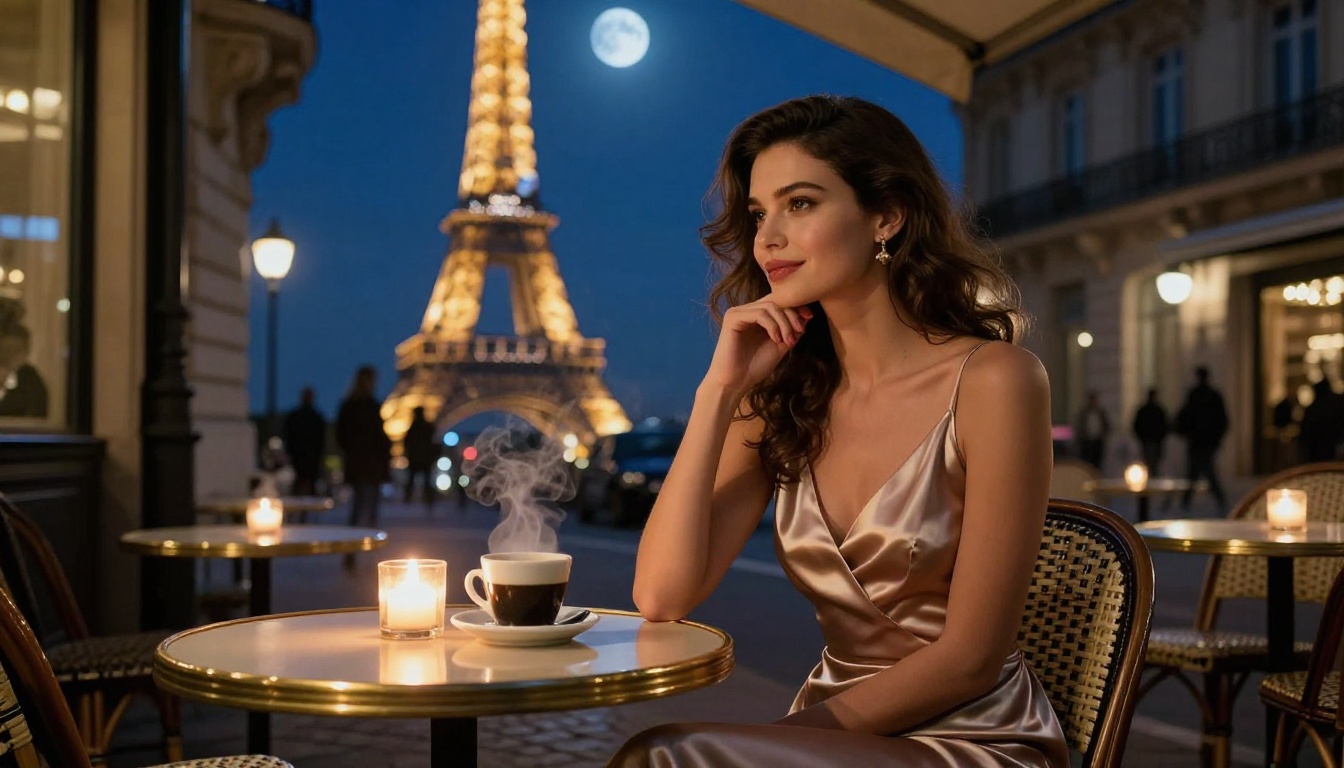
Seedream 4.5 is the top pick, but the right model depends on your specific output goals. Here are five others worth rotating through your workflow.
Flux Dev: Volume and Creative Range
Flux Dev from Black Forest Labs is the workhorse model for creators who need volume. It handles diverse subjects, lighting conditions, and scene compositions without the filtering issues common on other platforms. Its biggest advantage is consistency: if a prompt works well once, it'll produce similar quality across multiple generation batches. Great for A/B testing variations of the same concept.
Flux 2 Pro: When Realism Is Non-Negotiable
For scenes where photorealism is the absolute priority, Flux 2 Pro delivers. It handles complex environmental lighting, multi-subject compositions, and fine fabric textures better than most free models currently available. Skin rendering at this quality level typically costs money on other platforms. On PicassoIA, it's part of the free tier.
RealVis XL V3 Turbo: Portrait Specialist
RealVis XL V3 Turbo was specifically trained for photorealistic portrait and beauty photography. If your primary focus is human subjects, faces, and anatomical accuracy, this model consistently outperforms generalist models in those areas. The Turbo version generates at full quality in seconds.
Reve 2.1: Fast, Capable, and Flexible
Reve 2.1 handles both generation and in-image editing in one interface. For adult content creators who need to iterate quickly, the combined generate-and-edit workflow saves significant time per project. It also holds up well across both realistic and stylized outputs, making it flexible for mixed-format projects.
Flux 1.1 Pro Ultra: Maximum Detail
When you need images that hold up at poster size or through heavy cropping, Flux 1.1 Pro Ultra is the highest-resolution free option on PicassoIA. The native output is sharp enough to print at large format without visible degradation. For content creators repurposing AI images across multiple aspect ratios and sizes, this is the most practical choice.
PicassoIA Image Editor Pro: Unlimited by Design
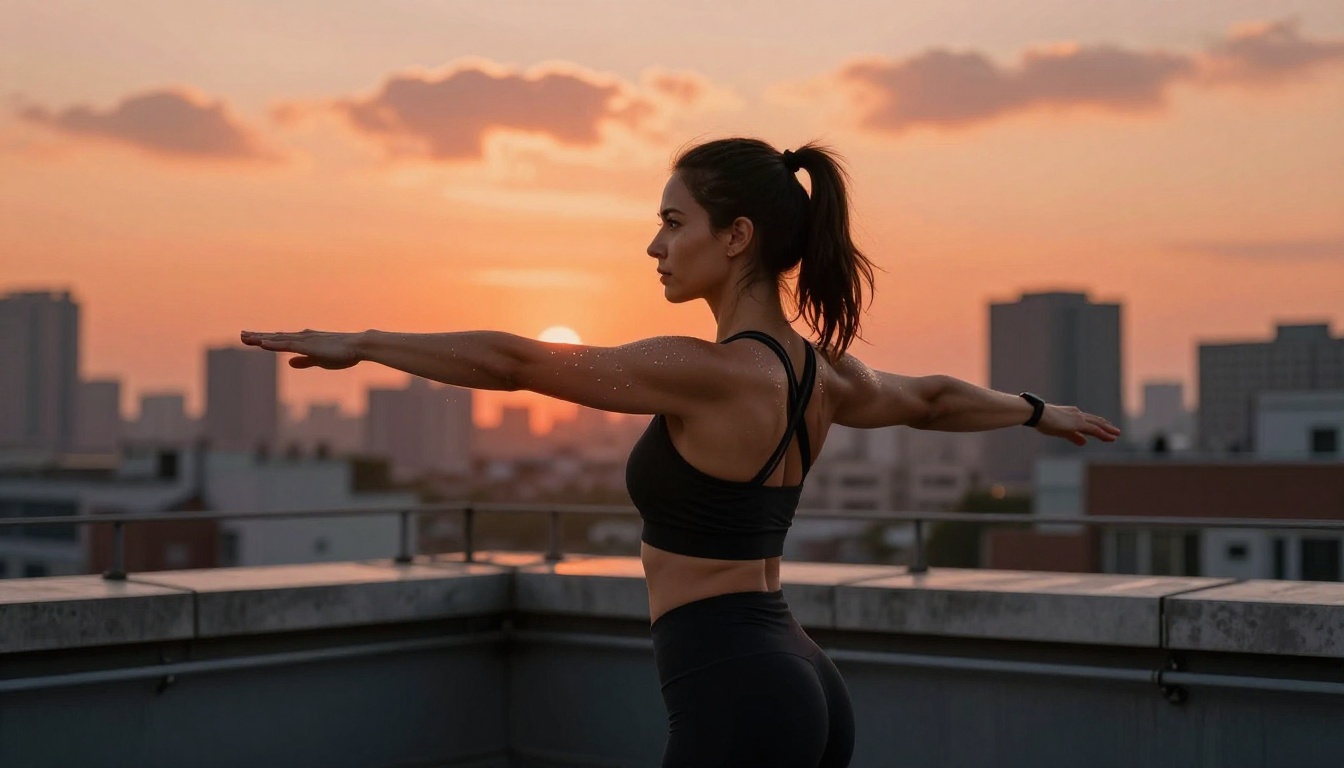
Beyond individual models, PicassoIA offers Image Editor Pro, a dedicated workspace for creators who want unlimited generations without counting credits or waiting for daily resets. It's built for high-volume creative work.
What It Actually Gives You
Image Editor Pro runs on PicassoIA's fastest inference infrastructure. That means shorter queues, faster results, and access to the full model library including uncensored models that aren't always exposed on the standard interface.
| Feature | Standard Free Tier | Image Editor Pro |
|---|
| Daily generations | Capped | Unlimited |
| Watermarks | Yes | None |
| Model access | Core selection | Full library |
| Queue priority | Standard | High |
| Inpainting/outpainting | Basic | Full tools |
| Batch generation | Limited | Supported |
Why Unlimited Generations Change Everything
For content creators producing at scale, the math is simple: unlimited generations per day means you can iterate properly. You're not rationing prompts or waiting until midnight for your credits to reset. You generate eight variations, pick the strongest two, refine them with inpainting, and move forward. That's how professional creative work actually operates.
The credit-reset mental overhead is real and it interrupts creative momentum. Removing it changes how you work with these tools entirely.

PicassoIA isn't the only platform offering uncensored models, but it has the deepest free library with the fastest access. Here's how the main options compare:
| Platform | Free Tier | NSFW Allowed | Standout Model | Watermark-Free |
|---|
| PicassoIA | Yes, unlimited with account | Yes | Seedream 4.5 | Yes |
| CivitAI | Yes, limited daily runs | Yes | Various community models | No |
| Tensor.Art | Yes, credit-based | Partial only | SDXL variants | No |
| SeaArt | Yes, credits | Yes | Custom fine-tunes | Partial |
| Mage.space | Yes, limited | Yes (toggle) | Stable Diffusion | No |
PicassoIA's main advantages are the combination of a full uncensored library, genuine free-tier access without a credit countdown, and generation speed that matches paid platforms. Most alternatives either cap daily generations aggressively or lock their best models behind a paywall.
Prompting for Adult AI Content That Looks Professional
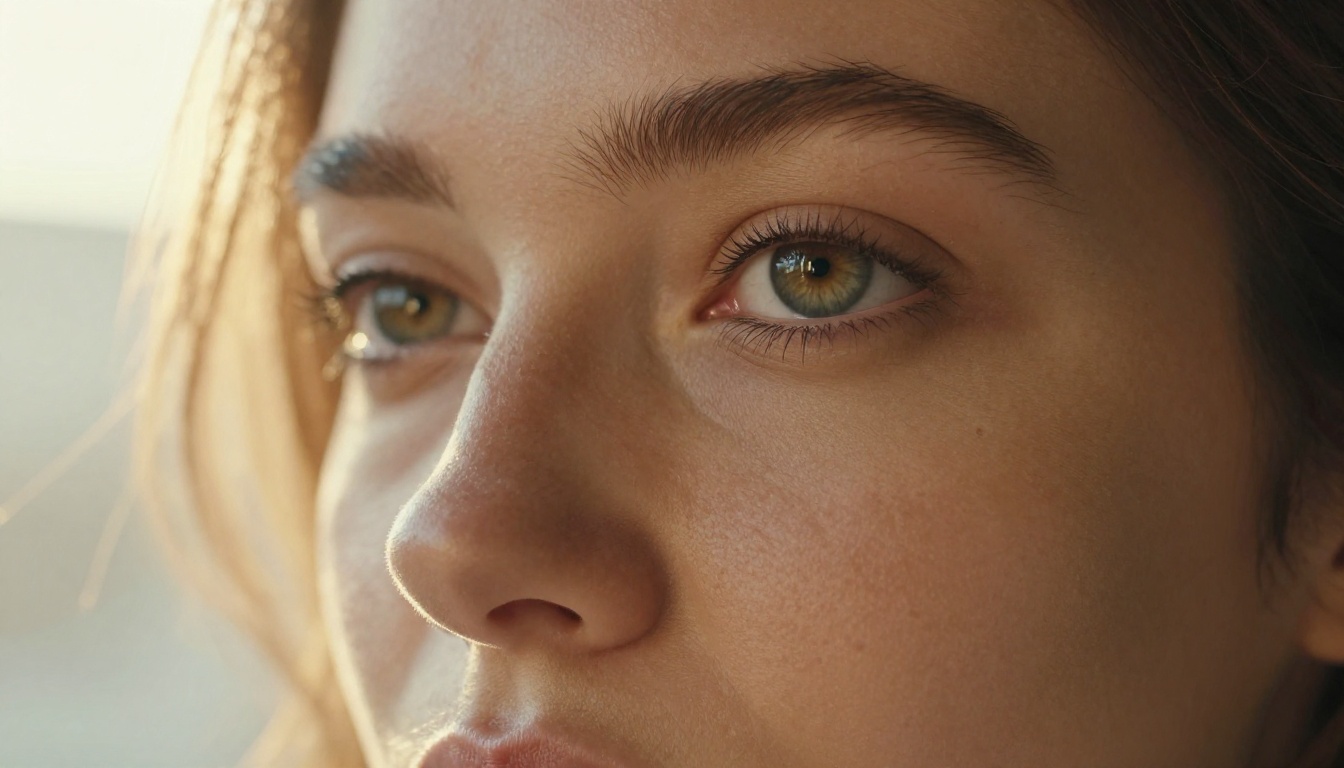
Generating uncensored content is one thing. Generating it in a way that looks genuinely beautiful rather than cheap is a separate discipline. Here's how to close that gap.
Build Your Prompt in Layers
The most common mistake is a vague prompt. "Attractive woman on a beach" will produce a generic, flat result. A layered prompt produces something worth keeping:
- Subject and action: Describe who they are and what they're doing with specific detail
- Environment: Include specific location details, background elements, and depth cues
- Lighting conditions: Name the light source, direction, and quality (soft, harsh, diffused)
- Camera specifications: Focal length, aperture, and distance from subject
- Film and style tags: Specific film stocks and photography styles create consistent aesthetic results
For example: "A woman with long auburn hair sitting on a white sand beach, turquoise shallow water behind her, golden hour backlight from the left, 85mm f/1.4 lens, shallow depth of field, Kodak Portra 400, photorealistic 8K RAW photography."
That prompt will produce a dramatically better result than the vague version, using exactly the same model.
Common Mistakes to Avoid
Several habits consistently produce worse outputs regardless of which model you're using:
- Avoid generic descriptors like "beautiful" or "attractive," be specific about features and styling instead
- Avoid contradictory lighting instructions in one prompt, pick one main light source
- Avoid crowding the frame with too many subjects; one or two focal points outperform five
- Avoid mixing photorealistic style tags with illustrated or 3D render tags, the model tries to split the difference and fails at both
💡 Tip: Describe the photograph you'd take, not the person you want to see. "A woman photographed from behind in a forest at dawn, 85mm, backlit by morning mist" will outperform "a hot woman in a forest" every single time.
How to Use Seedream 4.5 Step by Step

Opening Seedream 4.5 on PicassoIA takes about 30 seconds. Here's the exact workflow for consistently high-quality photorealistic outputs:
Step 1: Navigate to picassoia.com/en/collection/text-to-image/bytedance-seedream-45 and click Generate.
Step 2: Set your aspect ratio. Use 16:9 for cinematic landscape and environmental photography. Use 9:16 for portrait and vertical content.
Step 3: Write your layered prompt following the structure above. Don't skip the lighting and camera specifications.
Step 4: Keep the guidance scale between 5 and 7. Values above 8 create over-saturated, artificial-looking results. Values below 4 produce vague, blurry outputs that don't match the prompt.
Step 5: Run four variations in a single batch to give yourself options. Select the strongest result, then use inpainting in PicassoIA's Image Editor Pro to refine any specific area that needs adjustment.
Step 6: For character consistency across multiple images, note the seed number from any generation you want to replicate. Re-use that seed with adjusted prompts to maintain visual consistency across a series.
The total time from opening the model to having a refined, watermark-free output is typically under three minutes.
Models to Avoid for Adult Content
Not all free models perform equally for adult or mature content. Several explicitly block this type of generation regardless of platform settings. Avoid these:
- Seedream 5 Lite: Despite being a ByteDance model in the same family as Seedream 4.5, the Lite version implements content filtering that blocks adult content at the model level. Don't confuse the two, they behave very differently.
- DALL-E variants: Any model built on OpenAI's pipeline has mandatory content filtering that cannot be bypassed through platform settings.
- Standard Ideogram: The base Ideogram model applies significant content restrictions on most platforms, though PicassoIA's implementation handles mature content access differently.
The most reliable list for unrestricted creative work on PicassoIA: Seedream 4.5, Flux Dev, Flux 2 Pro, RealVis XL V3 Turbo, Reve 2.1, and for older stable diffusion-style outputs, Seedream 3.
What Shifted in 2026 for Free AI Image Generation
The availability of genuinely uncensored, photorealistic AI models on free platforms wasn't the norm two years ago. In 2024, producing this quality of output either required running Stable Diffusion locally (which demands GPU hardware most people don't own) or paying $30+ per month for a premium subscription on platforms that still filtered half your prompts.
In 2026, that calculation changed. Models like Seedream 4.5, Flux 2 Pro, and Seedream 4 are available through PicassoIA with no hardware requirements, no local installation, and no cost barrier for the core experience. The full 203-model text-to-image library at picassoia.com/en/all-models is accessible from any browser on any device.
What changed to make this possible:
- Model inference costs dropped as hardware got cheaper and more efficient
- Open-weight models from companies like ByteDance and Black Forest Labs gave platforms access to powerful uncensored architectures
- Competition between platforms drove the free tier quality upward
- Serving infrastructure at scale became viable for smaller teams, meaning more platforms could offer genuine unlimited access
The remaining barrier is knowledge: knowing which models to use, how to prompt them for professional-quality results, and how to iterate efficiently without burning time on weak generations. That gap is what this article addresses.
Start Creating on PicassoIA Right Now
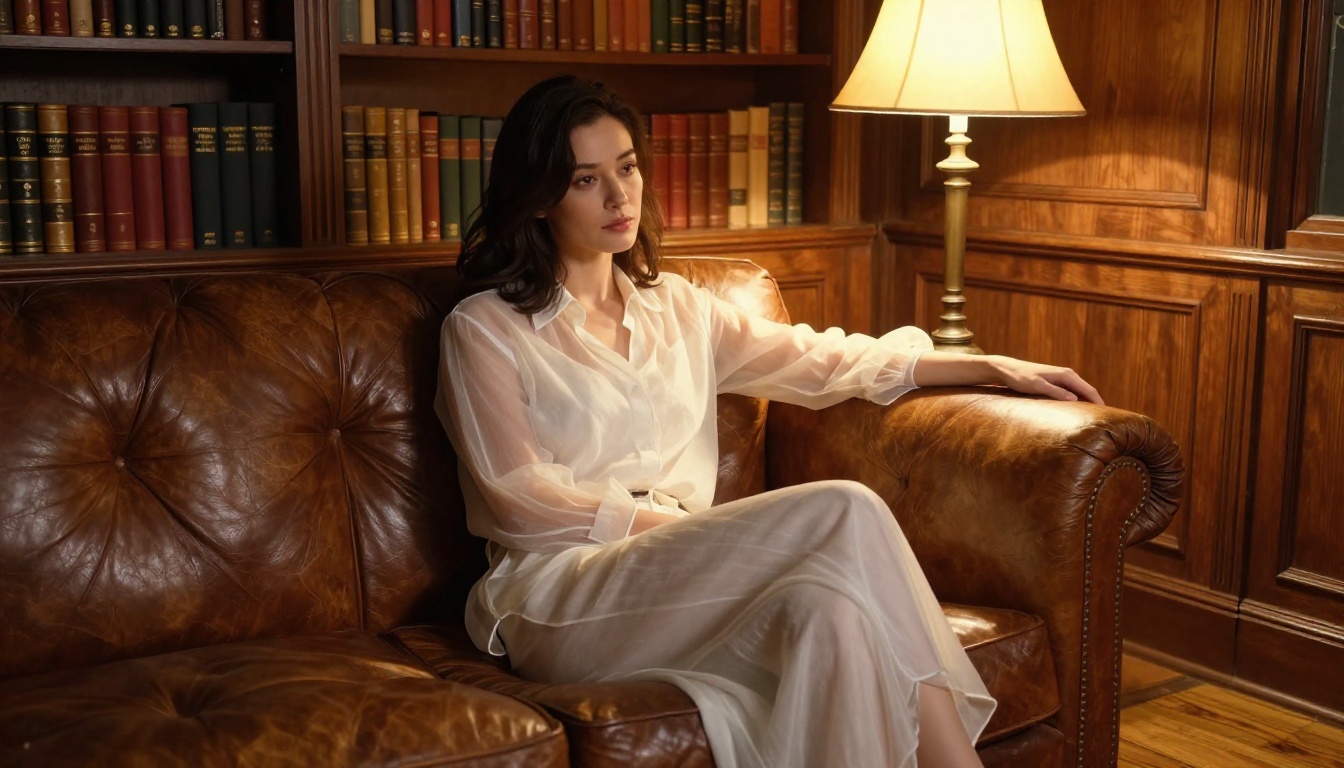
Everything described in this article is available right now at no cost. Start with Seedream 4.5 for portrait and beauty photography. Move to Flux 2 Pro when you want maximum photorealism in complex scenes. Use RealVis XL V3 Turbo when facial accuracy and portrait quality are the priority. Run Flux Dev when you need volume and consistency across a large batch.
The full library, including 203 text-to-image models, super-resolution upscaling, background removal, video generation, and more, is waiting at picassoia.com/en/all-models. There's no trial period, no credit countdown on your first session, no sales process to get through. Open it, write a detailed prompt, and see what 2027-era uncensored AI image generation actually looks like when it's working at full capacity.
The creative ceiling on this platform is yours to find.


