Most people discover the hard way that the AI image tools with the flashiest ads also carry the most aggressive content filters. You type something perfectly reasonable, click generate, and get back a blocked message or a result so heavily sanitized it bears no resemblance to your original vision. In 2027, the landscape has shifted significantly. The best free uncensored AI image generators right now can produce photorealistic results that would have required expensive studio budgets just two years ago, and they do it without a filter deciding what creative work is appropriate.
This breakdown covers the top tools available right now, with a specific focus on platforms that offer genuine photorealism, no content restrictions for adult creative work, and free access that doesn't collapse after ten generations.
What "Uncensored" Actually Means in AI
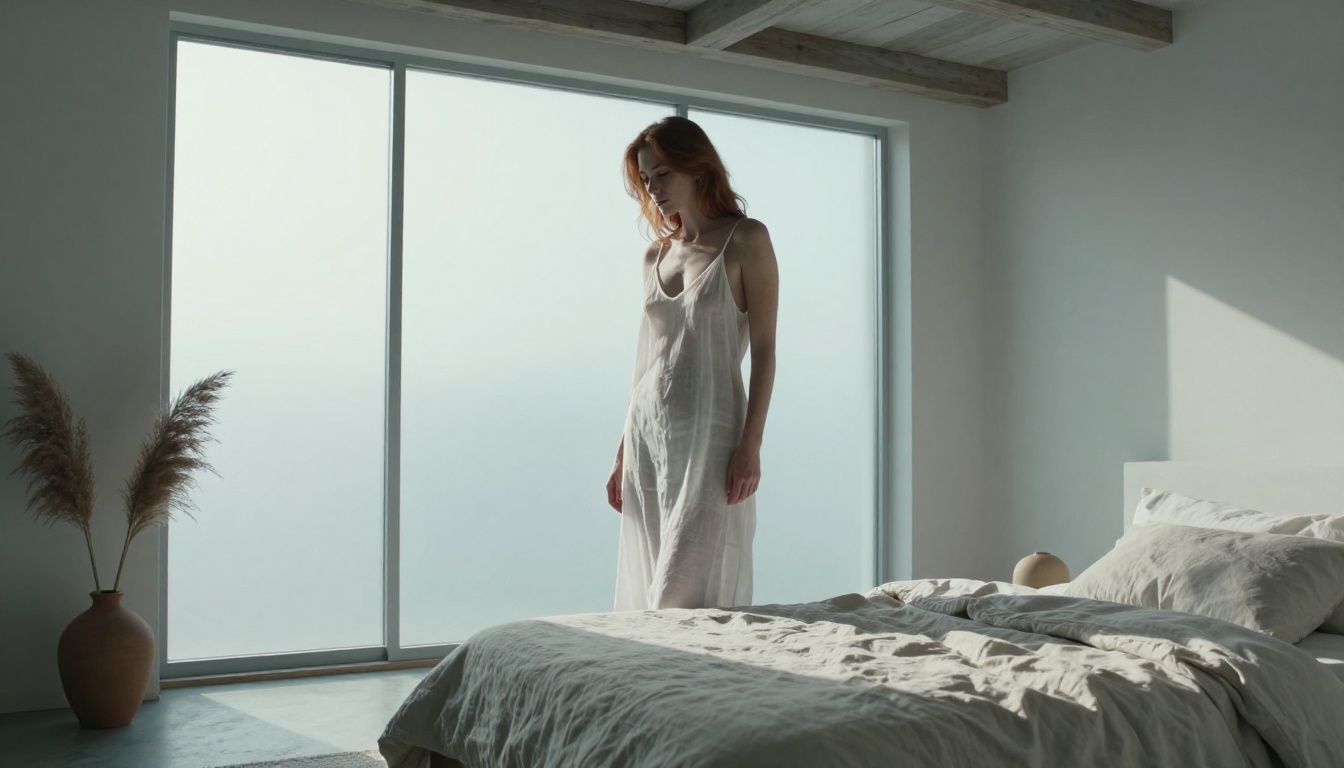
The word "uncensored" gets used loosely in the AI image space, so it helps to know what you're actually looking for. Most mainstream platforms apply filtering at three separate levels:
- Prompt filtering: Certain words or phrases trigger automatic rejection before the model even starts generating
- Output filtering: Post-generation classifiers delete or blur results that match flagged patterns
- Model fine-tuning: The underlying model weights have been specifically trained to refuse certain content categories
Platforms that advertise as uncensored either skip these filters entirely or apply significantly lighter guardrails calibrated for adult creative use rather than maximum corporate safety. The practical difference is enormous. A boudoir photographer using AI references, a digital artist creating mature character work, a romance novelist developing cover concepts, an adult content creator working on new material: all of these legitimate professional use cases get blocked constantly on mainstream platforms.
The Over-Filtering Problem
The core issue with mainstream AI tools isn't that they have safety policies. It's that the policies are calibrated incorrectly. When you build a filter aggressive enough to catch every possible edge case, it also blocks vast amounts of legitimate artistic content. A swimwear photoshoot concept gets flagged. A figure study in the tradition of classical art gets blocked. A mature romance scene described in the most literary terms gets rejected. The filter cannot distinguish between artistic intent and actual harmful content, so everything remotely adult gets caught in the same net.
This is why dedicated uncensored tools exist and why they've grown substantially in quality over the past 18 months.
Who Actually Uses These Tools
💡 The market reality: Adult content creation is one of the largest segments of the digital content economy. Professional photographers, illustrators, fiction writers, and content creators working in adult-oriented creative fields represent a massive and legitimate user base with specific needs that censored tools cannot meet.
Boudoir photographers use AI generation for mood board references. Erotic fiction authors use it to visualize scenes and characters. Artists use it to test figurative compositions without hiring models for every concept. Adult content platforms use AI generation as part of their production workflows. All of these are legitimate, legal creative uses. The tools in this article serve them.
Seedream 4.5 Is the Best Right Now
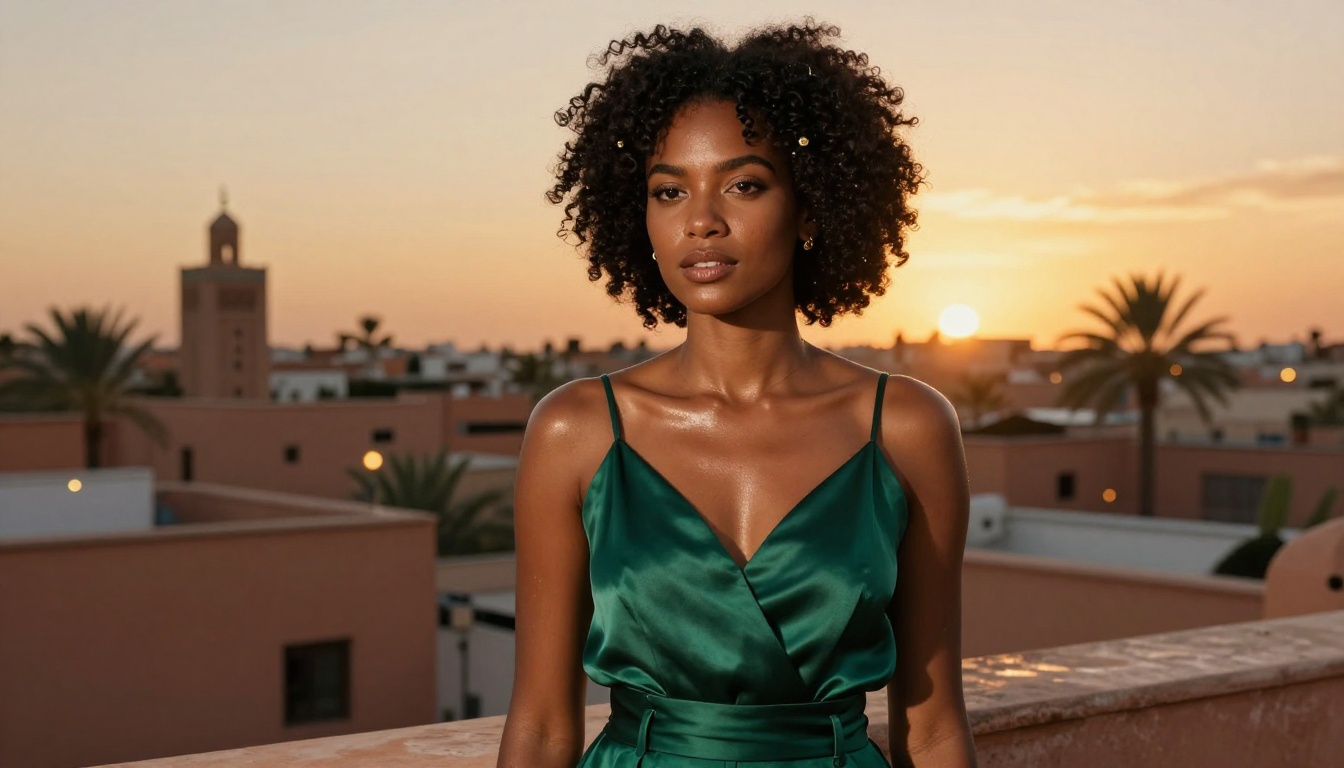
When you need genuinely uncensored AI image generation with photorealistic output, Seedream 4.5 is the most capable free model available right now. Developed by ByteDance and accessible through PicassoIA, it benchmarks significantly above alternatives in three areas that matter most for mature creative content: skin rendering, lighting accuracy, and prompt adherence.
Most uncensored models compromise photorealism for permissiveness. They remove content filters but produce output that looks obviously artificial: plastic skin, impossible lighting, anatomical proportions that drift under complex prompts. Seedream 4.5 doesn't make this tradeoff. The photorealism is genuine.
What Sets It Apart
Skin rendering: Seedream 4.5 produces natural subsurface scattering, visible pores on close-up shots, natural skin tone variation, and realistic specular highlights that respond correctly to described lighting. This is the most important quality metric for figure and portrait content.
Lighting accuracy: Describe a specific lighting setup including direction, quality, color temperature, and fill, and the model will reproduce it with remarkable accuracy. This matters for NSFW content because lighting is what separates a result that reads as photography from one that reads as a render.
No content filtering: Adult content, artistic nudity, intimate scenes, and mature creative work all generate without intervention. The model doesn't have a hidden classifier stripping out content after generation.
Getting the Most From Seedream 4.5 on PicassoIA
Access is direct through PicassoIA's model catalog. Here's the workflow that produces the best results:
- Go to the Seedream 4.5 model page on PicassoIA
- Choose your aspect ratio before writing your prompt (9:16 for portrait, 16:9 for environmental and lifestyle)
- Write a detailed prompt structured as a photography brief, with 80 to 150 words describing subject, environment, lighting, and camera lens
- Generate three to five variations and select the strongest result
- Run it through an upscaler to reach final quality
💡 Important note on Seedream versions: Seedream 5 Pro also appears in PicassoIA's catalog. For uncensored and mature creative work, stay with Seedream 4.5. The newer 5 Pro version applies content restrictions that block adult content. It's a stronger model in several respects but not for this use case.
PicassoIA Image Editor Pro Removes Every Limit
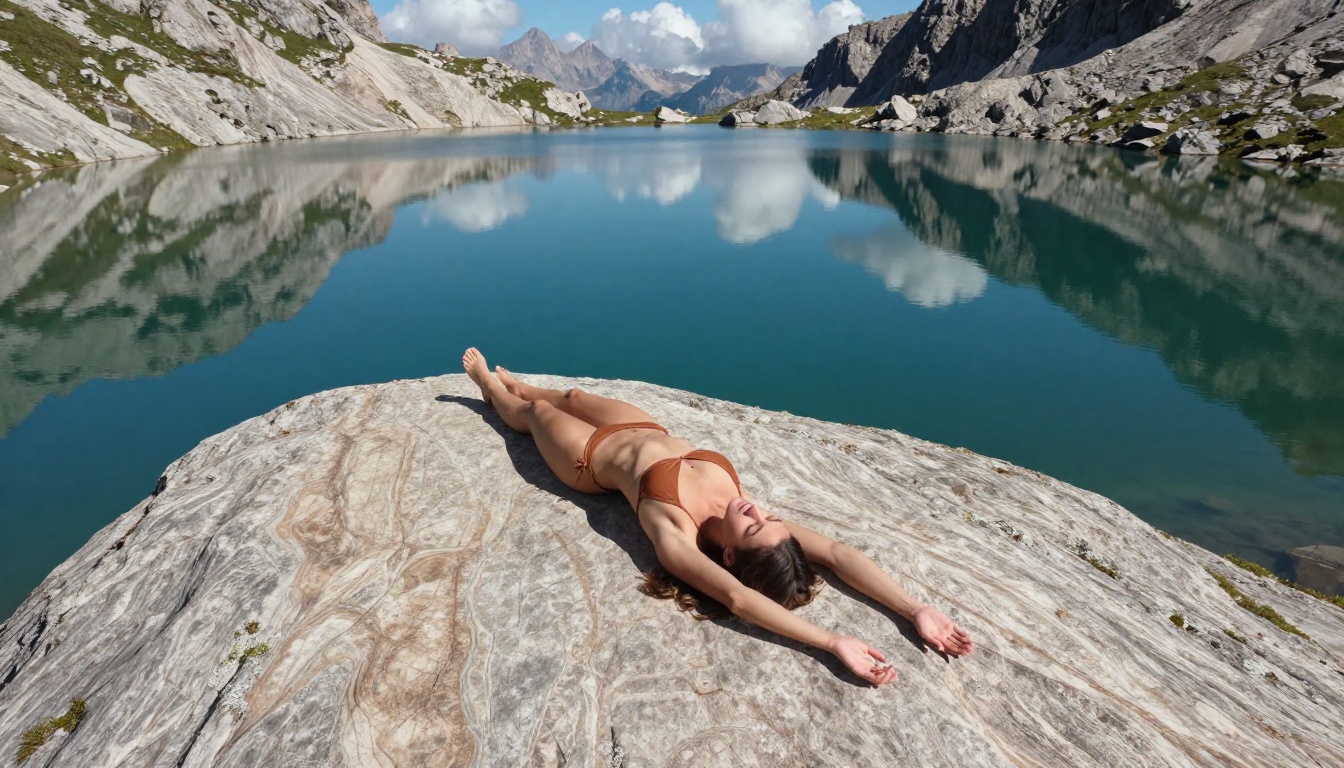
PicassoIA Image Editor Pro sits alongside Seedream 4.5 as the second essential tool for uncensored AI image work. Where Seedream 4.5 excels at pure text-to-image generation, Image Editor Pro adds the ability to work with existing images: inpainting specific regions, outpainting to extend the canvas, targeted object replacement, and full-image style modification.
For creators building a body of work rather than one-off generations, this editing capability changes everything. You can:
- Generate a base image with Seedream 4.5
- Use Image Editor Pro to refine specific areas (adjust clothing, add or remove elements, modify expressions)
- Extend the image beyond its original frame with outpainting that matches the original style
- Replace specific objects or backgrounds without regenerating the full image
The platform doesn't cap generations, doesn't impose waiting queues for mature content, and doesn't add watermarks to output. This combination of editing depth and unrestricted access makes it the professional-grade choice for serious uncensored creative work.
Unlimited Generations, No Queue
One of the most consistent frustrations with free AI image platforms is generation limits. Most platforms that offer genuine uncensored capability put a hard cap on free usage, charge per credit for mature content, or throttle queue priority for free accounts when paid users are active. PicassoIA Image Editor Pro removes these friction points entirely.
| Feature | Seedream 4.5 | Image Editor Pro | Combined Workflow |
|---|
| Text-to-image | Excellent | Good | Excellent |
| Inpainting | Limited | Full | Full |
| Outpainting | No | Yes | Yes |
| Object replacement | No | Yes | Yes |
| NSFW capability | Full | Full | Full |
| Generation speed | Fast | Medium | Depends on task |
The most effective workflow for professional uncensored AI image work uses both tools together. Seedream 4.5 for initial generation, Image Editor Pro for refinement and editing.
5 More Models Worth Knowing
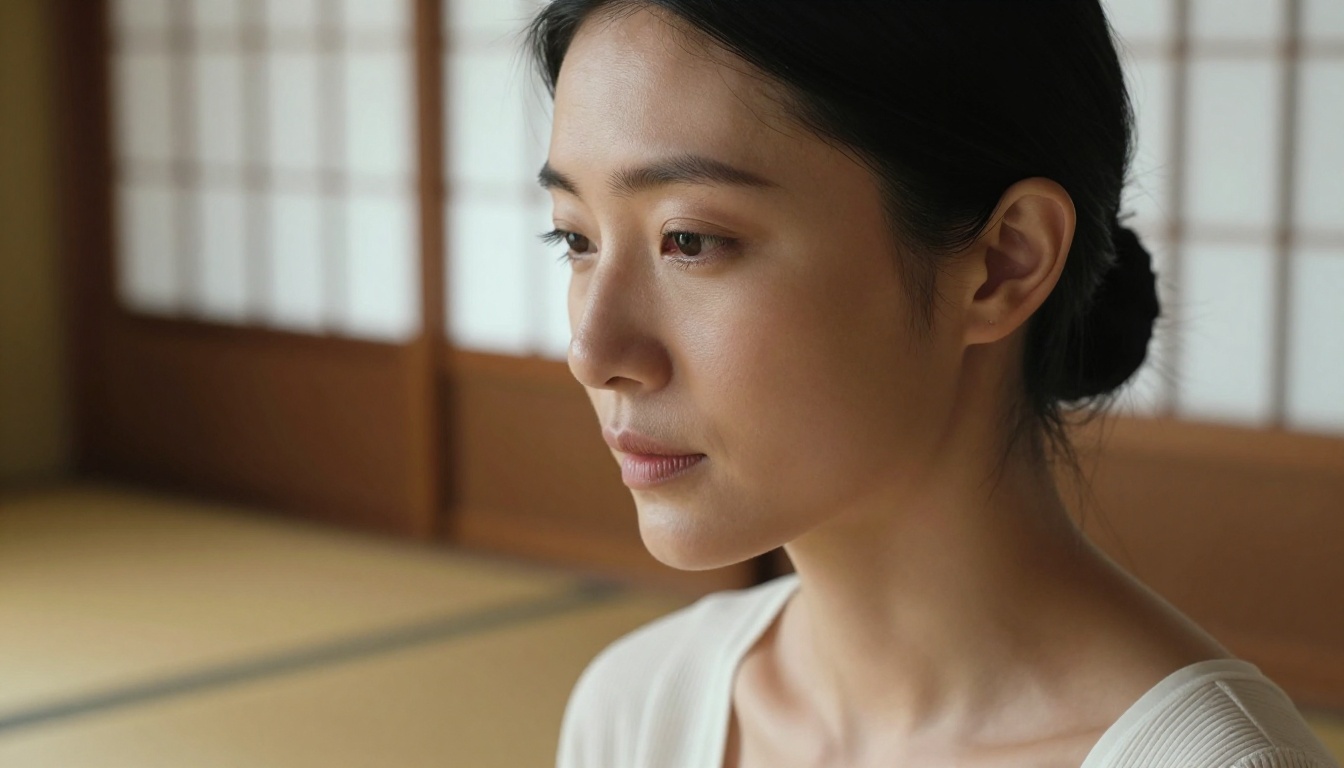
PicassoIA's catalog includes over 200 text-to-image models, several of which are worth knowing for specific uncensored creative use cases. These five are the most relevant alternatives to the primary recommendations.
Wan 2.7 Image Pro
Wan 2.7 Image Pro handles complex multi-figure compositions and detailed environmental scenes with more consistency than Seedream 4.5. For group scenes, complex settings with multiple interacting subjects, or compositions where the environment carries as much weight as the figures, Wan 2.7 Image Pro is worth running in parallel for comparison.
Hunyuan Image 2.1
Tencent's Hunyuan Image 2.1 is the strongest free option for East Asian figure aesthetics and facial structure. Portrait work with East Asian subjects consistently looks more natural on Hunyuan than on models trained primarily on Western datasets. The model is fast and handles uncensored content without restriction.
Flux Redux Dev
Flux Redux Dev from Black Forest Labs is the standard for image-to-image variation in an uncensored workflow. Feed it a generated image and it produces variations that maintain the original's character and composition while allowing significant style and detail changes. For creators refining a specific look across multiple outputs, Flux Redux is indispensable.
PicassoIA Image Base
The PicassoIA Image base model is optimized for speed over maximum photorealism. When you need high volumes of fast generations for concept testing before committing to detailed refinement passes, the base model works well. Results come back in seconds rather than the longer generation times of more complex models.
Recraft v4.1 Pro
Recraft v4.1 Pro offers distinctive aesthetic control that other models don't replicate. For stylized editorial work, cover art concepts, and situations where you want a consistent visual signature across multiple generations, Recraft's approach to style consistency is genuinely useful.
Prompts That Actually Work
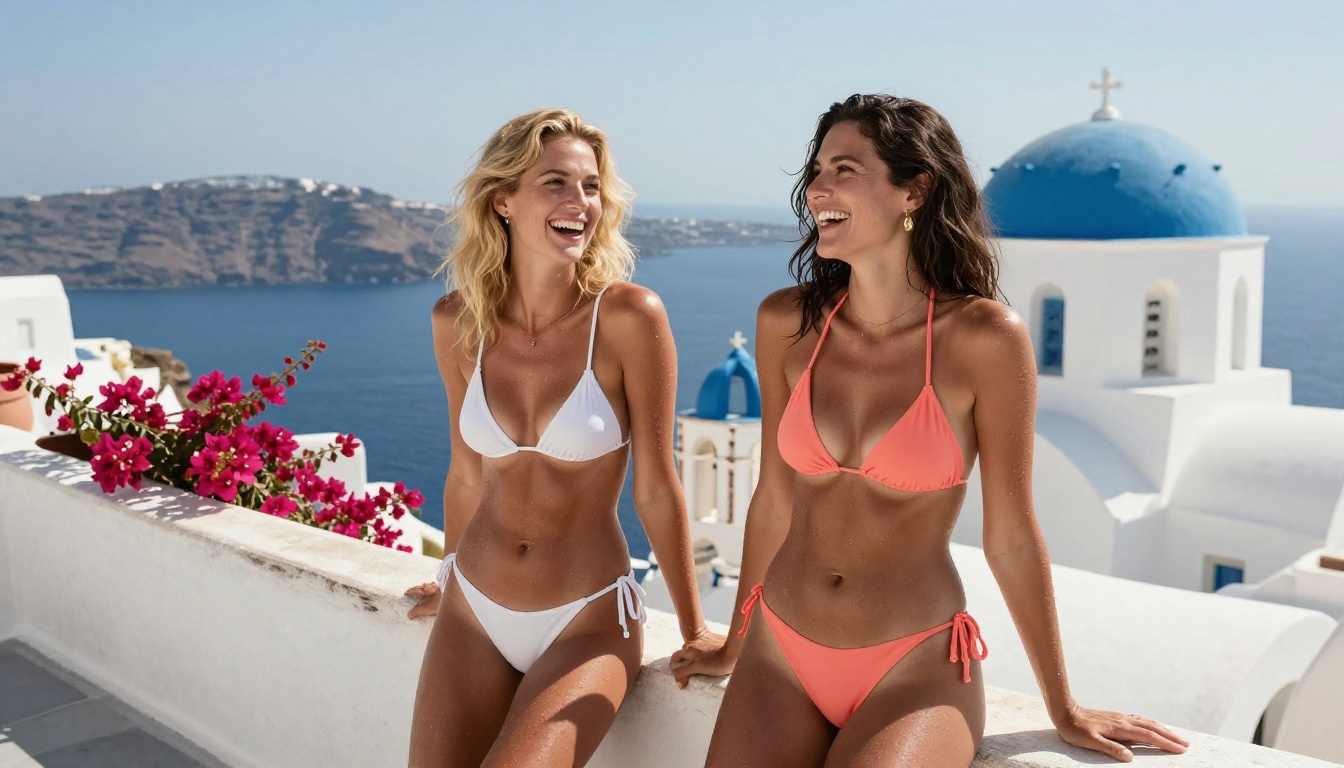
Access to uncensored models is only half the equation. Getting consistently strong results requires understanding how photorealistic AI image models process prompts. The good news is that a clear structure makes the difference between a mediocre generation and a usable professional result.
The Photography Brief Structure
The most effective prompts for Seedream 4.5 and similar photorealistic models are structured like photography briefs. Think about how a photographer would describe a shoot to an assistant:
1. Subject description: Include physical appearance, expression, pose, and clothing or clothing state. Be specific. "Standing with weight shifted to the right hip, left arm raised and hand resting behind the head, looking off-frame to the left" generates more precisely than "standing casually."
2. Environment: Describe the setting in physical terms. Floor surface texture, wall material, architectural elements, natural elements visible in frame, weather conditions. Specific environments anchor the image in physical reality.
3. Lighting: This is the single most powerful quality lever in prompting. Specify direction ("volumetric morning light from the upper-left window"), quality ("soft, diffused through sheer white curtains"), color temperature ("warm 3200K golden hour"), and any secondary fill sources ("cool blue bounce from the right wall").
4. Camera and lens: Writing "shot on a Canon EOS R5 with 85mm f/1.2 at f/2.0" tells the model what focal compression, depth of field, and rendering character to target. This information is embedded in the model's photorealistic training data and has a measurable effect on output quality.
💡 The micro-detail trick: Adding specific texture descriptions dramatically increases realism. Phrases like "visible skin pores on collarbone," "natural sebaceous sheen," "individual hair strands catching backlight as glowing threads," and "Kodak Portra 400 film grain in shadow regions" push Seedream 4.5 and similar models toward hyperrealistic rendering that passes as real photography.
Common Mistakes to Avoid
Most people generating uncensored AI images make the same set of errors that cost quality:
- Short prompts: Models trained on detailed caption data produce weak results from short prompts. Aim for 80 to 150 words minimum for mature content with realistic results
- Vague clothing descriptions: "Wearing something revealing" is ambiguous. Describe exactly what's worn, where fabric sits, and how it drapes or falls
- No lighting direction: Without a specified direction, models default to flat, unconvincing, evenly-lit output. Always specify a direction
- Missing the environment: A figure on a neutral background reads as AI-generated immediately. Ground the subject in a physical space with real surfaces and light sources
Upscale Everything You Generate
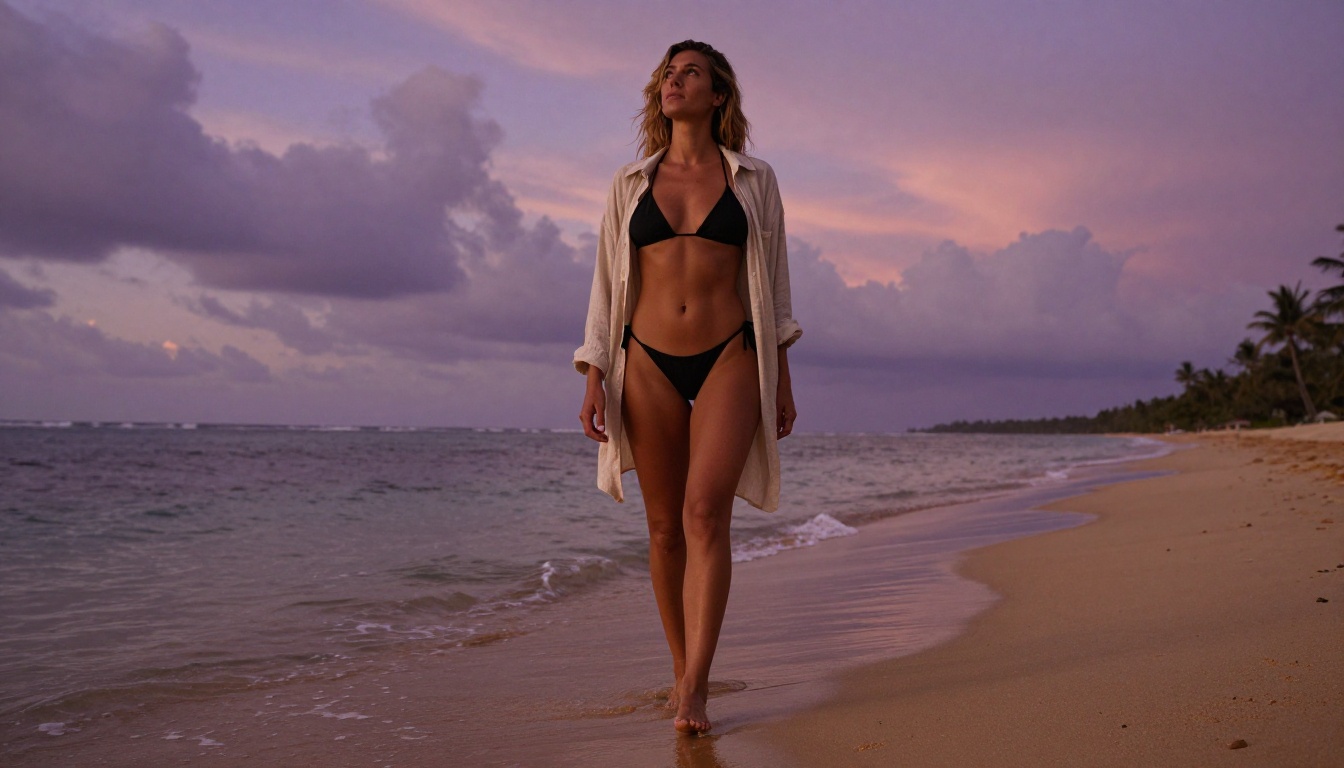
Native generation resolution from most text-to-image models is sufficient for digital display but falls short for print, large-format digital, or commercial use. PicassoIA's super-resolution tools integrate directly with the generation workflow, meaning the upscaling step happens in the same platform without file export and reimport.
Clarity Pro Upscaler is the strongest choice for photorealistic figure and portrait content. Unlike interpolation-based upscalers, it adds genuine texture detail during the upscaling process. Skin rendering, hair strands, fabric weave, and surface textures all gain definition rather than simply getting larger. For NSFW content specifically, where body and skin detail are the primary visual interest, this is the upscaler to use first.
Crystal Upscaler is optimized specifically for portrait crops and face-forward compositions. Where Clarity Pro handles full-body and environmental upscaling, Crystal is tuned for close-up portrait detail: eyes, skin texture, lips, and hair structure.
Real ESRGAN is the reliable workhorse for volume upscaling. When you need consistent 4x results across a large batch of images rather than maximum quality on a single output, Real ESRGAN delivers predictable results quickly and reliably.
Topaz Image Upscale reaches 6x upscaling with detail that competes with dedicated desktop upscaling software. For any image destined for print or large-format digital display, this is the ceiling option on PicassoIA.
The upscaling step matters particularly for uncensored and figure content because skin texture, body detail, and material rendering all benefit enormously from a quality upscale pass. A generation that looks slightly soft at native resolution becomes genuinely magazine-quality after Clarity Pro processing.
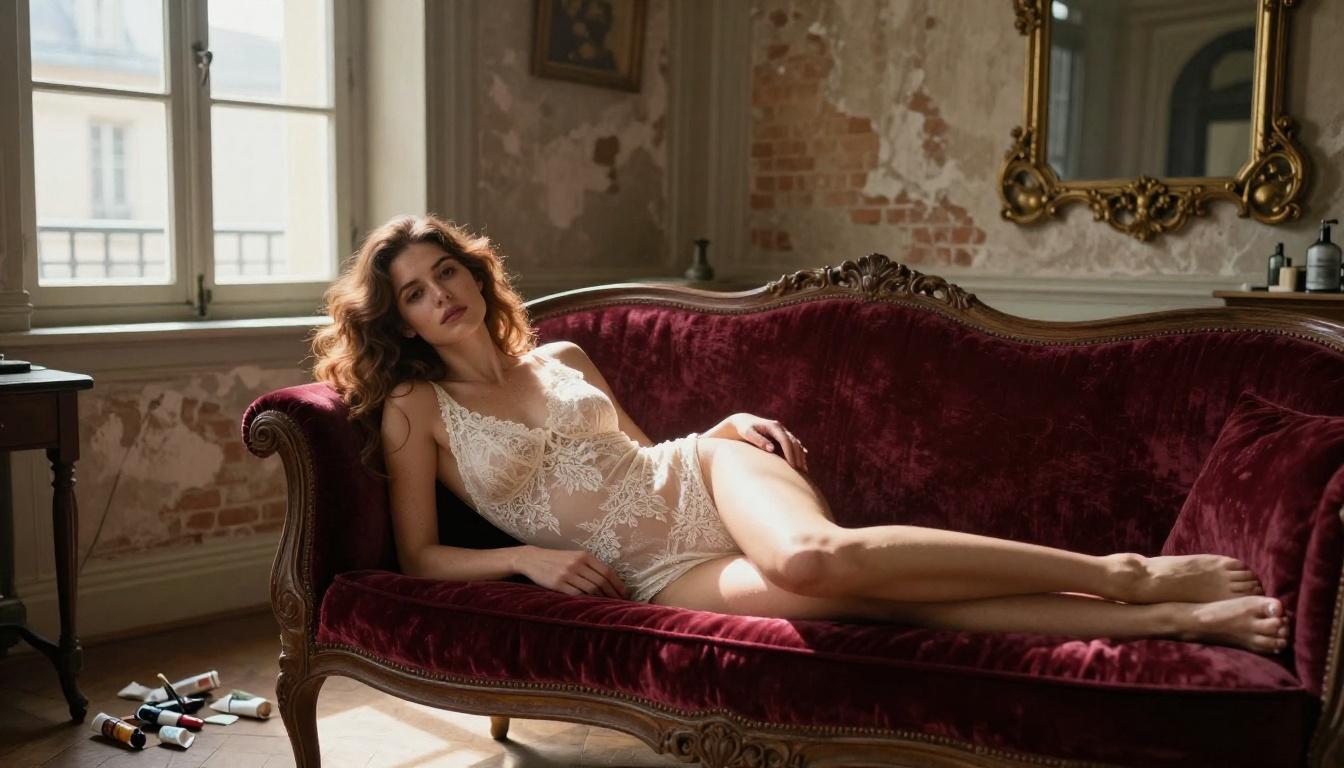
Here is how the primary models and upscalers stack up across the dimensions that matter most for uncensored creative work:
💡 Recommended workflow: Generate with Seedream 4.5 at your target aspect ratio, refine the strongest result with Image Editor Pro, then upscale with Clarity Pro Upscaler. This three-step process consistently produces publication-quality uncensored images.
The Quality Bar Has Changed
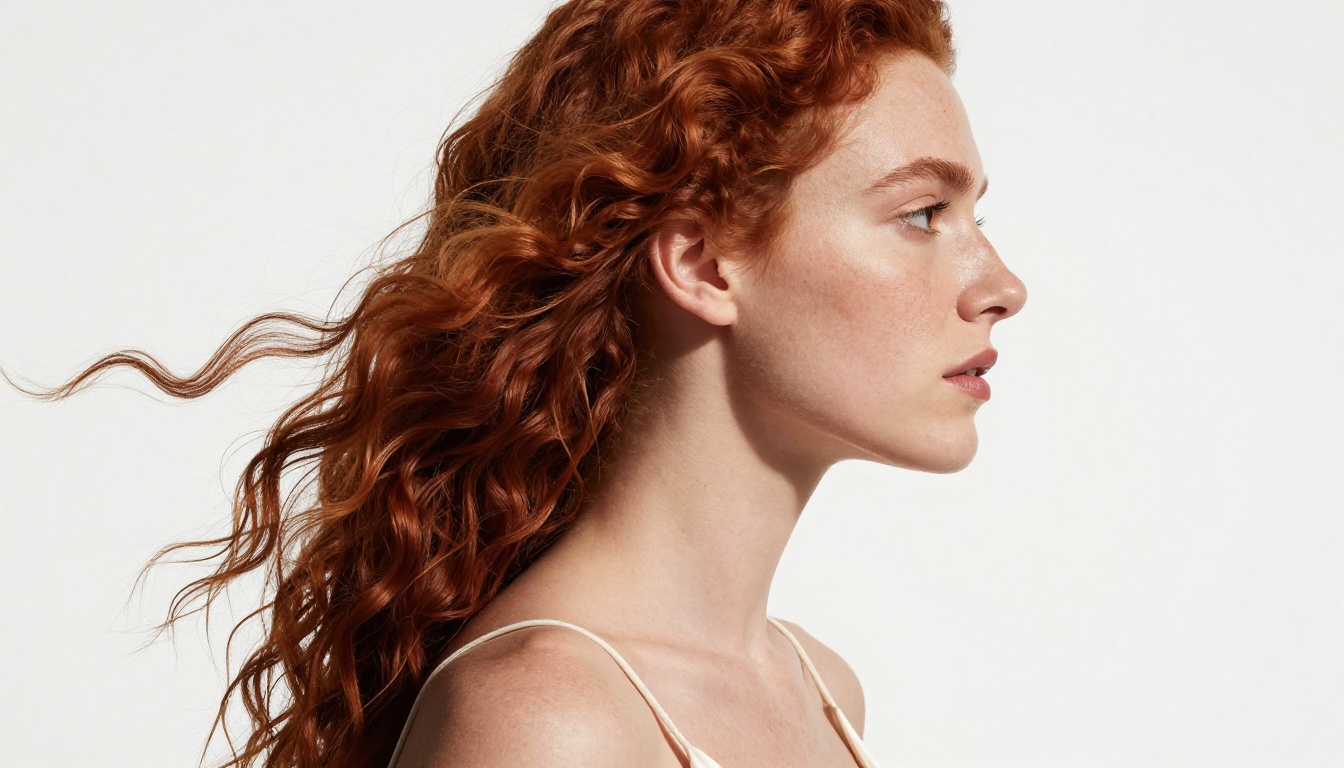
Two years ago, free uncensored AI image generation meant accepting significant quality compromises: obvious artifacts, unconvincing anatomy, skin that looked plastic, lighting that didn't follow physical rules. That is no longer the case. The models available on PicassoIA right now, particularly Seedream 4.5 and Image Editor Pro, produce output that passes scrutiny as real photography across a significant percentage of generations.
This quality shift has real implications for professional creative workflows. Stock photography references for adult platforms, character references for mature fiction projects, boudoir photography mood boards, and adult content creation for subscription platforms all now have a free AI option that produces commercially usable output.
The models that power this capability are built on the same foundational architectures as the censored mainstream tools. The difference isn't technical capability, it's calibration. PicassoIA's catalog is calibrated for creators who need real creative freedom, not a corporate approximation of it.
Try It Yourself
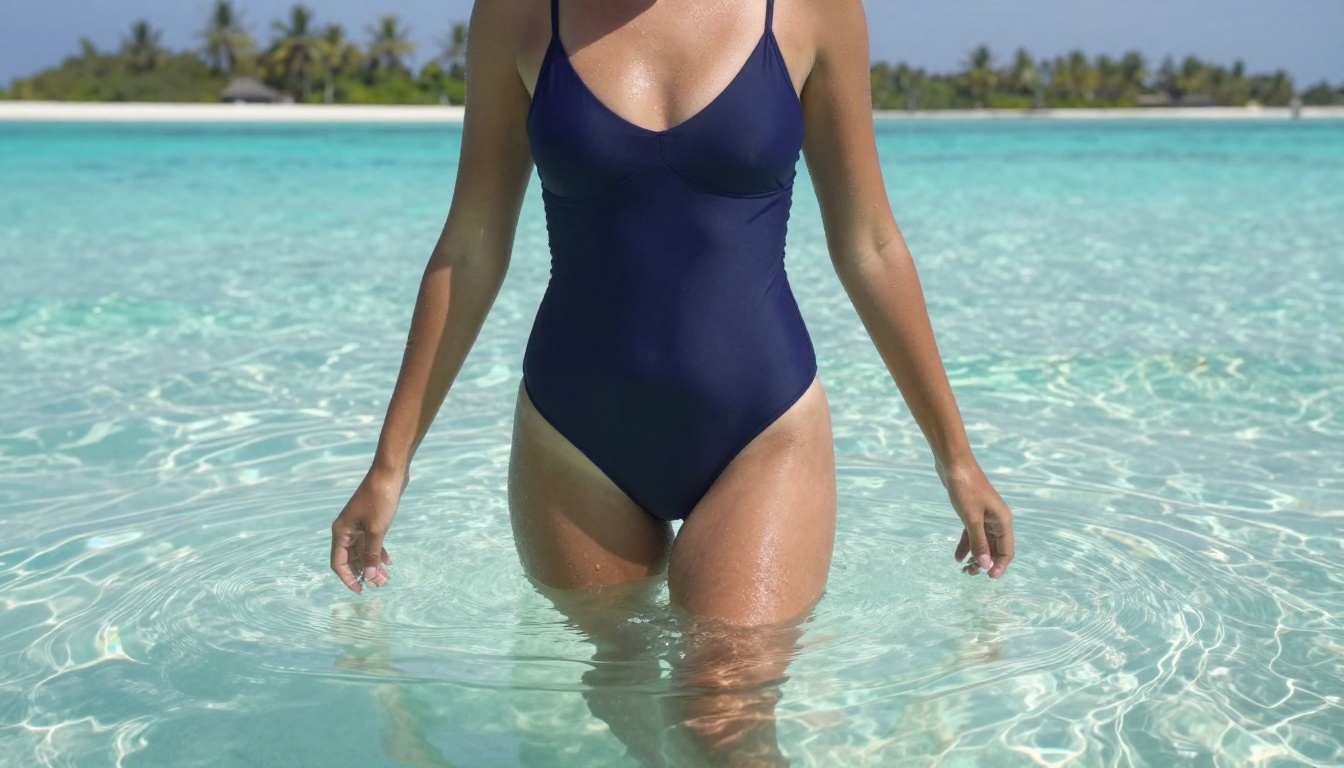
The fastest way to see what these tools can actually do is to run them yourself. Start with Seedream 4.5 on PicassoIA using a detailed photography-brief style prompt. Write at least 100 words describing the subject, environment, lighting direction, and camera lens. Generate three to five variations. Pick the strongest result and run it through Clarity Pro Upscaler to see what it looks like at full resolution.
From there, PicassoIA Image Editor Pro opens up the refinement workflow: inpaint specific areas, extend the canvas, swap elements, and modify details without regenerating from scratch. The combination produces results that would have been impossible with free tools eighteen months ago.
The full catalog of over 200 text-to-image models, alongside video generation, audio, and post-processing tools, lives at picassoia.com/en/all-models. Everything listed in this article is there, accessible without waiting lists, without restrictive credits, and without filters deciding what creative work is appropriate.
The best free uncensored AI image generators right now are genuinely free, genuinely unrestricted, and genuinely capable. The only thing left is to use them.


