If you've ever tried generating adult content with mainstream AI tools, you already know the frustration: vague policy violations, prompt rejections, and videos that come out completely sanitized. The demand for free, uncensored AI video generators built for adults has never been higher, and the good news is that real options exist right now. This article breaks down the best platforms working in 2027, how they compare, and exactly which tools let creators produce suggestive, artistic, and genuinely unrestricted content without hitting a wall.
Why Most AI Video Platforms Block Adult Content

The majority of AI video generators built into popular consumer apps, mainstream SaaS platforms, and social tools come with aggressive content moderation baked in at the model level. This isn't accidental. It's a deliberate design choice driven by advertiser pressure, app store policies, and liability concerns.
The Filter Problem
Models like Sora, Runway, and most cloud-hosted video generators run every prompt through a safety classifier before generation begins. That classifier is trained to err heavily on the side of caution, which means even mildly suggestive prompts get rejected without explanation. A woman in a bikini at a beach, an intimate couple portrait, a sheer dress in professional lighting: all blocked.
The problem compounds in image-to-video workflows. Even if your source image passes moderation, the video generation step often applies a second filter, blocking the animated output regardless of the original content. Creators hit two walls instead of one.
What "Uncensored" Really Means for Creators
When we say uncensored AI video generator, we're talking about tools that don't apply restrictive content filters to suggestive, glamour, artistic nudity, or adult-adjacent content. That doesn't mean explicit pornography. The best platforms in this space produce photorealistic, aesthetically driven content that sits firmly in the editorial, artistic, and glamour categories.
For creators, the real value is creative freedom: the ability to generate romantic scenes, bodyscape photography, swimwear content, and mature artistic imagery without rejection messages interrupting the workflow.
💡 Uncensored doesn't mean uncontrolled. The best NSFW AI video tools still produce high-quality, aesthetically coherent output. They skip the arbitrary filters that block anything above a PG rating while maintaining excellent visual quality.
Best Free Uncensored AI Video Generators in 2027
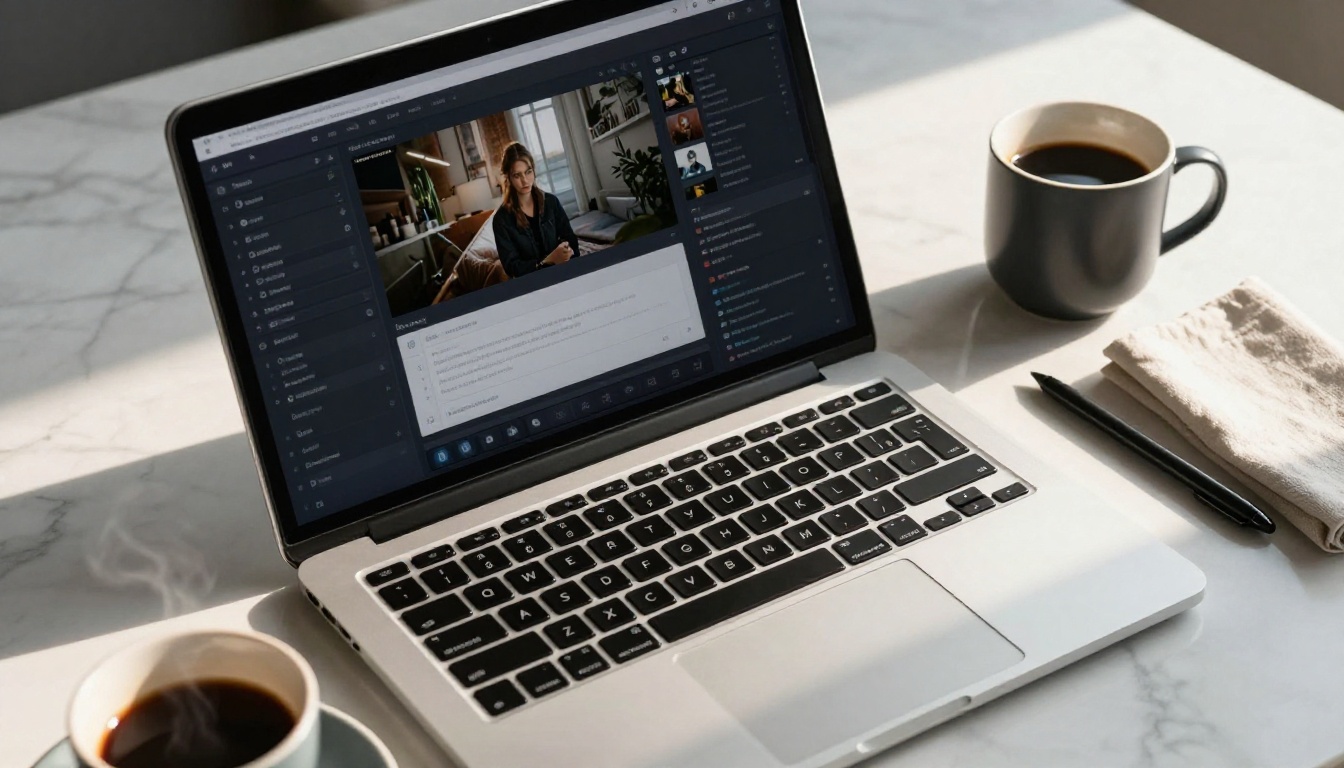
These are the platforms and models available right now, ranked by how effectively they handle adult content alongside generation quality and free access.
PicassoIA Video - Unlimited Free Generation
PicassoIA Video is the standout free option for unrestricted video generation. It accepts text prompts directly without applying content filters over suggestive or adult-themed descriptions, and outputs clips at up to 720p, 5 seconds per generation. The biggest advantage: unlimited generations with no credit caps attached.
What you get:
- Text-to-video with no content blocking for adult prompts
- Up to 720p resolution output
- 5-second clips with native synchronized audio
- Unlimited generation volume on the platform
For creators who want to iterate rapidly, test multiple angles, and build a library of adult AI video content without per-generation costs, this is the most practical starting point. Prompt it with a scene description, wardrobe detail, lighting, and mood, and results arrive without filter rejections.
P-Video by PrunaAI - Safety Filter Off by Default
P-Video operates with its safety filter disabled by default. That's an unusually direct stance for an AI video tool, and it makes P-Video one of the most reliable NSFW video generators available. It accepts text prompts, images, or audio files as input, and outputs clips at up to 1080p at 24 or 48fps, with duration adjustable from 1 to 10 seconds across seven aspect ratios.
The draft mode is worth highlighting specifically: it renders a fast, low-resolution preview instantly so you can confirm the composition and motion before committing to a full-quality render. For NSFW content where you may be iterating on body positioning, wardrobe, or scene setup, this saves significant time and generation credits.
P-Video at a glance:
- Safety filter off by default
- Input: text, image, or audio
- Output: up to 1080p, 24 or 48fps
- Duration: 1 to 10 seconds adjustable
- Draft mode for instant low-res previews before final render
Grok Imagine Video - 15 Seconds, No Watermarks
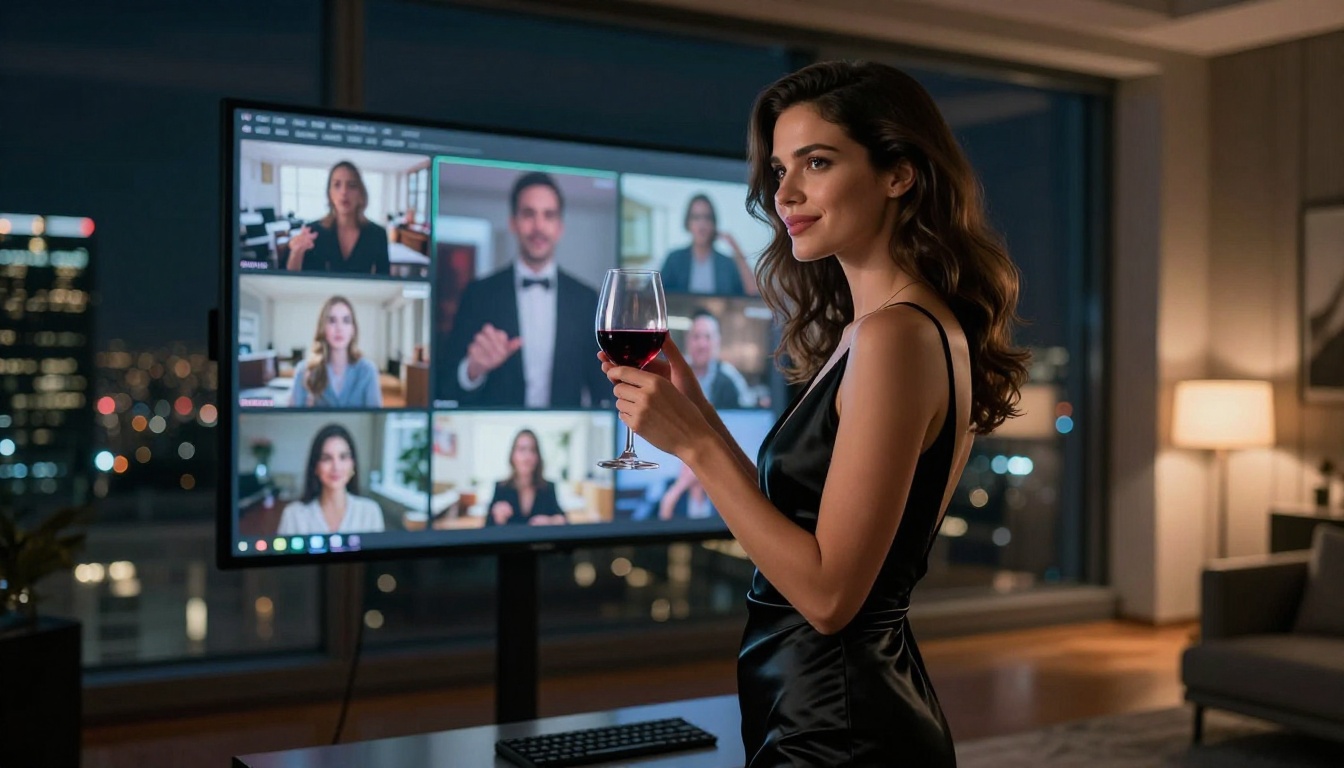
Grok Imagine Video generates clips of up to 15 seconds from text, a reference image, or an existing video clip for re-editing. It outputs at 720p or 480p across eight aspect ratios, and produces no watermarks on the final output. The companion image model, Grok Imagine Image, is also a top pick for adult image generation, making the two a natural pair in an image-to-video workflow.
For adult content specifically, the 15-second clip duration is a meaningful advantage over the standard 5-second outputs most generators cap at. That extra runtime allows for more narrative structure, more natural movement, and better motion coherence when animating suggestive or romantic scenes. The no-watermark output is equally important for professional creators who can't have platform branding embedded in their content.
Why Grok Imagine Video stands out:
- Clips up to 15 seconds long
- No watermarks on output
- Image-to-video mode auto-matches source photo proportions
- Accepts existing video clips for re-editing
- Eight aspect ratios supported
Wan 2.2 I2V Fast - Image-to-Video with No Restrictions
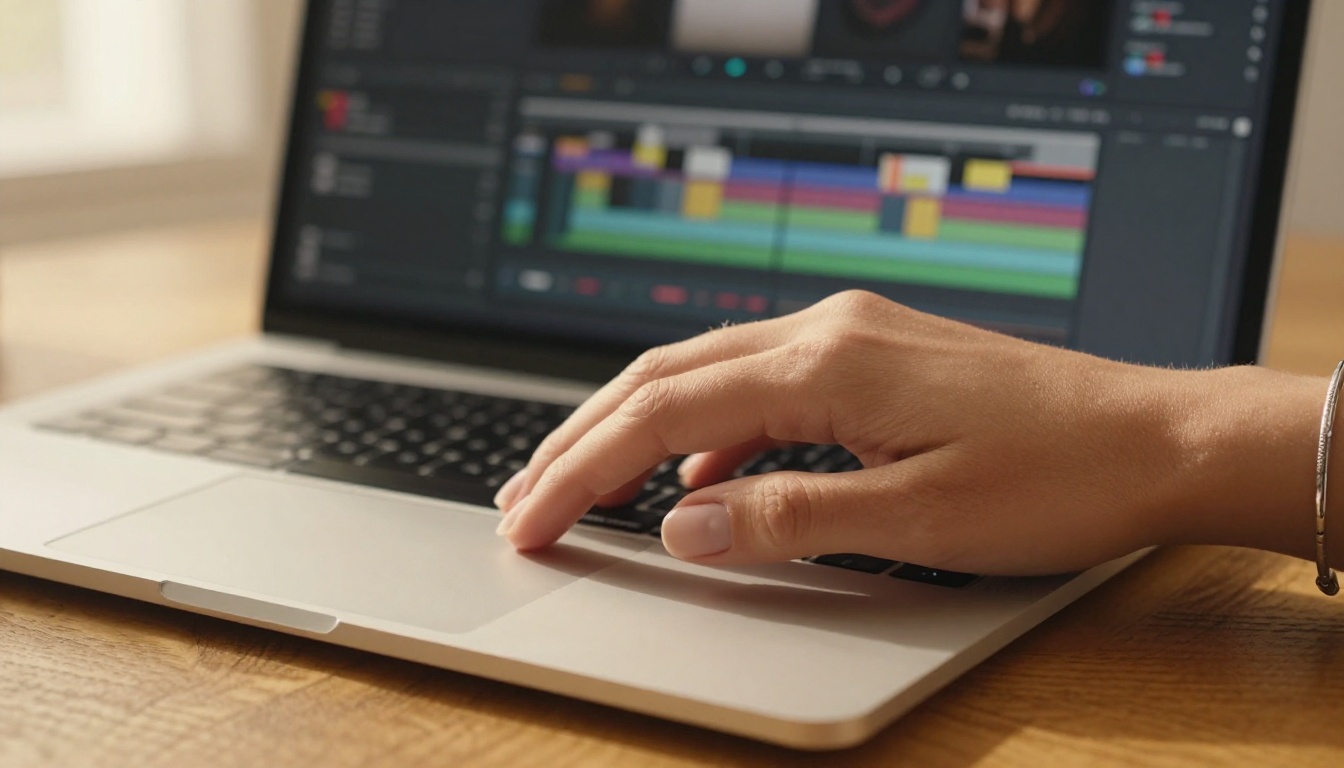
Wan 2.2 I2V Fast is built specifically for image-to-video animation and accepts NSFW source images without applying additional filters at the video generation step. In a NSFW workflow, this distinction matters enormously: many video tools accept adult images as input but still apply a secondary content filter that sanitizes the animated output. Wan 2.2 I2V Fast doesn't do that.
The workflow is direct: generate a high-quality source image using an NSFW-capable image model, upload it to the tool, add a motion prompt describing how the scene should animate, and receive a smooth, natural video clip. Speed is a core design priority, as the name signals, which means you can iterate quickly without long wait times between generations.
💡 Workflow tip: Pair Wan 2.2 I2V Fast with Seedream 4.5 for the fastest NSFW image-to-video pipeline. Seedream 4.5 generates in under 3 seconds; Wan 2.2 I2V Fast animates it without filter rejection.
Seedance 2.5 Lite - Free 10-Second Clips
Seedance 2.5 Lite is PicassoIA's own free, unlimited text-to-video generator capable of producing clips up to 10 seconds long. It handles adult-themed prompts and outputs clean, high-quality results without the per-credit costs most premium video models attach to NSFW content generation.
For creators who need longer clips than the standard 5-second outputs, Seedance 2.5 Lite is the go-to free option. The 10-second window gives enough runtime for scene establishment, character movement, and basic motion storytelling that 5-second clips can't fit.
Also worth considering: Seedance 2.5 by ByteDance is the premium sibling model, capable of generating up to 30-second videos for more complex adult content sequences where sustained narrative matters.
Best NSFW Models for Creating Source Images
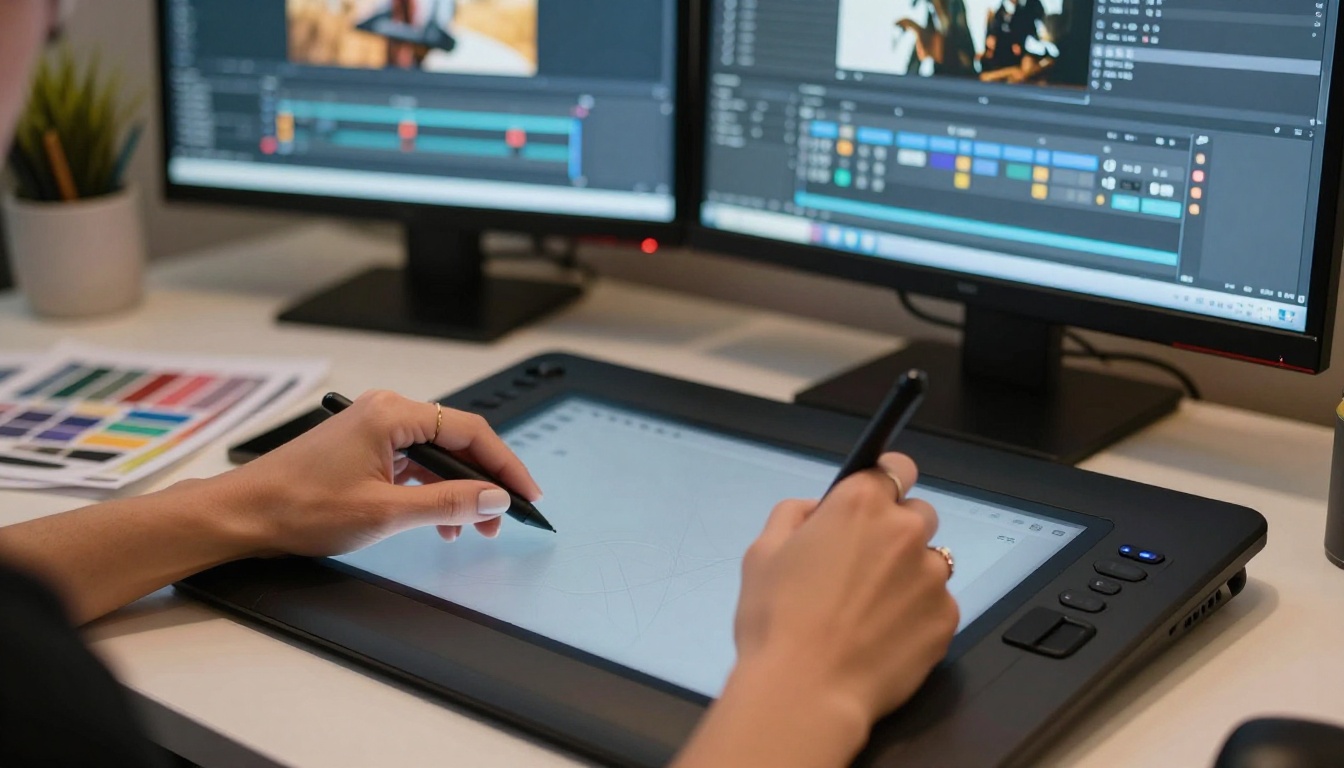
For image-to-video workflows, the quality of your source image determines the quality of your final clip. A photorealistic, well-lit, anatomically accurate source image produces dramatically better video output than a vague or poorly generated one. These are the best unrestricted image models on PicassoIA for generating adult content.
Seedream 4.5 - The #1 Pick for Adult Content
Seedream 4.5 is the top recommendation for NSFW image generation across the board. It accepts adult content prompts without restriction, supports image editing alongside text-to-image generation, and delivers ultra-realistic results in under 3 seconds. That speed is exceptional for NSFW workflows where you're iterating on pose, wardrobe, and lighting across many variations.
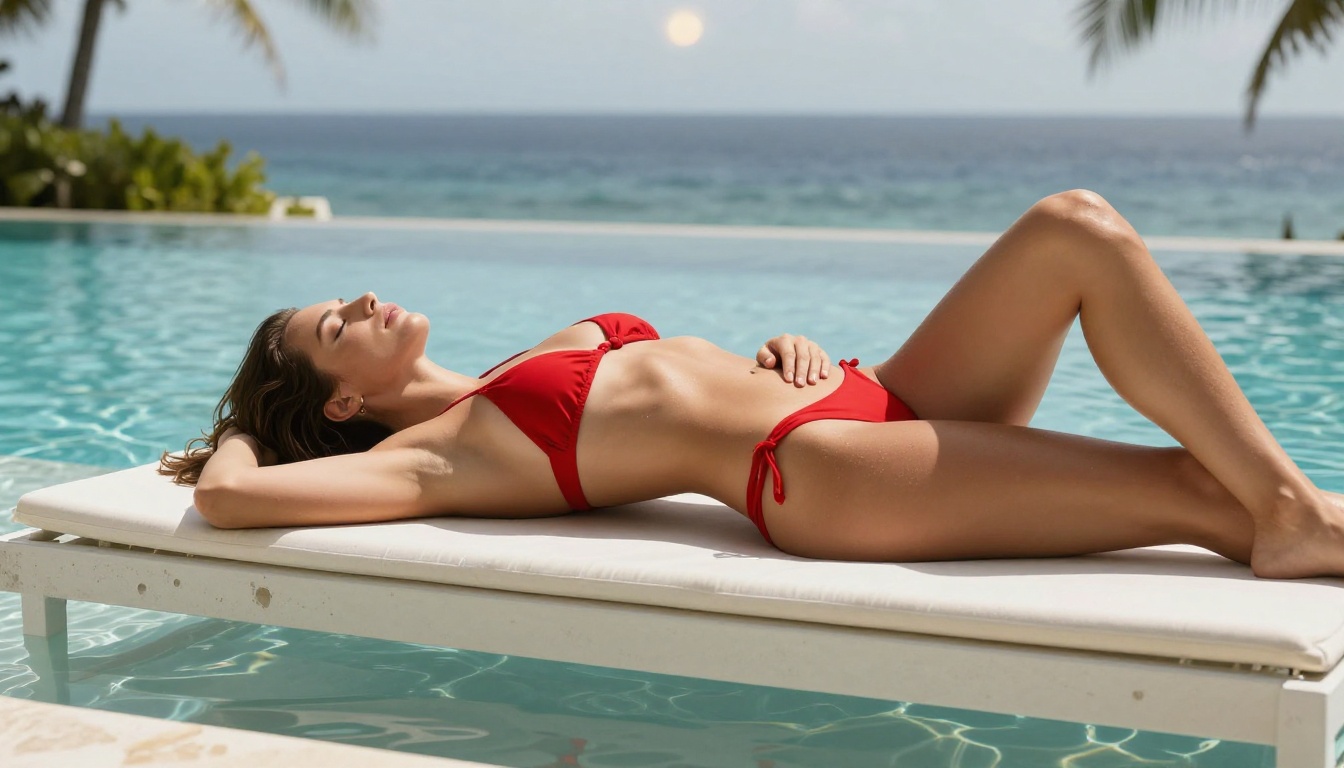
The realism level is particularly strong for skin texture, fabric detail, and environmental lighting: the critical elements that separate convincing adult AI imagery from obviously artificial outputs. When you plan to animate the result with an image-to-video tool, photorealistic source material produces dramatically better motion coherence.
Important note: Seedream 5 Lite, despite being the newer model in the same family, does not support NSFW content. Stick with Seedream 4.5 specifically for adult generation.
PicassoIA Image Editor Pro - Unlimited Generations
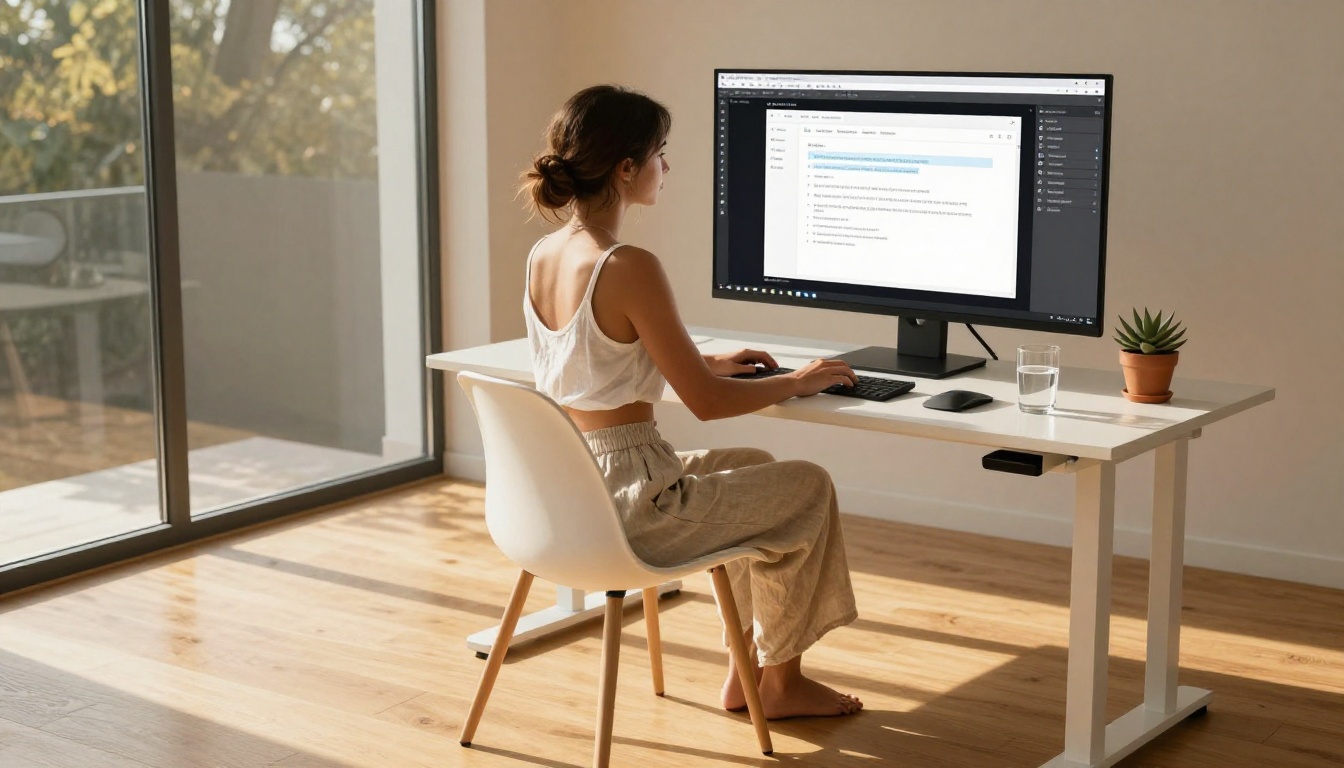
PicassoIA Image Editor Pro is an image-to-image model that operates as an unrestricted editor for adult content. Its defining advantage is unlimited generations on Elite and Infinite subscription plans. Need to produce 500 variations of a scene? That's 500 generations at zero additional cost. Compare that to models with per-credit pricing, where that same volume easily reaches $50 to $100.
Results arrive in under one second and the model accepts NSFW source images without filtering the output. A free trial of 3 generations is available without requiring a credit card, making it easy to test before committing to a plan.
Why Image Editor Pro works for NSFW workflows:
- Unlimited generations on Elite and Infinite plans
- Results in under 1 second
- Accepts adult source images without filtering the output
- Free trial, no credit card required
- Img2img workflow for precise creative control over existing images
More NSFW Image Models Worth Knowing
| Model | Type | NSFW | Key Feature |
|---|
| Qwen Image 2 | Text + Edit | Yes | Open source, very detailed realism |
| Grok Imagine Image | Img2Img | Yes | Realistic wardrobe and bikini conversions |
| Recraft V4 | Text-to-Image | Yes | Premium photorealistic output |
| P-Image | Text-to-Image | Yes | NSFW generation in under 1 second |
How to Make Adult AI Videos Step by Step
The most reliable workflow for producing high-quality uncensored AI video is a two-step image-to-video pipeline. Here's the exact process that works consistently.
Step 1 - Generate Your Source Image
Start with Seedream 4.5. Write a detailed prompt covering subject description, wardrobe, pose, environment, and lighting. Seedream 4.5's output quality at this level of detail is exceptional, and the 3-second generation speed means you can produce 10 to 15 variations in minutes to find the best source frame.
Strong prompt elements for adult image generation:
- Subject: age appearance, build, skin tone, expression
- Wardrobe: fabric type, fit, coverage level, color
- Pose: body orientation, weight distribution, hand placement
- Environment: location, surface, furniture, background depth
- Lighting: direction, quality (hard vs. soft), temperature, source
Don't settle for the first output. Run 5 to 10 variations and select the one with the most natural pose and best lighting, as these directly impact how convincing the animated video will look.
Step 2 - Animate with Image-to-Video
Upload your selected source image to Wan 2.2 I2V Fast or P-Video. Write a motion prompt describing what should move and how: hair swaying gently in a breeze, subtle breathing movement in the shoulders, a hand raising slowly, fabric shifting.
Motion prompt structure: [Subject] + [specific motion] + [camera movement] + [atmosphere]
Example: "Woman's hair moves gently in a light breeze, shoulders rise and fall with slow breathing, camera holds still on a medium shot, warm afternoon light shifts subtly across skin and fabric"
For P-Video, enable draft mode first to confirm the motion reads correctly before rendering the final high-resolution output. For Wan 2.2 I2V Fast, generation speed is fast enough that iterating directly on full-quality outputs is practical.
Step 3 - Extend or Refine
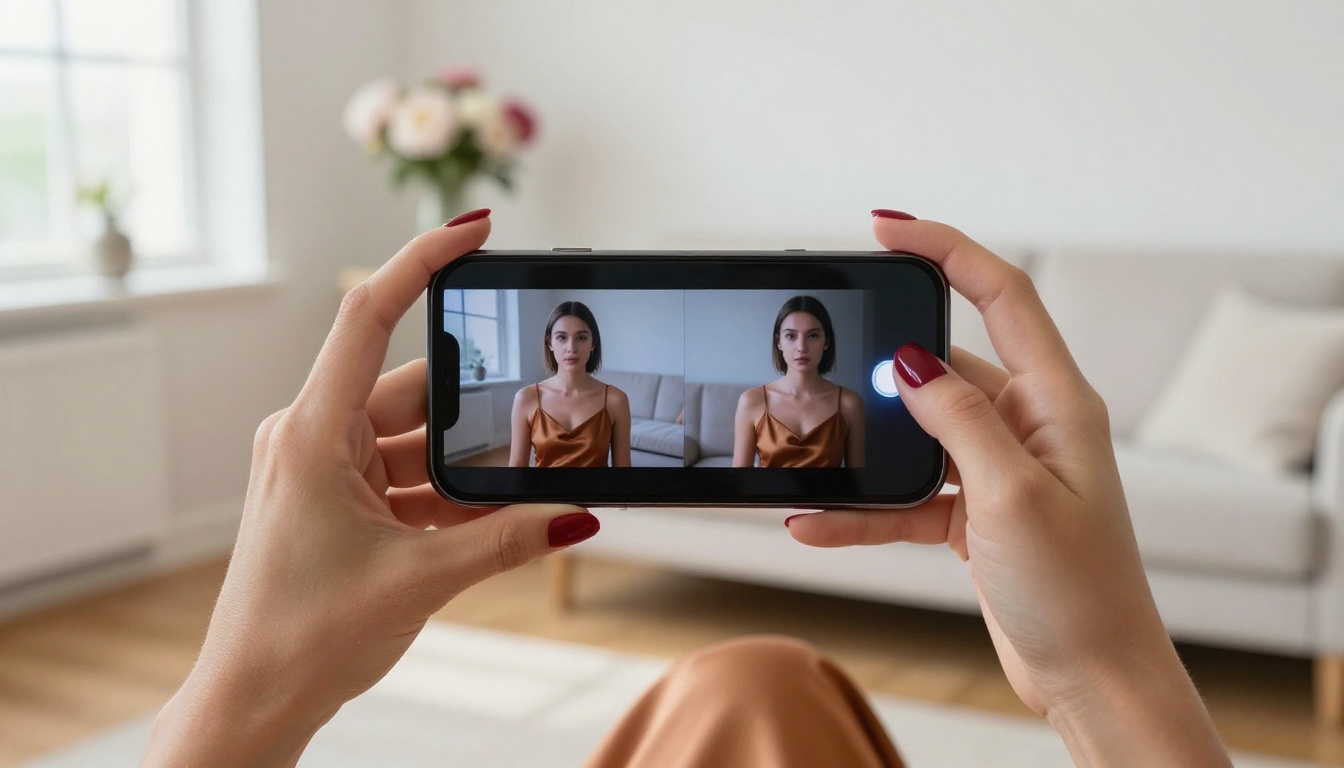
If the first animation doesn't capture the motion you wanted, revise the motion prompt to be more specific about which body parts move, the speed of movement, and the camera behavior. In most cases, 2 to 3 prompt iterations produce a satisfying result.
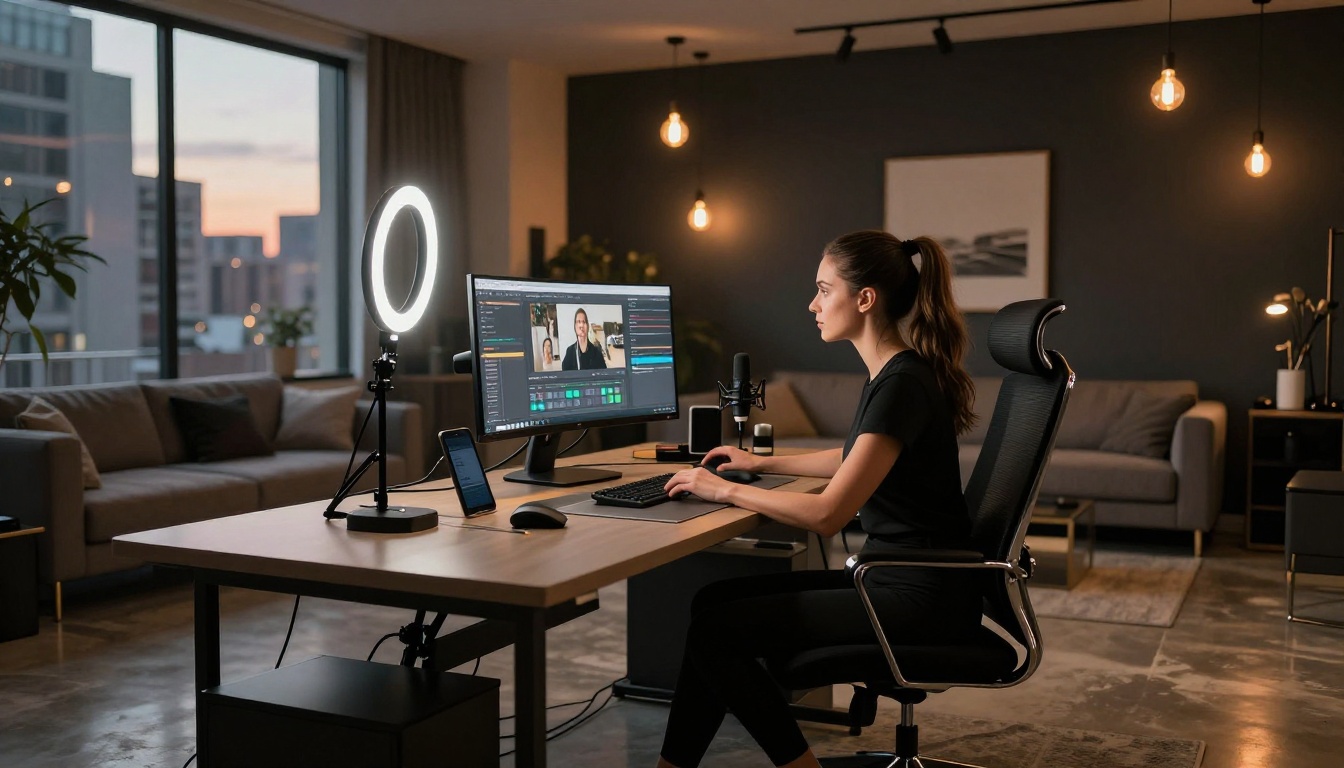
For longer-form content, use Grok Imagine Video to extend the scene to 15 seconds, or LTX 2.3 Pro for professional 4K output at 50fps with retake and extend editing capabilities that let you replace segments or append footage without re-rendering the entire clip.
Free vs. Paid Tiers Compared
Understanding what's genuinely free versus what requires a subscription prevents wasted time. Here's a clear breakdown of what each tool actually offers without payment:
💡 Value insight: PicassoIA Video and Seedance 2.5 Lite are the only two tools in this table with genuinely unlimited free generation at full resolution. If per-credit costs are a concern, start with these two.
3 Mistakes That Ruin NSFW AI Video Results
Even with the right tools, these three errors consistently produce poor adult AI video output:
1. Under-specifying the source image
Vague prompts produce ambiguous poses and lighting that don't animate convincingly. The more specific your source image prompt, the more believable the animated result. Include lighting direction, fabric texture, and exact pose detail. A well-described source image saves 3 to 4 video generation attempts.
2. Writing motion prompts that are too broad
"The woman moves" produces jittery, incoherent animation. "The woman's hair shifts left in a gentle breeze while her shoulders rise and fall slowly with each breath" produces natural, believable motion. Specificity at the motion description level translates directly to video quality.
3. Skipping the image quality check before animating
If the source image has anatomical errors, odd proportions, or unnatural lighting, the video will exaggerate those problems in motion. Generate multiple source image variants and select the cleanest one before proceeding to animation. A 30-second image review saves a 5-minute video generation from producing unusable output.
All Models at a Glance
Start Creating Without Restrictions
The tools above represent a real shift in what's possible for adult content creators working with AI video. Generating a convincing uncensored AI video clip no longer requires technical infrastructure most creators don't have access to. It takes a text prompt and a free account.
If you're starting today, the fastest path to results: generate source images with Seedream 4.5, animate them with Wan 2.2 I2V Fast or P-Video, and extend to 15 seconds with Grok Imagine Video when you want more runtime. For unlimited image editing at scale, PicassoIA Image Editor Pro removes the per-generation cost entirely.
All of these models are available in one place. Browse the complete, uncensored AI model catalog, images, video, audio, and effects, at picassoia.com/en/all-models and start generating without the arbitrary content filters most platforms hide behind.


