Anime art generation has exploded in 2027, and the demand for tools that don't censor your creative vision has never been higher. Whether you're building a manga project, designing original characters, or generating fan art for personal collections, the question is always the same: which best free uncensored anime AI image generator actually delivers without blocking half your ideas?
The short answer? Most platforms fail. They promise creativity, then slap a filter on anything remotely expressive. What you actually need is a platform built for creators who want full artistic control, photorealistic quality, and generation speeds fast enough to iterate in real time.
This article breaks down every tool worth knowing, how they work, and exactly why PicassoIA has become the go-to platform for uncensored anime image generation in 2027.
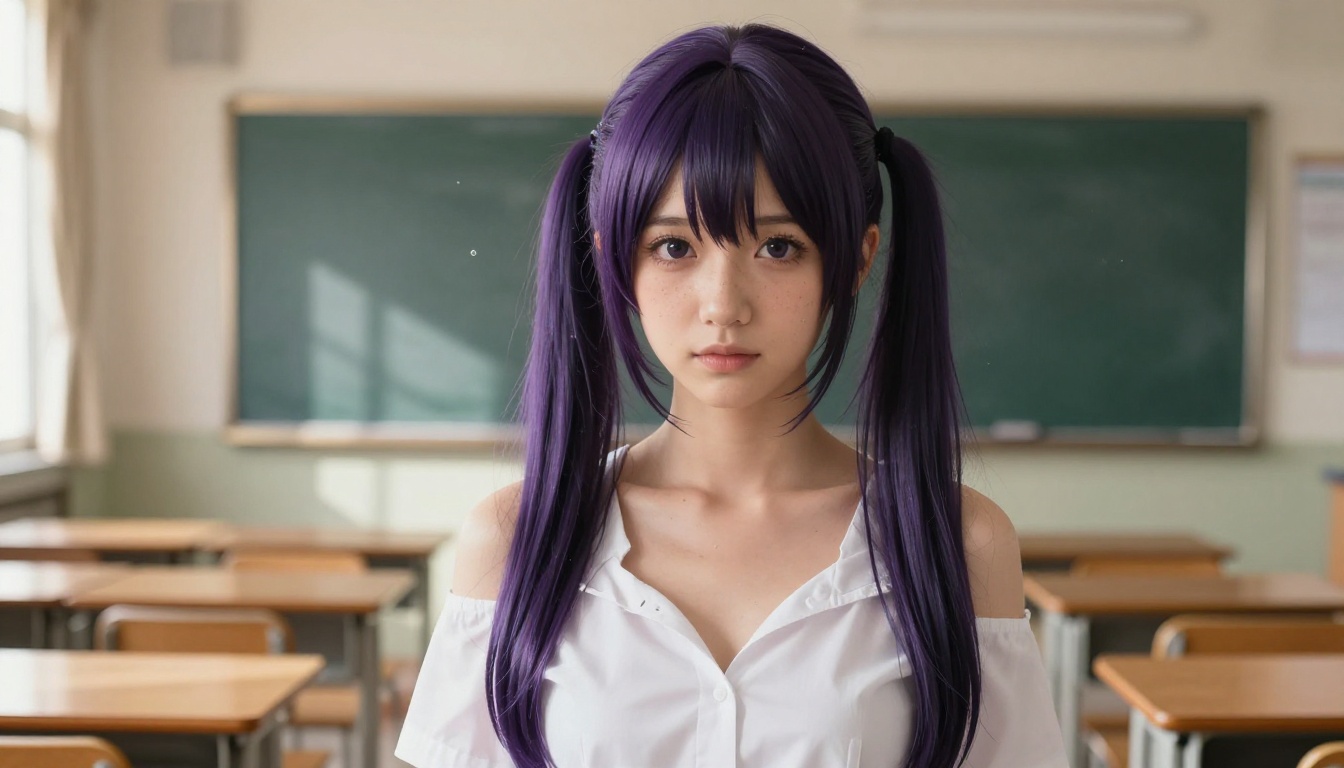
Why Most Anime AI Generators Fall Short
The internet is full of anime AI tools. Midjourney, Adobe Firefly, NightCafe, Craiyon. They all promise stunning art. What they don't tell you upfront is that most of them run heavy content filters that flag anything outside a narrow band of "safe" content.
The Censorship Wall
Try generating a character in a revealing outfit, an emotionally charged battle scene with blood effects, or any content that pushes outside PG territory. Most platforms will reject it outright, downgrade it to a blurred mess, or watermark it beyond use.
This creates a real problem for:
- Manga and light novel creators who need mature character art
- Game developers building visual novels with adult themes
- Fan artists working in established NSFW fandoms
- Photographers and artists studying human form in digital media
The tools that do exist for uncensored generation often require expensive subscriptions, produce low-resolution output, or have such long queue times that productive iteration becomes impossible.
What "Uncensored" Actually Means
It doesn't mean explicit content by default. It means the tool respects your creative intent without assuming the worst about your prompts.
Uncensored AI image generation gives you:
- Artistic nudity without automatic rejection
- Suggestive or glamour content with proper context
- Mature themes in fantasy and action art
- Character designs that reflect real human anatomy
The difference between a censored and uncensored platform isn't the output quality. It's the creative ceiling. One limits what you can make. The other doesn't.
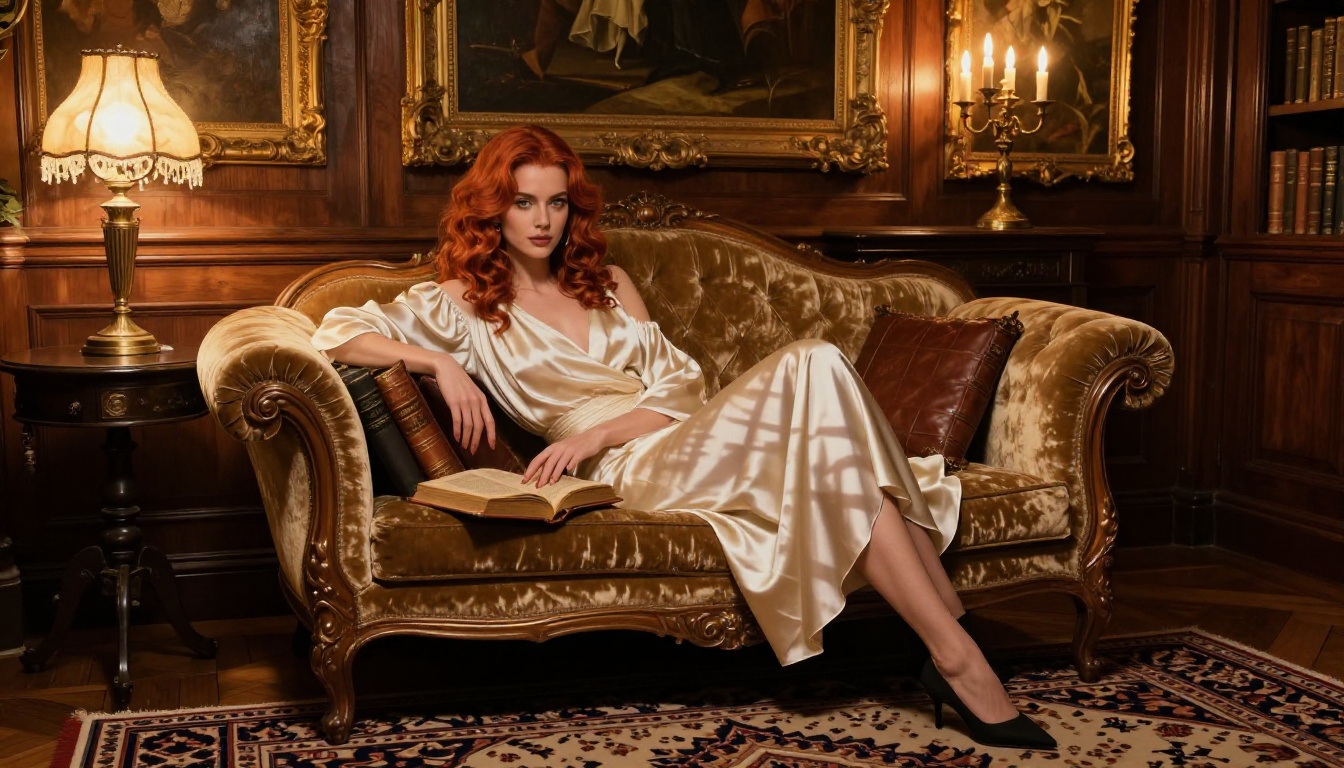
Best Free Uncensored Anime AI Image Generators
Based on testing across dozens of platforms in 2027, here's every tool that delivers on uncensored anime generation, ranked by performance, speed, and value.
Seedream 4.5 - Speed and Realism in One
Seedream 4.5 is the top pick for uncensored anime AI image generation, and it's not close.
Developed by ByteDance, Seedream 4.5 accepts NSFW prompts, generates ultra-realistic results, and includes image editing capabilities. The average generation time sits at under 3 seconds, making it one of the fastest high-quality models available anywhere.
What makes it exceptional for anime:
- Accepts adult content without prompt rejection
- Dual function: text-to-image AND image editing in one model
- Generates at 8K-equivalent detail with proper lighting and anatomy
- Works for both western-style realism and stylized anime aesthetics
💡 Note: Seedream 5 Lite is the newer model but does not support NSFW content. Stick with Seedream 4.5 for uncensored generation.
PicassoIA Image Editor Pro - Unlimited Generations
PicassoIA Image Editor Pro is an img2img model with one massive advantage over every other tool on this list: unlimited generations.
On Elite or Infinite plans, you can generate 1,000 images without spending a cent beyond your subscription. Compare that to models like Nano Banana 2, where 1,000 generations would cost around $100. The math is obvious.
Additional advantages:
- Results delivered in under 1 second
- Full NSFW support
- Accepts any input image for transformation
- Free trial available (3 generations, no credit card required)
This is the tool for batch creators, iterative character designers, and anyone building a large reference library of anime art.
Qwen Image 2 - Open Source Power
Qwen Image 2 is an open-source model that punches well above its weight class.
Because it's open source, it operates without the restrictive content policies that plague commercial models. You can edit or create any image in seconds with detailed realism. For anime-specific workflows, it handles character consistency and stylized anatomy particularly well.
Best for:
- Creators who want open-source flexibility
- Character editing and refinement workflows
- Generating detailed backgrounds and environments alongside characters
Grok Imagine Image - The Conversion Specialist
Grok Imagine Image specializes in converting any existing image into a realistic alternative.
Its standout use case is converting reference photos or existing anime art into alternative outfit formats, including bikini and athletic wear, with exceptional realism. For anime artists working with reference material, this cuts hours off the character design process.
Recraft V4 - Clean Realism at Scale
Recraft V4 is a text-to-image specialist with a focus on photorealistic output. It accepts NSFW content and delivers clean, detailed results without the visual noise that plagues lower-end models.
It operates as text-to-image only (no editing), so use it when you want pristine generation from a prompt rather than transformation of existing art.
P-Image by PrunaAI - Sub-Second Generation
P-Image from PrunaAI is built for speed. It generates NSFW-capable text-to-image results in under 1 second, making it the fastest option on the platform.
The tradeoff is that raw speed sometimes means slightly less fine detail than slower models. But for rapid prototyping, prompt testing, and fast iteration cycles, P-Image is unmatched.
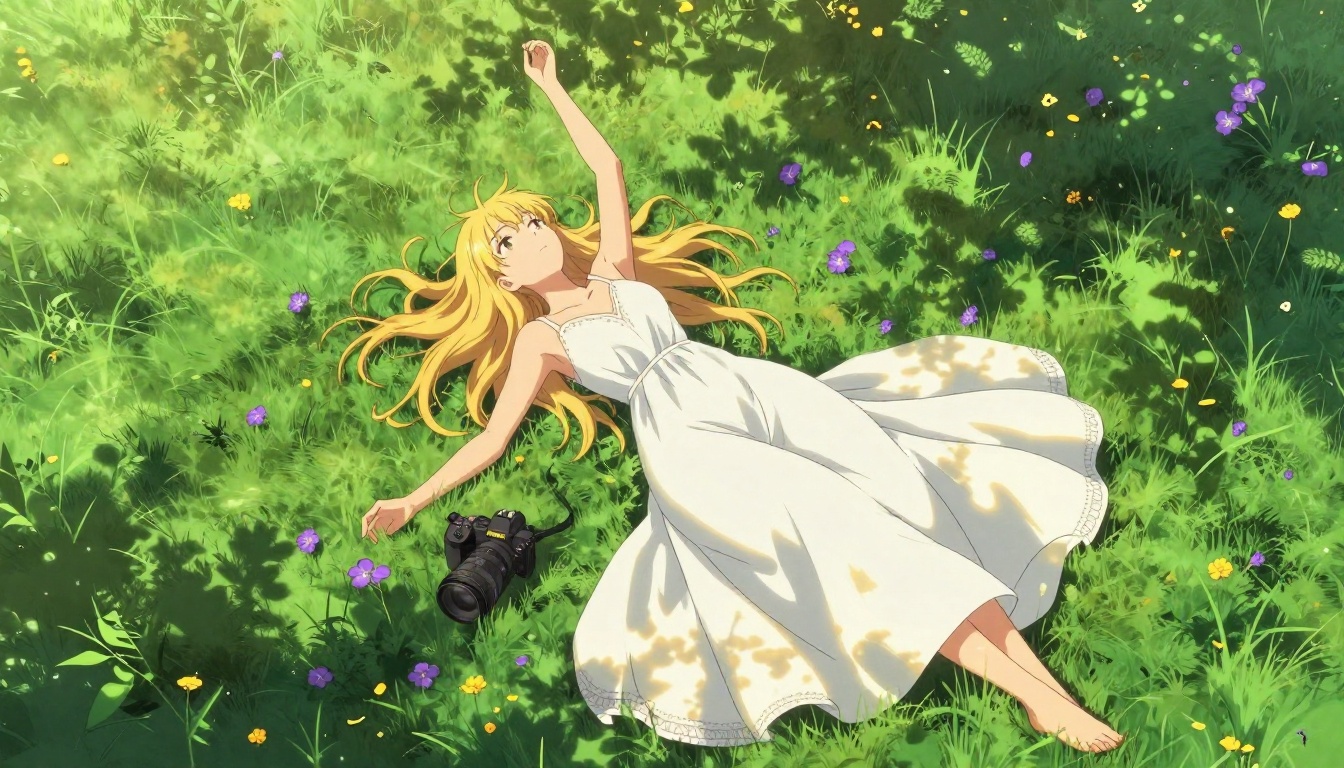
How to Use PicassoIA for Anime Art
PicassoIA makes it straightforward to start generating anime images. Here's the exact workflow.
Choose the Right Model
Go to picassoia.com/en/all-models and filter by the Text-to-Image category. For uncensored anime work, start with Seedream 4.5 unless you have a specific use case that points toward another model.
Model selection at a glance:
Write a Detailed Prompt
The quality of your output is directly proportional to the specificity of your prompt. Vague prompts produce generic results.
Weak prompt: anime girl sitting down
Strong prompt: anime-style young woman with silver hair and violet eyes, wearing a loose silk kimono, seated on tatami mat, cherry blossom petals falling, soft afternoon sunlight from shoji screen window, Canon 85mm f/1.8, film grain, Kodak Portra 400, 8K photorealistic --ar 16:9
The difference in output quality between these two prompts is dramatic.
Refine and Iterate
Use the image editing capabilities of Seedream 4.5 or PicassoIA Image Editor Pro to refine your results. Load the generated image back in and use inpainting to adjust specific areas without regenerating the entire composition.
This is how professional character artists work: rough generation, then targeted refinement on face, clothing, and background separately.
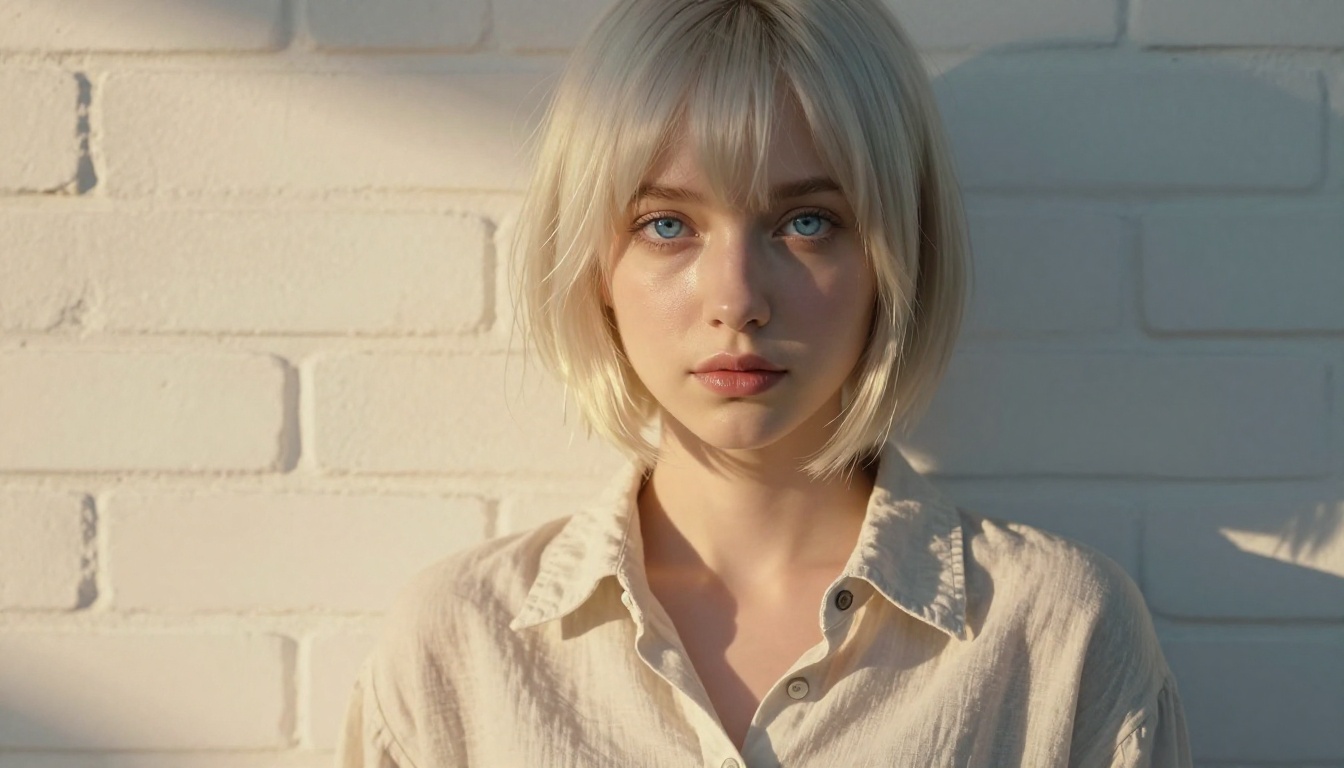
Prompt Writing That Gets Results
Writing prompts for uncensored anime AI image generators is a skill. Here's what separates professional-quality prompts from generic ones.
Structure of a Winning Prompt
Follow this structure for maximum output quality:
- Subject: Who or what is in the image (character description, features, outfit)
- Setting: Where they are (environment, background elements)
- Lighting: Direction, quality, and color of light
- Camera: Lens, angle, and depth of field
- Style: Film stock, grain, photography style
- Technical: Resolution modifier, aspect ratio
Example structure: [Subject + pose] + [Setting + background] + [Lighting direction and quality] + [Camera lens and angle] + [Film style] + [Resolution] --ar 16:9 --style raw
Mistakes That Ruin Your Output
Avoid these common prompt errors:
- Too short: Under 20 words rarely produces professional results
- Conflicting styles: Mixing "realistic photography" with "3D render" confuses the model
- No lighting direction: Flat, unspecified lighting produces flat, uninteresting images
- No camera info: Without lens and angle, composition defaults to generic centered framing
- No film reference: Adding a specific film stock pushes the output toward a consistent aesthetic
💡 Tip: Add Kodak Portra 400, film grain, 8K photorealistic, RAW photography to almost any prompt on PicassoIA for a significant quality boost.
Free vs Paid - The Real Breakdown
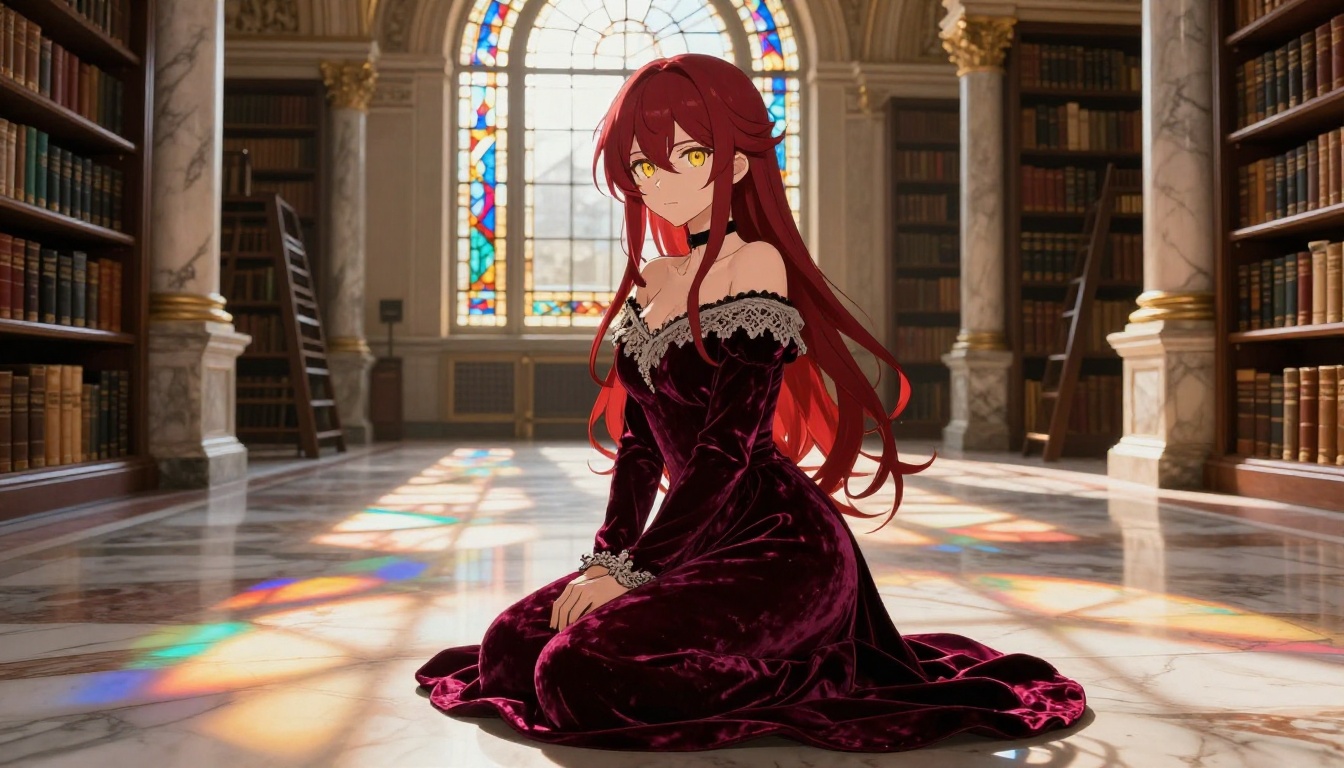
Most free anime AI image generators come with hidden limitations. Here's what you actually get at each tier on PicassoIA compared to competing platforms.
| Feature | Free Trial | Paid (Elite) | Competitors |
|---|
| Uncensored generation | Limited | Full | Often no |
| Generations per day | Limited credits | Unlimited (select models) | Usually capped |
| Image resolution | Standard | Up to 8K | Often watermarked |
| Image editing tools | Yes | Yes | Rarely included |
| Generation speed | Standard | Priority queue | Slow on free tiers |
| Model variety | 20+ models | 91+ models | Usually 1-3 |
| Commercial rights | Personal use | Full commercial | Varies |
The PicassoIA free trial for Image Editor Pro gives you 3 generations without a credit card, which is enough to test quality before committing.
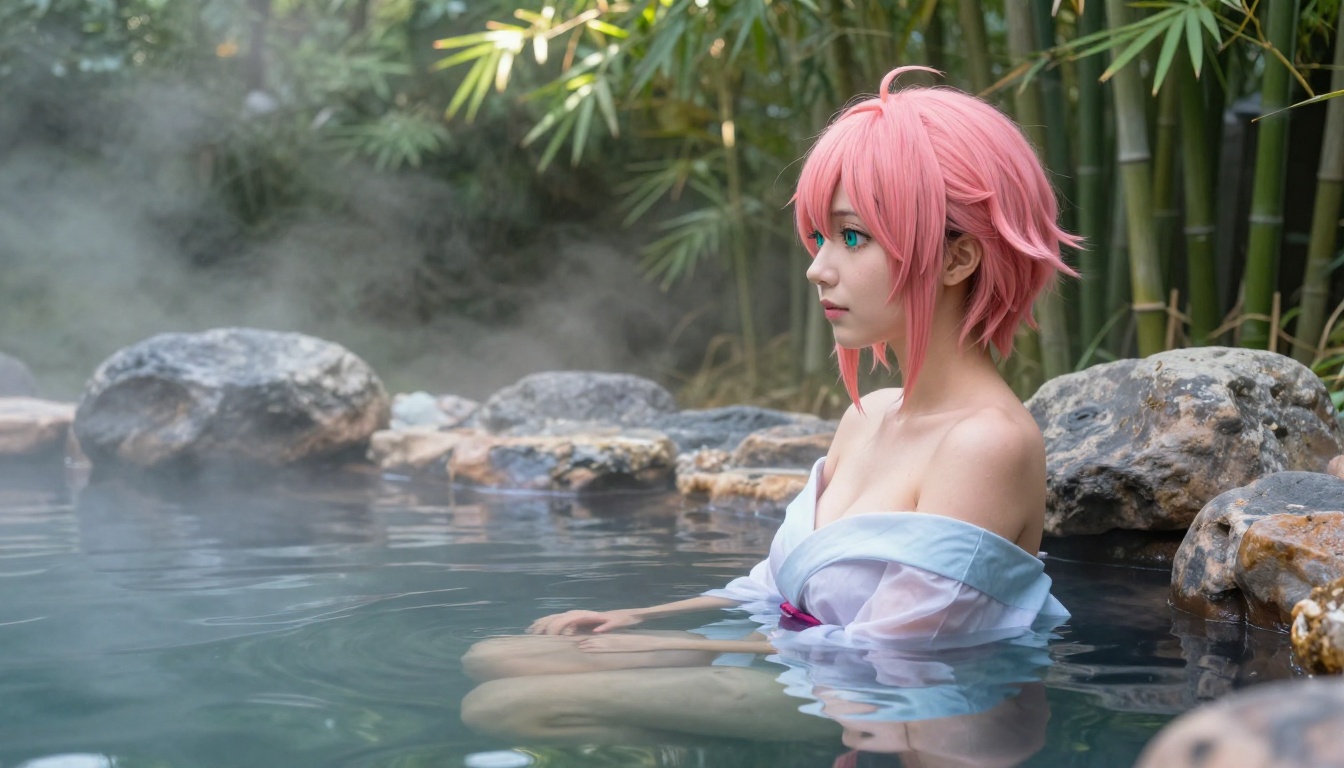
How does PicassoIA stack up against the most popular alternatives?
| Platform | Uncensored | Free Option | Speed | Models | Best For |
|---|
| PicassoIA | Yes | Trial | Under 1-3s | 91+ | Full-featured anime creation |
| Midjourney | Partial | No | 30-60s | 1 (versioned) | General art |
| Adobe Firefly | No | Limited | Fast | 3-4 | Commercial-safe only |
| NightCafe | Partial | Credits | Variable | Several | Hobbyist use |
| Stable Diffusion (local) | Yes | Free | GPU-dependent | Unlimited | Technical users |
| Craiyon | No | Yes | Slow | 1 | Basic sketches only |
PicassoIA's edge is the combination: uncensored models, generation speeds under 3 seconds, and a catalog of 91+ text-to-image models covering every style and use case.
💡 Worth noting: Running Stable Diffusion locally is free and uncensored, but requires a decent GPU, technical setup knowledge, and ongoing model management. PicassoIA eliminates all of that friction with browser-based access.
What Sets PicassoIA Apart
There are dozens of AI image platforms in 2027. Here's why PicassoIA continues to attract anime creators specifically.
No Content Restrictions Where It Matters
PicassoIA's top models, particularly Seedream 4.5 and PicassoIA Image Editor Pro, accept adult and suggestive content without filtering. This isn't a loophole or a workaround. It's a deliberate product decision that respects creator autonomy.
Other platforms treat every user as a potential bad actor. PicassoIA treats creators as professionals.
91 Text-to-Image Models
No other platform comes close to PicassoIA's model catalog for this category. With 91 text-to-image models, you can:
- Test different aesthetic styles without switching platforms
- Find the exact model that matches your character art vision
- Access specialized models for specific anime sub-genres (mecha, fantasy, contemporary)
- Compare outputs across multiple models in the same session
This variety is especially valuable for iterative character design, where different models produce distinctly different interpretations of the same prompt.
Sub-3 Second Generation Speed
Production-grade anime art creation requires fast iteration. If you're testing 20 prompt variations to nail a character's look, a 60-second generation time means 20 minutes of waiting. At 3 seconds per generation, that's 1 minute.
Seedream 4.5 generates in under 3 seconds. P-Image generates in under 1 second. For iterative workflows, this speed difference is the difference between productive sessions and frustrating ones.
Upscaling and Polishing Your Anime Art
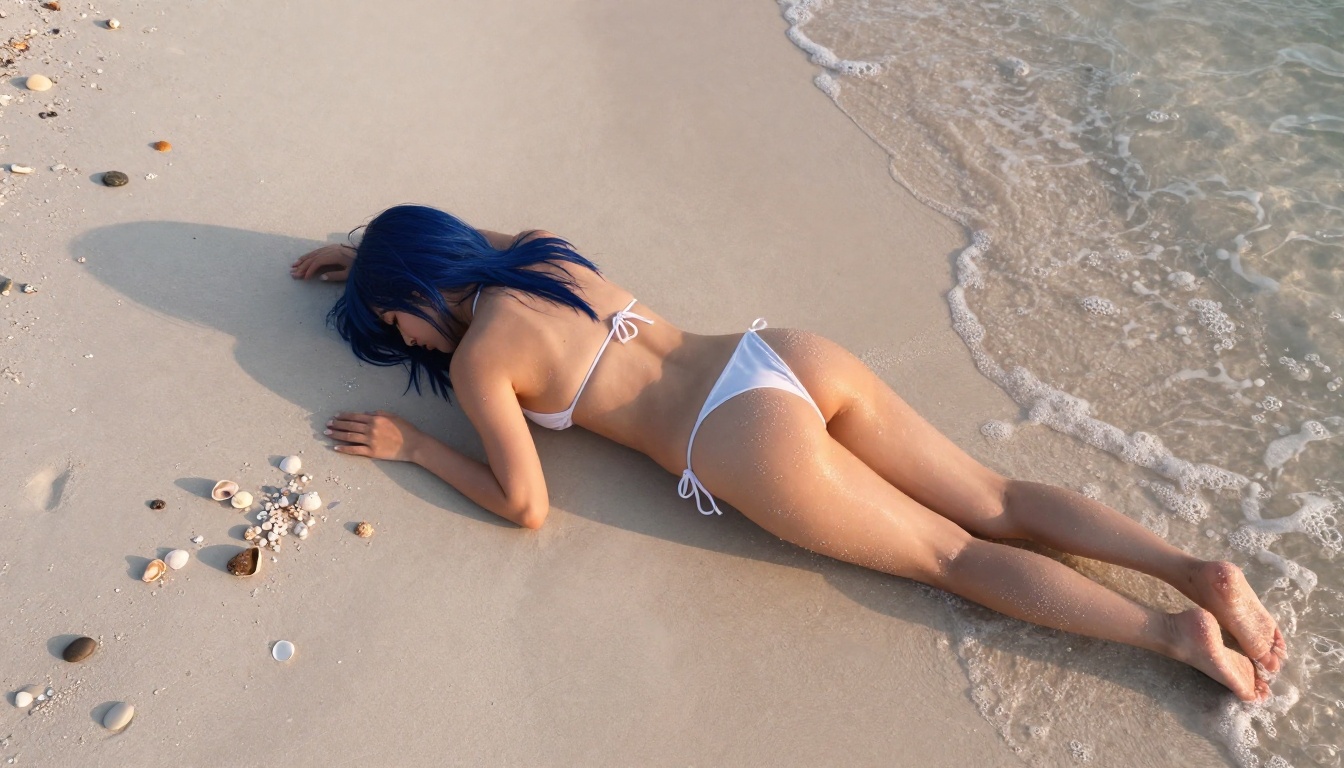
Once you have a strong base generation, the workflow doesn't stop there. PicassoIA includes super-resolution upscaling tools that take standard outputs to print-quality resolution.
Super Resolution - From Good to Print-Ready
The super-resolution models on PicassoIA upscale images 2x to 4x without adding artifacts. For anime art specifically:
- Upscale character portraits for print merchandise
- Increase wallpaper resolution to 4K or 8K
- Prepare high-resolution files for commercial licensing
This makes PicassoIA a full production pipeline: generate, edit, upscale, and export, all in one place.
Background Removal for Character Assets
Anime character sheets require transparent backgrounds for use in games, animations, and compositing. PicassoIA's background removal tool strips the background cleanly with no jagged edges, even on complex hair and clothing details.
For developers building visual novels or mobile games, this removes a major bottleneck from the character asset pipeline.
💡 Workflow: Generate a character with Seedream 4.5, upscale 4x, remove background, export as PNG with transparency. Total time: under 5 minutes for a production-ready character asset.
The Full PicassoIA Lineup for NSFW Anime Art
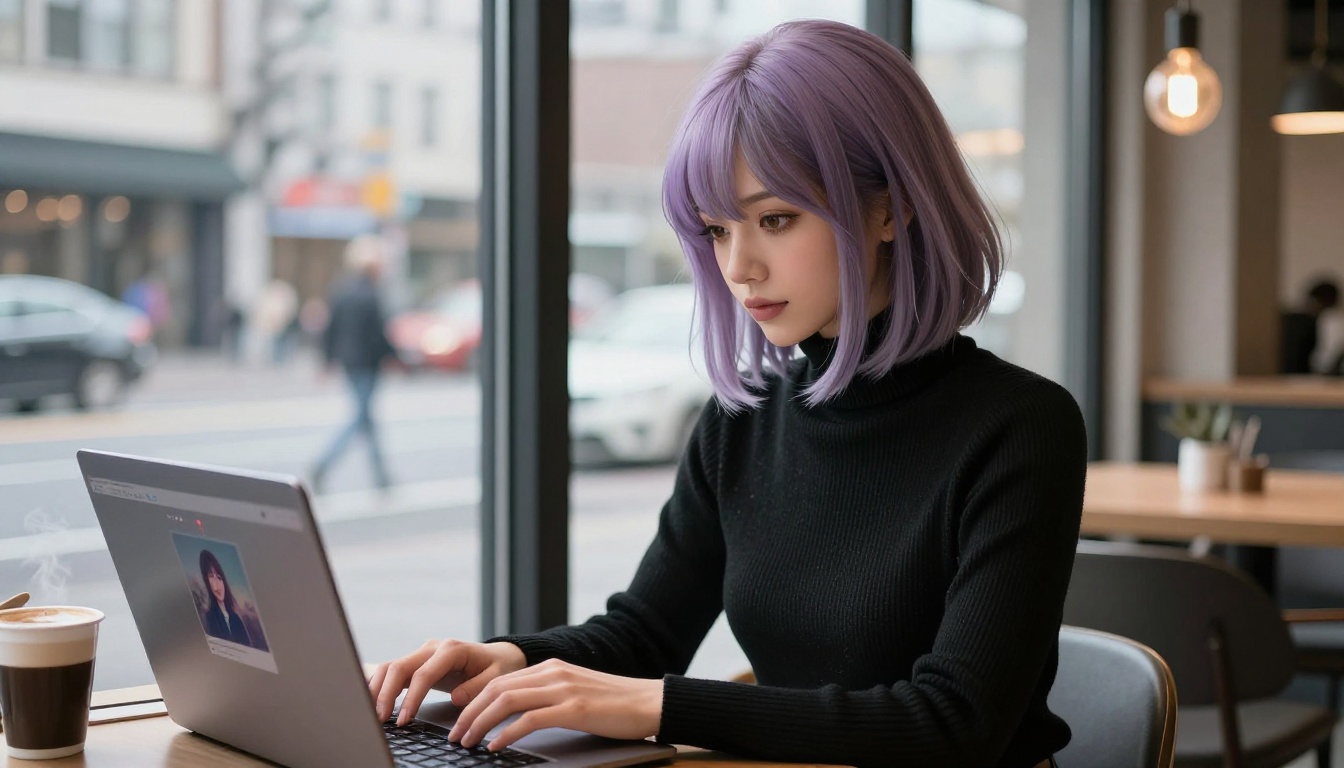
Here's the full recommendation set when working specifically with uncensored anime content:
- Seedream 4.5 - Primary recommendation. Fast, realistic, uncensored, with editing capability
- PicassoIA Image Editor Pro - Best for volume. Unlimited generations on Elite/Infinite plans
- Qwen Image 2 - Open-source model for unrestricted creation with detailed realism
- Grok Imagine Image - Reference image conversion specialist
- Recraft V4 - Clean photorealistic text-to-image results
- P-Image by PrunaAI - Fastest generation in under 1 second, NSFW-capable
Browse the full catalog at picassoia.com/en/all-models to find models for video generation, voice synthesis, music, and more.
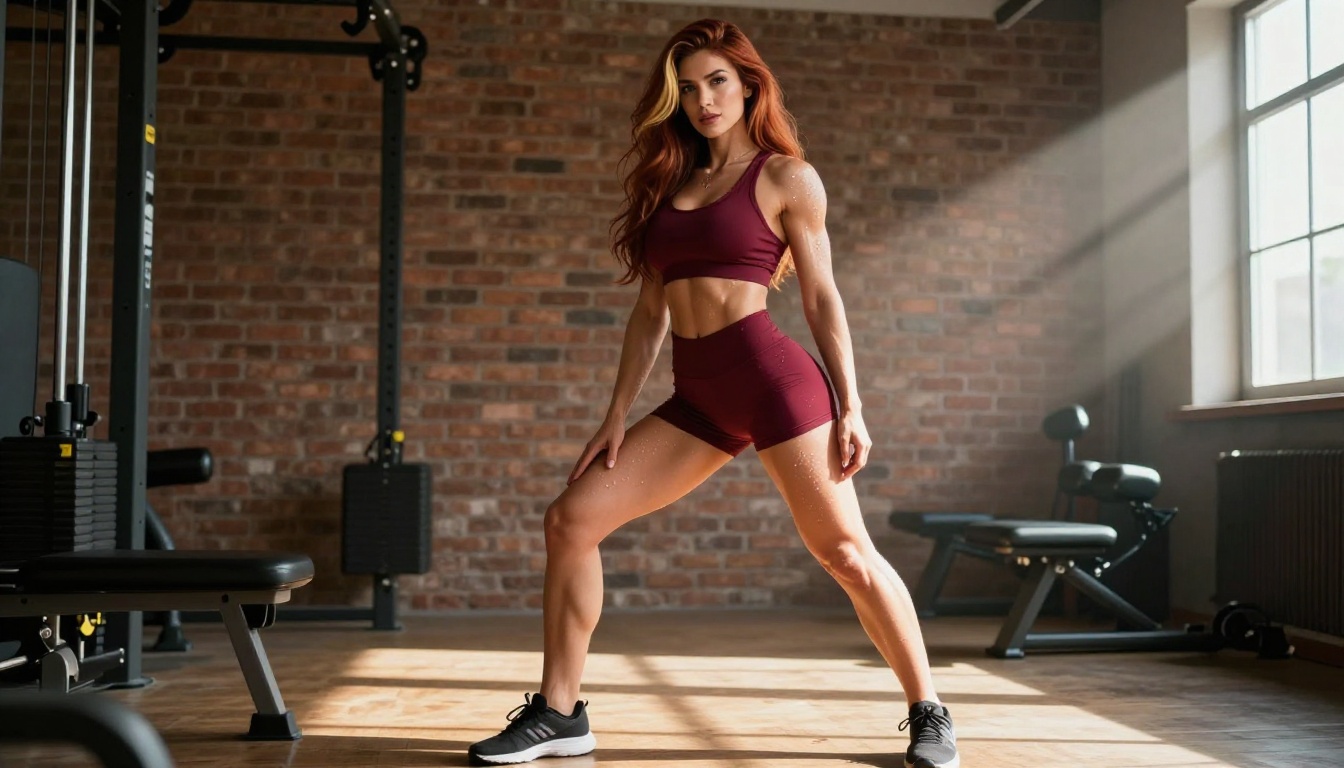
Start Generating Your Own Anime Art
You have everything you need to start creating. The models are ready, the platform is accessible, and the generation speeds mean you'll see results in seconds, not minutes.
Here's the exact path from zero to finished anime art:
- Go to picassoia.com/en/all-models
- Select Seedream 4.5 for your first generation
- Write a detailed prompt using the structure from this article
- Generate, iterate, and refine using the image editing tools
- Upscale your best results with PicassoIA's super-resolution tools
For volume creators, activate the free trial of PicassoIA Image Editor Pro to test unlimited generation before committing to a plan.
PicassoIA's commitment to creative freedom means you won't hit a wall when your ideas push outside what mainstream platforms allow. For anime creators, that's not a nice-to-have. It's the whole point.
Ready to create without limits? Visit picassoia.com/en/all-models and pick your first model.


