Why Open-Source Video Generation Matters
AI video tools often hide behind paywalls or strict quotas. Open-source models remove those barriers, letting you experiment without worrying about credits or subscriptions. On PicassoIA you get the best of both worlds: a zero-cost playground and a simple web interface, no installs, no tokens, no command line.

What You’ll Learn
- Pick the right open-source model for video or image editing
- Turn a single photo into a smooth 5-second clip
- Combine multiple free models for a full production pipeline
- Avoid common “first-time” mistakes that ruin quality
🎬 Quick takeaway: Everything in this workflow is 100 % free and runs entirely in your browser via PicassoIA.
Meet the Stars of the Show
| Model | Output | Best For | Speed |
|---|
| wan-2.2-i2v-fast | Video | Converting any still frame into motion | ⚡⚡⚡ Fast |
| prunaai-wan-2.2-image | Image | Photorealistic stills to feed the video model | ⚡⚡ Fast |
| p-image-edit | Image | Quick touch-ups, background swaps, color tweaks | ⚡ Ultra-fast |
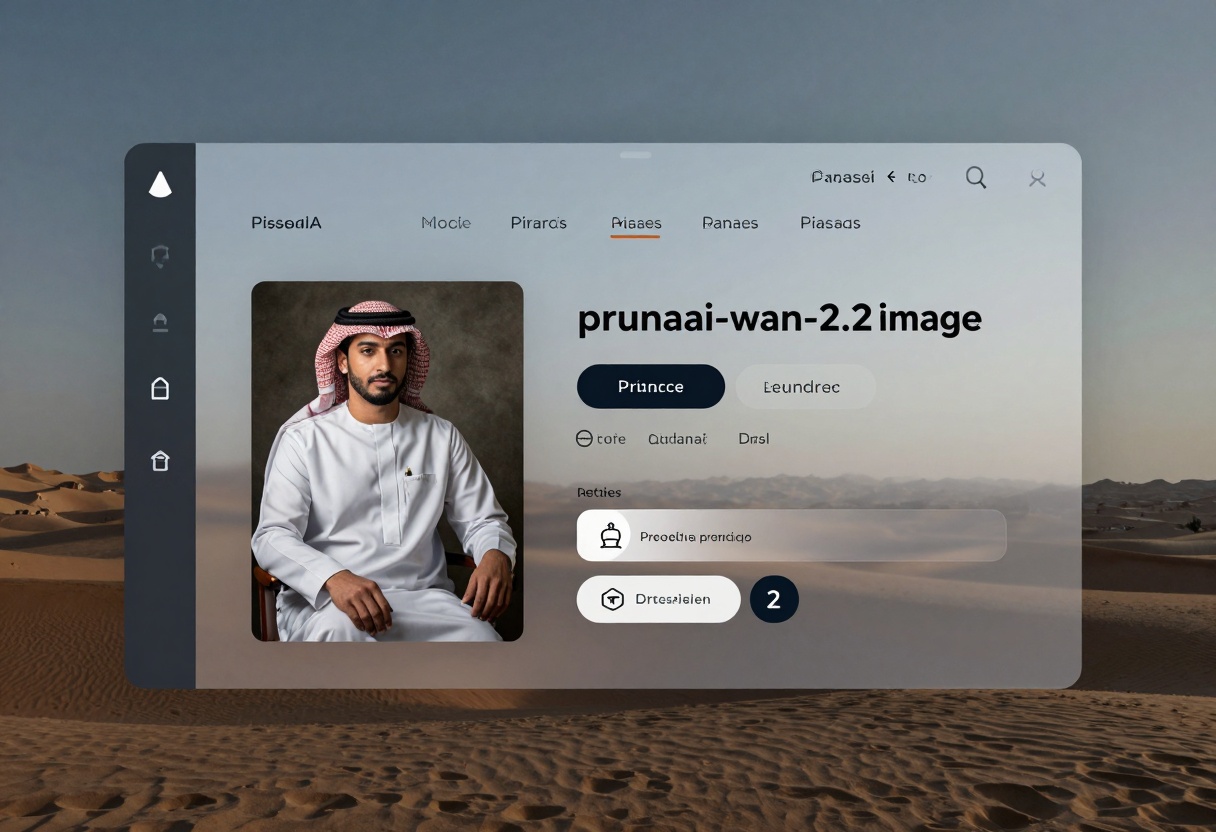
Step 1 – Craft a Killer Source Image
A great video starts with a strong still frame. Use prunaai-wan-2.2-image to generate that base.
- Open the model page on PicassoIA.
- Enter a descriptive prompt (e.g., “neon-lit alley, cinematic angle, rain reflections”).
- Keep aspect ratio at 16:9 for landscape videos.
- Hit Generate and download the result.
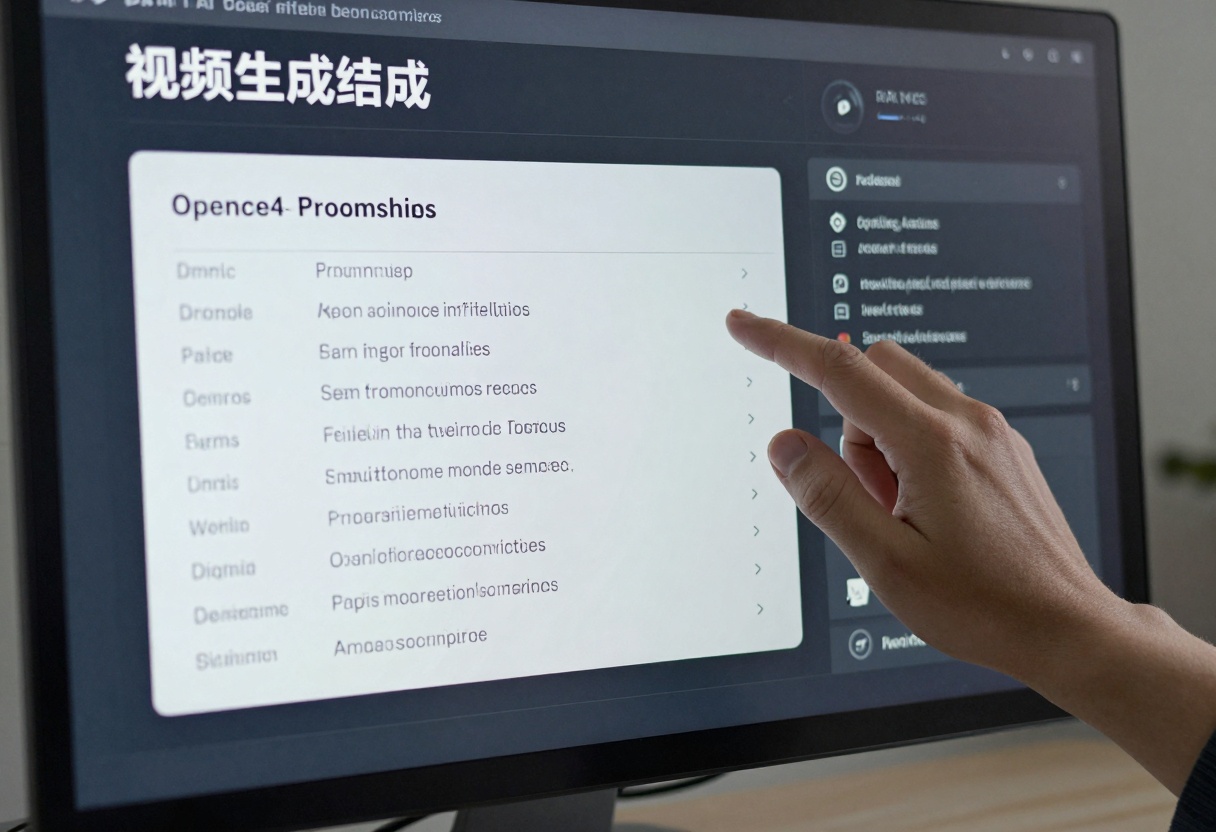
Quick Edits Before Animating
If your image needs small fixes—remove a logo, shift colors—drop it into p-image-edit.
- Upload the still as image 1.
- Describe the change: “replace background with sunset skyline”.
- Keep Turbo on for sub-second results.
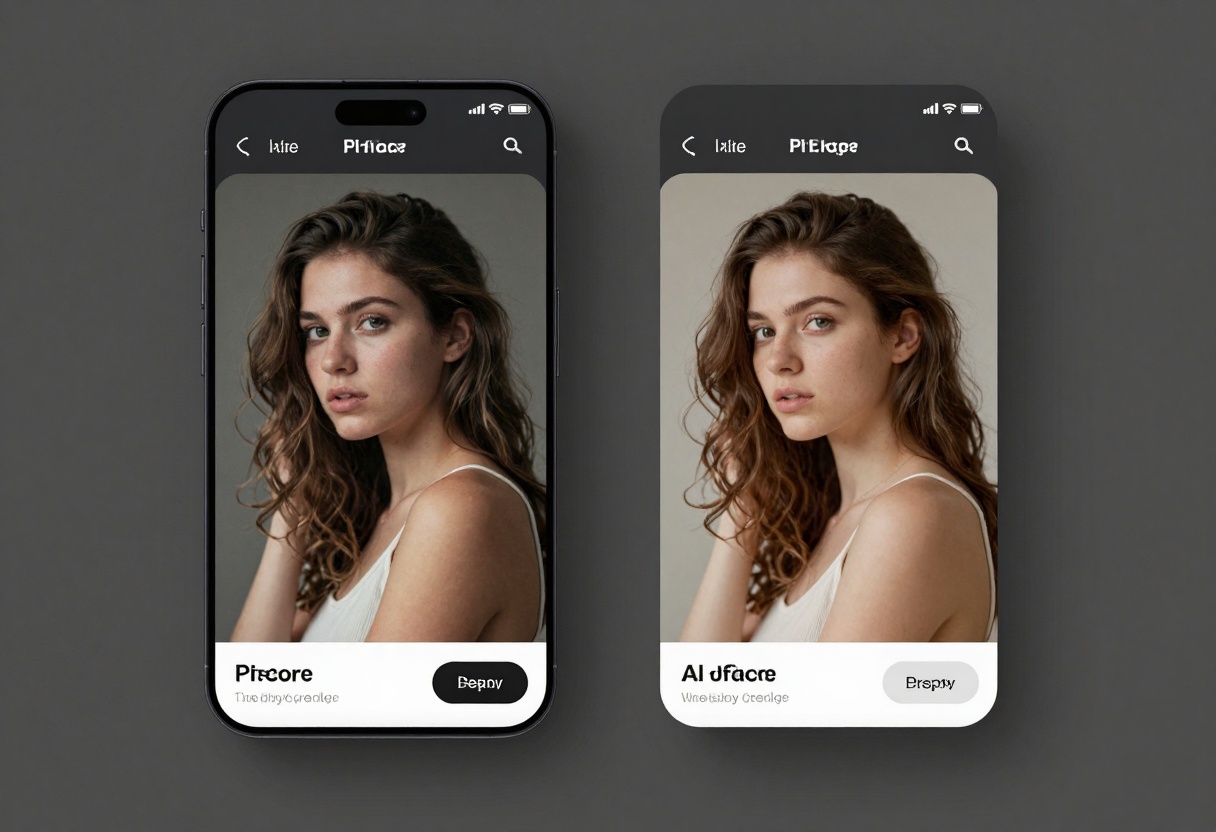
Step 2 – Turn the Image into Video
Time for the magic: wan-2.2-i2v-fast morphs a single frame into a fluid clip.
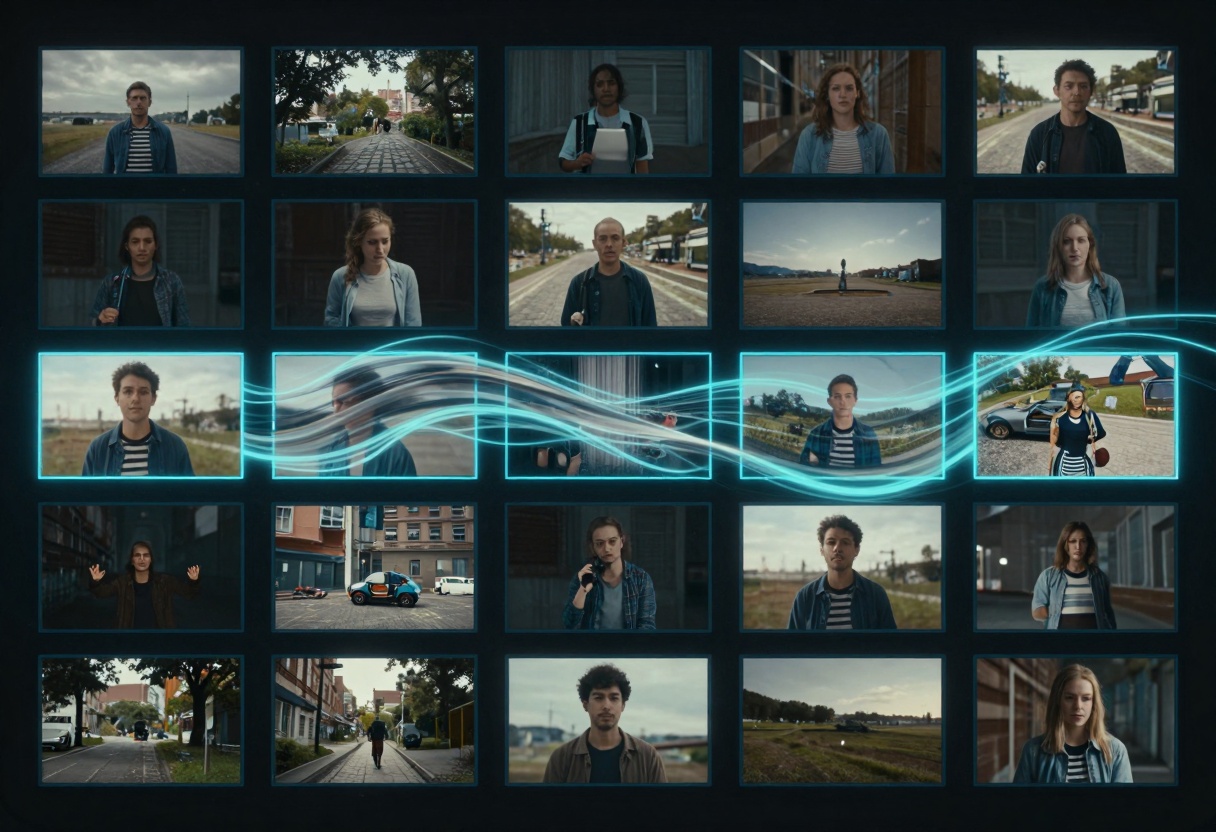
Recommended Settings
- Image: upload the still you prepared
- Prompt: describe desired motion (“slow push-in camera move, light rain particles”)
- Aspect Ratio: 16:9 (matches the source)
- Resolution: 480p for experiments, 720p for final share
- Frames: leave at 121 for 5-second smoothness
When you click Generate, the model delivers a downloadable MP4 in under a minute.
Behind the Scenes: Why It Works

Open-source weights mean the heavy math lives on PicassoIA’s servers, but the license lets you remix, redistribute, or even fine-tune the model locally later. You get freedom without the setup hassle.
Full Workflow Cheat Sheet
| Stage | Model | Typical Time | Cost |
|---|
| Generate base still | prunaai-wan-2.2-image | 3–4 s | Free |
| Optional edits | p-image-edit | <1 s | Free |
| Animate | wan-2.2-i2v-fast | ~45 s | Free |
💡 Tip: Keep prompts consistent between the still and the animation for coherent lighting and style.
Mini Case Study
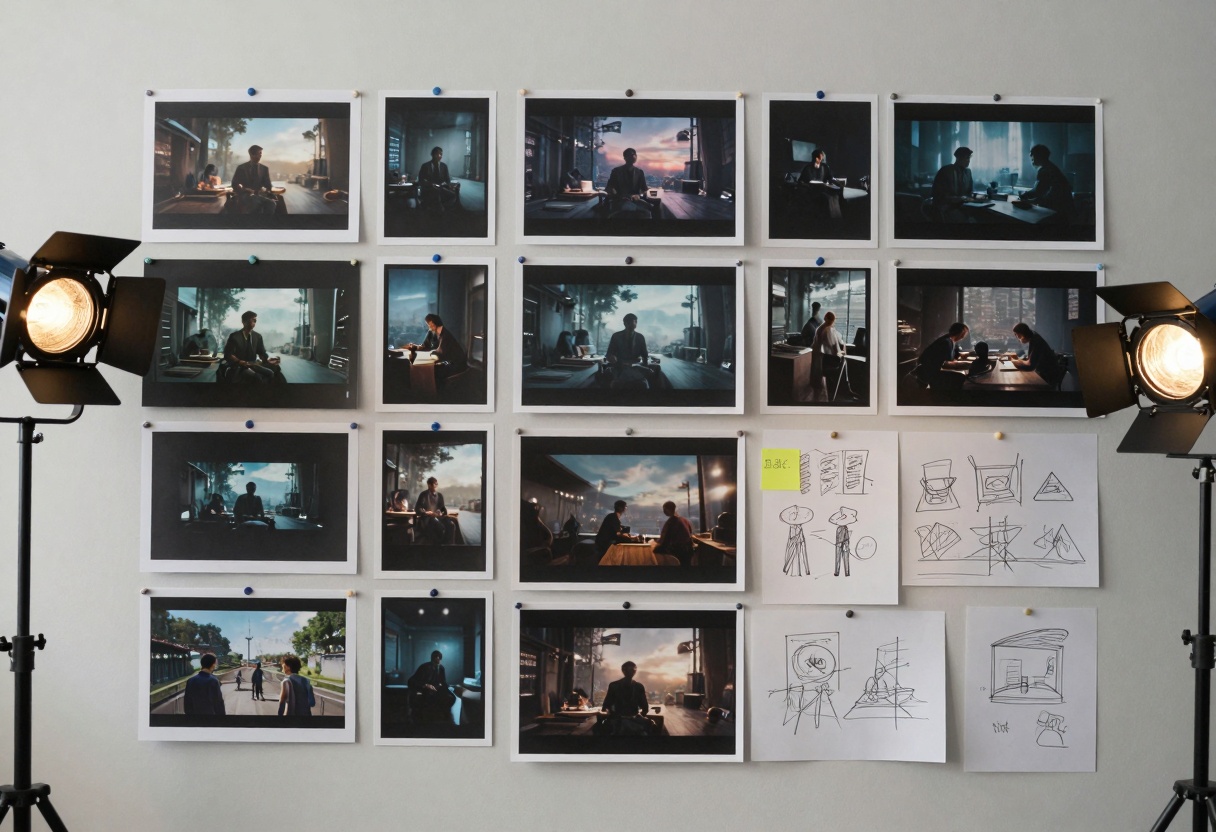
A content studio needed a 5-second cyberpunk intro. They:
- Prompted prunaai-wan-2.2-image for the hero frame.
- Tweaked neon colors with p-image-edit.
- Fed the still to wan-2.2-i2v-fast with “subtle camera dolly forward, drifting fog”.
- Wrapped the result in Premiere—total time 6 minutes, zero spend.
The client approved on first watch.
Pocket Tutorials
1. prunaai-wan-2.2-image
- Access the model page.
- Fill Prompt (required).
- Optionally set megapixels, aspect ratio, seed.
- Click Generate.
- Download your image.
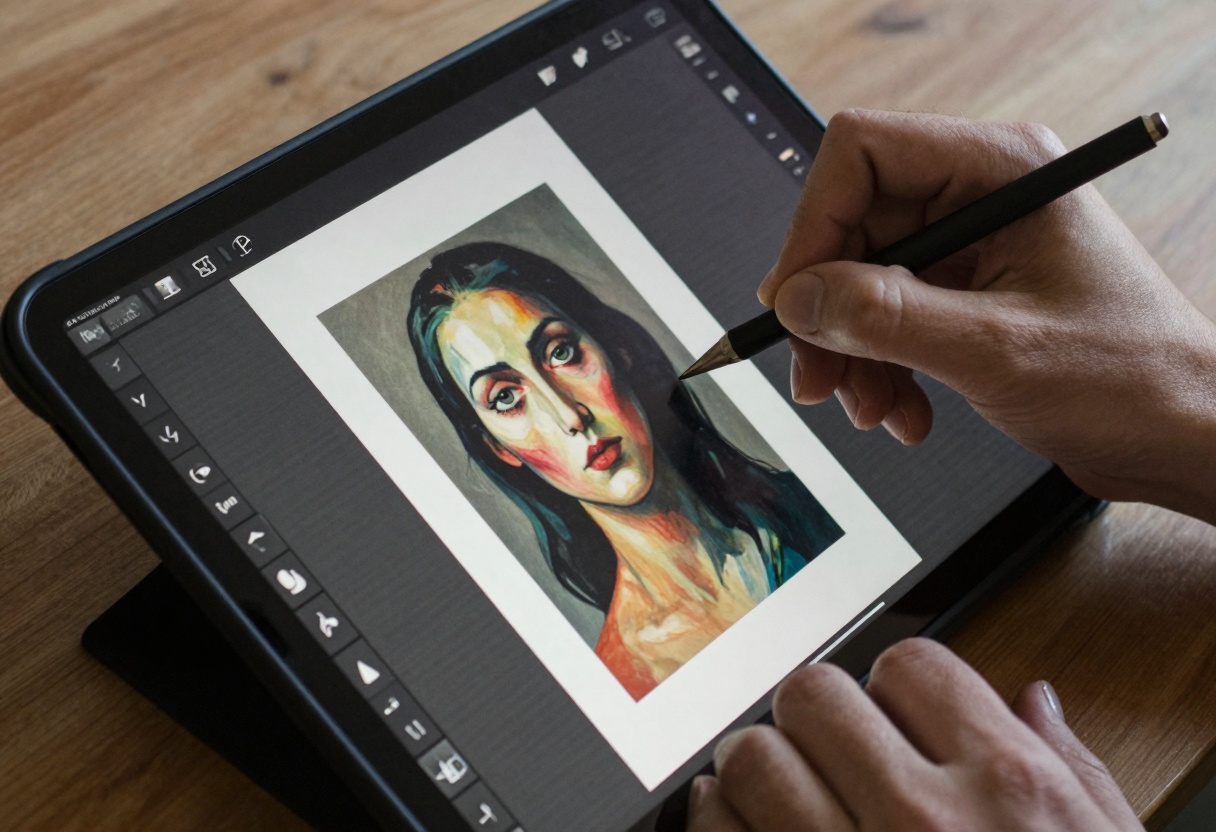
2. p-image-edit
- Open the model page.
- Upload at least one reference image.
- Describe the edit in Prompt.
- Leave Turbo on for speed.
- Generate and save.

3. wan-2.2-i2v-fast
- Visit the model page.
- Upload your source still.
- Enter a motion prompt.
- Adjust resolution or aspect ratio if needed.
- Generate and download the MP4.
Final Thoughts
Open-source video generation used to demand beefy GPUs and CLI skills. PicassoIA changes that narrative—just pick a model, type a prompt, and watch your idea move. With wan-2.2-i2v-fast plus free companion models, you can create unlimited, high-quality clips today.
Ready to roll? Animate your first frame on PicassoIA and see how far a free workflow can take you.


