Freepik built its reputation on stock photography. But the platform's AI tools have become a source of genuine frustration for creators who want real creative freedom, specifically the ability to generate suggestive, glamorous, or NSFW-adjacent content without watermarks crippling every download and content filters killing every interesting prompt. If you have hit that wall, you are not alone, and there is a real solution available right now.
Why Freepik Keeps Letting Creators Down
Freepik's AI image generator works fine for corporate headshots and generic product mockups. The moment you push toward anything remotely suggestive, the platform either refuses the prompt outright or delivers a heavily moderated result that barely resembles what you described. Pair that with aggressive watermarking on free-tier downloads and strict credit limits, and you have a platform that actively works against creative ambition.
Watermarks Kill Every Project
Freepik's free plan stamps a visible watermark across every downloaded image. For professional use, editorial content, or any commercial project, this is a non-starter. You either pay for a premium plan or you get nothing usable. Even on premium, subscribers face resolution caps and monthly download limits that force you to ration creative output and second-guess every generation.
Note: Watermarks are not a minor inconvenience. They make images unusable for blogs, social media posts, advertising, or any client-facing work where visual quality matters.
Content Filters Block the Good Stuff
The deeper issue is Freepik's safety filter system. The platform runs every prompt through a moderation layer that flags anything related to glamour, lingerie, implied nudity, or suggestive scenarios. Prompts describing a woman in a bikini on a beach, a model in artistic lingerie, or implied sensuality in editorial photography regularly return an error or a sanitized result that looks nothing like the request. For creators working in adult content marketing, artistic photography simulation, or mature creative projects, Freepik is simply not built for you.
Credit Limits Destroy Iteration
Good AI images require iteration. You run ten versions of a prompt, pick the best two, refine those, and run ten more. Freepik's credit system penalizes this process. Every generation costs credits, premium plans cap monthly usage, and running out mid-project means waiting for the next billing cycle or paying extra. That friction kills creative momentum at exactly the wrong moment.
What Actually Matters in a Freepik Alternative
Not every platform marketed as an alternative solves the right problems. Before switching, you need to identify which specific limitations are blocking your work.
No Censorship on Glamour and Suggestive Content
The primary requirement for creators looking beyond Freepik is a platform that allows suggestive, glamorous, and artistic NSFW content. This means bikini photography, lingerie editorial, implied nudity, sensual portraiture, and similar content that sits in the legal and artistic space that most mainstream platforms reflexively refuse. A true alternative handles these prompts without triggering automatic refusals.
Photorealistic Output, Not Illustrations

Stock photo replacement requires photorealism. If the alternative generates cartoons, illustrations, or obvious AI art aesthetics, it fails the core use case. You need output that reads as real photography: natural skin tones, accurate lighting physics, realistic fabric textures, and authentic human proportions. The models that deliver this are the only ones worth your time.
Truly Unlimited Generation
Iteration is non-negotiable in AI creative workflows. Any platform that meters usage by credits, tokens, or monthly caps will frustrate you eventually. Unlimited generation means running 50 variations of a prompt in a single session, comparing outputs, and finding the best result without watching a counter drain.
The Strongest Freepik AI Alternative for NSFW Content
After testing multiple platforms, one option consistently outperforms the rest for creators who need genuine freedom: a platform with over 91 text-to-image models, no watermarks on downloads, and no generation caps. It runs the most advanced open and commercial image generation models available today, including the full Flux family from Black Forest Labs.
91 Text-to-Image Models in One Place

Having access to 91 models in a single interface is not just a number. It means you can match the right model to the specific type of image you are trying to create. Some models excel at photorealistic human portraiture. Others handle dramatic lighting or fine fabric detail better. Being able to switch between Flux Schnell, Flux Dev, Flux Pro, and Stable Diffusion within the same session, without managing separate accounts or API keys, is a real creative advantage.
Flux Models for Hyper-Realistic Results
The Flux family is currently the strongest set of text-to-image models for photorealistic human imagery. Flux Dev is a 12-billion parameter model that handles complex scene descriptions with precision: a woman on a rooftop terrace at golden hour with specific fabric textures and exact lighting direction will actually appear in the output, not a loose interpretation of it. Flux Pro adds an adjustable guidance scale that lets you dial in exactly how closely the model follows your prompt versus interpreting it more loosely, giving you finer control over composition and subject accuracy.
For rapid iteration, Flux Schnell generates a full-resolution image in under five seconds using only four denoising steps. This makes it ideal for quickly testing 20 prompt variations before committing to a longer generation on Flux Dev or Flux Pro.
Stable Diffusion Without the Restrictions
Stable Diffusion has been the backbone of uncensored AI image generation since its open-source release. Running it through a web platform removes the technical barrier of local installation while preserving the creative freedom the model is known for. You get six schedulers to control generation behavior, negative prompt support to exclude unwanted elements, and guidance scale adjustment to fine-tune how closely the output matches your description, all through a browser with zero setup.
How to Use Flux Schnell for NSFW-Style Content
Because Flux Schnell is the fastest and most accessible entry point on the platform, here is exactly how to get the best results for glamour and NSFW-adjacent photography.
Step 1: Write a Prompt That Works
Vague prompts produce vague results. The difference between a mediocre output and a stunning one is specificity. Instead of "a woman at the beach," write: "A woman in a white string bikini lying on a sun-warmed concrete ledge overlooking the Mediterranean sea, golden hour light from the left, 85mm f/1.4 prime lens, Kodak Portra 400 film grain, photorealistic 8K RAW photography, natural skin texture, fabric weave visible."
Every strong prompt covers five elements: subject and attire, environment, lighting direction, camera specs, and atmosphere. Negative prompts are equally important. Add "no CGI, no illustration, no cartoons, no digital art" to push the model firmly toward photorealism.
Tip: For skin realism, add "Kodak Portra 400 film grain, natural skin pores, soft rim lighting" to your prompt. These phrases activate training data associated with high-end portrait photography.
Step 2: Set Aspect Ratio and Speed Mode
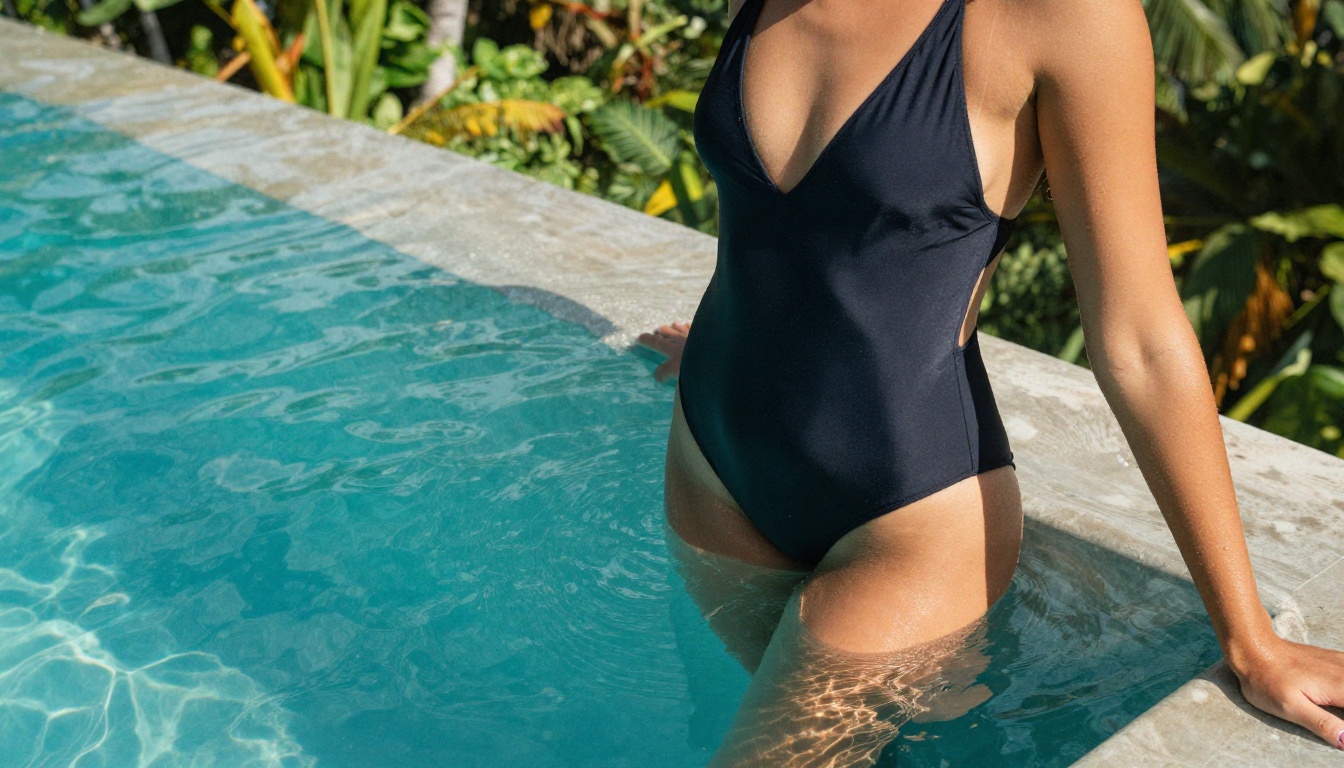
For blog headers and editorial use, 16:9 is the standard ratio. For vertical social content, switch to 9:16. Flux Schnell supports eleven different ratios. The Go Fast mode is enabled by default and cuts generation time significantly while keeping output quality high for most use cases. Only disable it when you need maximum fidelity for a final hero image.
Keep inference steps at the default four for speed. If you switch to Flux Dev for a final-quality render, the recommended range is 28 to 50 steps, with higher values producing sharper detail at the cost of a longer wait time.
Step 3: Iterate and Download Clean
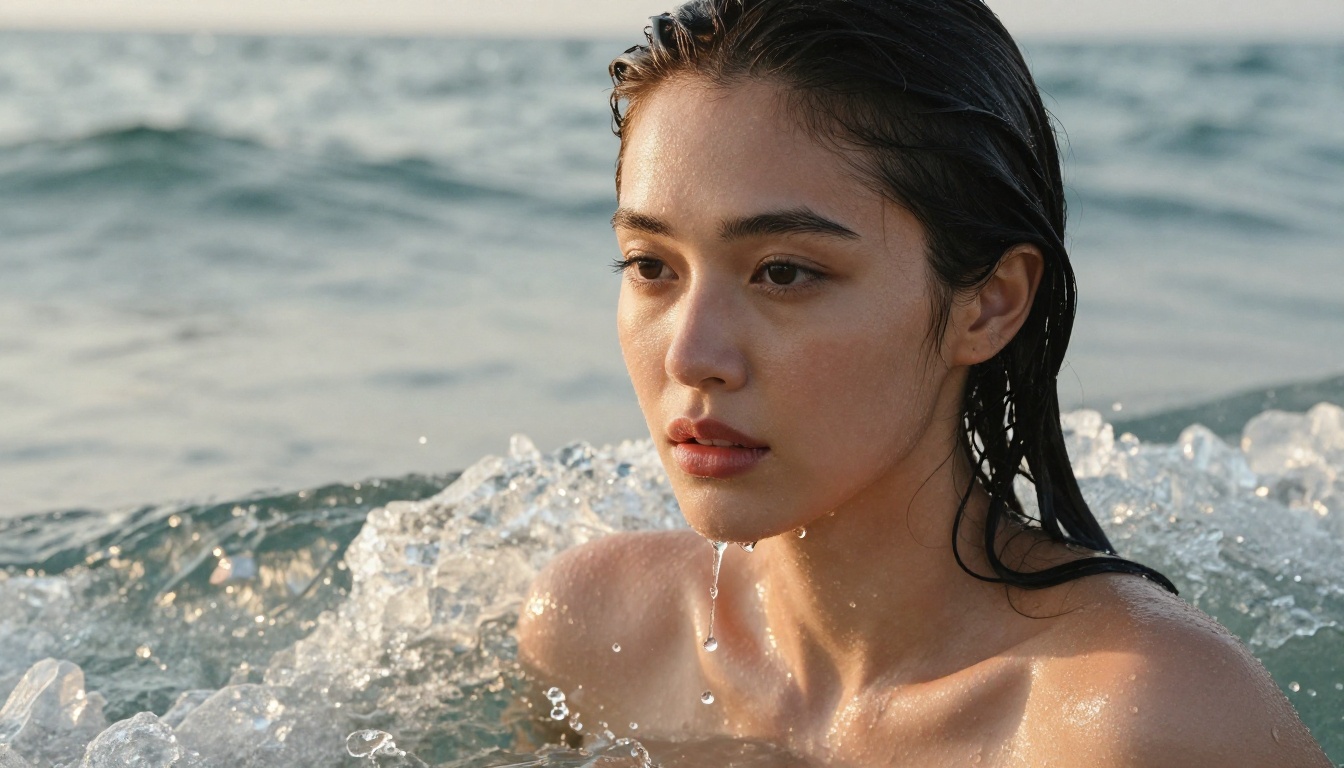
Run at least five variations before settling on a result. Fix a seed once you find a composition you like, then make small prompt adjustments to refine details without losing the overall scene structure. Every download is watermark-free, at full resolution, in WebP, JPG, or PNG. No credit deduction, no monthly cap, no compressed preview with a paywall blocking the full file.
Freepik vs the Best NSFW Alternative: Side by Side
| Feature | Freepik AI | Best Alternative |
|---|
| NSFW/Glamour Content | Blocked by filters | Allowed |
| Watermarks | Yes (free tier) | No watermarks |
| Generation Limits | Credit-based caps | Unlimited |
| Available Models | Proprietary only | 91+ including Flux, SD |
| Photorealism Quality | Moderate | High (Flux Dev, Flux Pro) |
| Download Formats | Limited | WebP, JPG, PNG |
| Prompt Control | Basic | Advanced (negative prompts, seeds, guidance) |
| Speed | Moderate | Under 5 seconds (Flux Schnell) |
| Free Access | Watermarked only | Free tier with full model access |
The table covers the operational differences. The deeper point is philosophical: Freepik is a stock media library that added AI as a feature. The platform described here is built from the ground up for AI-first creative work, meaning the entire experience, from model selection to parameter control to download, is optimized for creative output rather than stock licensing.
Real Results You Can Create
Glamour and Bikini Photography
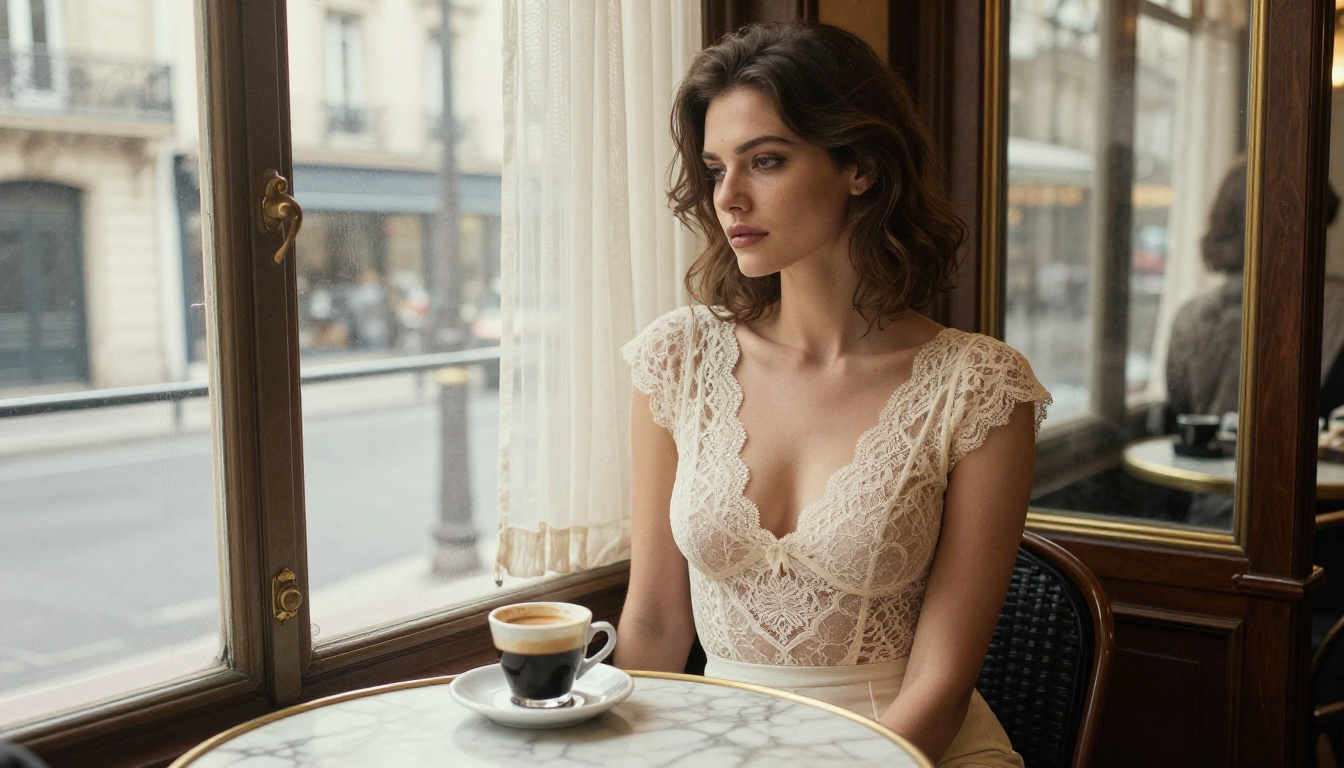
The most common use case for creators switching from Freepik is glamour photography simulation. Prompts describing women in swimwear, bikinis, or beach scenarios with specific lighting conditions produce photorealistic outputs indistinguishable from actual photography when crafted correctly. This is particularly useful for fashion bloggers, adult content marketers, and social media creators who need a consistent stream of high-quality visual content without booking photoshoots.
Artistic Portraits and Lingerie
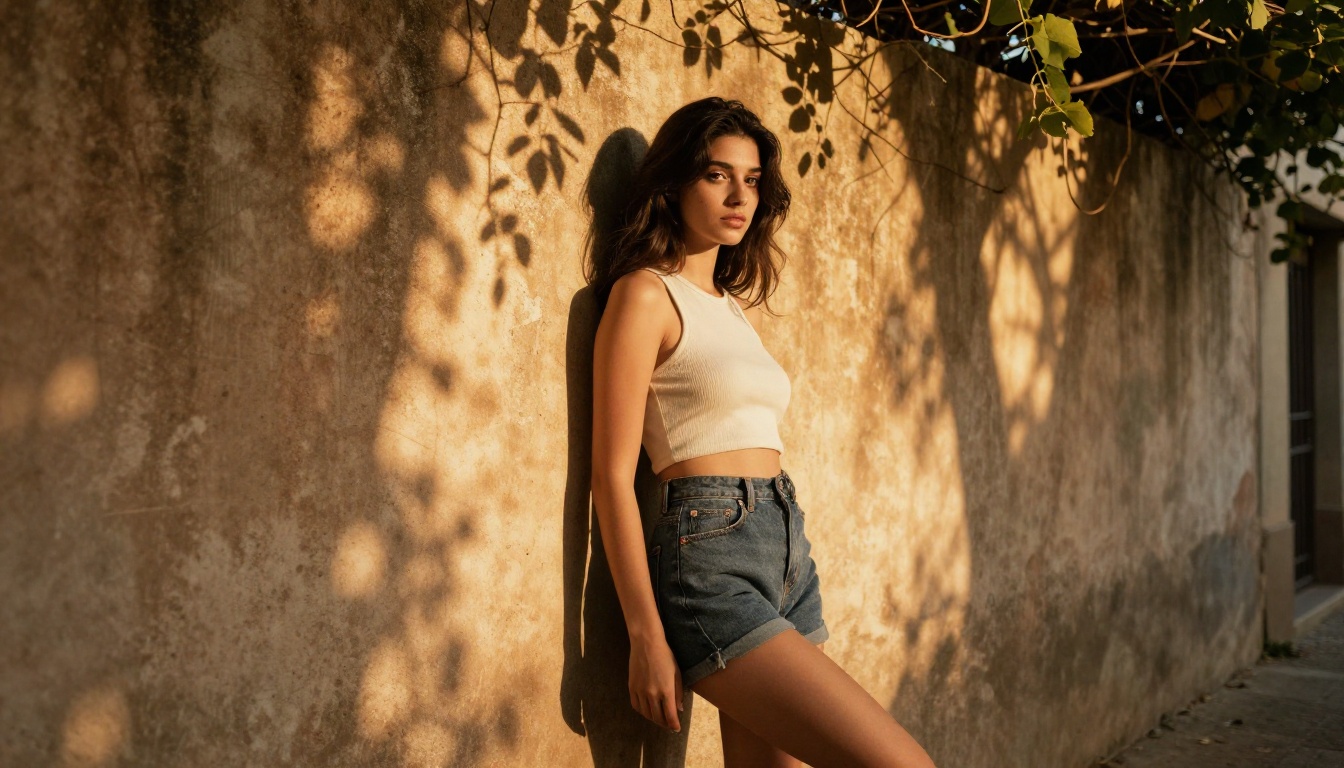
Editorial lingerie photography and artistic portraiture are two areas where Flux Pro's guidance control gives you a significant advantage. Set guidance to 4 or 5 for strict prompt adherence when you need specific attire, pose, and lighting all captured precisely. Lower it to 2 or 3 when you want the model to interpret the aesthetic direction more freely and deliver unexpected composition choices. Both modes produce usable, high-quality results.
Sensual Editorial and Creative Concepts
The creative ceiling here is substantially higher than what Freepik permits. Implied nudity in artistic contexts, suggestive editorial setups, and sensual portraiture are all achievable without triggering a content filter. The key is prompt craft: describe the aesthetic and atmosphere rather than explicit content, and the models fill in the creative vision with photorealistic precision.
Prompting Tips That Actually Improve Results
Prompt Structure That Gets Results
The most reliable prompt structure for photorealistic NSFW-adjacent content follows this five-part pattern:
- Subject: Who is in the image, what they are wearing, and their pose or action
- Environment: Where they are, with specific architectural or natural details
- Lighting: Direction, quality (hard, soft, volumetric), and color temperature
- Camera: Lens focal length, aperture, distance, and shooting angle
- Atmosphere: Film stock, grain, mood, and texture descriptors
A prompt hitting all five elements consistently outperforms a vague description by a wide margin. The models are trained on massive datasets of tagged photography, so photography-specific language ("85mm f/1.4," "Kodak Portra 400," "golden hour from the left") activates the right training patterns and pulls results toward photographic realism.
Which Model to Pick for Realism
| Use Case | Recommended Model | Why |
|---|
| Quick concept testing | Flux Schnell | Under 5 seconds per image, unlimited runs |
| Final editorial hero image | Flux Dev | 12B parameters, maximum scene detail |
| Precise prompt matching | Flux Pro | Adjustable guidance for tight adherence |
| Custom style and scheduler control | Stable Diffusion | Six schedulers, negative prompts, community depth |
Start Generating Without Limits
If Freepik's watermarks, credit counters, and content filters have been blocking your creative work, the platform above solves all three problems at once. No watermarks on any download. No generation caps slowing your iteration. No content filter reflexively blocking glamour and NSFW-adjacent prompts. You get access to Flux Schnell, Flux Dev, Flux Pro, Stable Diffusion, and over 87 additional models in a single browser interface. Write a detailed prompt, set your aspect ratio, pick your model, and start iterating. The images you have been trying to create on Freepik are already within reach, no subscription required to get started.


