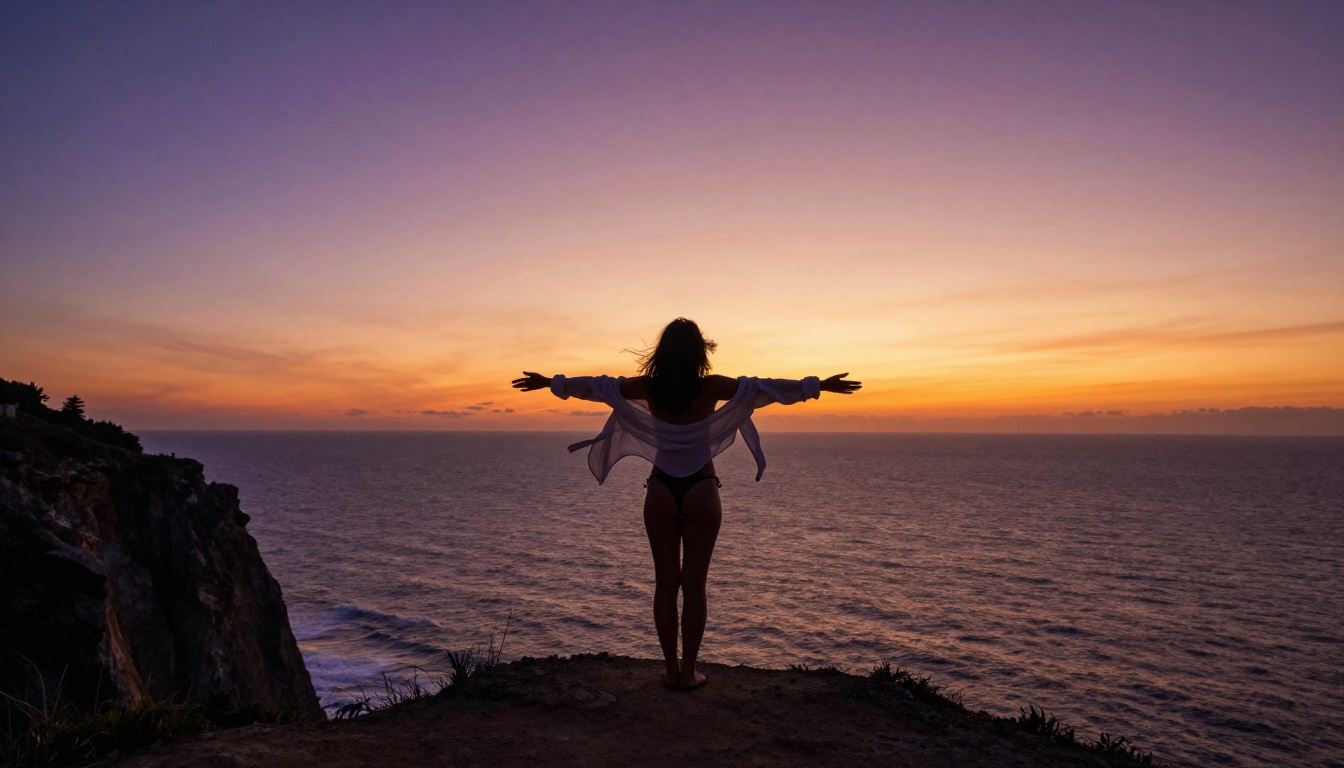
If you have spent more than ten minutes on Krea AI trying to push the limits of creative, suggestive, or glamour-style imagery, you already know the frustration. The platform delivers solid real-time image generation for safe content, but the moment your prompt leans toward anything more expressive, whether it is a beach scene in a bikini or an artistic fashion shoot with implied sensuality, the system either softens your output into oblivion or refuses outright. That experience is not a bug. It is a deliberate design choice. And it is exactly why thousands of creators are actively searching for a better option.
This article is for anyone who wants photorealistic, suggestive, and glamour-level AI images without babysitting every prompt through a content moderation maze. There is a platform that genuinely delivers on this, with over 183 text-to-image models, including the exact Krea-trained Flux model, available without the restrictions that make Krea AI so limiting for adult creative work.
Krea AI's Real Problem
What Krea Does Well
Krea AI is not a bad product. For designers, architects, and concept artists working in fully safe-for-work territory, it offers a genuinely impressive real-time generation workflow. You type, you see. The canvas-based interface lets you iterate quickly, and the real-time mode is faster than most alternatives for basic ideation.
The platform also has solid upscaling, AI video tools, and a clean interface that non-technical users can pick up without much effort. For product design, logo concepts, and brand mood boards, Krea is a reasonable choice.
Where It Hits a Wall
The moment you try to generate anything beyond the most conservative SFW imagery, you run into one of the most aggressive content filters in the space. The restrictions go well beyond blocking explicit content. Bikini shots get flagged. Intimate couple photography prompts get rejected. Even certain fashion photography prompts with any suggestion of skin come back sanitized or refused entirely.
This is a critical limitation for a substantial portion of the creator market:
- Adult content creators building visual portfolios
- Glamour photographers using AI for reference images
- Fiction writers seeking character visuals with mature themes
- Fashion and lingerie brands creating campaign mood boards
- Artists working in the classical tradition of figure and beauty photography
Krea AI's terms of service explicitly prohibit sexual or adult content, and their filters enforce this at the model level. You cannot bypass it with clever prompting. The wall is real, and it does not move.
What "NSFW" Actually Means Here
Before going further, it is worth being precise about what this covers. NSFW in this context does not mean pornographic or explicit. The sweet spot that most creators are looking for sits in the space between fully clothed editorial photography and explicit content.
Think:
- Swimwear and bikini photography
- Artistic lingerie and boudoir-style imagery
- Implied nudity in classical or fashion contexts
- Glamour portraits with suggestive poses
- Sensual couple photography without explicit acts
This is the territory where professional photographers, adult-adjacent brands, and creative directors operate every day. It is also exactly where Krea AI fails its users and where alternatives have the most to offer.

The platform that most directly addresses everything Krea AI refuses to be is PicassoIA. With 183 text-to-image models available in a single interface, it gives creators the breadth to pick exactly the right model for exactly the right result, without artificial content restrictions choking the creative process.
What sets it apart is not just the volume of models. It is the quality. The platform hosts the best photorealistic models available anywhere, including several specifically trained for the kind of detailed, skin-accurate, naturally lit imagery that glamour and boudoir photography demands.
Flux Krea Dev Without Limits
Here is where things get genuinely interesting. PicassoIA hosts Flux Krea Dev, the same model architecture that powers Krea AI's generation pipeline, but without Krea's content restrictions layered on top of it.
Flux Krea Dev is a fine-tuned variant of the Flux architecture from Black Forest Labs, optimized specifically for images that look less "AI" and more like genuine photography. It handles skin tones with exceptional accuracy, manages complex lighting scenarios naturally, and produces output with the kind of organic imperfections that make a generated image convincing.
On PicassoIA, you get all of that capability without the gatekeeping. The same model. Real results.
Prompt tip: Flux Krea Dev responds extremely well to photography-style prompts. Instead of describing what you want the image to "be," describe it as if you are briefing a photographer: camera angle, lighting source, lens choice, time of day, fabric texture, skin tone. The model will follow.
Flux Dev and Flux Pro for Broader Range
If you want to move beyond the Krea-trained variant and work across the full Flux ecosystem, Flux Dev is the foundational model that delivers consistently high-quality photorealistic output across a wider range of subjects. Pair it with Flux Pro when you need the sharpest possible detail rendering for close-up shots and portraiture.
For the highest resolution available, Flux 2 Pro generates images up to 4MP from text or reference photos, making it the right pick for any creator who needs print-quality output from their AI workflow. The difference between Flux Dev and Flux 2 Pro becomes obvious on large-format output where fine skin texture and fabric micro-detail need to hold up at full size.
RealVisXL for Photorealistic Results
RealVisXL v3.0 Turbo is arguably the most capable photorealism-focused model on the platform for the specific purpose of glamour and beauty photography. Built on the SDXL architecture and fine-tuned on an enormous dataset of photographic imagery, RealVisXL has become the model of choice for creators who need:
- Accurate human anatomy without the distortions that plague many AI models
- Natural skin textures with believable micro-detail
- Complex lighting scenarios that behave like real photography
- Clothing and fabric rendering that shows weight, drape, and texture
The "Turbo" suffix means generation speed is significantly faster than the base model without meaningful quality loss. For iterative workflows where you are testing multiple prompt variations, this matters considerably.
Stable Diffusion Still Delivers
For creators who have been in the AI art space for a while and have existing workflows built around the Stable Diffusion ecosystem, Stable Diffusion 3.5 Large and the original Stable Diffusion model are both available on PicassoIA with the full range of their creative capabilities intact.
Stable Diffusion models are particularly strong for stylized glamour aesthetics, where you want something that sits between raw photography and artistic beauty work. The broader community support and wealth of existing prompt recipes for these models also means you are never starting from zero.
How to Use Flux Krea Dev on PicassoIA
Since Flux Krea Dev is directly available on PicassoIA, here is a practical step-by-step workflow for generating high-quality suggestive or glamour imagery:
Step 1: Open the Model
Navigate to Flux Krea Dev on PicassoIA and open the generation interface. No complex account setup required to start.
Step 2: Write a Photography-Style Prompt
This model responds best to prompts that read like camera directions rather than art requests. Structure your prompt in layers:
- Subject description (who, what pose, what they are wearing)
- Environment (where, what is in the background)
- Lighting (source direction, quality, color temperature)
- Camera specifics (lens, angle, distance, depth of field)
- Film or texture qualifiers (Kodak Portra 400, film grain, RAW)
Example prompt:
Beautiful woman reclining on white linen, late afternoon window light from the left, 85mm f/1.4, shallow depth of field, warm skin tones, visible fabric texture, Kodak Portra 400 grain, photorealistic --ar 16:9
Step 3: Set Aspect Ratio
For standard landscape output, use 16:9. For portrait or editorial shots, switch to 9:16. The model handles both with equal quality and does not lose detail at either ratio.
Step 4: Iterate on Lighting and Wardrobe
The fastest way to improve your results is to adjust just one variable at a time. Change the lighting direction first, see how it shifts the mood. Then adjust the wardrobe description. Then the camera angle. Flux Krea Dev responds consistently to these changes, making it easy to build toward the exact result you are after.
Step 5: Upscale if Needed
If you need print-quality output, use PicassoIA's super-resolution tools to upscale your final image 2x to 4x without losing detail. The result holds up at large format where most AI images fall apart.
| Feature | Krea AI | PicassoIA |
|---|
| Suggestive / bikini content | Blocked | Allowed |
| Flux Krea Dev model | Yes (restricted) | Yes (unrestricted) |
| Number of text-to-image models | ~10-15 | 183+ |
| Photorealism quality | Good | Excellent |
| Stable Diffusion support | Limited | Full |
| Real-time generation | Yes | Iterative |
| Content moderation | Strict | Creator-controlled |
| API access | Yes | Yes |
| Print-quality upscaling | Basic | 2x to 4x super-resolution |
The comparison is not close once NSFW creative work enters the picture. Krea AI is an impressive tool for safe content, but it is fundamentally not built for the use cases that a substantial part of the creator economy depends on.
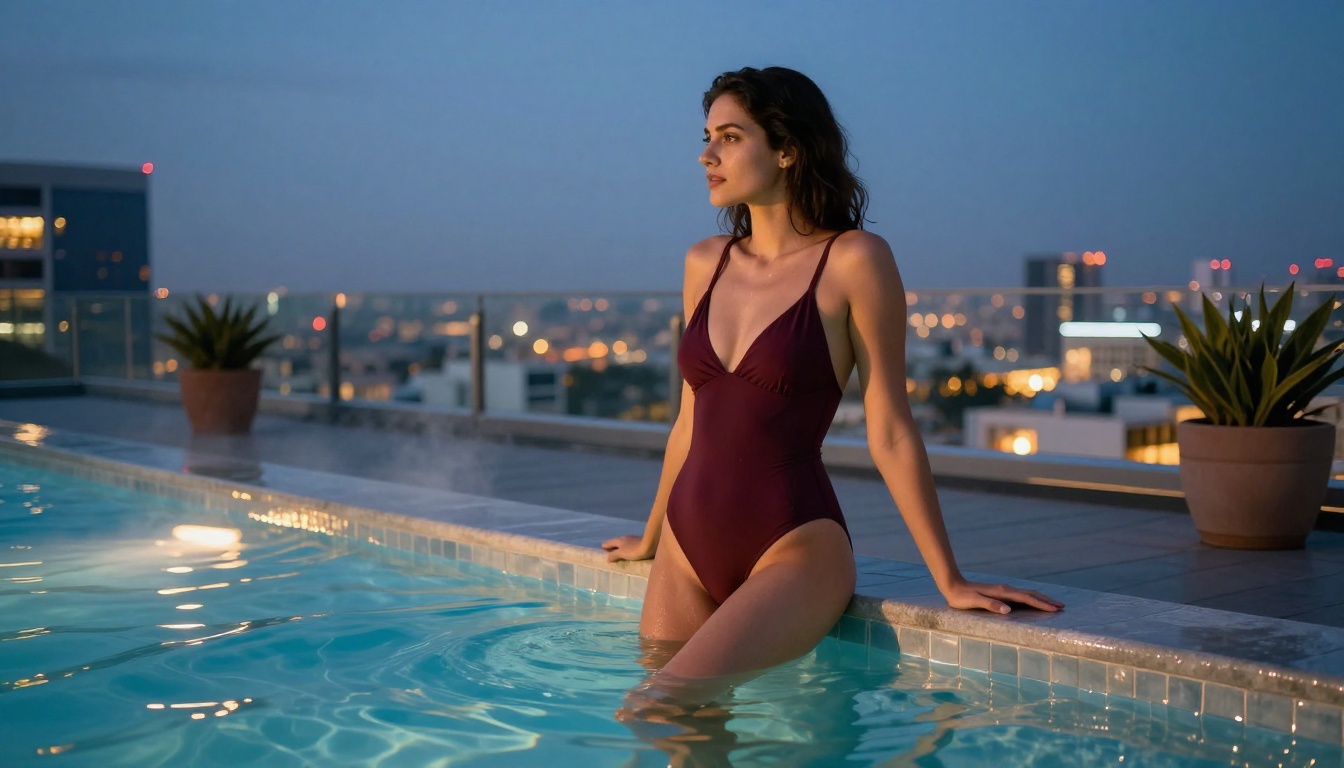
Prompt Tips for Suggestive Images
The difference between a mediocre AI image and something genuinely convincing is almost always in the prompt quality. These are the three areas that matter most.
Describe, Don't Request
The most common mistake is writing prompts like requests: "generate a sexy photo of a woman on a beach." This phrasing produces generic, unconvincing output even on platforms with no content filters.
Instead, write descriptions. Describe exactly what you are looking at as if you were writing a caption for a photo you already have:
Weak prompt: "woman in bikini on beach, photorealistic"
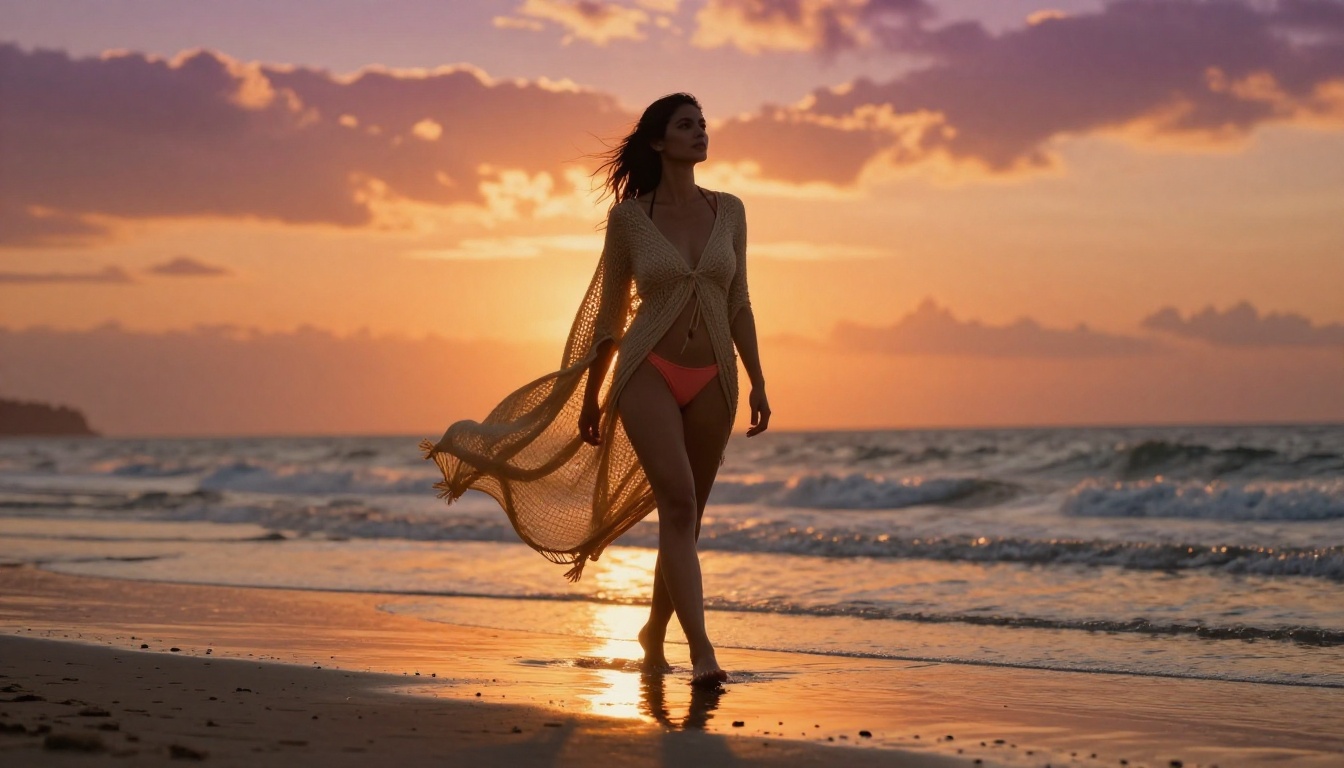
Strong prompt: "woman with olive skin and dark hair walking along wet shoreline at golden hour, wearing a coral woven cover-up over a minimal bikini, backlit by setting sun creating rim glow, Canon 16-35mm f/2.8 from ground level, Kodak Portra 400 grain"
The second version gives the model something specific to work with. The output will be proportionally more specific and convincing.
Lighting Changes Everything
In glamour and beauty photography, lighting is not a detail. It is the entire mood. Always specify:
- Direction: "light from the left", "backlit from upper right", "rim lighting"
- Quality: "soft diffused", "hard directional", "volumetric"
- Color temperature: "warm amber", "cool blue hour", "golden hour"
- Secondary sources: "ambient fill from right", "reflected light from white wall"
A prompt with detailed lighting will always outperform one without it, regardless of which model you use.
Wardrobe and Setting Details
Fabric is where many AI images fall apart. Specify the material, fit, and behavior:
- Material: silk, linen, cotton, lace, wet fabric, sheer chiffon
- Fit: loose, draped, fitted, flowing, structured
- Behavior: "fabric catching light", "transparent where backlit", "showing natural drape", "fabric wrinkles under tension"
Settings work the same way. "Beach" is vague. "Wet shoreline with reflective tidal pools, fine white sand, scattered sea foam, horizon visible" is something any model can render precisely.
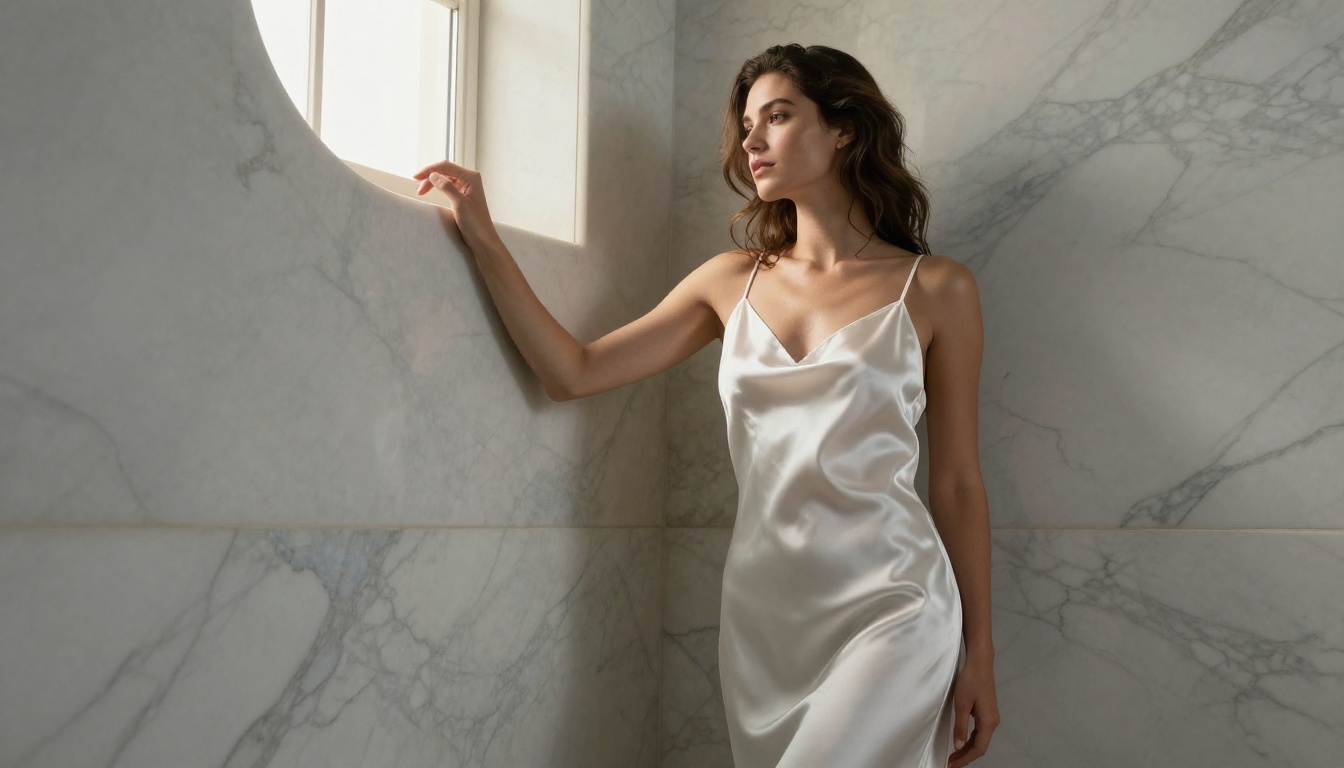
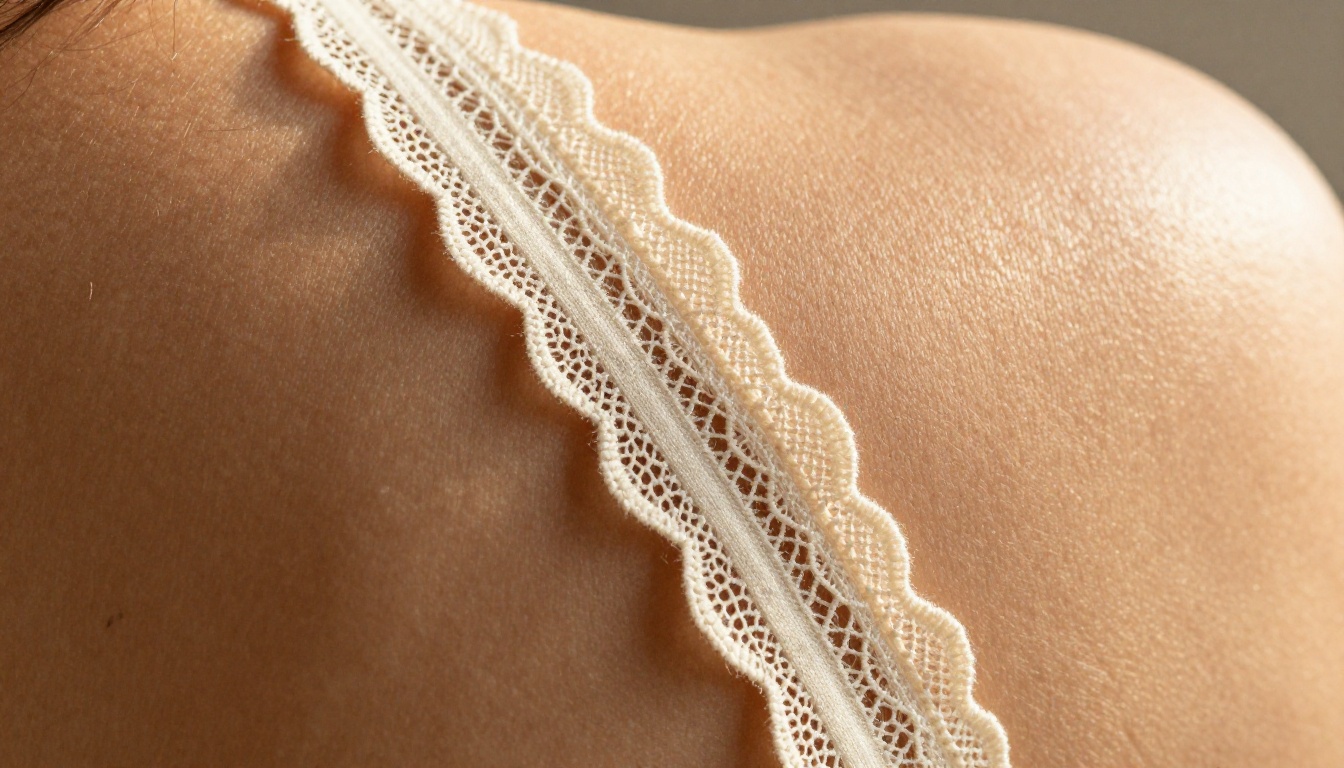
PicassoIA's value extends well beyond text-to-image generation. For creators working in the glamour and adult-adjacent creative space, several other capabilities are directly relevant:
Face Swap AI: Swap faces between reference photos and generated imagery while maintaining photorealistic skin matching. Useful for character consistency across a series or campaign.
Flux Kontext Dev: Edit existing images with text instructions. Change wardrobe, adjust lighting, swap backgrounds, all while preserving the subject's features and pose. This is the tool that makes iterative refinement genuinely practical.
Dreamina 3.1: Generates cinematic 4-megapixel images with exceptional detail. A strong choice for portrait series and beauty campaigns where resolution cannot be compromised.
Super Resolution: Upscale any generated image 2x to 4x without quality loss, bringing AI output to print-ready resolution. The difference between a 512px web image and a 2048px print-ready file is enormous in professional contexts.
Flux Fast: When you need to iterate quickly through many prompt variations, this model generates in seconds without sacrificing the photorealistic quality the Flux architecture is known for. Use it for ideation and switch to Flux Krea Dev or Flux 2 Pro for final renders.
The combination of these tools means you can take a concept from initial prompt to a polished, high-resolution final image entirely within one platform, without switching between five different services or fighting content filters at every step.
Start Creating Today
If Krea AI has been the ceiling on your creative output, it does not need to be. The models that Krea is built on, including Flux Krea Dev itself, are available on PicassoIA without the restrictions that make Krea frustrating for mature creative work.
Whether you are building a portfolio of glamour photography references, producing visual content for an adult-adjacent brand, or simply trying to create the kind of suggestive, beautiful, photorealistic imagery that AI should be capable of producing, the tools are here and they are ready.
The prompts in this article are a starting point. Adapt them, break them, push them further. Flux Krea Dev, RealVisXL v3.0 Turbo, and the full catalog of 183+ models are waiting. The only limit from here is the specificity of your vision and the quality of the description you give the model.
Stop settling for filtered, sanitized AI output. The real thing is available, and it is better than you think.