Midjourney defined what people expected from AI image generation. Dramatic compositions, painterly aesthetics, that signature style everyone started recognizing. But it is 2027, and the competition has caught up. In several areas, it has been left behind entirely.
If you are paying $10 to $120 per month and starting to wonder whether there are better options, this article is for you. Whether your priority is photorealism, text rendering, creative control, or simply not paying at all, there are powerful alternatives producing stunning work right now. The question is no longer "is there anything as good as Midjourney?" The question is "which one fits your workflow best?"
Why People Are Leaving Midjourney
Midjourney built its reputation on aesthetics. Its images have a cinematic, painterly quality that made it the go-to for concept artists, marketers, and hobbyists through 2023 and 2024. But in 2026, several real friction points have pushed users away.
No Free Tier, No Trial
Midjourney removed its free trial permanently. New users must commit to a paid subscription before generating a single image. At $10 per month for basic access and $30 per month for standard, that is a significant ask when competitors offer free credits or genuinely free tiers with no strings attached.
Discord Is Not a Professional Interface
For years, Midjourney operated exclusively through Discord, which created a chaotic, public-by-default workflow that many professionals found unusable. Every image you generated was visible to thousands of other users unless you paid for the Pro plan. The web interface arrived relatively late and still lacks the flexibility and polish of purpose-built platforms.
The Style Lock-In Problem
Midjourney has a house style. That style is beautiful, but it does not work for every use case. Try generating a clean product mockup for an e-commerce store, a realistic corporate headshot, or a typographically precise event poster. The results often drift toward that signature painterly aesthetic whether you want it or not. Crafting prompts to fight the model's own tendencies gets exhausting fast.
The Best Alternatives at a Glance
Before going deep on each tool, here is a high-level comparison of the strongest Midjourney alternatives available in 2026.
| Tool | Best For | Free Tier | Starting Price |
|---|
| Flux 1.1 Pro | Photorealism, versatility | No | ~$0.04/image |
| Ideogram V3 | Typography, branding | Yes | Free / $8/mo |
| Google Imagen 4 | Photorealism, accuracy | No | Pay-per-use |
| GPT Image 1.5 | Context-aware editing | Limited | ChatGPT Plus |
| Stable Diffusion 3.5 | Full control, local | Yes | Free (open-source) |
| Playground V2.5 | Aesthetic portraits | Yes | Free / $15/mo |
| Seedream 4.5 | High-res, detailed scenes | No | Pay-per-use |
| Recraft V4 | Design assets, vectors | Yes | Free / $12/mo |
💡 All of these models are available directly on PicassoIA, so you can test them side by side without creating multiple accounts or juggling separate subscriptions.
Flux: The Real Midjourney Challenger
If there is one model family that has genuinely disrupted the AI image space over the past year, it is Flux from Black Forest Labs. Built by former members of the Stable Diffusion research team, Flux produces photorealistic results that regularly outperform Midjourney on detail, prompt adherence, and natural lighting accuracy.
What Makes Flux Different
Flux uses a hybrid transformer-diffusion architecture, often called a flow transformer, that handles prompt complexity far better than older models. When you ask for "a woman in a red wool coat standing on a rain-soaked cobblestone street in Paris at night, yellow street lights reflected in puddles, 85mm lens, film grain," Flux delivers exactly that, down to the specific reflections.
Flux 1.1 Pro is the sweet spot for most users. It is fast, highly detailed, and handles complex compositional prompts with remarkable consistency. For demanding projects requiring the highest available resolution, Flux 1.1 Pro Ultra pushes fidelity even further, producing images that hold up beautifully at large print sizes.
Flux 1.1 Pro vs Flux 2 Pro
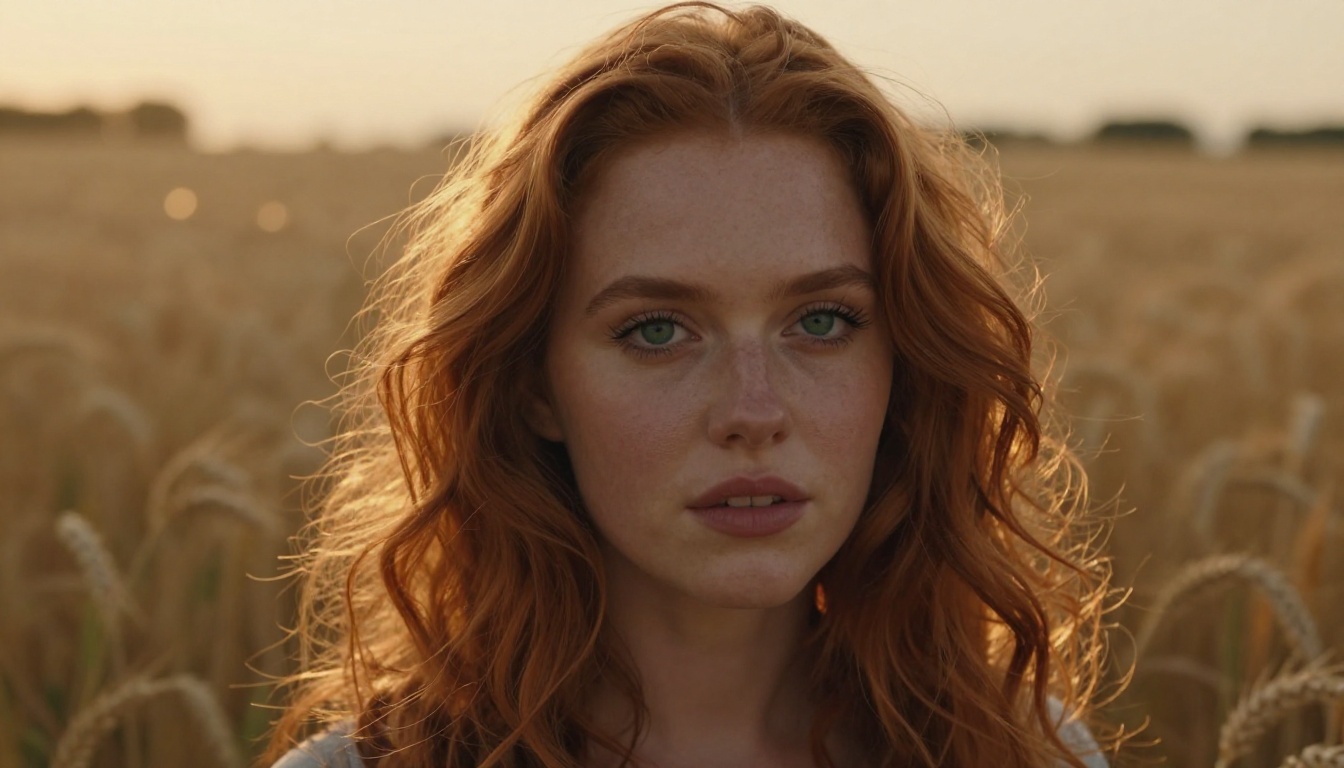
The Flux 2 generation brought architectural improvements and significantly better fine-detail rendering. Flux 2 Pro excels at photographic realism: skin texture, fabric weave, environmental lighting, and architectural precision. Flux 2 Max pushes quality to the maximum available tier, useful for commercial projects where images will be scrutinized at large sizes.
For faster, lower-cost generation, Flux Schnell generates images in under two seconds and is fully open-source, making it one of the most accessible models in the space. For text-based image editing rather than generation from scratch, Flux Kontext Pro lets you modify specific elements of an existing image using plain natural language instructions.
Flux strengths:
- Exceptional photorealism and prompt fidelity
- Multiple model tiers for different budgets
- Open-source options with commercial licensing
- Accurate human faces, hands, and architectural detail
Flux weaknesses:
- Less stylized than Midjourney by default
- Typography in older Flux variants can still drift
Ideogram: When Text Actually Renders
Text rendering in AI images has historically been a disaster. Garbled letters, strange kerning, words that dissolve into decorative noise. Ideogram was built specifically to fix this, and in 2027 it remains the top choice when your image needs to include readable, accurate text.
Best for Branding and Signage
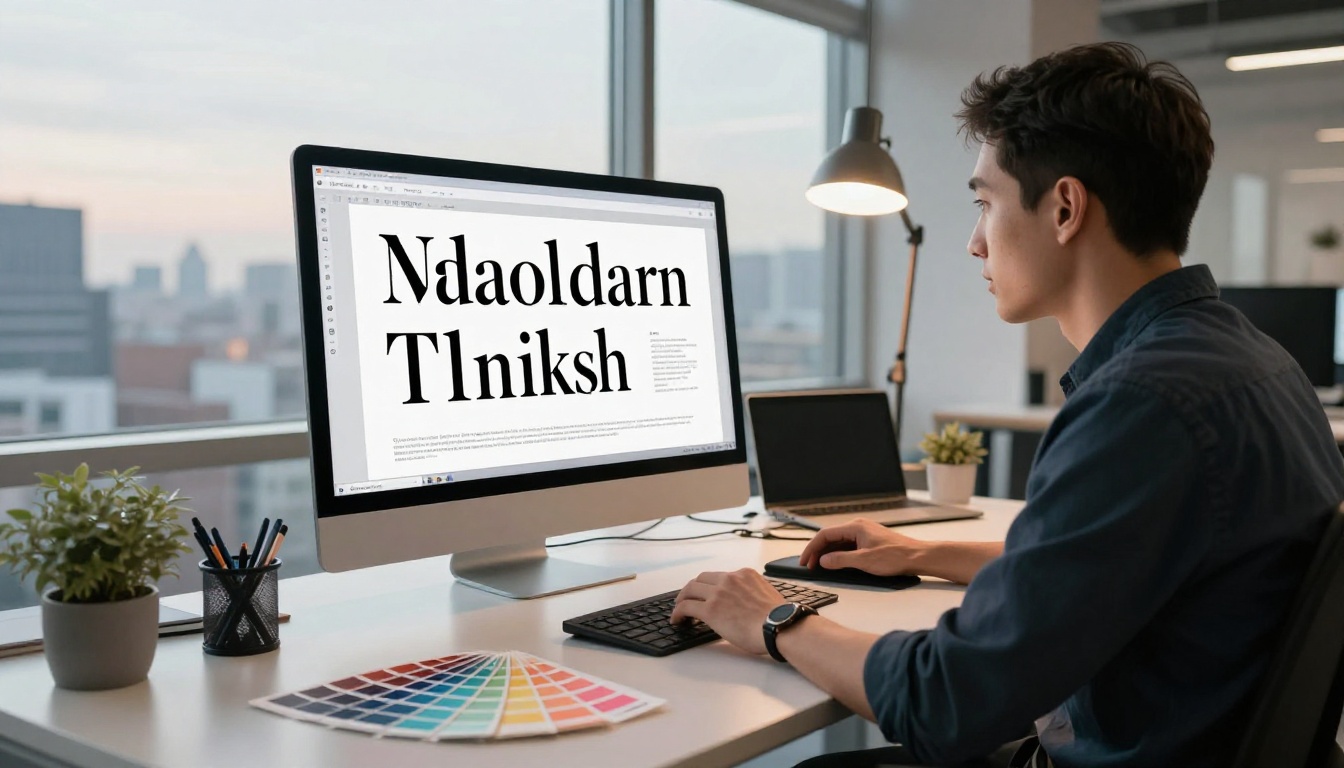
Ideogram V2 produces clean, readable text as part of rich image compositions. This makes it invaluable for mockup designers, social media creatives, and anyone producing branded content. Logos, poster typography, signage, packaging mockups, t-shirt graphics: Ideogram handles them with precision that Midjourney simply cannot reliably deliver.
Ideogram V3 Quality raises the bar further, combining improved photorealism with the text precision the platform is known for. When you need both a beautiful image and legible type in the same output, this is the model to reach for first. Ideogram V3 Turbo trades a small amount of quality for significantly faster generation, ideal for rapid concept exploration.
💡 Tip: Wrap text you want to appear in the image in quotes inside your prompt, for example "SUMMER SALE" in bold letters across the top. Specifying font weight and placement pushes results even further.
Ideogram strengths:
- Best-in-class text and typography rendering
- Strong aesthetic sensibility across styles
- Free tier with generous daily limits
- Fast iteration speed with Turbo variant
Ideogram weaknesses:
- Not the top performer for pure photographic realism
- Human anatomy can drift on complex prompts
Google Imagen 4: Photorealism Done Right
Google's Imagen family took a significant leap forward with Imagen 4. Where earlier versions struggled with fine detail and accurate human facial features, Imagen 4 delivers genuinely photographic results that are difficult to distinguish from real photography in many cases.
Imagen 4 vs Midjourney
The core difference is intent. Midjourney interprets. Imagen 4 reproduces. When you describe a specific scenario, Imagen 4 tries to render it faithfully rather than creatively reinterpreting it through an artistic lens. This makes it far more useful for product photography, editorial illustration, documentary-style imagery, and any context where the image needs to look like a real photograph rather than a painting.
Imagen 4 Ultra is the highest-fidelity version of the model, suitable for large-format print work and commercial photography contexts where every detail matters.
Imagen 4 strengths:
- Exceptional photorealism across subjects
- Accurate human facial detail and skin tones
- Strong spatial reasoning and compositional accuracy
- Competitive pay-per-use pricing
Imagen 4 weaknesses:
- Less creative interpretation than Midjourney
- Not available as open-source
GPT Image 1.5: Instruction-Following as a Feature
OpenAI's GPT Image 1.5 is fundamentally different from everything else on this list. It is not just a text-to-image model. It is a multimodal generation system that understands context deeply, follows multi-step instructions, and can modify specific regions of an existing image based on natural language descriptions of what to change.
Where GPT Image 1.5 Actually Wins
The ability to follow long, precise, multi-part instructions is GPT Image 1.5's real differentiator. You can describe a composition with multiple elements, specify how they relate spatially, and the model generally honors those relationships. It also handles text rendering reliably and produces clean results for product mockups, marketing materials, and infographic-style imagery.
Best use cases:
- E-commerce product imagery and mockups
- Social media ad banners and promotional assets
- Infographics combining visuals and legible text
- Iterative editing using natural language feedback
GPT Image 1.5 strengths:
- Outstanding instruction-following capability
- Strong text rendering in compositional contexts
- Available through ChatGPT Plus
- Accepts image inputs for direct editing
GPT Image 1.5 weaknesses:
- Less raw artistic quality than Flux or Midjourney
- Usage governed by ChatGPT subscription tier limits
Stable Diffusion 3.5: Total Creative Freedom
If you want to run an AI image model on your own hardware, without subscription fees, usage limits, or content restrictions, Stable Diffusion 3.5 Large is the answer. Fully open-source and freely downloadable, it offers a level of creative control and customization that no proprietary tool can match.

Local or Cloud, Your Choice
Running it locally requires a capable GPU (16GB VRAM minimum for the full model), but Stable Diffusion 3.5 Large Turbo offers a distilled version that runs on more modest hardware without sacrificing too much quality at standard image sizes.
The real power of Stable Diffusion comes through fine-tuned models called LoRAs, which let you train the model on specific styles, subjects, or people using relatively small datasets. The community has produced tens of thousands of custom LoRAs covering every imaginable aesthetic direction, subject matter, and stylistic niche.
SDXL remains popular for users who want a balance between quality and speed. Its ControlNet integration allows precise compositional control using pose estimation, edge detection, or depth maps, giving artists structural control over image layouts that text prompts alone cannot provide.
💡 ControlNet-based models on PicassoIA let you control image composition using pose references, scribbles, or edge maps without any local setup required.
Stable Diffusion 3.5 strengths:
- 100% free and open-source
- No content restrictions with local deployment
- Massive community of custom fine-tuned models
- ControlNet support for precise composition
Stable Diffusion 3.5 weaknesses:
- Requires technical setup for local use
- Default out-of-box output is less polished than Flux
Free Options Worth Bookmarking
Not every project demands premium quality. For fast concept work, social posts, or experimenting with what generative AI art can do, several strong free options are worth knowing.
Playground V2.5
Playground V2.5 was built with aesthetic quality as the primary objective, trained using human preference data to prioritize outputs that genuinely look good to human eyes. Results have a clean, professional quality that works particularly well for portraits, fashion imagery, and lifestyle content. The free tier is generous.
Flux Schnell
Flux Schnell is the fastest model in the Flux family, generating images in under two seconds on modern hardware. It is open-source and available for commercial use at no cost. Quality sits below Flux 1.1 Pro, but for rapid prototyping, sketch-level concepts, and high-volume generation tasks, it is hard to beat.
Seedream 4.5
Seedream 4.5 from ByteDance has earned attention for high-resolution output and fine texture rendering. It handles complex multi-subject scenes more reliably than most models at its price point, making it a solid choice for editorial and narrative illustration work.
Pricing: What You Actually Pay
One of the most persistent misconceptions about Midjourney is that it is the affordable option. At $10 per month for 200 images, the math looks reasonable until you start iterating heavily on a real project.
Here is how costs compare across the top tools in 2026:
| Tool | Free Tier | Basic Plan | Per-Image Cost |
|---|
| Midjourney | No | $10/month (200 images) | ~$0.05 |
| Flux 1.1 Pro | No | Pay-per-use | ~$0.04 |
| Ideogram V3 | Yes | $8/month | ~$0.02-$0.05 |
| GPT Image 1.5 | Limited | $20/month (ChatGPT Plus) | Variable |
| Stable Diffusion 3.5 | Free (local) | Free | $0 |
| Playground V2.5 | Yes | $15/month | Included |
| Flux Schnell | Yes | Free (open-source) | $0 |
| Seedream 4.5 | No | Pay-per-use | ~$0.01-$0.02 |
💡 On PicassoIA, you pay only for what you generate. No monthly subscription lock-in, no credits that expire at the end of the month.
How to Use Flux 1.1 Pro on PicassoIA
Since Flux 1.1 Pro is the strongest all-around Midjourney alternative available right now, here is exactly how to use it on PicassoIA.
Step 1: Open the Model Page
Navigate to the Flux 1.1 Pro page on PicassoIA. You can browse without an account. Click "Try now" to begin generating immediately.
Step 2: Write a Detailed Prompt
Flux rewards specificity. Instead of "a woman in a city," write:
"A woman in her thirties wearing a camel wool coat, standing on a rain-soaked cobblestone street in Paris at night, yellow street lights reflected in the puddles at her feet, shallow depth of field, 85mm lens, film grain, low-angle shot"
Include lighting conditions, surface materials, camera details, and emotional tone. Flux uses all of it.
Step 3: Choose Your Aspect Ratio
For social media posts, use 1:1 or 4:5. For hero images and website banners, use 16:9. For portrait orientations and mobile content, use 9:16.
Step 4: Set the Guidance Scale
A guidance scale between 3.0 and 4.5 balances prompt adherence with creative variation. Lower values produce more varied, sometimes surprising results. Higher values lock the output closer to your exact description.
Step 5: Iterate and Refine
Generate two to four variations per prompt. Small wording changes in Flux produce significant visual differences. Adding descriptors like "worn," "dramatic," or "soft" to a description will noticeably shift the final image. Treat each generation as a data point and refine from there.
💡 For style consistency across a series of images, try Flux Dev LoRA, which supports LoRA fine-tuning to apply a specific visual style consistently across multiple outputs.
Recraft V4: Built for Designers
For designers working with brand systems, presentations, or scalable visual assets, Recraft V4 deserves a specific mention. It was built with production design workflows in mind, offering consistent style application and a strong free tier.
The standout capability is Recraft V4 SVG, which generates clean vector output. For icon design, logo concept work, or illustration assets that need to scale without quality loss, SVG output is a practical advantage that raster-only tools simply cannot offer.
Recraft V4 strengths:
- Purpose-built for design workflows
- Style consistency across multiple outputs
- SVG vector output available
- Strong free tier
Start Creating on PicassoIA
Midjourney built the category. But the category has moved well past it.
Whether you need the photorealistic precision of Flux 2 Pro, the typographic accuracy of Ideogram V3 Quality, the instruction-following power of GPT Image 1.5, or the open-source freedom of Stable Diffusion 3.5, the right tool for your specific use case exists right now. And the results are often better than Midjourney at a lower cost.
All of these models are available through PicassoIA. No juggling of accounts. No separate subscriptions. Pick a model, write a prompt, and see what your ideas look like when they are finally rendered at full quality. The creative output that used to require Discord bots and expensive monthly commitments is now a few clicks away.
Your next image is waiting.


