Generate imagesLarge Language ModelsVisual Effects
Best Negative Prompts for Cleaner AI Art That Actually Work
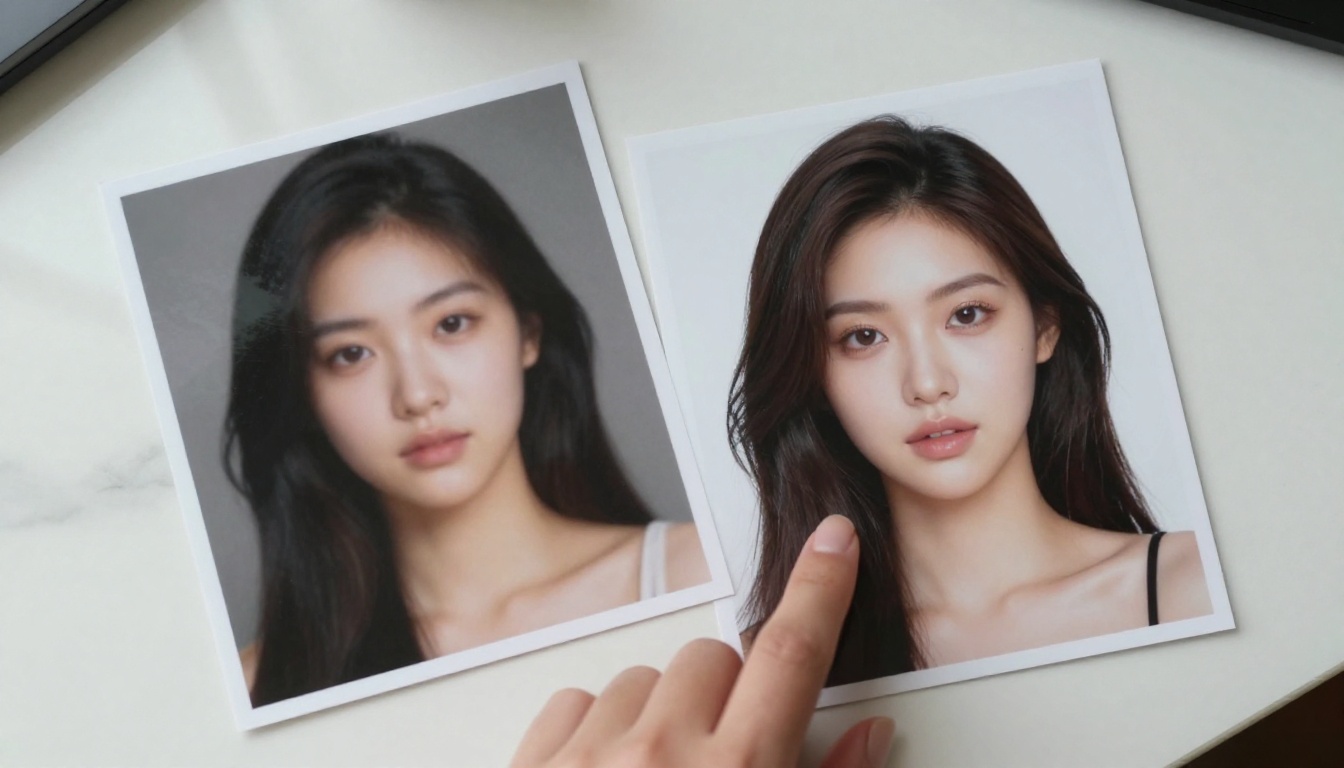
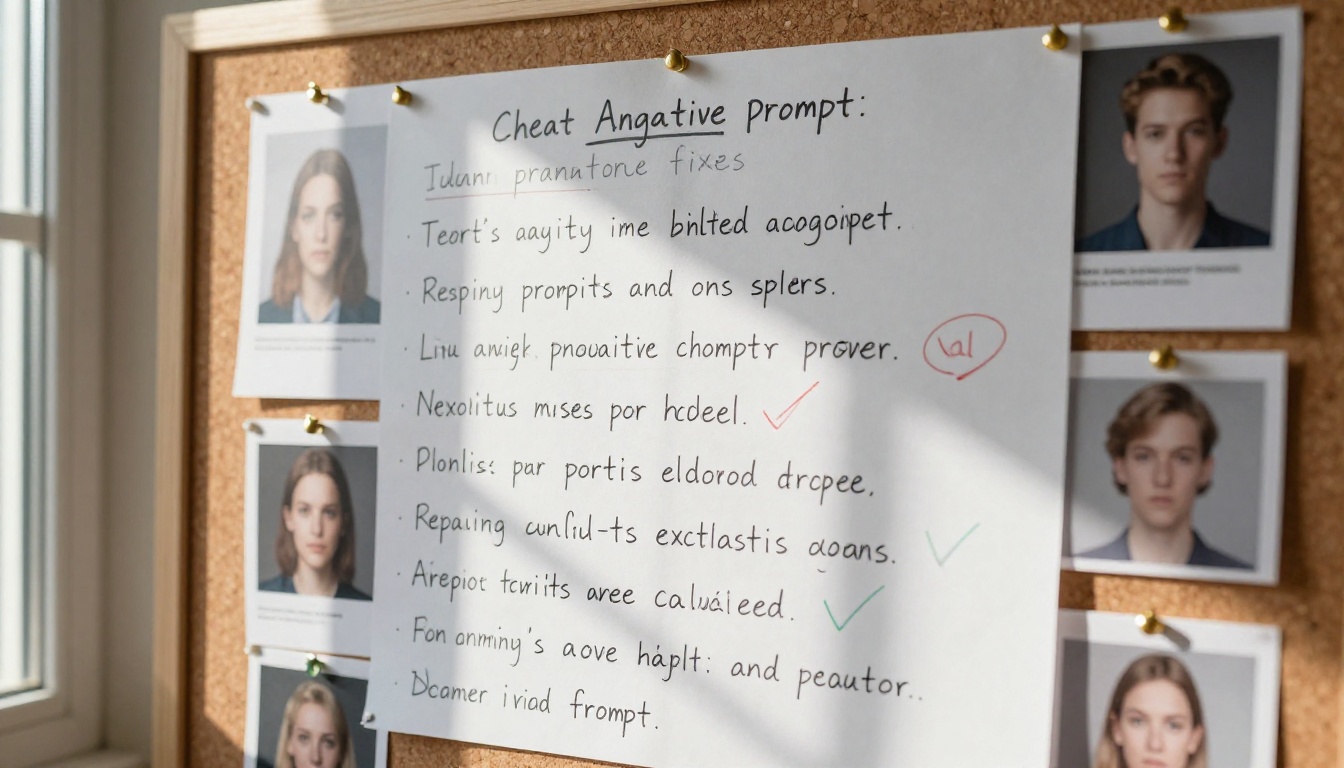
Most AI-generated images fail not because of a bad idea, but because of an empty negative prompt field. This article covers the best negative prompts for cleaner AI art, organized by model type, subject matter, and use case. From fixing bad hands and distorted faces to protecting photorealistic style, every prompt set here is tested across Flux, SDXL, Stable Diffusion, and more. Includes a full cheat sheet, model-specific tips, and post-generation cleanup tools.
Most AI image generators give you a positive prompt field and a negative prompt field. Nearly everyone fills in the positive one and leaves the negative empty. That empty field is why so many outputs come back with melted hands, blurry faces, extra limbs, watermarks, and that unmistakable "AI soup" look.
Negative prompts are not optional. They are the difference between a usable output and an embarrassing one. Once you start using them seriously, you will not go back.
This article breaks down the best negative prompts for cleaner AI art, organized by situation, model type, and subject matter. Whether you are generating portraits, landscapes, product shots, or stylized scenes, there is a set of negative prompts here that will cut your bad-output rate by at least 50%.
What Negative Prompts Actually Do
Before the lists, a quick clarification: negative prompts do not "ban" concepts the way a content filter does. They steer the model's probability distribution away from certain visual features during the diffusion process. That means they are fuzzy, not absolute.
A negative prompt like blurry does not guarantee your image will be sharp. It shifts the model's attention toward sharpness as a preference. The stronger and more specific your negative prompt, the more influence it has.
Why an Empty Negative Field Hurts You
AI diffusion models are trained on billions of images, including millions of bad ones. Blurry stock photos. Low-resolution scans. Compressed JPEG artifacts. Anatomically incorrect illustrations. When you generate without a negative prompt, you are sampling from the full distribution, noise and all.
A well-crafted negative prompt narrows that distribution to the cleaner end. It is the same logic as writing a good positive prompt, just pointed in the opposite direction.
The Anatomy Problem
The most common failure case in AI art is anatomy. Hands, fingers, faces, and necks. These are the areas where diffusion models consistently produce artifacts because they are statistically harder to reconstruct. The training data is inconsistent, the geometry is complex, and the model has to guess.
A targeted negative prompt addresses this directly. You are not hoping the model gets hands right. You are actively pushing it away from the failure modes you know exist.
The Universal Base Negative Prompt
This combination works across almost every text-to-image model. Copy it, save it, and use it as your default:
blurry, out of focus, low quality, low resolution, bad anatomy, bad hands, extra fingers, missing fingers, extra limbs, missing limbs, deformed, disfigured, ugly, poorly drawn, draft, sketch, watermark, signature, text, logo, cropped, cut off, jpeg artifacts, compression artifacts, noise, grain, overexposed, underexposed, washed out, flat, lifeless
This base covers five categories:
Technical failures: blur, noise, compression
Anatomical errors: bad hands, extra limbs, deformities
💡 Copy this base into your model's negative prompt field before adding anything subject-specific. It takes ten seconds and eliminates the most common failure modes.
Negative Prompts for Portraits and Faces
Portraits are where negative prompts matter most. A bad landscape is forgettable. A bad portrait is uncanny and unusable. These negative prompts specifically target the failure patterns that destroy face generation.
The most impactful terms here are asymmetrical face and unnatural face. Most bad portrait outputs are not dramatically wrong; they are subtly asymmetrical or have slightly wrong proportions. Naming these directly helps.
💡 Use different eyes and misaligned eyes as separate terms. They target different artifact types. "Different eyes" catches heterochromia artifacts; "misaligned eyes" catches eye-level inconsistencies.
Bad Hands Are Always the Enemy
bad hands, extra fingers, missing fingers, fused fingers, melted hands, distorted hands, wrong number of fingers, six fingers, four fingers, stumpy fingers, too long fingers, too short fingers, deformed knuckles, hand artifacts
The hand problem is structural. Models improve with every generation but never fully solve it. Running bad hands, extra fingers, missing fingers, fused fingers, melted hands as a minimum on any portrait prompt keeps the most jarring failures out of your outputs.
This set targets the "Instagram filter" look that some models default to when generating skin. The waxy skin and plastic skin terms are especially effective for photorealistic portrait work.
Model-Specific Negative Prompts
Not every model responds the same way. The architecture, training data, and fine-tuning all affect which negative terms have the most impact. Here are the most-used models on PicassoIA and the negative prompts that work best with each.
FLUX Models
FLUX.1 Dev and FLUX 2 Dev are architecturally different from older diffusion models: they use a flow-matching architecture that tends to produce cleaner outputs by default. This means your negative prompt can be shorter and more targeted.
For FLUX, focus on:
bad anatomy, extra limbs, distorted face, watermark, signature, text, lowres, low quality, poor detail
Avoid overloading the negative prompt with FLUX models. Long negative prompts can actually confuse the guidance and produce softer results. Ten to fifteen terms is the sweet spot.
FLUX Schnell is the fastest variant and needs slightly more aggressive negative prompting since it has fewer denoising steps:
blurry, soft, out of focus, low detail, bad hands, deformed, watermark
FLUX 1.1 Pro Ultra is powerful enough that a minimal negative prompt often works:
watermark, text, signature, bad anatomy
SDXL and DreamShaper
SDXL responds well to extensive negative prompts. The model was trained on a huge range of internet images and carries a lot of stylistic noise. A long, specific negative prompt is beneficial here.
blurry, out of focus, low quality, bad anatomy, bad hands, extra fingers, missing fingers, extra limbs, deformed, ugly, mutant, poorly drawn, draft, sketch, watermark, signature, text, jpeg artifacts, noise, grainy, overexposed, flat lighting, dull colors, low contrast, unsharp, soft, bokeh artifact, oversaturated, purple fringing
DreamShaper XL Turbo is a fine-tuned SDXL variant that produces very cinematic results but is prone to over-stylization. Add these terms to your base:
painted, illustration, cartoon, anime, drawn, art style, concept art, digital art, fantasy lighting
Stable Diffusion 3.5
Stable Diffusion 3.5 Medium and its Large Turbo variant use a multimodal diffusion transformer. Extremely long lists can have diminishing returns with this architecture.
For SD 3.5, the most effective set:
blurry, bad hands, bad anatomy, deformed, watermark, text, low quality, out of focus, noise, ugly, extra fingers
Keep it under fifteen terms for best results.
Negative Prompts for Landscapes and Environments
Portraits are not the only use case. Background generation has its own failure modes: blown-out skies, tiling artifacts, horizon distortions, and overly symmetrical compositions.
The symmetrical terms are particularly useful for architectural scenes. Models tend to center-compose and mirror elements when uncertain. Naming this explicitly pushes the composition toward more natural framing.
Prompts That Clean Up Backgrounds
blur artifact, depth of field artifact, bokeh soup, fake bokeh, gradient background, studio background, flat background, seamless texture artifact, repeated element
💡 Use seamless texture artifact for any outdoor scene. This catches the repeating tile patterns that appear when models generate large uniform surfaces like grass fields or ocean water.
Style-Based Negative Prompts
Stylistic contamination is one of the less-discussed failure modes. Your photorealistic prompt keeps coming back looking like concept art. Your portrait has the wrong color grading. The model is defaulting to a style you did not ask for.
Avoiding Unwanted Artistic Styles
For photorealistic work, always include:
digital art, illustration, cartoon, anime, manga, painted, oil painting, watercolor, sketch, drawing, concept art, stylized, fantasy, CGI, 3D render, computer graphics, video game render, comic book style
This set is especially important with models trained on mixed datasets. Seedream 4.5 and Seedream 5 Pro both have strong default aesthetics that can override your positive prompt if you are not explicit about style exclusions.
Keeping It Photorealistic
The following adds specific photorealism protection:
painting style, art filter, instagram filter, color grading artifact, vignette artifact, HDR artifact, tone-mapped, unnatural contrast, over-sharpened, halation, chromatic aberration
Note: halation and chromatic aberration are subtle. Some photographers actually want these for film aesthetics. Include them only if you want clean digital output, not if you are going for an analog look.
Style to avoid
Negative terms to use
Cartoon / Anime
cartoon, anime, manga, illustrated
Concept Art
concept art, fantasy, painted, stylized
3D / CGI
3D render, CGI, computer graphics, video game
Watercolor
watercolor, wet paint, soft edges, impressionist
Over-edited Photo
HDR artifact, oversaturated, instagram filter
Using AI to Write Your Negative Prompts
This is an underused approach. Large language models are excellent at generating and refining negative prompts because they have been trained on vast amounts of image generation documentation, community guides, and forum posts.
LLMs as Prompt Engineers
Instead of building your negative prompt from scratch, describe your goal to a model and ask for a targeted negative prompt. You can do this directly inside PicassoIA using Claude Sonnet 4.6 or GPT 5.
A prompt like:
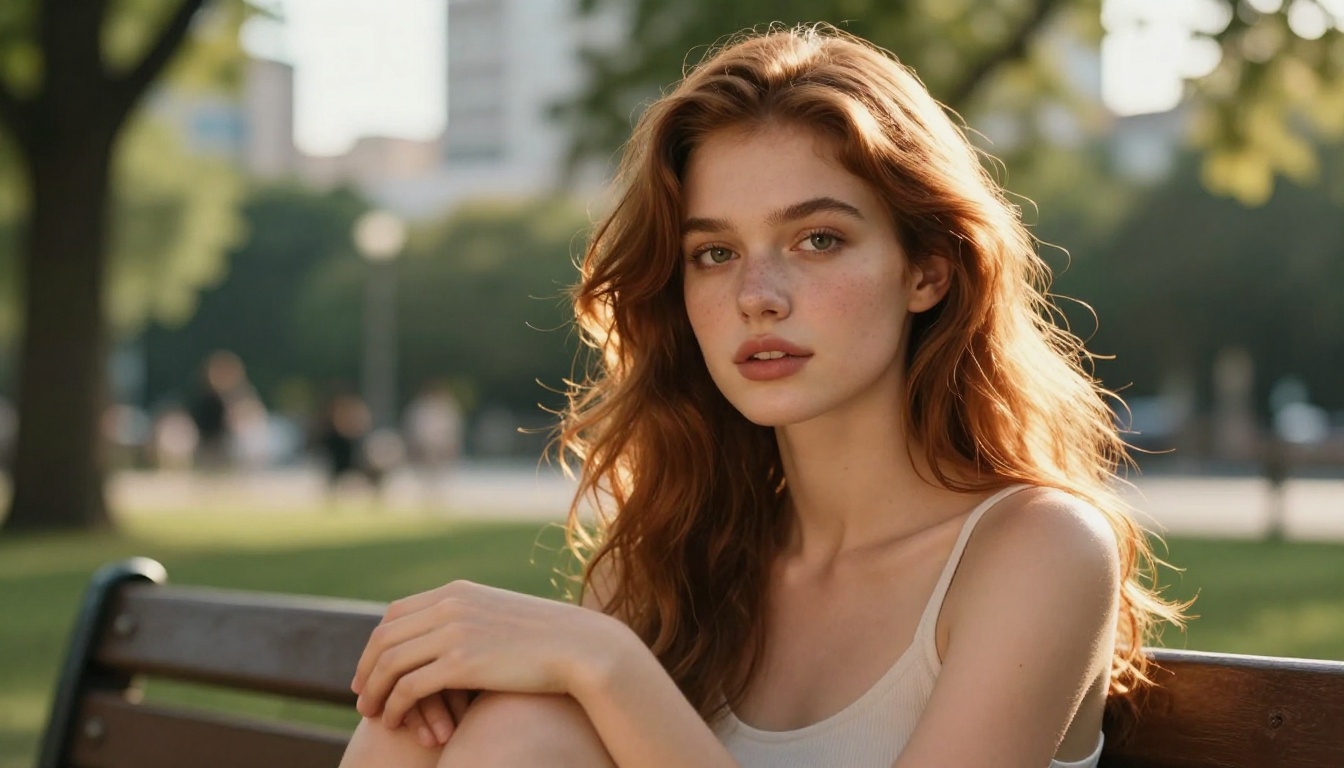
"I am generating a photorealistic portrait of a woman in an urban park using SDXL. Give me a 20-term negative prompt that prevents bad anatomy, skin artifacts, and style contamination."
...will return a well-structured, model-aware negative prompt in seconds. You can iterate on it in the same conversation.
Gemini 3.5 Flash is particularly fast for this use case and handles long lists well without truncating or losing structure.
💡 Ask the LLM to explain each term it includes. If you do not know why a term is in the negative prompt, you will not know when to remove it. Understanding your prompts makes you faster at every stage.
Iterating With a Feedback Loop
Here is a simple iteration workflow:
Run your generation with the base universal prompt.
Note which failure modes appeared (blurry background, extra fingers, style drift).
Ask an LLM to add specific terms targeting those failures.
Re-run and compare.
This loop typically resolves 80% of recurring issues within three iterations.
Cleaning Up After Generation
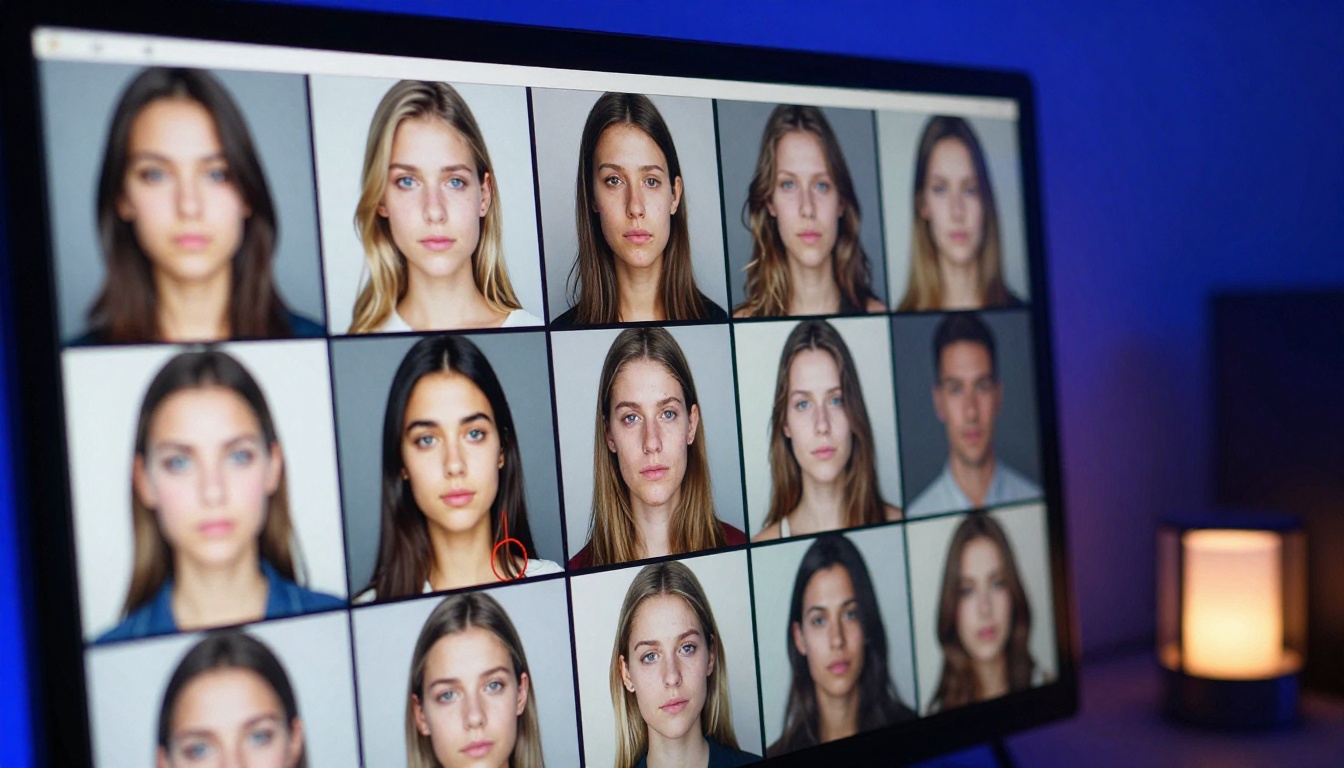
Even with the best negative prompts, some outputs need a finishing pass. This is where post-generation tools on PicassoIA become relevant.
When Negative Prompts Are Not Enough
Negative prompts operate at generation time. They cannot fix an output that has already been produced. For that, you need editing or upscaling tools.
If a face came out with subtle texture artifacts that survived your negative prompts, Clarity Pro Upscaler can restore fine detail while smoothing artifacts in a single pass. It uses a detail-preserving AI process that reconstructs high-frequency texture rather than just scaling pixels.
Real ESRGAN is the go-to for any output that is close but lacks sharpness. It was trained specifically to fix the soft, slightly blurry images that diffusion models produce.
Super-Resolution as a Last Resort
The workflow that works for most people:
Generate at native resolution with strong negative prompts.
Select the best output.
Run it through Crystal Upscaler for 4x upscaling with detail restoration.
The upscalers do not retroactively fix bad anatomy, but they do clean up soft textures, fix minor compression artifacts, and add perceptual sharpness that makes a good output look exceptional.
bad anatomy, extra limbs, watermark, text, lowres, low quality
SDXL-specific (go long):
blurry, bad anatomy, bad hands, extra fingers, extra limbs, deformed, poorly drawn, watermark, text, jpeg artifacts, noise, flat lighting, oversaturated
Start Generating on PicassoIA
The negative prompts in this article are drawn from community testing, model documentation, and direct experimentation. They work. But the fastest way to internalize them is to use them live.
Take the universal base prompt, paste it into the negative field, and run it against your current prompt. Then tweak one variable at a time. Within a few generations you will have a personal negative prompt tuned to your workflow and the specific model you prefer.
The cleaner your negative prompts, the less time you spend regenerating the same image. Every second you spend writing a good negative prompt saves ten seconds of bad output you would otherwise have to throw away.