The gap between "AI-generated" and "photographically real" has officially closed. In 2026, the text-to-image space delivered a wave of models so precise, so responsive to complex prompts, and so capable of producing publication-quality imagery that the old benchmarks simply no longer apply. Whether you create content professionally, run a brand that depends on visuals, or just want the best possible output from a single text prompt, this year's model releases demand attention.
This article cuts straight to what matters: which models shipped this year, what they actually do better, and how they compare when you need to make a real choice.
What Changed in 2026
The biggest shift this year is not raw resolution. It is prompt fidelity. Models from previous years could misinterpret compositional details, struggle with complex spatial relationships, or hallucinate textures in backgrounds. The 2026 generation handles these cases with noticeably higher accuracy across the board.
Three technical improvements drive this:
- Better noise schedulers that preserve fine detail during the diffusion process
- Larger visual training datasets with tighter curation and fewer low-quality artifacts
- Improved text encoders that parse longer, more nuanced prompts without truncation errors
💡 A prompt that used to require five iterations to get right now produces usable output on the first or second attempt with the top 2026 models.
Photorealism vs. Stylization
Not every model released this year targets photorealism. Some, like Recraft V4 Pro, are built for designers who need precise typographic control. Others, like the Flux 2 series, are explicitly engineered for photographic accuracy. Knowing which direction you need before choosing a model saves time and generation credits.
Prompt Length and Complexity
2026 models generally handle longer prompts far better than their predecessors. Where earlier diffusion models would lose track of details in prompts over 75 words, several models this year demonstrate strong fidelity across 150-word inputs. Lighting descriptions, material specifications, and multi-subject arrangements are all processed with markedly higher accuracy.
Flux 2 from Black Forest Labs
Black Forest Labs, the team behind the original Flux family, released multiple Flux 2 variants this year. The series represents a substantial technical leap from Flux 1.x, with measurable improvements in realism, composition control, and fine detail rendering that make it one of the most significant releases of the year.
Flux 2 Max vs Flux 2 Pro
Flux 2 Max is the flagship. It produces the highest-fidelity output in the Flux family, with exceptional handling of human skin textures, complex lighting setups, and architectural detail. If you are generating images for print, editorial, or premium digital content, this is the version that delivers.
Flux 2 Pro sits just below Max in output quality but generates images roughly twice as fast. For most professional workflows that do not require absolute maximum detail, Pro is the practical choice. The quality ceiling is still considerably higher than most competing models at this tier.
Flux 2 Dev is designed for prototyping and rapid ideation. Quality is reduced compared to Max and Pro, but the speed makes it ideal for testing composition and framing before committing to a full-quality render.
💡 Use Flux 2 Dev for quick concept sketches, then switch to Flux 2 Max for your final production output. This two-step approach cuts generation costs significantly.
Flux Kontext for Image Editing
Alongside the core generation models, Black Forest Labs released Flux Kontext Pro and Flux Kontext Max. These are not text-to-image generators in the traditional sense. They are built specifically for text-based image editing: you provide a source image and a text instruction, and the model makes targeted modifications while preserving everything else. This is particularly useful for product photography adjustments, portrait retouching, and controlled environmental changes to existing images.

GPT Image 1.5 from OpenAI
OpenAI's entry into photorealistic image generation is GPT Image 1.5. It launched earlier this year and immediately set a new bar for instruction-following precision. Where other models may interpret a prompt loosely, GPT Image 1.5 treats each detail as a specification.
This makes it exceptional for:
- Commercial product photography: The model respects spatial arrangements, surface materials, and lighting descriptions with high accuracy
- Portrait generation: Skin tone consistency, natural expressions, and appropriate background separation are handled reliably
- Scene composition: Complex prompts with multiple subjects, specific environmental conditions, and described lighting setups are rendered with fidelity that other models sometimes miss
The trade-off is that GPT Image 1.5 is slower than many competitors and the per-image cost sits at the higher end. For projects where precision matters more than volume, it is hard to beat.
What makes it genuinely different from other releases: The model appears trained with particular attention to real-world photography principles. Images generated with detailed lighting descriptions consistently look as if they were actually captured on camera rather than synthesized. The subsurface scattering on skin, the falloff of light across a surface, and the handling of specular highlights all show this influence.
Google's Imagen 4 Lineup
Google released three tiers of Imagen 4 this year, each targeting a different use case. This is one of the first times a major AI lab has shipped a fully tiered image generation suite with genuinely differentiated performance profiles rather than just speed variants.
Imagen 4 Ultra
Imagen 4 Ultra is Google's highest-quality image model. It produces extraordinary photographic detail, particularly in natural environments: water reflections, foliage, cloud formations, and the diffuse scattering of sunlight through atmospheric haze. If your work involves landscape, nature, or environmental imagery, Imagen 4 Ultra is worth testing specifically for this reason.
Resolution support is also notable. The model handles large-format outputs cleanly without the tiling artifacts that occasionally appear in other models at higher resolutions.
Imagen 4 and Imagen 4 Fast
Imagen 4 occupies the middle tier: high quality with reasonable generation speed. Imagen 4 Fast drops some detail for significantly faster output, making it practical for content workflows that need volume without sacrificing Google's color science, which is visibly more naturalistic than many diffusion-based competitors.
💡 Google's color advantage: Imagen models consistently produce more accurate ambient color temperatures and natural shadow tones than most competing models. For outdoor and lifestyle photography styles, this difference is immediately visible.
ByteDance Seedream 5 Lite
ByteDance has been quietly building one of the more impressive image generation programs in the industry. Seedream 5 Lite is the latest lightweight release from their Seedream series, designed specifically for high-speed generation without sacrificing the visual quality benchmarks established by the larger Seedream 4 model.
What stands out about Seedream 5 Lite:
- Speed: Generation times are among the fastest in the high-quality tier
- Aesthetic consistency: Training data emphasis on diverse real-world photography produces naturally balanced compositions
- Text rendering in images: The model handles embedded text noticeably better than many competing architectures
Seedream 4.5 also deserves attention as a solid middle-ground option between Seedream 4 and the newer Lite variant, offering very high resolution output with strong prompt adherence for detailed scene descriptions.
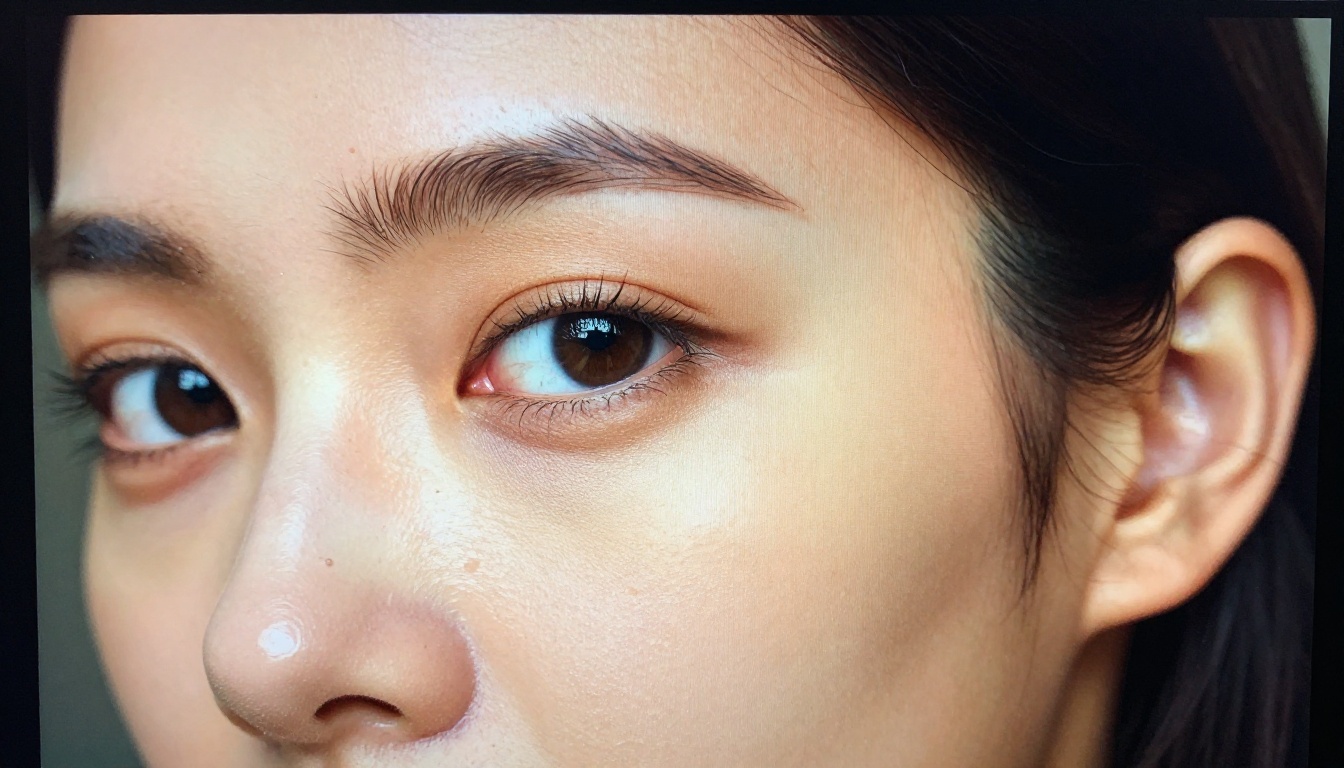
Recraft V4 Pro — Precision Matters
Recraft V4 Pro is built for a specific type of creator: designers who need typographic control and brand-accurate imagery. Where most image models treat text as an afterthought, Recraft's architecture is specifically optimized for it.
The model produces images where:
- Text elements are legible and correctly spelled
- Typography respects the style described in the prompt (serif, sans-serif, hand-lettered)
- Graphic design elements like icons, badges, and layout compositions are rendered with coherence
There is also Recraft V4 for standard use cases and Recraft V4 Pro SVG for those needing vector output directly from a text prompt. The SVG output capability is genuinely novel and highly useful for icon design, logo exploration, and any scalable graphics work where you need crisp vector paths.
💡 For anyone building social media graphics, presentation assets, or brand materials with AI, Recraft V4 Pro should be on your shortlist. It is the model most consistently recommended by designers who have worked across the full range of 2026 releases.
Qwen Image 2 Pro — Underestimated Quality
Qwen Image 2 Pro from Qwen has not received the same mainstream attention as the Flux or Imagen releases, but the output quality is genuinely competitive. This model handles portrait photography with particular skill: facial proportions are accurate, expressions are natural, and skin rendering avoids the plastic smoothing that plagues many portrait-focused models.
The standard Qwen Image 2 offers the same strong portrait performance at a lower quality ceiling, making it a practical choice for rapid portrait generation tasks where speed is prioritized over maximum detail.
Where Qwen Image 2 Pro stands out: Prompt instructions for emotional tone, body language, and interpersonal dynamics between multiple subjects are handled better by this model than most at this tier. If your work involves storytelling through imagery or lifestyle content that requires authentic-feeling human interaction, it is worth testing directly.
Ideogram V3, HiDream, and Grok Imagine
Three more releases this year deserve specific attention for different reasons.
Ideogram V3 Quality
Ideogram V3 Quality is the top tier from Ideogram's third generation. Like Recraft, Ideogram has always been strong on text rendering within images, and V3 Quality extends this with noticeably improved photorealism and better compositional balance. The Ideogram V3 Balanced variant offers a strong quality-to-speed ratio for everyday content production, while Ideogram V3 Turbo targets workflows that need high volume at acceptable quality.
HiDream L1
The HiDream L1 series, available in Full, Dev, and Fast variants, is one of the sleeper hits of the year. These models produce exceptionally vivid color grading with natural-looking highlights and shadow detail that holds up well at large resolutions. The Full variant in particular demonstrates impressive handling of complex scene compositions with multiple light sources and mixed lighting temperatures.
Grok Imagine Image
Grok Imagine Image from xAI launched to strong initial reaction for its photorealistic portrait output. The model shows particular strength in generating images of people in natural, candid-style settings: imperfect lighting, casual poses, and authentic environmental contexts that feel photographed rather than staged. For lifestyle and documentary-style content, this is a distinctive quality.
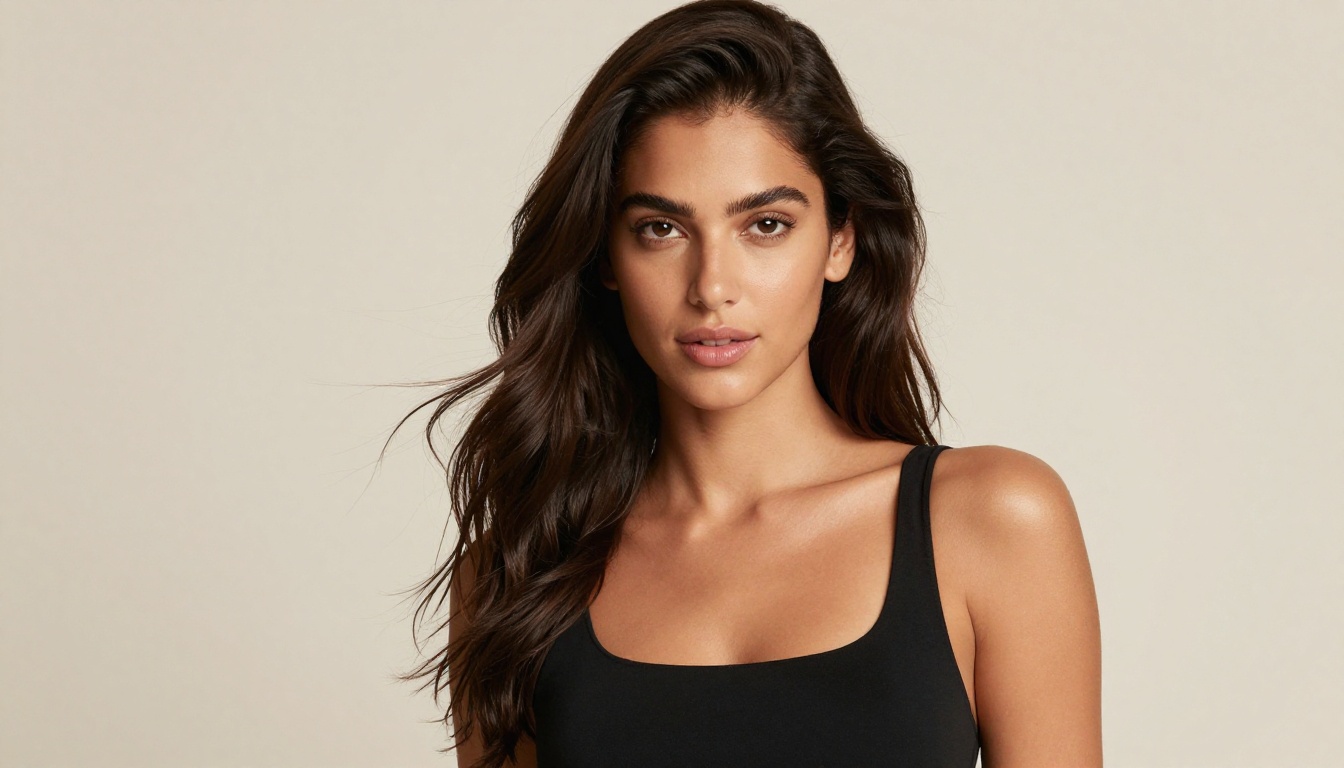
Picking the Right Model
With over 90 text-to-image models available, choosing the right one comes down to your specific use case. Here is a practical breakdown based on output type:
How to Use These Models on Picasso IA
Every model listed in this article is available directly on Picasso IA. No API setup, no local installation, no complex configuration. You pick the model, write your prompt, and generate. Here is the workflow that produces the best results:
Step 1: Choose based on your output goal
Use the table above as a starting point. If you are unsure, Flux 2 Pro is the most reliable all-rounder for new users testing the platform.
Step 2: Write a specific prompt
Include subject, lighting direction, camera angle, mood, and surface textures. Specific prompts consistently outperform short vague ones with every model listed here. Describe your image as if you were directing a photo shoot.
Step 3: Iterate with faster variants first
Use Dev or Fast versions to nail your composition and subject placement, then switch to Max or Quality tiers for the final render. This approach cuts generation costs by 60-70% on most projects.
Step 4: Use Flux Kontext for refinement
If your generated image is close but needs a specific adjustment, Flux Kontext Pro makes targeted edits without regenerating from scratch. Change background color, adjust clothing, swap an object, all from a text instruction.
Step 5: Apply super resolution if needed
The platform also includes Super Resolution upscaling and Background Removal as post-processing steps. Take any generated image and prepare it for print or production without leaving the platform.
💡 The combination of Flux 2 Max for generation and Flux Kontext Pro for refinement is currently one of the strongest two-step workflows available for photorealistic image production.
Try It Yourself
The models covered in this article represent the real state of AI image generation right now, not projections or benchmarks from a research paper. They are live, accessible, and producing commercial-grade output daily.
Pick one of them. Open Picasso IA, write a prompt for an image you have been imagining, and see what the best 2026 models actually produce. The difference compared to twelve months ago is not incremental. It is substantial. And you do not need to know anything about diffusion models, samplers, or training data to create something that looks genuinely impressive.
Start with Flux 2 Pro if you want a reliable all-rounder, or Imagen 4 Ultra if your subject matter is natural or environmental. Spend thirty minutes with each and you will have a clear sense of which one fits your specific creative work. The models are waiting.


