The NSFW AI app market has exploded in 2027. What started as a handful of niche image generators has become a full ecosystem, with dozens of tools competing on Android and iPhone, spanning everything from photorealistic image generation to interactive AI characters. If you've been wading through vague reviews and outdated lists, this is the one article that gives it to you straight.
What to Actually Look for in a NSFW AI App
Not all NSFW AI apps are built the same. Some are genuinely powerful. Many are glorified prompt wrappers with mediocre models and aggressive paywalls. Before you download anything, these are the things that separate the good from the frustrating.
Image Quality Is Non-Negotiable
The core of any NSFW AI image app is its model. A weak model means blurry faces, warped hands, and anatomy that looks like a fever dream. The best apps in 2027 use models like Flux 1.1 Pro Ultra, Realistic Vision v5.1, or Stable Diffusion 3.5 Large. These are the engines behind photorealistic results. If an app doesn't tell you what model it runs, that's a red flag.
Privacy Is the Real Conversation
Where do your prompts go? Are your generated images stored on servers? Can they be used to train upcoming models? In 2027, the best NSFW AI platforms are transparent about data handling. Look for apps that offer local generation or clear data deletion policies. Your creative output should stay yours.
💡 Tip: Always read the privacy policy before uploading personal photos or using face-related features in NSFW AI apps. Some platforms share data with third parties by default.
The Best NSFW AI Image Generators in 2027
These are the platforms that deliver consistent, high-quality results for adult AI art generation in 2027. The focus here is on image quality, model variety, and mobile usability.
Picasso IA: The Deepest Model Library
Picasso IA is one of the most versatile AI image platforms available in 2027. It's web-based, which means it works equally well on Android Chrome or iOS Safari without any app store restrictions. The real advantage is the model depth. You're not locked into one engine.
For photorealistic NSFW content, the top performers on the platform are:
- Flux 1.1 Pro Ultra: The gold standard for realistic skin texture, lighting, and anatomical accuracy
- RealVisXL v3.0 Turbo: Excellent for portrait-style shots with natural depth of field
- Realistic Vision v5.1: Consistently produces believable skin tones and facial features
- Flux Dev: Great balance of speed and quality for iterating prompts quickly
- DreamShaper XL Turbo: Handles stylized realism well, with strong composition instincts
- SDXL: The reliable workhorse for detailed body rendering and clothing textures
The platform also supports ControlNet, Inpainting, and Face Swap AI, which means you can refine specific areas of an image without regenerating the whole thing. That's a workflow advantage no standalone app can match.
Other Platforms Worth Considering
Candy AI and DreamGF are popular AI companion apps with NSFW modes. They focus more on the chat and character side than pure image generation. Seduced AI and Stable Diffusion WebUI wrappers like DiffusionBee (macOS only) are used by power users who want maximum control. For mobile-first users, Promptchan AI runs well in mobile browsers and has a clean interface.
That said, none of these offer the model variety or image fidelity that a multi-model platform like Picasso IA provides.
How Flux Models Changed NSFW AI Images
Before Flux, getting a photorealistic NSFW image required heavy prompt engineering, ControlNet setups, and multiple inpainting passes. Flux changed that. The architecture handles lighting coherence, skin texture rendering, and spatial anatomy in a way earlier models couldn't.
The two variants worth knowing on Picasso IA are:
- Flux Pro: Slower but maximally detailed. Best for hero shots and portfolio-level outputs.
- Flux Schnell: Fast generation, great for rapid iteration when you're experimenting with poses, outfits, or lighting setups.
The gap in output quality between Flux and older models like Stable Diffusion 1.5 is dramatic. If you've been disappointed by blurry or uncanny results, switching to a Flux-based workflow solves most of those problems immediately.
💡 Tip: For the most realistic skin rendering, pair Flux 1.1 Pro Ultra with a detailed lighting description in your prompt. Specify the light source direction, color temperature, and distance for significantly better results.
How to Create NSFW AI Images on PicassoIA
Since Flux models are available on Picasso IA, here's exactly how to use them for the best results. This workflow runs on both Android and iPhone browsers without any installation.
Step 1: Pick Your Model
Go to Flux 1.1 Pro Ultra on Picasso IA. This model produces the most consistently photorealistic outputs. For faster iteration, switch to Flux Schnell.
Step 2: Write a Specific Prompt
Vague prompts produce vague results. Be specific about:
- Subject: Body type, pose, expression, outfit
- Lighting: Time of day, light source direction, color temperature
- Environment: Indoor vs outdoor, specific setting details
- Camera angle: Close-up, low angle, aerial, over-the-shoulder
- Technical details: Lens type (85mm, 35mm), aperture (f/1.8), film emulation (Kodak Portra 400)
Example prompt: "Beautiful woman in a white lace bodysuit sitting on the edge of a hotel bed, morning light from large windows on the left, soft shadows across bare shoulders, skin texture visible, 85mm f/2.0, Kodak Portra 400 film grain, photorealistic"
Step 3: Set Parameters
Use 16:9 aspect ratio for landscape or 9:16 for vertical content. Enable prompt upsampling if you want the model to expand your prompt with additional detail automatically.
Step 4: Refine with Inpainting
If the face or a specific area isn't right, use the Inpainting tool. Select the problem area and describe what you want instead. This is faster than regenerating the whole image from scratch.
Step 5: Upscale for Full Resolution
Use the Super Resolution tool to scale your image 2x or 4x. This turns a standard output into a high-resolution file suitable for printing, sharing, or professional use.
Best NSFW AI Apps for Android Users
Android users have more flexibility than iPhone users when it comes to NSFW AI apps. The open nature of the OS means sideloading APKs is possible, and browser-based platforms face fewer restrictions.
What Android Does Better
Google Play Store has strict content policies, so most NSFW AI apps aren't found there. But that's not a problem. The best options are browser-based, and Android's Chrome browser handles WebGL-heavy AI interfaces without issues. Sideloading APKs from community Stable Diffusion builds is also possible on Android, something iOS cannot do.
Top Picks for Android
| App / Platform | Type | Strength | Access |
|---|
| Picasso IA | Image Generator | 90+ models including Flux | Browser (Chrome) |
| Promptchan AI | Image Generator | Beginner-friendly UI | Browser |
| Candy AI | AI Companion | Chat + Image | App + Browser |
| DreamGF | AI Companion | Character customization | Browser |
| Seduced AI | Image Generator | Dedicated NSFW focus | Browser |
💡 Tip: On Android, add Picasso IA to your home screen as a Progressive Web App (PWA). Tap the three-dot menu in Chrome and select "Add to Home Screen." You get a near-native app experience without needing the Play Store.

Best NSFW AI Apps for iPhone Users
iOS is more restrictive. Apple's App Store policies prohibit explicit content, which means dedicated NSFW AI apps don't make it through review. But iPhone users aren't left out.
iOS-Specific Advantages
Safari on iPhone handles browser-based AI tools well. The GPU in Apple Silicon chips (A16, A17, A18 across iPhone 14-16 series) means web-based interfaces render quickly. The one limitation is WebGL memory management, which can cause some heavy interfaces to reload on older devices.
Top Picks for iPhone
- Picasso IA (via Safari): Full access to all models including Flux 1.1 Pro Ultra and GPT Image 1.5. No app required.
- Promptchan AI: Clean mobile interface, works well on iPhone screens.
- Candy AI: Has an iOS-compatible web app with character creation features.
- Civitai: Community-driven platform with curated model outputs viewable on mobile.
For iPhone users, the best move is to use the mobile web version of Picasso IA. No downloads, no App Store restrictions, no compromises on model quality.

Free vs Paid: What You Actually Get
Every major NSFW AI platform has some version of a free tier. Here's an honest breakdown of what you can expect.
What Free Tiers Offer
Most free plans in 2026 give you:
- 10-30 generations per day on limited models
- Lower resolution outputs (512px-768px)
- Watermarks on some platforms
- Queued generation (slower than paying users)
- No access to premium models like Flux 1.1 Pro Ultra or GPT Image 1.5
When to Upgrade
Paid plans typically start at $10-20/month and include:
- Unlimited or high-volume generation
- Access to the most capable models
- Priority processing (no queue)
- Full resolution downloads (up to 8K with upscaling)
- Premium features: inpainting, ControlNet, face swap
If you're generating more than 20 images a week, a paid plan pays for itself in time saved. The quality difference between free models and premium ones like Flux Pro or Stable Diffusion 3.5 Large is significant enough that serious users don't hesitate.
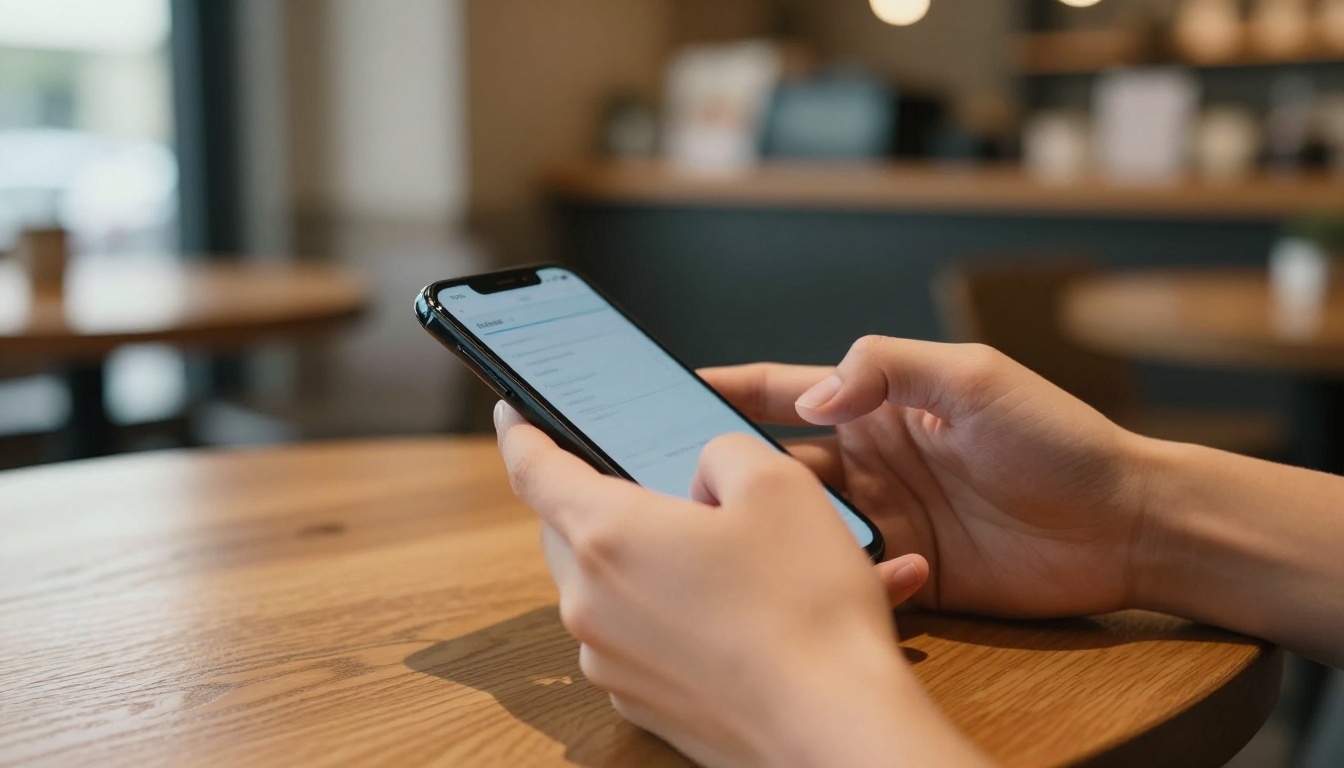
AI Chatbots and Character Apps Worth Knowing
NSFW AI in 2027 isn't only about image generation. A parallel category has grown around AI companions and character-based chatbots with adult content modes.
The Companion App Landscape
Candy AI and DreamGF lead this category. Both allow you to create a custom AI character with a specific appearance, personality, and backstory. The NSFW chat mode opens adult conversations and custom image generation within the character's aesthetic.
Character AI (the mainstream version) remains one of the largest AI chat platforms but does not permit NSFW content. Third-party alternatives built on open-source models have filled this gap.
Replika has an adult mode (Rose) available to subscribers. It's more relationship-simulation focused than raw content generation.
What These Apps Do Differently
Character apps maintain context and memory. Your AI companion remembers past conversations, develops a consistent personality over time, and generates images that align with the established character's look. For users who want more than individual one-off images, this continuity is the main value proposition.
The limitation: image quality in companion apps rarely matches dedicated image generators. Most use simplified backends rather than full Flux-class models.
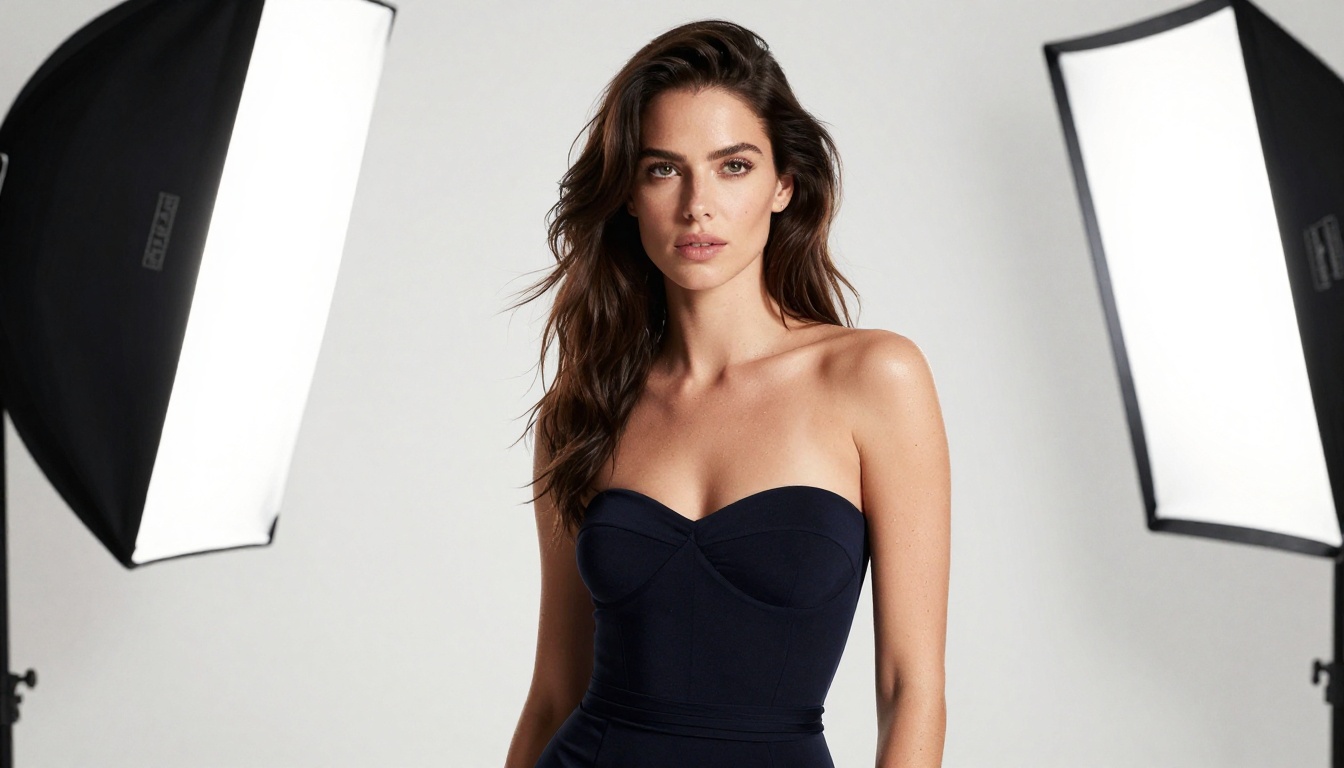
Privacy and Safety in 2027
This section isn't a warning lecture. It's practical. Knowing how these platforms handle your data affects what you should and shouldn't do on each one.
What to Watch For
Data retention policies: Does the platform delete your prompts and generated images after a session? The best ones do. Some store everything indefinitely and use it for model training.
Account requirements: Platforms that require full identity verification for NSFW access create a data trail. Anonymous platforms (or those that accept crypto payments) minimize exposure.
Local generation: Some apps run the model on your device, meaning nothing leaves your phone. This is the most private option but requires a capable device (iPhone 15 Pro or a flagship Android with 12GB+ RAM for most SDXL-class models).
Content policies: Know what is and isn't permitted before you generate. Most reputable platforms prohibit minors in any context, non-consensual scenarios, and real person deepfakes. Violating these terms can result in account bans and, in some jurisdictions, legal consequences.
💡 Tip: Use a dedicated email address and payment method for NSFW AI platforms if privacy is a priority. Most platforms don't require your real name, so there's no reason to link your primary accounts.

Now It's Your Turn
The best NSFW AI apps in 2027 aren't apps in the traditional sense. They're platforms with 90+ models, inpainting, super resolution, and real-time generation running in your browser on any device. That's exactly what Picasso IA offers.
Whether you're on Android or iPhone, the workflow is the same: pick a powerful model, write a specific prompt, iterate fast, and use the tools around the generation (inpainting, upscaling, ControlNet) to push the result to where you want it.
Start with Flux 1.1 Pro Ultra for portraits and close-ups. Try RealVisXL v3.0 Turbo for full-body compositions. Use Flux Schnell when you want to test 10 different prompt variations in five minutes.
The tools are there. The models are better than they've ever been. Jump in and start creating on Picasso IA.


