The demand for free NSFW AI apps has never been higher, and the quality has never been this convincing. Whether you want suggestive glamour photography, artistic implied nudity, or boudoir-style portraits, the tools available at zero cost in 2026 are producing results that would have cost hundreds of dollars per image just three years ago. This breakdown covers what actually works, which models to use, and how to get the most out of free tiers on the best platforms available right now.
What Changed in Free AI Image Generation
Open-Source Models Rewrote the Rules
A few years ago, "free NSFW AI" meant blurry, anatomically broken images with uncanny skin and plastic-looking hair. The models simply were not capable of producing anything worth sharing. Then the open-source explosion happened. Models like Flux Dev, SDXL, and Realistic Vision v5.1 started producing photorealistic results that rivaled anything from commercial studios. Suddenly, platforms could offer these at zero cost and still run a viable business through premium tiers, API access, and compute upsells.
That shift created the landscape we live in today: genuinely capable NSFW image generation, available for free, across multiple platforms with no credit card required to get started.
What "Free" Actually Covers
Not all free tiers are created equal. Here's what you typically get without spending a cent:
| Feature | Free Tier | Paid Tier |
|---|
| Daily image credits | 10-50 | Unlimited |
| Resolution | Up to 1024px | Up to 4K |
| Model selection | Most library | Full library |
| Queue priority | Standard | Instant |
| Private generations | Sometimes | Yes |
| Watermarks | Rarely | Never |
The sweet spot is a platform where the free tier is generous enough to be genuinely useful, not just a frustrating teaser designed to push you toward a subscription after two images.

Best Free NSFW AI Apps Right Now
PicassoIA
PicassoIA sits at the top of this list for one reason that actually matters: the free access to premium models is real. Over 91 text-to-image models are available without a subscription, including some of the most capable NSFW-friendly options on the market today.
What sets it apart is the depth of model variety. You are not stuck with one mediocre generator running on server hardware from three years ago. You can run Flux 1.1 Pro Ultra for ultra-realistic portrait work, switch to DreamShaper XL Turbo when you need faster turnaround, or reach for RealVisXL v3.0 Turbo when photographic realism is the priority.
For NSFW-adjacent content specifically, the Stable Diffusion 3.5 Large and Proteus v0.2 models handle artistic nudity and glamour content with impressive accuracy. Both models respond well to photography-framed prompts and produce natural skin tones without the waxy, oversaturated look that ruins lower-tier generators.
The platform also bundles face swapping, inpainting, outpainting, and super-resolution upscaling into the same free dashboard. That is a meaningful amount of capability without paying anything.
💡 Pro tip: PicassoIA's free tier lets you test models head-to-head before deciding which direction to go. Run the same prompt on three different models back to back. Within 10 minutes you will know which one matches your style.

How the Major Platforms Compare
Here is how the top free NSFW AI apps stack up against each other across the metrics that actually matter:
| Platform | Free Credits/Day | NSFW Support | Strongest Area |
|---|
| PicassoIA | Generous | Full with filters | Model variety, photorealism |
| Civitai | Community-based | Extensive | Model downloads, community |
| Tensor.art | ~100/day | Moderate | Speed, anime styles |
| SeaArt | 50/day | Yes | Mixed anime and realistic |
| NightCafe | Limited | Partial | Artistic styles |
| Playground AI | 50/day | Moderate | Aesthetic quality |
PicassoIA wins the free tier comparison primarily because of model quality combined with volume. Other platforms offer more restrictions, slower servers, or less flexible content policies on free accounts.
Top Free Models for NSFW Content
These are the models that actually perform on suggestive and glamour content. Each one has distinct strengths worth knowing before you start generating.
Flux Dev
Flux Dev from Black Forest Labs is the workhorse of free NSFW generation in 2027. It handles photorealistic skin texture, hair detail, and natural lighting better than anything at this price point. The model is particularly strong with close-up portraits and fashion-style imagery where fine detail matters. Skin pores, fabric textures, and natural imperfections all render with convincing accuracy.
Best for: Realistic glamour portraits, editorial-style fashion, beauty photography
Weakness: High demand means longer queues on free tiers during peak hours

Realistic Vision v5.1
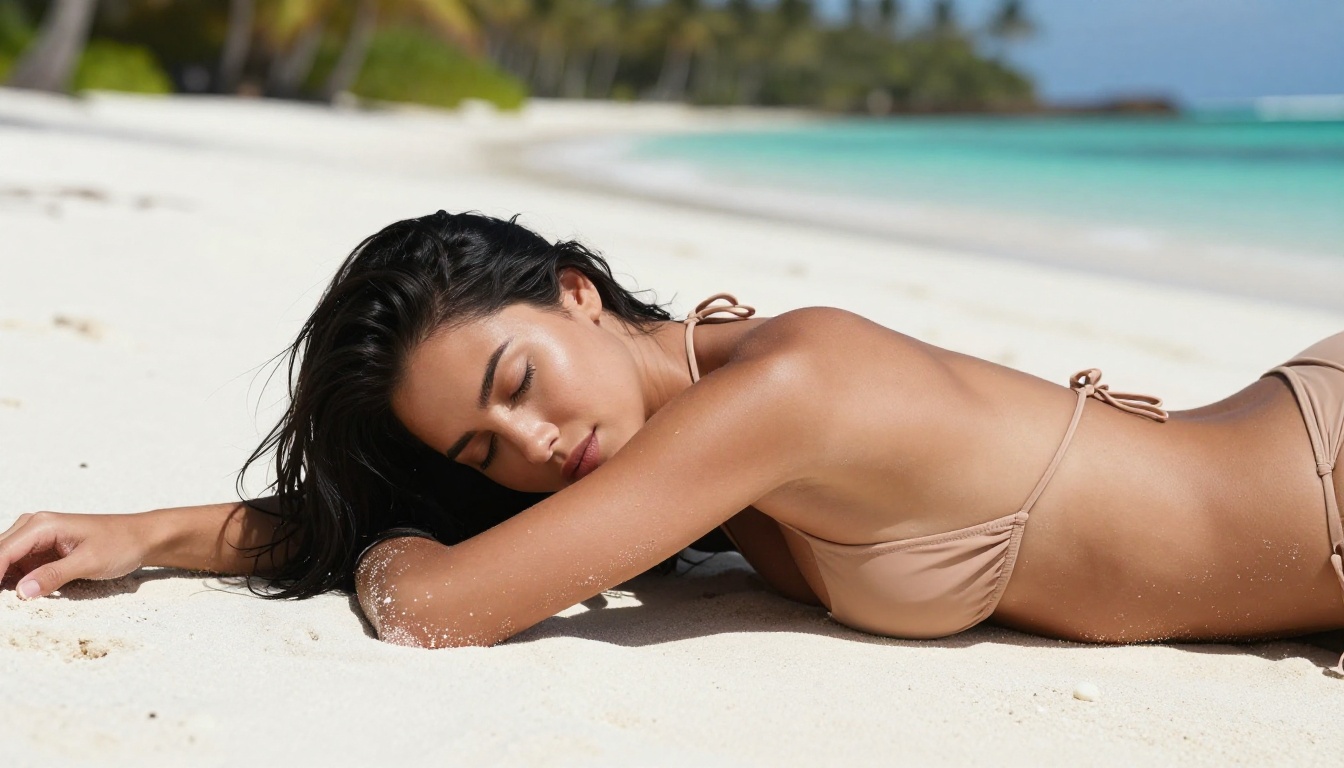
Realistic Vision v5.1 was designed from the ground up for photorealistic human subjects. It produces images that genuinely look like photographs, complete with natural skin imperfections, believable lighting, and accurate body proportions. For NSFW-adjacent content like bikini photography, boudoir concepts, or artistic implied nudity, this is one of the most reliable free models available anywhere.
Best for: Photography-style outputs, skin realism, natural lighting scenarios
Weakness: Less versatile for fantasy or heavily stylized content
DreamShaper XL Turbo
DreamShaper XL Turbo trades a slice of realism for significantly faster generation. Outputs that take 30-40 seconds on Flux Dev arrive in 8-10 seconds here. That trade-off is absolutely worth it when you are iterating on prompts or need to test a dozen variations quickly. The model still handles suggestive glamour content well, with a slightly more polished aesthetic than pure photorealism.
Best for: Fast iteration, volume generation, semi-realistic glamour imagery
RealVisXL v3.0 Turbo
RealVisXL v3.0 Turbo is the model that photography-minded creators gravitate toward. It handles complex lighting scenarios, fabric textures, and environmental details with unusual precision. Poolside scenes, outdoor glamour shots, and candid-style portrait work all come out looking particularly convincing on this model.
Best for: Environmental shots, lifestyle photography, outdoor glamour scenes
Flux Schnell
For pure speed, Flux Schnell is unmatched. Four-step diffusion produces generations in seconds rather than minutes. Quality sits slightly below Flux Dev, but the speed advantage makes it perfect for rapid concept testing before committing to longer runs on more detailed models. Think of it as a sketch pad for your NSFW image workflow.
Best for: Rapid prototyping, prompt testing, batch concept work
Flux 2 Pro
Flux 2 Pro represents the current flagship from Black Forest Labs. When detail, consistency, and output quality are the priority and you are willing to wait a bit longer, this is the model to use. The improvement in face and eye rendering compared to earlier Flux versions is substantial and immediately visible.
Best for: High-quality final outputs, detailed facial rendering, professional-grade results

Writing Prompts That Actually Work
Bad prompts produce bad results regardless of the model. This is the single biggest mistake people make with free NSFW AI apps: they blame the model when the prompt is the problem.
The Anatomy of a Strong NSFW Prompt
A high-performing NSFW prompt has four distinct layers working together:
- Subject description: Age (adult), body type, hair color and length, skin tone, facial expression
- Scene setting: Location, time of day, background elements, environment
- Clothing and pose: Specific garments with fabric types, exact body positioning, implied action
- Technical photography: Camera type, lens focal length, aperture, lighting direction and quality
Weak prompt:
beautiful woman sexy beach
Strong prompt:
beautiful 28-year-old woman with dark wavy hair, warm olive skin, wearing a white string bikini top, standing at the edge of calm turquoise water at golden hour, light waves around her ankles, warm sunlight from the right casting long shadows across wet sand, shot on 85mm f/1.8, Kodak Portra 400 film grain, cinematic lighting, photorealistic RAW photography
The difference in output quality between these two prompts is dramatic. The strong version gives the model everything it needs: subject, scene, mood, and technical parameters.
What to Cut From Your Prompts
Vague modifiers are the most common waste of prompt tokens:
- "Sexy", "hot", "attractive" add far less value than specific clothing or pose descriptions
- Conflicting instructions like "daytime outdoor, studio lighting" confuse the model
- Too many subjects in one image almost always produces worse results than a single clear focus
- Generic quality terms like "high quality, ultra detailed" are largely ignored by modern models
💡 Negative prompts do as much work as positive ones. Always include: cartoon, anime, illustration, 3D render, CGI, digital art, deformed hands, watermark, text, blurry, plastic skin, oversaturated

Free vs. Paid: The Honest Breakdown
Using free tiers for NSFW AI generation is completely viable for most people. But the differences between free and paid are real and worth knowing before you commit to a workflow.
Where Free Falls Short
Queue times are the most noticeable friction. Free tier generations sit behind paying customers. During peak hours, a 30-second generation can become a 5-minute wait. If you are generating 20-30 images in a session, this adds up fast.
Resolution caps matter for specific use cases. Most free tiers top out at 1024x1024 or 1024x576 for 16:9 outputs. For web and social use, this is perfectly adequate. For print work or large-format display, you will need either a paid tier or a separate super-resolution upscaling pass after generation.
Model access: A small number of the newest, highest-quality models are restricted to paid tiers on most platforms. On PicassoIA, free users retain access to Flux 2 Dev and Flux 2 Pro, which sit among the best models available on any platform at any price.
Where Free Is Perfectly Fine
- Personal creative projects and artistic experimentation
- Testing prompts and refining your style before running production batches
- Social media content where 1024px output is standard
- Occasional generation rather than daily high-volume work
- Comparing models to find the right fit for your specific visual style
Content Filters and What They Actually Block
Every platform offering NSFW content operates within specific rules. Knowing those rules saves you from wasted generations and frustrating blocks.
How Platform Filters Work
Modern platforms layer their filtering: prompt analysis catches problematic text before generation starts, and output analysis flags problematic images after generation completes. Most NSFW-permissive platforms disable or relax the output filter for suggestive content while keeping it active for genuinely explicit material.
The practical effect: artistic nudity, glamour photography, bikini and lingerie imagery, and implied nudity all typically pass without issues on platforms with permissive policies. Full explicit content requires dedicated adult-content platforms that typically require age verification and explicit opt-in.
What Passes on Most Free Platforms
- Bikini, swimwear, lingerie, and similar fashion-forward imagery
- Boudoir concepts and implied nudity without explicit detail
- Artistic nude photography in a fine art or editorial framing
- Beauty and glamour photography including low-cut or revealing clothing
- Body-positive and artistic body photography in tasteful contexts
💡 When a generation gets blocked, rephrasing almost always works better than escalating the language. Photography-framed prompts with specific technical details pass filters far more consistently than vague suggestive terms. "Woman in a strapless black dress" generates without issue. "Hot woman barely dressed" gets flagged immediately.
How to Use Flux Dev on PicassoIA
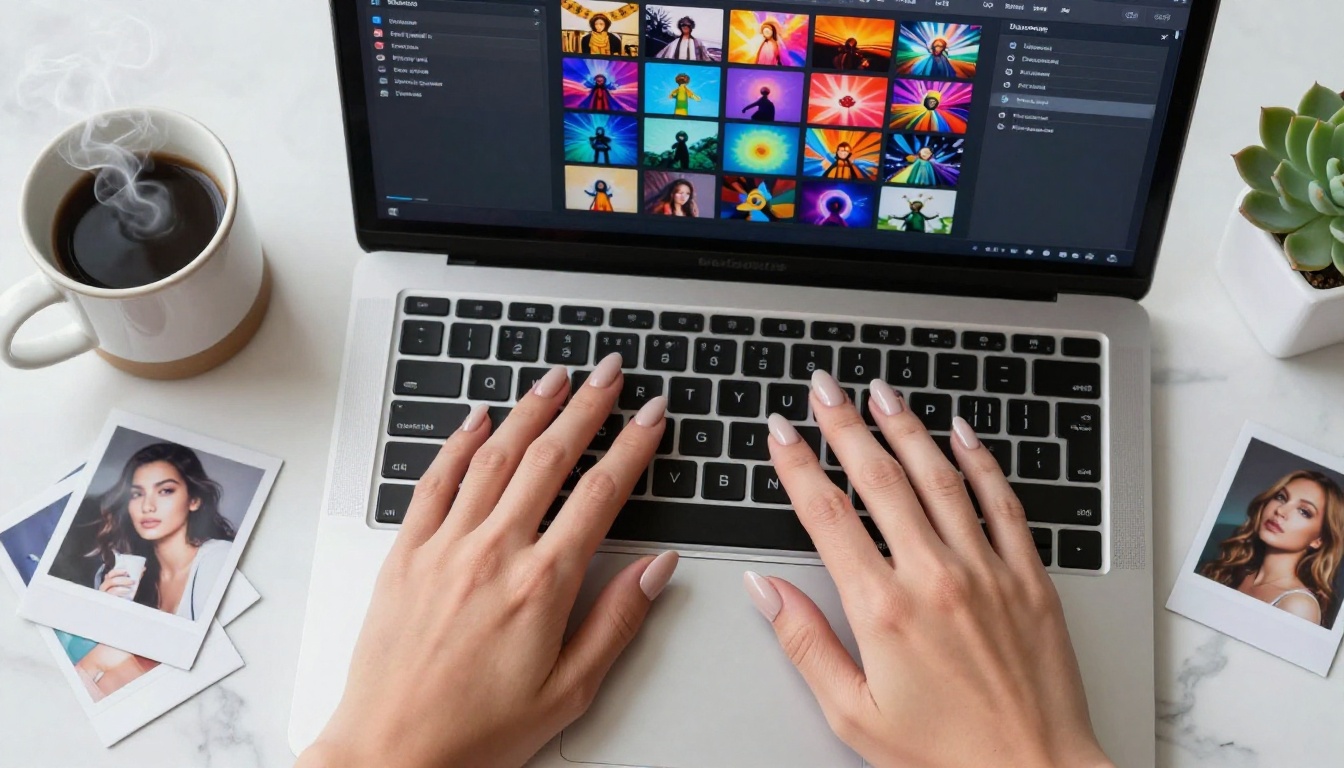
PicassoIA hosts Flux Dev as part of its free text-to-image library. Here is how to get the best results from it for NSFW-adjacent glamour and portrait content.
Step 1: Select the Right Model
Navigate to the text-to-image section and select Flux Dev. This model runs on a 50-step diffusion process by default, which balances quality and generation time well. For portrait work, keep steps between 40-50 for best skin and hair rendering. Going below 30 steps produces noticeably softer detail.
Step 2: Build Your Prompt Properly
Use the four-layer structure described above. For glamour and suggestive content specifically, these photography modifiers consistently improve output quality:
cinematic lighting, volumetric light from the leftKodak Portra 400, film grain, photorealistic85mm lens, f/1.8, shallow depth of fieldfashion editorial photography, RAW photography
Step 3: Set Your Aspect Ratio
For social media and editorial use, 16:9 gives the widest compositional room for environmental shots. For tight portrait work where you want to fill the frame with your subject, 3:4 (vertical) often produces more satisfying compositions. Experiment with both before settling on a final format for a project.
Step 4: Add a Strong Negative Prompt
Never skip the negative prompt on Flux Dev. The standard negative prompt for realistic human subjects:
cartoon, anime, illustration, 3D render, CGI, digital art, deformed, blurry, watermark, text, logo, plastic skin, oversaturated, neon colors, low quality
Step 5: Run Variations Before Committing
Run 3-5 variations of the same prompt before changing major elements. Small adjustments to lighting descriptions or pose details often produce dramatically different outputs. Identify what works, then refine from there rather than starting over entirely.
Beyond Static Images: Other Free AI Capabilities
NSFW content creation does not stop at static images. The platforms offering free image generation increasingly bundle additional capabilities that are genuinely useful for creative work.
Face Swap AI
Face swapping technology has improved dramatically. What used to require expensive specialized software now runs in-browser for free on platforms like PicassoIA. The current generation of face swap tools handles lighting matching, skin tone consistency, and blending at a level that makes results look natural rather than pasted together.
Super Resolution Upscaling
Free tier images are typically capped at lower resolutions. PicassoIA's super-resolution upscaling can take a 512px output and produce a clean 2048px result without visible artifacts. This effectively removes the resolution limitation of free tiers for most web and social media use cases, giving you the quality of a paid tier output without paying for it.
Inpainting and Outpainting
Inpainting lets you select specific areas of a generated image and regenerate only that region. Useful for fixing a problem area, changing a specific piece of clothing, adjusting background details, or correcting the hands that AI models still occasionally produce incorrectly. Outpainting extends the canvas beyond the original image boundaries, which is particularly valuable for adjusting composition after generation or adding environmental context to a tight portrait shot.
The Models Worth Bookmarking
For anyone building a consistent free NSFW AI workflow, these are the specific models to have ready. Each one covers a different creative scenario:
Having these eight in rotation handles virtually every NSFW-adjacent generation scenario without spending a cent.
Start Creating Right Now on PicassoIA
The best free NSFW AI app is the one you actually use consistently. Theory stops mattering when you run your first 50 prompts, see what the models do with your specific creative direction, and start building a real visual style.
PicassoIA's free tier gives you access to real models, real capability, and real results without a credit card gate or a 3-image limit designed to frustrate you into paying. You can run Flux Dev, Realistic Vision v5.1, DreamShaper XL Turbo, Flux 1.1 Pro Ultra, and dozens of other models today at no cost.
Start with one model. Write a proper four-layer prompt. See what comes back. Run it three more times with small variations. Then try the same prompt on a second model and compare the outputs side by side.
Within an hour of doing this, you will have a working feel for which models serve your specific creative direction. Within a week of consistent use, your prompts will be producing results that most people assume cost real money.
The quality ceiling on free NSFW AI in 2027 is not a ceiling anymore. It is the floor.


