Most free NSFW AI tools share the same problem: they either blur results, block keywords, hit a paywall after two generations, or produce images that look like poorly rendered video game screenshots. After spending weeks testing dozens of platforms, the ones that actually deliver photorealistic, uncensored results without constantly nagging you for a credit card are rare, but they exist.
This article breaks down the best NSFW AI apps that actually work free in 2027, with honest assessments of what each platform does well, what its limits are, and which models produce the most realistic adult content without restrictive filters getting in the way.
Most mainstream AI image generators added content filters as a condition of their compute agreements or app store listings. That means platforms like Midjourney, DALL-E, and Adobe Firefly are completely out of the running the moment you try anything suggestive.
Even tools that advertise themselves as "uncensored" often fail in practice:
- Keyword blocking: The system detects suggestive words and refuses to generate anything useful
- Auto-censoring: Results are blurred or watermarked unless you upgrade to a paid tier
- Credit walls: You get 3 free images, then the generator stops completely
- Low quality output: Free tiers are throttled to low resolution or fast-but-bad models
- Inconsistent results: The same prompt produces wildly different quality across generations
The platforms worth your time are the ones that either offer genuinely unlimited free tiers or make their best NSFW models accessible without requiring premium payment upfront. The list is shorter than you'd think.
What Actually Makes a Good Free NSFW AI App
Before listing specific tools, it helps to know what criteria separate the ones worth using from the ones that waste your time. Not all "free" NSFW AI platforms are created equal, and the differences matter significantly when you're trying to produce professional-quality adult content.
Speed and output quality
The best free NSFW AI apps generate images in under 3 seconds at a resolution that actually looks good at full screen. If you're waiting 45 seconds per image only to get a 512px muddy result, the platform is burning your time without delivering anything usable.
No keyword censorship
A platform that blocks the word "bikini" or refuses to render implied nudity is functionally useless for this use case. The tools below either have censorship completely disabled or route requests through models that don't apply content filters at the prompt level.
Variety of models
Different photorealistic styles, whether editorial, glamour, or portrait, require different model architectures. Having access to multiple models without paying per-model is a significant advantage that separates serious platforms from toy apps.
Image editing support
The ability to take an existing photo and modify it (img2img) opens up a different kind of creative control. You can start with a reference image and let the AI transform it according to your direction, which produces far more predictable results than generating from scratch.

Best NSFW AI Models on PicassoIA
PicassoIA is one of the few platforms that runs multiple NSFW-capable models without restricting them behind aggressive paywalls. Here's the current lineup ranked by performance, with specific details on what each one does best.
1. Seedream 4.5
Seedream 4.5 is the top recommendation for anyone who needs photorealistic NSFW results fast. Developed by ByteDance, this model generates highly realistic content in under 3 seconds and fully accepts adult content prompts without keyword censorship blocking your work.
What makes it stand out is versatility. Seedream 4.5 is not just a text-to-image generator. It also supports image editing, so you can upload a reference photo and have the model modify specific elements while preserving the overall composition, lighting, and structure of the original. That flexibility, combined with raw speed and consistently realistic output, puts it ahead of everything else currently available.
Important: The newer Seedream 5 Lite does not support NSFW content. If you need adult content generation, use Seedream 4.5 specifically, not the Lite variant.
2. PicassoIA Image Editor Pro
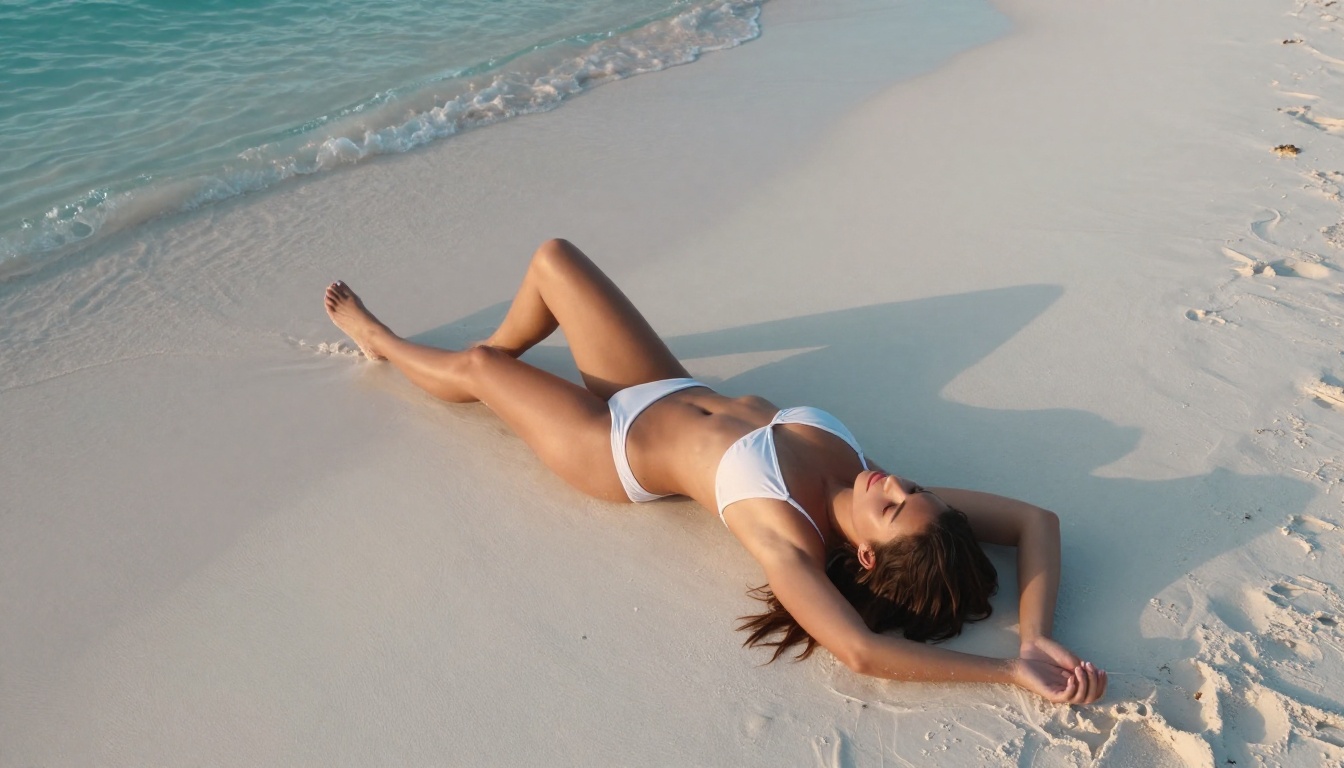
PicassoIA Image Editor Pro is the smart choice if you're generating images in bulk. This is an img2img model, meaning you start with a source image and the model transforms it according to your prompt.
The headline advantage is unlimited generations on Elite and Infinite plans. Need 1,000 images? They're included in your subscription at no extra cost. Compare that to models like Nano Banana 2, where generating 1,000 images would run around $100. PicassoIA Image Editor Pro makes that volume effectively free once you're on a plan.
Additional strengths:
- Accepts NSFW content without filtering
- Returns results in under 1 second, faster than any comparable model
- Offers a free trial of 3 generations without requiring a credit card
- Works exceptionally well for clothing modification and body-focused edits
3. Qwen Image 2
Qwen Image 2 is an open-source model that handles both text-to-image and image editing with no corporate content policies restricting outputs. Being open-source means you can create or edit any image in seconds with very detailed realism, and the model's architecture is publicly auditable.
It performs particularly well on detailed skin textures and photorealistic faces, areas where some closed-source models struggle with accuracy. For portrait-focused NSFW content, this is a solid secondary option to Seedream 4.5.
4. Grok Imagine Image
Grok Imagine Image has one specific use case it completely dominates: converting any image to a bikini or swimwear format in a photorealistic way. Upload a fully clothed photo, and the model realistically replaces the clothing while maintaining body proportions, lighting conditions, and background consistency.
For creators who work with reference photos and need realistic swimwear edits, this is one of the most useful tools in the NSFW AI space. The conversion quality is consistently higher than trying to achieve the same result through general-purpose img2img.
5. Recraft V4
Recraft V4 focuses purely on text-to-image with very realistic output quality. It doesn't have image editing capabilities, but what it generates from text prompts has consistently high fidelity and detail. Good for establishing shots, scene-setting images, and creative direction from scratch when you don't have a reference photo to start from.
6. P-Image by PrunaAI
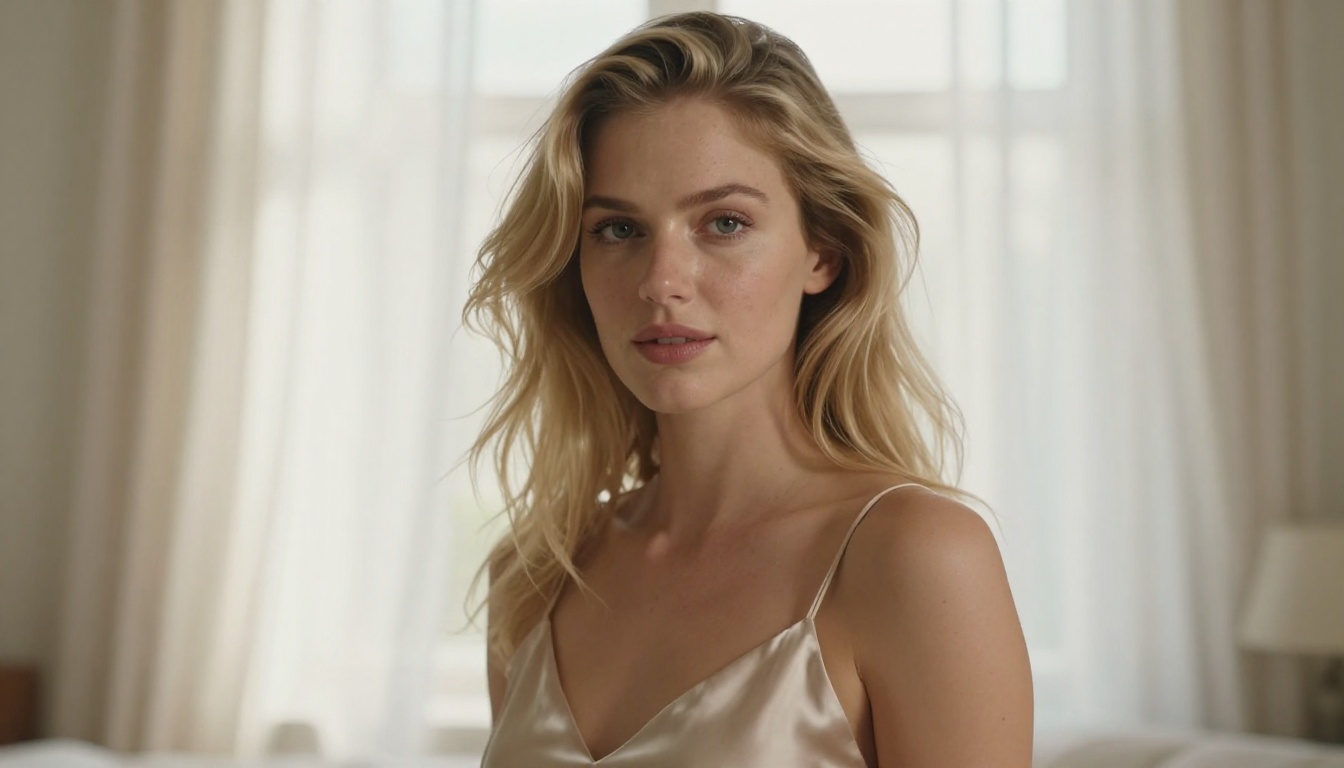
P-Image is the speed champion of the group. Text-to-image generation in under 1 second, fully NSFW-capable, with solid output quality across most prompt types. It's the best option when you need volume fast and don't have time to wait for slower models to complete each generation.
7. Wan 2.2 Image
prunaai-wan-2.2-image generates highly realistic images from text descriptions without content filters. It performs particularly well on full-body compositions and environmental context, where you need the model to understand complex spatial relationships between the subject and their surroundings.
How to Use Seedream 4.5 on PicassoIA
Since Seedream 4.5 is the strongest model for NSFW content, here's a step-by-step breakdown for getting the best results from it on PicassoIA.
Step 1: Access the model
Go directly to Seedream 4.5 on PicassoIA and open the generation panel.
Step 2: Write a structured prompt
Seedream 4.5 responds best to layered, descriptive prompts rather than short keyword lists. Structure yours to include:
- Subject description: appearance, clothing or lack of it, pose, expression
- Environment: location, surface, surrounding objects
- Lighting: direction, quality, color temperature (golden hour, studio strobe, etc.)
- Camera: angle, focal length, depth of field
- Style modifiers: photorealistic, 8K, film grain, Kodak Portra 400
Example prompt: "Beautiful woman in white lace lingerie lounging on a luxury hotel bed, soft morning light streaming through sheer curtains from the left, 85mm portrait lens shallow depth of field, visible skin texture and pores, photorealistic 8K, Kodak Portra 400, natural editorial photography"
Step 3: Choose your aspect ratio
For portrait and vertical compositions, use 9:16. For editorial scenes, environmental shots, or wide-format content, use 16:9. Seedream 4.5 handles both cleanly.
Step 4: Switch to image editing mode
Upload a reference photo to the img2img slot, then describe what you want changed. The model will preserve the composition, lighting, and overall structure while applying your specified modifications. This is where Seedream 4.5 pulls ahead of pure text-to-image models.
Prompt Tips That Make a Real Difference
Getting photorealistic NSFW output isn't just about choosing the right model. Prompt quality determines output quality more than almost any other variable. These strategies consistently produce better results across all of the models listed above.
Be specific about lighting
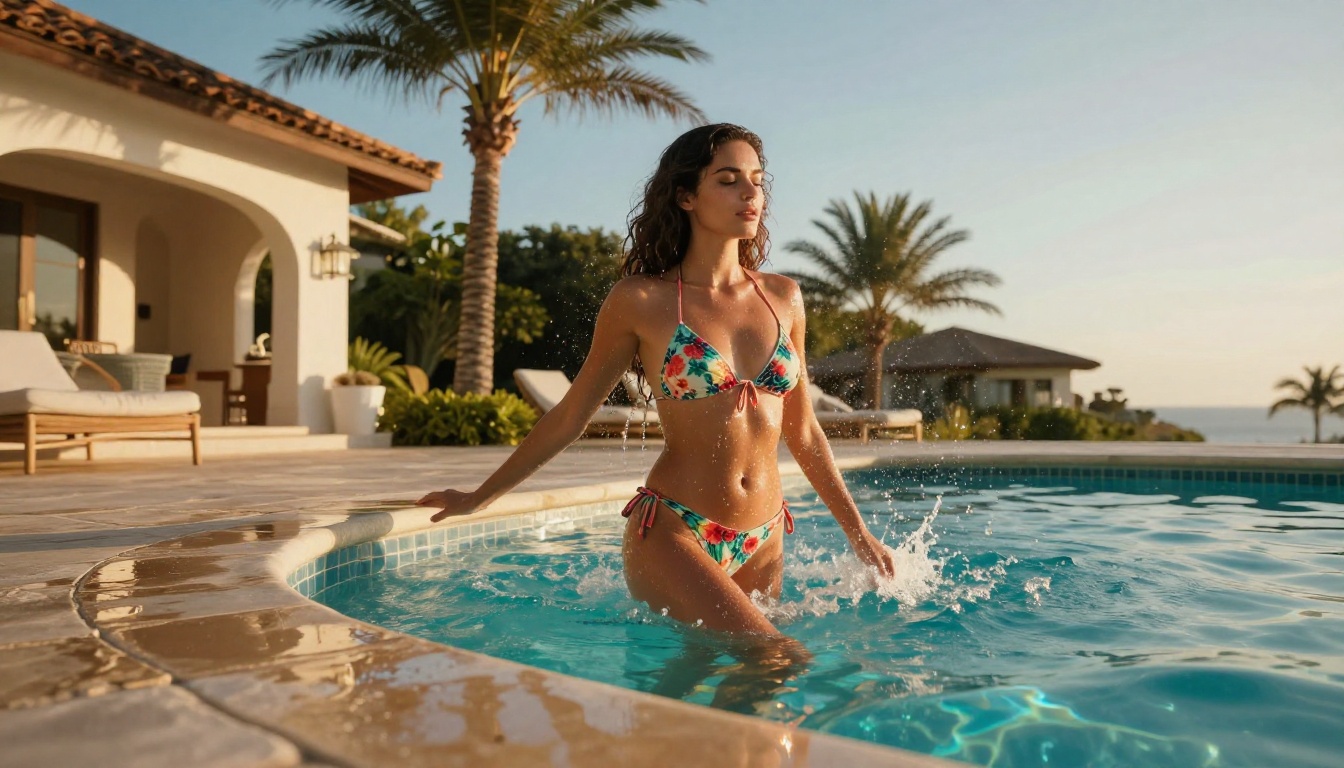
Vague prompts get vague results. Instead of "good lighting," write "volumetric golden hour light from the left side casting warm shadows across the face and collarbone." The specificity forces the model to commit to a real-world lighting scenario.
Describe texture at the micro level
"Smooth skin" produces decent results. "Visible skin pores, subtle freckles across the nose bridge, light sheen from humidity, fine hair at the hairline" produces something that actually looks like a real photograph. Texture description is the fastest way to push AI images from "looks generated" to "looks photographed."
Name your lens and aperture
"85mm f/1.4 shallow depth of field" tells the model to create the precise bokeh and compression effect of that specific lens. "24mm wide angle" produces a different kind of environmental context. Naming the lens is one of the fastest ways to make an AI image look like a real editorial photo rather than a generated composite.
Layer your environment
Don't just describe the subject. Describe what's behind them, what's in the foreground, what the floor or surface looks like. The model uses all of that environmental context to build a convincing, consistent scene rather than placing a floating subject against a generic background.
Use negative descriptions
In the prompt, explicitly state what you don't want: "no cartoon, no CGI, no neon lighting, no digital art style, no watermark." This prevents the model from defaulting to stylistic choices that pull the image away from photorealism.
Tip: Keep a library of your best-performing prompts and treat them as templates. Swap out the core subject description while keeping the technical modifiers that produced sharp, realistic results.
Video Generation for NSFW Content
Beyond static images, PicassoIA supports NSFW-capable video generation through several models that accept adult content without filtering.
PicassoIA Video generates clips directly from text prompts at up to 720p, 5 seconds per clip, with unlimited video generation included in Elite and Infinite plans. If you need a high volume of short-form video content, this is the most cost-effective option on the platform.
P-Video by PrunaAI converts text, images, or audio into short clips at up to 1080p. The safety filter is disabled by default, making it one of the few video models that won't automatically reject adult content prompts before they even reach the generation stage. Draft mode gives you an instant low-res preview before committing to a full render, which saves time when you're iterating on a concept.
Grok Imagine Video handles clips up to 15 seconds, significantly longer than most competitors. No watermarks, 720p or 480p output, and the image-to-video mode automatically matches your source photo's proportions. It also re-edits existing video clips, which opens up post-production options most AI video tools don't offer.
LTX 2.3 Pro is the premium option for professional output, exporting up to 4K at 50fps. It supports five distinct modes: text-to-video, image-to-video, audio-to-video, retake (replacing a specific segment without re-rendering the full clip), and extend (appending footage to the beginning or end). For anyone producing professional-grade NSFW video content, nothing on the platform comes close to LTX 2.3 Pro's fidelity and control.
Common Mistakes That Kill Result Quality
Most people generating NSFW AI content make the same handful of mistakes that produce flat, unconvincing images regardless of which model they're using.
Prompting like a search engine: "sexy woman lingerie realistic" is a search query, not a prompt. Models respond to descriptive language about scenes, lighting, and composition, not keyword strings.
Ignoring the aspect ratio: Generating a portrait-format image in 16:9 crops the subject awkwardly. Always match your aspect ratio to the composition you want before you generate.
Not iterating: The first generation is rarely the best one. Use it as a reference point, adjust the prompt based on what worked and what didn't, and regenerate. The models reward iteration.
Using generic style tags: "photorealistic 8K" is everywhere in AI prompts and has become almost meaningless. Stack it with specific technical details (film stock, lens, lighting direction) to actually communicate what you want.
Skipping image editing: If you have a reference photo that's close to what you want, using img2img with a model like Seedream 4.5 or PicassoIA Image Editor Pro will almost always produce better results than generating from scratch.
The Full NSFW Model Lineup at a Glance
Unlike most mainstream AI platforms, PicassoIA gives creators full creative freedom with uncensored, high-performance models that don't require you to sanitize your prompts or work around content filters on every generation.
Start Creating Without Restrictions
The fastest way to know if any of this works for your project is to test it directly. Start with Seedream 4.5 for photorealistic text-to-image results, or try PicassoIA Image Editor Pro for the unlimited img2img workflow that lets you transform reference photos at scale.
The 3-generation free trial on Image Editor Pro doesn't require a credit card, so there's no commitment before you see whether the output quality matches what you're looking for. Generate three images, evaluate the results, and decide from there.
For anyone who needs NSFW-capable video generation, P-Video with its filter-off default and draft preview mode is the lowest-friction starting point. Generate a quick preview, refine the prompt, then commit to the full render only when the direction is right.
The full catalog of available models, including all image generators, video creators, editors, and specialty tools, is at picassoia.com/en/all-models. The tools work. The models are genuinely uncensored. The rest comes down to writing prompts that actually describe what you want.


