Most people expecting easy, photorealistic NSFW AI art run into the same problem on their first attempt. They pick a mainstream tool, write a clear prompt, and get either a blocked request or an output that looks like a warped cartoon. The gap between what's advertised and what actually works is frustrating, especially when you're new and don't yet know which platforms are worth your time.
This article cuts through that. Seven NSFW AI generators are ranked here by what matters most for newcomers: generation speed, output realism, and the absence of content filters. Every model on this list is available through PicassoIA, a platform that gives you access to over 90 image generation models in one place without the hassle of separate signups or inconsistent interfaces.
Whether you want to generate artistic portraits, bikini conversions, or more suggestive glamour content, the tools ranked here deliver. The question is which one fits your specific workflow and budget.
What to Look for Before You Start
Picking an NSFW AI generator without knowing what to evaluate leads to poor results even with the best models. Three factors determine whether a tool will work for you from day one.
Speed vs. Quality
Generation speed and output quality exist on a spectrum, and where a model lands on that spectrum matters depending on your workflow. If you're iterating on prompts and need to generate 20 variations to find the right composition, a tool that takes 30 seconds per image will slow you to a crawl. At that pace, 20 images takes 10 minutes. The same work on a sub-3-second model takes under a minute.
At the same time, speed without quality produces nothing useful. The generators ranked here have been selected specifically because they deliver photorealistic output without sacrificing generation time. The best ones produce results in under 3 seconds that rival outputs from slower, more expensive models.
Content Restrictions: The Biggest Blocker
This is the factor that eliminates most mainstream AI image generators from consideration for NSFW work. Platforms like Midjourney, Adobe Firefly, and most standard Stable Diffusion interfaces either block adult content outright or require extensive workarounds that still produce inconsistent results.
The tools on this list are different. They operate without content restrictions by design, which means your prompts are interpreted literally rather than filtered. That freedom is the foundation of any productive NSFW workflow. Once you stop fighting the platform itself, you can focus entirely on improving your outputs.
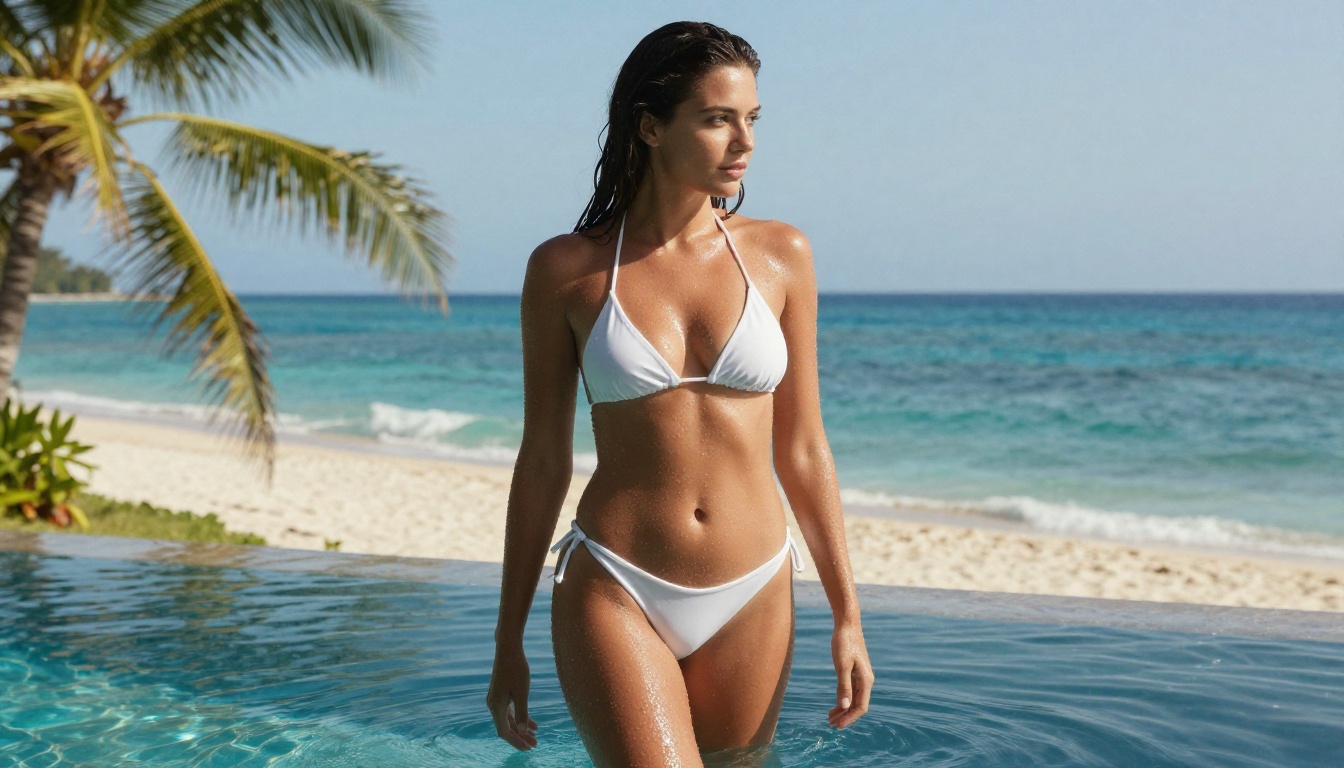
💡 Tip: The more specific your prompt, the better your results. Vague descriptions produce vague images. Add lighting direction, camera angle, clothing texture, and environment details from your very first attempt.
7 Best NSFW AI Art Generators for Newcomers
Here is the complete ranked list. Each model is linked directly to its page on PicassoIA for immediate access.
1. Seedream 4.5: The Realism Standard
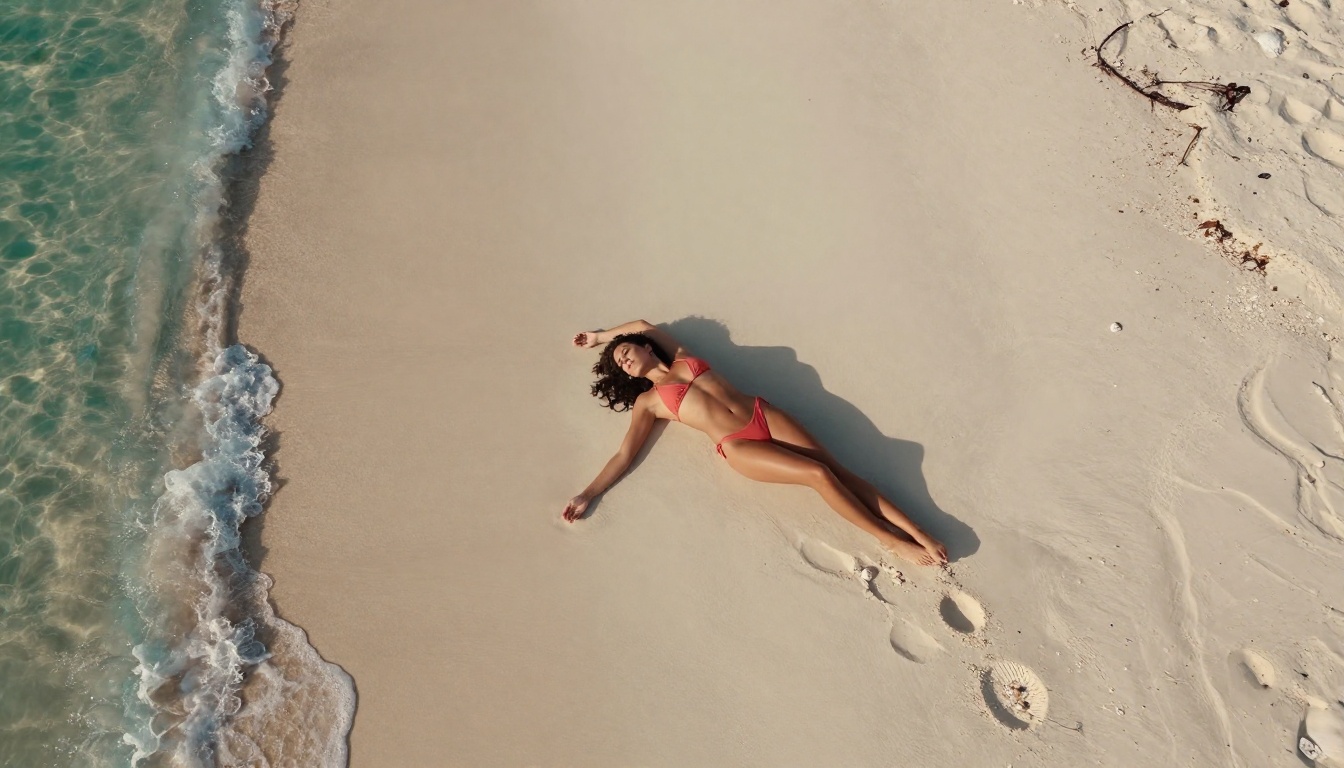
Seedream 4.5 is the top recommendation for newcomers, and by a meaningful margin. It generates photorealistic NSFW images in under 3 seconds, handles both text-to-image creation and image editing from the same interface, and interprets prompts accurately without requiring extensive prompt engineering.
For someone writing their first NSFW prompt, Seedream 4.5 is forgiving. A clear, moderately detailed description produces good results from the first attempt. The model's skin texture rendering is particularly strong: outputs show natural skin tone variation, fine surface detail, and accurate specular highlights rather than the plastic-looking smoothness common in lower-quality generators.
One important note: Seedream 4.5 is not the same as Seedream 5 Lite. The newer Seedream 5 Lite model blocks NSFW content. Always select Seedream 4.5 specifically when you're working with adult content prompts.
What makes it the top pick:
- Generates in under 3 seconds
- Accepts adult content with no workarounds
- Text-to-image and image editing in one model
- Strong skin texture and anatomical accuracy from simple prompts
2. PicassoIA Image Editor Pro: No Limits on Volume
PicassoIA Image Editor Pro is an image-to-image model. It starts from an existing image and transforms it based on your prompt. This makes it particularly powerful for refinement: take a strong base image from Seedream 4.5, then use PicassoIA Image Editor Pro to adjust specific elements like clothing, lighting, or setting without regenerating from scratch.
The standout feature is its pricing structure. With an Elite or Infinite subscription, generations are unlimited. No per-image cost, no credit deductions per output. Generating 1,000 images costs exactly the same as generating 10. For context, the same volume on credit-based models like Nano Banana 2 would cost approximately $100. On PicassoIA Image Editor Pro, those images are included in your subscription.
The generation speed is also the fastest on this list at under 1 second per image. And there's a 3-generation free trial available without requiring a credit card, which makes it risk-free to test before committing.
Best suited for:
- Creators who need high image volume on a regular basis
- Iterating and refining existing generations
- Newcomers who want to test before subscribing financially
3. Qwen Image 2: Open Source Without the Filters
Qwen Image 2 is an open-source model. Open source in the context of AI image generation means the model's weights are publicly available and it has not been fine-tuned with commercial content restrictions. What you describe is what gets generated, without a content policy filter sitting between your prompt and the output.
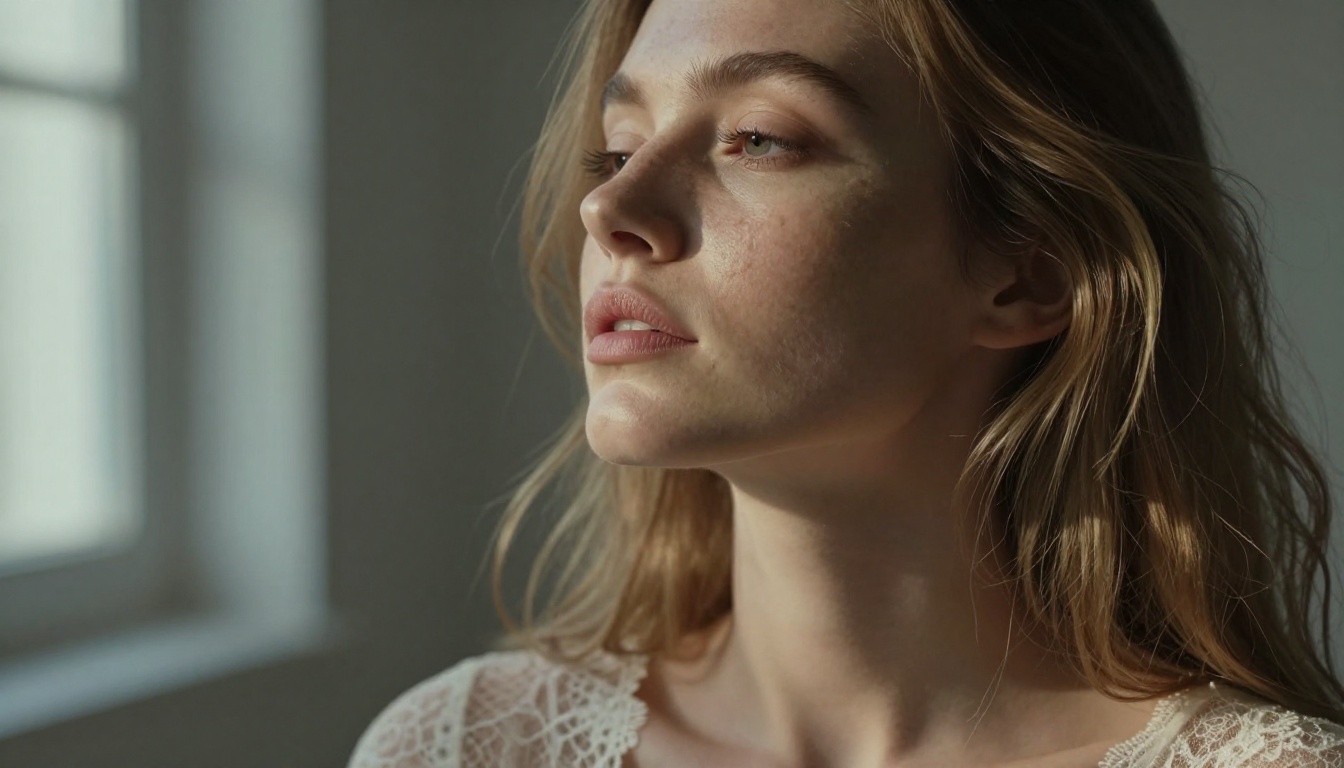
The model supports both text-to-image generation and image editing, and its realism is strong, particularly for detailed scenes with complex lighting conditions. It performs well for newcomers who want full creative control without learning workarounds.
Good choice when:
- You want full prompt freedom without workarounds
- Detailed realism in facial features and skin texture matters most
- You're comfortable doing light prompt engineering to get specific looks
4. Grok Imagine Image: Precise Image Conversion
Grok Imagine Image specializes in converting existing images into more revealing versions while maintaining the source image's lighting, skin tone, and compositional structure. It's particularly effective for bikini-style conversions where you want the output to look consistent with the original rather than like a completely different image.
This model works best as a second step. Generate your base image with Seedream 4.5, then run it through Grok Imagine Image to make specific visual adjustments. The combination produces higher-quality results than either model alone, and the process is straightforward enough for newcomers to use from their first session.
5. Recraft V4: Clean Text-to-Image Realism
Recraft V4 is a text-to-image-only model with consistently high output quality. It doesn't support image editing, which makes it more limited in scope than models like Seedream 4.5 or Qwen Image 2. But what it does, it does very well.
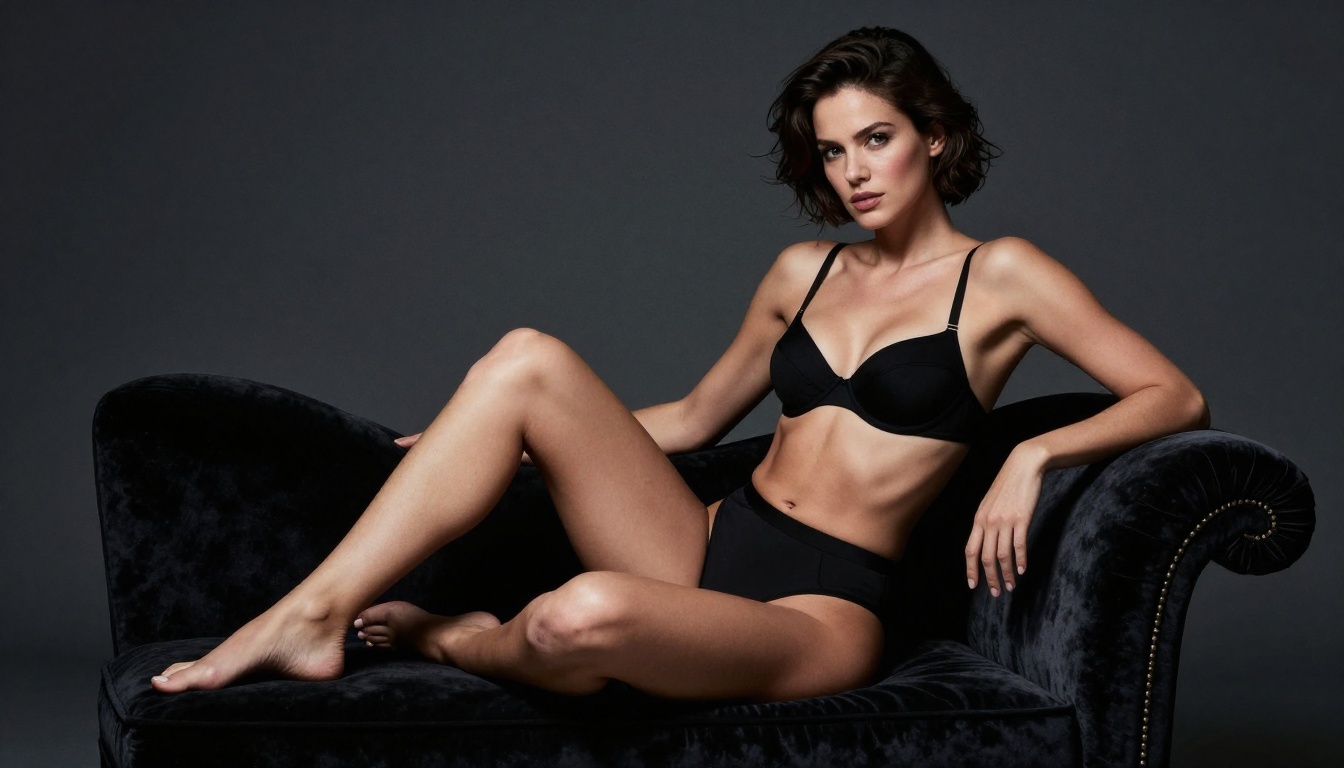
Outputs from Recraft V4 have accurate anatomical proportions, natural lighting, and no artificial smoothing of skin texture. The model responds well to moderately detailed prompts without requiring extensive prompt engineering. For newcomers who want reliable results from text input without learning image editing workflows, Recraft V4 is a strong option.
6. P-Image: When Speed Is the Priority
P-Image by PrunaAI generates images in under 1 second. If you're in a rapid iteration phase and want to test 30 prompt variations before committing to a final version, P-Image makes that practical.
Output quality sits below Seedream 4.5 for fine detail and skin texture, but it's more than sufficient for prompt testing and scene composition work. A common workflow is to iterate quickly on P-Image to lock in the right composition, lighting, and pose description, then run the finalized prompt through Seedream 4.5 for a high-quality final output. This two-stage approach saves both time and credits.
7. Wan 2.2 Image: Detailed Realism, No Content Walls
Wan 2.2 Image by PrunaAI generates highly realistic images from text descriptions without content filtering. It performs well in the mid-tier of the speed range and produces particularly strong results for complex multi-element scenes where lighting and background detail matter more than raw generation speed.
For newcomers focused on photorealistic results without needing the fastest generation time, Wan 2.2 Image is a reliable option that holds up well against premium alternatives.
| Model | Generation Type | NSFW Support | Speed | Standout Feature |
|---|
| Seedream 4.5 | Text + Edit | Yes | Under 3s | Best all-around realism |
| PicassoIA Image Editor Pro | Image-to-Image | Yes | Under 1s | Unlimited generations |
| Qwen Image 2 | Text + Edit | Yes | Fast | Open source, no filters |
| Grok Imagine Image | Image-to-Image | Yes | Fast | Realistic conversions |
| Recraft V4 | Text-to-Image | Yes | Moderate | Consistent quality |
| P-Image | Text-to-Image | Yes | Under 1s | Fastest iteration |
| Wan 2.2 Image | Text-to-Image | Yes | Moderate | Complex scene detail |
How to Use Seedream 4.5 on PicassoIA
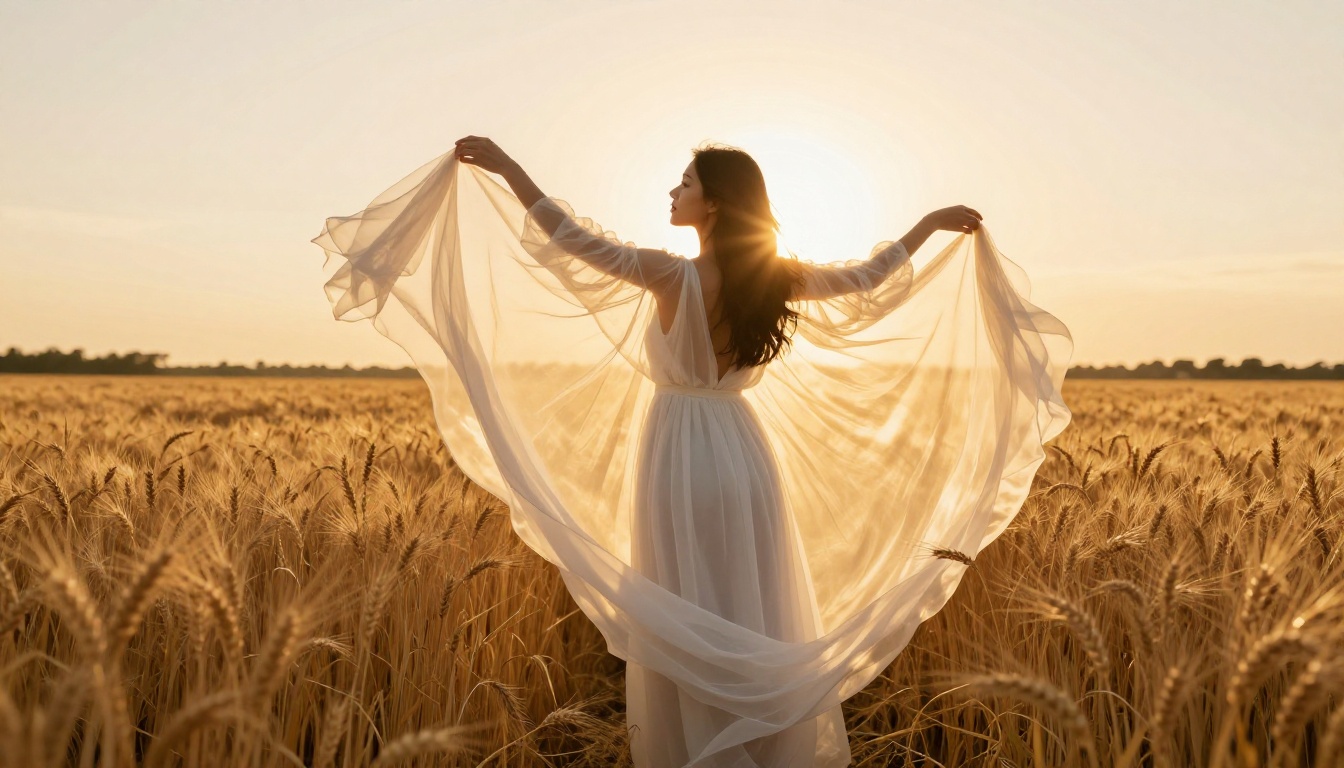
Since Seedream 4.5 is the highest-rated generator on this list, a step-by-step walkthrough of using it on PicassoIA covers what the actual workflow looks like for a newcomer starting from zero.
Step 1: Create Your Free Account
Go to PicassoIA and sign up for a free account. No credit card is required at this stage. Free accounts include trial credits that cover several generations across any model on the platform, which is enough to compare two or three generators before deciding on a subscription plan.
Step 2: Navigate to Seedream 4.5
Go directly to the Seedream 4.5 model page. The interface shows a prompt field at the top, an aspect ratio selector, and a generation button. There are no complex parameter panels to configure before your first generation. The model is ready to use immediately.
Step 3: Write a Specific Prompt
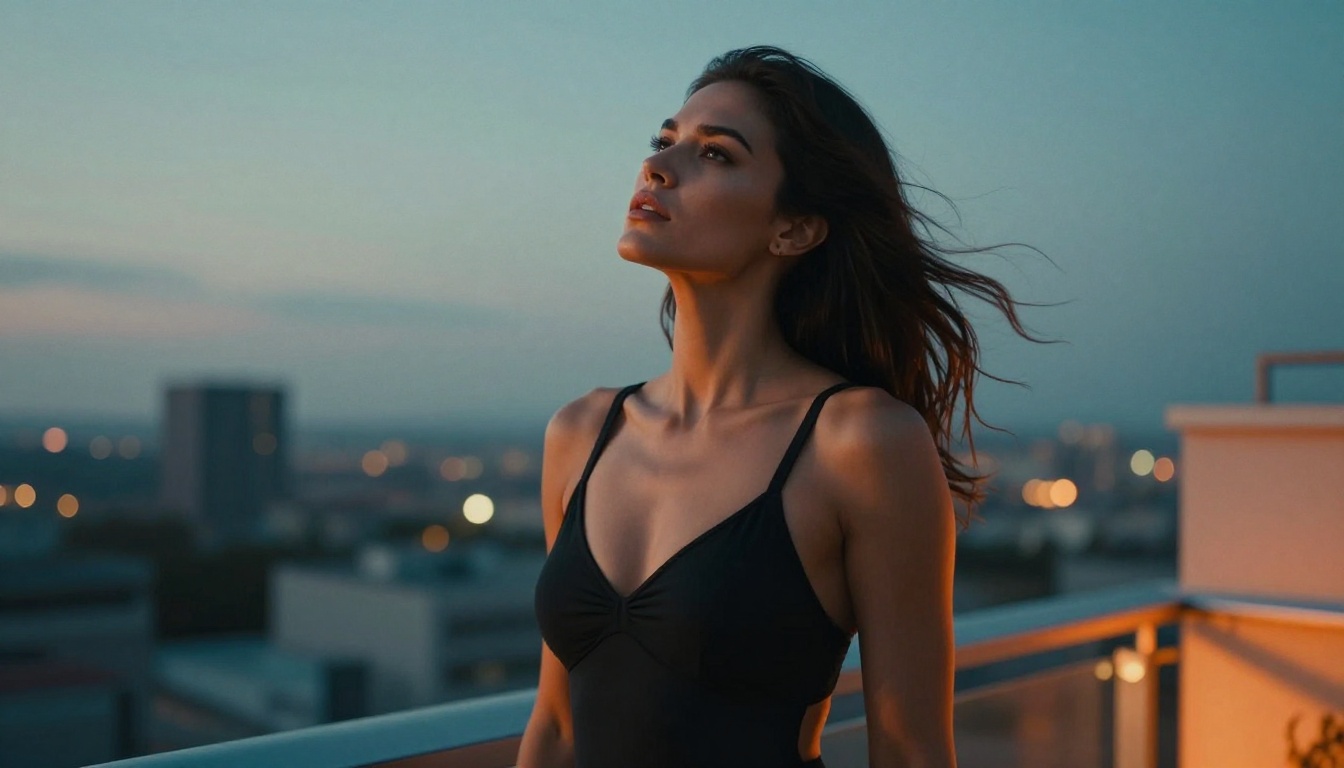
The biggest variable in output quality is the prompt itself. Here's a direct comparison showing the difference specificity makes:
Weak prompt: A beautiful woman in lingerie
Strong prompt: A beautiful woman in black lace lingerie reclining on a white bedsheet, soft morning light from a window on the left creating warm golden shadows on her skin, photorealistic, 8K detail, shot on Canon 85mm f/1.4, fine skin texture visible, natural posture
Adding light source direction, camera lens specification, fabric description, and setting detail moves the output from generic to photographic. Try both versions on your first session and compare the difference directly.
Step 4: Select Aspect Ratio
For portraits and full-body shots, 3:4 or 1:1 ratios produce better compositions than landscape formats. Seedream 4.5 supports all standard ratios. If you're unsure, start with 3:4 for most NSFW portrait work and adjust from there based on what your subject and scene require.
Step 5: Iterate on Results
Generate, assess, adjust. The 3-second generation time means you can run 20 variations in a minute. Use that speed. Write down prompts that produce strong results so you can build on them in future sessions rather than starting from scratch.
💡 Prompt strategy: Start with a strong base description, generate 3 to 5 variations without changing anything, then identify what's working and what isn't before making adjustments. Random prompt changes produce inconsistent learning and slow your progress.
What Good NSFW AI Art Actually Looks Like
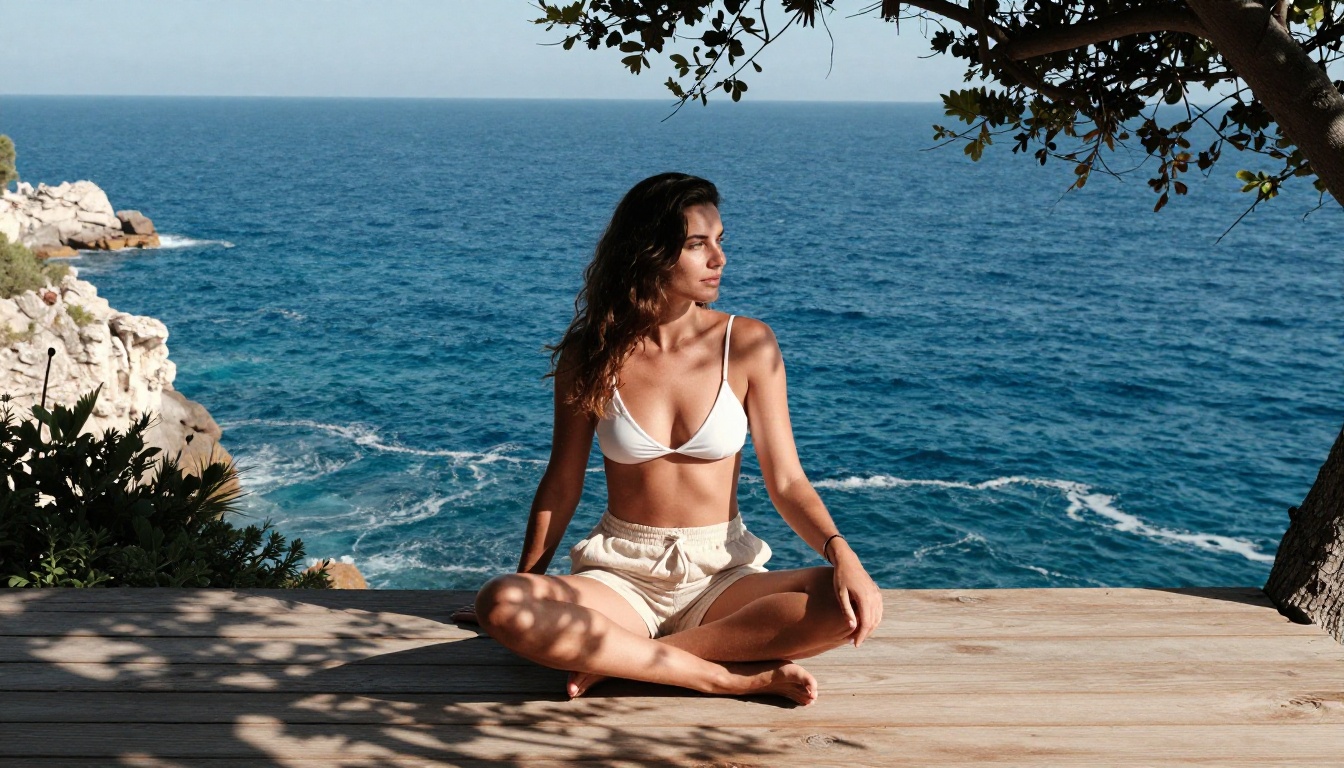
There's a measurable difference between outputs that read as photographs and outputs that read as AI-generated images. Three technical factors drive most of that difference, and knowing them helps you evaluate generators accurately.
Lighting consistency is the most obvious tell in low-quality outputs. When shadows on a subject's face don't match the direction of the light source described in the prompt, or when a subject looks like they're lit from three inconsistent directions simultaneously, the image fails to read as real. Good generators like Seedream 4.5 and Recraft V4 handle single-source lighting accurately, meaning outputs look like they were shot in a specific physical environment rather than assembled from separate lighting passes.
Skin texture fidelity separates good NSFW AI art from bad more than any other factor. High-quality outputs show natural skin characteristics: subtle color variation across the skin surface, fine texture at the pore level, accurate specular highlights on glossy or wet skin, and the slight irregular color variations that make skin look biological rather than plastic. Models like Seedream 4.5, Qwen Image 2, and Recraft V4 perform well on this criterion. Lower-quality models, even those without content restrictions, produce smooth uniform-toned skin that reads as artificial immediately.
Anatomical accuracy covers proportions, perspective distortion, and structural consistency. Wide-angle shots that compress facial features, misaligned eyes, or fingers that blend together are the most common failure modes in current AI image generators. The models ranked here handle anatomy well for standard poses and compositions. More extreme or uncommon poses may require multiple generations to get right, regardless of the model.
3 Mistakes That Kill Your First Results
If your first few generations are disappointing, these are the three most common causes. Fixing any one of them immediately improves output quality.
Vague Prompt Descriptions
Writing "a woman in bikini" and expecting a photorealistic output is the most common newcomer mistake. The model has nothing to work with beyond the subject. Add: lighting direction (soft morning light from the left), environment (standing at the edge of an infinity pool), camera details (35mm f/2, eye level shot), and specific clothing description (white string bikini with thin shoulder ties). That level of specificity produces usable results from the first generation rather than after 10 failed attempts.
Using the Wrong Model Type for the Task
Text-to-image models and image-to-image models are different tools for different jobs. If you want to generate an image from a text description, use Seedream 4.5, Recraft V4, or P-Image. If you want to transform an existing image, use PicassoIA Image Editor Pro or Grok Imagine Image. Running a text-only prompt into an image-to-image model without providing a source image produces unpredictable outputs. Match the model type to the task and your results will improve immediately.
Generating Once and Moving On
One generation is never enough to evaluate a prompt. Slight variations in the same prompt can produce dramatically different outputs. Generate at least 3 to 5 versions of any prompt before deciding it isn't working. If all 5 generations are poor, adjust the prompt. If one of the 5 is strong, identify what's different about it and build from there. The iteration loop is where the quality actually comes from.
Pricing and What You Actually Get
All seven generators in this list are accessible through PicassoIA, which structures pricing around subscription tiers rather than per-image costs, with the exception noted below.
Free tier: Trial credits included with account creation. Enough to generate a handful of images across multiple models without committing to a paid plan. Sufficient for a genuine first comparison between models.
Elite plan: Includes unlimited generations on PicassoIA Image Editor Pro. For creators who generate at high volume regularly, this alone makes the subscription cost-efficient compared to per-credit pricing on other platforms. The remaining models on this list draw from a credit balance.
Infinite plan: Full access to all models with maximum generation limits and priority queue access for faster processing during high-traffic periods.
For newcomers, the trial credits are enough to test the top 3 models on this list and form a real opinion before choosing a plan. The standalone free trial on PicassoIA Image Editor Pro (3 generations, no credit card required) gives additional no-cost testing specifically on that model's image transformation capability.
Start Generating Right Now
The fastest way to see what these models actually produce is to run your own prompts. PicassoIA puts all seven generators in one interface without requiring separate accounts, and the free trial gives you real credits to work with immediately.
Start with Seedream 4.5. Write a specific prompt with lighting, setting, and camera details included from the start. Generate 3 to 5 variations. Then try PicassoIA Image Editor Pro on its free trial to see what image-to-image transformation looks like on one of your outputs.
For creators who want a consistent NSFW content workflow with no restrictions, no blocked prompts, and predictable quality at scale, PicassoIA's model catalog is the most practical starting point available today.
Browse the full lineup and generate your first image at picassoia.com/en/all-models.


