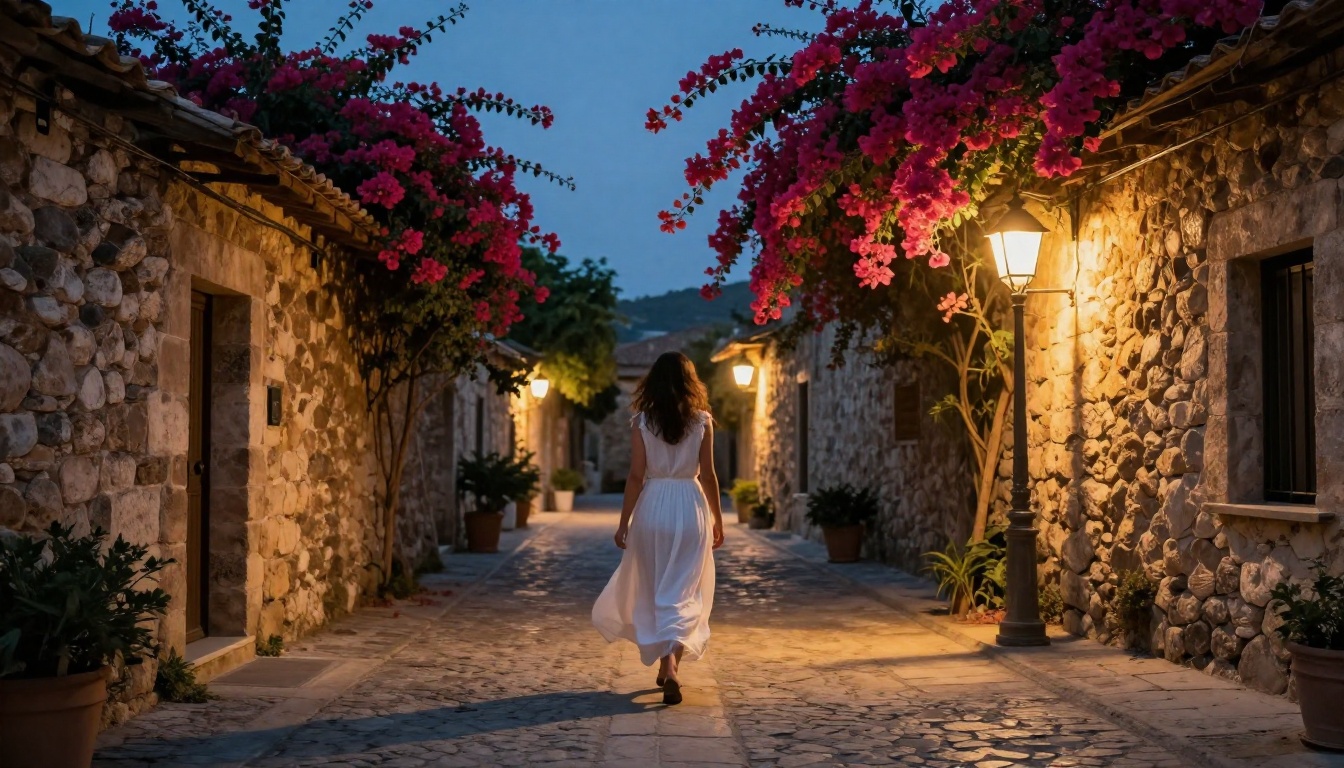
The Best NSFW AI Generator That Works Without VPN (Right Now)
Looking for the best NSFW AI generator that actually works without a VPN? This article breaks down the top platforms, models, and prompting strategies for creating stunning, high-quality adult AI art with no geo-restrictions, no VPN required, and zero compromise on image quality.
Forget the VPN. Forget the geo-blocks. Forget spending 20 minutes troubleshooting a connection just to get one image generated. The NSFW AI generation space has shifted dramatically, and there are now platforms that let you create beautiful, suggestive, high-quality adult art from anywhere in the world with nothing but a browser.
This is the real list. No filler, no outdated tools that stopped working last quarter. Just the models and platforms that actually deliver.
Why Most NSFW AI Tools Get Blocked
The VPN Problem Nobody Talks About
Most people searching for NSFW AI generators hit the same wall: the platform works, but only in certain countries. The US, UK, Germany, Australia. If you're outside those zones, you get a blank error or a redirect to a watered-down "safe" version.
VPNs were the workaround. But VPN connections add latency to image generation, which already takes a few seconds per image. More importantly, many platforms now actively block known VPN IP ranges. So the workaround stopped working too.
The tools worth using in 2027 don't have this problem because they're built differently.
Region Locks Are a Policy Choice, Not a Technical Limit
No AI image generator is technically incapable of serving users in Brazil or Southeast Asia. Region locks are business decisions based on payment infrastructure, legal concerns, or investor pressure. Platforms that have built global infrastructure from the start don't impose these limits.
That's exactly what separates accessible NSFW AI tools from the gated ones. The best options are globally deployed, with content delivery networks that serve images fast regardless of where you are.
What Makes a Good NSFW AI Generator
Image Quality That Speaks for Itself
The bar has risen. When you're generating suggestive or glamour-style adult AI art, blurry fingers, distorted faces, and warped anatomy are instant dealbreakers. The models worth using produce results that hold up at full resolution.
Photorealism is the standard now. Not "pretty good for AI." Genuinely photorealistic, with accurate skin texture, correct lighting on fabric, and natural body proportions. The difference between a mediocre model and a top-tier one is visible in seconds.
Prompt Flexibility and Real Control
A good NSFW AI generator doesn't fight your prompts. Overly aggressive content filters will refuse to generate a woman in a bikini at the beach. That's not safety. That's an unusable product.
The models that work well understand context. They distinguish between artistic, glamour, and beauty photography and content that's actually problematic. You get what you describe, without battling the tool.
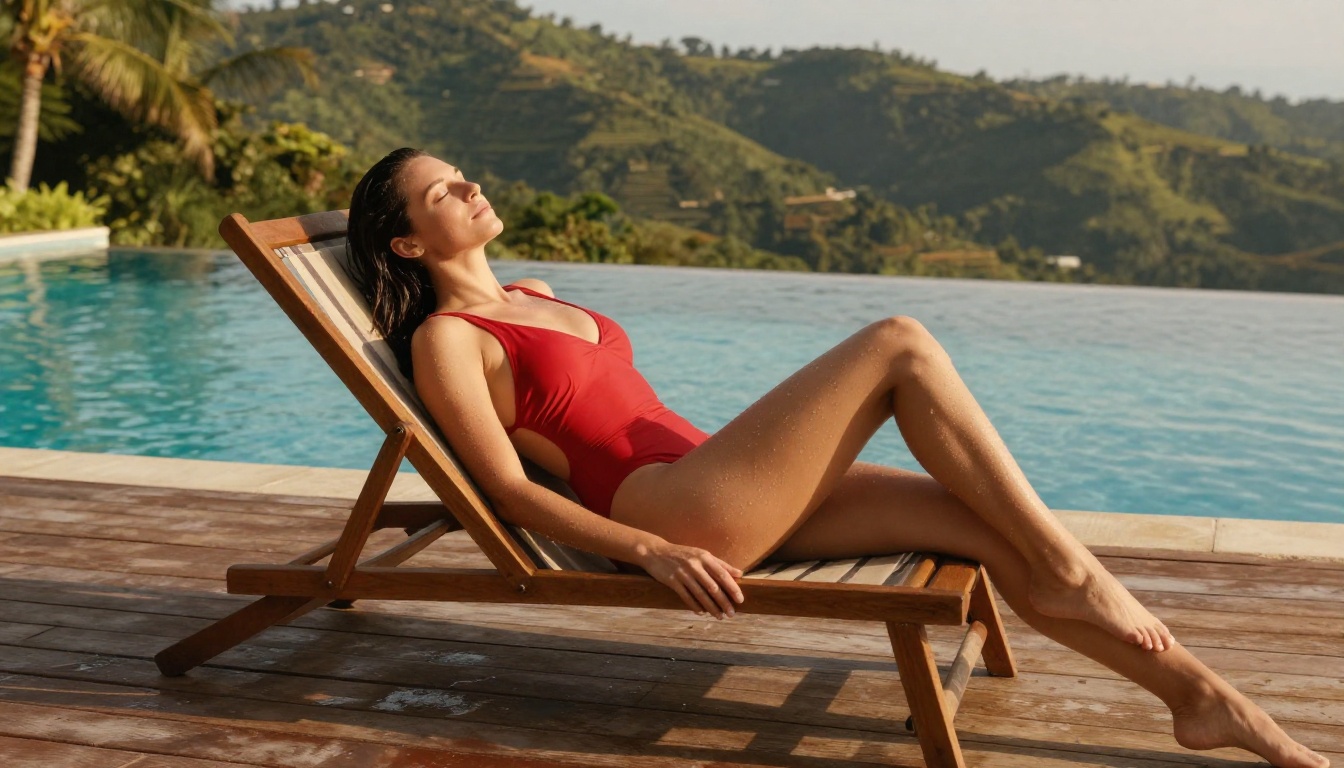
💡 Tip: Describe the lighting, setting, and clothing in detail. Specific prompts produce dramatically better results than vague ones. "Woman in red swimsuit at pool at golden hour" beats "beautiful woman" every time.
Privacy Without Friction
Not everyone wants their image generation history tied to a verified account. The best platforms let you generate without requiring personal documentation. Minimal signup, no payment required for access to basic models, and no data harvesting.
Top Models for NSFW Art Without VPN
These are the models that consistently deliver on quality, accessibility, and prompt responsiveness for adult and glamour AI art.
Flux 1.1 Pro Ultra
Flux 1.1 Pro Ultra is the premium tier from Black Forest Labs and the clearest evidence of how far AI image generation has come. It generates ultra-realistic images at native 4MP resolution, with exceptional handling of skin texture, lighting gradients, and fine fabric details.
For NSFW and glamour photography prompts, it produces images that rival professional photography. Faces are consistent. Bodies have correct proportions. And it handles complex lighting scenarios without introducing artifacts.
Best for: High-quality portraits, glamour, and artistic nude-style photography
RealVisXL v3.0 Turbo
RealVisXL v3.0 Turbo is the photorealism specialist. It was specifically fine-tuned on real-world photography datasets to produce images indistinguishable from actual photographs. The skin rendering is particularly impressive.
Speed is another advantage here. "Turbo" in the name is accurate. You get near-real-time generation without losing the photorealistic output quality that makes it one of the preferred models for adult AI art.
Best for: Photorealistic portraits and outdoor glamour shots
Stable Diffusion 3.5 Large
Stable Diffusion 3.5 Large brings the full weight of Stability AI's training to a model that's accessible globally. It's the workhorse option: highly flexible, excellent prompt adherence, and produces consistently detailed outputs.
Where it shines is prompt control. Complex multi-element scenes, specific poses, specific environments. SD 3.5 Large executes detailed descriptions accurately and handles negative prompts better than most alternatives.
Best for: Complex scenes with specific composition requirements
Seedream 4
Seedream 4 from ByteDance is the high-resolution option in this list. Native output at extreme resolution with exceptional detail retention. For large-format adult AI art where every pixel matters, it's the go-to choice.
The model's color science is notably good. Skin tones render with natural warmth and variation rather than the plastic-looking flatness that plagues lower-tier models.
Best for: Large-format high-resolution adult art and editorial-style images
How to Use Flux 1.1 Pro Ultra for NSFW Art
Since Flux 1.1 Pro Ultra is the top-performing model for this use case, here is a step-by-step breakdown for getting the best results.
Step 1: Write a Scene-First Prompt
Don't start with what the person looks like. Start with the scene. The location, the light, the mood. Then layer in the subject, their clothing, and their pose.
Strong prompt: "Warm late-afternoon sunlight on a white sand beach. A woman with dark curly hair in a coral string bikini resting on her elbows, looking at the camera. Shot with 85mm lens, shallow depth of field, Kodak Portra 400 film grain."
Step 2: Add Technical Photography Modifiers
Flux 1.1 Pro Ultra responds strongly to photographic language. Adding these phrases consistently improves output quality:
RAW 8K photography
photorealistic
natural skin texture
film grain
Kodak Portra 400
85mm f/1.4 shallow depth of field
cinematic lighting
Step 3: Set the Aspect Ratio
For glamour and editorial-style NSFW art, the 16:9 ratio gives you the cinematic framing that makes images look like stills from a high-budget shoot. Wide framing also gives the model more canvas to render the environment and context around the subject accurately.
Step 4: Refine With Lighting Direction
If your first result is close but the skin looks flat or lifeless, add specific lighting direction to your prompt. "Warm rim light from the left" or "soft diffused window light creating even illumination" makes a measurable difference in the final output.
💡 Tip: Run the same prompt 3 times with different seeds. The variation between outputs often surfaces one clearly superior result without changing your prompt at all.
Prompt Tips for Better NSFW Results
The Anatomy of a Strong NSFW Prompt
The difference between a mediocre AI adult image and a stunning one almost always comes down to prompt quality. Here's how to structure prompts that work:
Element
Weak Version
Strong Version
Subject
"pretty woman"
"woman with olive skin and wavy dark hair"
Clothing
"in bikini"
"in a black string bikini with gold hardware"
Setting
"at beach"
"on a secluded beach with turquoise water"
Lighting
none
"golden hour, warm directional light from the right"
Camera
none
"85mm f/1.4, shallow DOF, film grain"
The more specific each element, the more the AI has to work with. Vague prompts produce generic images. Specific prompts produce images that feel intentional.
Words That Actually Hurt Your Results
Some words and phrases degrade image quality. Avoid these in NSFW prompts:
"sexy" or "hot" — too vague, produces generic plasticky outputs
"perfect body" — tends to create unrealistic proportions
"high quality" alone — meaningless without technical specifiers
Multiple subjects without clear separation — AI struggles with "two women, both wearing..."
Instead of describing the desired quality, describe the specific technical attributes that produce quality: lens focal length, lighting type, film stock, location details.
Negative Prompts That Actually Work
Most models accept negative prompts. For NSFW and glamour art, a strong negative prompt is as important as the positive one.
Standard negative prompt for photorealistic adult art:
cartoon, anime, illustration, 3D render, CGI, digital art, plastic skin, blurry, distorted anatomy, watermark, text
This actively steers the model away from the styles you don't want, without constraining the subject matter.
Model Comparison: Speed vs. Quality
Choosing the right model depends on what matters most for your specific use case.
💡 Workflow tip: Use Flux Schnell for fast drafts to test your prompt composition, then switch to Flux 1.1 Pro Ultra for the final high-quality output.
Accessibility: No VPN, No Blocks, No Friction
Why Global Access Matters
The majority of NSFW AI generator users are outside the US and EU. Latin America, Southeast Asia, South Asia, and the Middle East represent enormous populations of creators who want the same access to these tools that users in New York or Berlin take for granted.
When a platform geo-blocks its NSFW features, it's not protecting anyone. It's excluding the majority of its potential users. The accessible platforms have figured out that global infrastructure is a competitive advantage, not a liability.
What "No VPN Required" Means in Practice
For the tools that work globally without a VPN, a few things are happening under the hood:
Global CDN deployment — Models are served from edge nodes close to the user, not from a single US data center
No IP-based filtering — The platform doesn't check your IP address against a country blocklist before allowing generation
No payment-gated access — You don't need a US credit card or a PayPal account verified with a US address to use the models
This combination means the experience is identical whether you're in São Paulo, Jakarta, or London.
Beyond Images: Other AI Capabilities Worth Using
The platform doesn't stop at text-to-image. For creators who work in adjacent spaces, there are tools worth noting:
Flux 2 Pro — The latest generation of the Flux architecture, with significantly improved prompt adherence and anatomy accuracy
Ideogram v3 Quality — Exceptional for images requiring any text overlay or typographic elements alongside the subject
Realistic Vision v5.1 — A fine-tuned photorealism specialist with particularly strong performance on portrait subjects
Face Swap — Swap faces across your generated images with realistic, seamless results for consistent character work
Super Resolution — Upscale any generated image up to 4x without quality loss, ideal for print or large-format use
These tools work together. Generate an image with Flux 1.1 Pro Ultra, upscale it with Super Resolution, and you have a print-ready asset from a single text prompt.
The Real State of NSFW AI in 2025
The conversation about NSFW AI is often dominated by fear. Fear of misuse, fear of liability, fear of controversy. What gets lost in that conversation is that the majority of users generating adult AI art are doing exactly what photographers, artists, and filmmakers have always done: creating beautiful images of human subjects.
The tools that have survived and thrived are the ones that treated their users like adults, with judgment and intent, rather than potential threats to be managed.
What the best NSFW AI generators have in common:
They serve users globally without arbitrary geographic restrictions
They produce photorealistic results that justify the time spent on prompting
They don't require invasive verification for standard adult content
They give creators real control over composition, style, and output
They work in a browser, without VPN, without friction
The bar for "good enough" in 2025 is much higher than it was 18 months ago. Mediocre platforms that used to get by on novelty are losing ground to tools that actually deliver quality at scale. The ones worth your time are the ones that have invested in global infrastructure, top-tier models, and creator-first policies.
Create Your First Image Right Now
You now have the model recommendations, the prompt framework, and the workflow tips. The only thing left is to actually try it.
Start with Flux 1.1 Pro Ultra and the scene-first prompt structure from this article. Pick a specific setting, add proper lighting direction, include camera specifications, and run it. The first result will show you immediately what the model is capable of.
Then try the same prompt on RealVisXL v3.0 Turbo and compare side by side. Within a few generations you'll have a clear sense of which model fits your creative style.
Picasso IA gives you access to all of these models in one place, without a VPN, without geo-blocks, and without compromise on quality. Over 90 text-to-image models, all accessible from a single platform, from anywhere in the world.
The results speak for themselves. Go make something worth keeping.