The anime fan art community has a problem with most AI generators: they block the content you actually want to create. Censorship filters, safety restrictions, and corporate guardrails strip away creative freedom at every turn. Whether you want to create a sultry waifu, a battle-worn warrior in torn clothing, or a romantic scene between your favorite characters, the average AI tool refuses.
That changes here. This article breaks down the best NSFW AI generators for anime fan art that actually work in 2027, including the fastest, most unrestricted, and most realistic models available right now.
Mainstream AI image generators were built with broad audience safety in mind. That means anime fan art, which often includes suggestive poses, minimal clothing, and romantic or adult themes, gets caught in overfit content filters designed for an entirely different use case.
The Censorship Problem
Tools like standard Midjourney and DALL-E 3 will flag or refuse requests that any long-time anime fan would consider completely normal. A character in a bikini, a scene from a popular shounen manga, or a fantasy character in traditional attire can all trip automated filters. The result is frustration, wasted credits, and watered-down output.
The models on this list take a different approach. They are either open-source with no filters, explicitly designed for unrestricted content, or configured to trust the creator rather than second-guess intent.
Speed Is Not Optional
Anime fan art often involves iteration. You try a prompt, adjust a detail, regenerate, tweak a pose, and repeat. If a model takes 30 seconds per image, that workflow becomes painful fast. The best tools on this list generate results in 1 to 3 seconds, making rapid creative iteration actually viable.
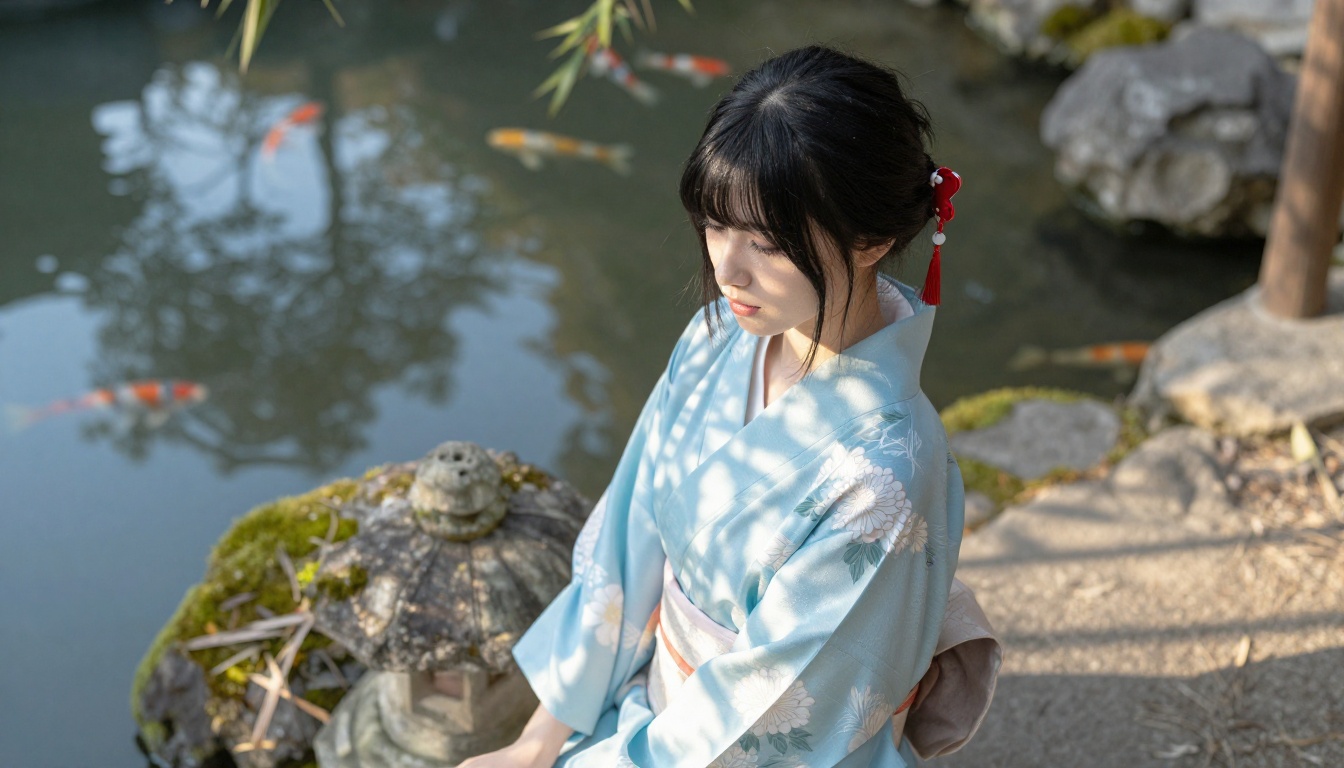
The Best NSFW Anime AI Generators Right Now
These are the top picks ranked by performance, flexibility, and value for anime creators specifically.
Seedream 4.5: The Undisputed Top Pick
Seedream 4.5 is the model that changed what NSFW anime AI generation could look like. Built by ByteDance and hosted on PicassoIA, it accepts adult content without flinching while delivering photorealistic results in under 3 seconds.
What sets it apart from other NSFW models is the combination of qualities that rarely coexist: speed, realism, and editorial flexibility. It supports both text-to-image and image editing, so you can take an existing piece of anime art and modify specific elements without regenerating from scratch.
💡 Important: Seedream's newer sibling, Seedream 5 Lite, does not support NSFW content. Always use Seedream 4.5 for adult anime fan art.
What it offers:
- Generates in under 3 seconds
- Accepts detailed NSFW prompts without auto-refusal
- Supports image editing workflows, not just text-to-image
- Photorealistic output quality with high anatomy accuracy
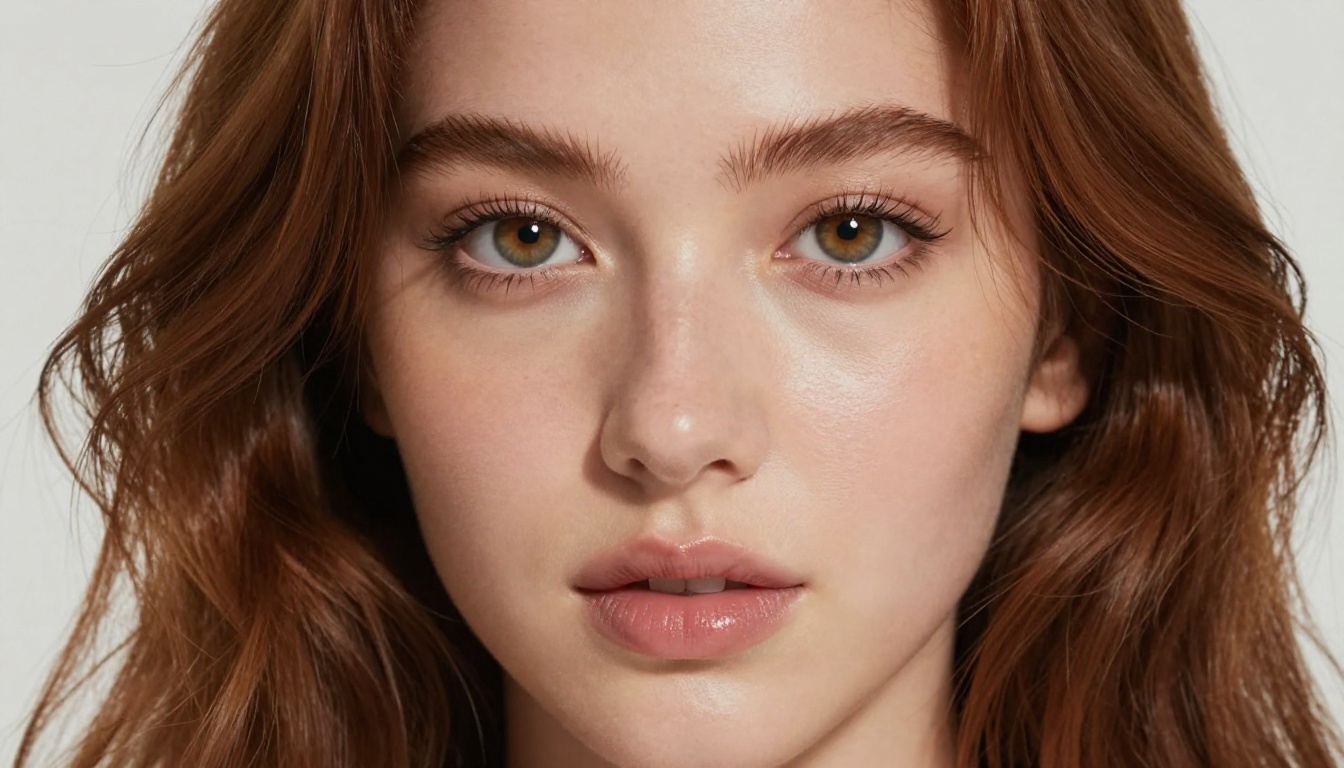
PicassoIA Image Editor Pro: Unlimited Generations
PicassoIA Image Editor Pro is the tool for creators who generate at volume. It is an image-to-image (img2img) model with a capability no other tool on this list can match: unlimited generations included in Elite and Infinite subscription plans.
To put that in perspective: generating 1,000 images on some popular models like Nano Banana 2 would cost around $100. On PicassoIA Image Editor Pro, that same volume costs nothing extra. If you are building a fan art series, creating character sheets, or just iterating heavily on a design, this unlimited model is a significant advantage.
Additional highlights:
- Results in under 1 second
- Accepts NSFW prompts
- Works as an img2img editor, not just text-to-image
- Free trial of 3 generations with no credit card required
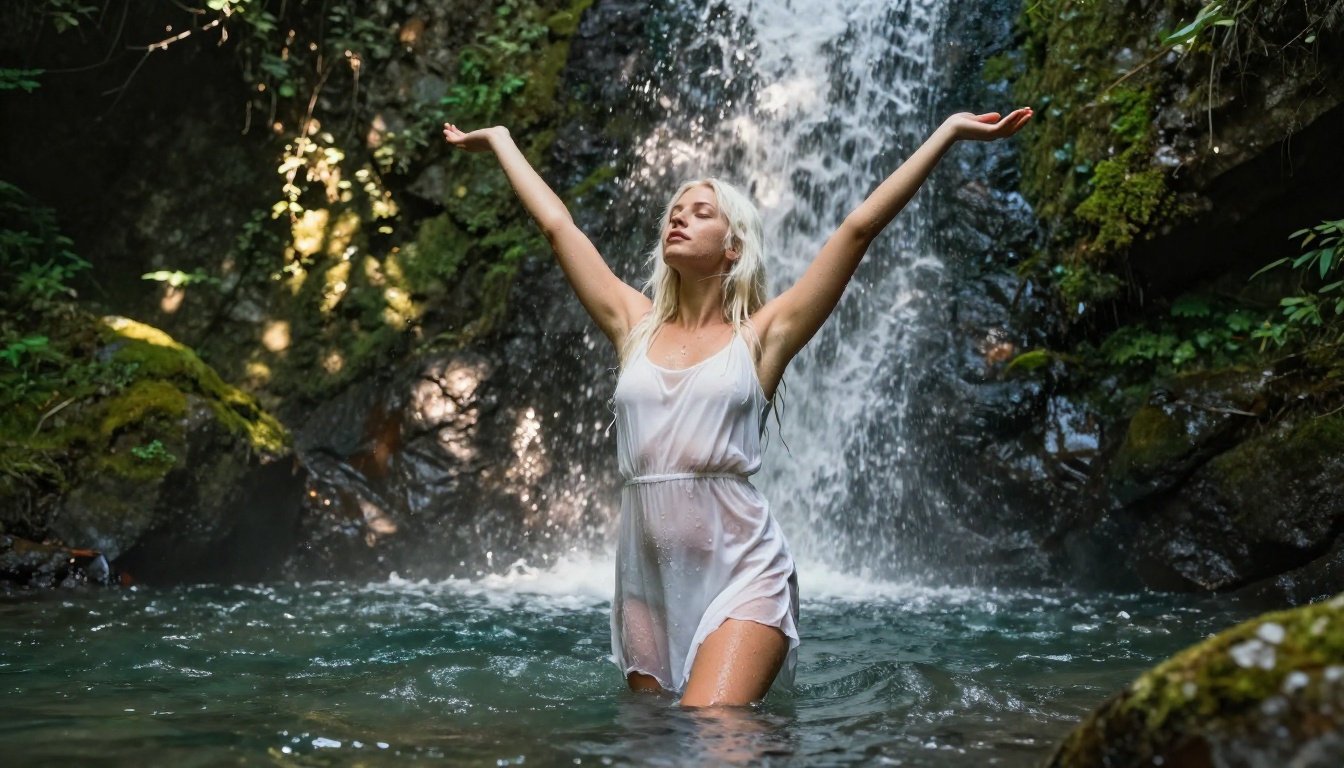
Qwen Image 2: Open Source Flexibility
Qwen Image 2 is an open-source model that supports both text-to-image and image editing workflows. Open-source architecture means no corporate content policy filtering what you can and cannot create.
The output quality leans toward detailed realism, making it well-suited for anime fan art that wants to straddle the line between stylized and photorealistic. It handles complex prompts with ease: multiple characters, specific clothing details, environmental context.
Use Qwen Image 2 when you want open-source freedom without sacrificing output quality.
Grok Imagine Image: Best for Image Remixing
Grok Imagine Image from xAI has a specific superpower for anime fan art: it excels at remixing existing images. Its image-to-image mode can take a reference character or existing art and apply new clothing, poses, or stylistic contexts in a highly realistic way.
If you have an existing anime character reference and want to generate variations with different outfits, settings, or levels of coverage, Grok Imagine Image handles that workflow with high consistency.
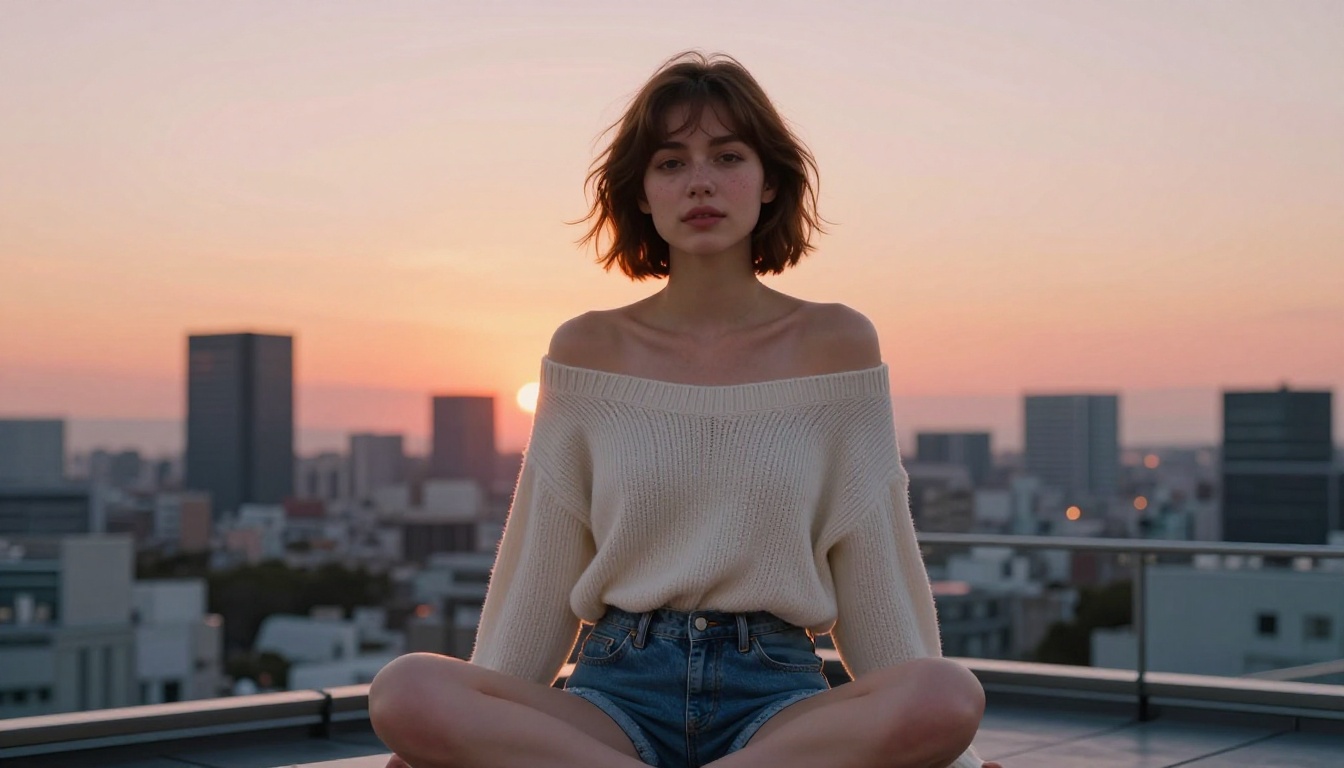
More Strong Options Worth Using
The top four above handle most use cases, but these additional models fill specific niches worth knowing about.
Recraft V4: Photorealistic Text-to-Image
Recraft V4 from Recraft AI offers consistently photorealistic results from text prompts. Its limitation is that it only works as a text-to-image model with no image editing mode, but within that scope it produces some of the most visually convincing outputs available.
For anime fan art targeting a hyper-realistic aesthetic rather than traditional anime stylization, Recraft V4 is a strong choice.
P-Image: Under 1 Second
P-Image by PrunaAI is built for raw speed. It generates NSFW-capable images in under 1 second, making it the fastest model on this list. Output quality is solid but not at the top tier of Seedream 4.5 or Recraft V4. Use P-Image when you need to iterate quickly or preview a concept before committing to a higher-quality generation.
Wan 2.2 Image: Unrestricted Realism
Wan 2.2 Image by PrunaAI is a text-to-image model that generates highly realistic images without content filters. It performs well with detailed character descriptions and handles anime-adjacent aesthetics, including fantasy costumes, expressive features, and emotionally charged scenes.
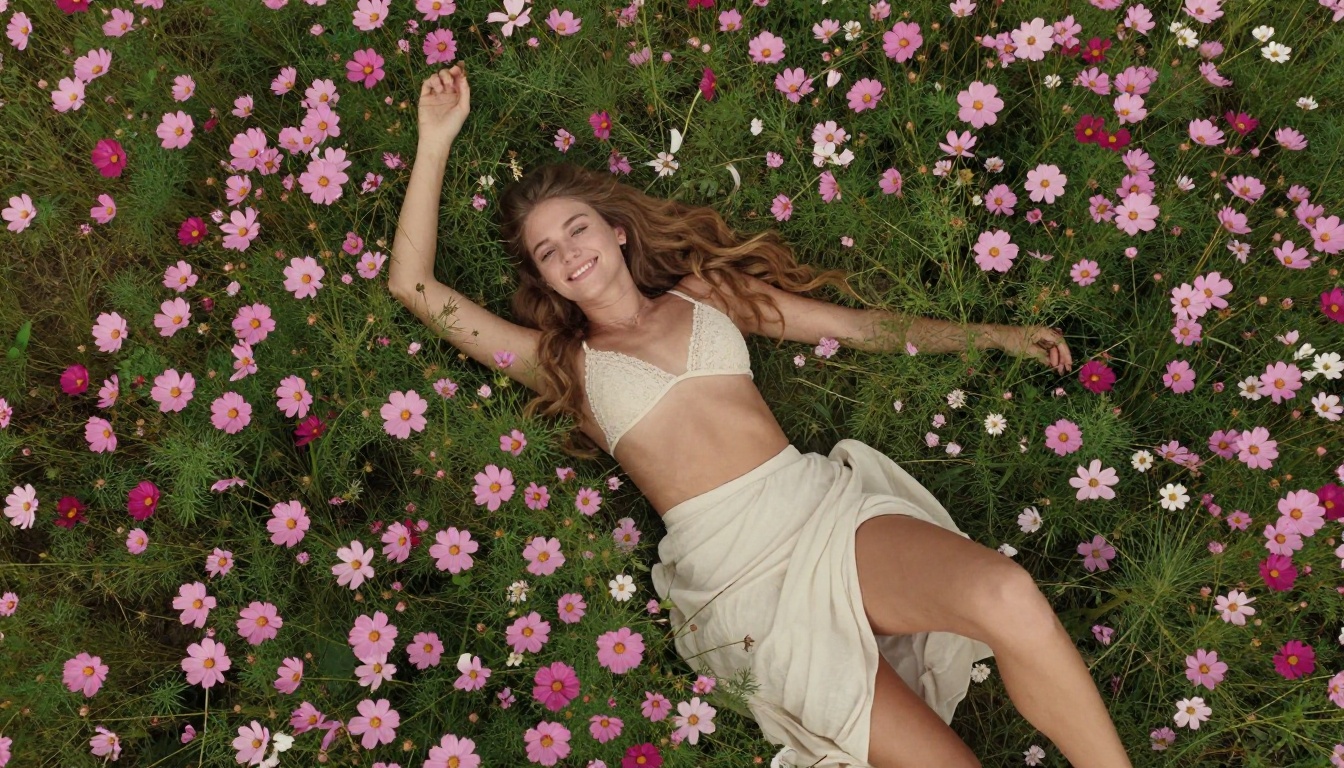
How to Use Seedream 4.5 for Anime Fan Art
Since Seedream 4.5 is the top recommendation, here is a step-by-step breakdown of how to get the best results from it on PicassoIA.
Step 1: Open the Model
Go to Seedream 4.5 on PicassoIA. No account is required to start, but a free account gives you more generation credits.
Step 2: Write a Detailed Prompt
Seedream 4.5 responds best to layered, specific prompts. Structure your prompt in this order:
- Subject: Who is in the image (character description, hair, eyes, body type)
- Outfit: What they are wearing (specific clothing items, colors, fit)
- Pose or action: How they are positioned or what they are doing
- Setting: Where the scene takes place
- Lighting: Time of day, light direction, mood
- Style modifiers: "photorealistic", "8K", "cinematic", "film grain"
💡 Example: "A beautiful young woman with long silver hair, large blue eyes, wearing a white crop top and high-waisted shorts, sitting on a rooftop at night, soft city light from below, cinematic, photorealistic, 8K"
Step 3: Use Image Edit Mode for Variations
Once you have a base image you like, switch to image edit mode. Upload your generated image and prompt specific changes: "change the outfit to a red bikini", "remove the jacket", "add cherry blossoms in the background". This is far more efficient than regenerating from scratch each time.
Step 4: Iterate Fast
Because Seedream 4.5 generates in under 3 seconds, you can run 10 to 15 variations in under a minute. Change one variable at a time, compare, and keep what works.
Upscale Your Anime Art to Higher Resolution
Generating a good base image is only half the job. For print-quality or wallpaper-quality output, you need to upscale without losing detail.
PicassoIA has several upscalers optimized for exactly this use case.
Best Upscalers Available
Clarity Pro Upscaler is built specifically for photorealistic images. It adds texture and micro-detail during the upscale pass rather than just enlarging pixels, making it ideal for the kind of realistic anime art that Seedream 4.5 and Recraft V4 produce.
Crystal Upscaler by the same developer is optimized for portrait upscaling, making it a natural choice for close-up character art. It preserves facial features with high accuracy.
Real ESRGAN is the classic open-source upscaler, offering a reliable 4x upscale with strong detail retention across a wide variety of image types.
P-Image Upscale by PrunaAI prioritizes speed, delivering sharp upscales in seconds with no quality compromise on standard sizes.
Image Upscale by Topaz Labs is the professional-grade option, offering up to 6x upscaling with industry-leading detail preservation. If output quality matters most, this is the tool.
Model Comparison at a Glance
Prompt Patterns That Actually Work
Bad prompts produce bad results. These are the patterns that consistently work with NSFW anime AI generators:
Be specific about physical features: Vague character descriptions produce generic output. Name the hair length, color, style, eye shape, and any distinguishing features. The more specific, the more consistent.
Lead with the character, not the setting: Put your character description first in the prompt. Models weight earlier tokens more heavily, so if your setting comes first, the character becomes secondary.
Use negative prompts: Most models accept a negative prompt field. Common entries for anime fan art: "blurry, low quality, extra limbs, bad anatomy, text, watermark, ugly".
Reference lighting explicitly: "Soft morning light", "dramatic side lighting", "golden hour backlight" all produce dramatically different moods from the same character description. Specify it every time.
Iterate one variable at a time: When a generation is almost right but not quite, change only one element of the prompt per iteration. This isolates what is working and what is not.
Visual Quality Settings That Matter
Beyond the prompt, these settings make a measurable difference in output quality:
Aspect ratio: 16:9 for wide landscape scenes, 9:16 for character portraits, 1:1 for profile or headshot-style content. Matching the aspect ratio to your intended use prevents awkward crops.
Prompt upsampling: Seedream 4.5 and several other models support prompt upsampling, which uses an LLM to expand your prompt into a richer description before generation. Turn it on for complex scenes with multiple elements.
Seed values: Once you have a great result, save the seed number. Reusing it with slight prompt variations keeps the core character consistent across multiple generations, which is essential for cohesive fan art series.
Upscaling pass: Always run your best outputs through a dedicated upscaler. The base generation at standard resolution is a draft. The upscaled version is the final product.
Start Generating Your Anime Fan Art Now
The tools exist. The models are fast, unrestricted, and better at anatomy and character consistency than anything available even a year ago. What remains is simply to start.
Seedream 4.5 is the place to begin if you want the best single model for most use cases. Run a few prompts, try the image editing mode, and see what iterating at 3-second intervals actually feels like compared to waiting 30 seconds or more per image.
If you plan to generate at high volume, PicassoIA Image Editor Pro is the economically rational choice. Unlimited generations on Elite or Infinite plans means no metering, no rationing, just creative output at the pace you actually want to work.
After generating, run the results through Clarity Pro Upscaler or Topaz Image Upscale for print-quality results.
Browse the full catalog of unrestricted AI models for anime fan art and beyond at picassoia.com/en/all-models. Try, iterate, and find the model that matches your exact creative workflow.


